2016 aesthetic filter
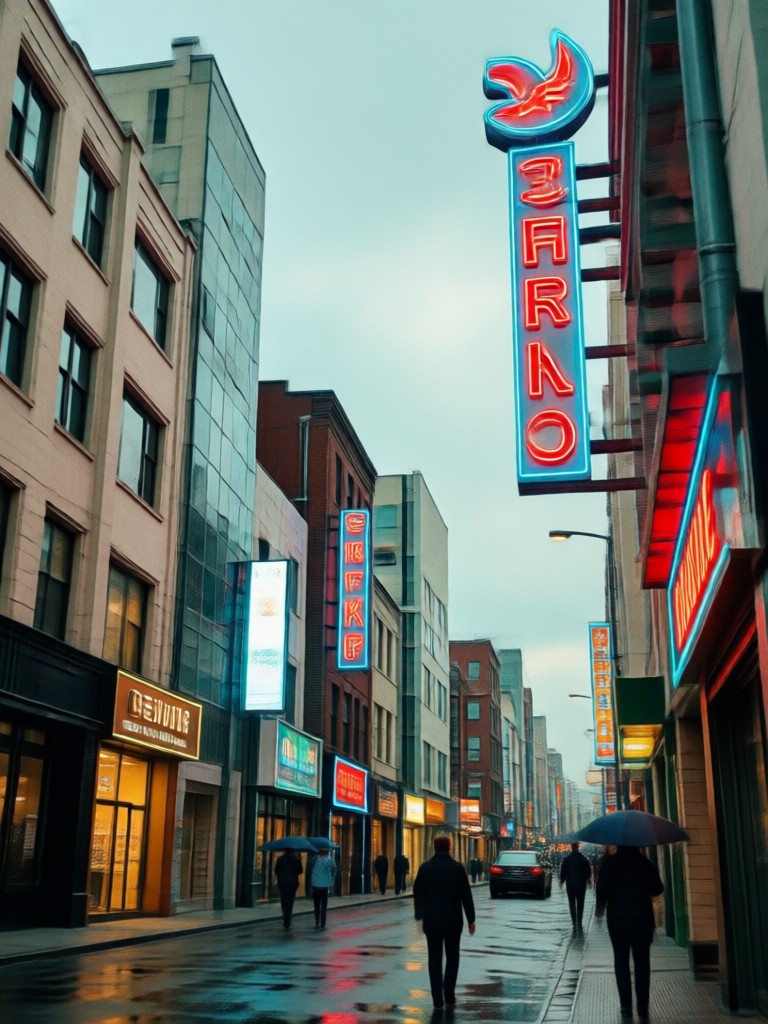
Complete Your 2016 Aesthetic Toolkit
The 2016 look wasn't just one filter. Pair it with these complementary styles to achieve the full nostalgic photo edit.
Why Our 2016 Filter Stands Out
We've meticulously analyzed thousands of iconic 2016 photos to build a filter that captures the true essence of the era, not just a simple preset.
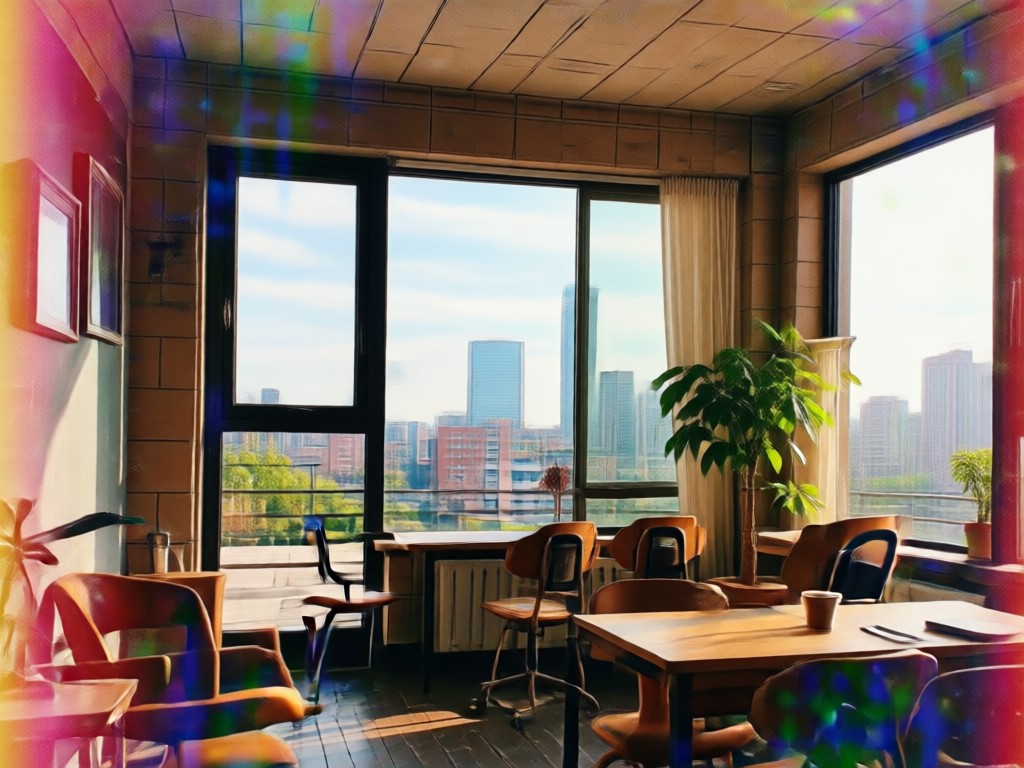
Authentic Color Science
Our AI doesn't just add a tint. It intelligently maps the color palette of your photo to match the distinctive faded oranges, muted blues, and creamy highlights that defined the 2016 Instagram aesthetic, ensuring a natural, blended look.
Authentic Color Science
Our AI doesn't just add a tint. It intelligently maps the color palette of your photo to match the distinctive faded oranges, muted blues, and creamy highlights that defined the 2016 Instagram aesthetic, ensuring a natural, blended look.
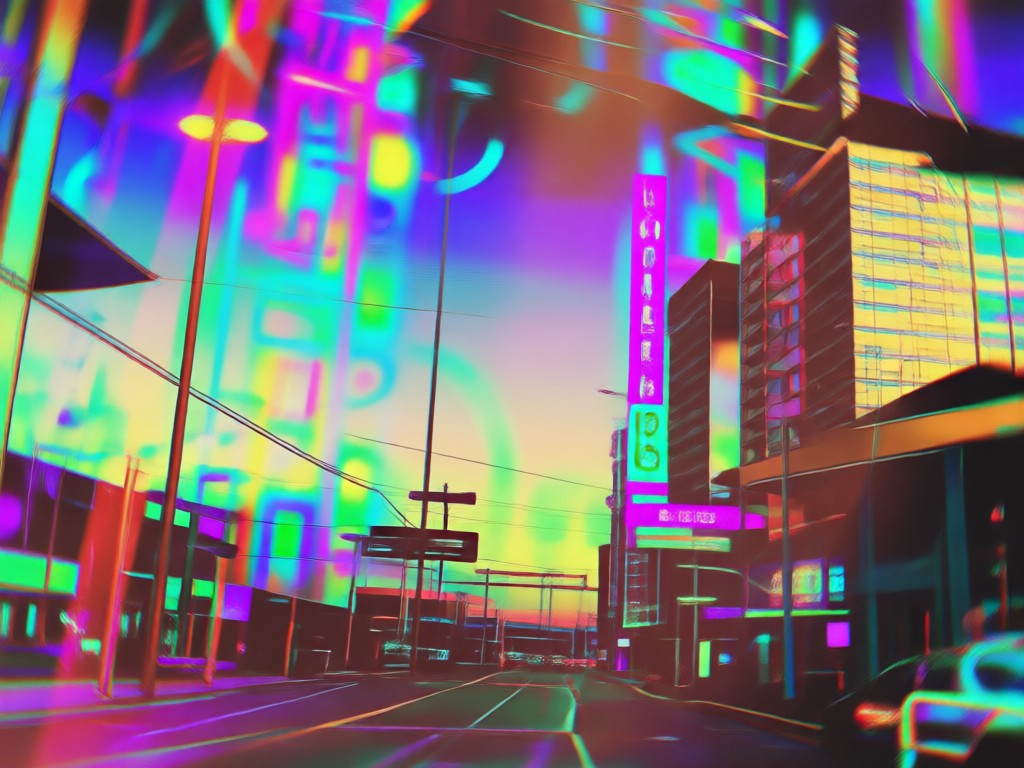
Dynamic Texture & Grain
Avoid flat, artificial edits. The filter adds adaptive film grain and light texture that varies based on your photo's lighting and content, replicating the authentic feel of vintage camera photos and early smartphone edits from 2016.
Dynamic Texture & Grain
Avoid flat, artificial edits. The filter adds adaptive film grain and light texture that varies based on your photo's lighting and content, replicating the authentic feel of vintage camera photos and early smartphone edits from 2016.
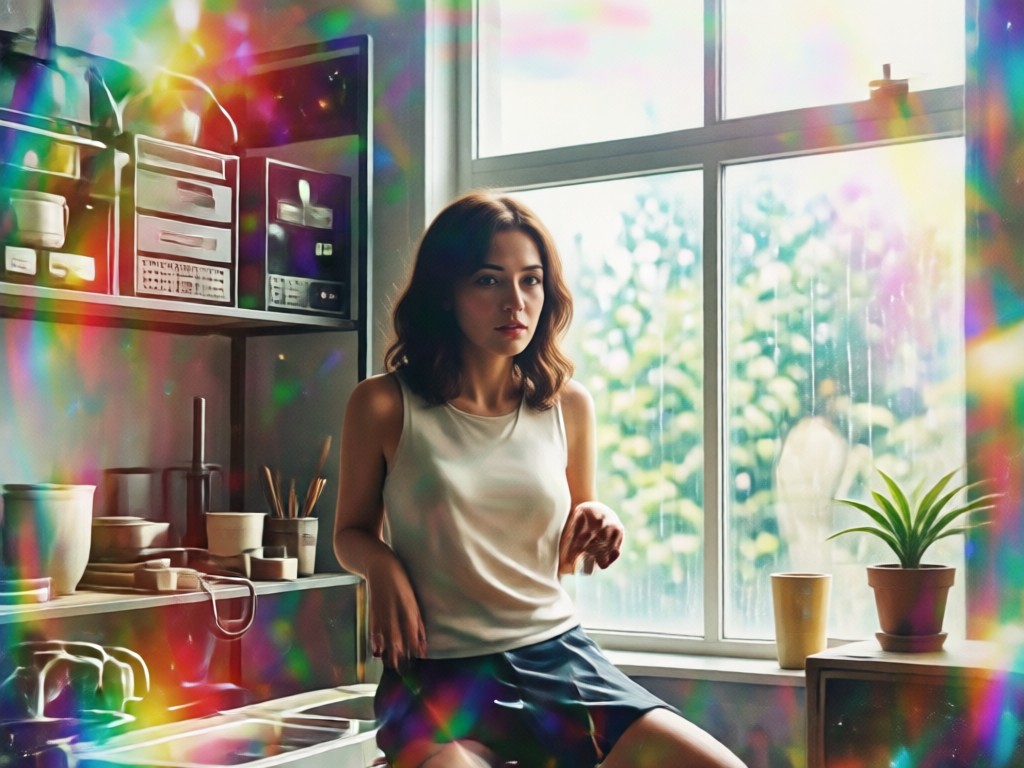
One-Tap Style Stacking
Layer the 2016 aesthetic filter with other period-correct effects like light leaks, subtle vignettes, or duotone shadows directly within the app. Create complex, curated looks that were popular on 2016 Tumblr and Instagram without any manual editing.
One-Tap Style Stacking
Layer the 2016 aesthetic filter with other period-correct effects like light leaks, subtle vignettes, or duotone shadows directly within the app. Create complex, curated looks that were popular on 2016 Tumblr and Instagram without any manual editing.
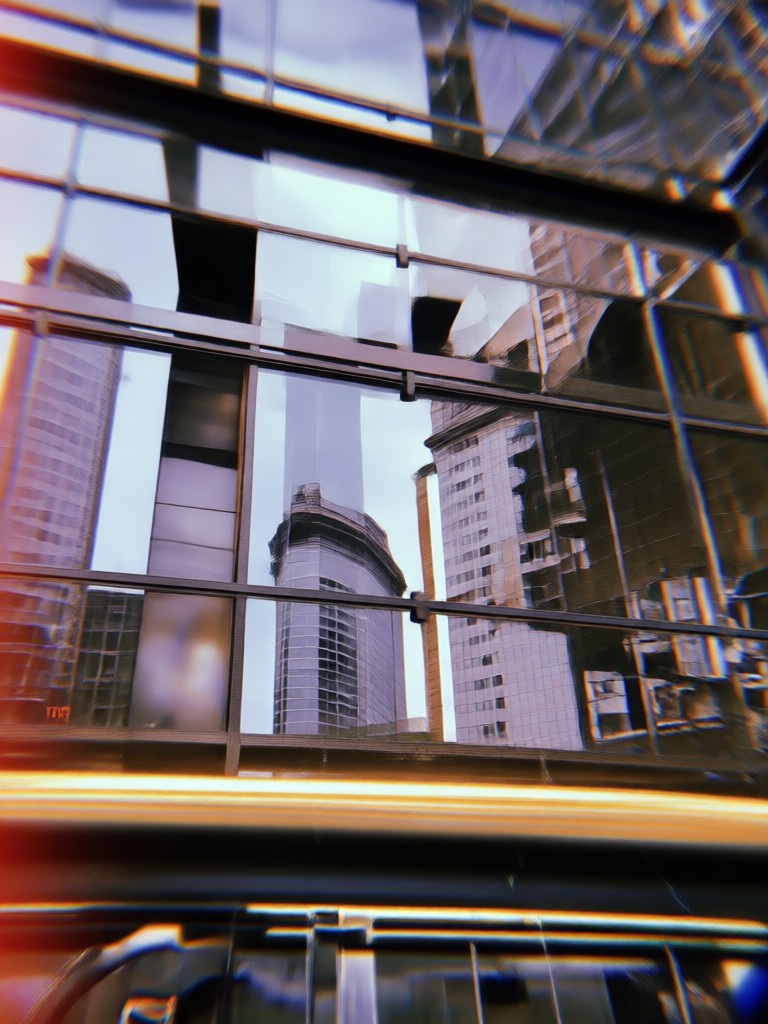
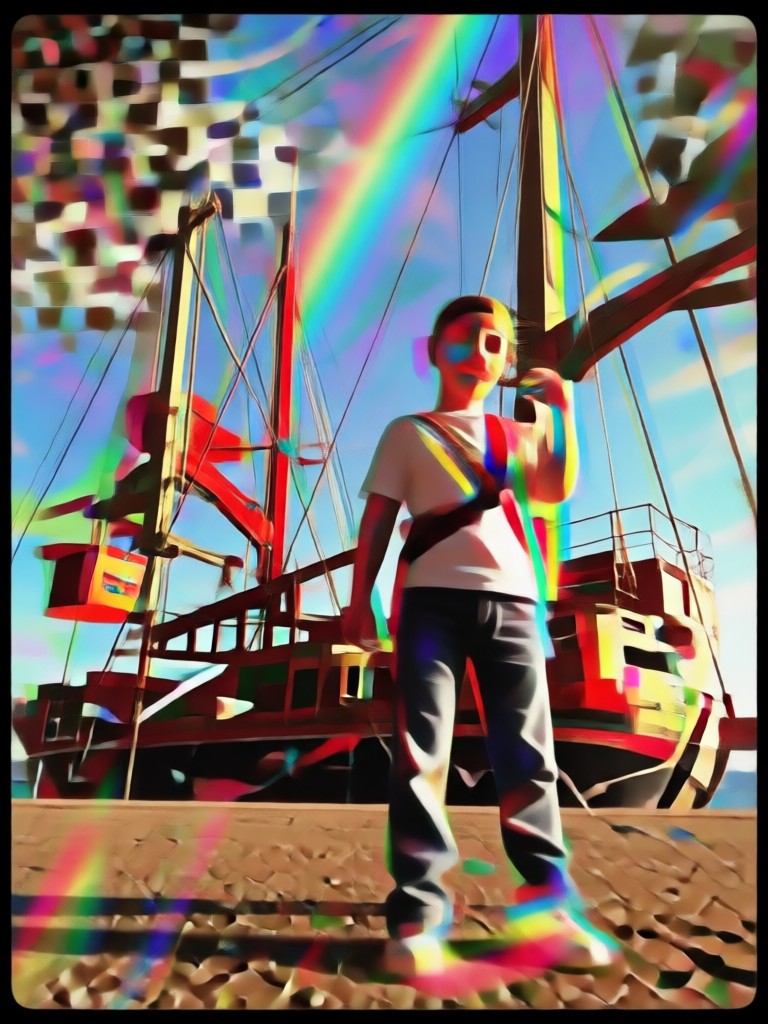
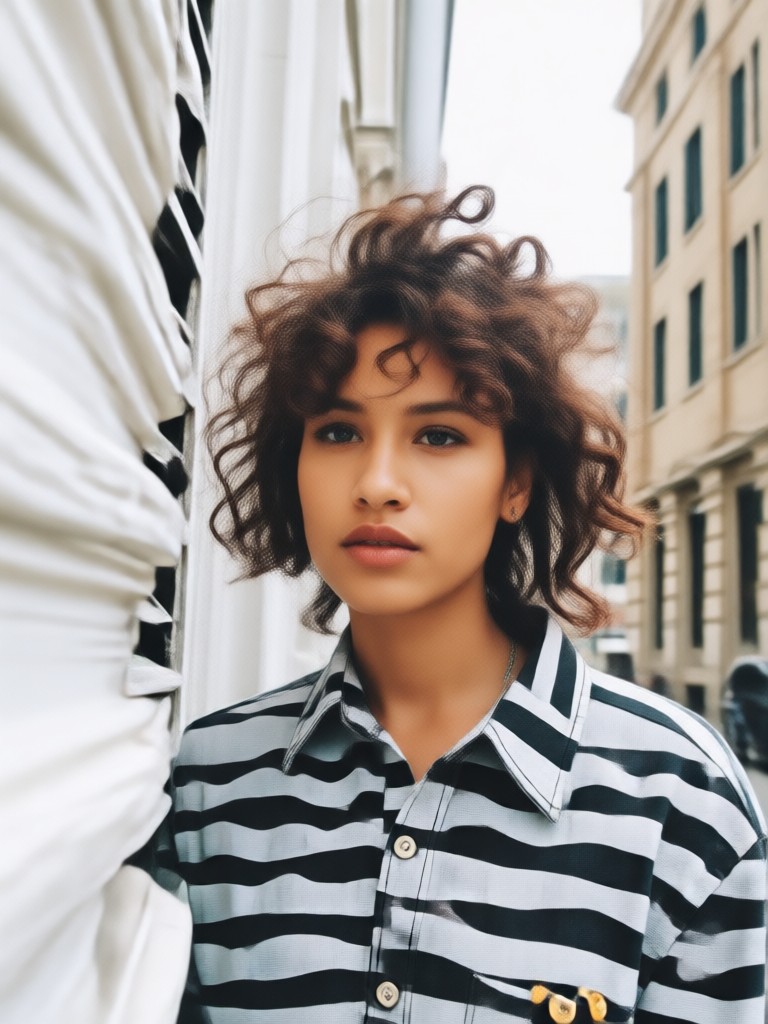
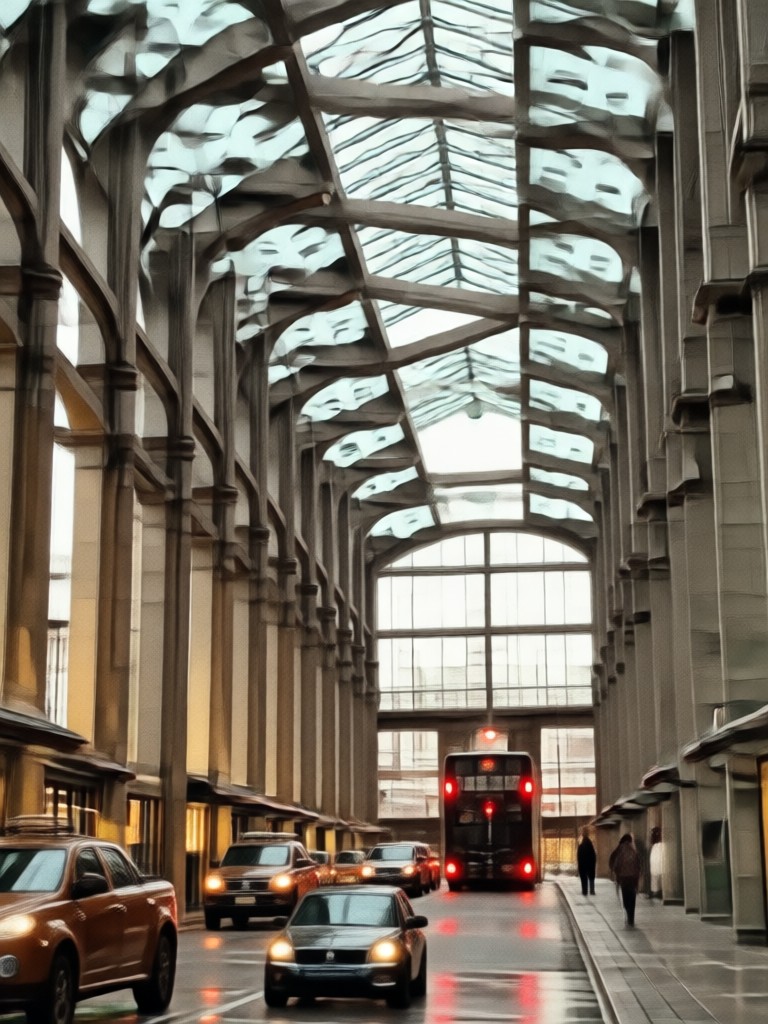
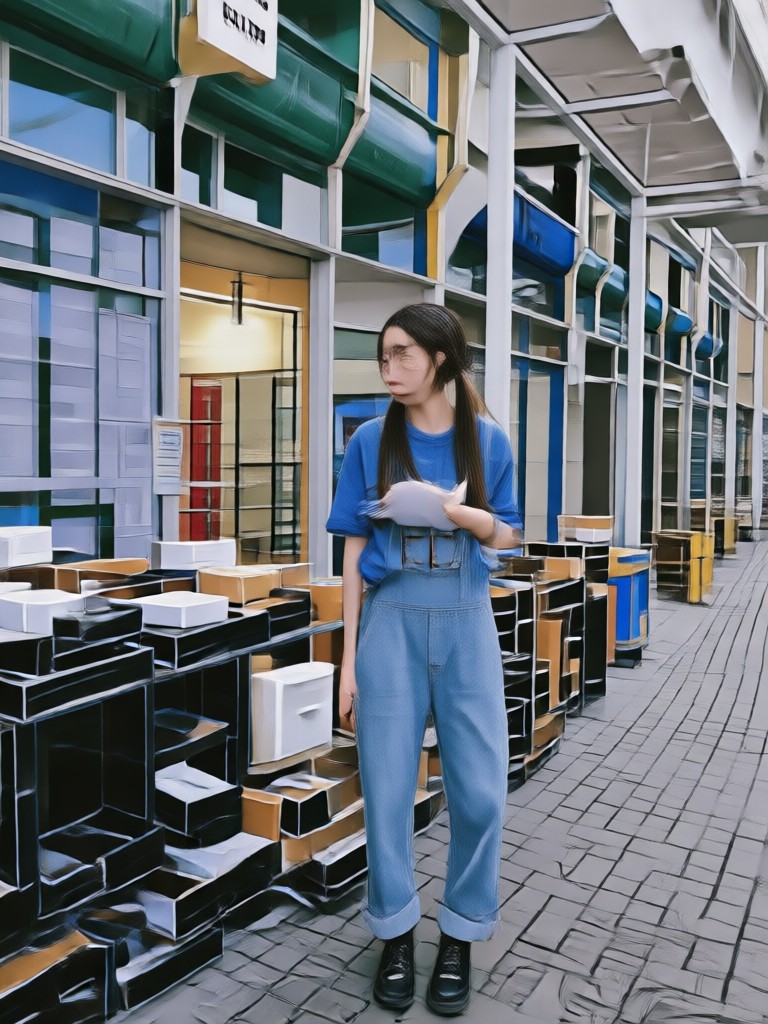
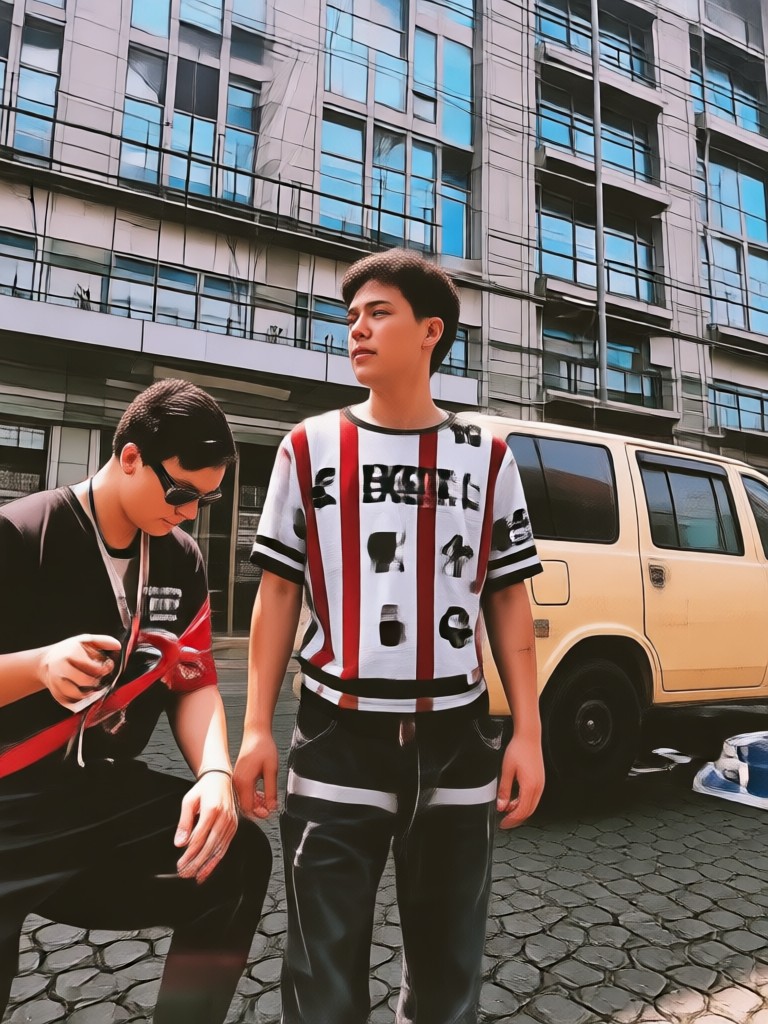
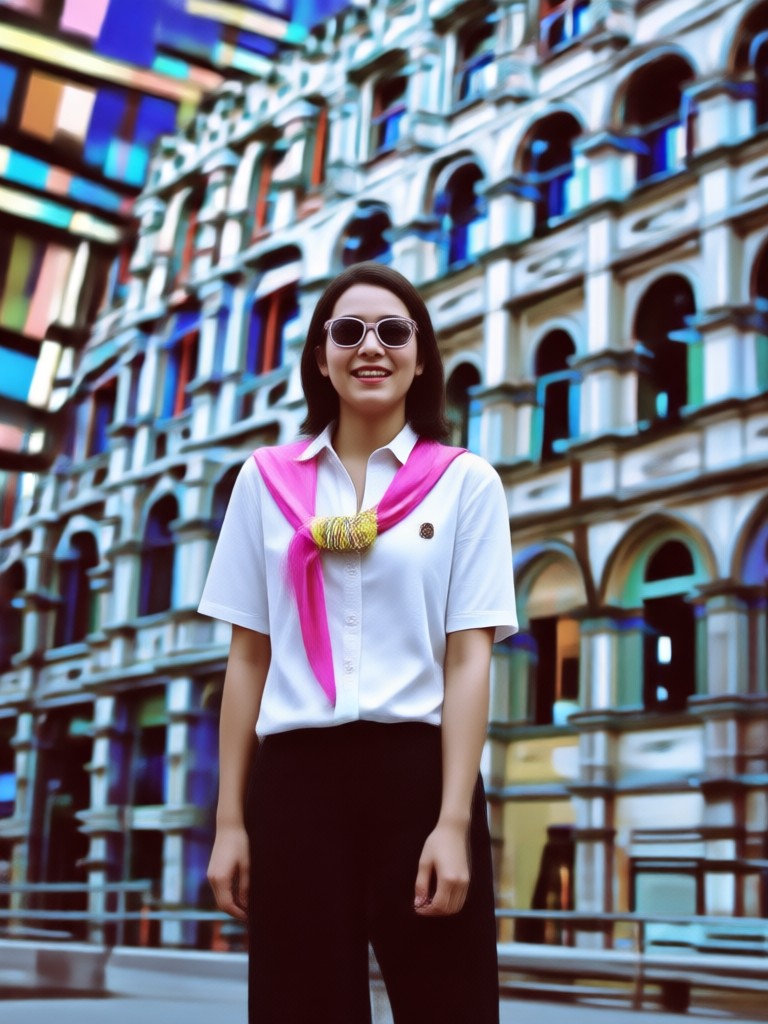
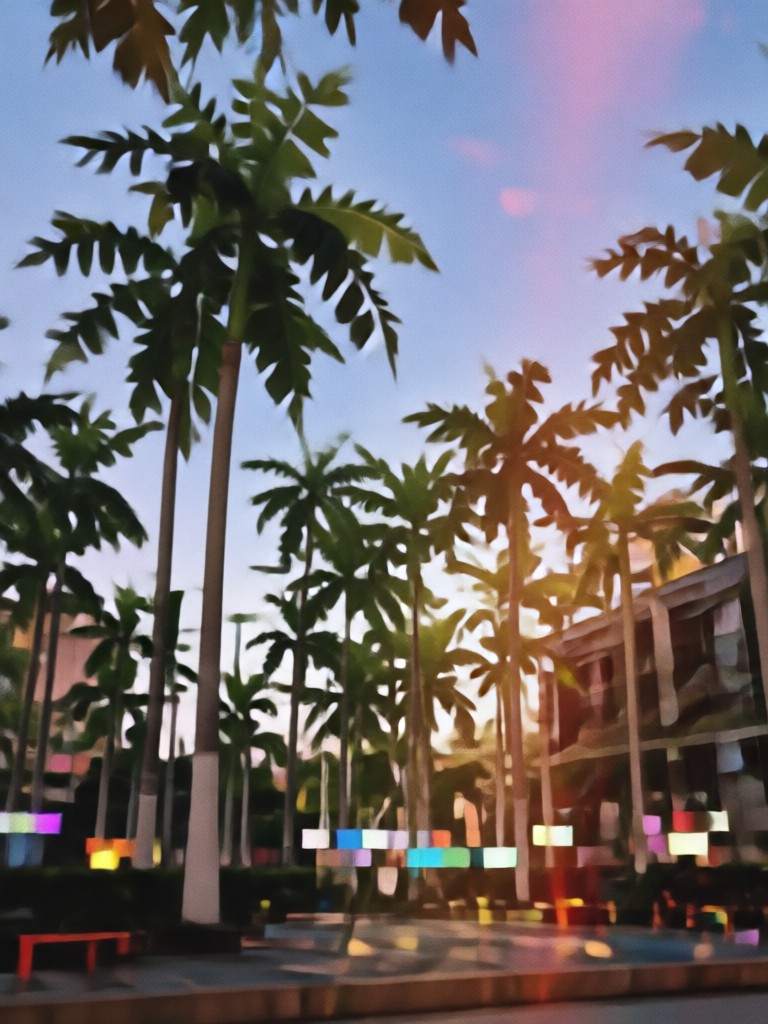
2016 Aesthetic Filter Gallery
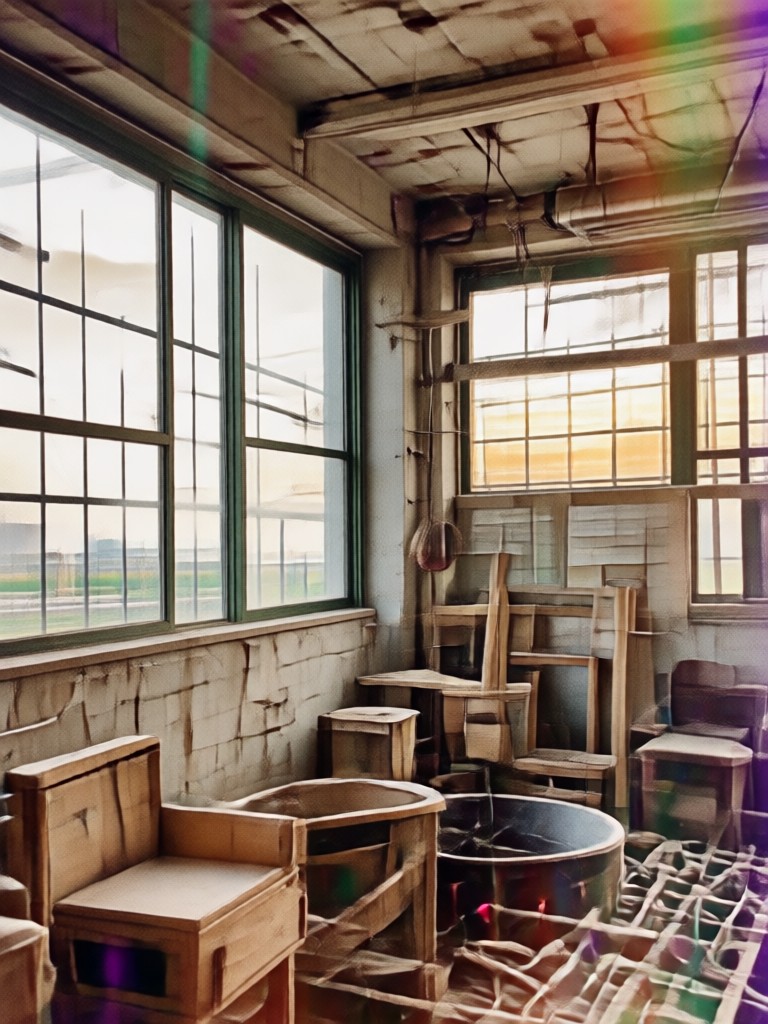
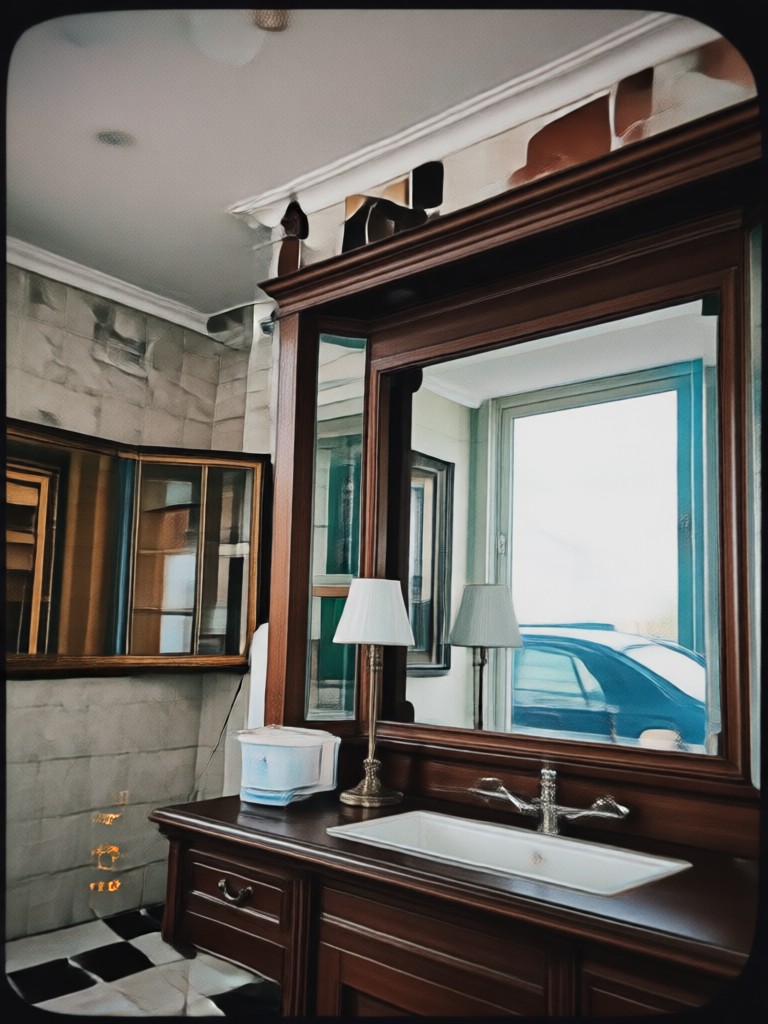
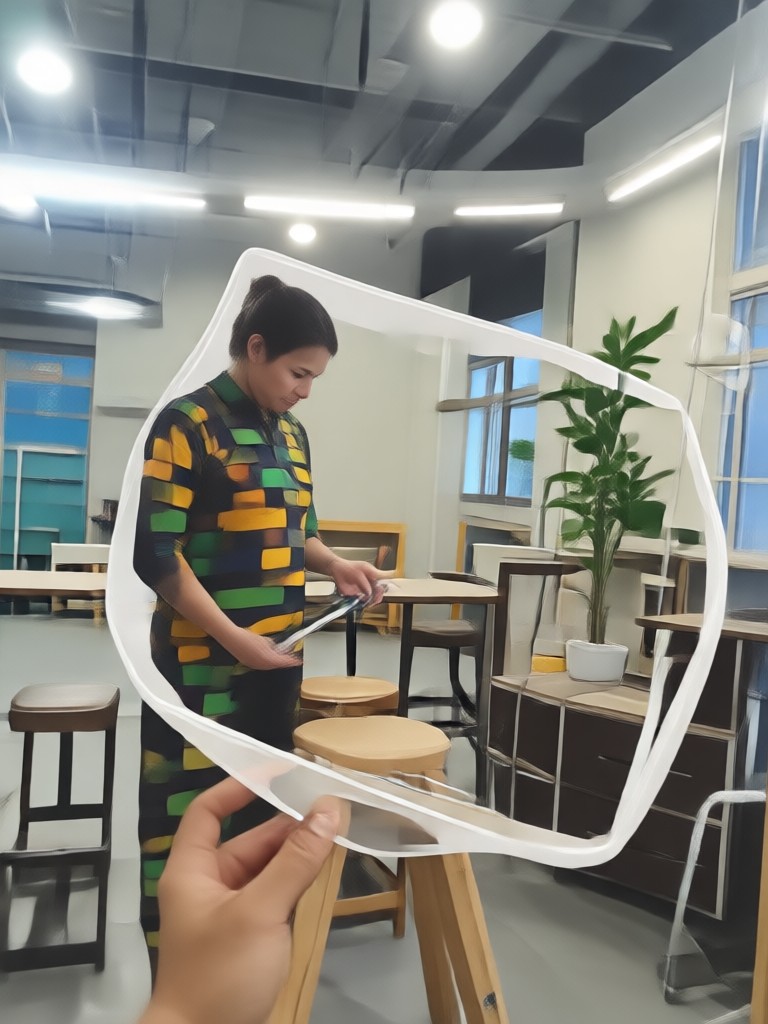
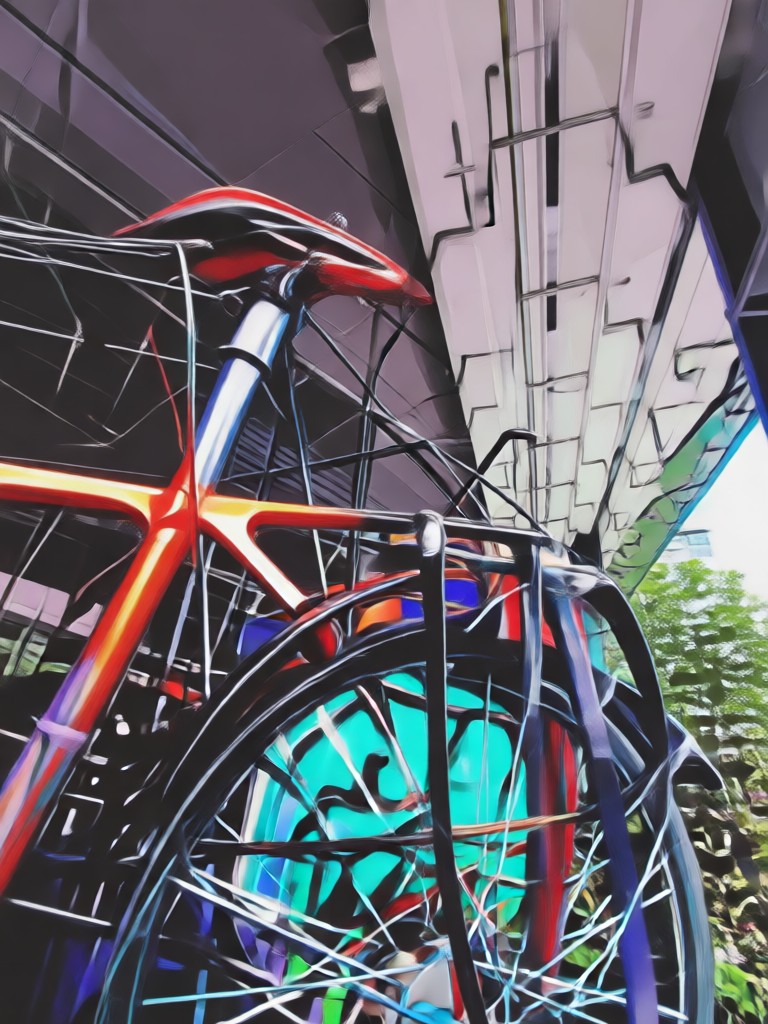
See how the iconic 2016 filter transforms modern photos. From portraits to landscapes, explore the range of nostalgic looks you can achieve instantly.
How to Get the 2016 Filter on Your Photos?
Create perfect nostalgic edits in three simple steps. No design skills or complex software required.

Step 01.
Download the dradra app from Google Play. It's your all-in-one mobile studio for the 2016 aesthetic and thousands of other style filters.
Step 02.
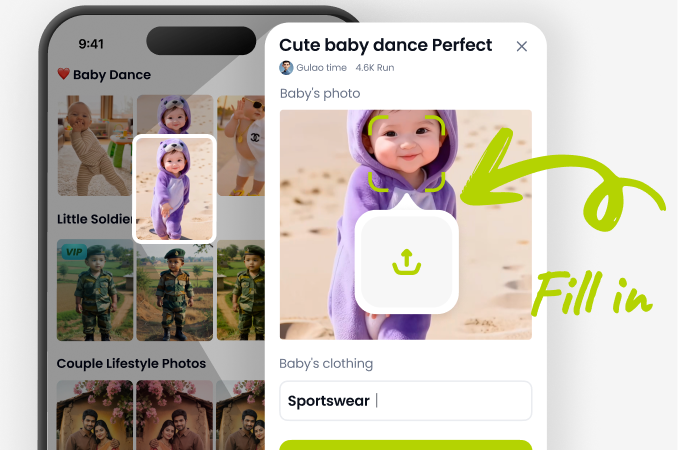
Open the app, upload your photo, and browse the filter library. Select the '2016 Aesthetic' filter or explore related vintage and retro style packs.
Step 03.
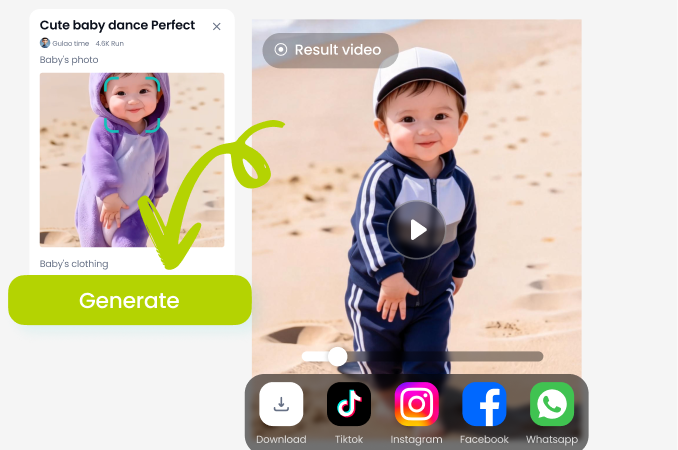
Apply the filter with one tap. Adjust intensity if desired, then save your transformed photo directly to your device or share it instantly to social media.
What Creators Say About the 2016 Aesthetic Filter
Nailed the exact Tumblr vibe I was missing
I've tried so many vintage filters that just look brown. This one actually captures the specific soft peach and muted blue palette of my favorite 2016 photography blogs. My throwback Thursday content has never gotten more engagement.
Perfect for curating my Instagram theme
I run a vintage fashion page and needed a consistent filter for my '2016 archives' series. This filter is incredibly consistent across different lighting conditions, which is a lifesaver. It's my go-to 2016 photo editor now.
Makes modern photos look authentically dated
As a digital artist, I sometimes need to make new pieces look like they're from a specific past era. This 2016 camera filter is scarily accurate. It adds the right amount of grain and color shift without looking like a cheap overlay.
Beyond a Simple Filter: A Nostalgia Engine
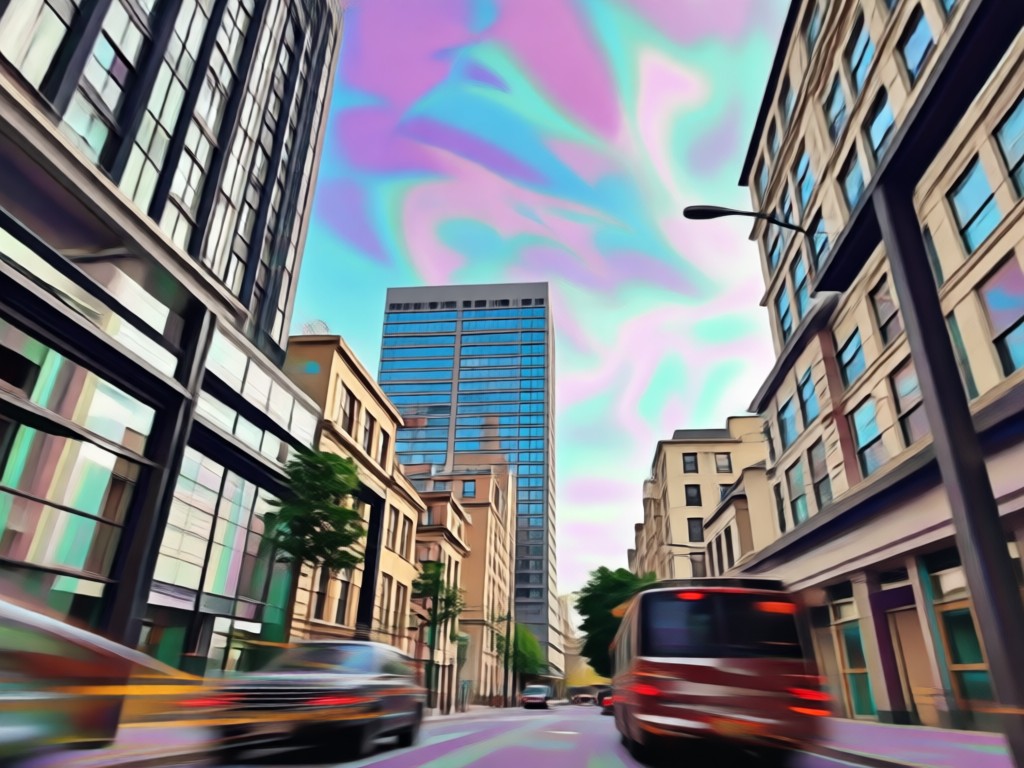
Our tool uses advanced AI to understand the visual language of 2016. It doesn't just apply a color grade, it remaps lighting, subtly softens details, and applies textures contextually to make your photo feel genuinely from that era, not just edited with it.
Beyond a Simple Filter: A Nostalgia Engine
Our tool uses advanced AI to understand the visual language of 2016. It doesn't just apply a color grade, it remaps lighting, subtly softens details, and applies textures contextually to make your photo feel genuinely from that era, not just edited with it.
2016 Aesthetic Filter FAQs
Get quick answers about using the 2016 filter, achieving the best results, and understanding the trend.
Your 2016 Photo Editor, On the Go
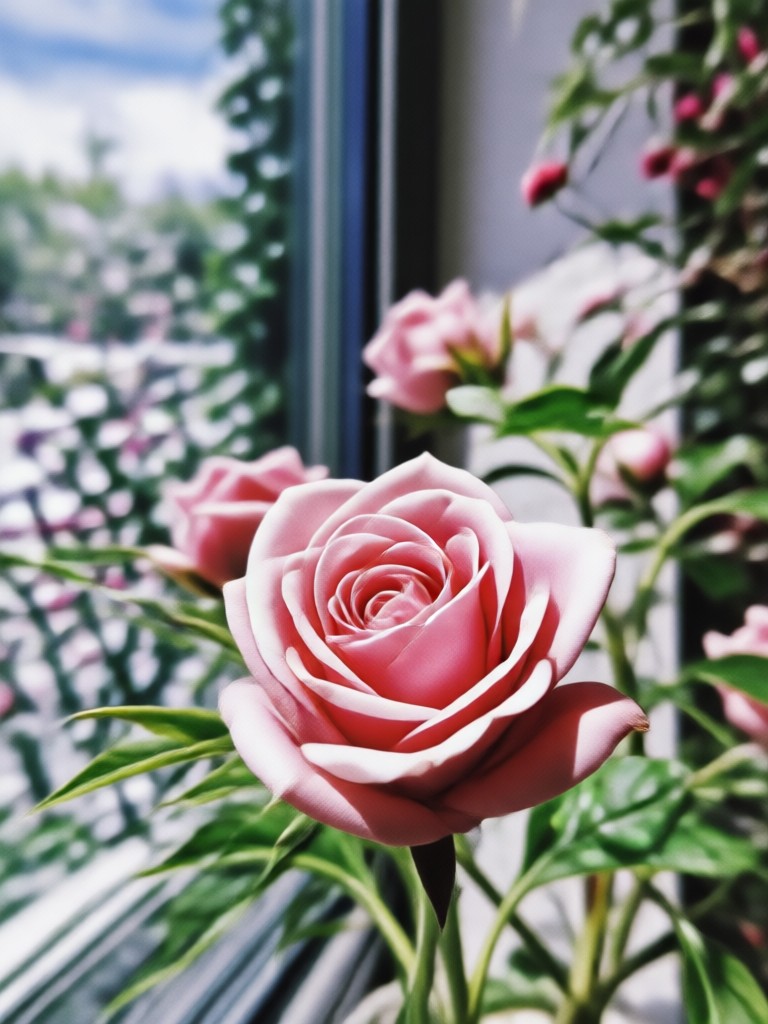
Carry a full suite of nostalgic filters in your pocket. Edit photos with the iconic 2016 aesthetic anytime, anywhere, directly from your Android device.

More Nostalgic Style Ideas
Dive deeper into retro aesthetics and discover other trending vintage photo styles you can create.
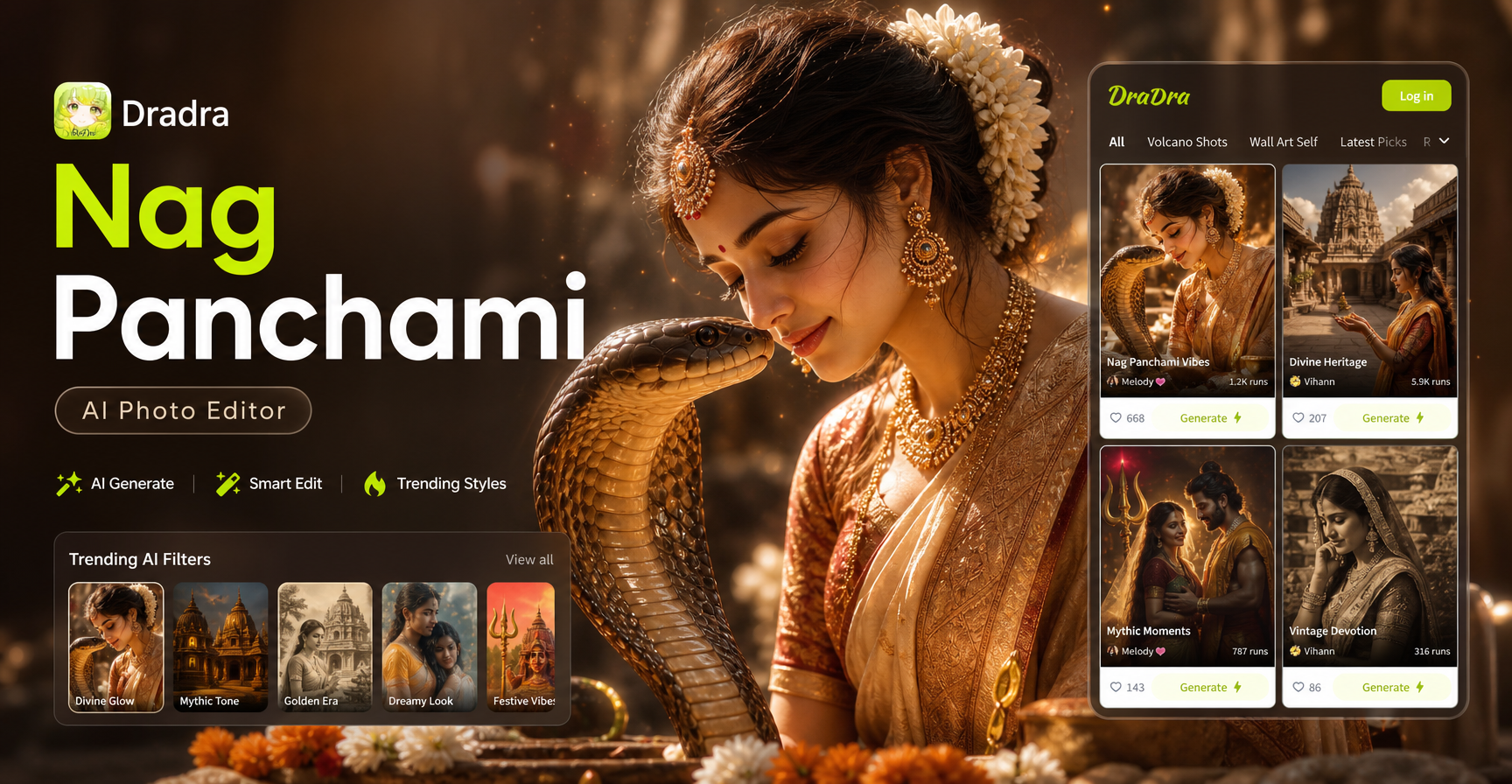
Nag Panchami AI Photo Editor: Create Divine Snake Worship Images
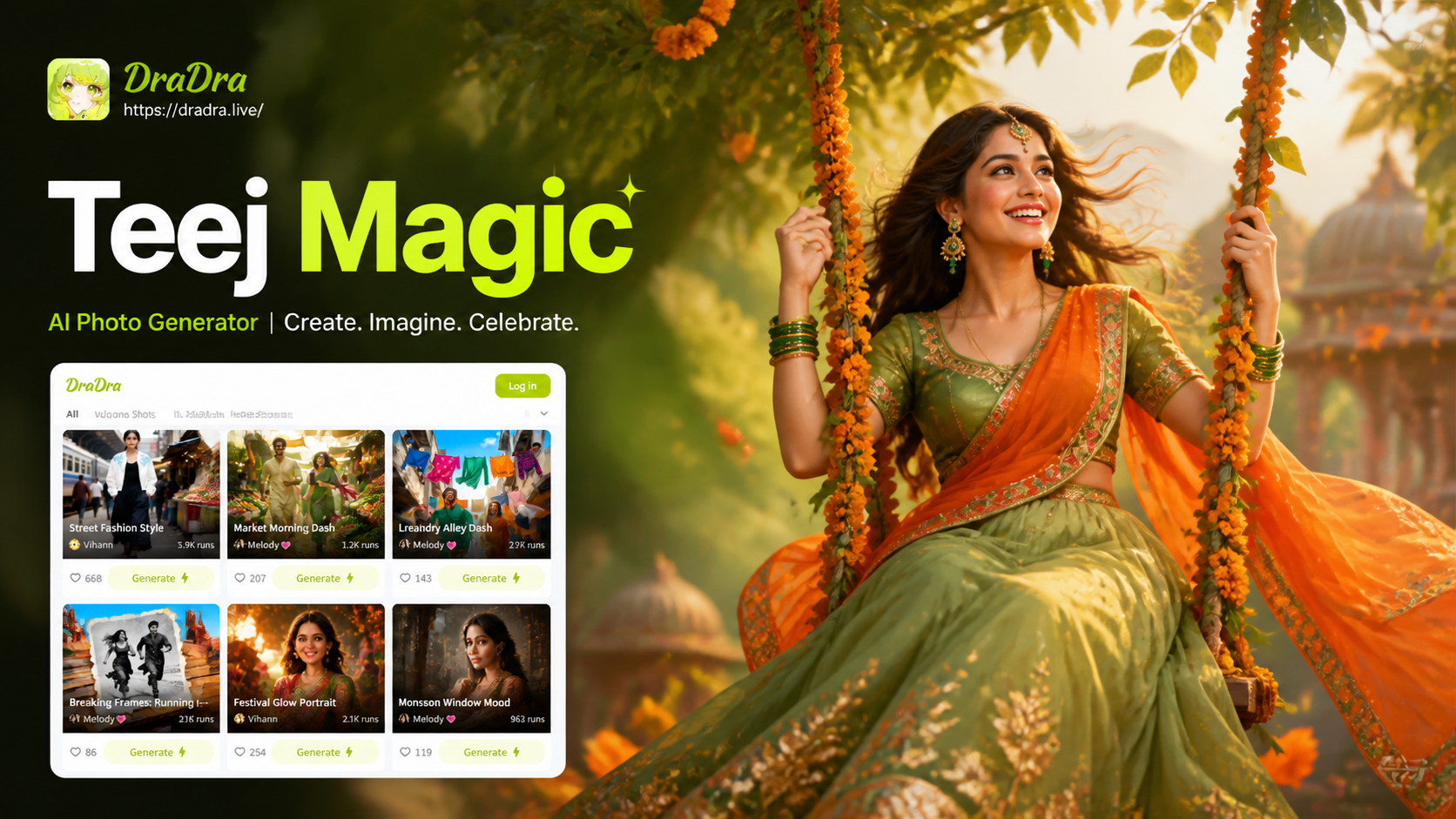
Create Stunning Hariyali Teej Photos with AI
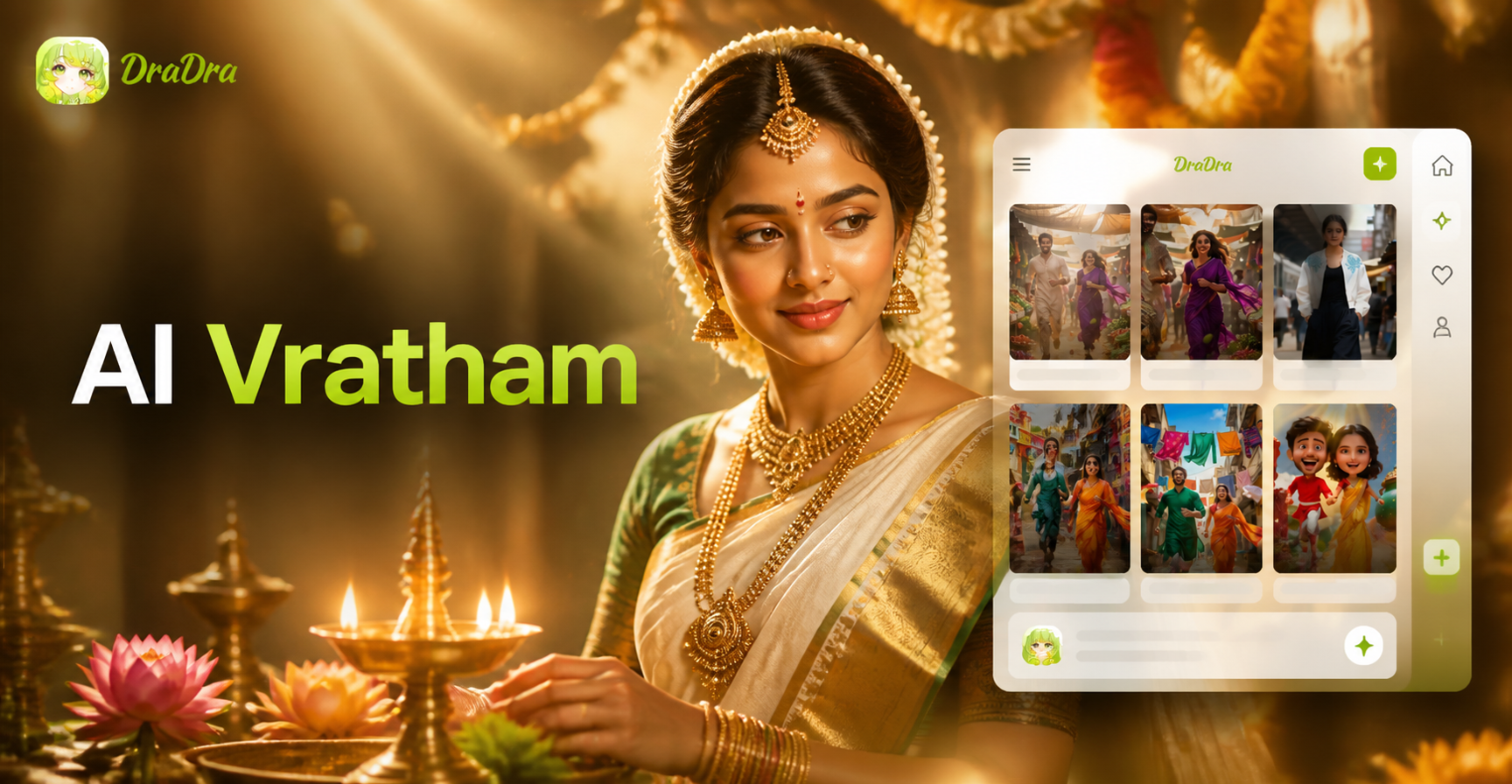
Create Divine Varalakshmi Vratham AI Portraits Instantly
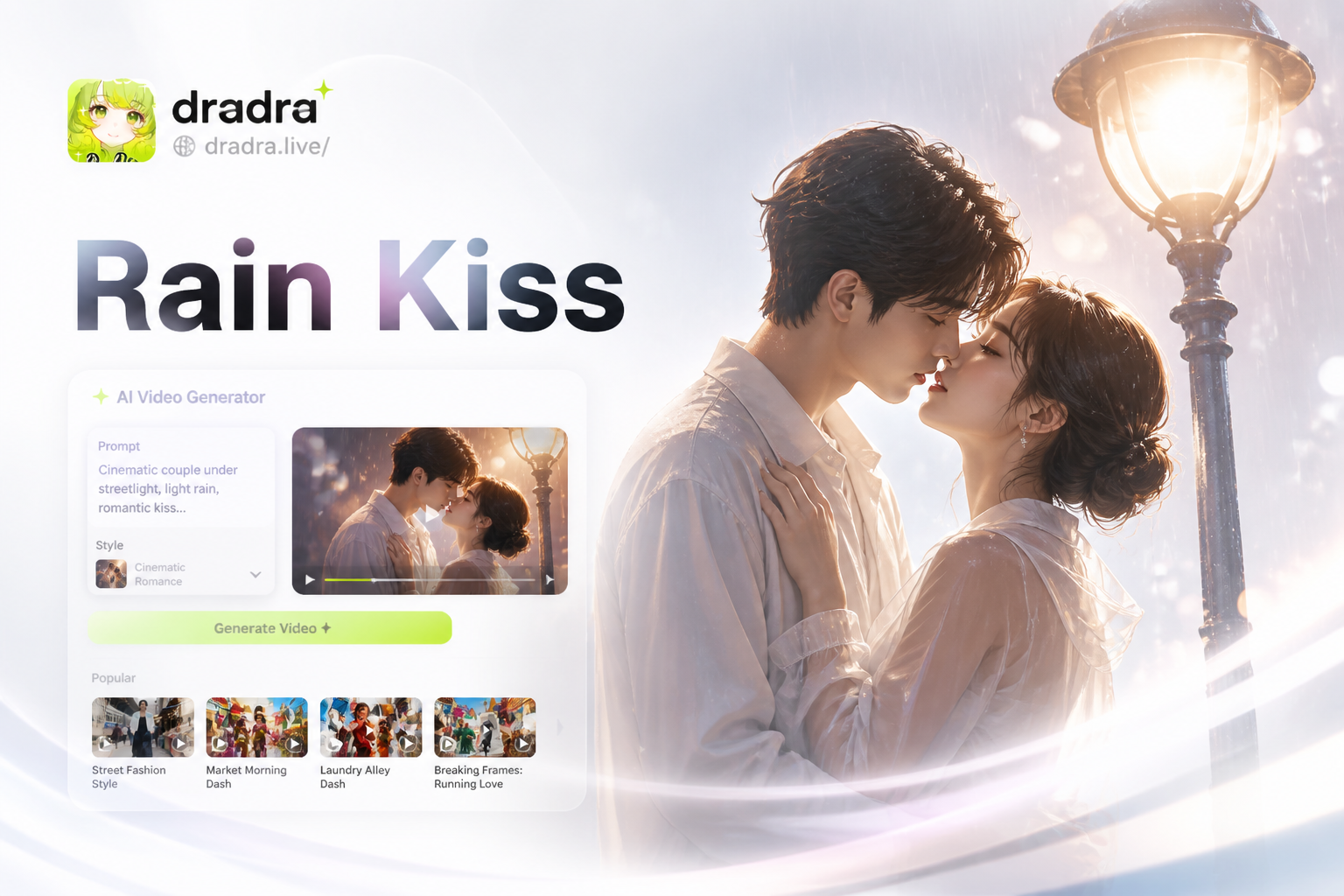
Create Viral Kisses in Rain: AI Streetlight Videos
Nag Panchami AI Photo Editor: Create Divine Snake Worship Images
Create Stunning Hariyali Teej Photos with AI
Create Divine Varalakshmi Vratham AI Portraits Instantly
Create Viral Kisses in Rain: AI Streetlight Videos
Make 2026 Feel Like 2016
Blend nostalgia with modern creativity. Download the app now and apply the iconic 2016 aesthetic filter to your photos in seconds.
Make 2026 Feel Like 2016
Blend nostalgia with modern creativity. Download the app now and apply the iconic 2016 aesthetic filter to your photos in seconds.