AI Sticker Generator: Turn Photos Into Fun Stickers
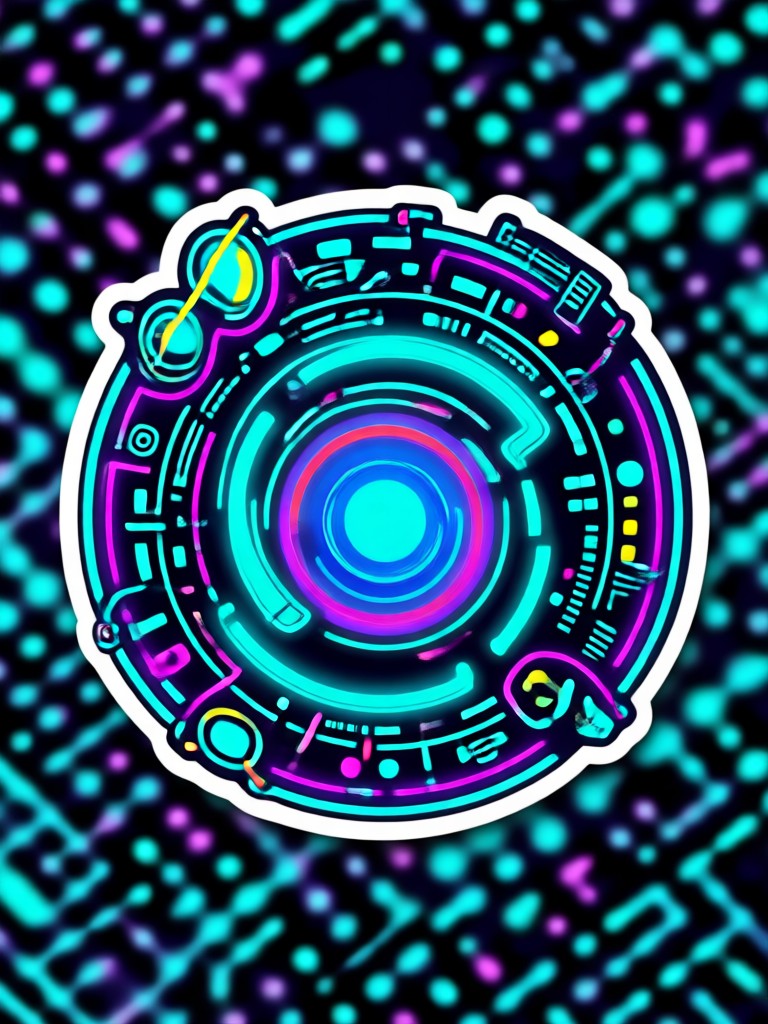
Choose the AI Sticker Style That Suits You Best
Discover a massive library of AI sticker filters and templates. Whether you want cute pets, funny selfies, retro cartoons, or 3D clay figures, there is a style for every mood.
Key Features of the dradra AI Sticker Generator
Turn plain photos and short text prompts into expressive, share-ready stickers. dradra combines a massive style library with one-tap controls, so anyone can create professional-looking AI stickers in seconds.
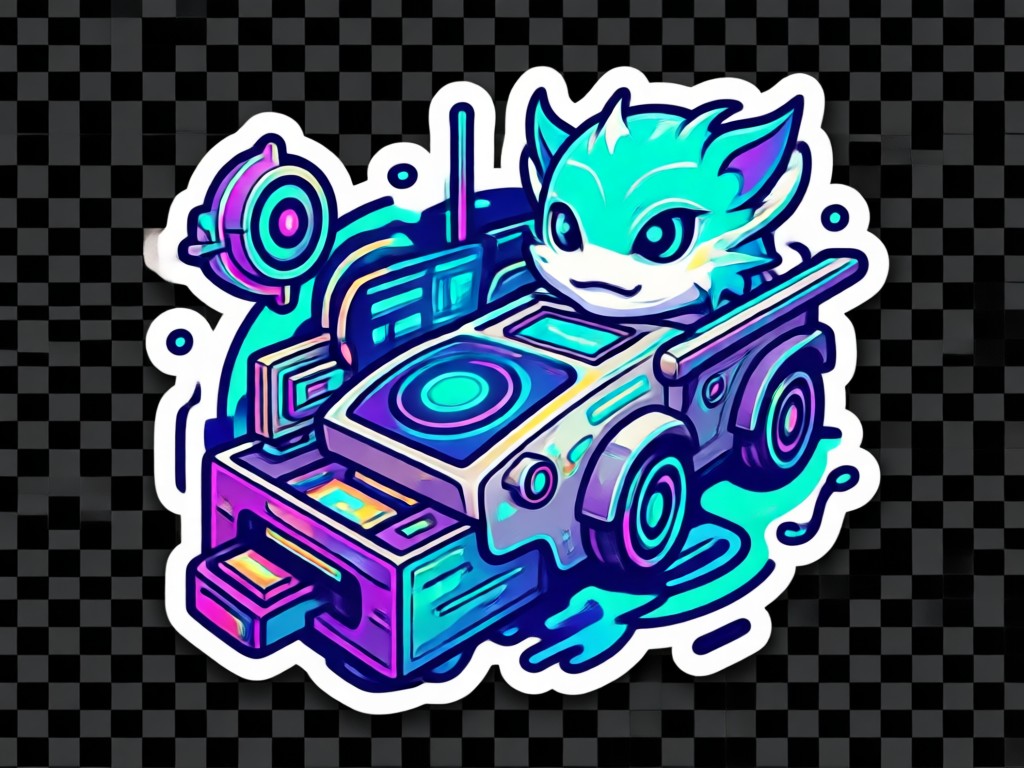
Text to Sticker in One Tap
Type a short prompt like a smiling avocado or a grumpy cat, choose a style, and generate high-quality stickers instantly. No drawing skills or complex prompt engineering required.
Text to Sticker in One Tap
Type a short prompt like a smiling avocado or a grumpy cat, choose a style, and generate high-quality stickers instantly. No drawing skills or complex prompt engineering required.
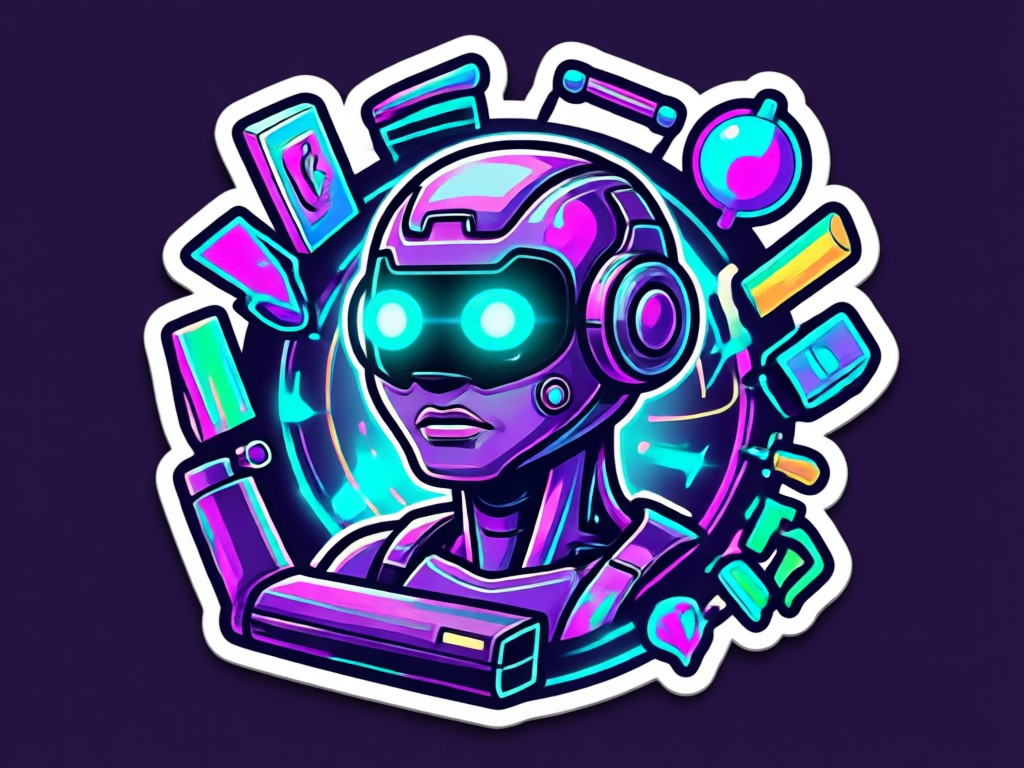
Photo to Sticker Conversion
Upload any photo and let AI turn it into a cute, expressive sticker while keeping the subject recognizable. Perfect for pets, selfies, and friends in group chats.
Photo to Sticker Conversion
Upload any photo and let AI turn it into a cute, expressive sticker while keeping the subject recognizable. Perfect for pets, selfies, and friends in group chats.
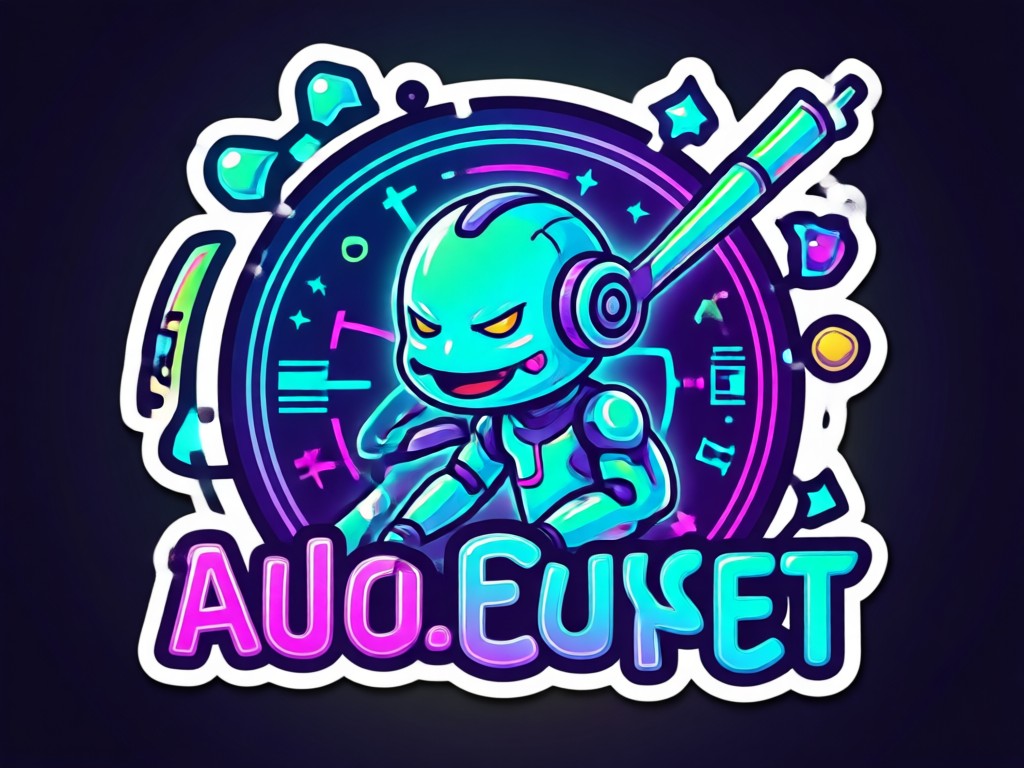
Over a Million Style Filters
Browse endless style templates including kawaii, retro, anime, 3D clay, watercolor, and more. Mix and match until you find the perfect look for your sticker.
Over a Million Style Filters
Browse endless style templates including kawaii, retro, anime, 3D clay, watercolor, and more. Mix and match until you find the perfect look for your sticker.
Ready-to-Use AI Sticker Templates
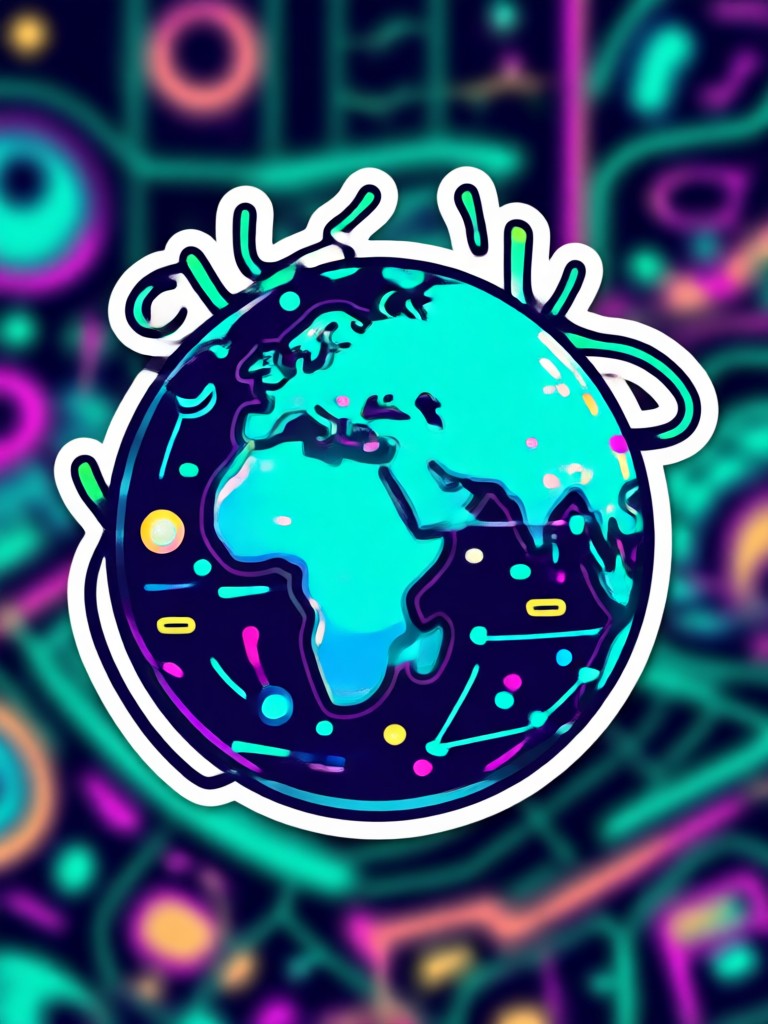
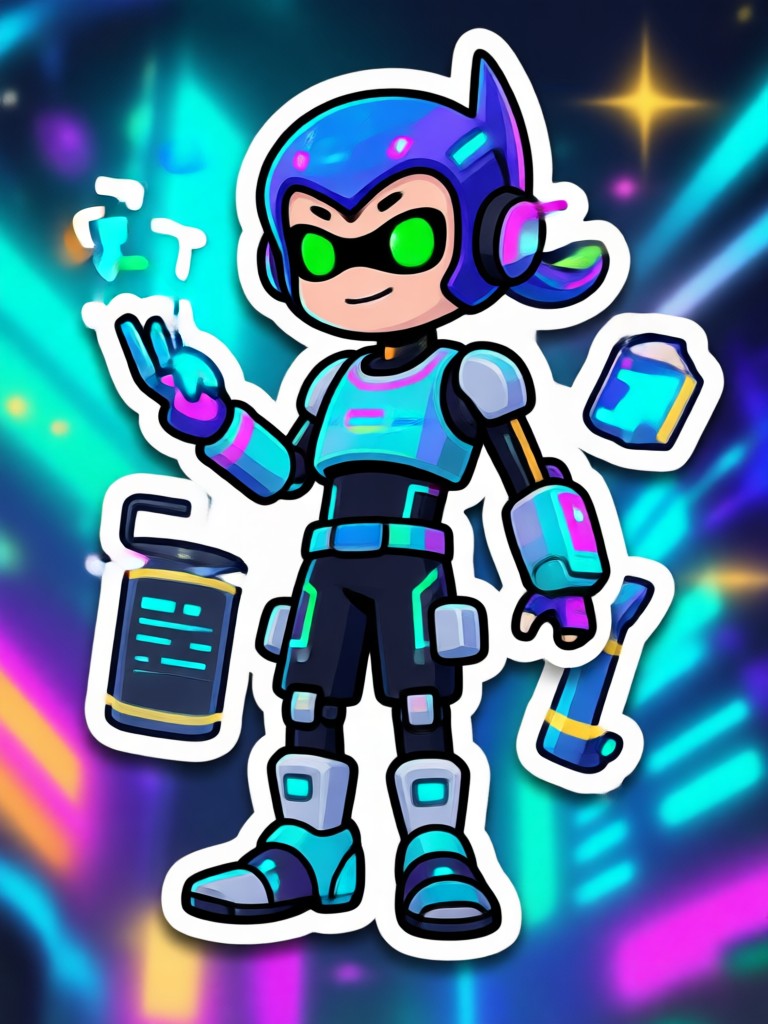
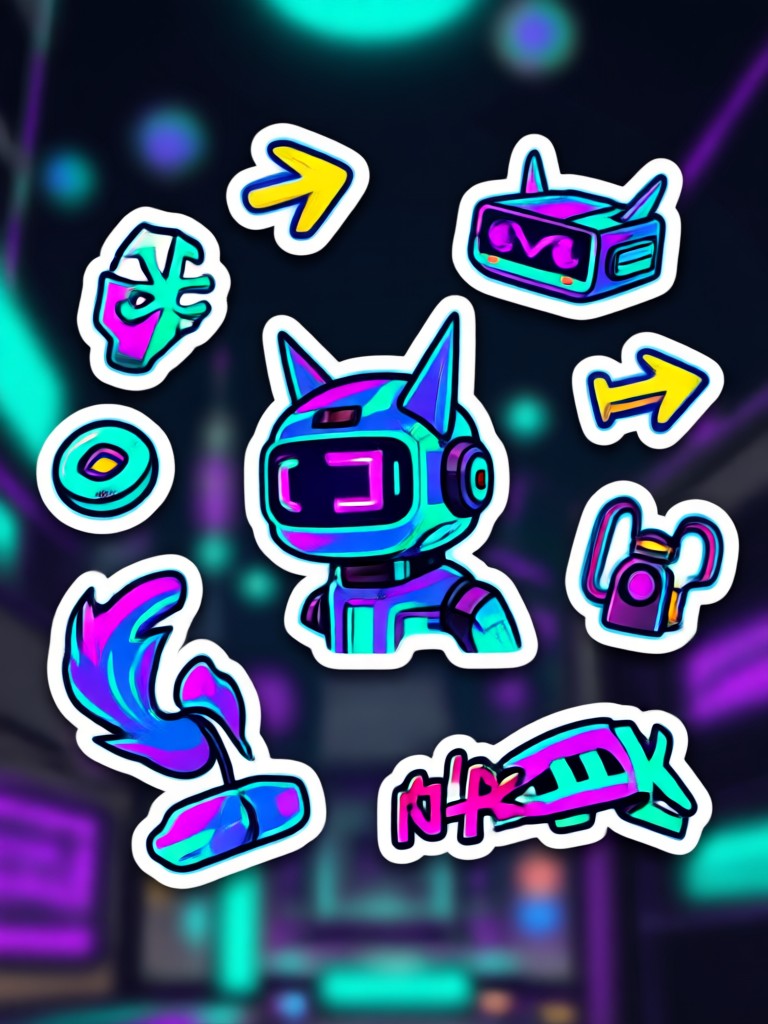
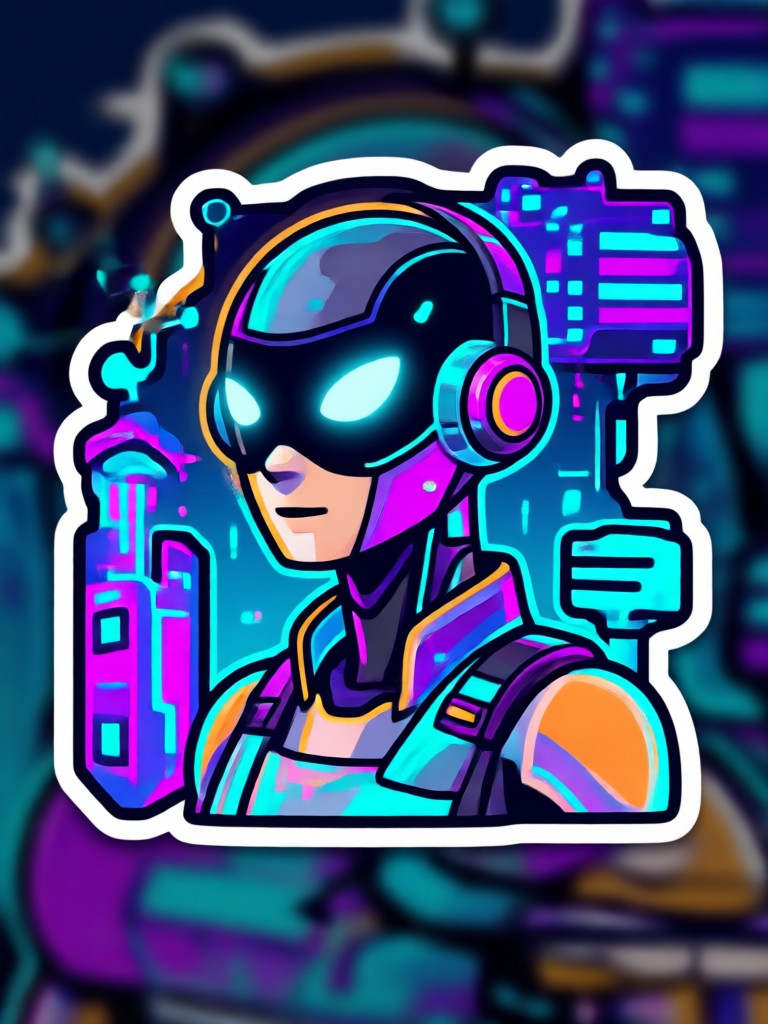
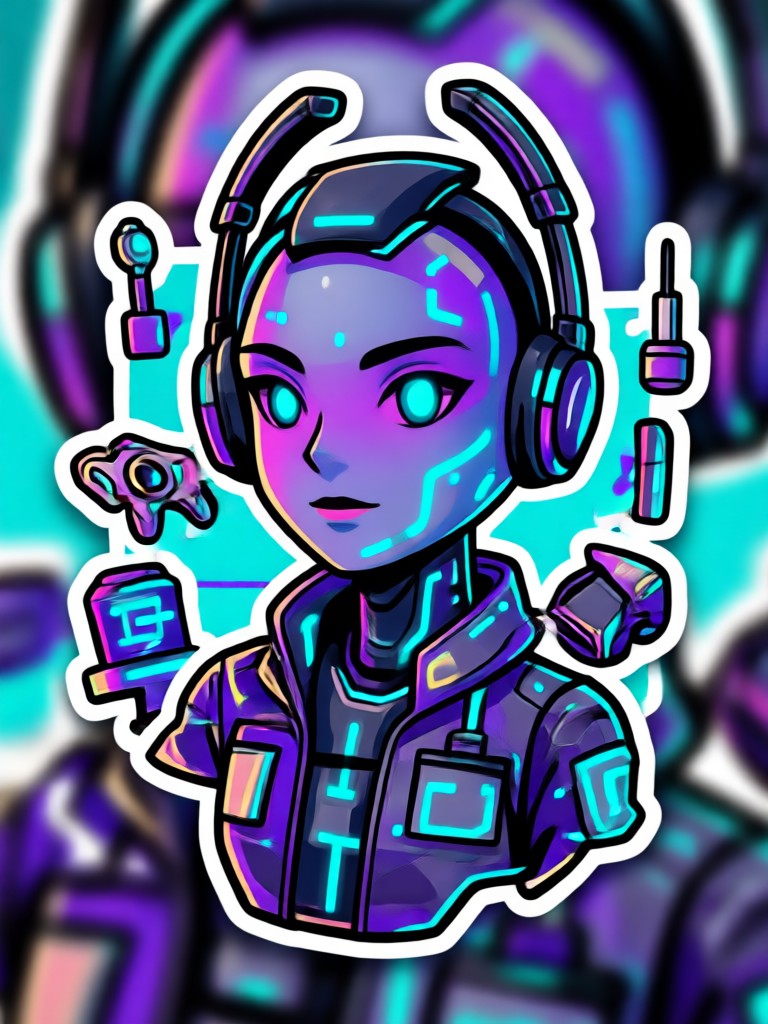
Browse a curated set of AI sticker templates designed for social media, messaging, and personal projects. From cute animals to retro cartoons, these ready-made scenes show what you can create in moments.
How to Make AI Stickers in 3 Easy Steps
Creating custom AI stickers with dradra takes less than a minute. Follow these simple steps to turn your ideas into shareable stickers.
Step 01.
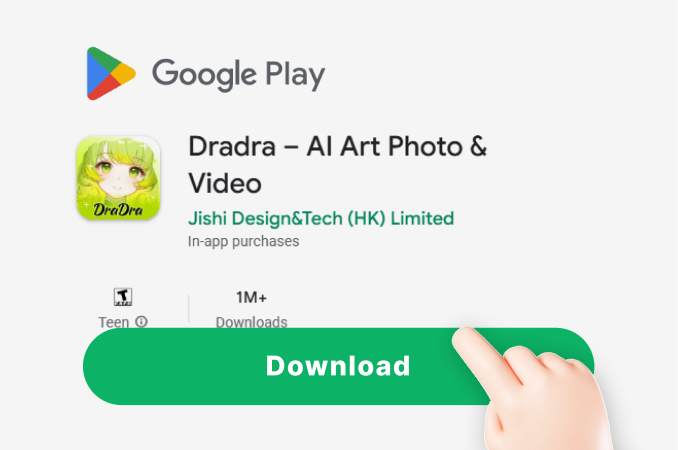
Download the dradra app from Google Play to access the AI sticker generator anytime, anywhere.
Step 02.
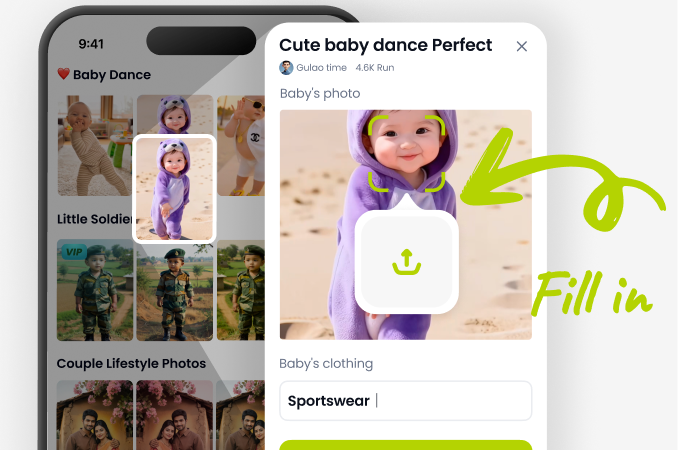
Upload a photo or type a short description, then choose a sticker style from kawaii, retro, anime, 3D clay, and more.
Step 03.
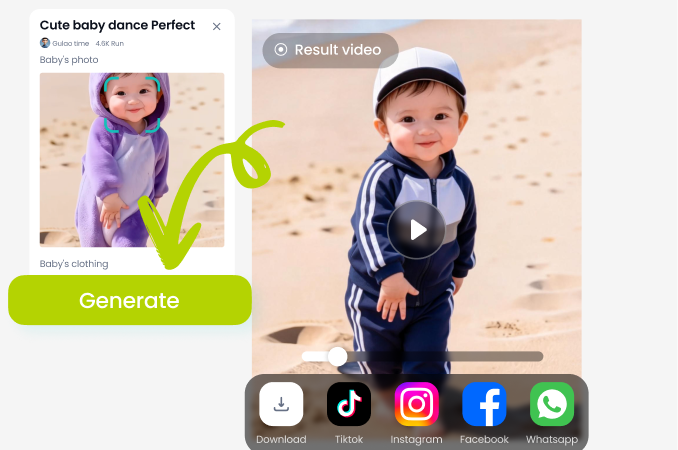
Generate your AI sticker and download it to your phone, then share it in chats or on social media.
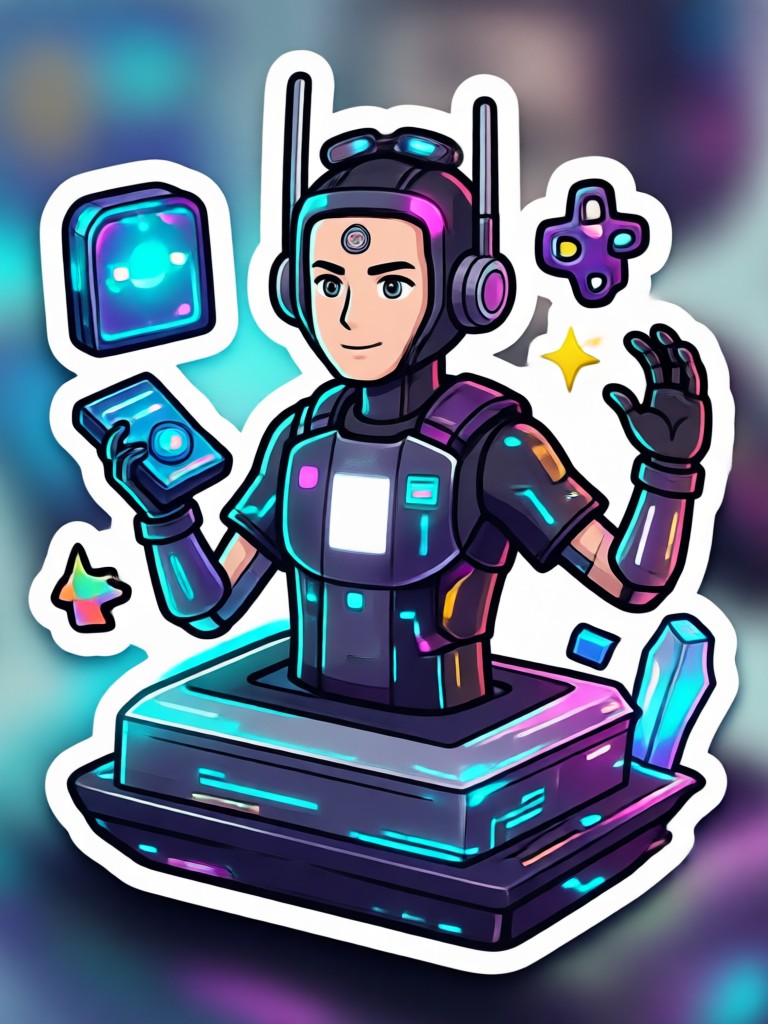
AI Sticker Generator for Your Phone
Turn your photos and text into expressive AI stickers in seconds. No design experience needed. Just download dradra and start creating.

Here is What People Think About the AI Sticker Generator
Perfect for making reaction stickers from my dog
I upload a photo of my dog and in seconds I have a cute sticker I can use in every chat. The styles are amazing and the results look hand drawn.
So easy, no design skills needed
I just type a few words like a happy cactus and pick a kawaii style. The sticker comes out crisp and share ready. My group chats love them.
Great variety of styles
From retro cartoons to 3D clay, there are so many filters. I use it for custom emojis and social posts. The app never crashes and export is fast.
Frequently Asked Questions About AI Stickers
Find clear answers to the most common questions about creating AI stickers with dradra. Learn how it works, what styles are available, and how to get started.
More Topics You May Like
Explore more topics you may like and discover fresh ideas tailored to your interests.
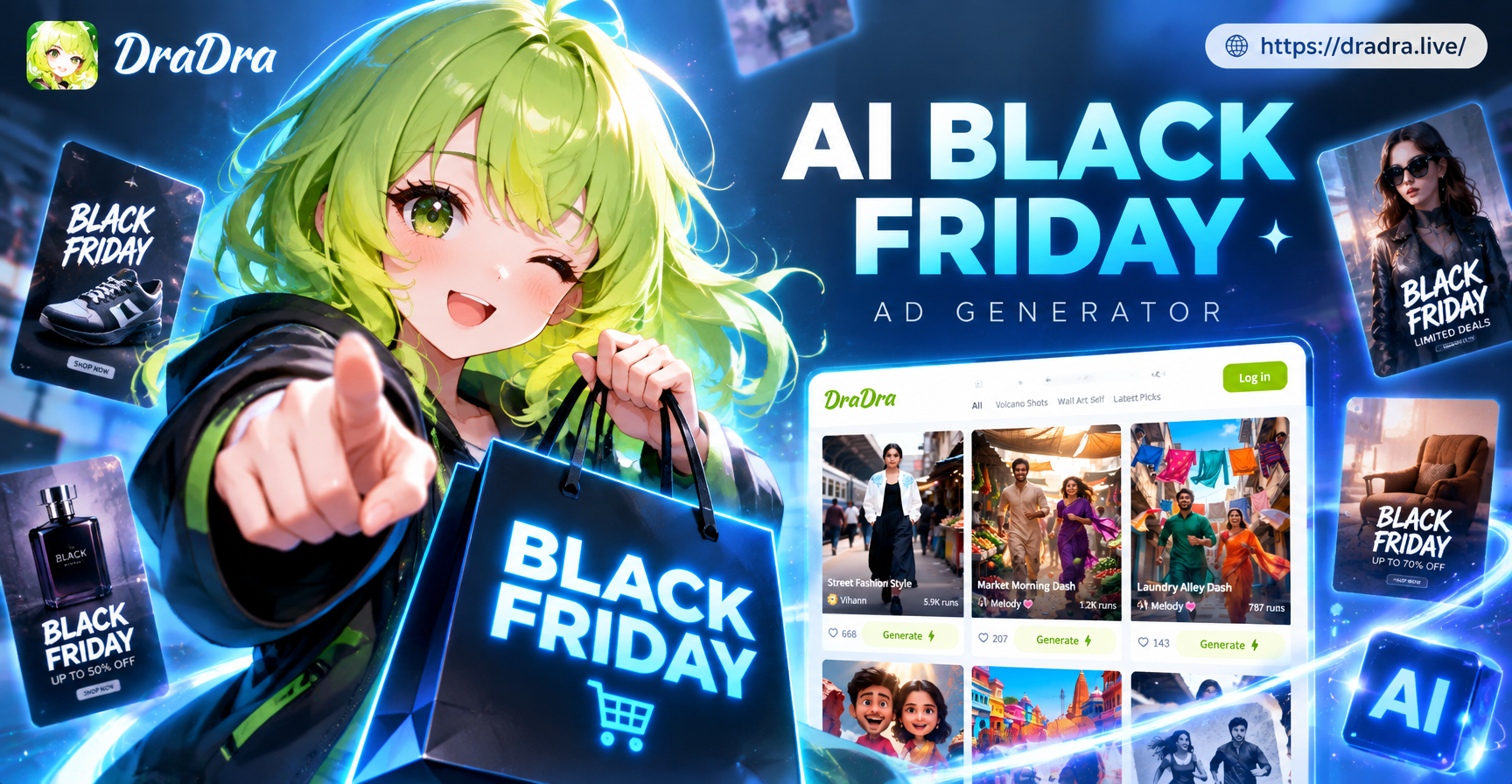
AI Black Friday Ad Generator: Create Sale Ads Instantly
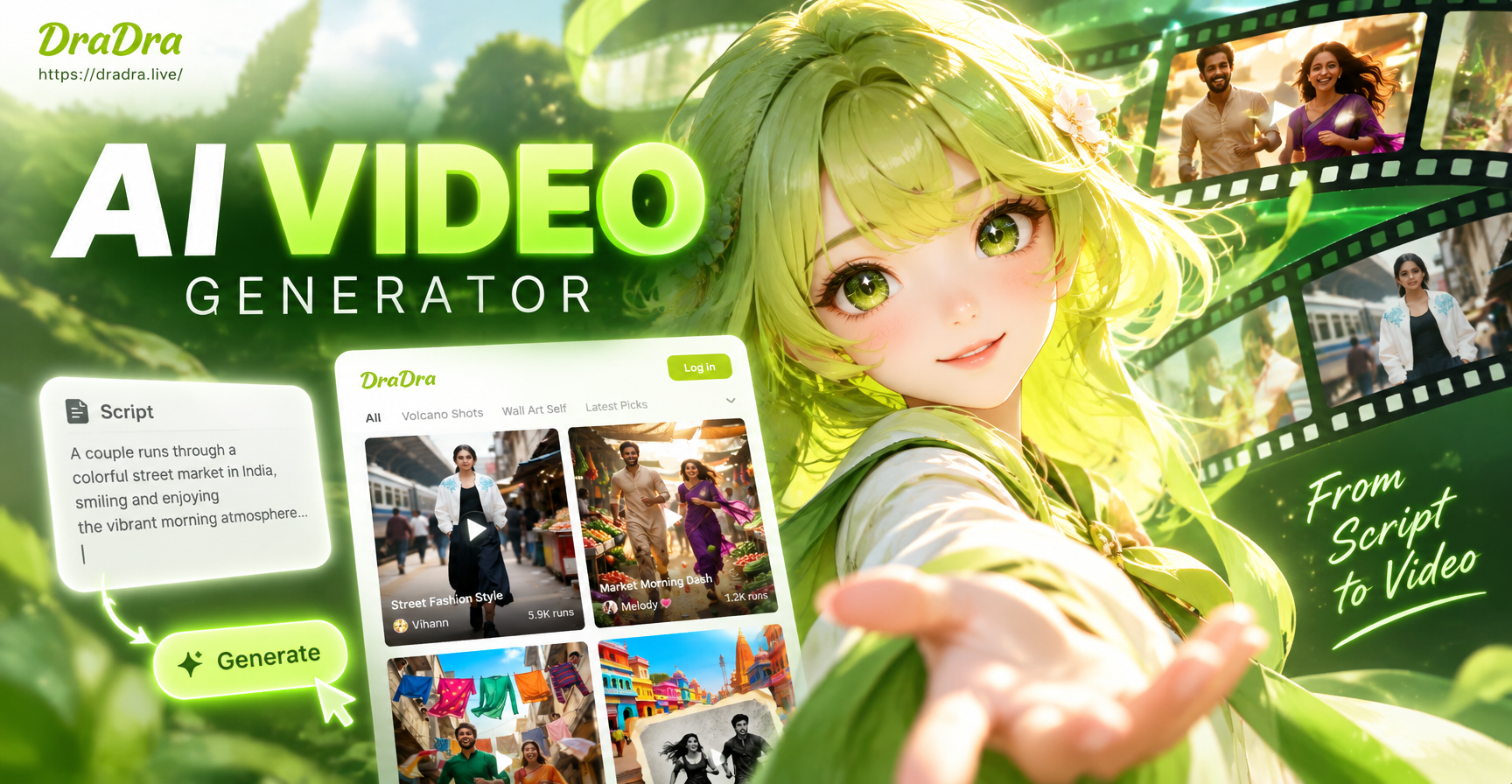
AI Video Generator from Script: Text to Stunning Video
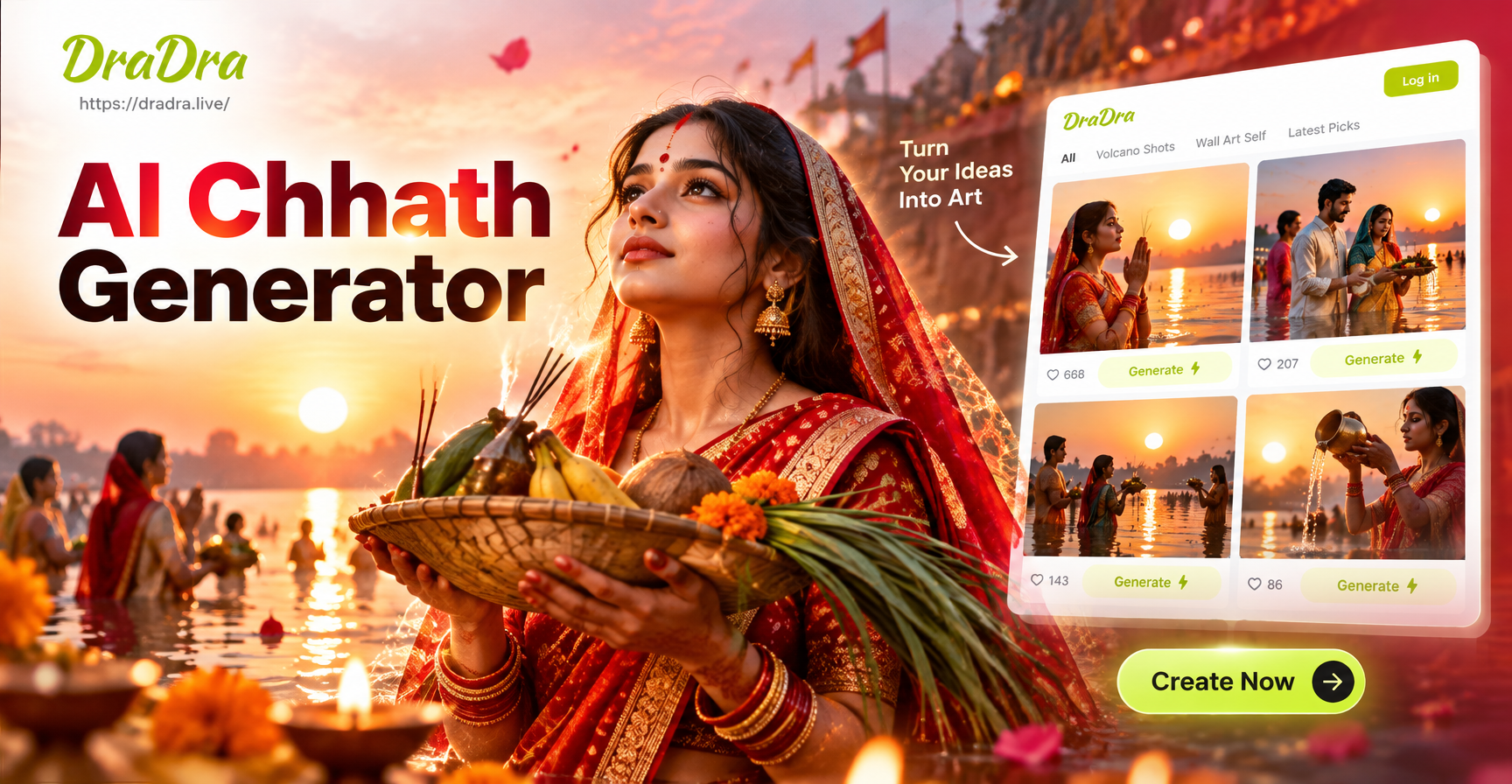
AI Chhath Puja Photo Generator: Festive Images Fast
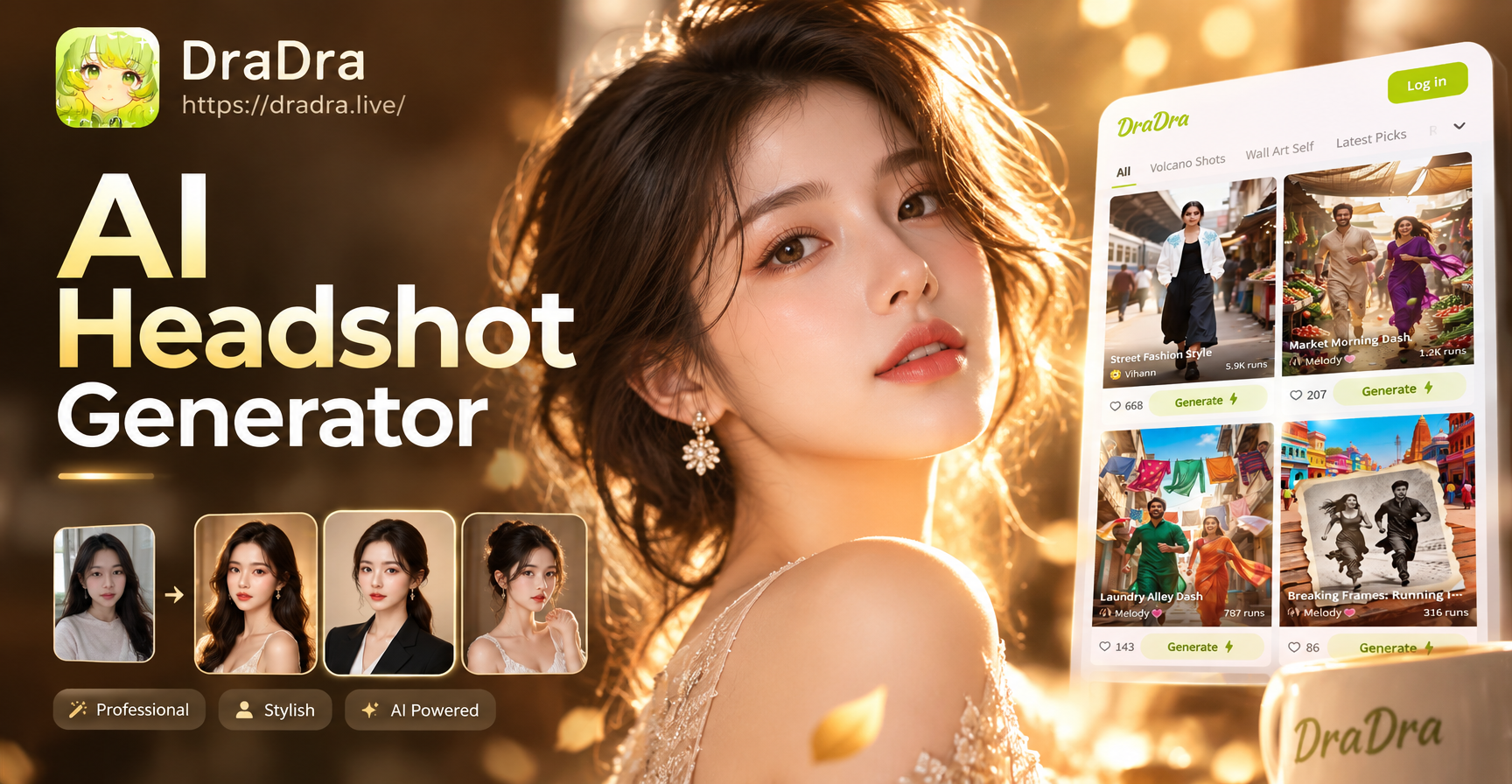
AI Headshot Generator: Studio Quality Headshots in Seconds
AI Black Friday Ad Generator: Create Sale Ads Instantly
AI Video Generator from Script: Text to Stunning Video
AI Chhath Puja Photo Generator: Festive Images Fast
AI Headshot Generator: Studio Quality Headshots in Seconds
Create AI Stickers in Seconds
Download dradra and turn your photos or text prompts into fun, share-ready AI stickers. Pick from over a million styles and start creating today.
Create AI Stickers in Seconds
Download dradra and turn your photos or text prompts into fun, share-ready AI stickers. Pick from over a million styles and start creating today.