Face Replace In Video
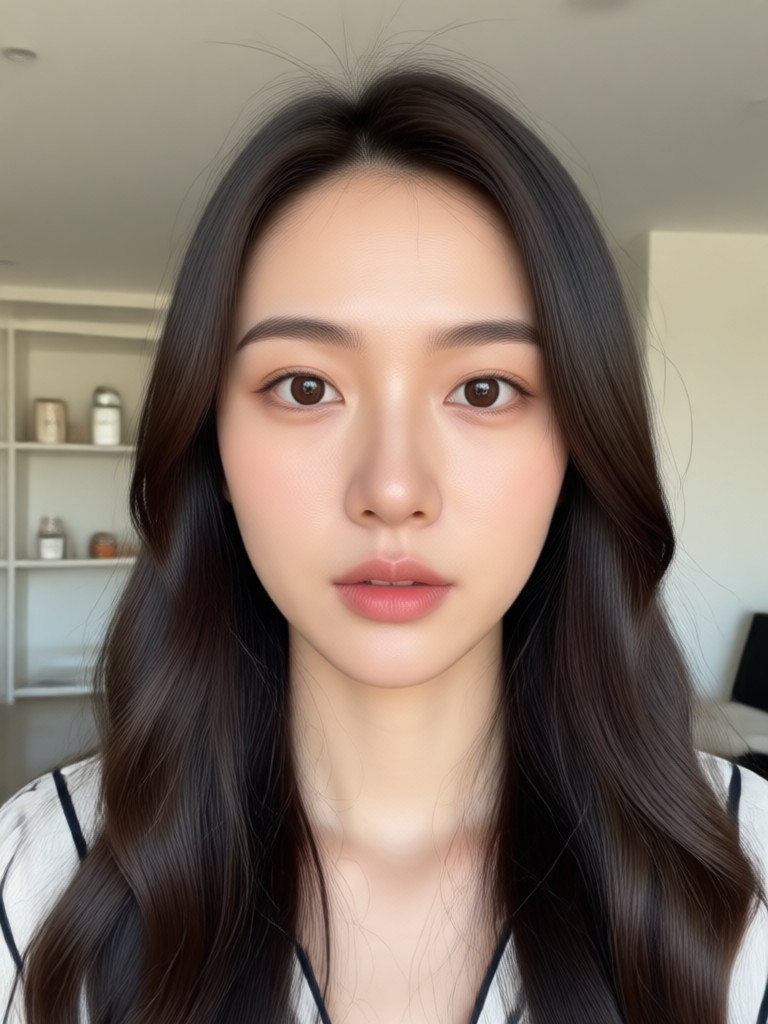
Explore AI Face Swap Filters & Effects
Dive into a vast library of face replacement styles. From subtle celebrity lookalikes to hilarious meme transformations and fantasy character swaps, find the perfect effect for your video.
Core Features of AI Face Replacement
Our video face swap tool combines advanced AI with a simple interface, delivering professional-grade results with just a few taps on your phone.
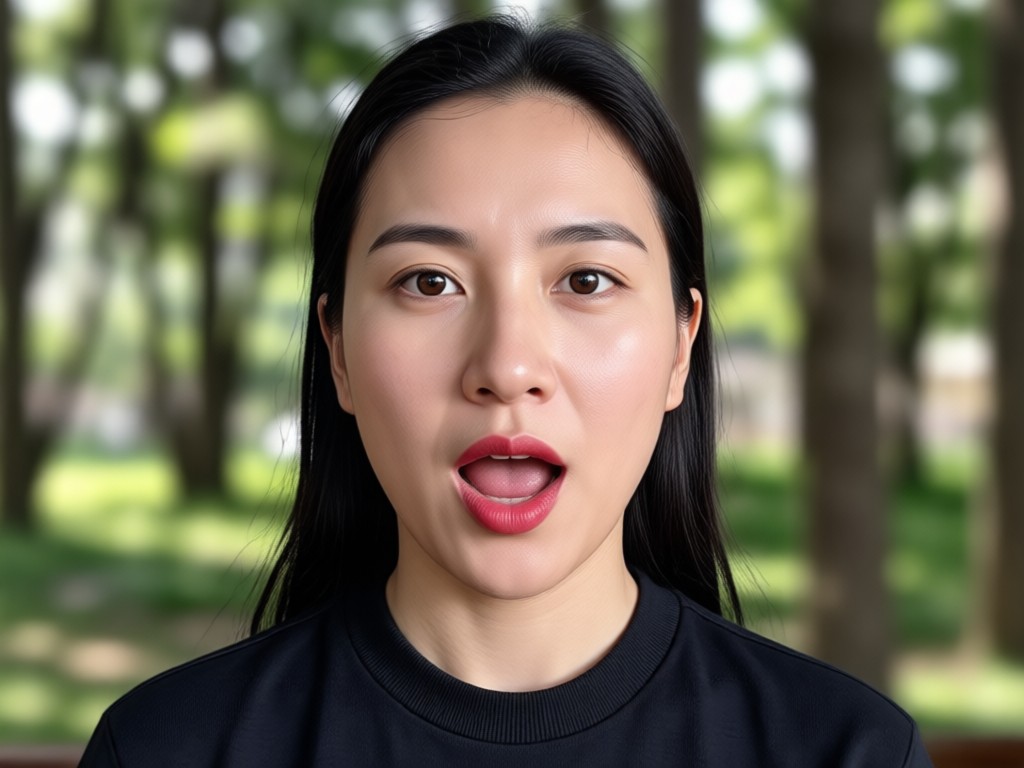
Seamless Face Tracking
Our AI accurately tracks facial movements, expressions, and angles throughout the entire video, ensuring the new face moves naturally with the original performance.
Seamless Face Tracking
Our AI accurately tracks facial movements, expressions, and angles throughout the entire video, ensuring the new face moves naturally with the original performance.
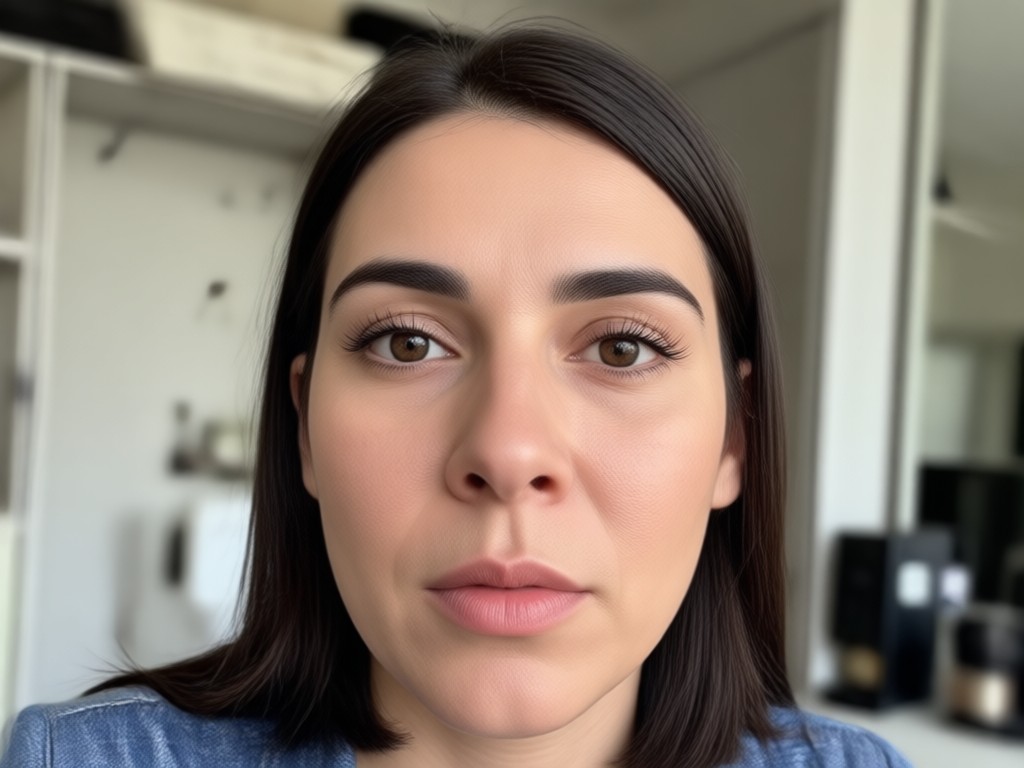
Lighting & Skin Tone Matching
Intelligent algorithms automatically match the skin tone, lighting, and shadows of the replaced face to the original video scene for a perfectly blended, realistic look.
Lighting & Skin Tone Matching
Intelligent algorithms automatically match the skin tone, lighting, and shadows of the replaced face to the original video scene for a perfectly blended, realistic look.
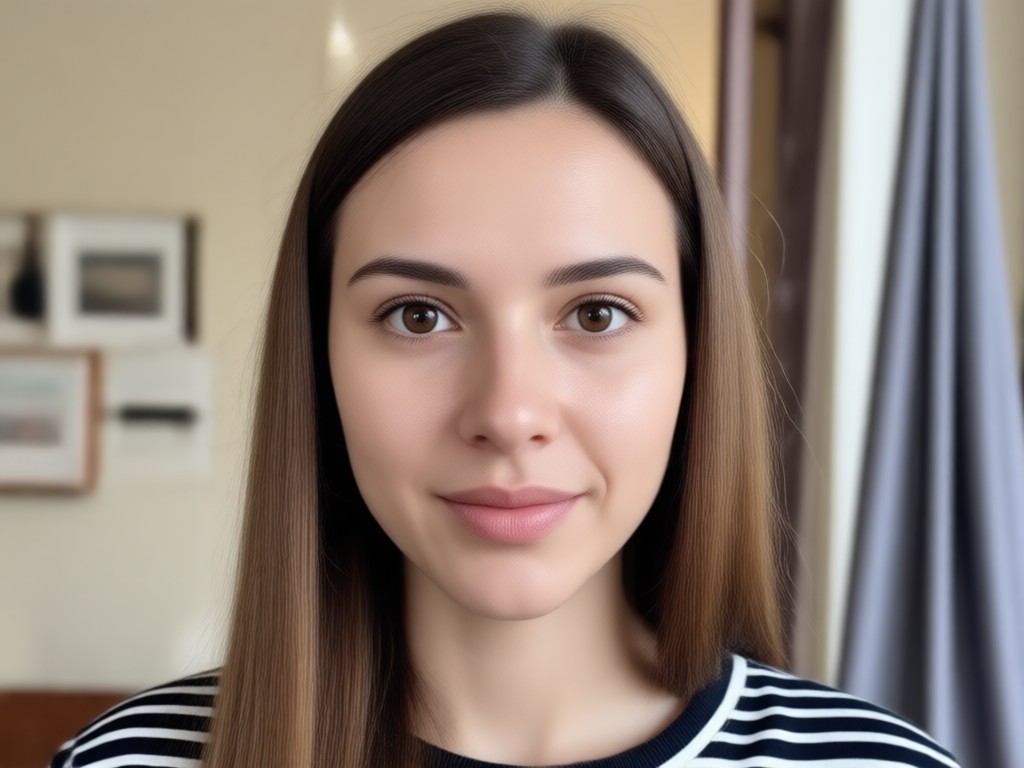
Multi-Person Video Support
Easily replace faces in group videos. The AI identifies and distinguishes between multiple people, allowing you to swap one face or several without affecting others.
Multi-Person Video Support
Easily replace faces in group videos. The AI identifies and distinguishes between multiple people, allowing you to swap one face or several without affecting others.
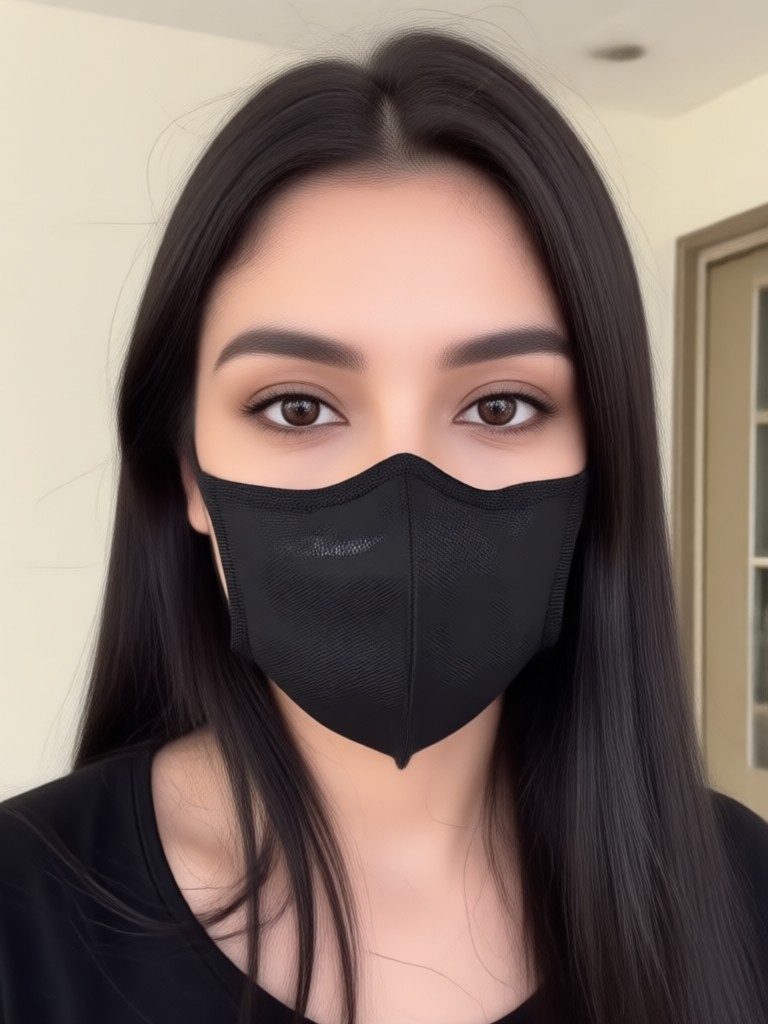
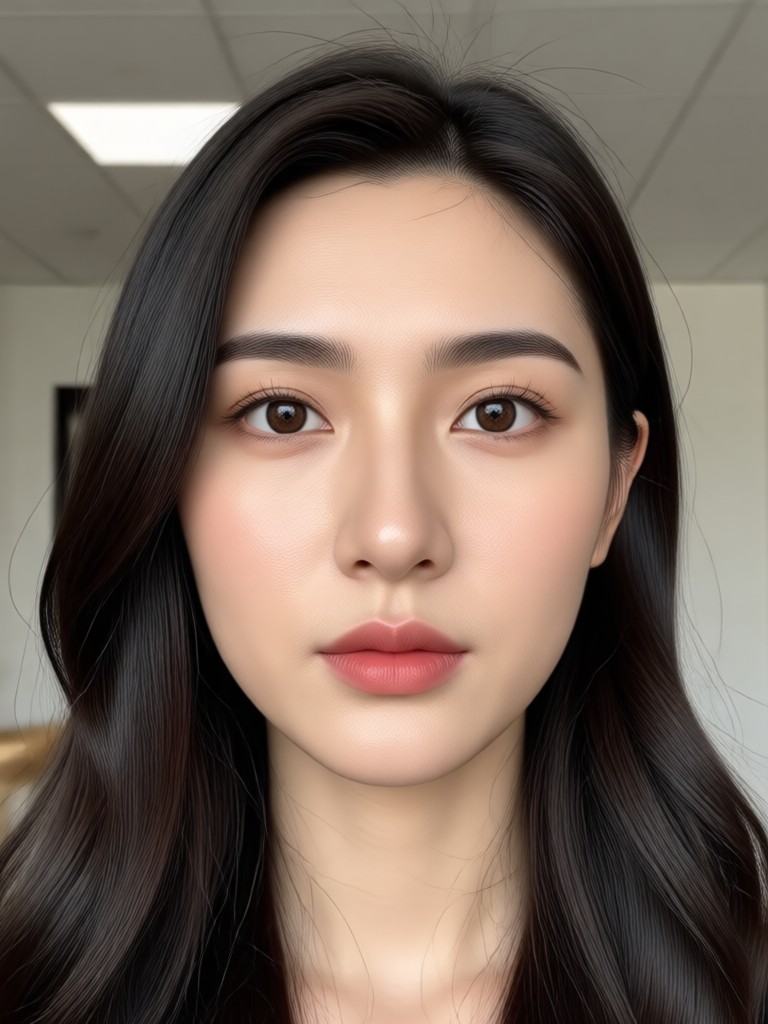
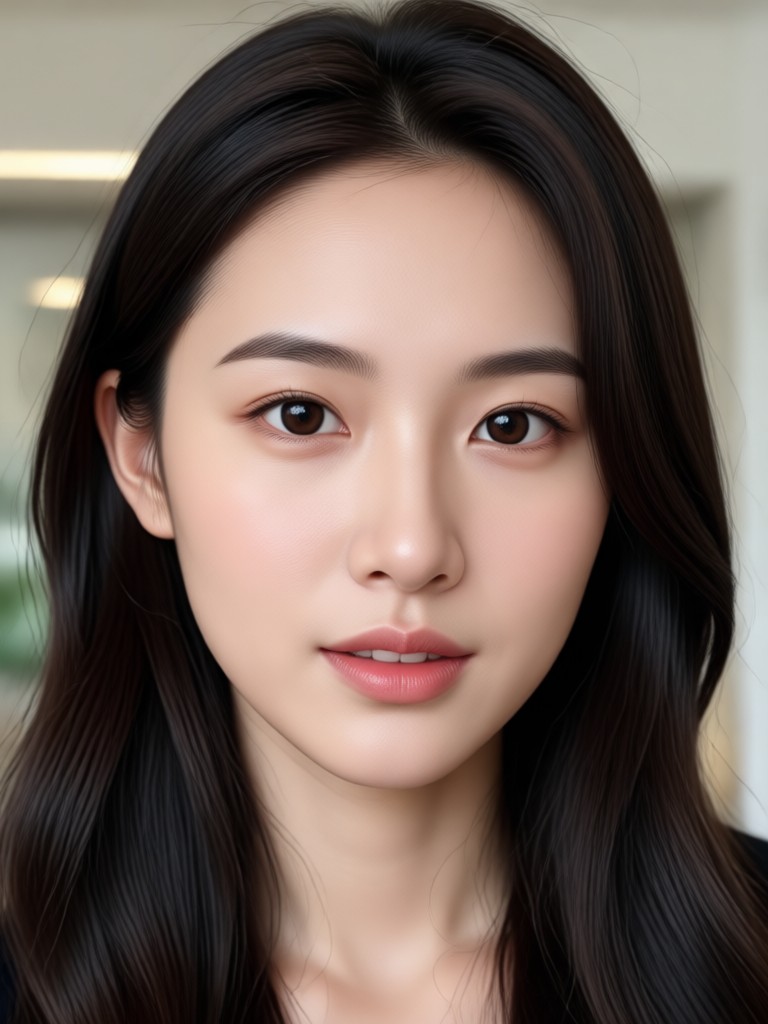
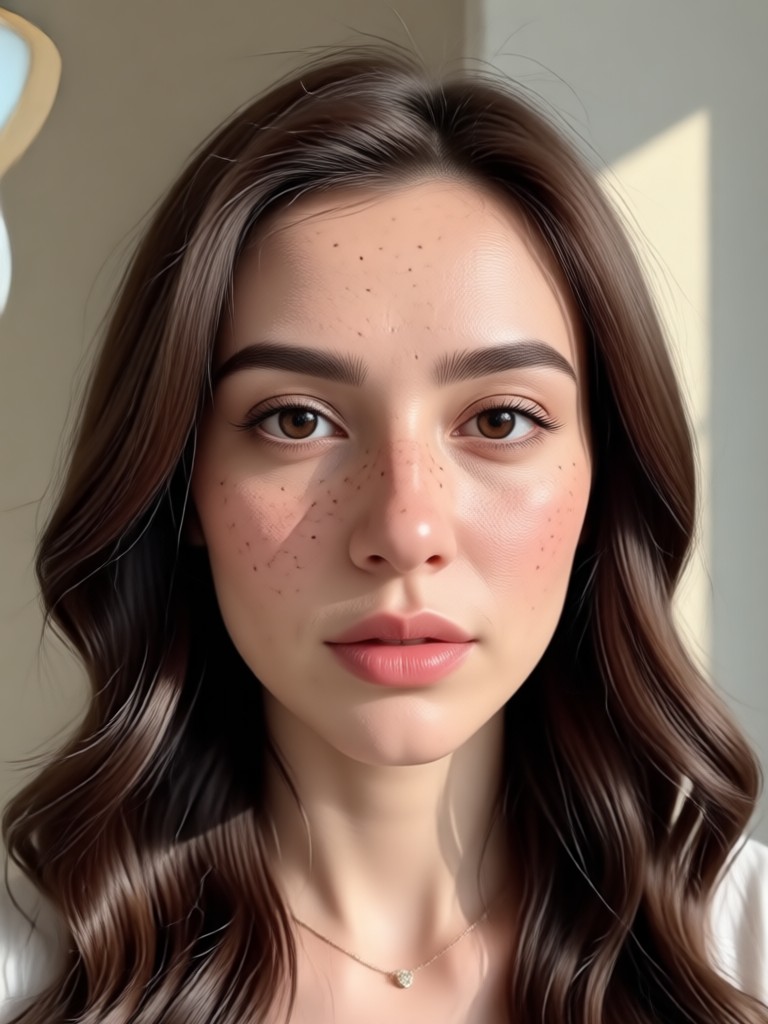
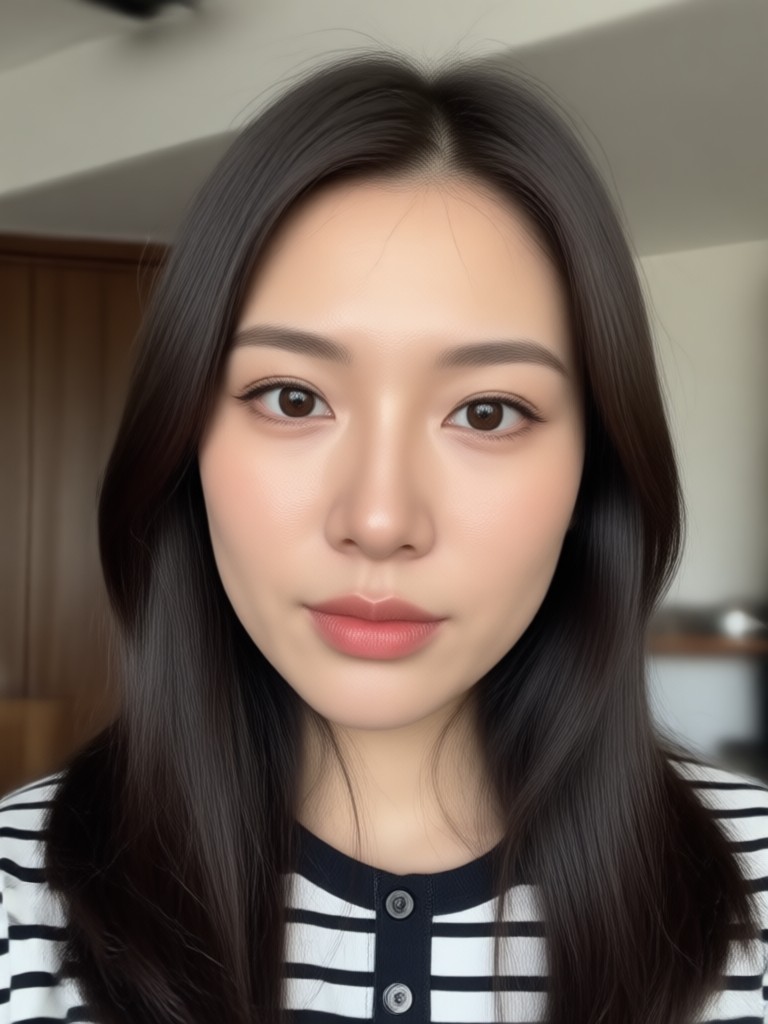
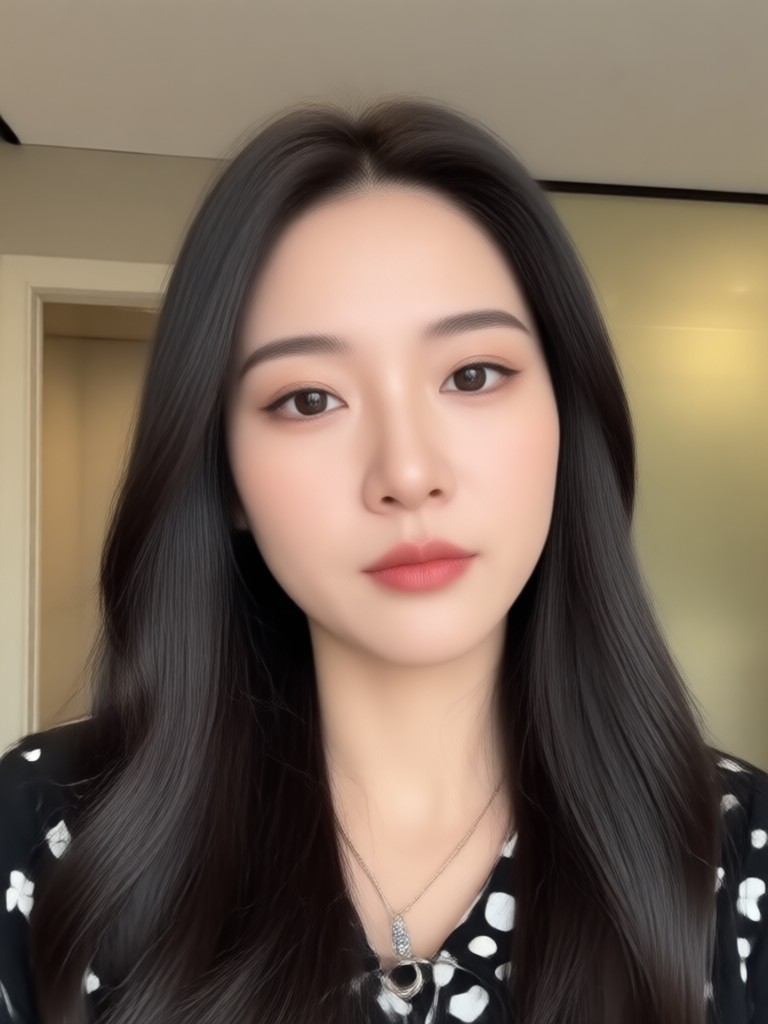
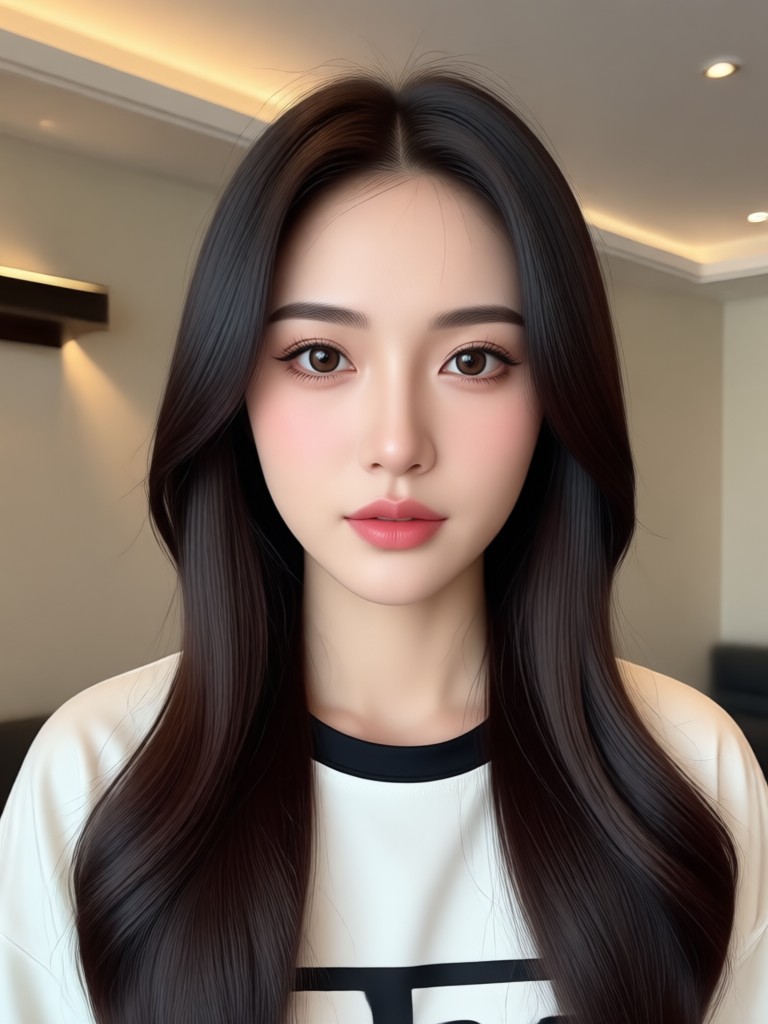
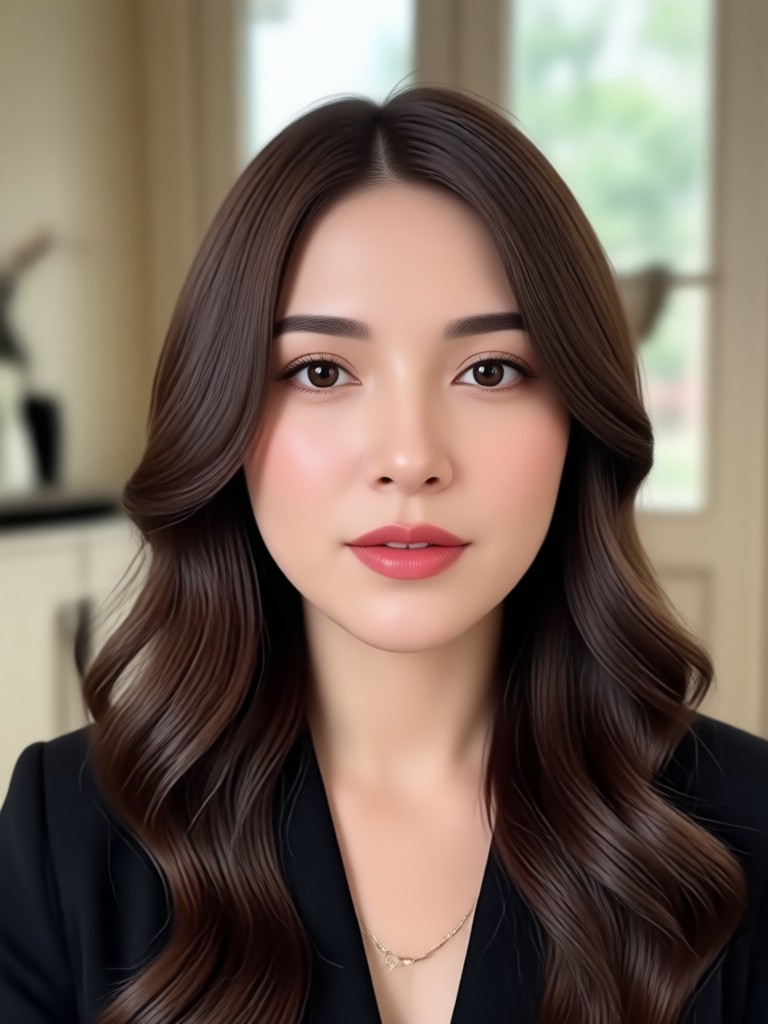
Face Replacement Video Showcase
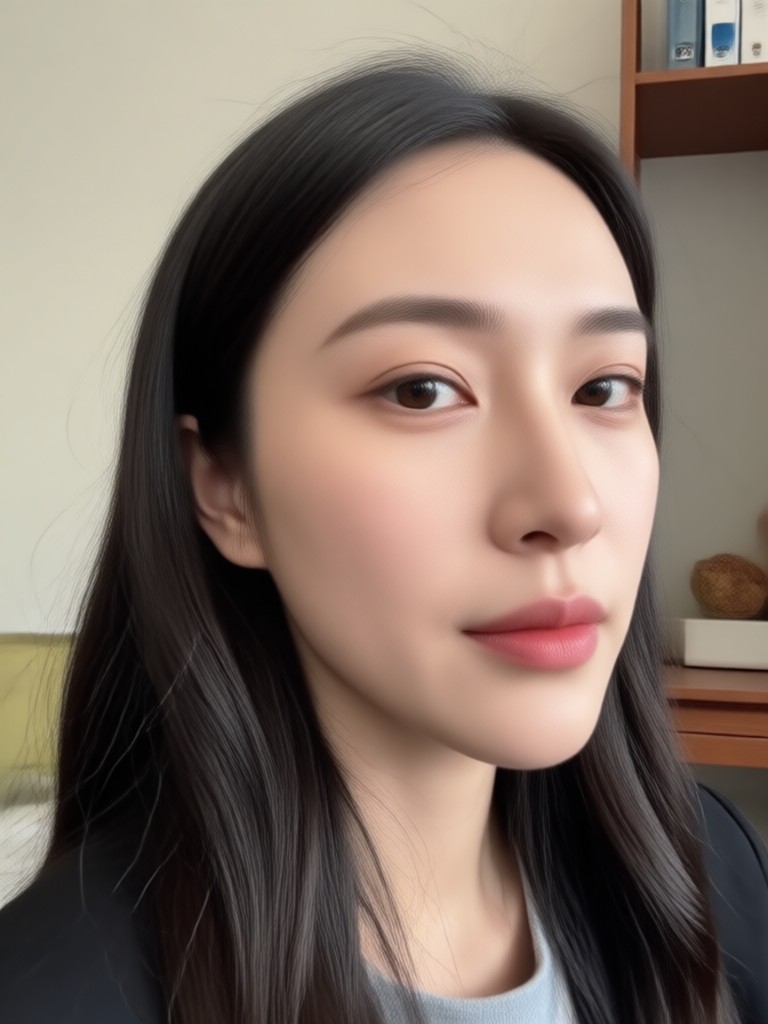
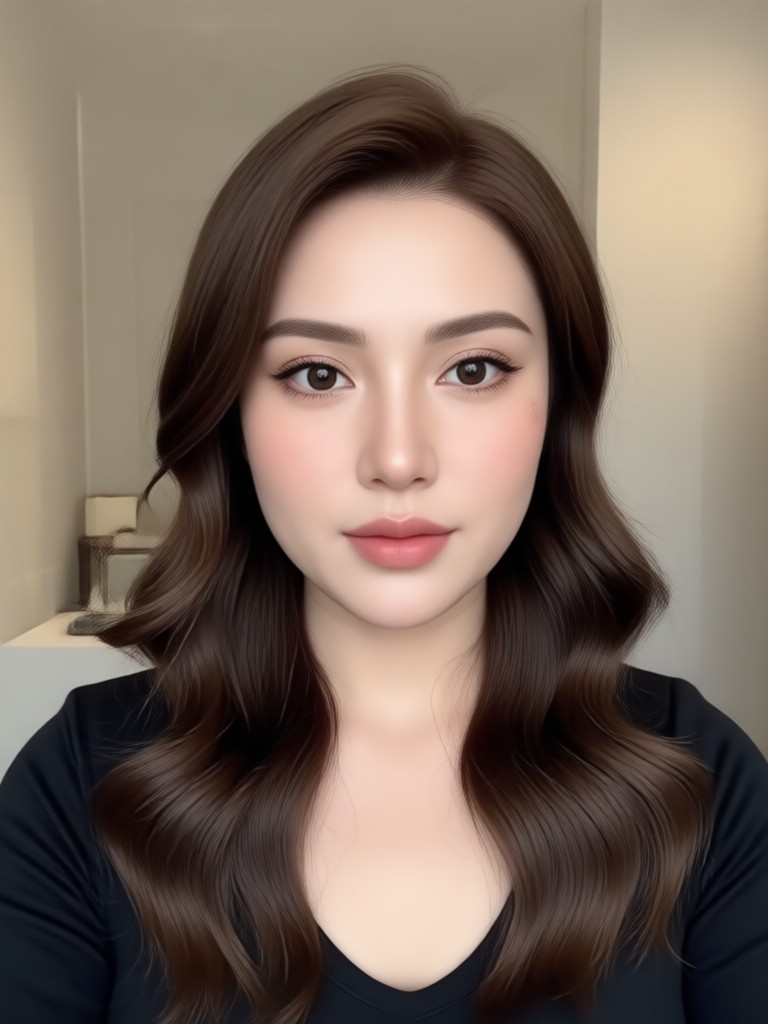
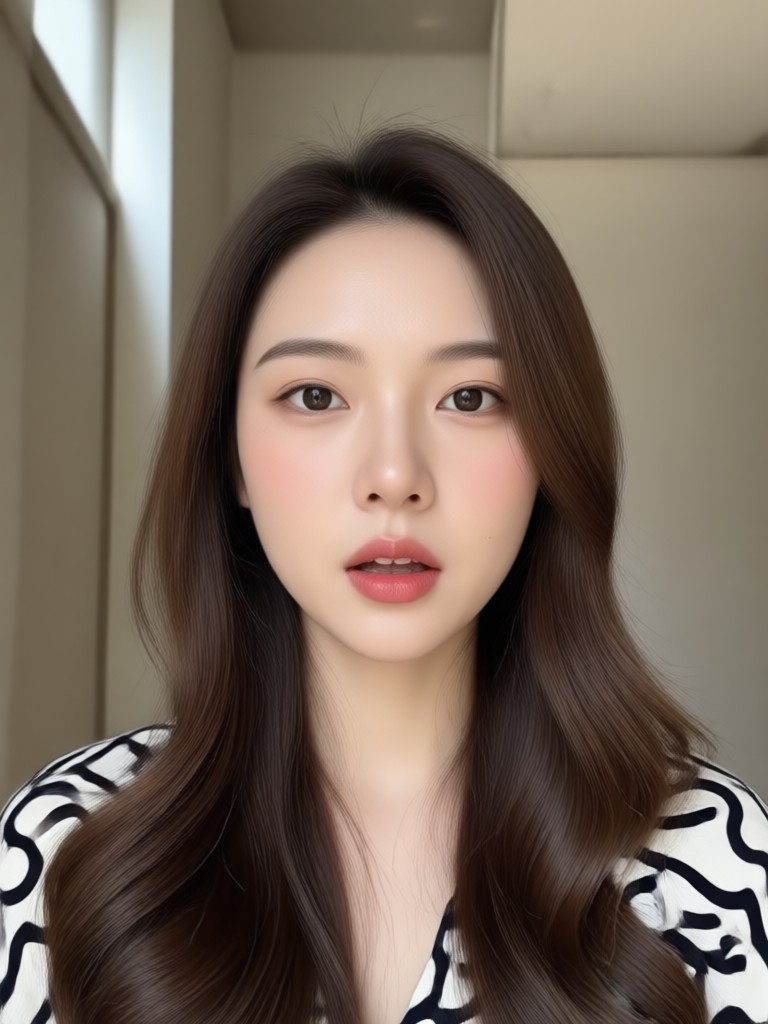
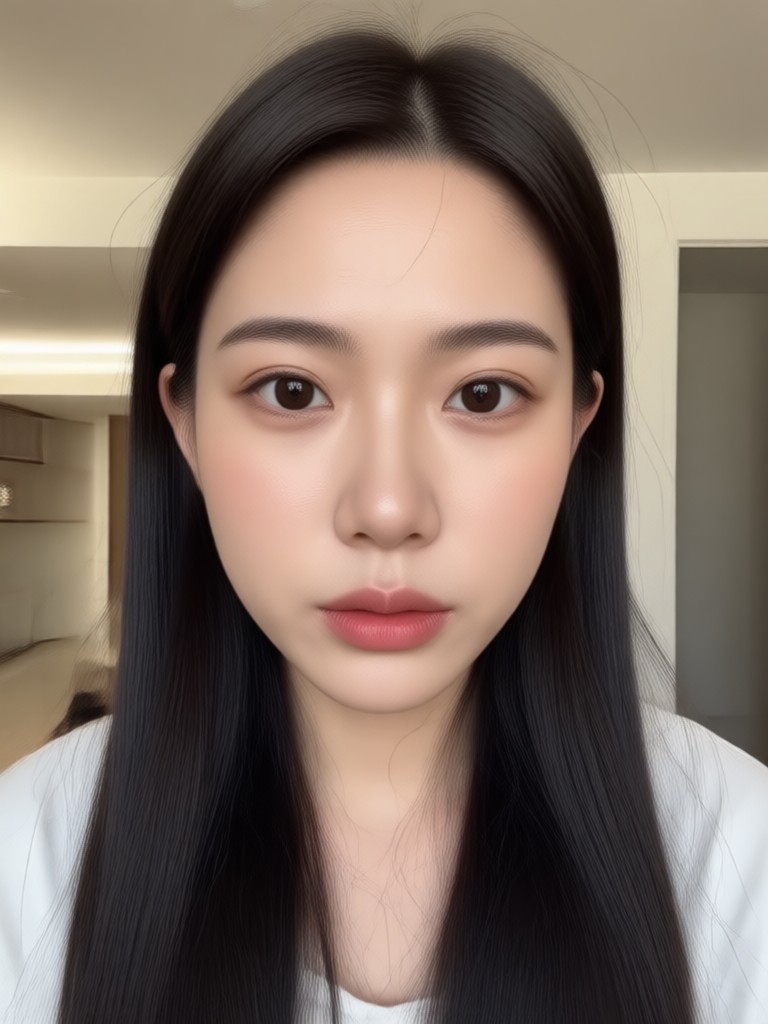
Browse a collection of videos transformed with AI face swap. See how users have applied the technology for humor, storytelling, and creative expression.
How To Replace a Face In Video?
Create impressive face swap videos in just three simple steps using the dradra mobile app. No complex software needed.

Step 01.
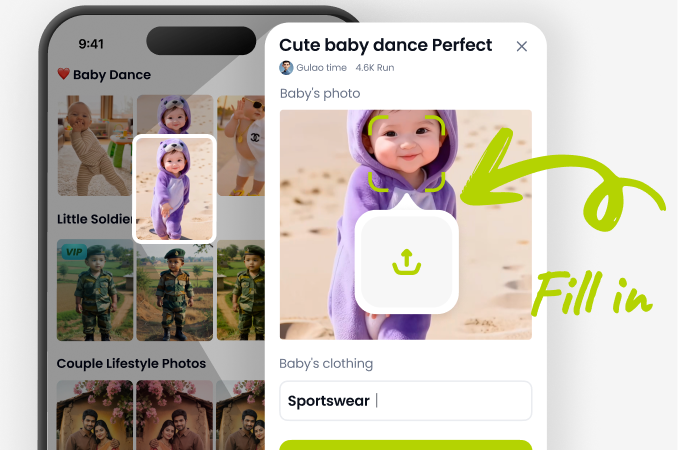
Download the dradra app from Google Play. Open the app and navigate to the video tools section, then select 'Face Replace'.
Step 02.
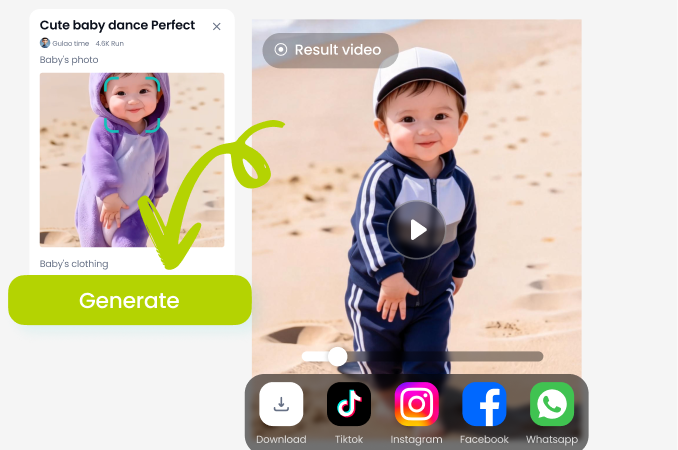
Upload your video clip. Then, select the face you want to replace and choose a new face from your gallery or from our suggested templates.
Step 03.
Let the AI process the swap. Preview the result, make minor adjustments if needed, then download your new video or share it directly to social media.
Why Choose Our AI Face Replacer?
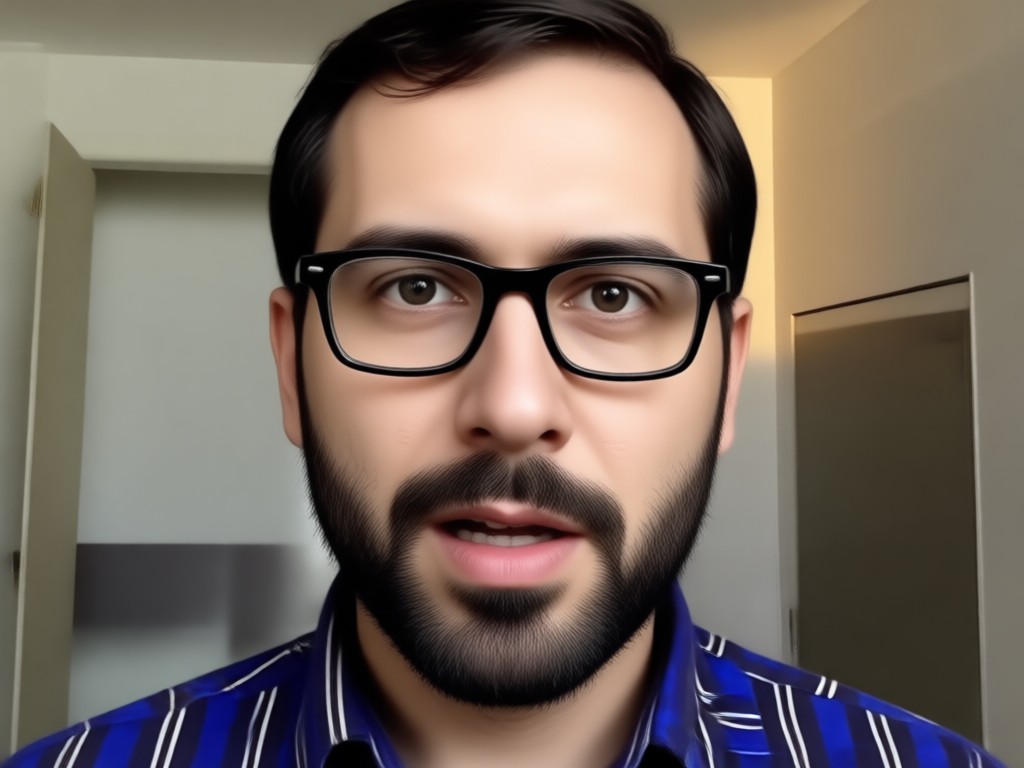
Unlike basic photo apps, our tool is built specifically for video. It handles motion, expression changes, and complex lighting to deliver swaps that look real, not awkward or static.
Why Choose Our AI Face Replacer?
Unlike basic photo apps, our tool is built specifically for video. It handles motion, expression changes, and complex lighting to deliver swaps that look real, not awkward or static.
What Creators Say About Face Replacement
A Game-Changer for My Comedy Skits
I use this to put my friend's face on famous movie scenes for our YouTube channel. The tracking is so good that even when the head turns, the swap stays perfect. It saves hours of manual editing.
Incredible for Personal Video Projects
I made a birthday video for my brother where I swapped his face into old family movies as a baby. The emotional impact was huge, and the AI made it look seamless. So easy to use on my phone.
Perfect Tool for Social Media Trends
Whenever a new meme format goes viral, I can jump on it instantly by swapping in the right faces. The processing is fast, and the results always get a ton of engagement and shares.
Face Replacement Video FAQs
Get answers to the most common questions about using AI to swap faces in your videos, from technical details to creative possibilities.
Face Swap Video Maker
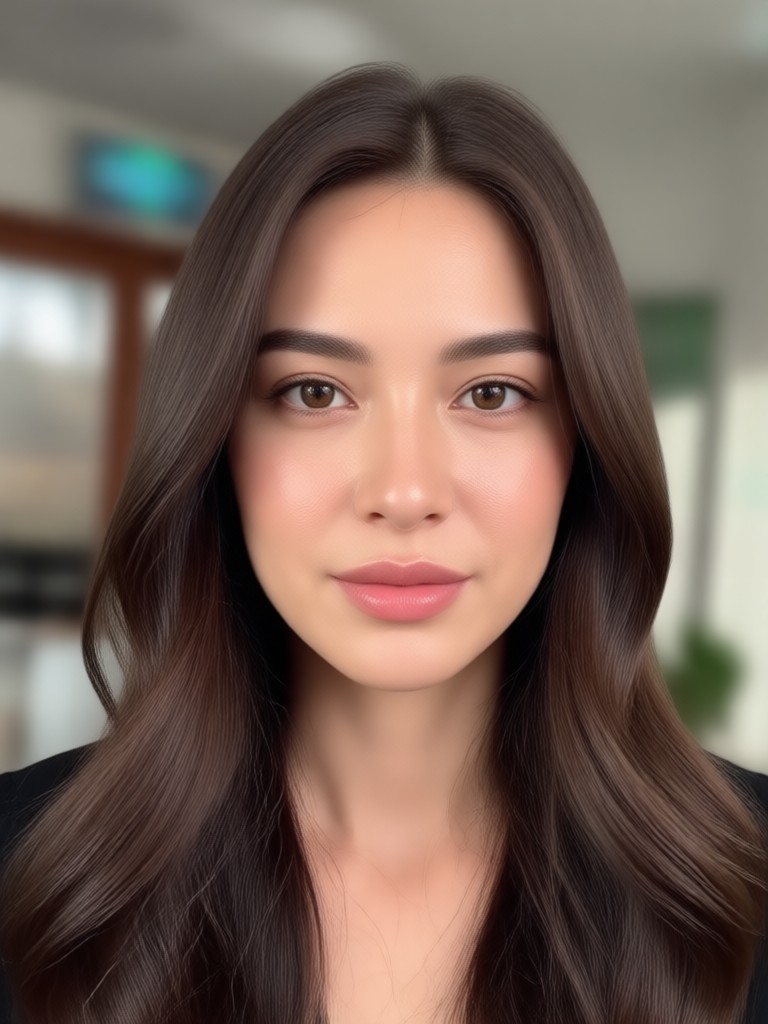
Turn any video into a masterpiece of digital impersonation. Download the app and start creating hilarious, creative, or stunning face replacement videos right on your phone.

Ready to Transform Your Videos?
Join thousands of creators who are using AI face replacement to unlock new levels of creativity. Download the dradra app now and make your first swap in minutes.

Ready to Transform Your Videos?
Join thousands of creators who are using AI face replacement to unlock new levels of creativity. Download the dradra app now and make your first swap in minutes.