Family Double Exposure Photo Generator
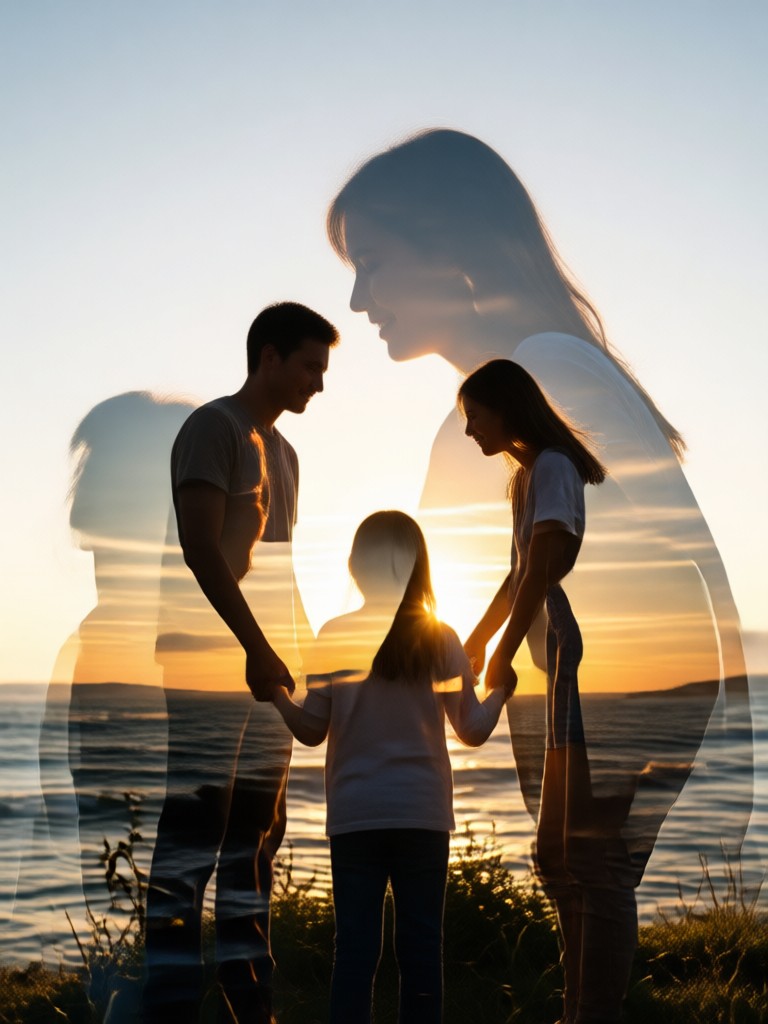
Explore Creative Double Exposure Styles
Discover a variety of artistic filters designed to create unique double exposure effects for your family photos. From soft blends to high contrast art.
Key Features of Our Family Portrait Generator
Transform your personal photos into meaningful art with intuitive tools built for everyone, not just professional designers.
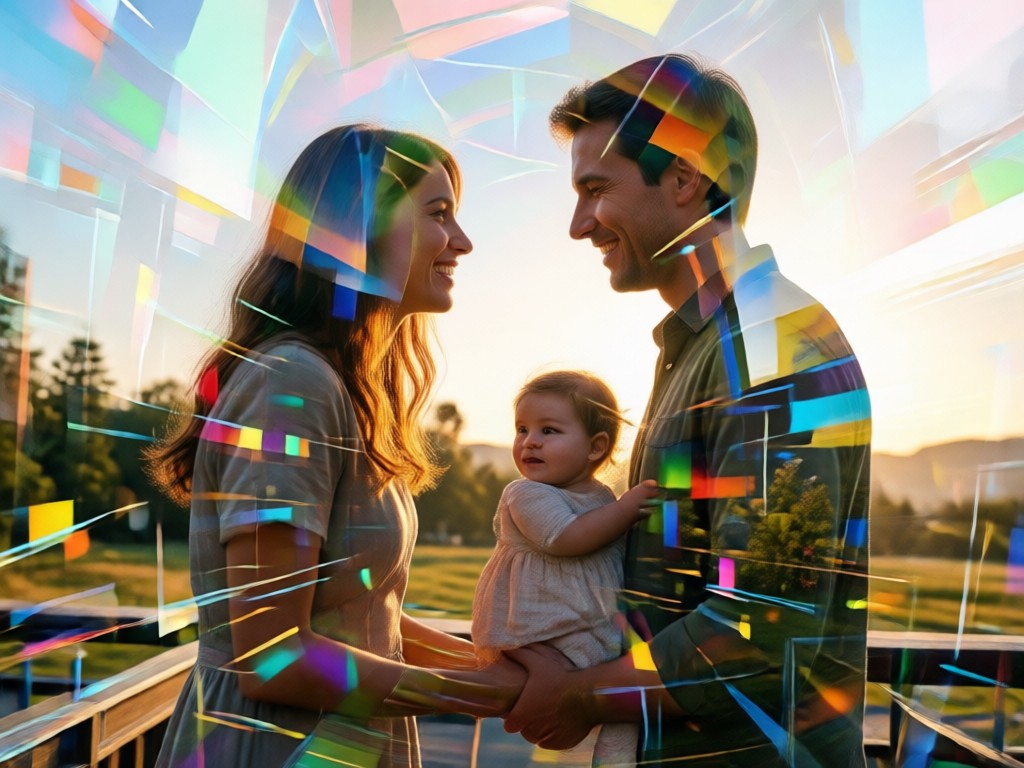
Intuitive Dual-Photo Blending
Simply upload a family portrait and a secondary image, like a landscape or pattern. Our AI intelligently layers them, preserving facial details while blending the second image seamlessly into the background or silhouette.
Intuitive Dual-Photo Blending
Simply upload a family portrait and a secondary image, like a landscape or pattern. Our AI intelligently layers them, preserving facial details while blending the second image seamlessly into the background or silhouette.
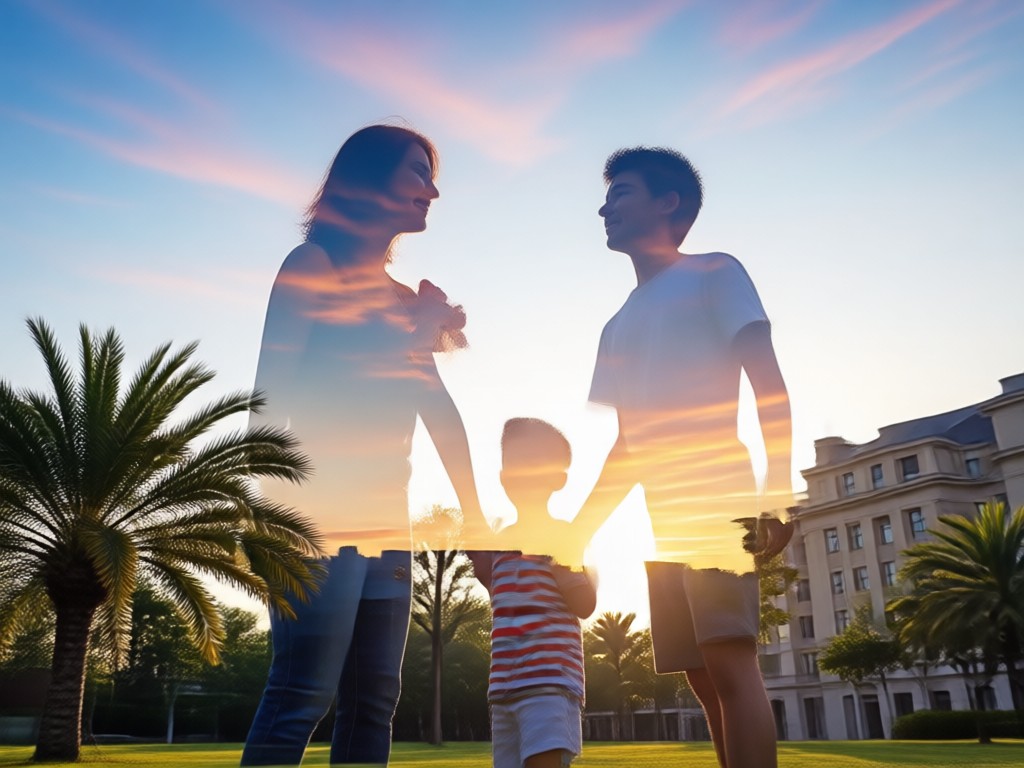
Artistic Style Templates
Choose from dozens of pre-set artistic styles. Achieve looks like vintage film, high contrast monochrome, watercolor wash, or modern graphic art with a single tap, customizing the mood of your family portrait.
Artistic Style Templates
Choose from dozens of pre-set artistic styles. Achieve looks like vintage film, high contrast monochrome, watercolor wash, or modern graphic art with a single tap, customizing the mood of your family portrait.
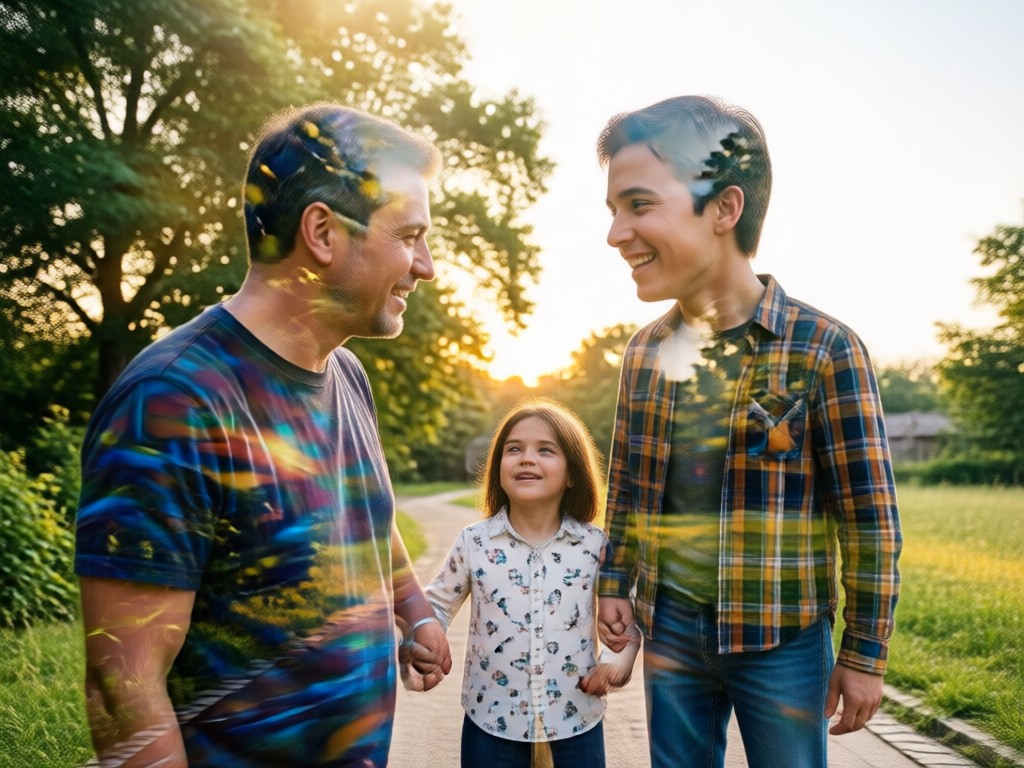
Precise Layer Control
Adjust the opacity, blend mode, and positioning of each layer to get the perfect effect. Fine-tune until your portrait tells exactly the story you want, with complete creative control in your hands.
Precise Layer Control
Adjust the opacity, blend mode, and positioning of each layer to get the perfect effect. Fine-tune until your portrait tells exactly the story you want, with complete creative control in your hands.
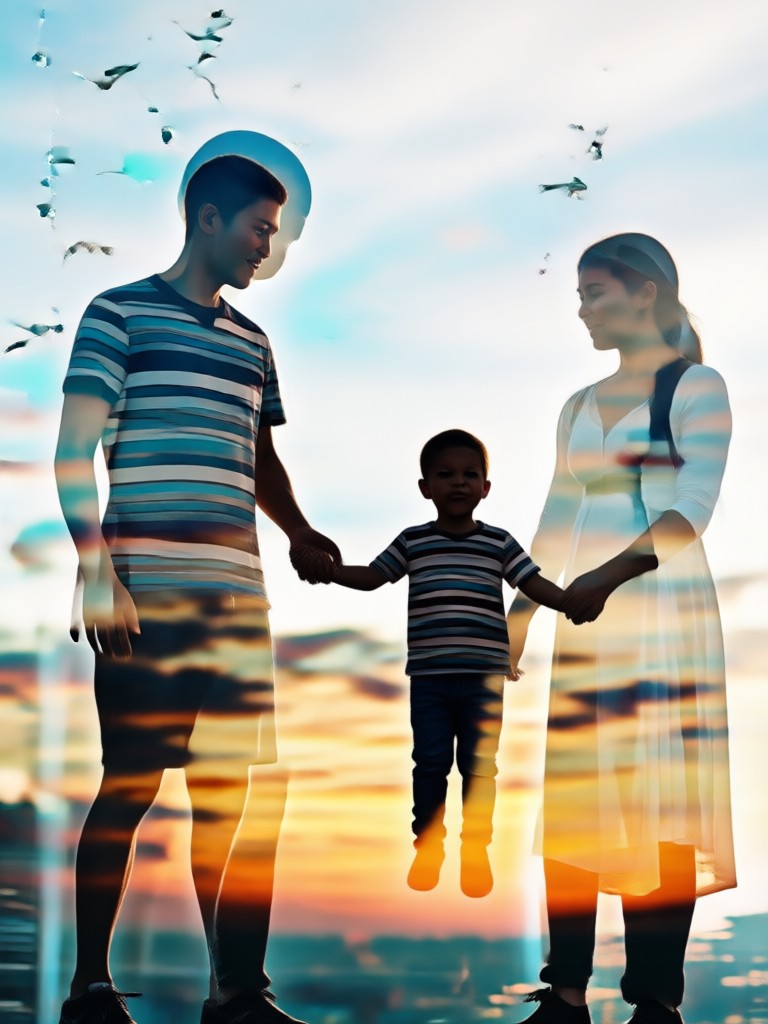
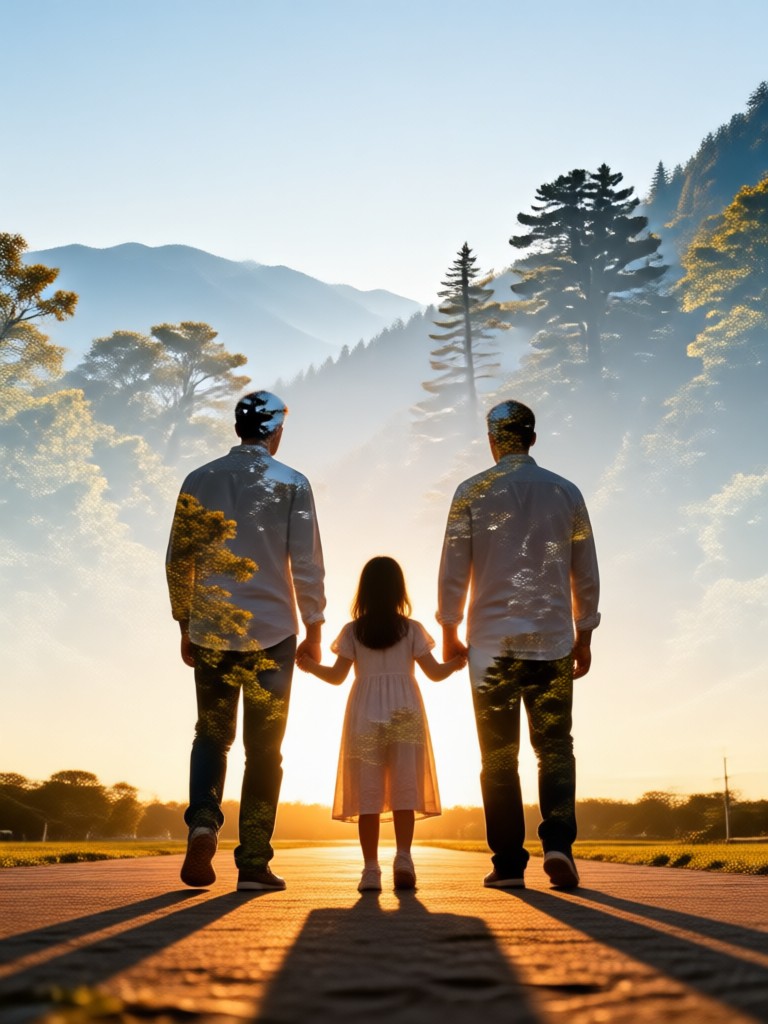
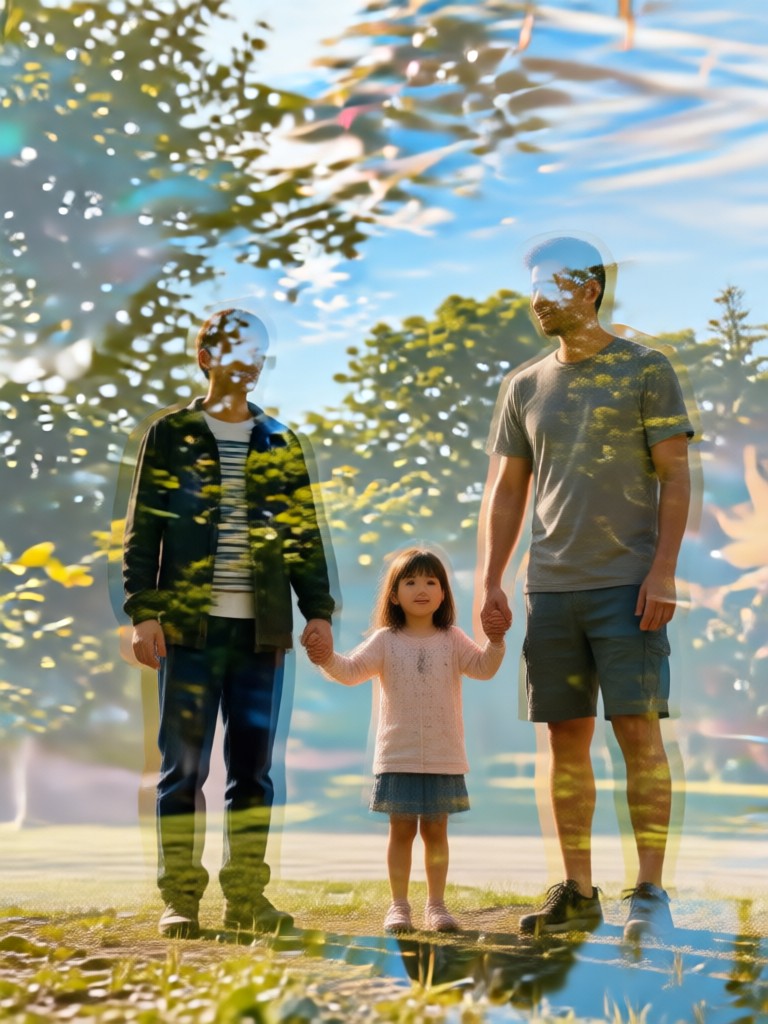
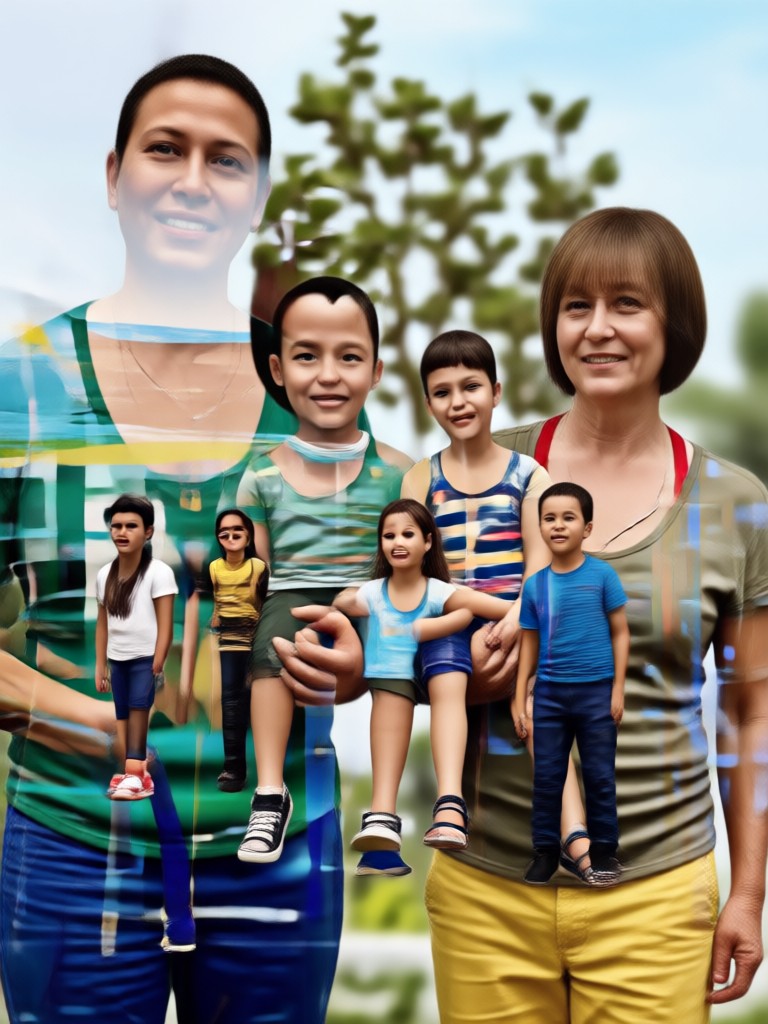
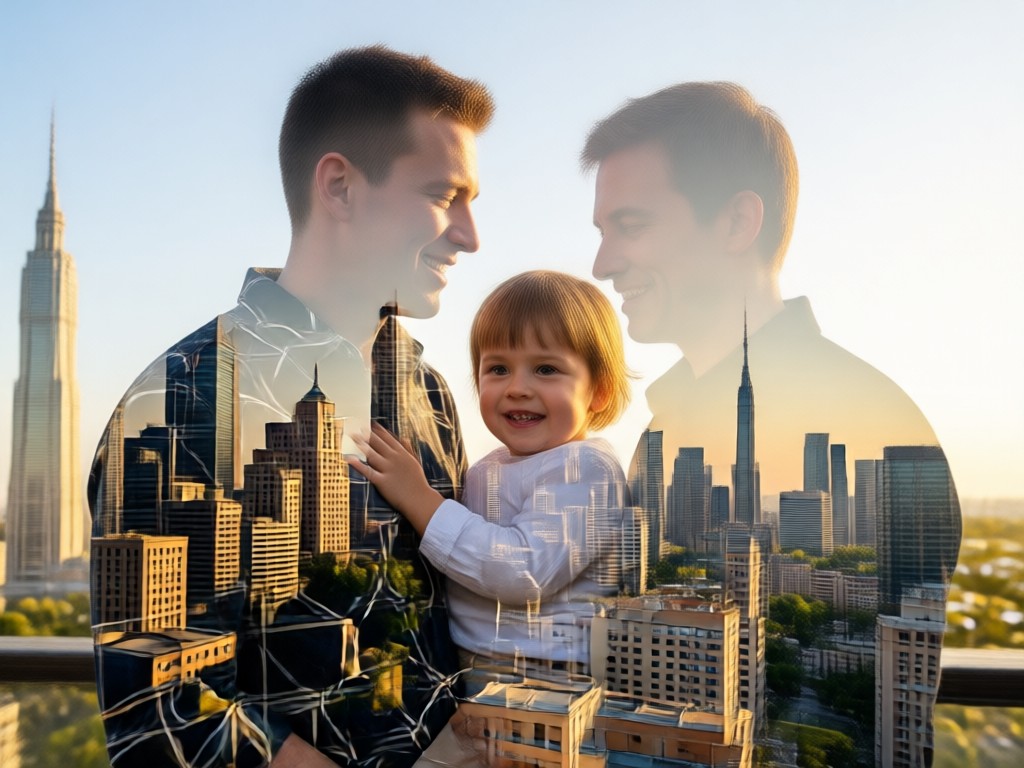
Double Exposure Family Portrait Gallery
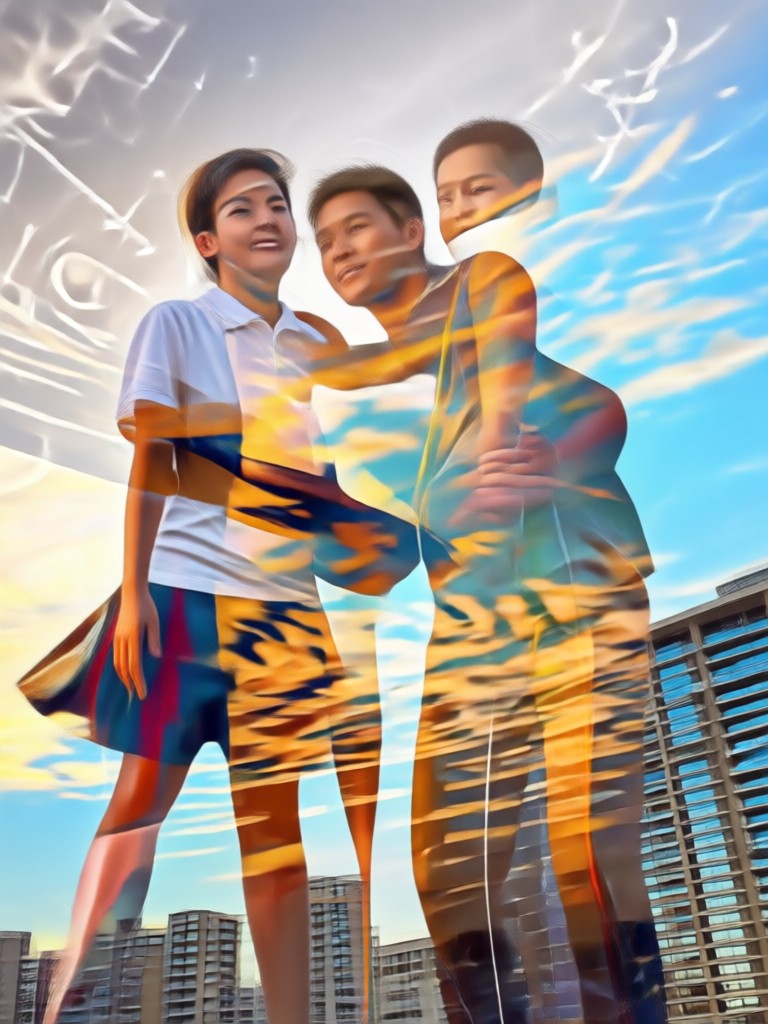
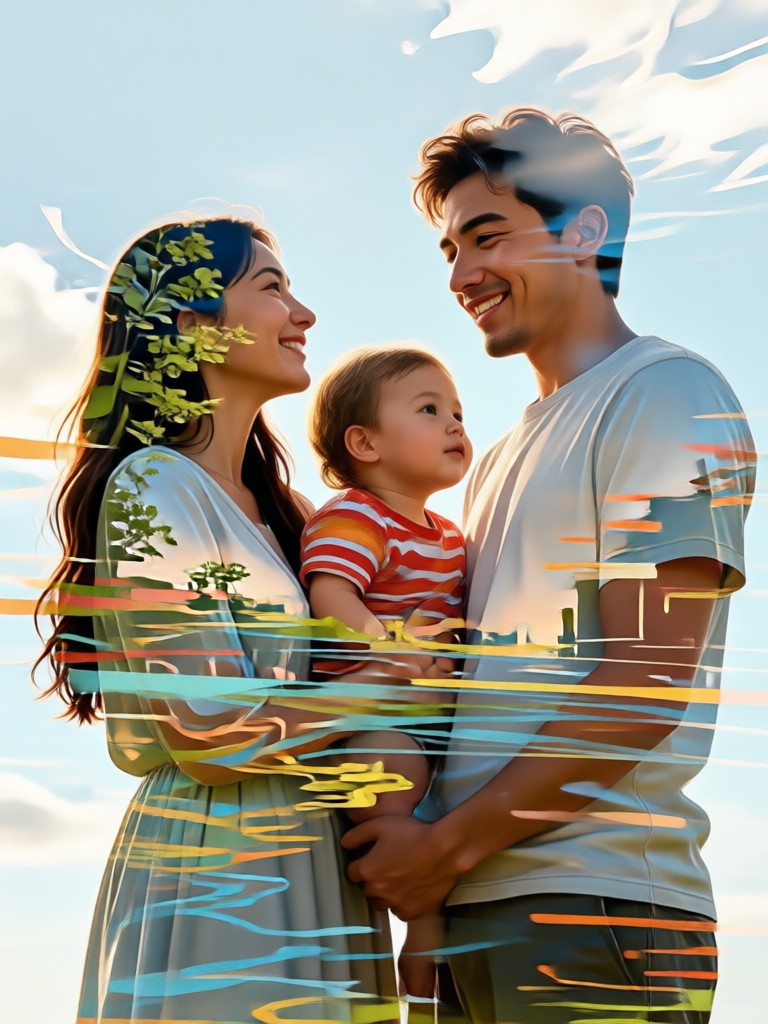
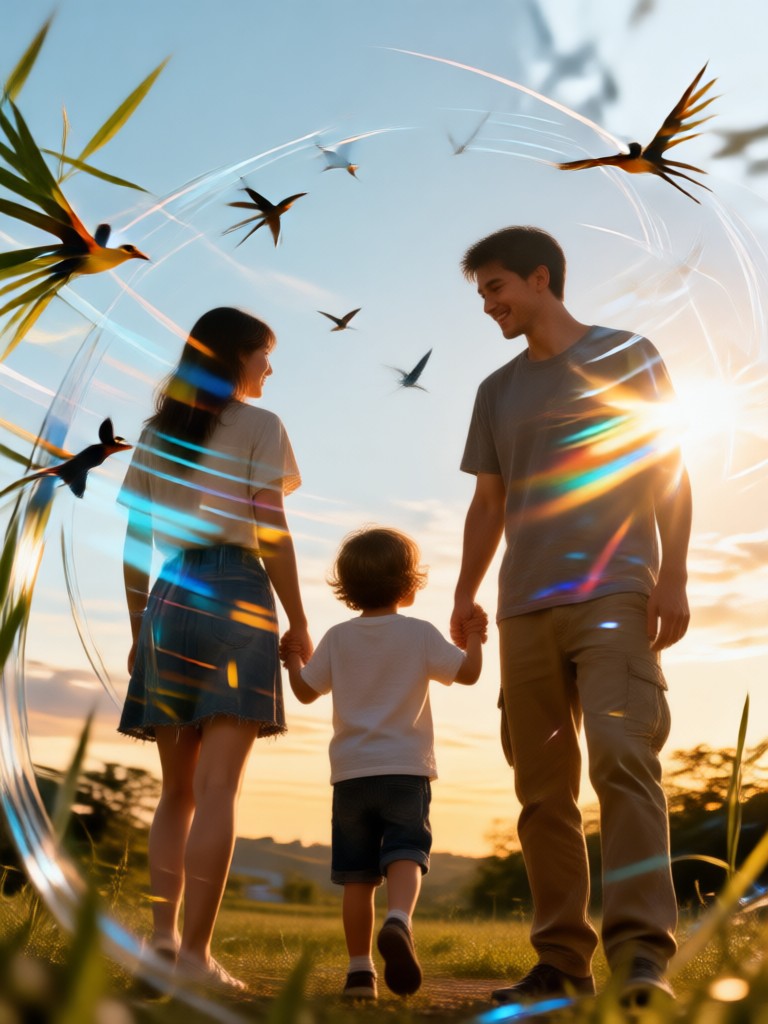
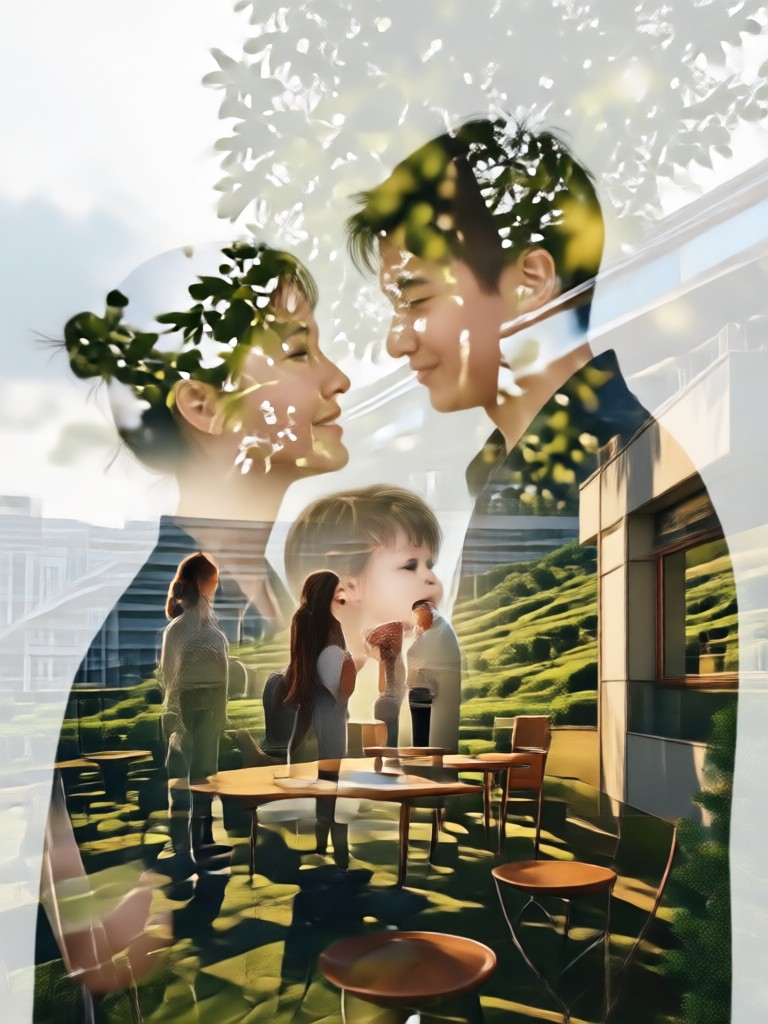
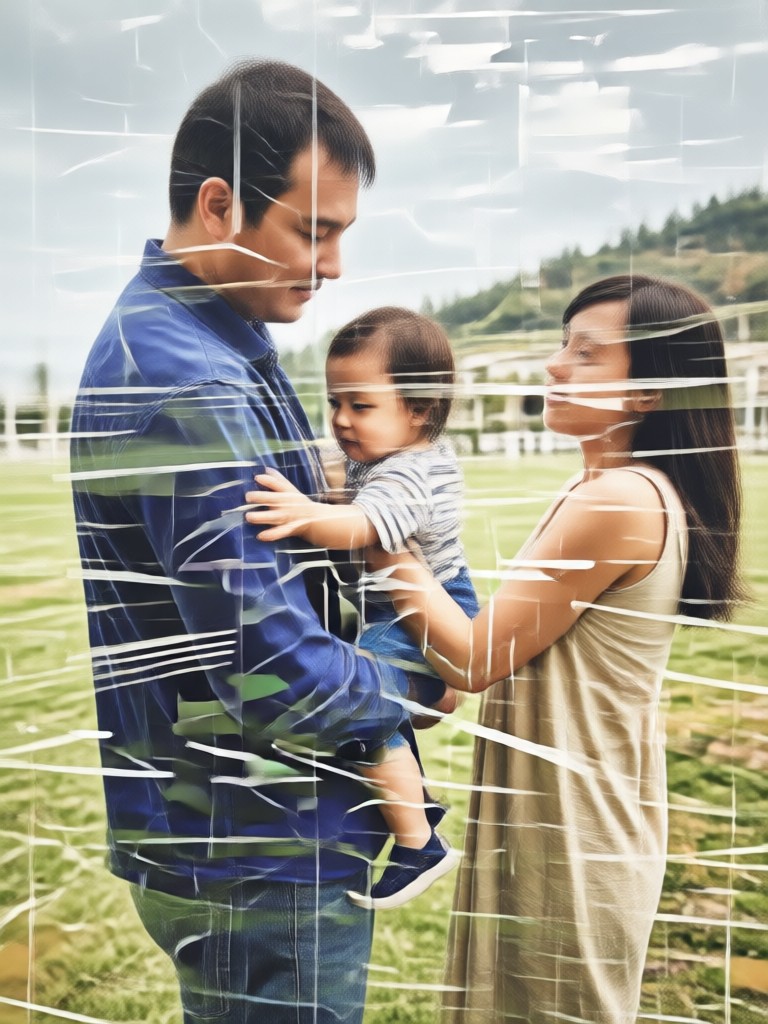
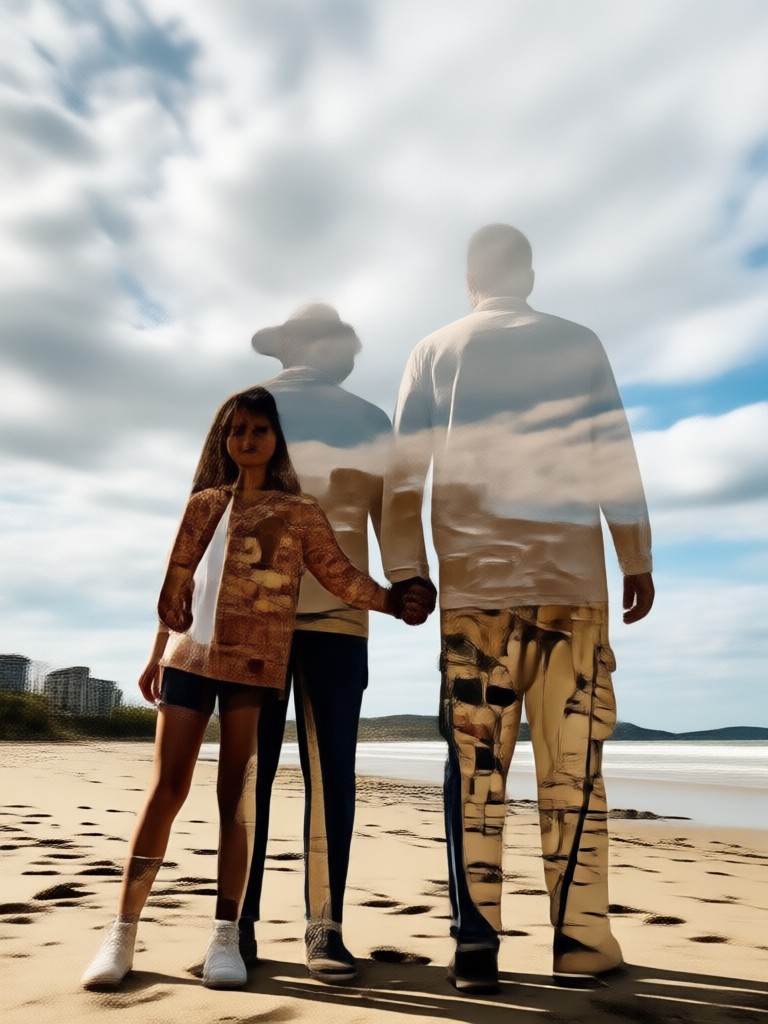
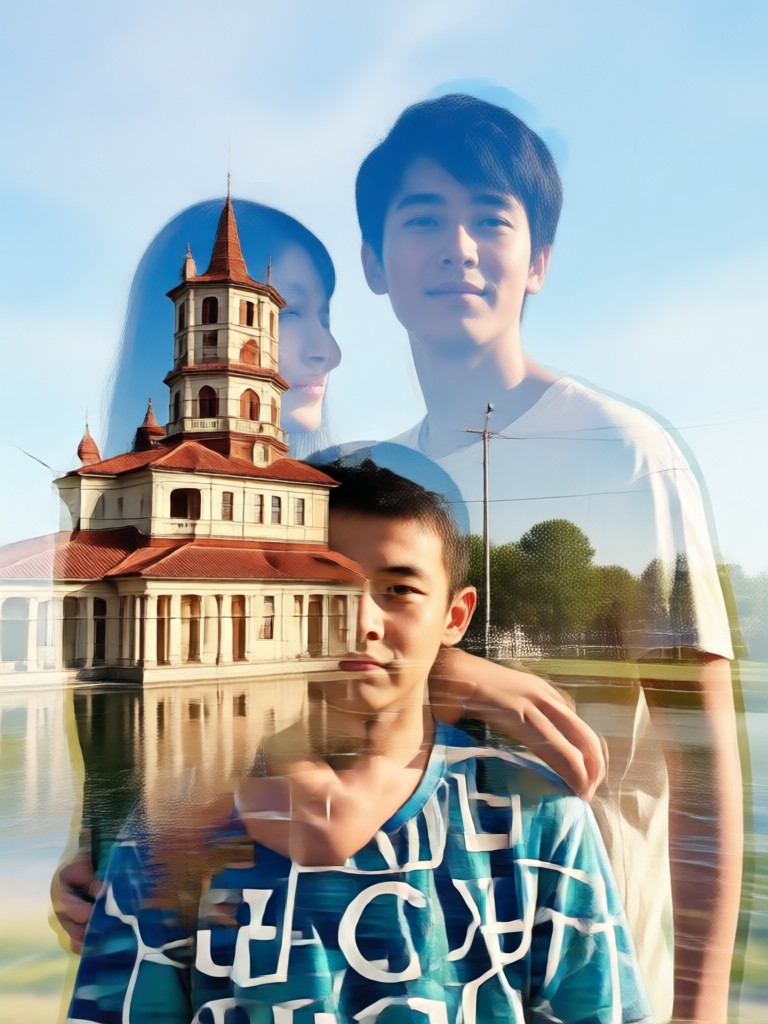
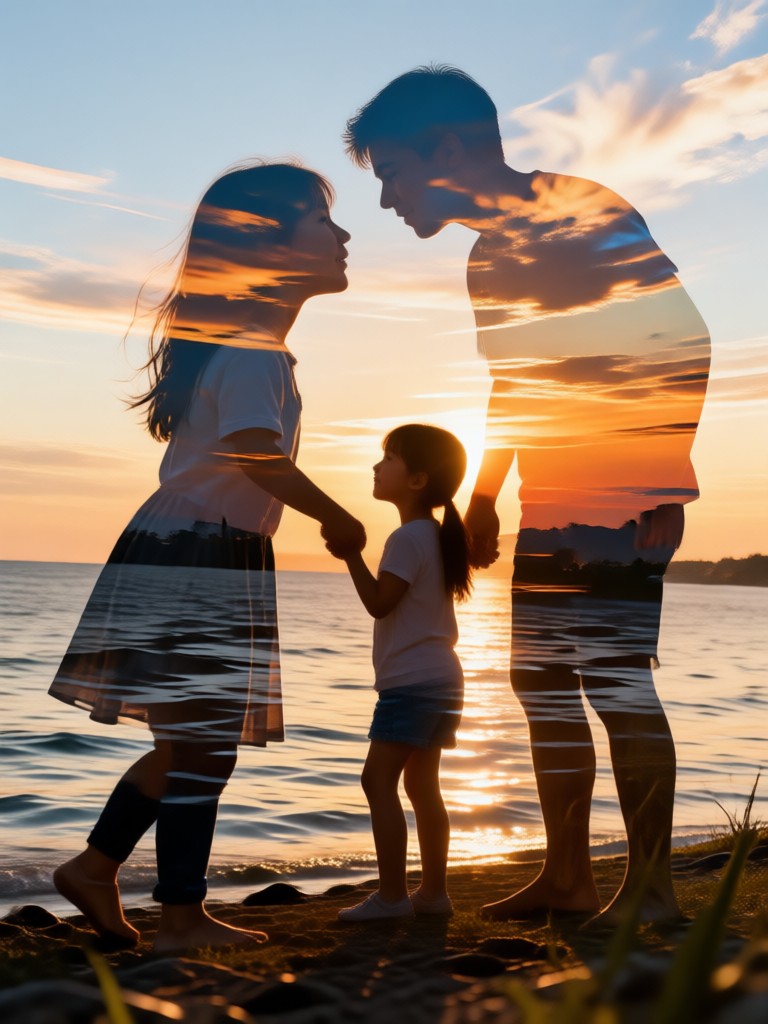
Get inspired by these beautiful examples of AI-generated double exposure portraits. See how others have blended family and memories into stunning visual art.
Why Choose Our AI Double Exposure Tool?
Creating professional quality double exposure art traditionally requires advanced Photoshop skills. Our mobile generator delivers those stunning, layered results instantly, putting powerful artistic creation in your pocket for personalized family keepsakes.
Why Choose Our AI Double Exposure Tool?
Creating professional quality double exposure art traditionally requires advanced Photoshop skills. Our mobile generator delivers those stunning, layered results instantly, putting powerful artistic creation in your pocket for personalized family keepsakes.
How to Create a Double Exposure Family Photo?
Follow three simple steps to transform your photos into a beautiful, layered portrait directly from your phone.

Step 01.
Download the app and open the Double Exposure generator. Select your first photo, typically a clear portrait of your family or loved one.
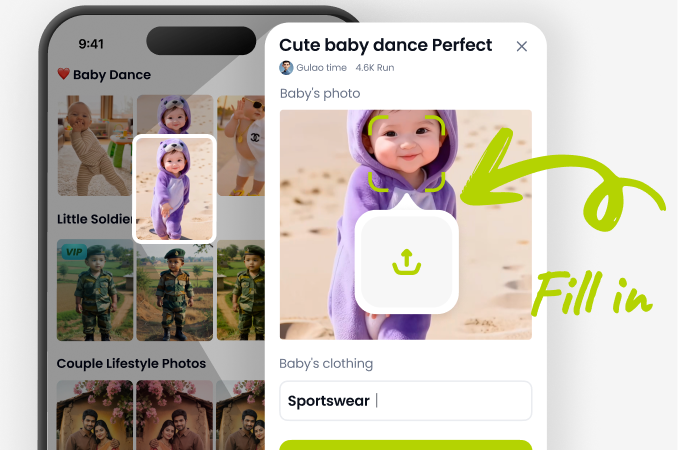
Step 02.
Upload your second image. This could be a landscape, a texture, a pattern, or another meaningful photo. Then, browse and select your preferred artistic blend style.
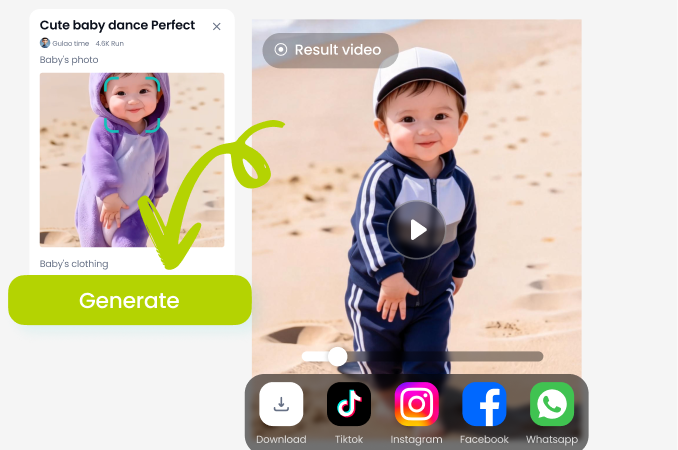
Step 03.
Generate your artwork. Use the simple sliders to fine-tune the blend, then save and share your unique double exposure family portrait.
Here is What Families Are Saying
Created a beautiful anniversary gift
I blended a photo from our wedding day with a picture of our home. The result was a stunning, meaningful piece of art we had printed on canvas. It was so easy to do on my phone.
Perfect for celebrating my parents
For their 50th anniversary, I combined a recent portrait with a scanned image of their old passport stamps from travels. It told their story beautifully. The app made a complex technique simple.
My kids love seeing themselves in art
We made a double exposure using my son's soccer photo and the team's logo. He was so proud. It's a fantastic way to create personalized art for their rooms without any design experience.
Frequently Asked Questions
Find quick answers to common questions about creating double exposure family photos with our AI generator.
More Topics You May Like
Explore more topics you may like and discover fresh ideas tailored to your interests.
Create Magical City Lights Rain Hugs with AI
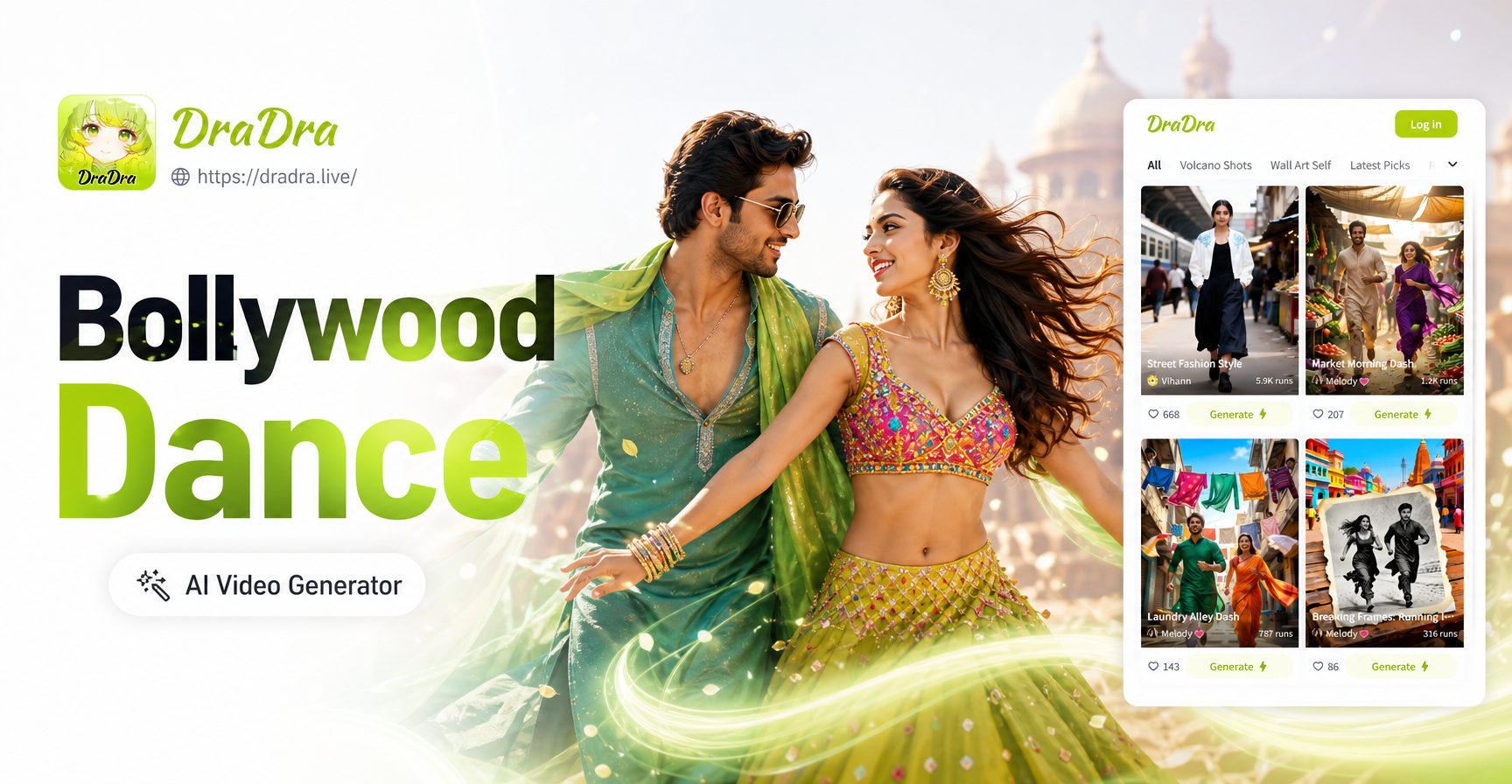
Create Bollywood Dance Videos with Your Partner Instantly
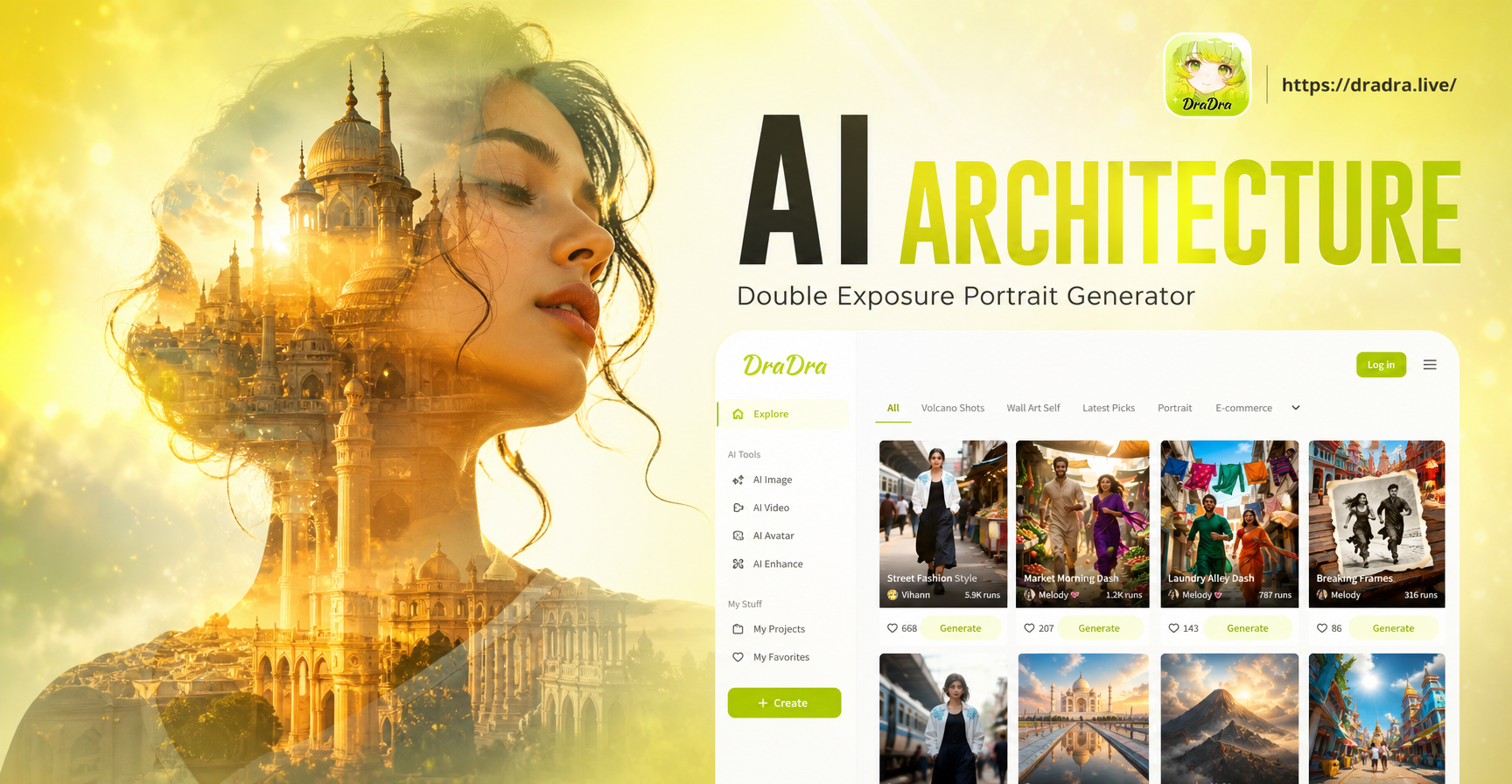
Merge Architecture & Portraits: AI Double Exposure Creator
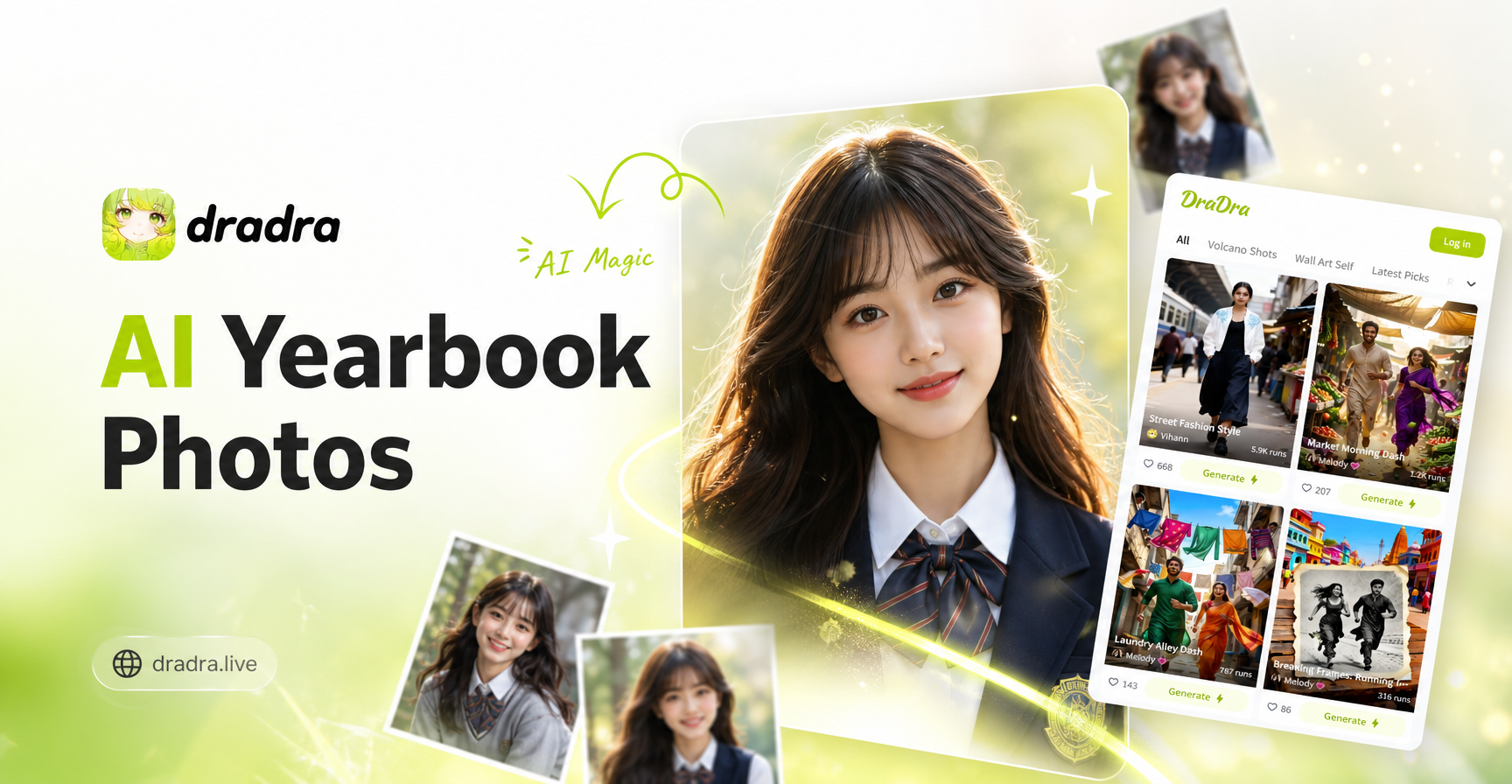
AI Yearbook Photo Filter: Turn Any Picture into a '90s Memory
Create Magical City Lights Rain Hugs with AI
Create Bollywood Dance Videos with Your Partner Instantly
Merge Architecture & Portraits: AI Double Exposure Creator
AI Yearbook Photo Filter: Turn Any Picture into a '90s Memory
Turn Your Family Memories Into Art
Stop scrolling through simple photos. Create a lasting, artistic legacy with a personalized double exposure portrait that tells your unique family story. Download the app and start blending today.
Turn Your Family Memories Into Art
Stop scrolling through simple photos. Create a lasting, artistic legacy with a personalized double exposure portrait that tells your unique family story. Download the app and start blending today.