Fire Double Exposure Portrait Generator
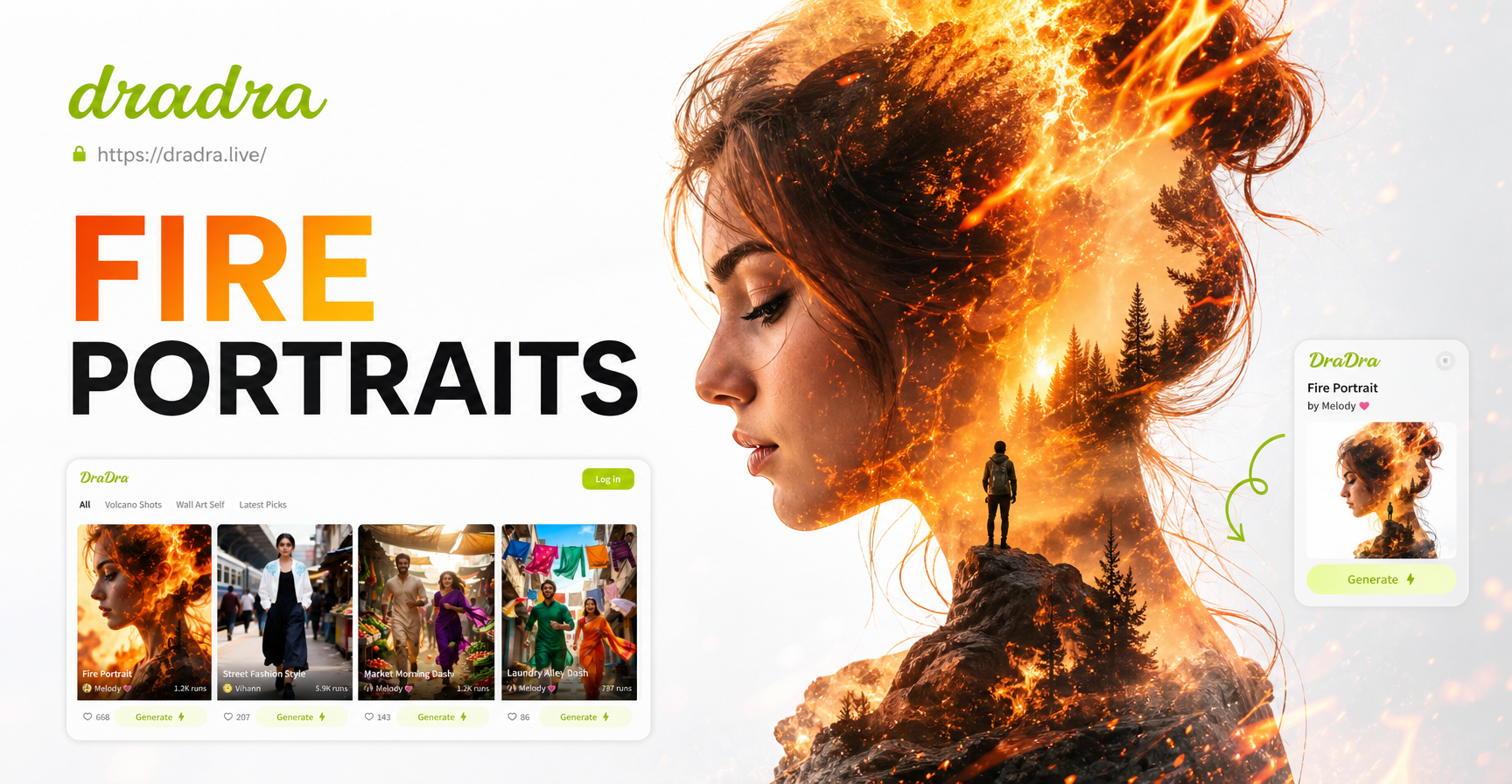
Explore Fire & Double Exposure Styles
Choose from a library of artistic fire filters and exposure blends designed to match your creative vision, from subtle ember overlays to inferno-like fusions.
Key Features of Our Fire Double Exposure Generator
Go beyond basic filters. Our AI-powered tool offers precise control for creating professional-grade fire portrait art directly on your phone.
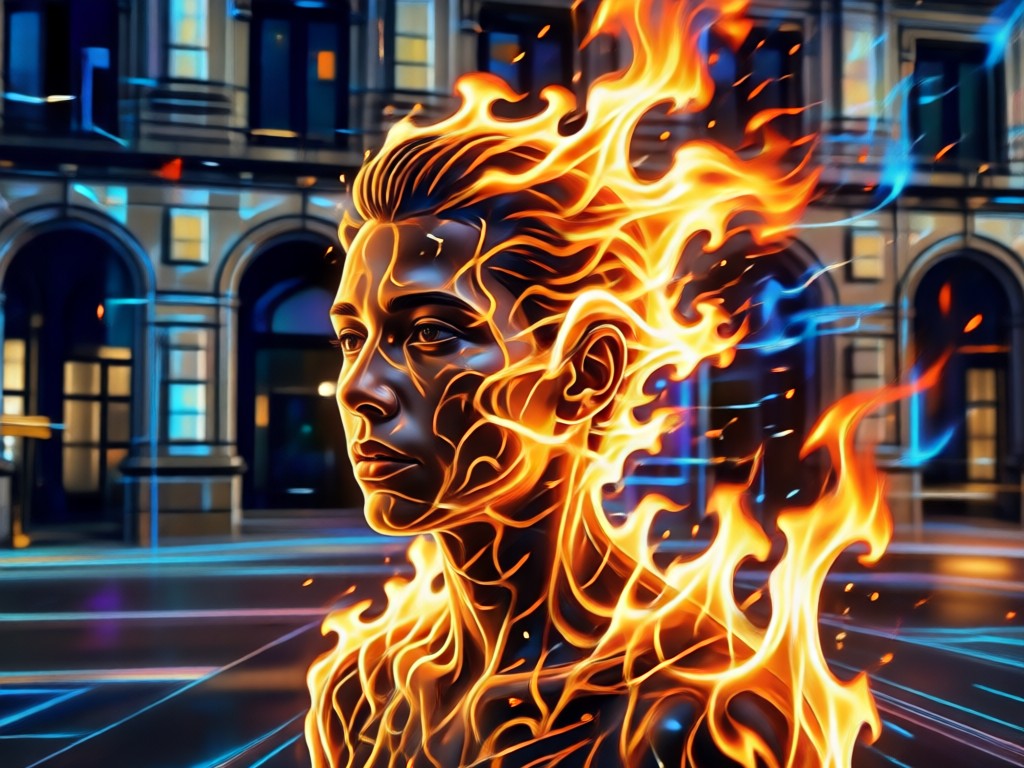
Smart Portrait & Fire Fusion
AI intelligently isolates your subject and seamlessly blends it with roaring fire, smoke, or ember textures, maintaining perfect detail in both elements.
Smart Portrait & Fire Fusion
AI intelligently isolates your subject and seamlessly blends it with roaring fire, smoke, or ember textures, maintaining perfect detail in both elements.
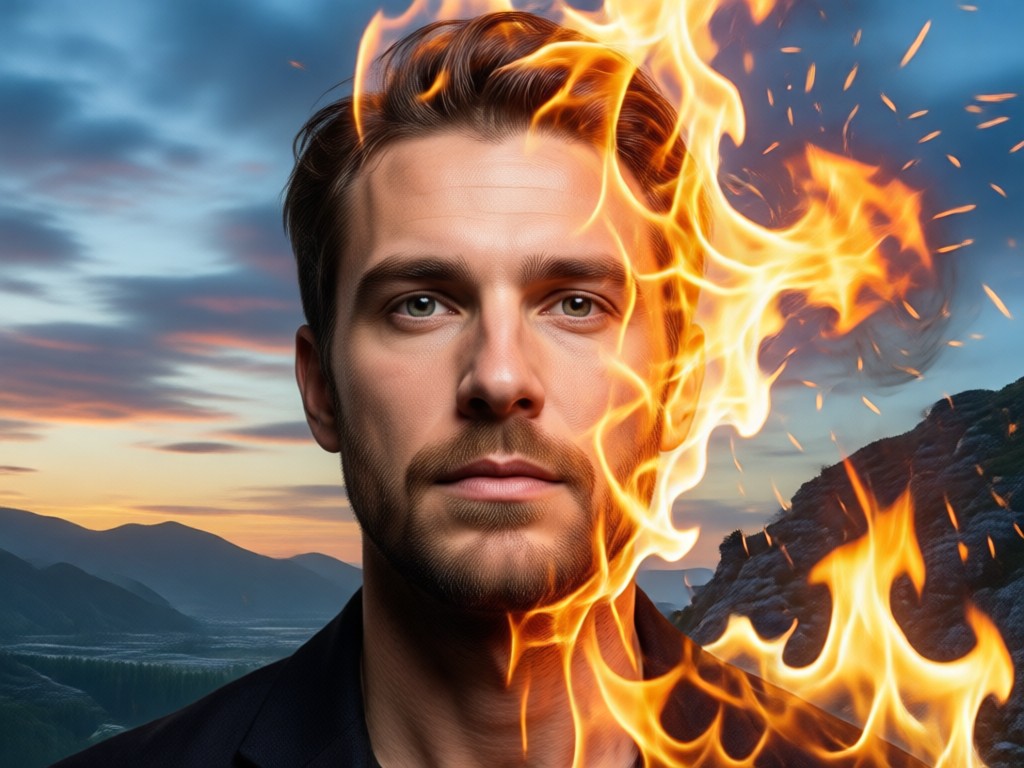
Adjustable Blending & Intensity
Fine-tune the exposure blend. Control the fire's opacity, color temperature, and spread to achieve anything from a gentle glow to a full engulfing flame effect.
Adjustable Blending & Intensity
Fine-tune the exposure blend. Control the fire's opacity, color temperature, and spread to achieve anything from a gentle glow to a full engulfing flame effect.
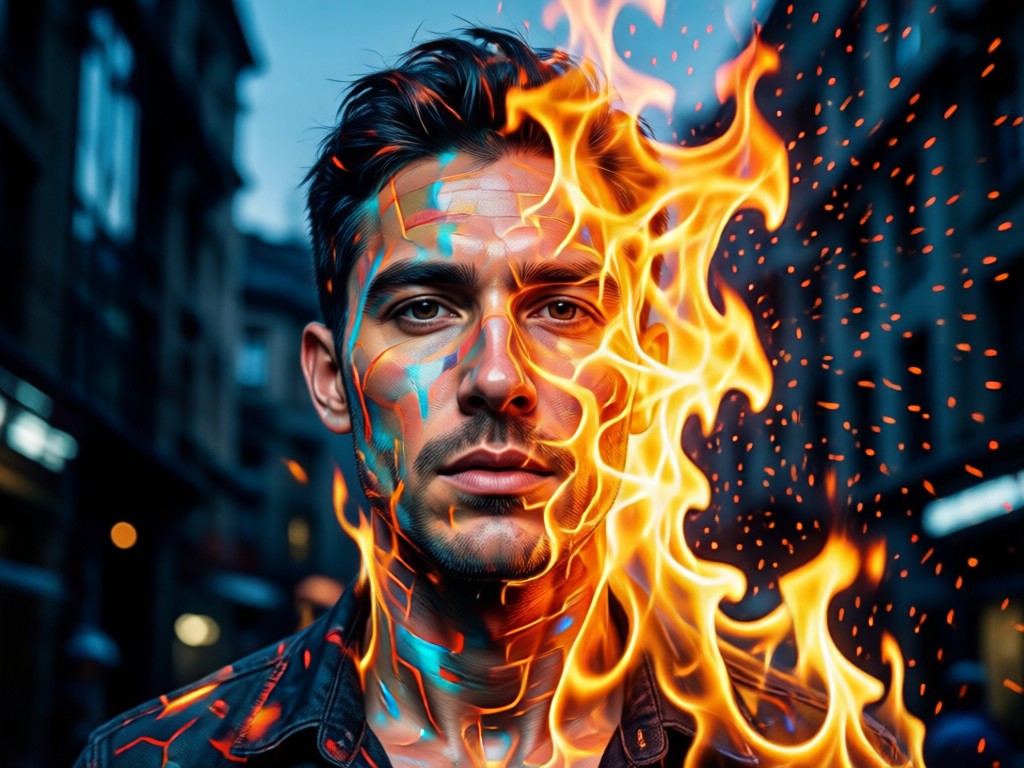
Multiple Artistic Fire Styles
Select from various fire aesthetics: realistic wildfire, stylized digital flames, painted ember effects, or mystical energy auras to match your portrait's mood.
Multiple Artistic Fire Styles
Select from various fire aesthetics: realistic wildfire, stylized digital flames, painted ember effects, or mystical energy auras to match your portrait's mood.
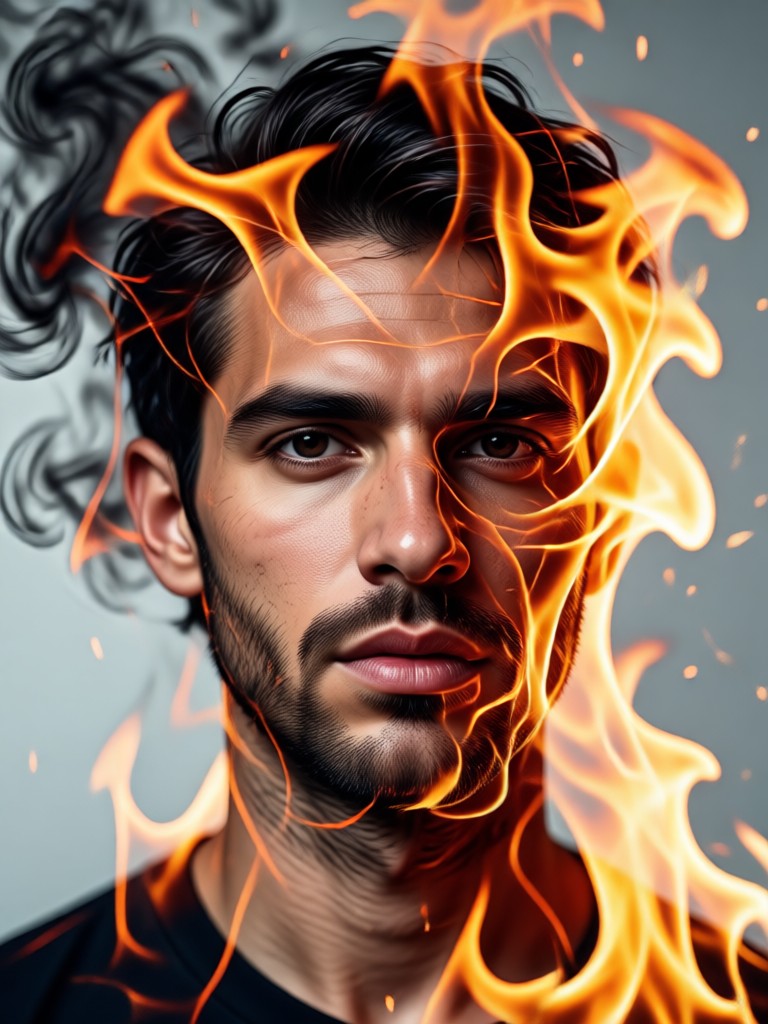
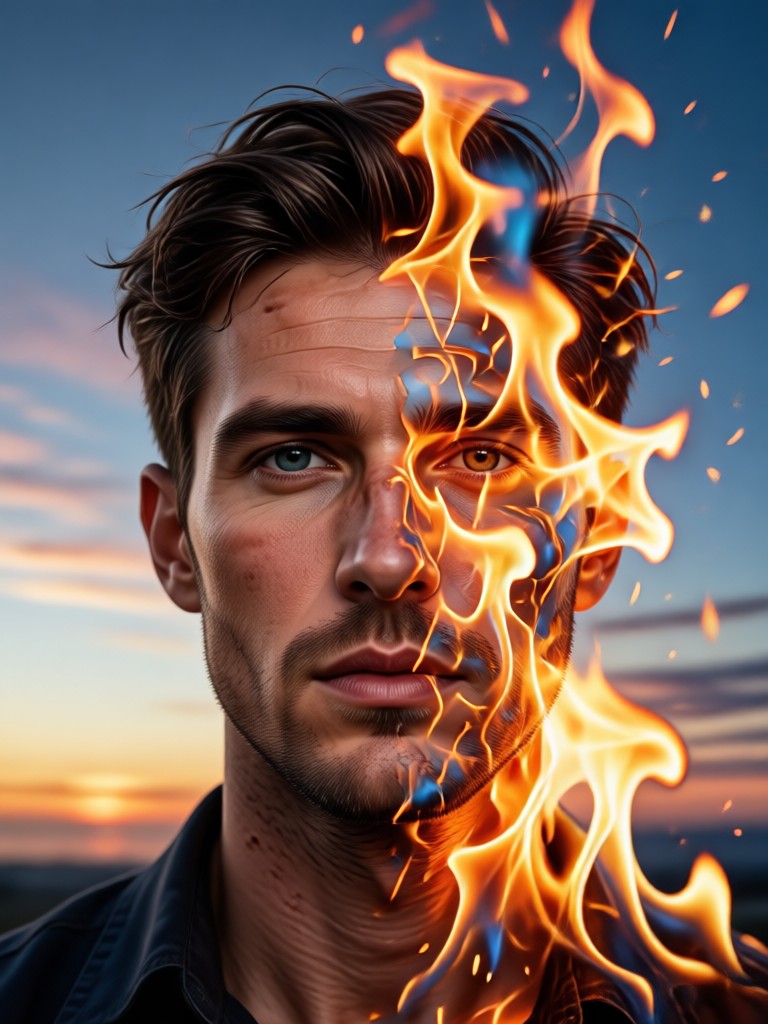
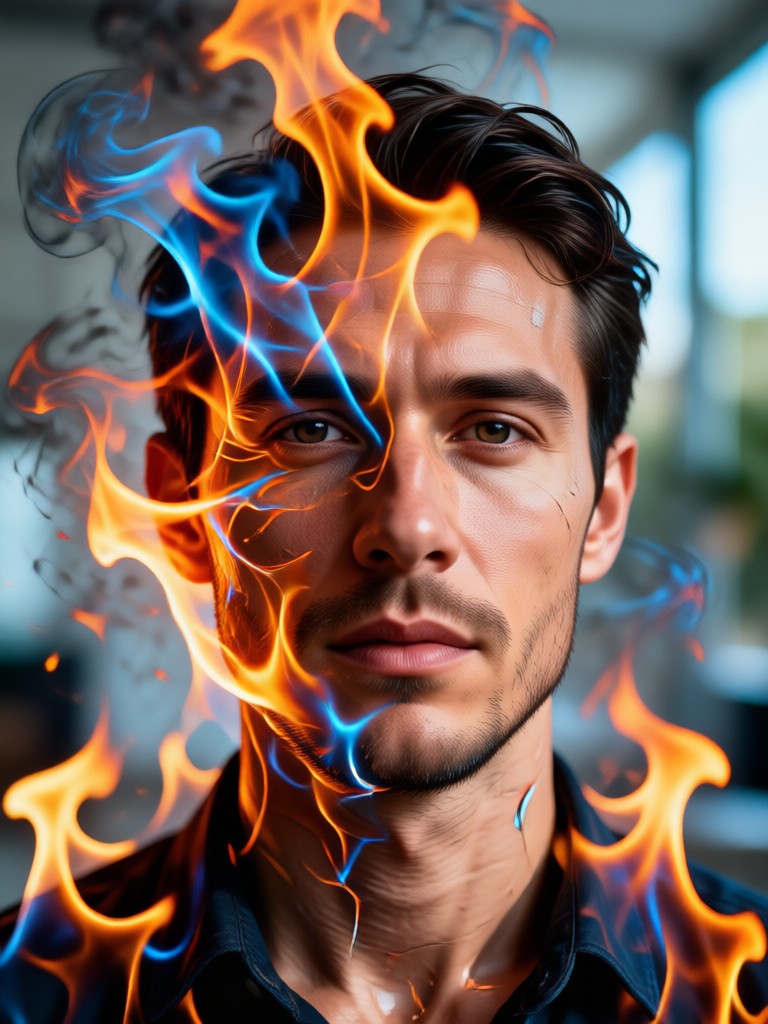
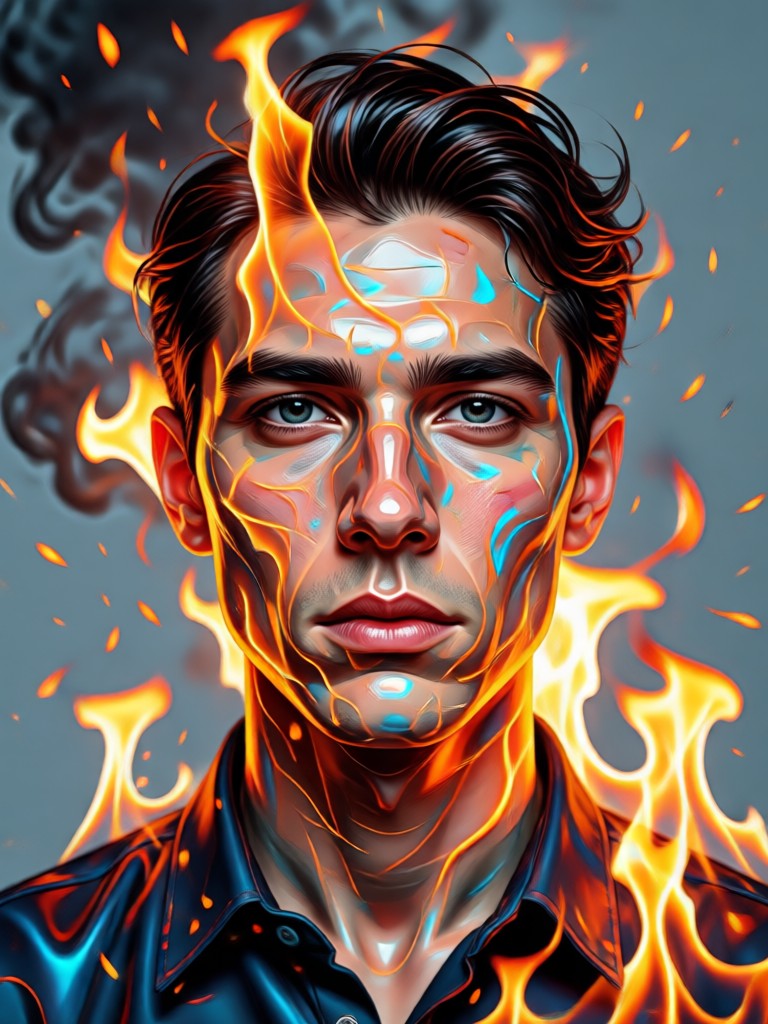
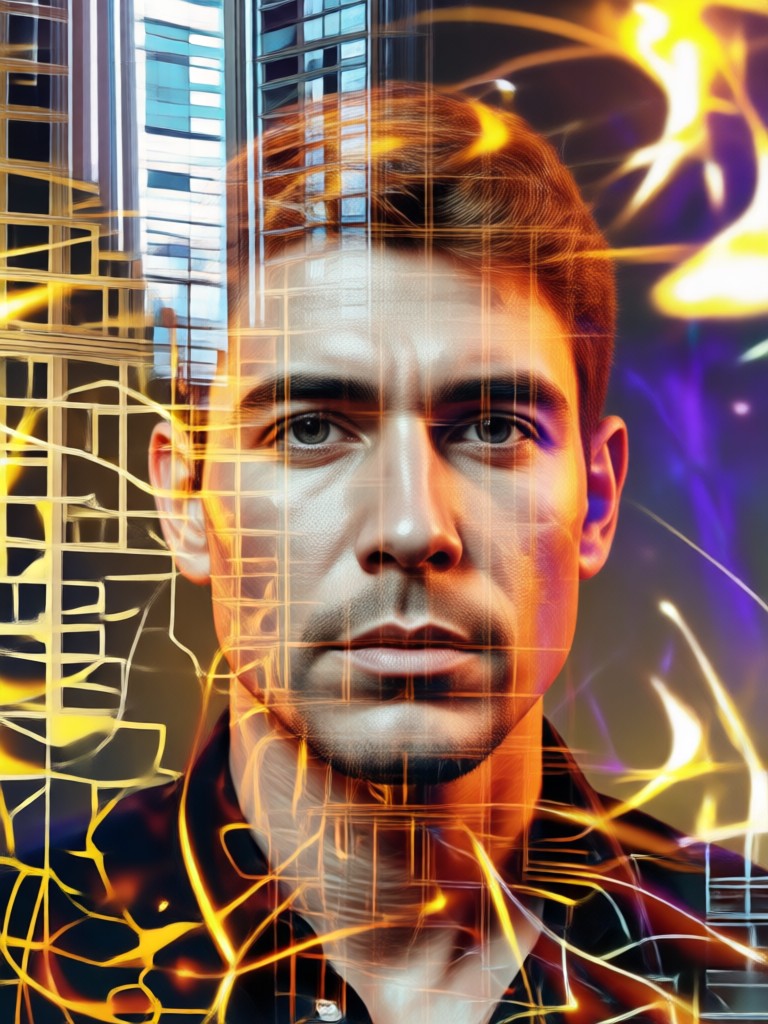
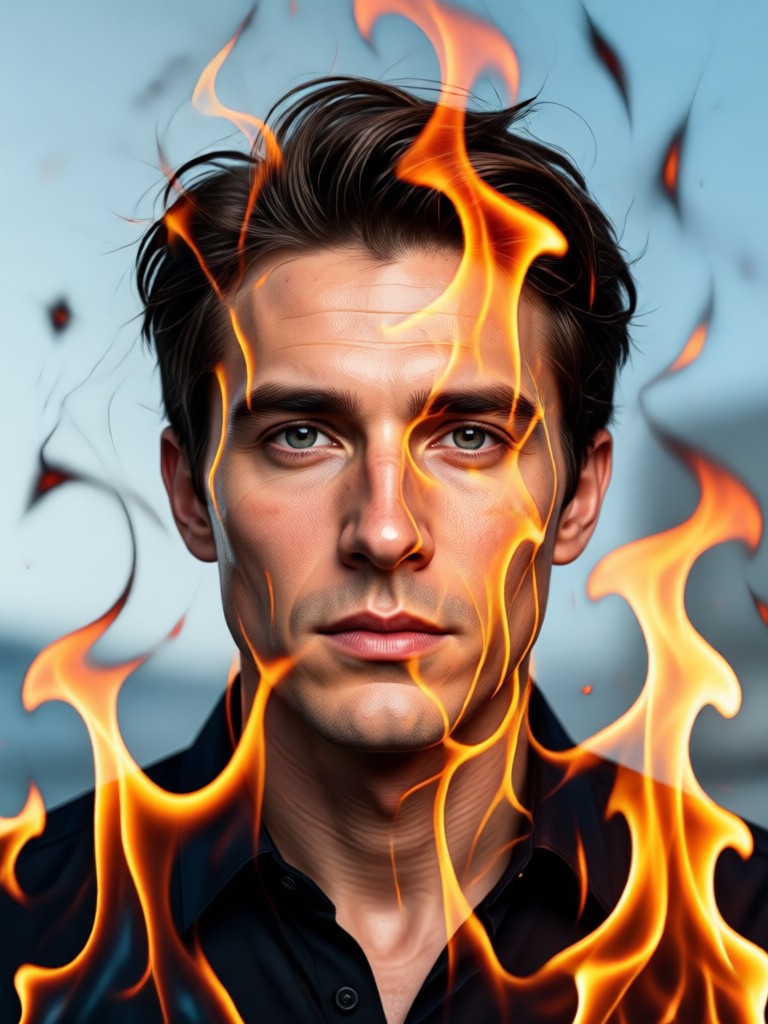
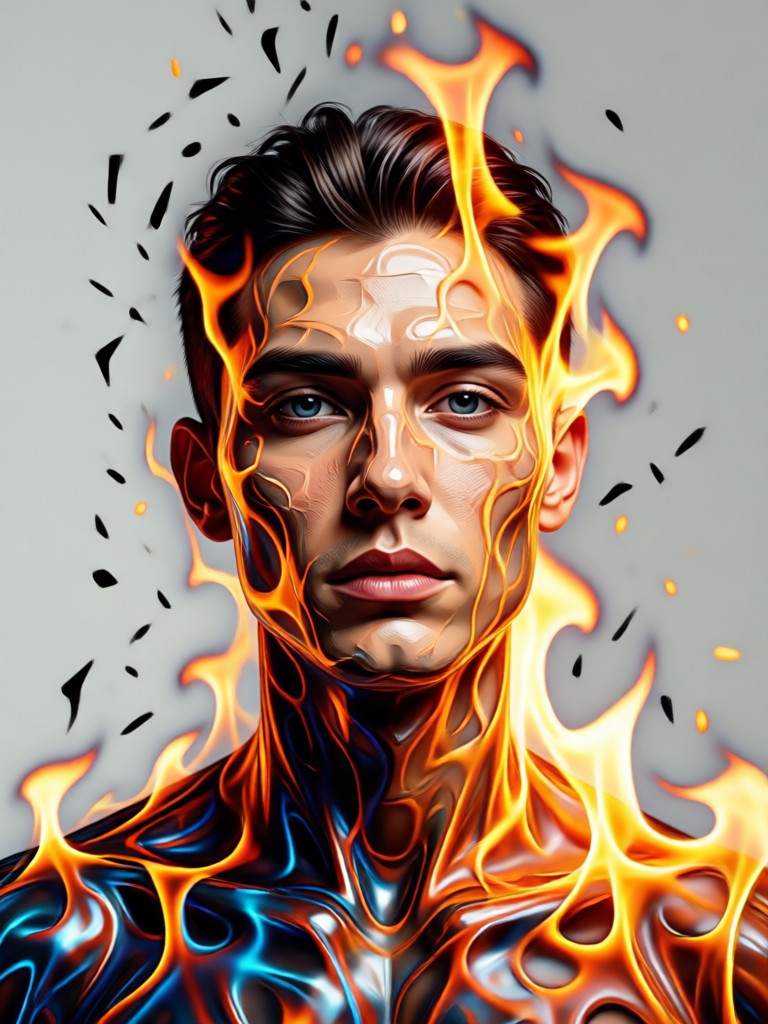
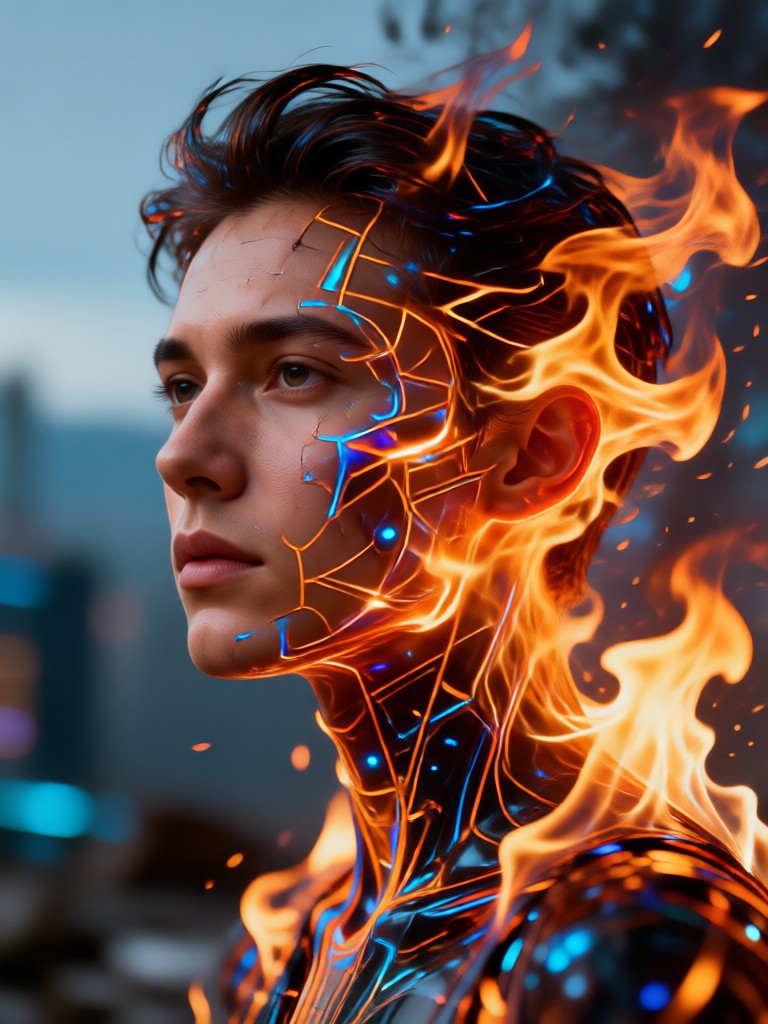
Fire Double Exposure Portrait Gallery
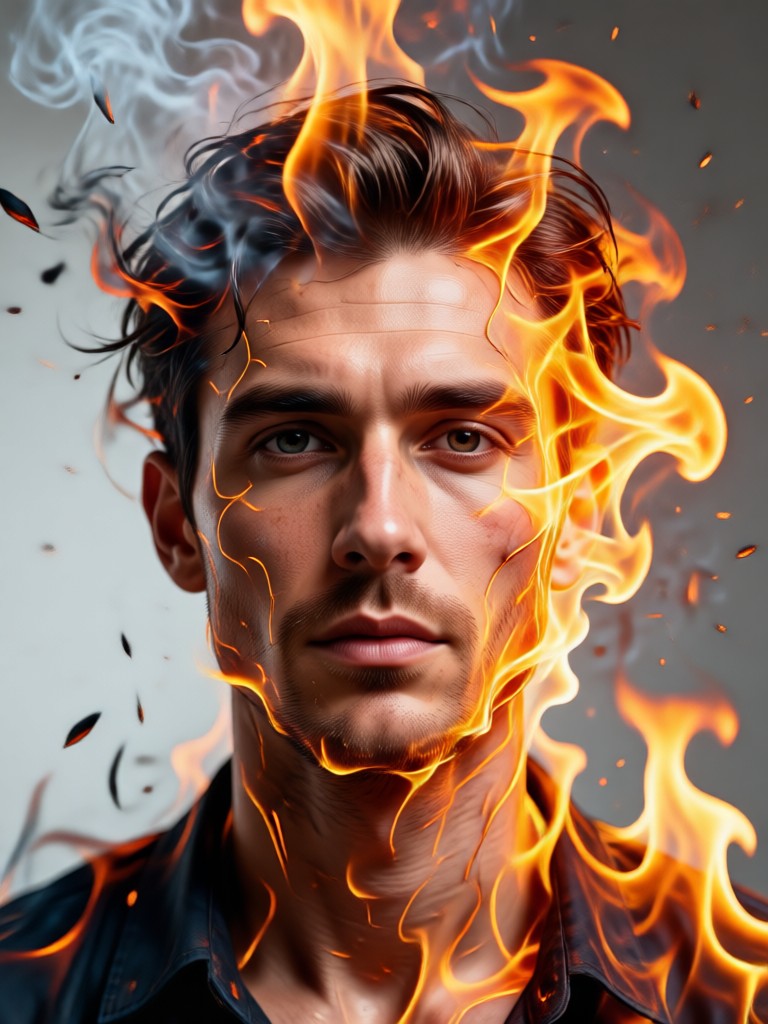
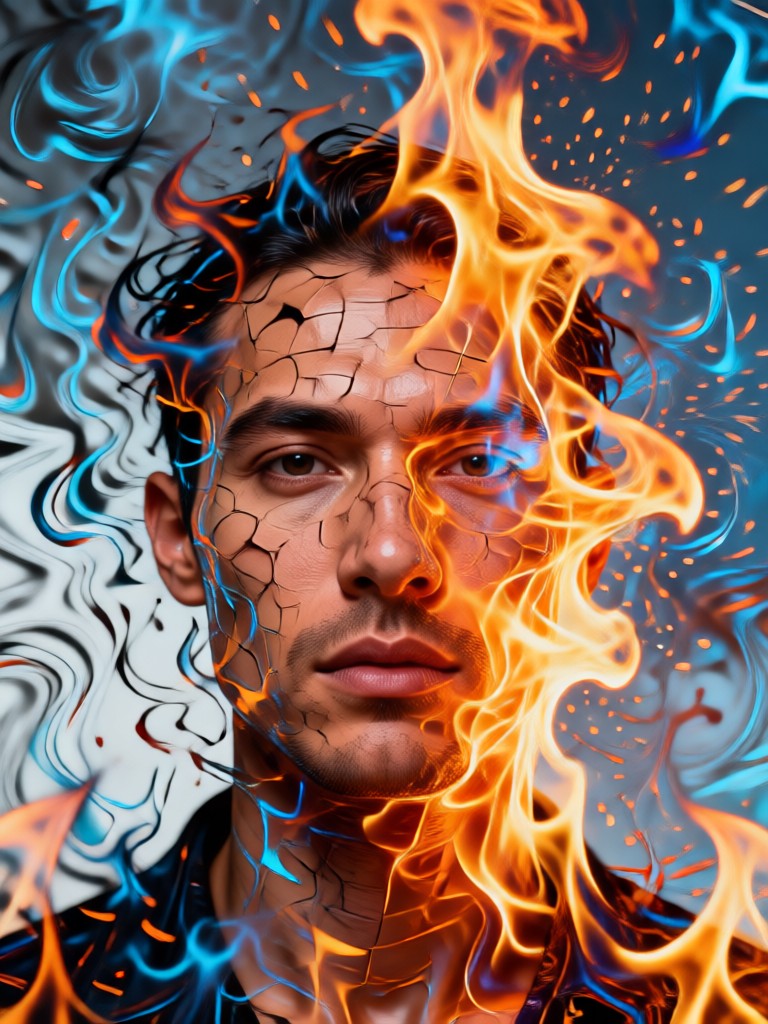
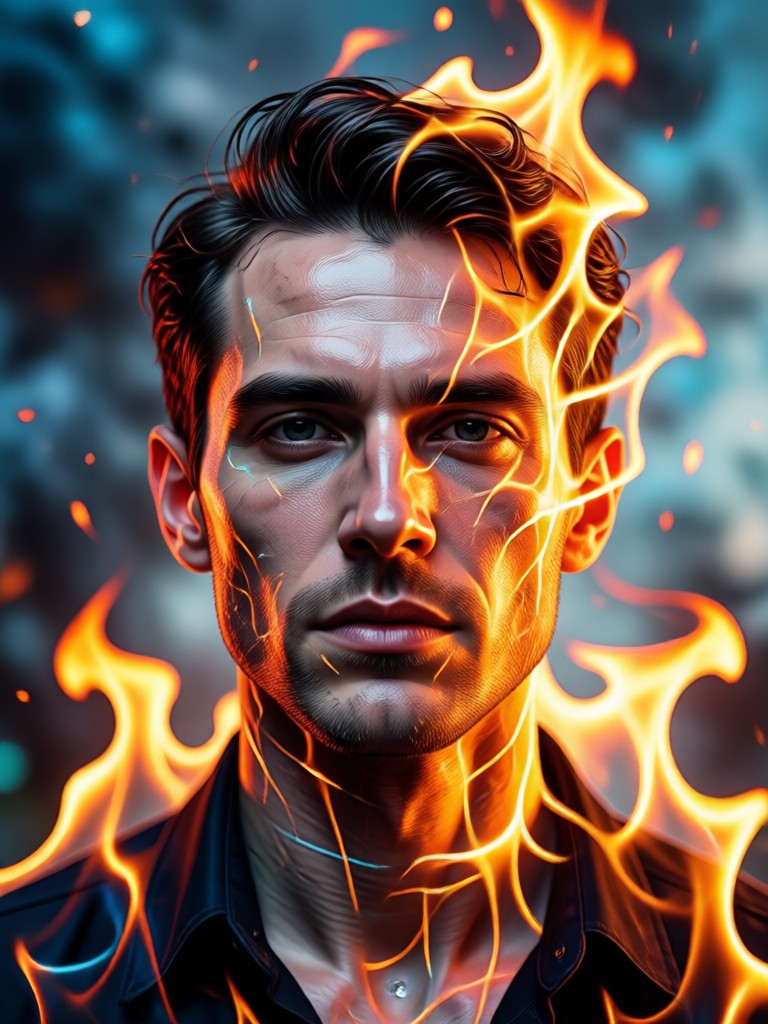
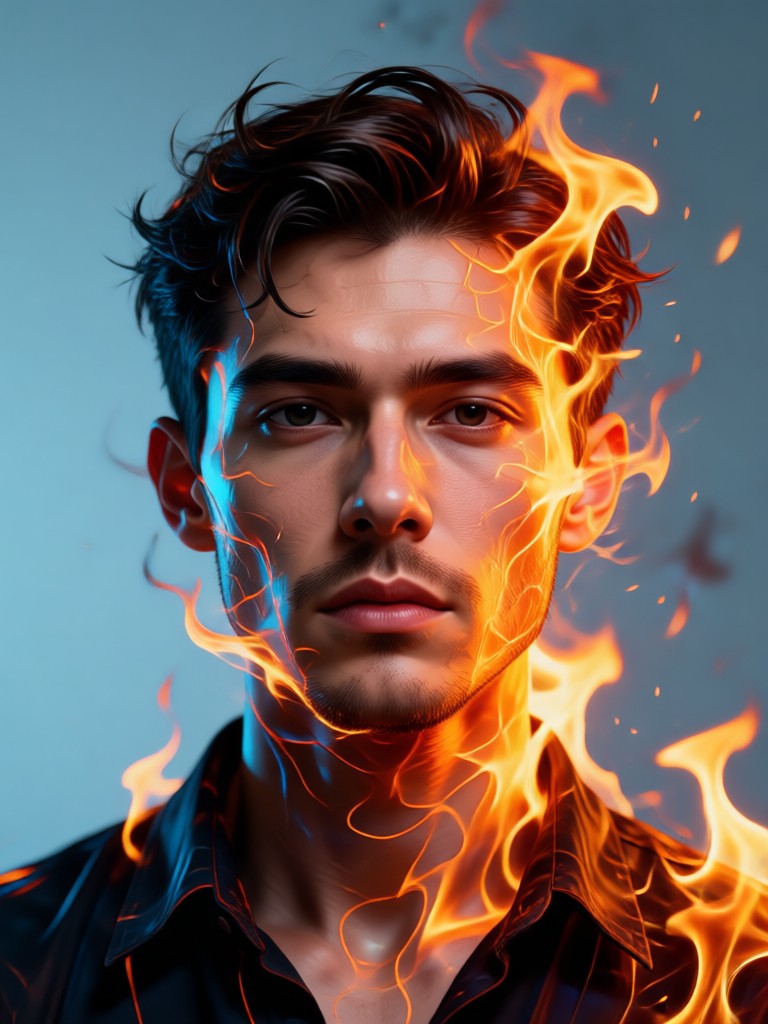
See how our AI transforms ordinary portraits into extraordinary works of art. Each image showcases a unique fusion of human expression and elemental fire.
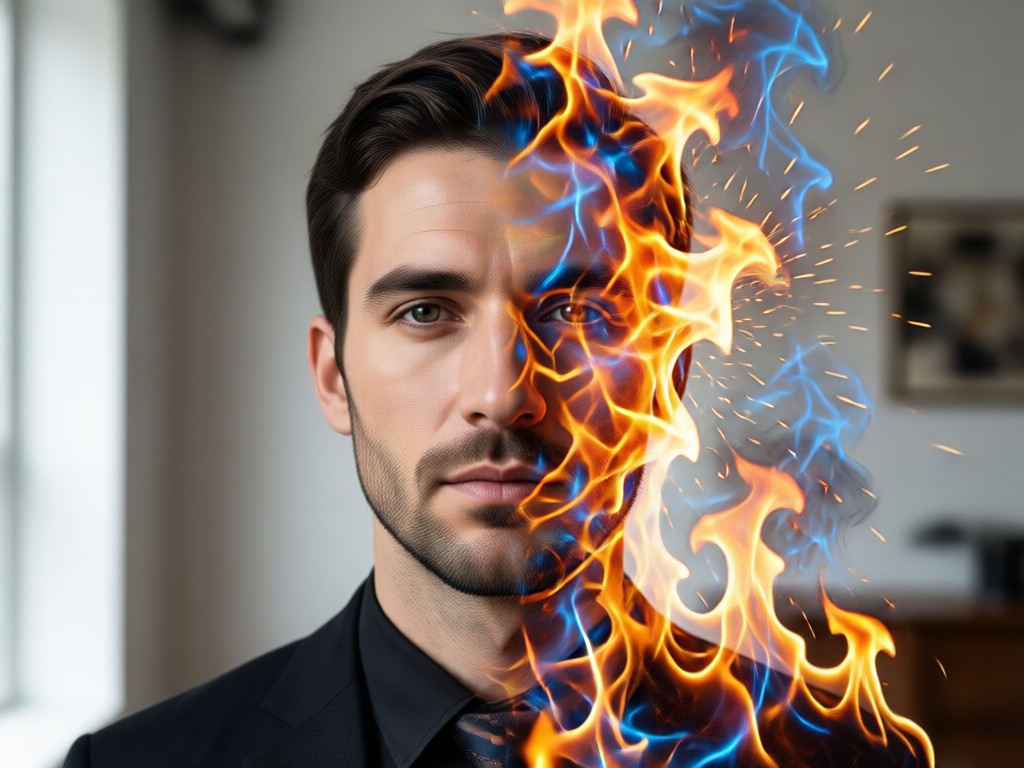
Why Create Fire Double Exposure Portraits?
Fire double exposure is a powerful artistic technique that symbolizes passion, transformation, and inner strength. It elevates a standard portrait into a narrative piece, perfect for standout profile pictures, album art, or personal artistic projects.
Why Create Fire Double Exposure Portraits?
Fire double exposure is a powerful artistic technique that symbolizes passion, transformation, and inner strength. It elevates a standard portrait into a narrative piece, perfect for standout profile pictures, album art, or personal artistic projects.
How to Create a Fire Double Exposure Portrait?
Make stunning fire-blended portrait art in three simple steps with our mobile AI generator. No complex software required.
Step 01.
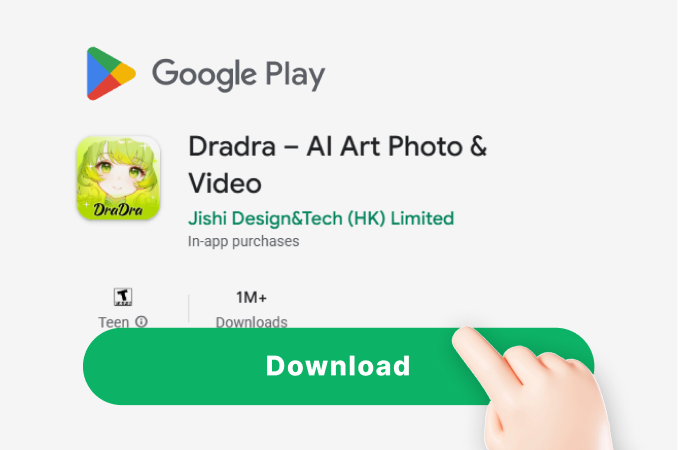
Download the dradra app from Google Play. It's your all-in-one mobile studio for AI art, including fire double exposure effects.
Step 02.
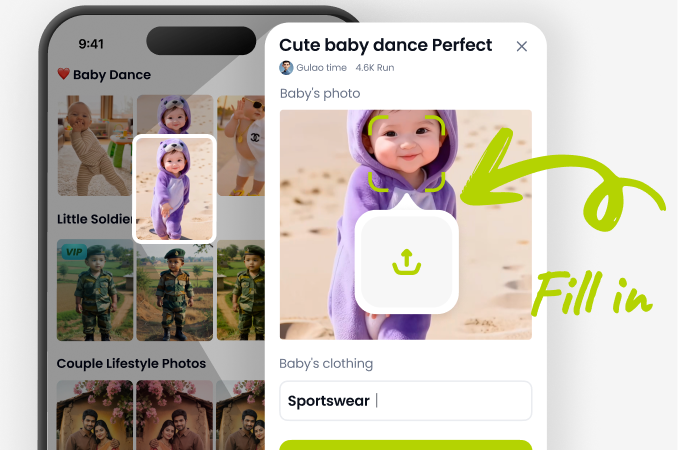
Upload your portrait photo and navigate to the double exposure or style transfer section. Browse and select a fire effect template.
Step 03.
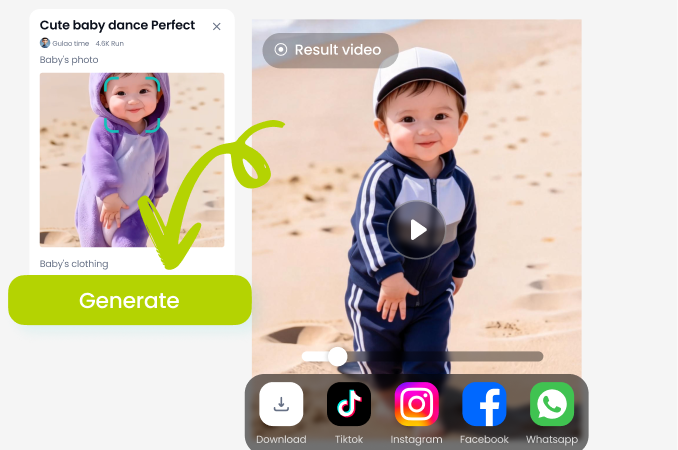
Generate your art. Use sliders to adjust the blend intensity. Instantly download your HD fire double exposure portrait to share.
Creatives Using Our Fire Portrait Generator
Marcus T.
This tool revolutionized my client portrait sessions. I now offer 'elemental fusion' packages. The fire double exposure results are consistently jaw-dropping and professional.
Chloe R.
As a concept artist, I use this to create quick character mood art. The AI blending is so intuitive, it feels like collaborating with another artist. Perfect for igniting ideas.
Kai S.
Made all the artwork for my last EP with this app. The fire portraits captured the album's theme of 'rebirth' perfectly. It's now my go-to for all visual content.
Zara L.
My fire double exposure profile picture went viral. It's the most engaging content I've ever posted. The app makes it effortless to create unique, eye-catching visuals daily.
Marcus T.
This tool revolutionized my client portrait sessions. I now offer 'elemental fusion' packages. The fire double exposure results are consistently jaw-dropping and professional.
Chloe R.
As a concept artist, I use this to create quick character mood art. The AI blending is so intuitive, it feels like collaborating with another artist. Perfect for igniting ideas.
Kai S.
Made all the artwork for my last EP with this app. The fire portraits captured the album's theme of 'rebirth' perfectly. It's now my go-to for all visual content.
Zara L.
My fire double exposure profile picture went viral. It's the most engaging content I've ever posted. The app makes it effortless to create unique, eye-catching visuals daily.
Marcus T.
This tool revolutionized my client portrait sessions. I now offer 'elemental fusion' packages. The fire double exposure results are consistently jaw-dropping and professional.
Chloe R.
As a concept artist, I use this to create quick character mood art. The AI blending is so intuitive, it feels like collaborating with another artist. Perfect for igniting ideas.
Kai S.
Made all the artwork for my last EP with this app. The fire portraits captured the album's theme of 'rebirth' perfectly. It's now my go-to for all visual content.
Zara L.
My fire double exposure profile picture went viral. It's the most engaging content I've ever posted. The app makes it effortless to create unique, eye-catching visuals daily.
Fire Double Exposure Portrait FAQs
Get quick answers to common questions about creating and using our AI fire double exposure portrait generator.
More Creative AI Tools You May Like
Explore more topics you may like and discover fresh ideas tailored to your interests.
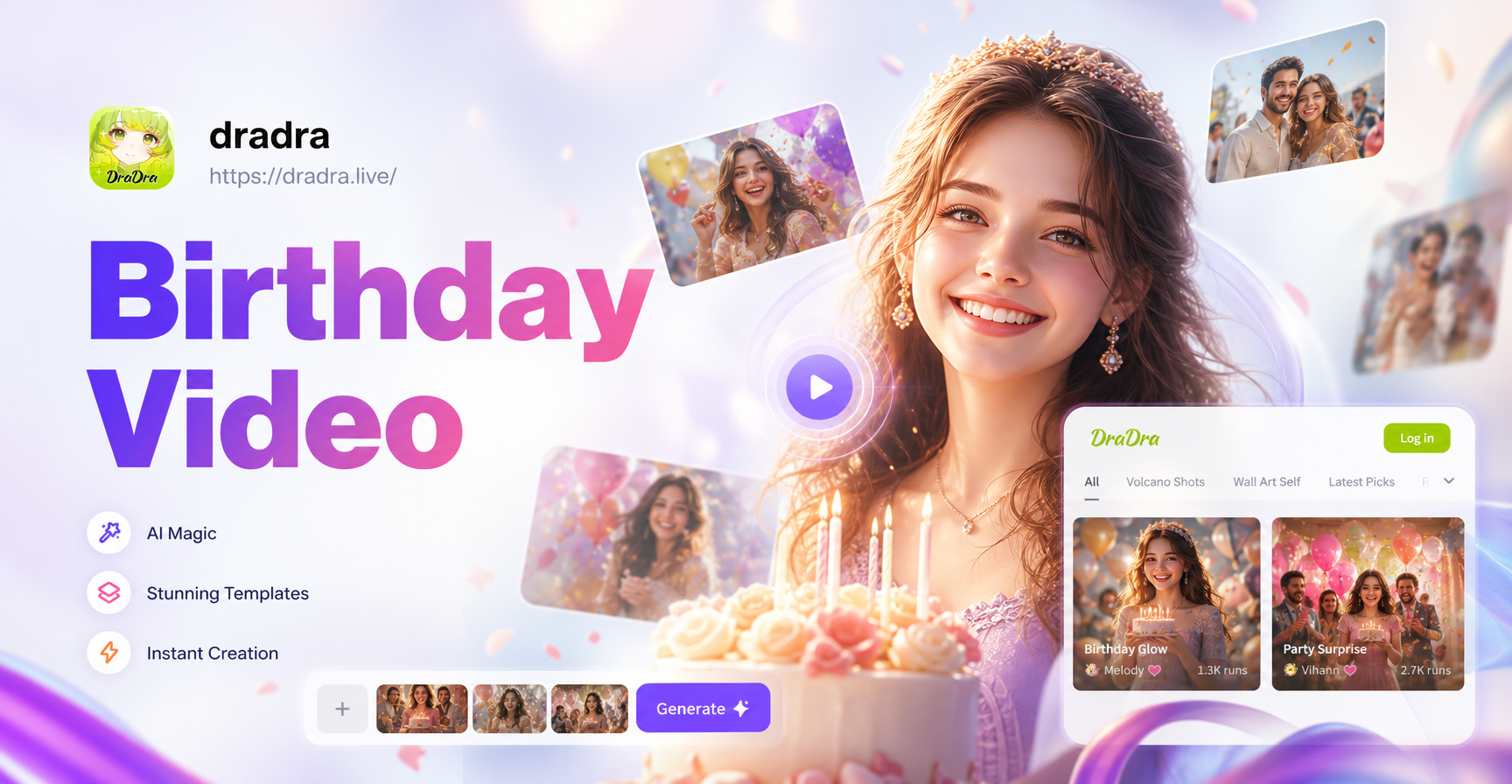
Make Memorable Birthday Videos in Minutes
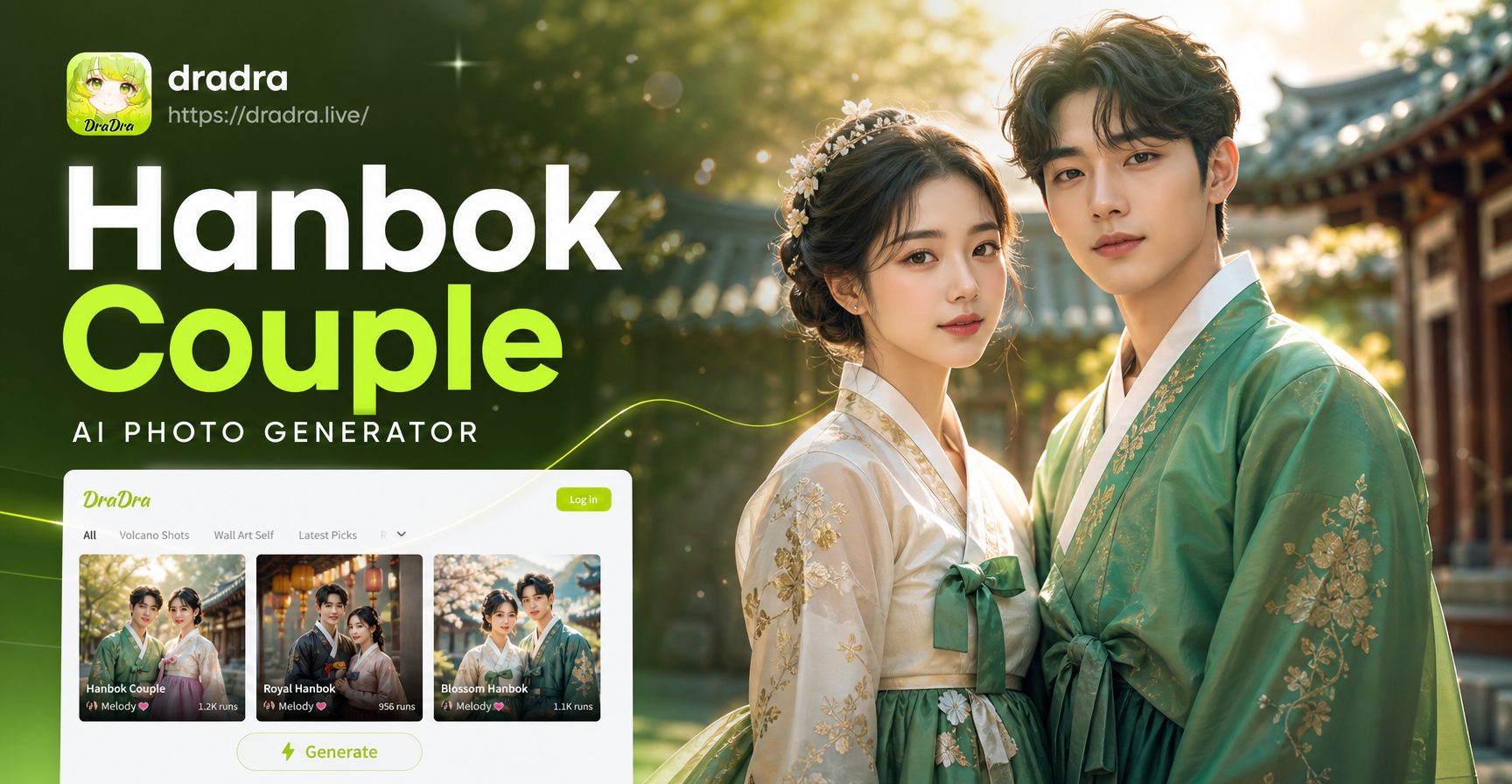
AI Hanbok Couple Photos: Create Traditional Korean Portraits
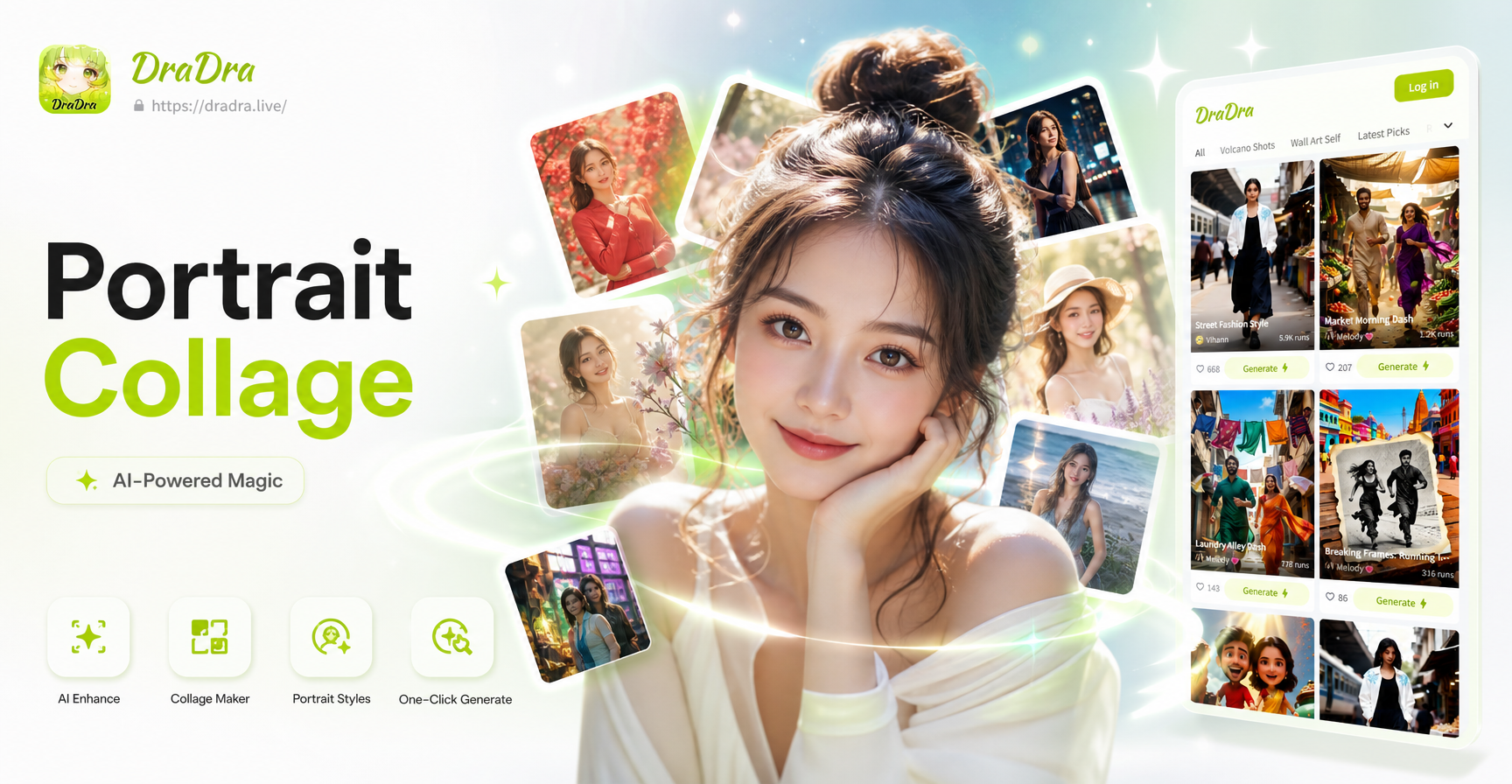
AI Portrait Collage Maker: Artistic Multi-Frame Designs
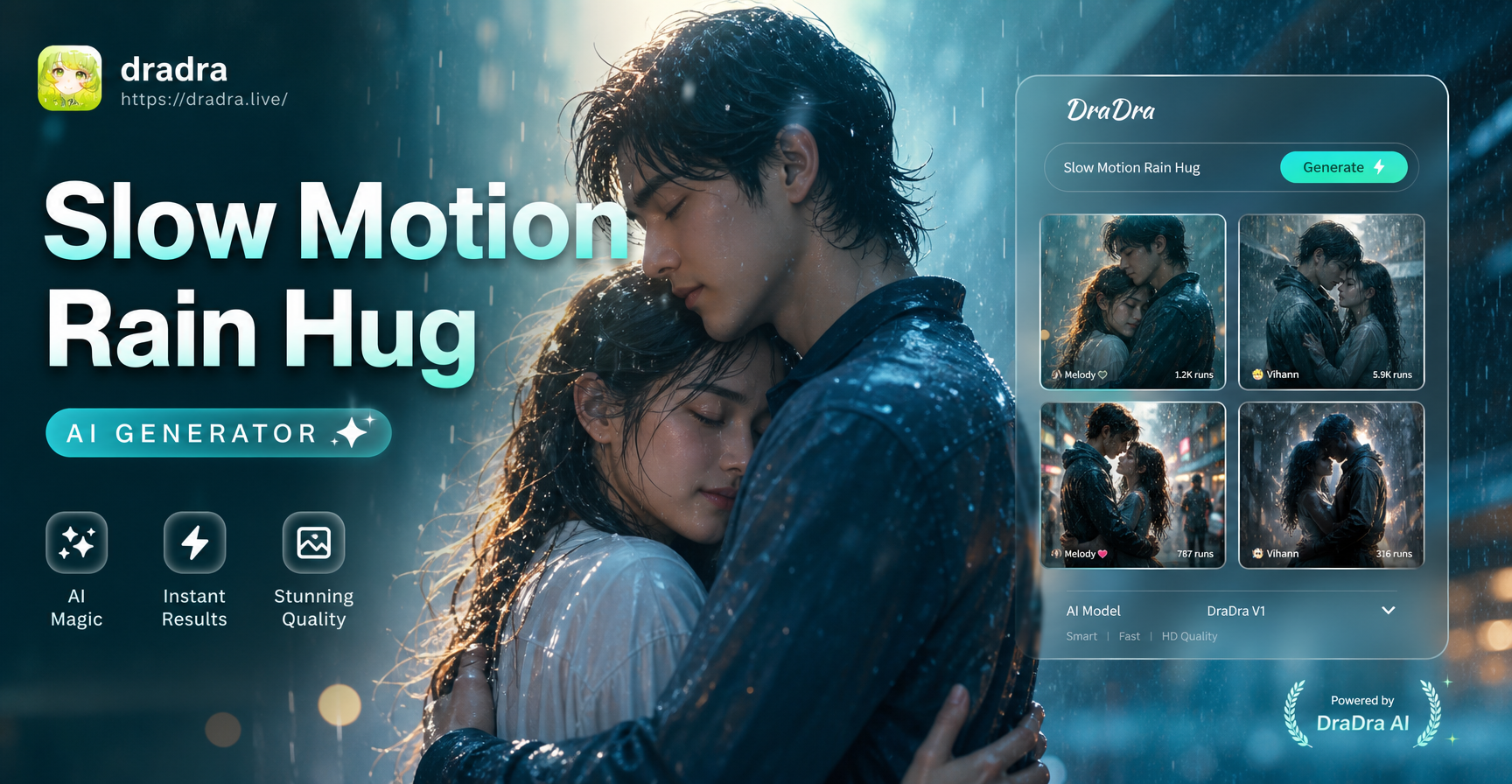
Create Dramatic Slow Motion Rain Hug Videos
Make Memorable Birthday Videos in Minutes
AI Hanbok Couple Photos: Create Traditional Korean Portraits
AI Portrait Collage Maker: Artistic Multi-Frame Designs
Create Dramatic Slow Motion Rain Hug Videos
Ignite Your Portraits with Elemental Art
Stop scrolling through generic filters. Create a fire double exposure portrait that truly stands out. Download the app and transform your vision into blazing reality in seconds.
Ignite Your Portraits with Elemental Art
Stop scrolling through generic filters. Create a fire double exposure portrait that truly stands out. Download the app and transform your vision into blazing reality in seconds.