Gemini AI Pharmacist Photo
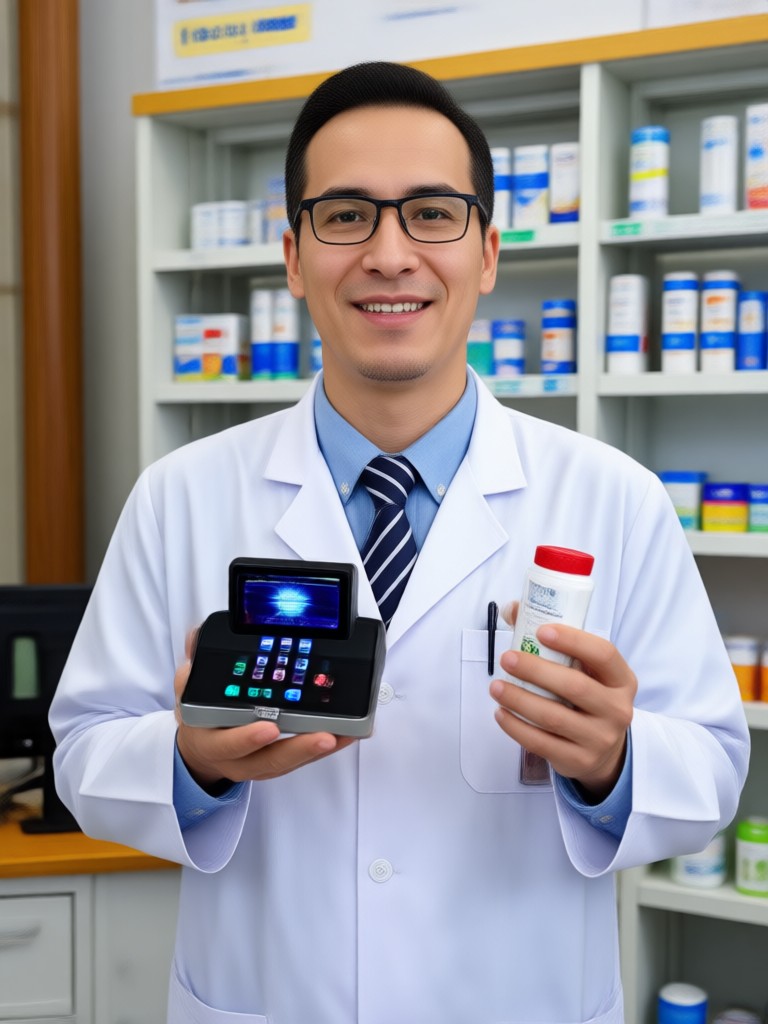
AI Pharmacist Photo Filters You Can Try Right Now
Choose from realistic pharmacist portraits, white coat styles, pharmacy counter scenes, and clean clinical backgrounds. Each filter works with one tap.
Key Features for Creating a Gemini AI Pharmacist Photo
Turn ordinary photos into realistic pharmacist portraits with dradra. The app handles style transfer, face preservation, and background replacement automatically.
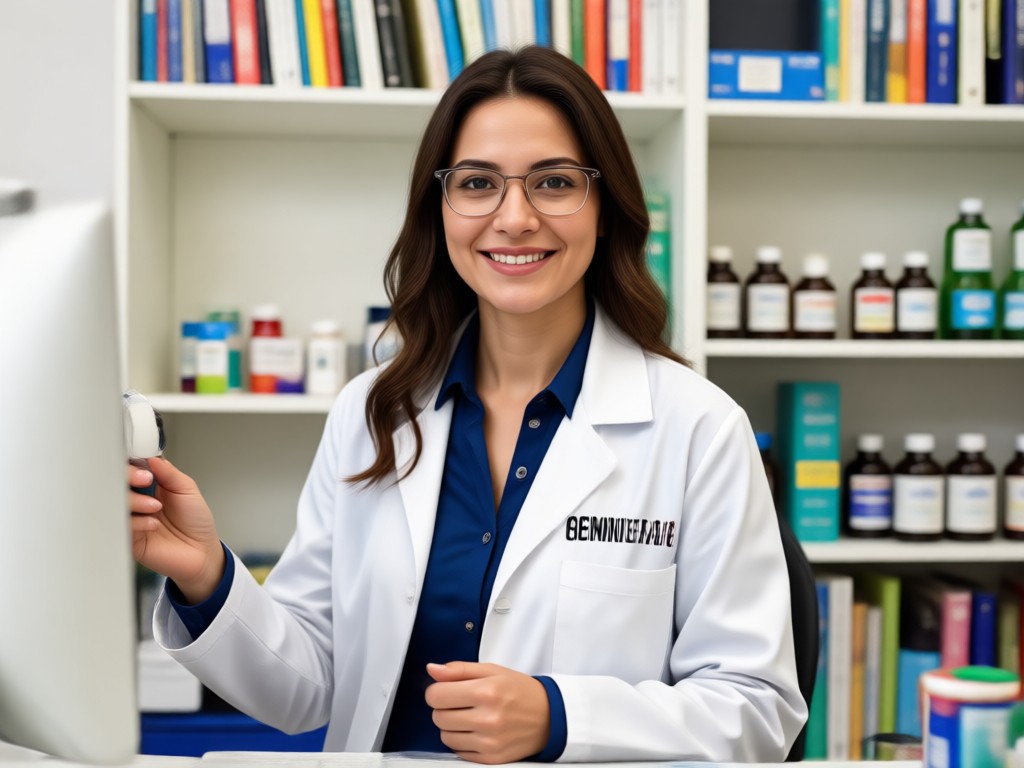
Realistic White Coat Transformation
Upload a selfie and dradra adds a crisp white pharmacist coat, name badge, and professional medical look while keeping your face natural.
Realistic White Coat Transformation
Upload a selfie and dradra adds a crisp white pharmacist coat, name badge, and professional medical look while keeping your face natural.
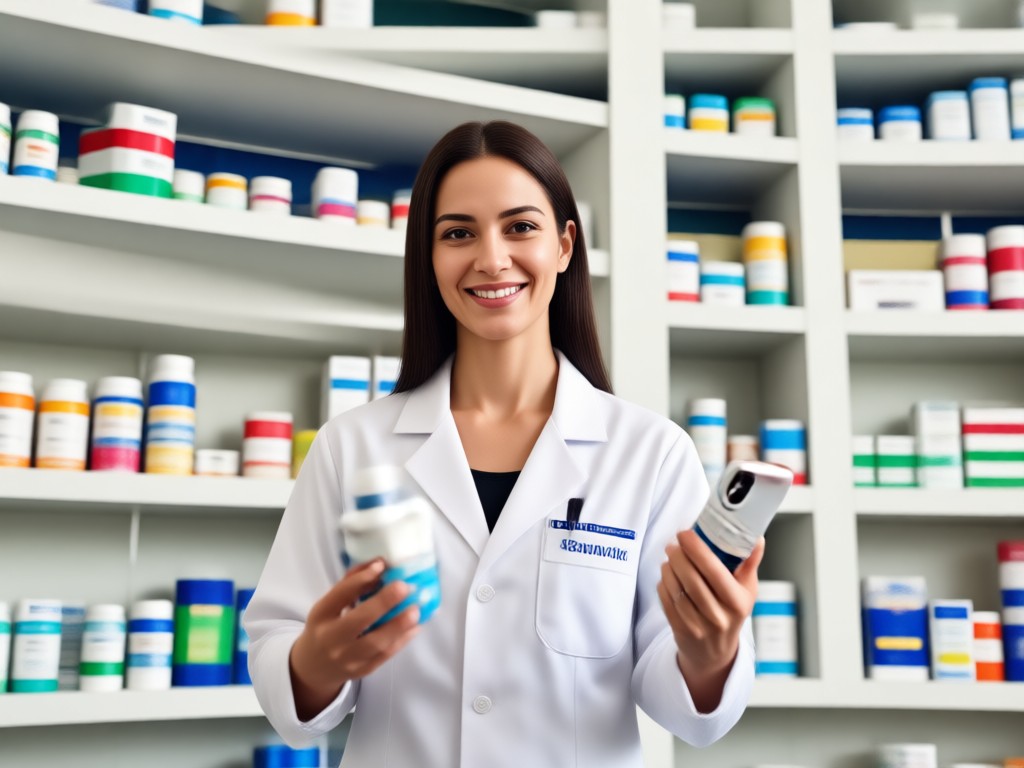
Pharmacy Background Studio
Replace your background with a clean pharmacy counter, medicine shelves, or clinical lab in one tap. No green screen needed.
Pharmacy Background Studio
Replace your background with a clean pharmacy counter, medicine shelves, or clinical lab in one tap. No green screen needed.
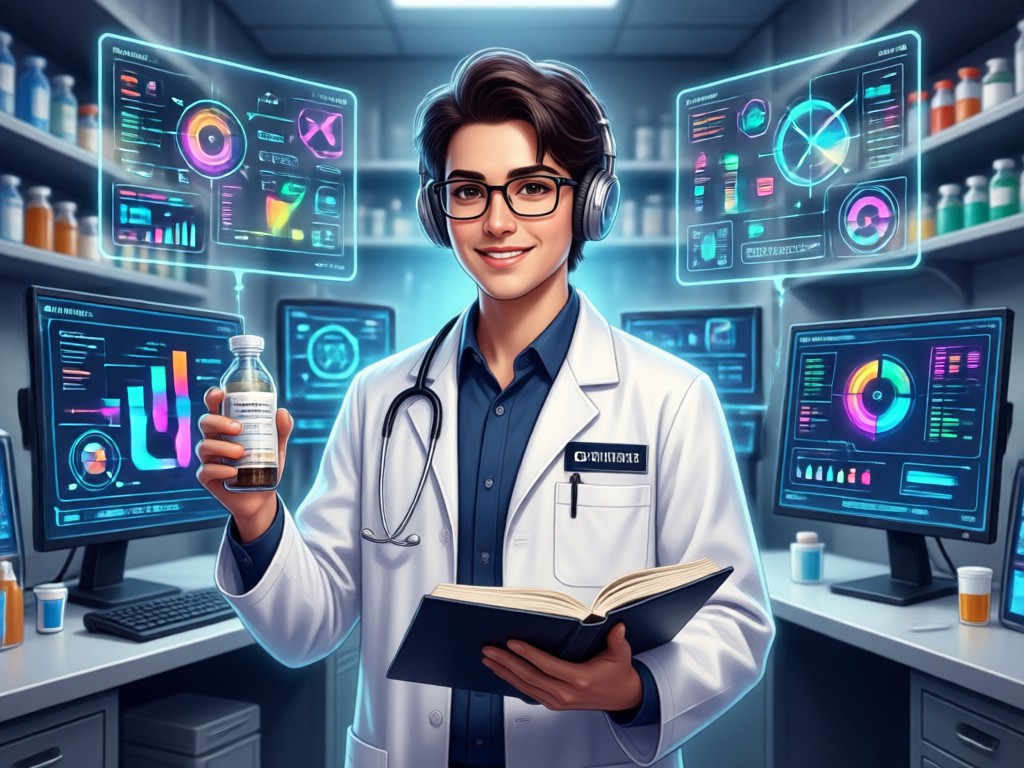
Professional Portrait Lighting
Get studio quality soft lighting and sharp details that make your pharmacist photo look like it was taken by a pro.
Professional Portrait Lighting
Get studio quality soft lighting and sharp details that make your pharmacist photo look like it was taken by a pro.
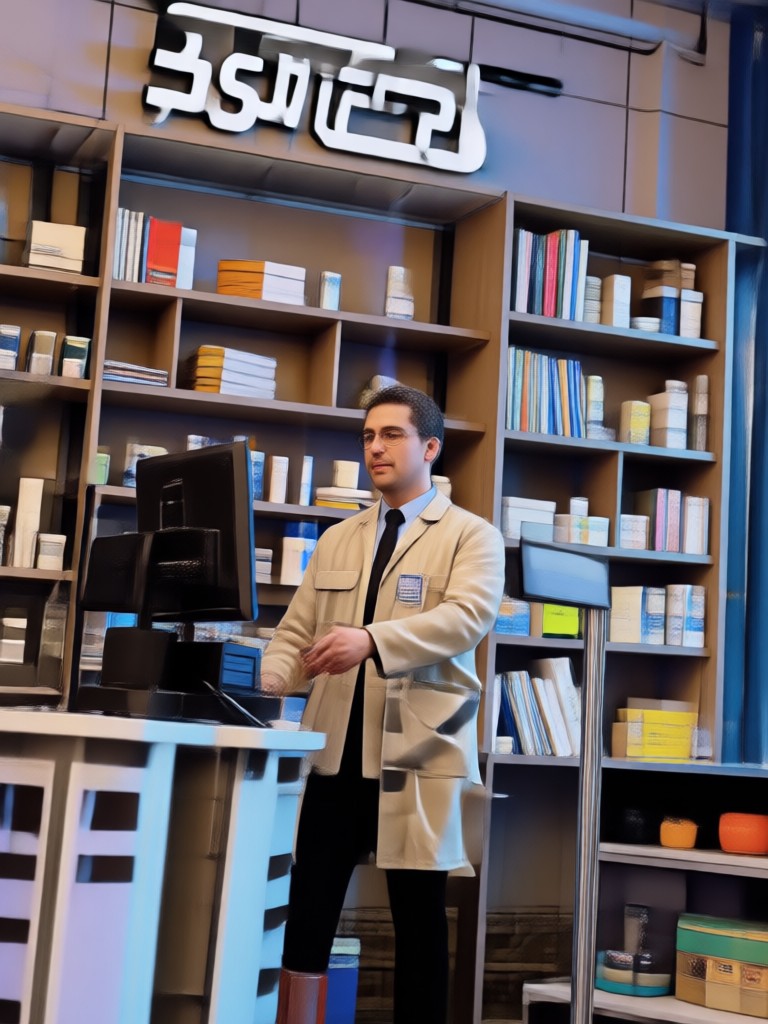
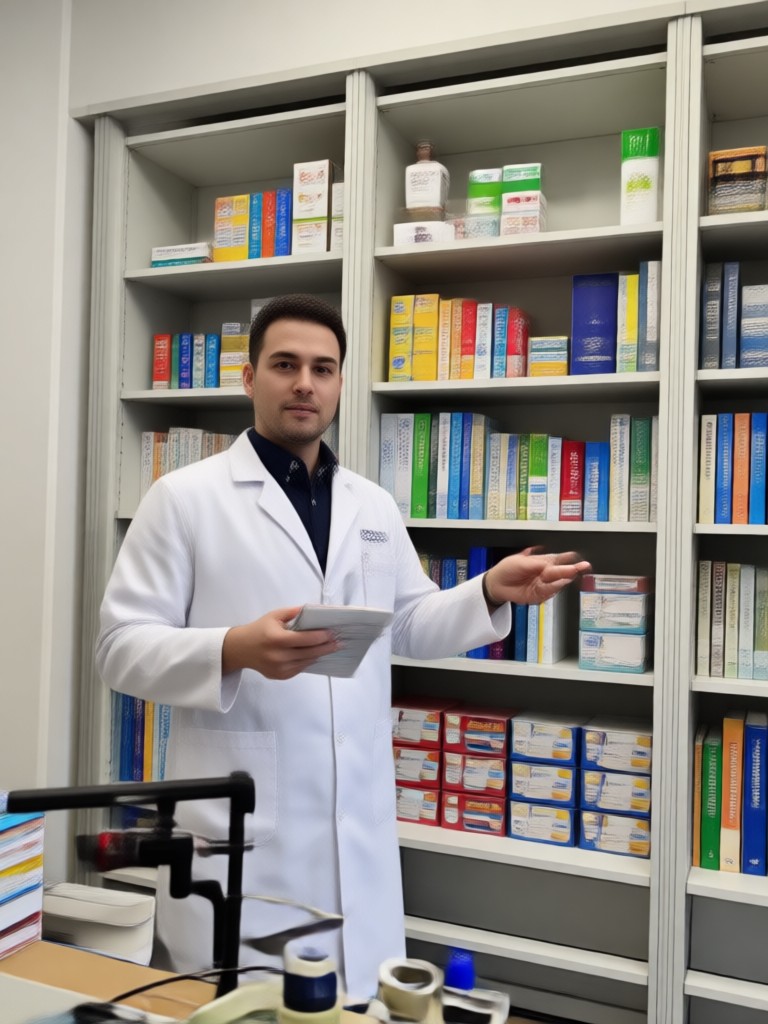
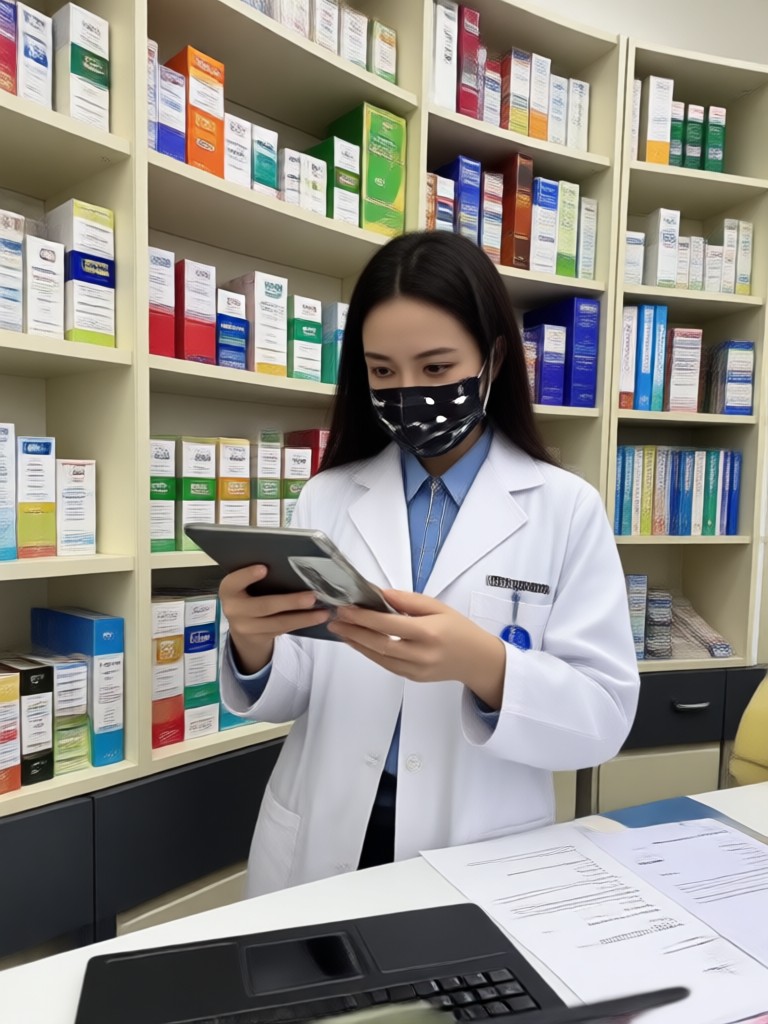
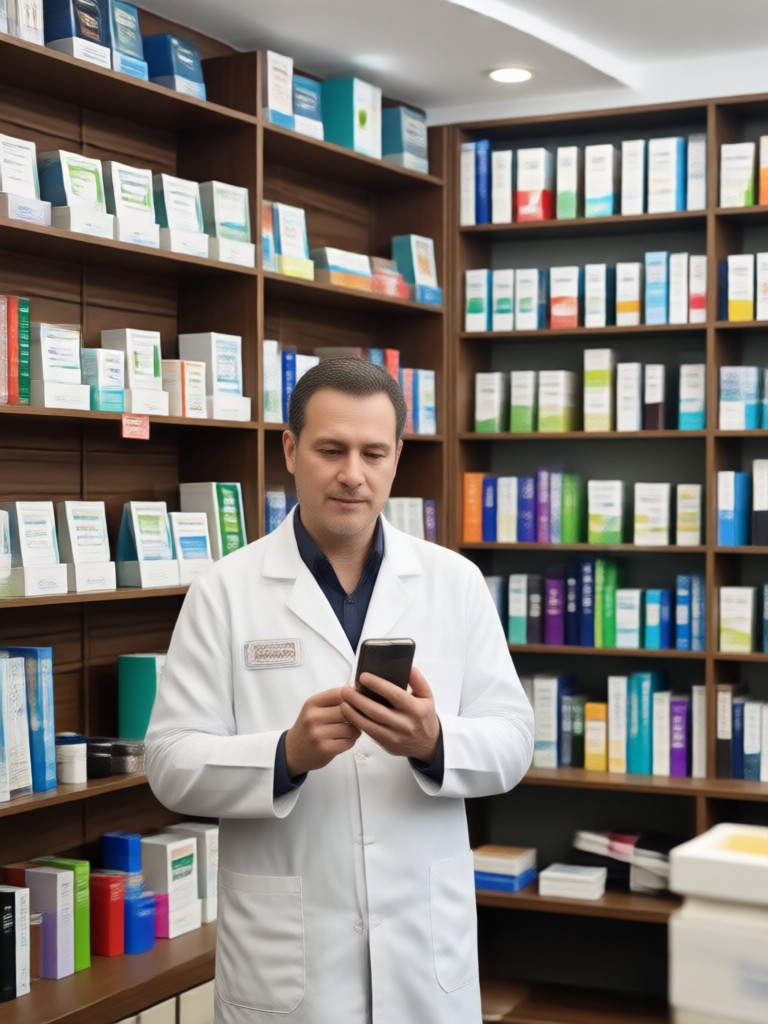
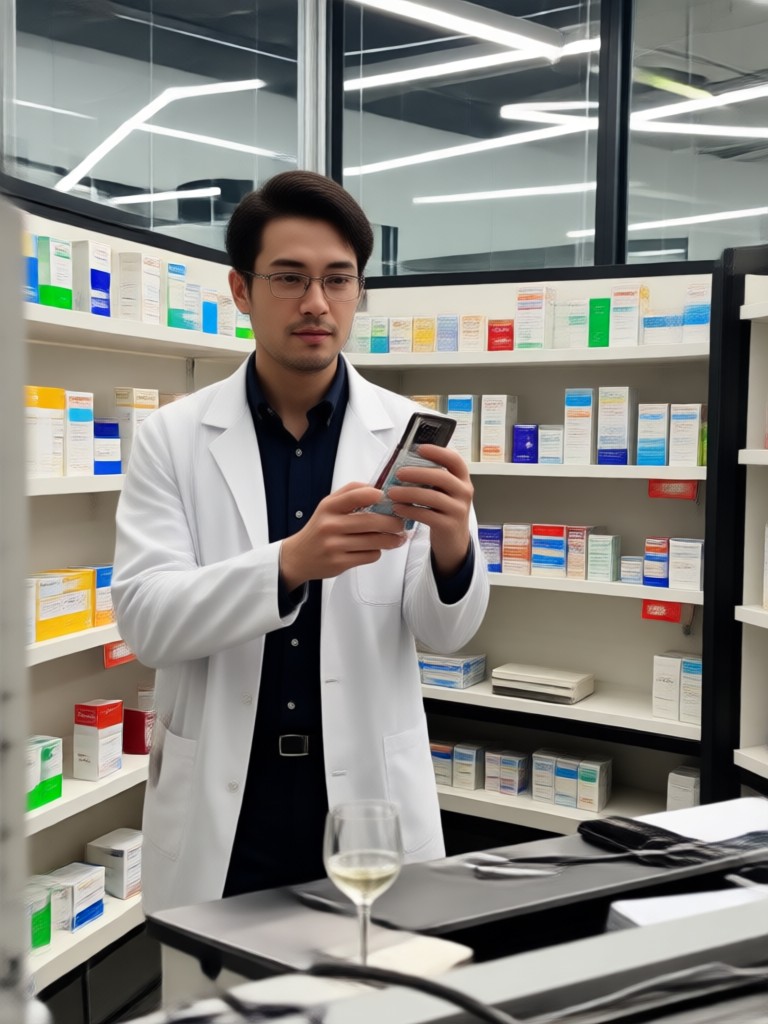
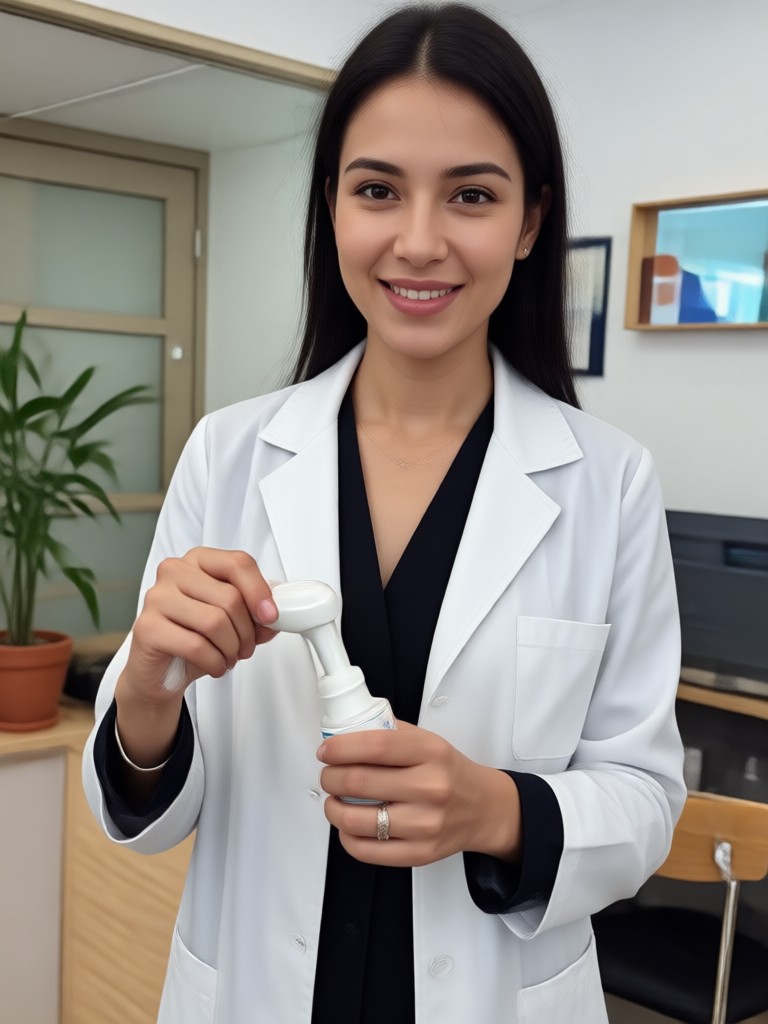
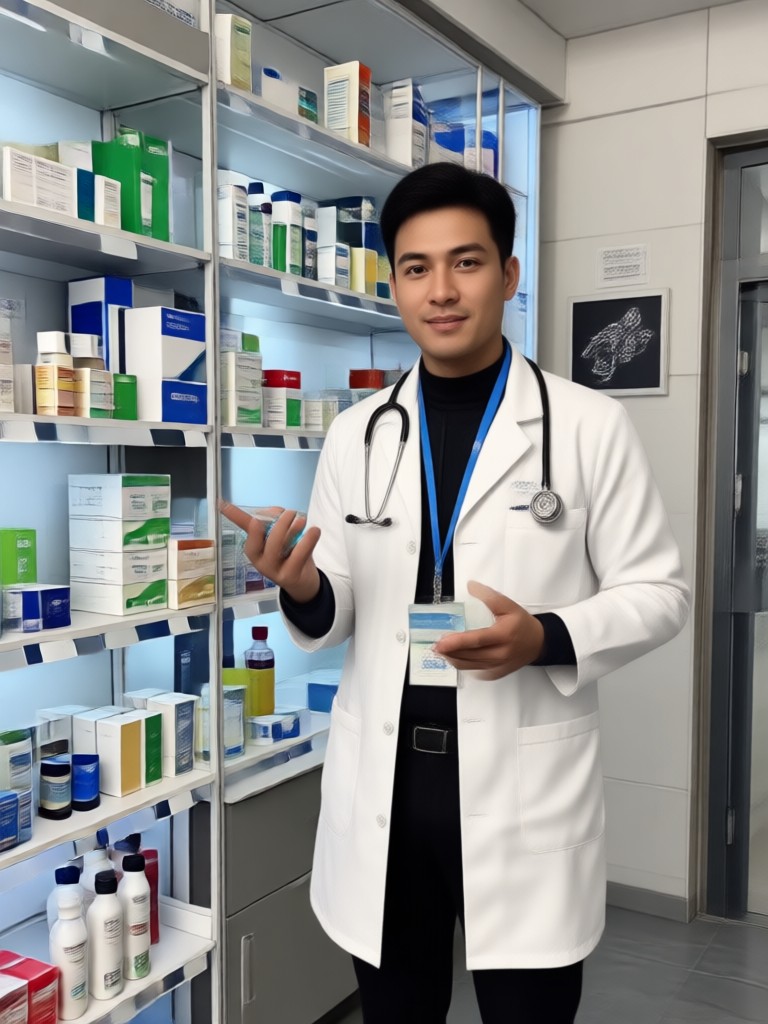
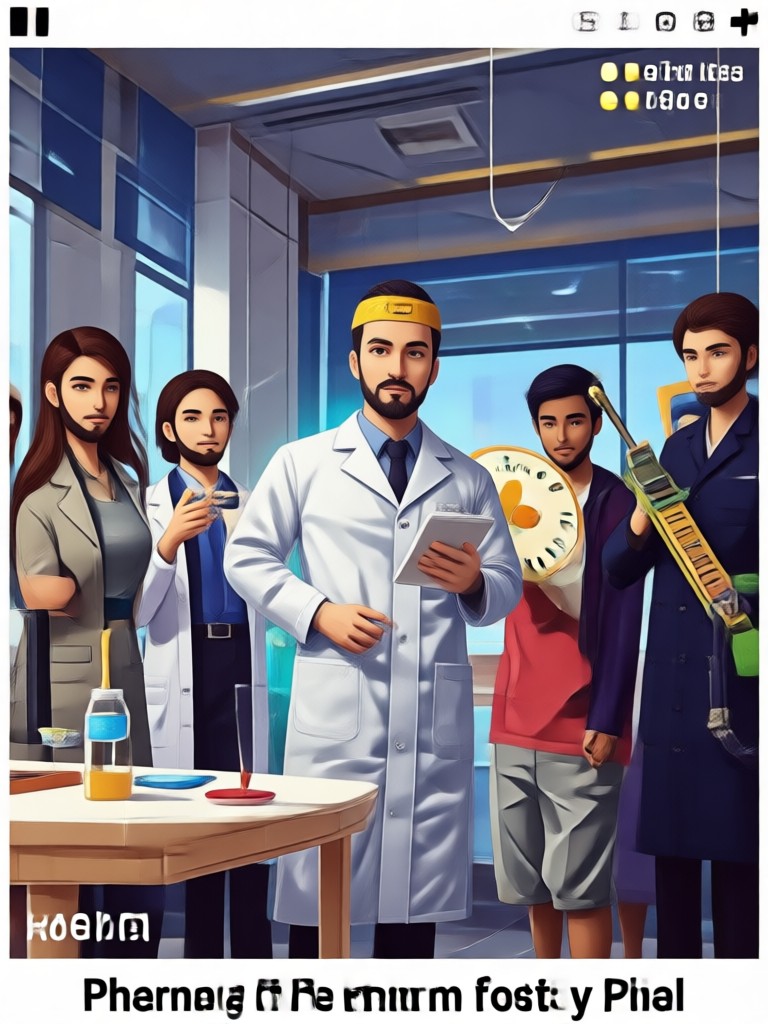
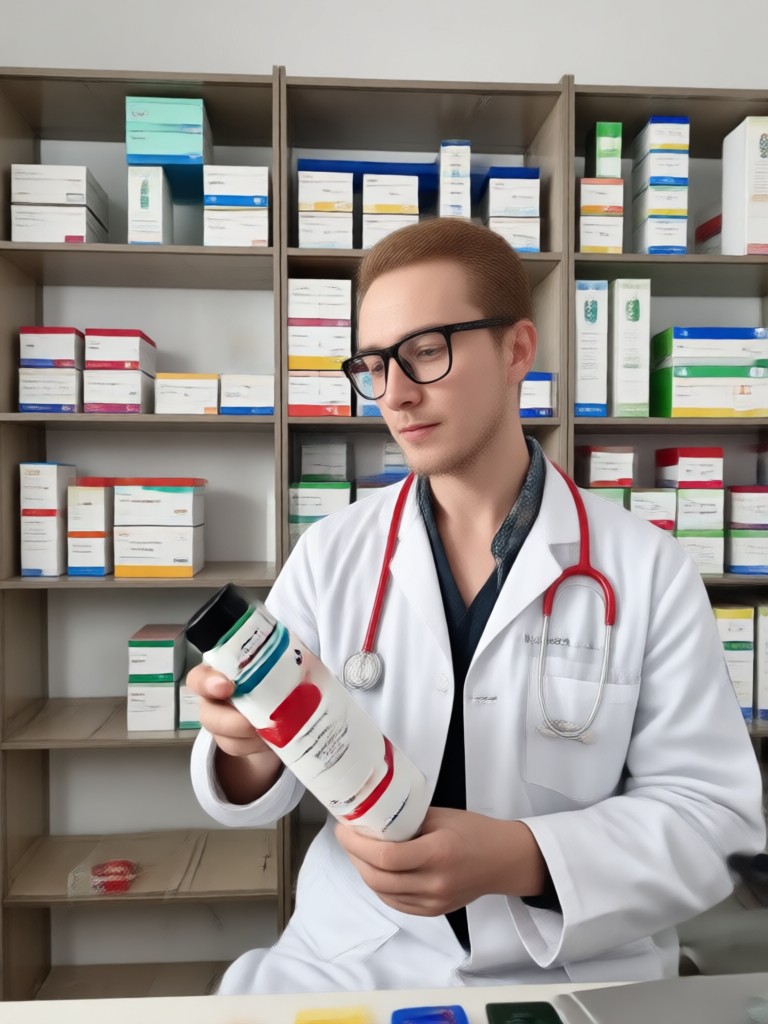
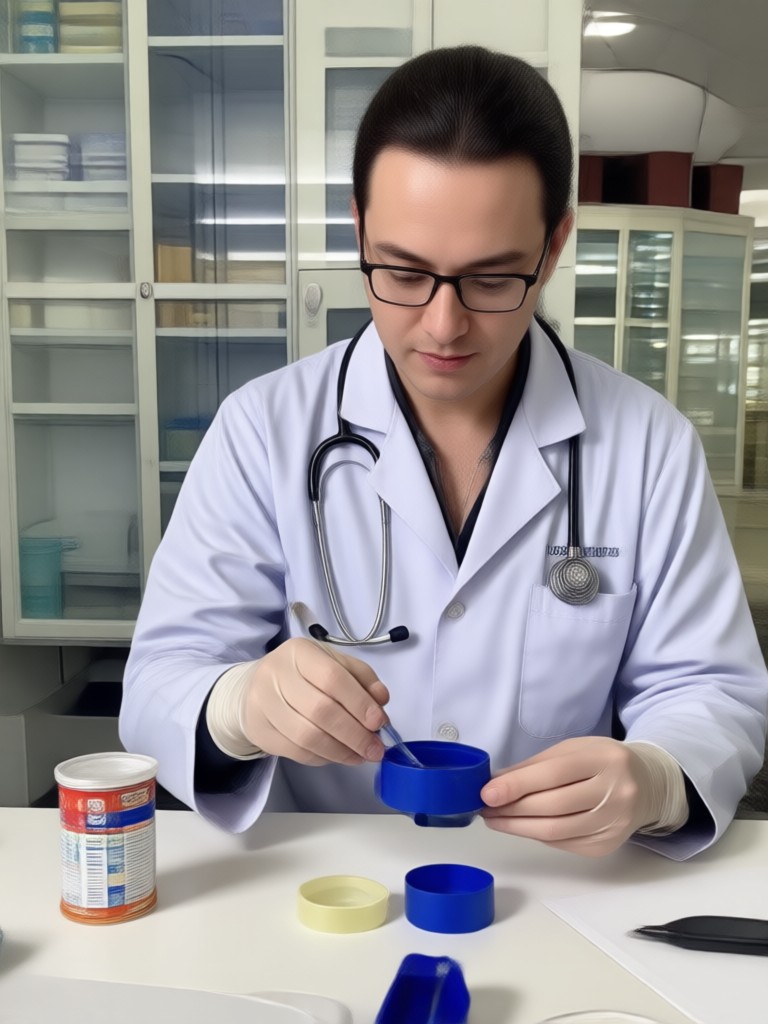
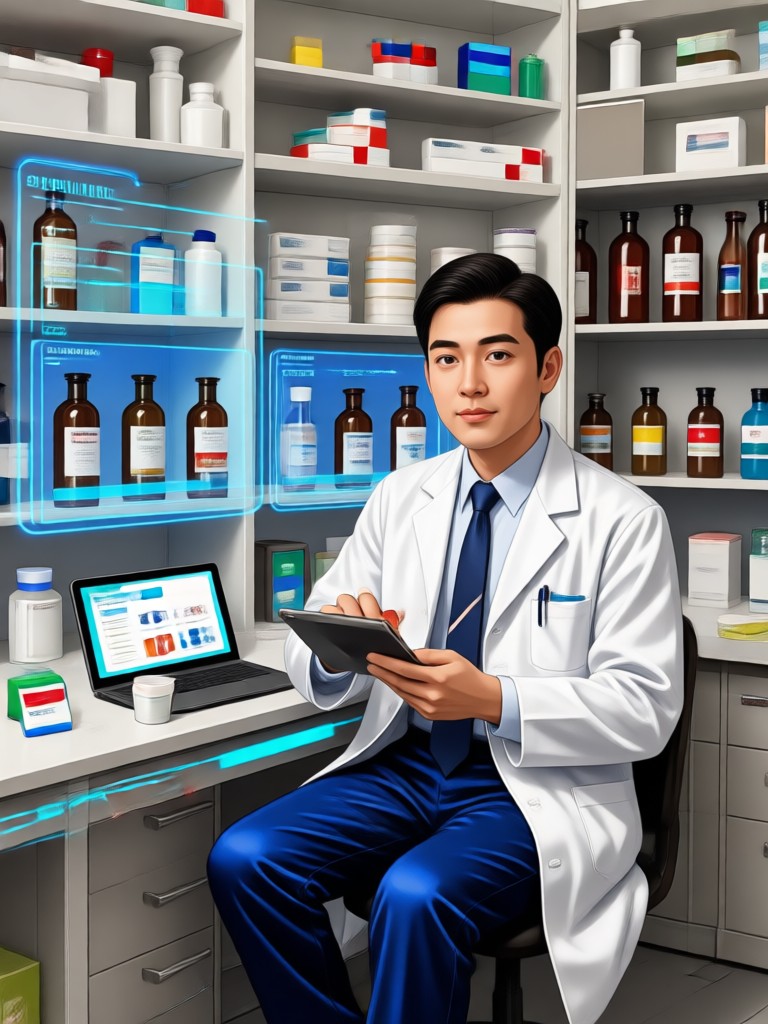
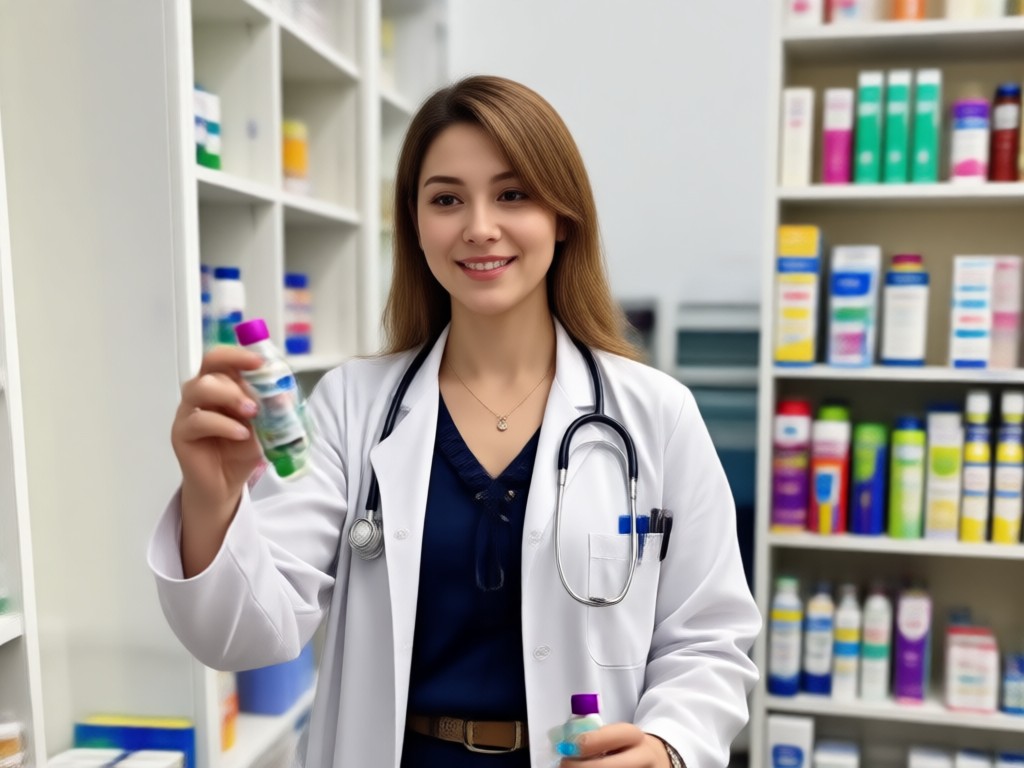
AI Pharmacist Photo Gallery Created by dradra
Browse realistic AI generated pharmacist portraits made with dradra. See the variety of styles, uniforms, and pharmacy backgrounds you can create in minutes.

Why Use dradra for AI Pharmacist Photos
dradra combines powerful AI image generation with a simple mobile interface. You do not need to write complex prompts or learn photo editing. Just upload a photo, pick a pharmacist style, and the app handles face preservation, clothing swap, and background replacement automatically. Results look natural and ready to share.
Why Use dradra for AI Pharmacist Photos
dradra combines powerful AI image generation with a simple mobile interface. You do not need to write complex prompts or learn photo editing. Just upload a photo, pick a pharmacist style, and the app handles face preservation, clothing swap, and background replacement automatically. Results look natural and ready to share.
How to Create a Gemini AI Pharmacist Photo in 3 Steps
Follow these simple steps to generate a realistic pharmacist portrait on your phone.

Step 01.
Download the dradra app from Google Play and open it on your Android device.
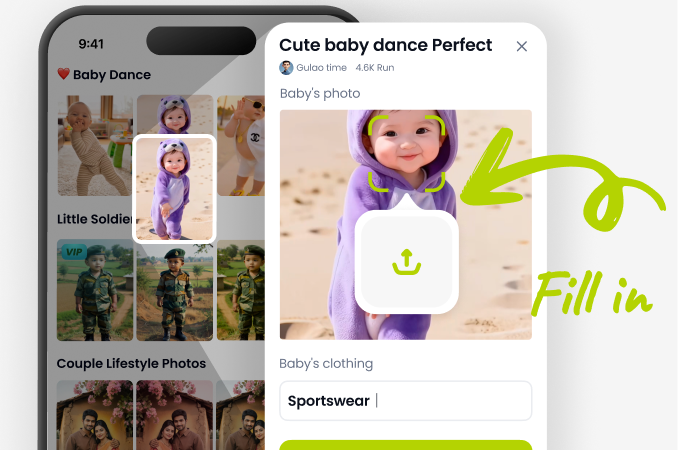
Step 02.
Upload a clear photo and choose a pharmacist filter from the style library.
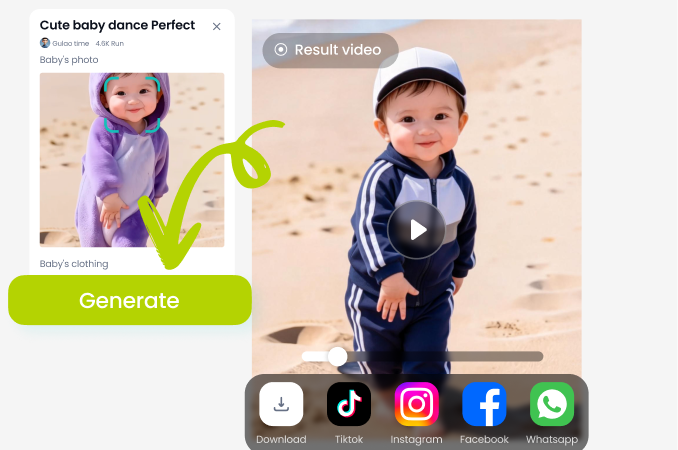
Step 03.
Generate your AI pharmacist photo, then save or share it on social media.
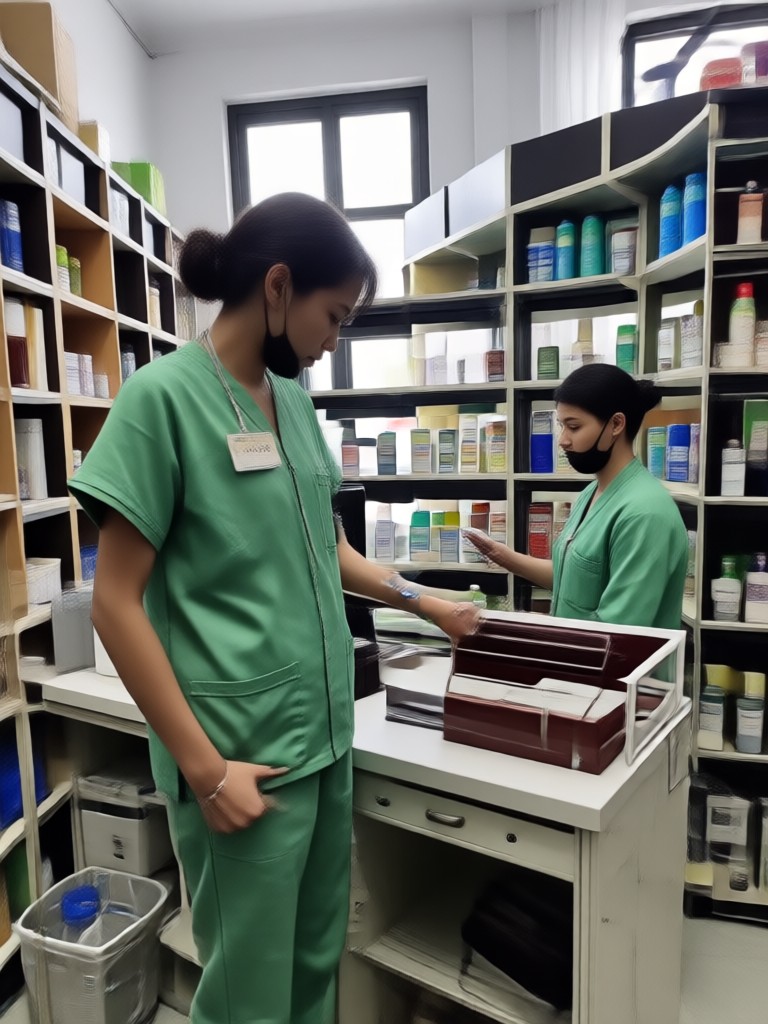
Gemini AI Pharmacist Photo App for Android
Create professional pharmacist portraits right from your phone. Download dradra from Google Play and start generating in minutes.

Creators Who Use dradra for AI Pharmacist Photos
Louis Yule
I needed a professional pharmacist photo for my pharmacy school application. dradra gave me a realistic white coat portrait in less than a minute.
Mandy Sander
The pharmacy background feature is amazing. I used it to create a clean clinical headshot for my LinkedIn profile without leaving home.

Orville Garcia
I run a small pharmacy and wanted uniform team photos. dradra let me generate consistent pharmacist portraits for all staff quickly.
Sam Green
As a content creator, I love how easy it is to make fun pharmacist themed images for my videos. The quality is always sharp.
Louis Yule
I needed a professional pharmacist photo for my pharmacy school application. dradra gave me a realistic white coat portrait in less than a minute.
Mandy Sander
The pharmacy background feature is amazing. I used it to create a clean clinical headshot for my LinkedIn profile without leaving home.
Orville Garcia
I run a small pharmacy and wanted uniform team photos. dradra let me generate consistent pharmacist portraits for all staff quickly.
Sam Green
As a content creator, I love how easy it is to make fun pharmacist themed images for my videos. The quality is always sharp.
Louis Yule
I needed a professional pharmacist photo for my pharmacy school application. dradra gave me a realistic white coat portrait in less than a minute.
Mandy Sander
The pharmacy background feature is amazing. I used it to create a clean clinical headshot for my LinkedIn profile without leaving home.
Orville Garcia
I run a small pharmacy and wanted uniform team photos. dradra let me generate consistent pharmacist portraits for all staff quickly.
Sam Green
As a content creator, I love how easy it is to make fun pharmacist themed images for my videos. The quality is always sharp.
Frequently Asked Questions About Gemini AI Pharmacist Photo
Get answers to common questions about creating AI pharmacist portraits with dradra.
Create Your Gemini AI Pharmacist Photo Today
Download dradra now and turn any photo into a realistic pharmacist portrait in seconds. No design skills needed.
Create Your Gemini AI Pharmacist Photo Today
Download dradra now and turn any photo into a realistic pharmacist portrait in seconds. No design skills needed.