Gemini AI Remove Wrinkles
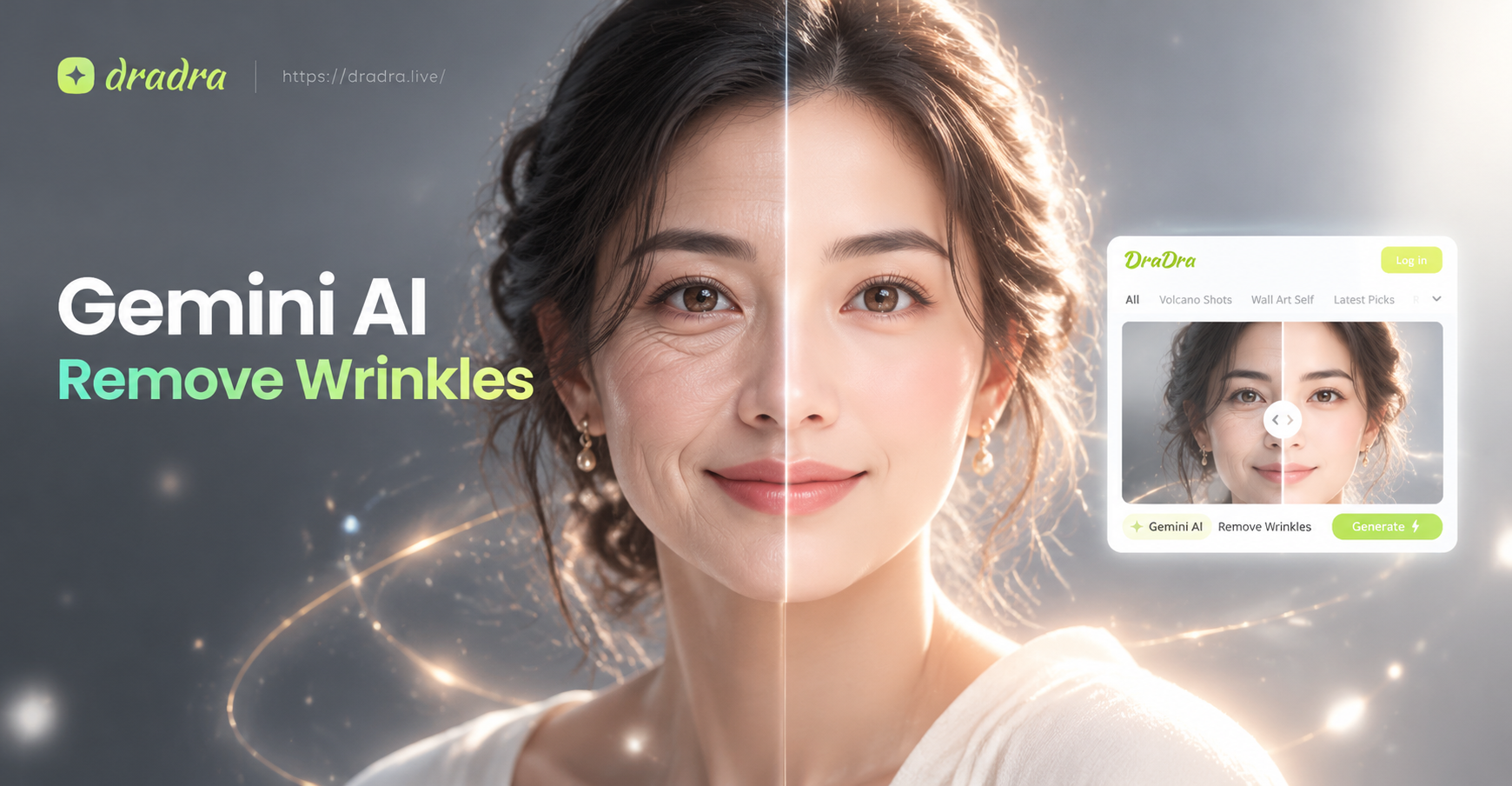
Choose the Skin Smoothing Filter That Suits You Best
Discover AI filters designed to remove wrinkles, smooth skin, and enhance facial features without looking artificial.
Key Features of Gemini AI Wrinkle Remover
dradra combines advanced AI face detection with realistic skin texture preservation, so you can remove wrinkles without losing the natural look of your portrait.
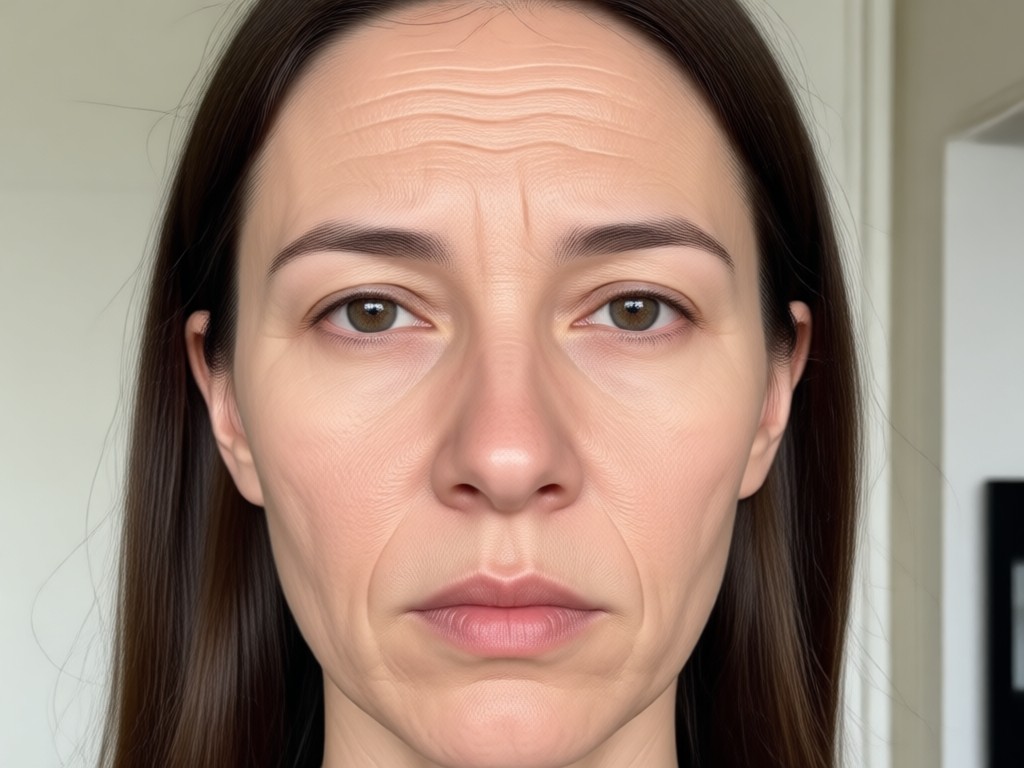
Natural Wrinkle Removal
AI identifies fine lines, crow's feet, and forehead wrinkles, then smooths them while keeping skin texture realistic. No plastic or over airbrushed look.
Natural Wrinkle Removal
AI identifies fine lines, crow's feet, and forehead wrinkles, then smooths them while keeping skin texture realistic. No plastic or over airbrushed look.
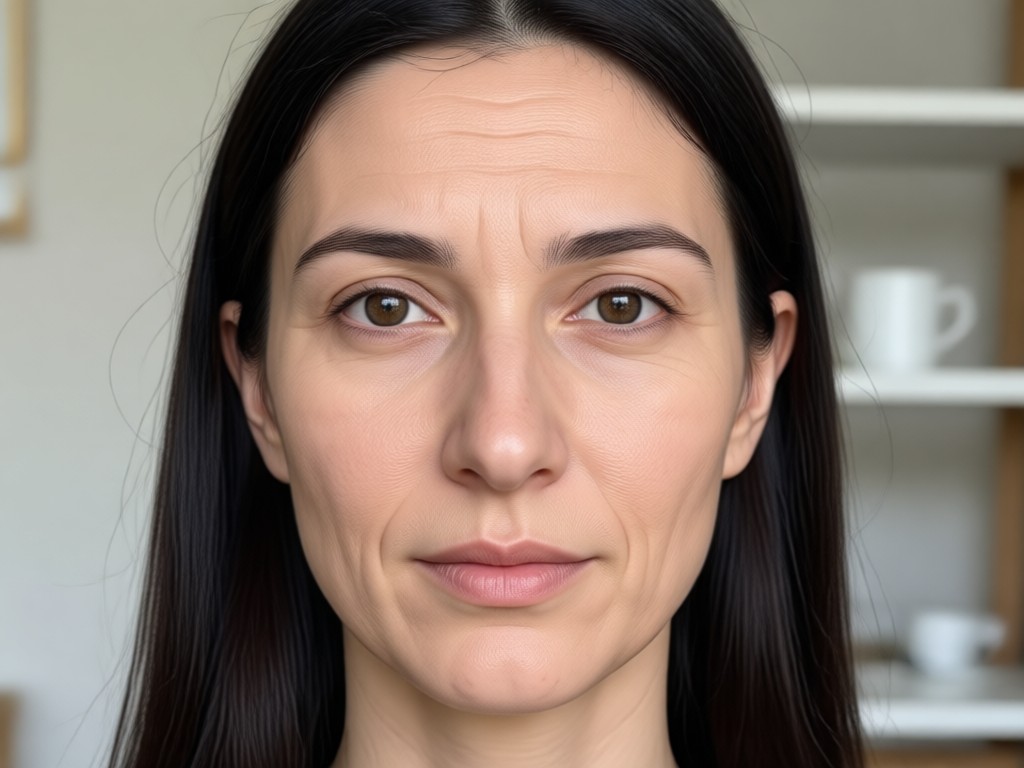
One Tap Face Retouch
Upload a portrait and let the AI do the work. It automatically removes wrinkles, blemishes, and dark spots, leaving a fresh and youthful complexion in seconds.
One Tap Face Retouch
Upload a portrait and let the AI do the work. It automatically removes wrinkles, blemishes, and dark spots, leaving a fresh and youthful complexion in seconds.
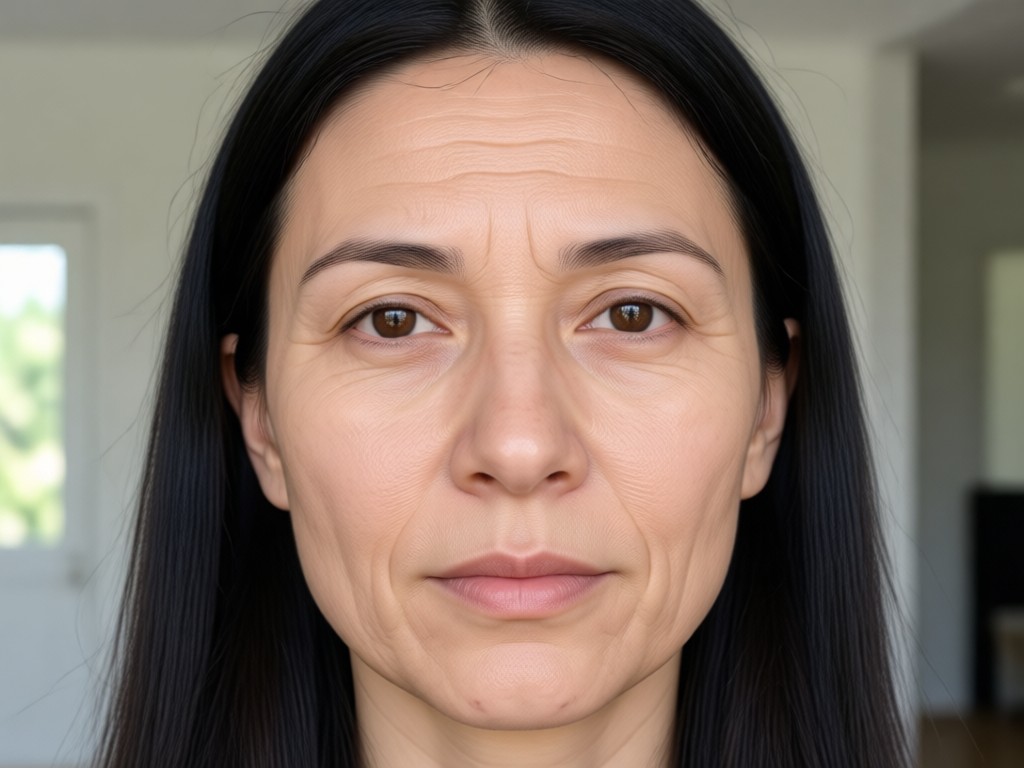
Group Photo Support
Process multiple faces in one image with precise face detection. Each person gets consistent wrinkle removal without blending or losing identity.
Group Photo Support
Process multiple faces in one image with precise face detection. Each person gets consistent wrinkle removal without blending or losing identity.
How to Remove Wrinkles with dradra AI?
Create smooth, youthful portraits in just three simple steps using the dradra mobile app.

Step 01.
Download the dradra app from Google Play and open it on your phone. No sign up or design skills required.

Step 02.
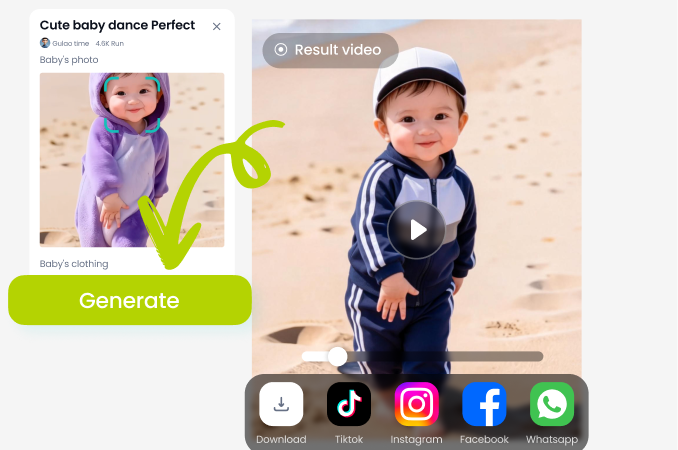
Upload a portrait photo and choose a skin smoothing or wrinkle removal filter from the style library.
Step 03.
Generate your retouched image and save it to your gallery or share directly to social media.
Realistic Before and After Skin Transformations
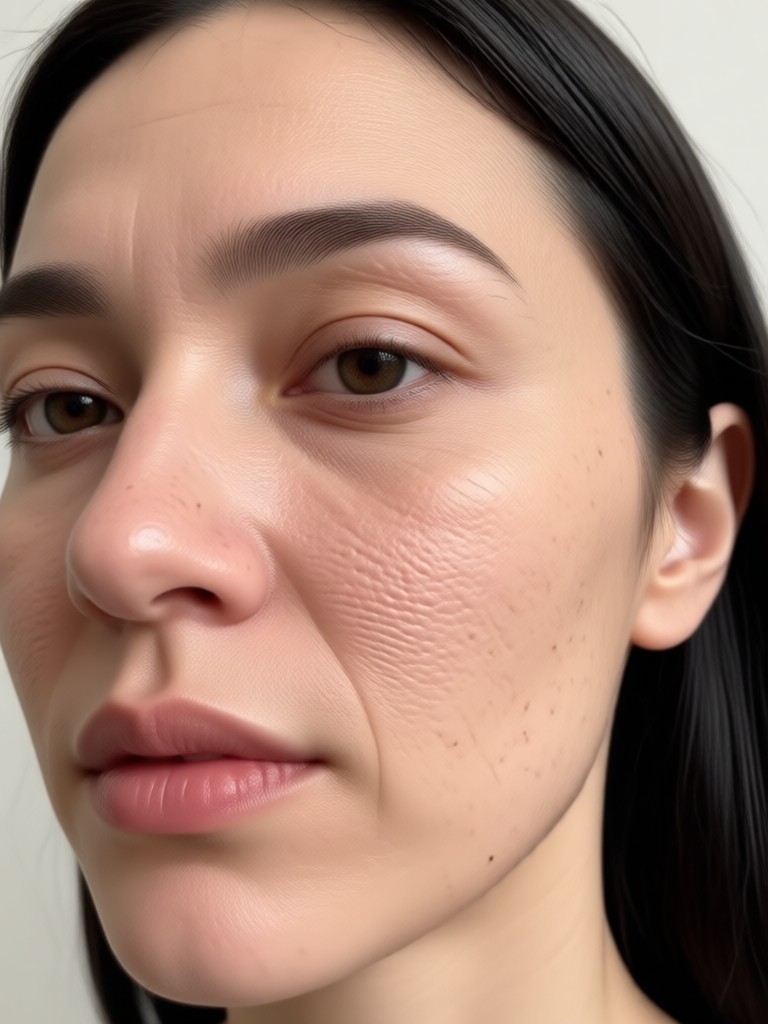
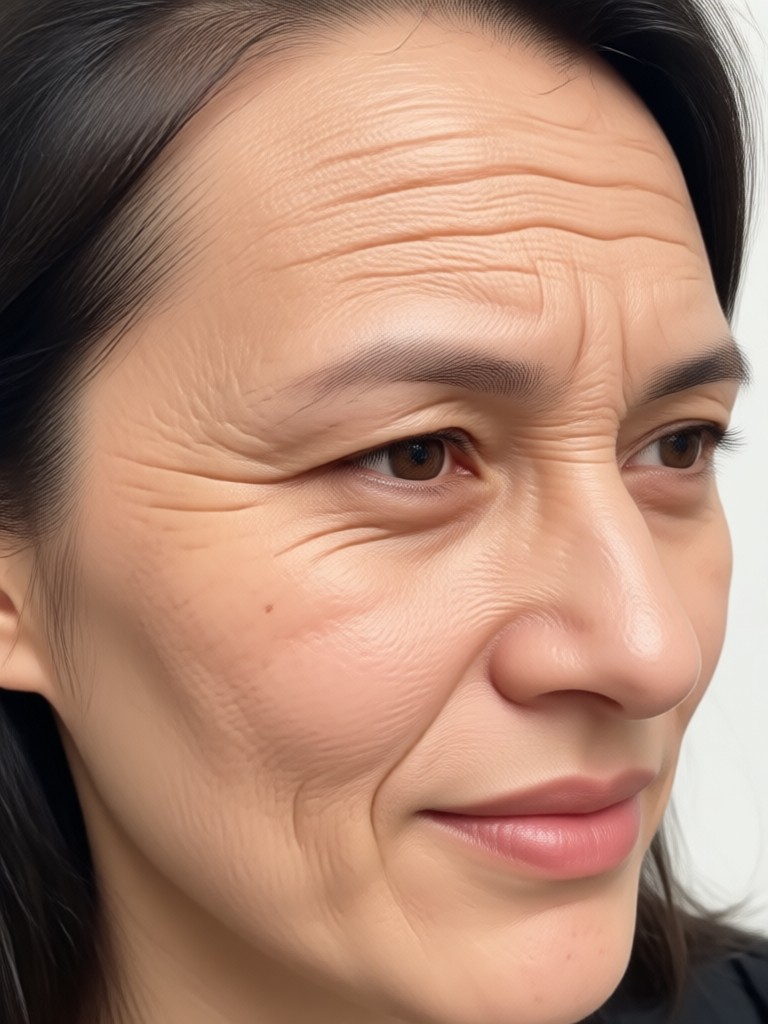
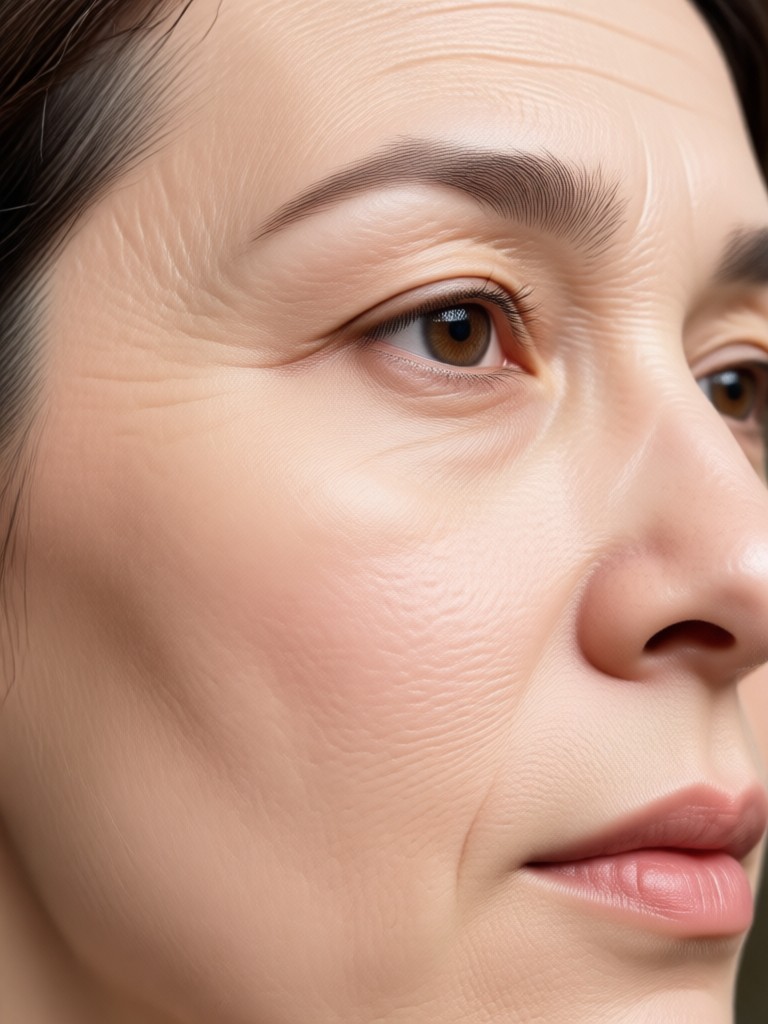
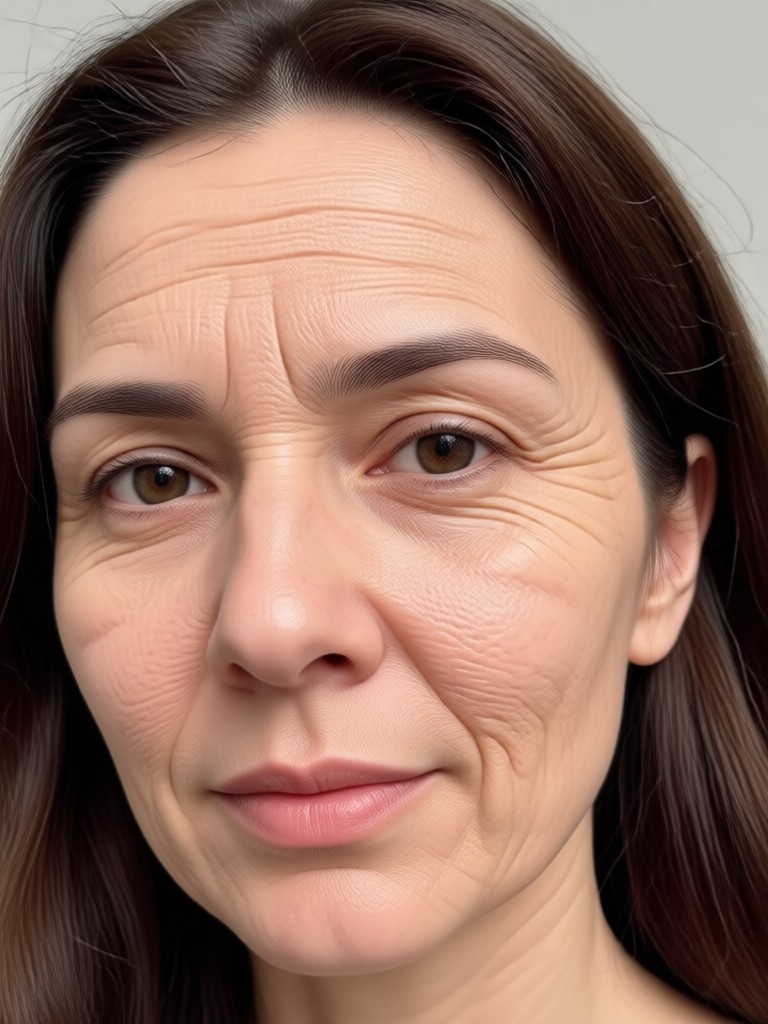
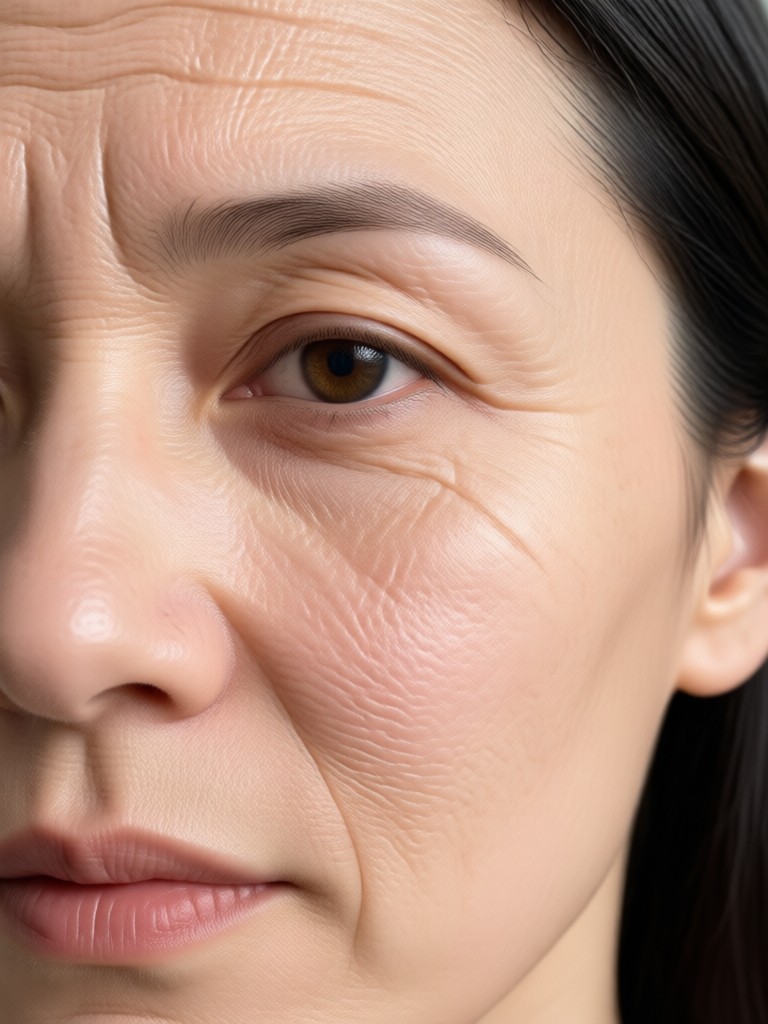
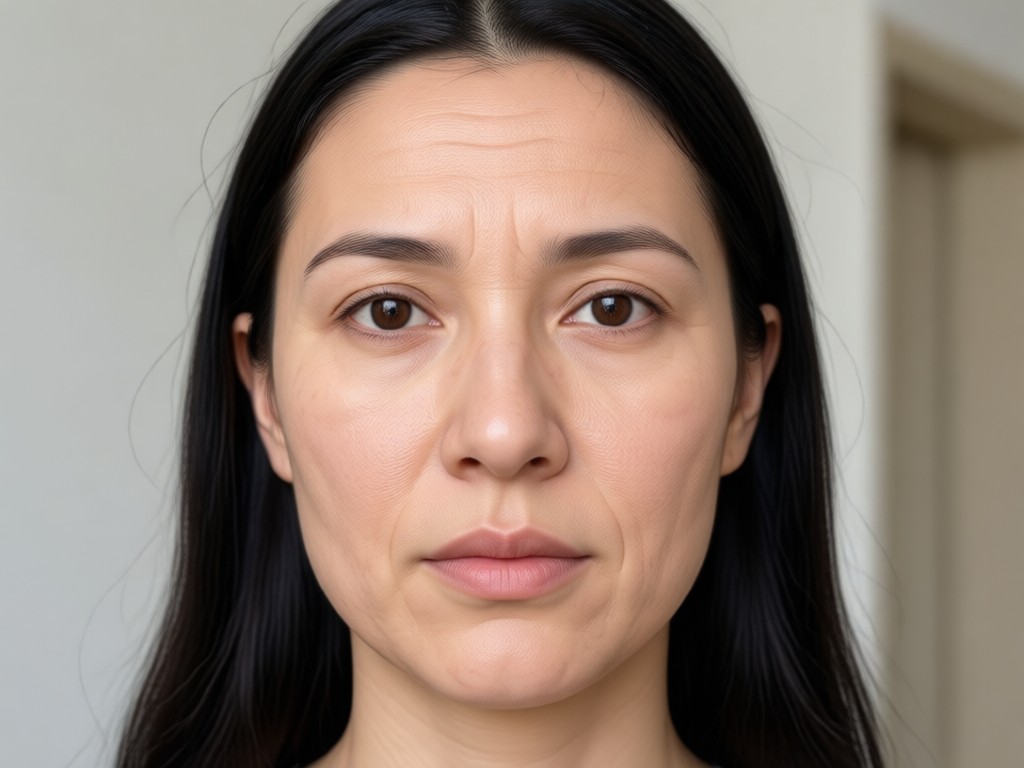
See how dradra removes wrinkles while preserving natural skin texture and facial identity. Browse sample results to understand what AI wrinkle removal can do for your photos.
Why Choose dradra for AI Wrinkle Removal?
Unlike basic beauty filters that blur your entire face, dradra uses intelligent face mapping to target wrinkles while keeping pores, texture, and expressions intact. The result is a natural, youthful look that still looks like you.
Why Choose dradra for AI Wrinkle Removal?
Unlike basic beauty filters that blur your entire face, dradra uses intelligent face mapping to target wrinkles while keeping pores, texture, and expressions intact. The result is a natural, youthful look that still looks like you.
What People Say About dradra Wrinkle Removal
Finally a retouch app that looks real
I tried several apps to remove wrinkles from my headshot, but they all made me look plastic. dradra kept my skin texture and just softened the lines. I use it for every profile photo now.
Perfect for family photos
My mom always asks me to edit wrinkles from group pictures. With dradra I can process all faces at once and the results are consistent. She loves it.
So easy, no learning curve
I know nothing about photo editing. I uploaded a picture, selected the wrinkle filter, and it was done in seconds. The result is exactly what I wanted.
Frequently Asked Questions About Gemini AI Wrinkle Removal
Find clear answers to common questions about using dradra to remove wrinkles from photos and videos.
More Topics You May Like
Explore more AI photo editing guides and discover fresh ideas tailored to your interests.

AI Glow Up: Transform Your Look in Seconds

Gemini AI Denim Jacket: Try On Your Dream Style Online

AI Weirdcore Art: Turn Odd Photos into Dreamy Worlds

Turn Any Photo Into a Gemini AI Singer Portrait
AI Glow Up: Transform Your Look in Seconds
Gemini AI Denim Jacket: Try On Your Dream Style Online
AI Weirdcore Art: Turn Odd Photos into Dreamy Worlds
Turn Any Photo Into a Gemini AI Singer Portrait
Ready to Remove Wrinkles Instantly?
Download dradra from Google Play and start smoothing wrinkles, fine lines, and blemishes with AI. No editing skills required. Get natural, youthful portraits in seconds.
Ready to Remove Wrinkles Instantly?
Download dradra from Google Play and start smoothing wrinkles, fine lines, and blemishes with AI. No editing skills required. Get natural, youthful portraits in seconds.