Night Flash AI Filter
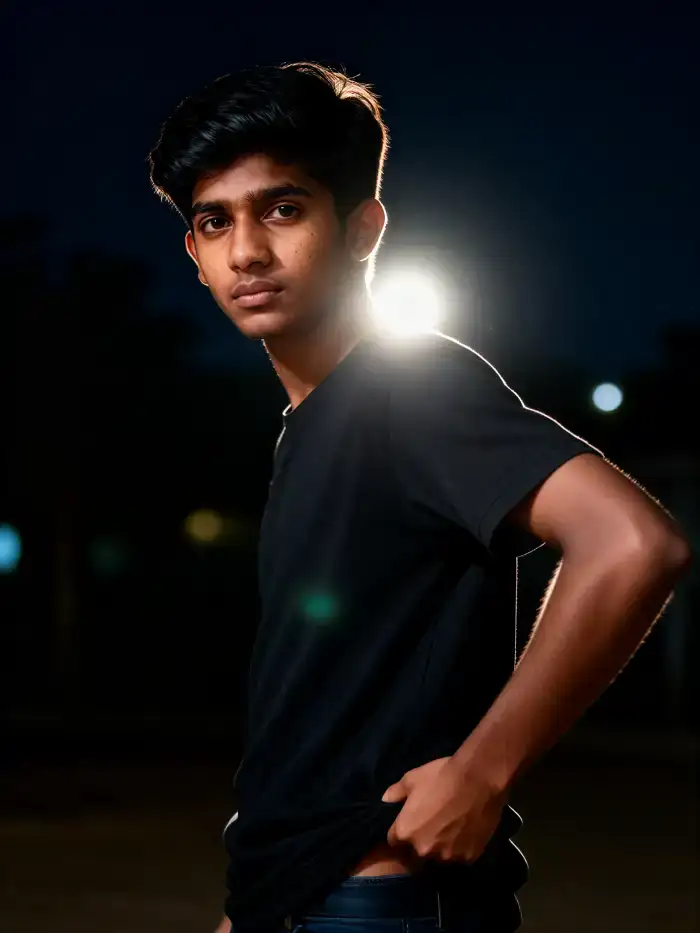
Flash & Glow Filters for Every Mood
Choose from a variety of flash photography styles, from subtle retro glow to intense paparazzi bursts.
Why Use the Night Flash AI Filter?
Go beyond basic edits. Our AI-powered tool understands light, shadow, and composition to apply flash effects that look like they came from a professional camera.
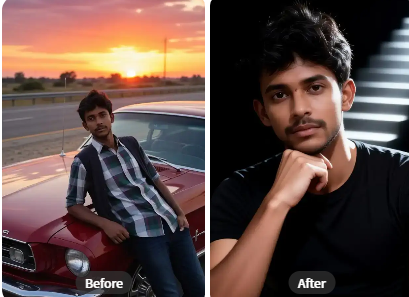
Realistic Flash Simulation
Our AI doesn't just add a white spot. It analyzes your photo's lighting and depth to place a realistic, directional camera flash with accurate lens flare and bloom effects.
Realistic Flash Simulation
Our AI doesn't just add a white spot. It analyzes your photo's lighting and depth to place a realistic, directional camera flash with accurate lens flare and bloom effects.
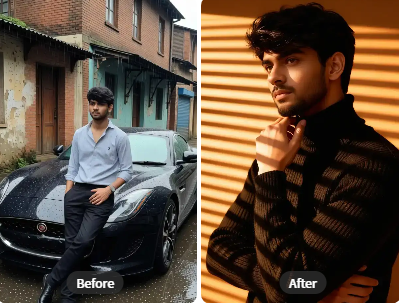
Retro & Vintage Flash Styles
Apply classic 90s disposable camera flash, grainy paparazzi bursts, or soft vintage glow. Perfect for creating nostalgic or film-inspired photography aesthetics.
Retro & Vintage Flash Styles
Apply classic 90s disposable camera flash, grainy paparazzi bursts, or soft vintage glow. Perfect for creating nostalgic or film-inspired photography aesthetics.
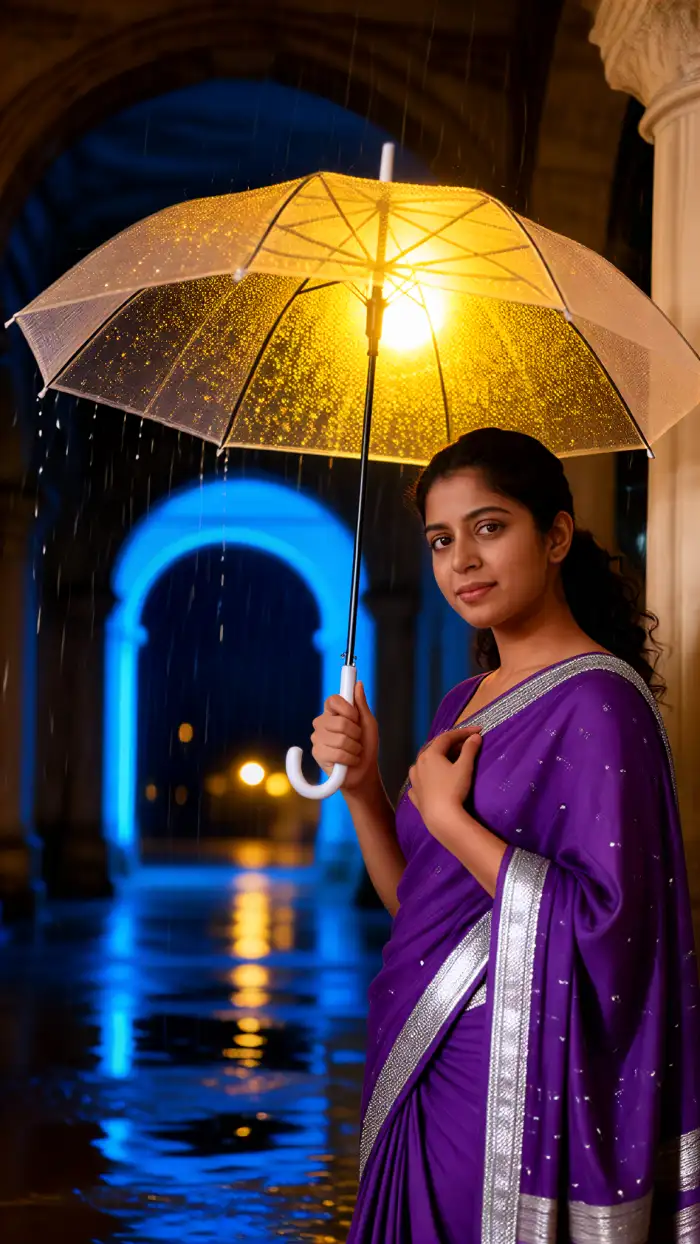
Night Glow & Atmosphere
Enhance night photos, cityscapes, or portraits with ambient night glow. The AI adds a believable light source that illuminates subjects and creates dramatic atmosphere.
Night Glow & Atmosphere
Enhance night photos, cityscapes, or portraits with ambient night glow. The AI adds a believable light source that illuminates subjects and creates dramatic atmosphere.
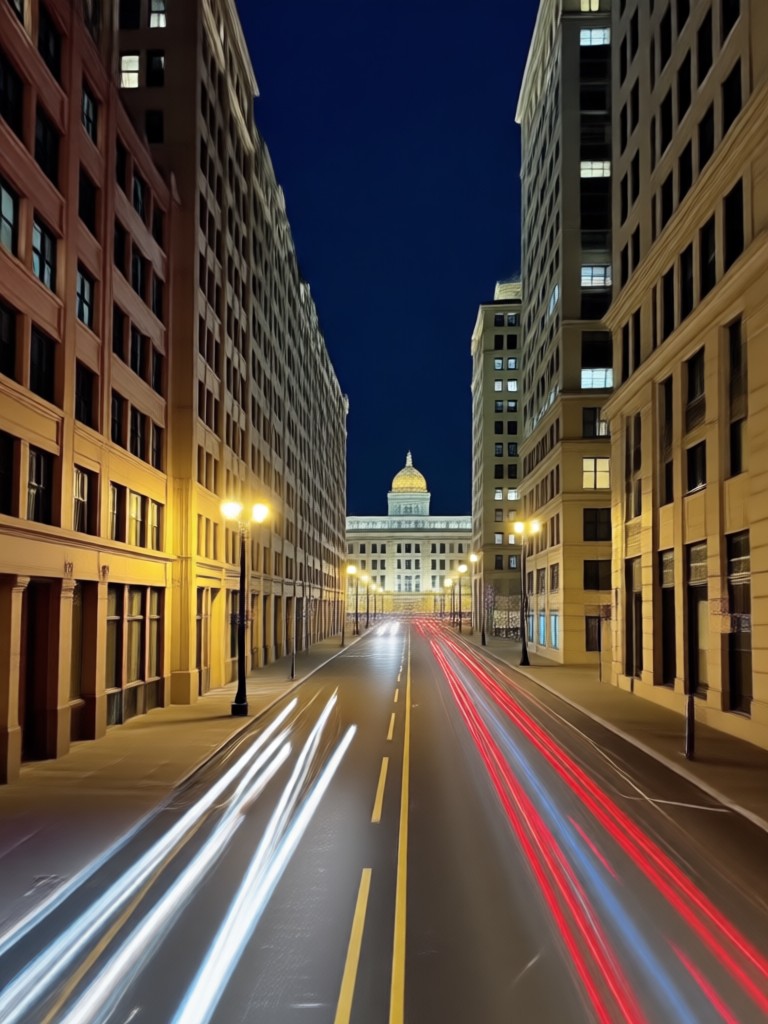
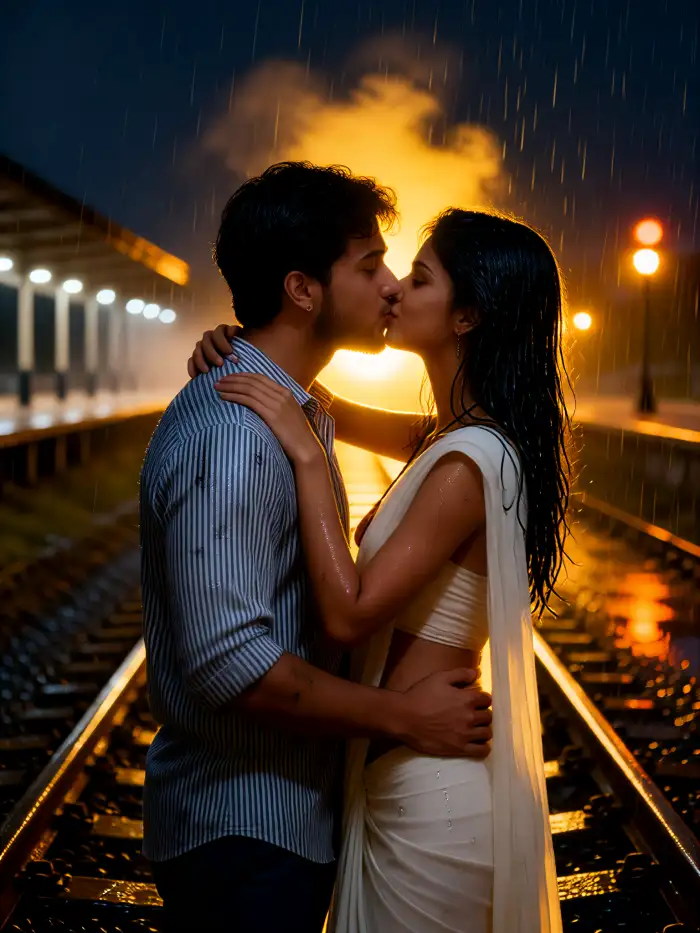
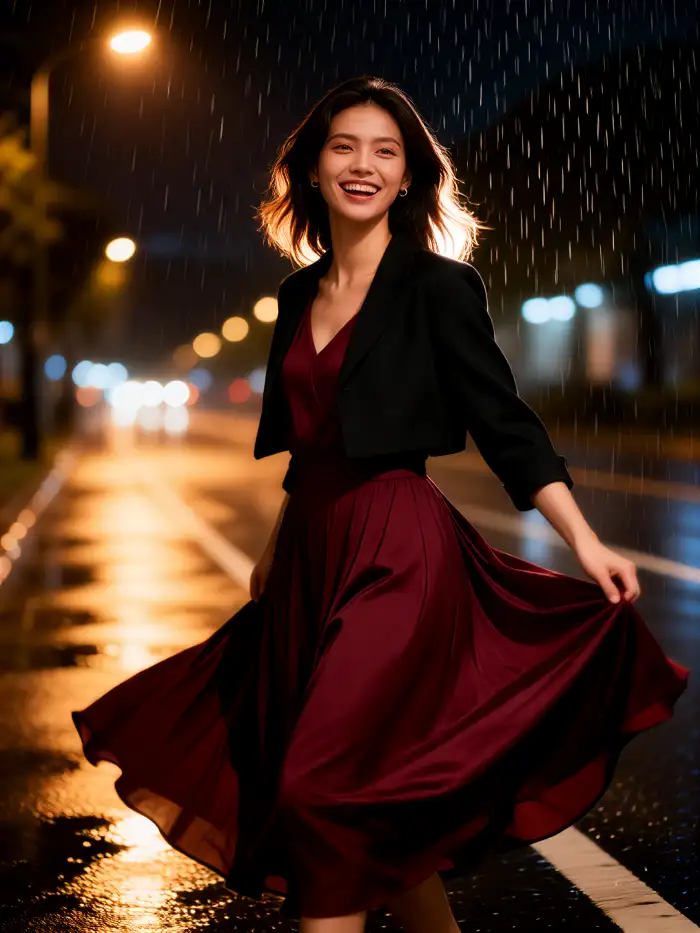
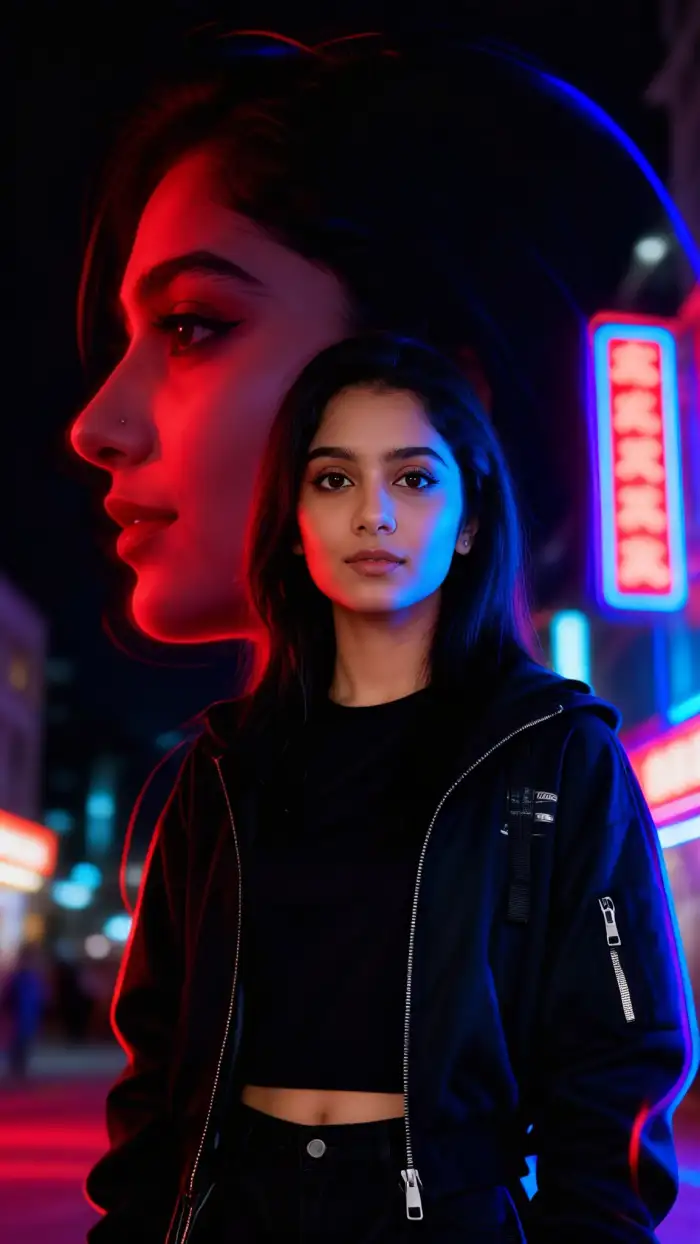
Night Flash AI Filter Inspiration Gallery
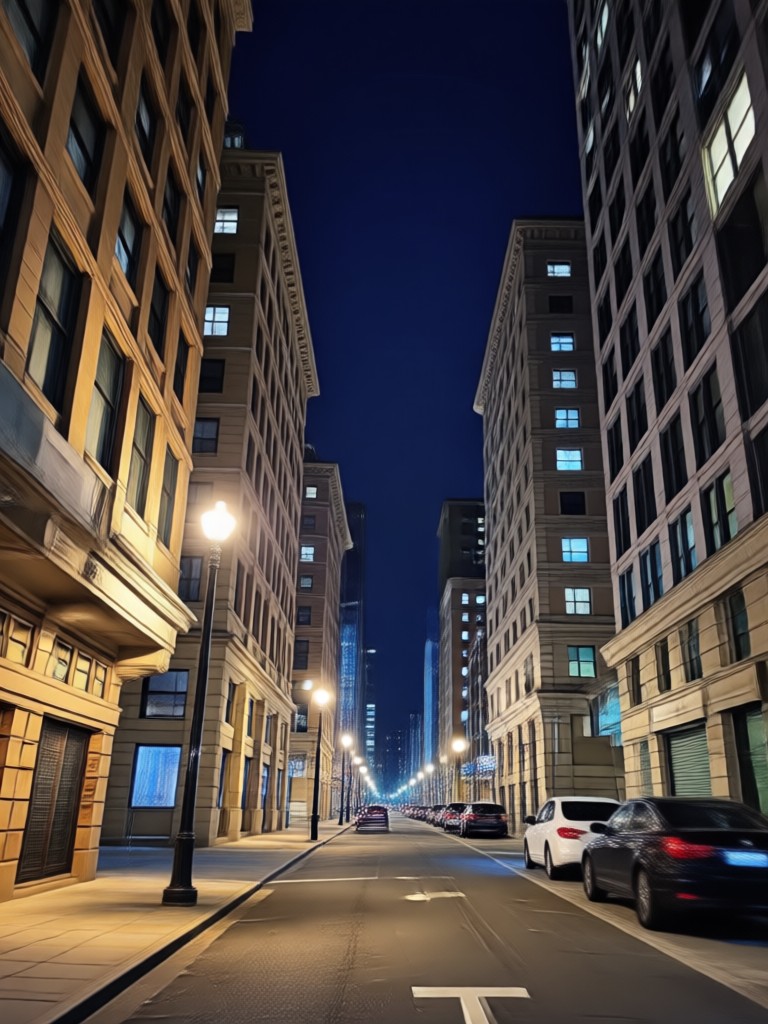
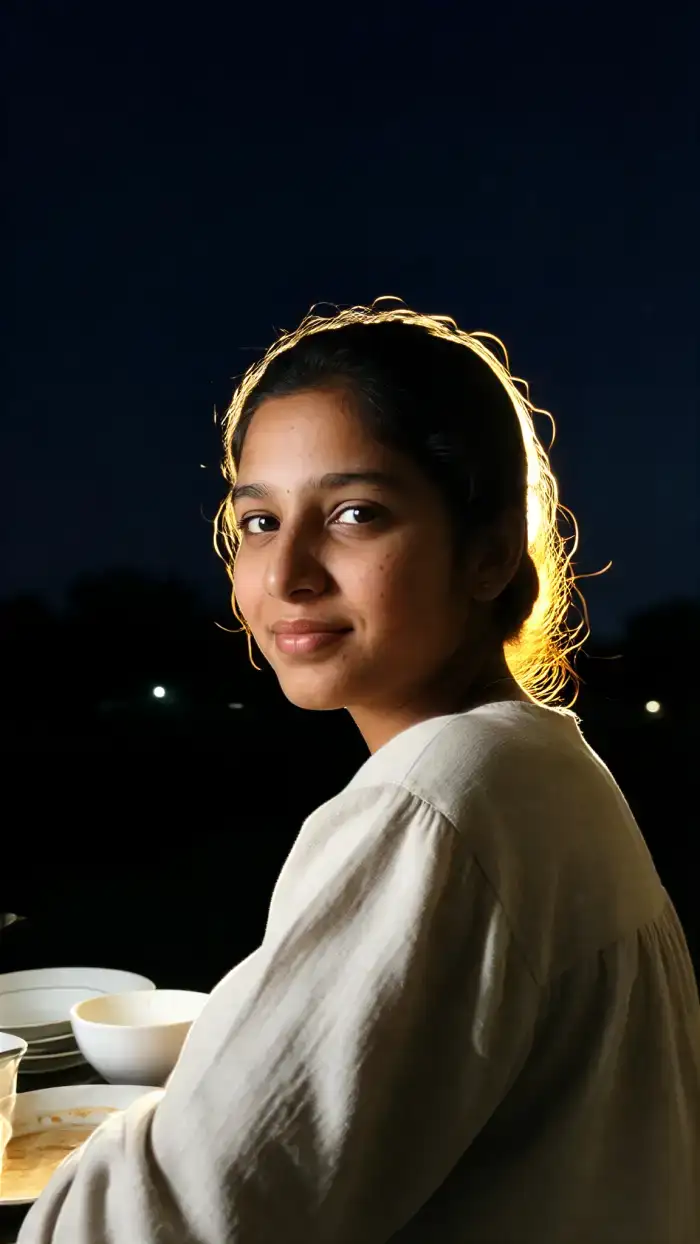
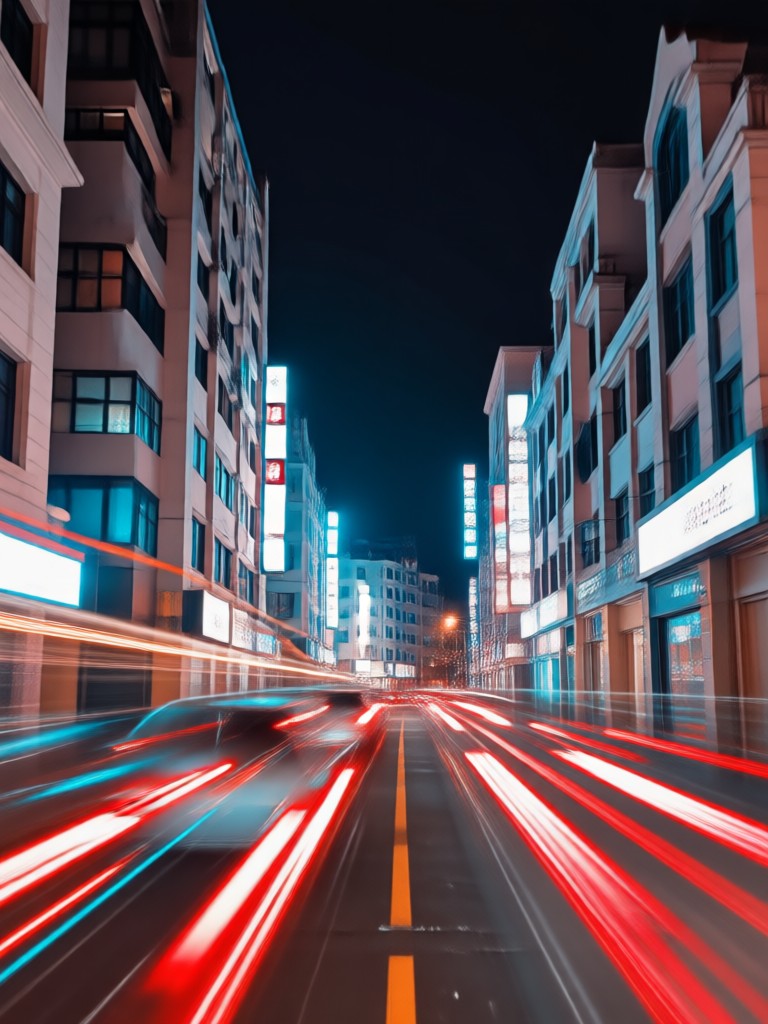
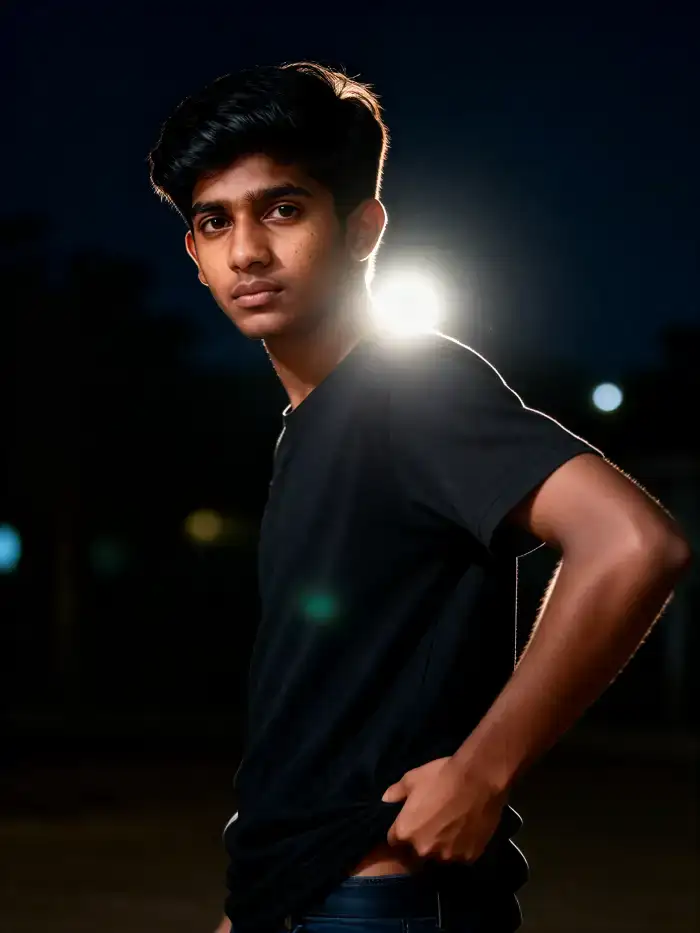
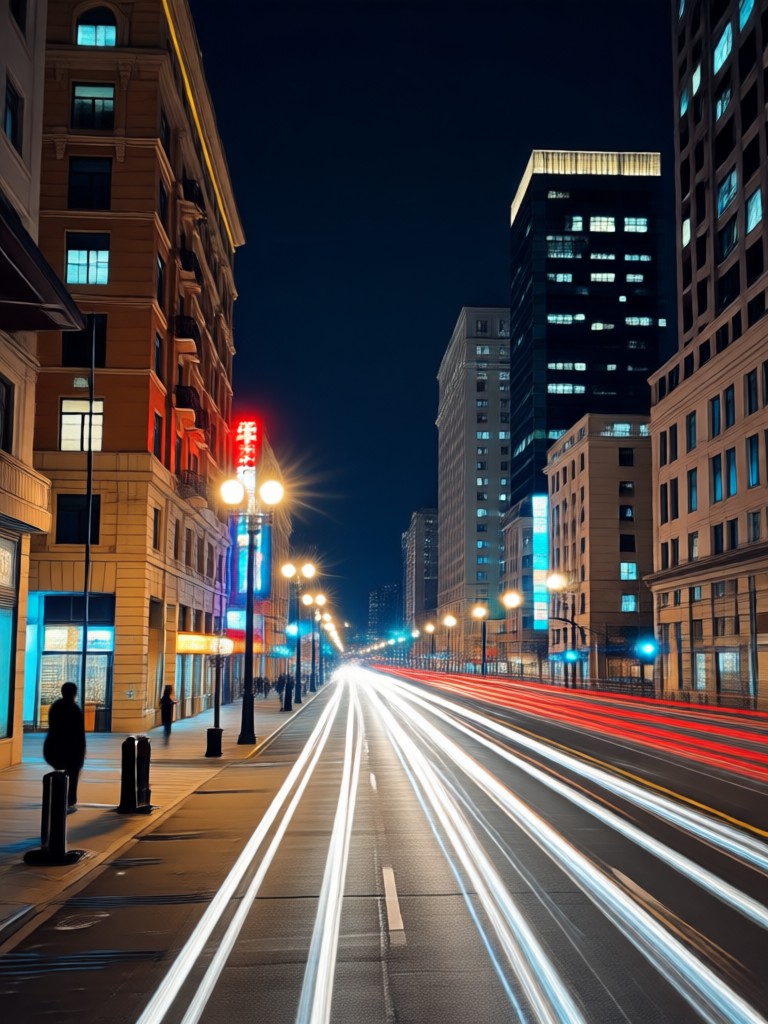
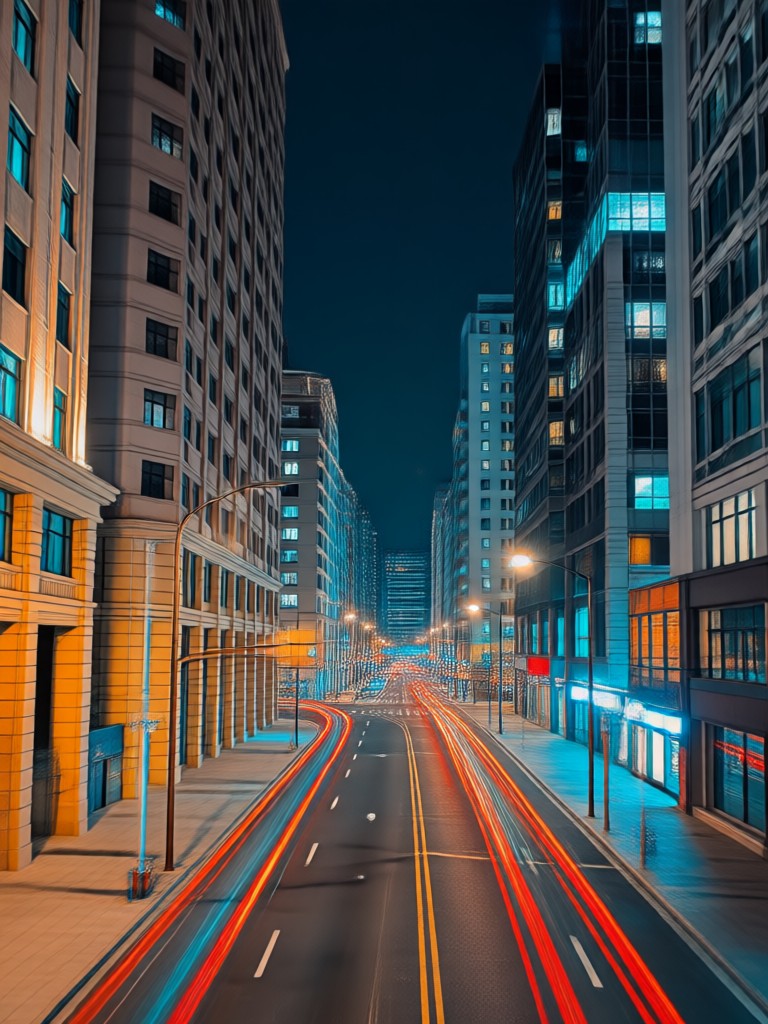
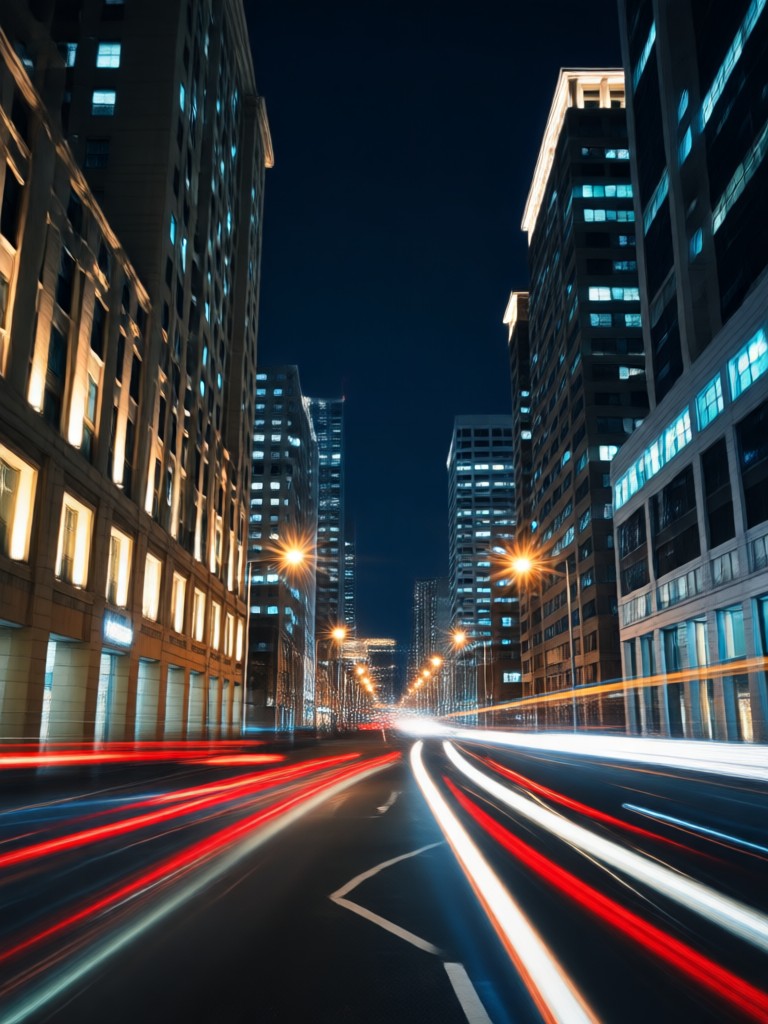
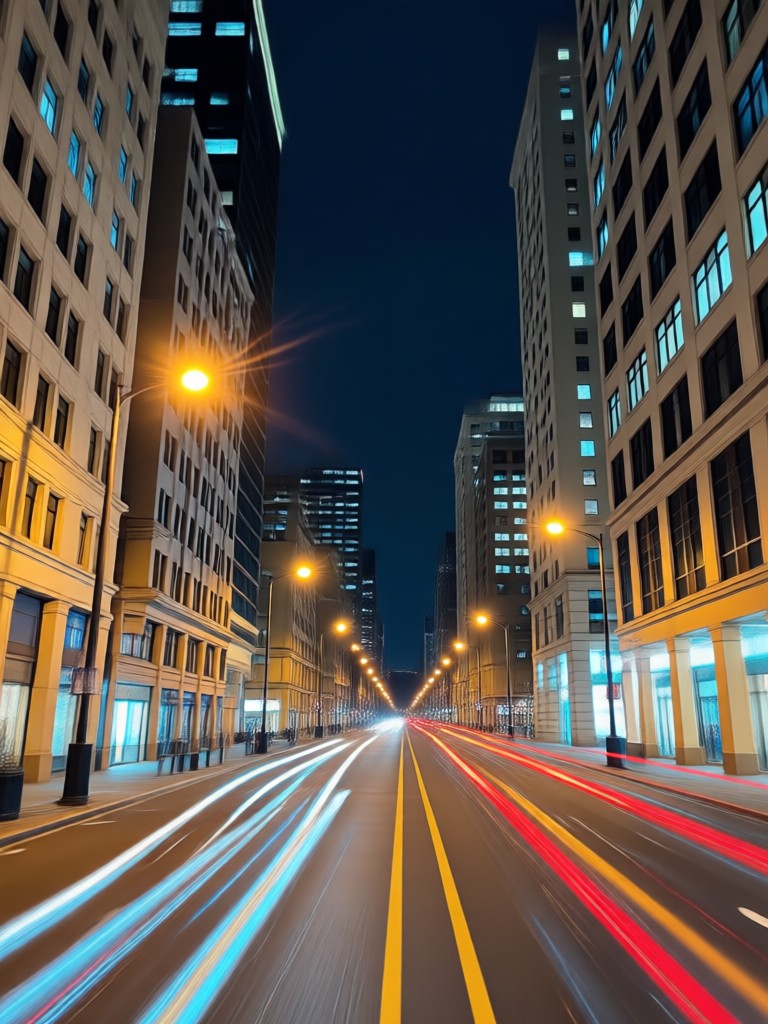
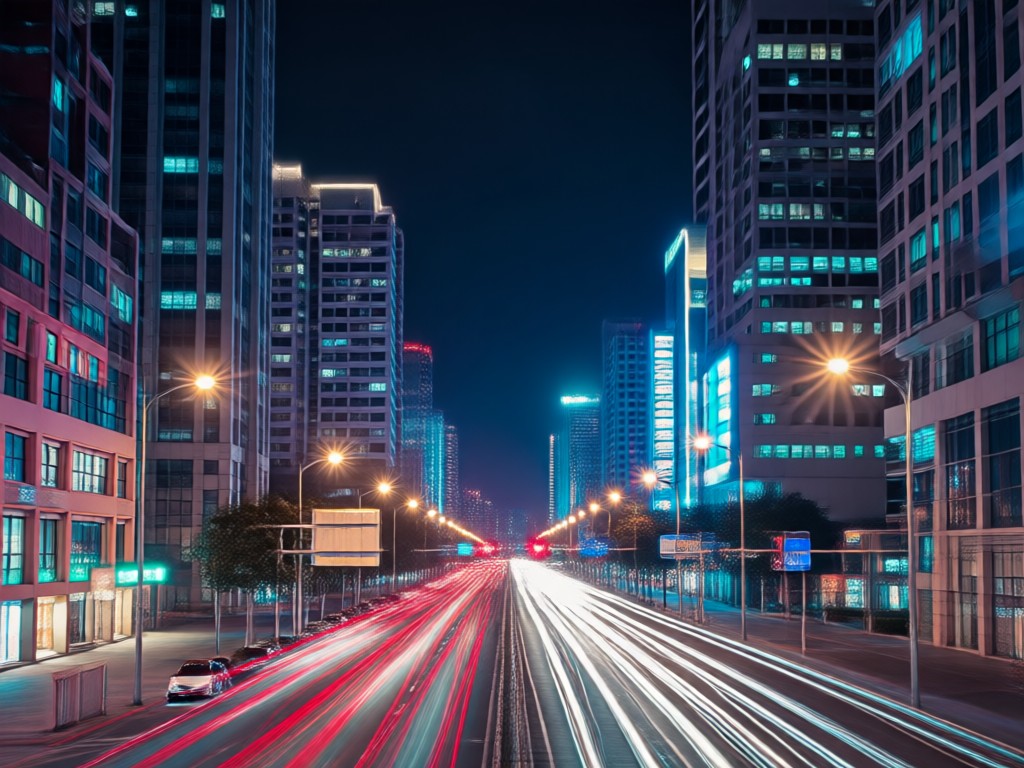
See how the AI transforms ordinary photos into flash photography masterpieces. From portrait highlights to vibrant night scenes.
No Pro Gear, No Problem
Achieving a perfect camera flash effect usually requires expensive lighting equipment and studio conditions. Our AI filter replicates this complex lighting in seconds on your phone, making professional flash photography accessible to everyone.
No Pro Gear, No Problem
Achieving a perfect camera flash effect usually requires expensive lighting equipment and studio conditions. Our AI filter replicates this complex lighting in seconds on your phone, making professional flash photography accessible to everyone.
How to Add a Night Flash Filter?
Create stunning flash photography in just three simple steps using the dradra app.

Step 01.
Download the dradra app from Google Play. It's your all-in-one mobile studio for AI photo and video effects.
Step 02.
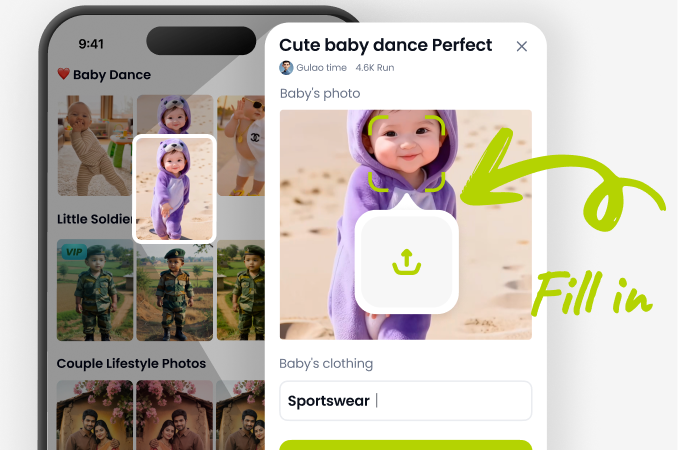
Open the app, upload your photo, and browse the 'Flash & Glow' category. Select the Night Flash, Paparazzi, or Retro Flash filter.
Step 03.
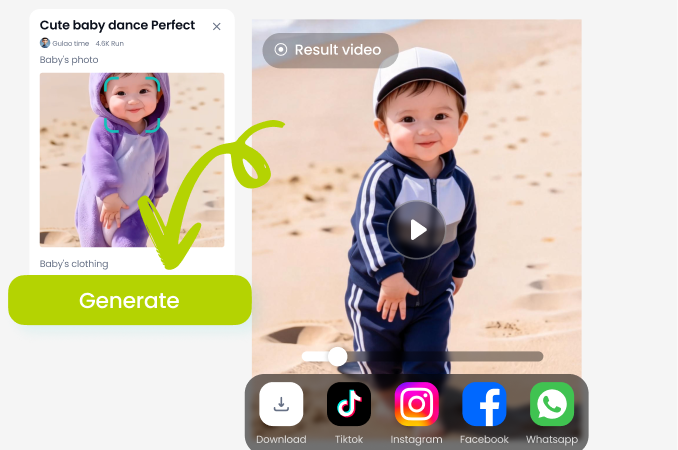
Generate your flash-enhanced image instantly. Adjust intensity if needed, then save and share your viral-ready photo directly to Instagram or other platforms.
What Creators Say About the Flash Filter
Instant Instagram Aesthetic
I run a fashion page and was tired of dull night outfit photos. This flash filter gives every post that 'red carpet paparazzi' vibe. Engagement on my night posts has doubled.
Saves My Concert Photos
My phone camera struggles in dark venues. Now I just take the best shot I can and let the AI flash filter do the work. It adds realistic light and makes the photos look professionally lit.
Nostalgic 90s Vibes Made Easy
I love the retro flash options. With one tap, my modern photos get that grainy, nostalgic look from disposable cameras. It's my go-to filter for creating themed content.
Your Mobile Flash Studio
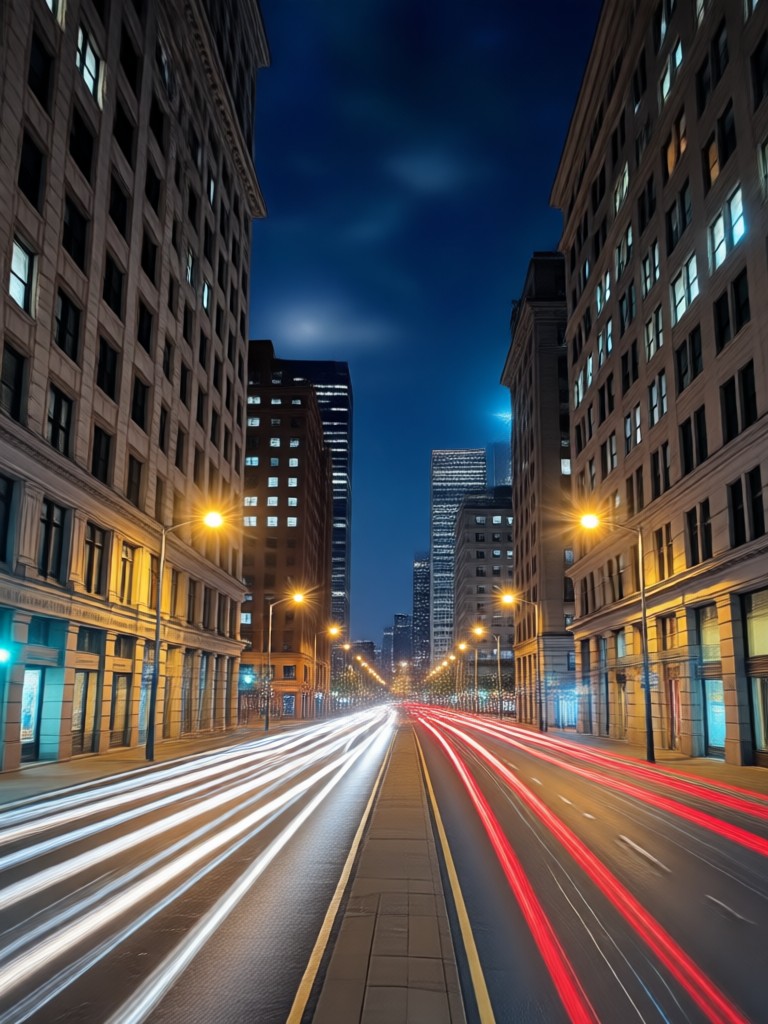
Why hire a photographer or buy expensive lighting? Transform your phone into a professional-grade flash studio. Download dradra and light up your photos today.

Night Flash Filter FAQs
Get answers to the most common questions about using AI to add flash and glow effects to your photos.
More AI Effects You May Like
Explore more topics you may like and discover fresh ideas tailored to your interests.
AI Rose Petal Couple Photoshoot Magic | Create Instantly
Create Instant Photo Collages with AI Portrait Maker
Create Reunion Hug Videos in the Rain with AI
Realistic Couple Dance Animation Generator: Bring Your Photos to Life
AI Rose Petal Couple Photoshoot Magic | Create Instantly
Create Instant Photo Collages with AI Portrait Maker
Create Reunion Hug Videos in the Rain with AI
Realistic Couple Dance Animation Generator: Bring Your Photos to Life
Light Up Your Feed Tonight
Stop posting dark, grainy photos. Download dradra now and use the AI Night Flash Filter to create stunning, professional-looking flash photography in seconds.
Light Up Your Feed Tonight
Stop posting dark, grainy photos. Download dradra now and use the AI Night Flash Filter to create stunning, professional-looking flash photography in seconds.