Photo to Sketch
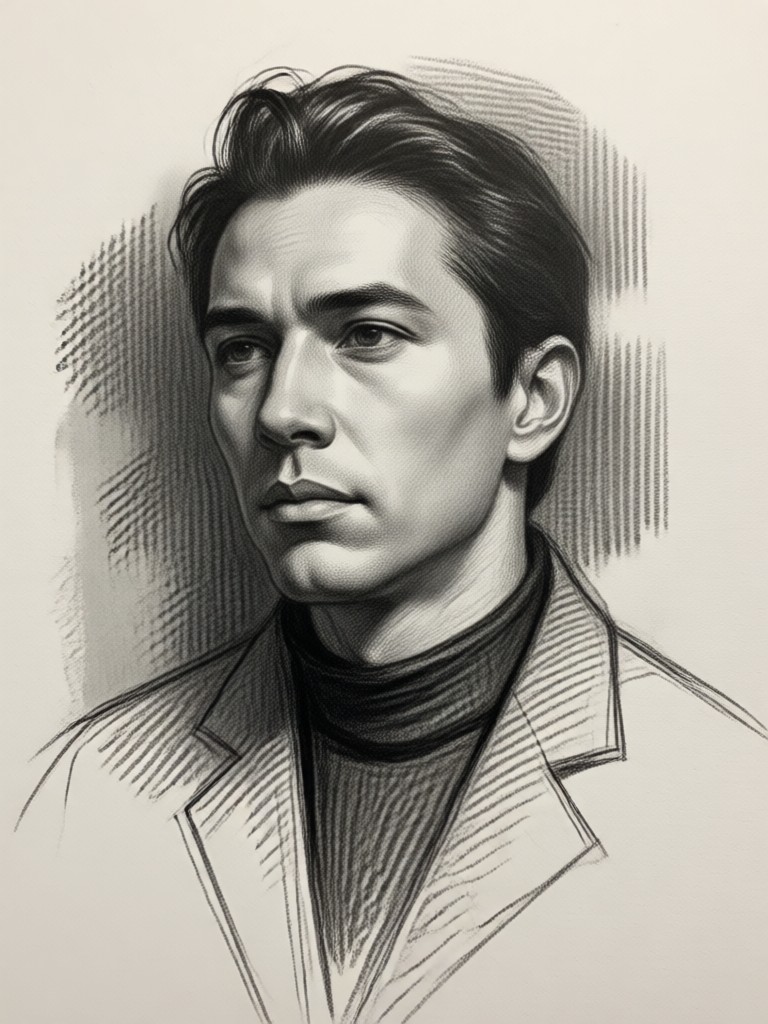
Choose Your Perfect Sketch Style
From classic pencil shading to bold ink outlines, select the artistic filter that matches your vision.
Key Features of Photo to Sketch AI
Our AI sketching tool combines advanced technology with artistic precision to deliver stunning results every time.
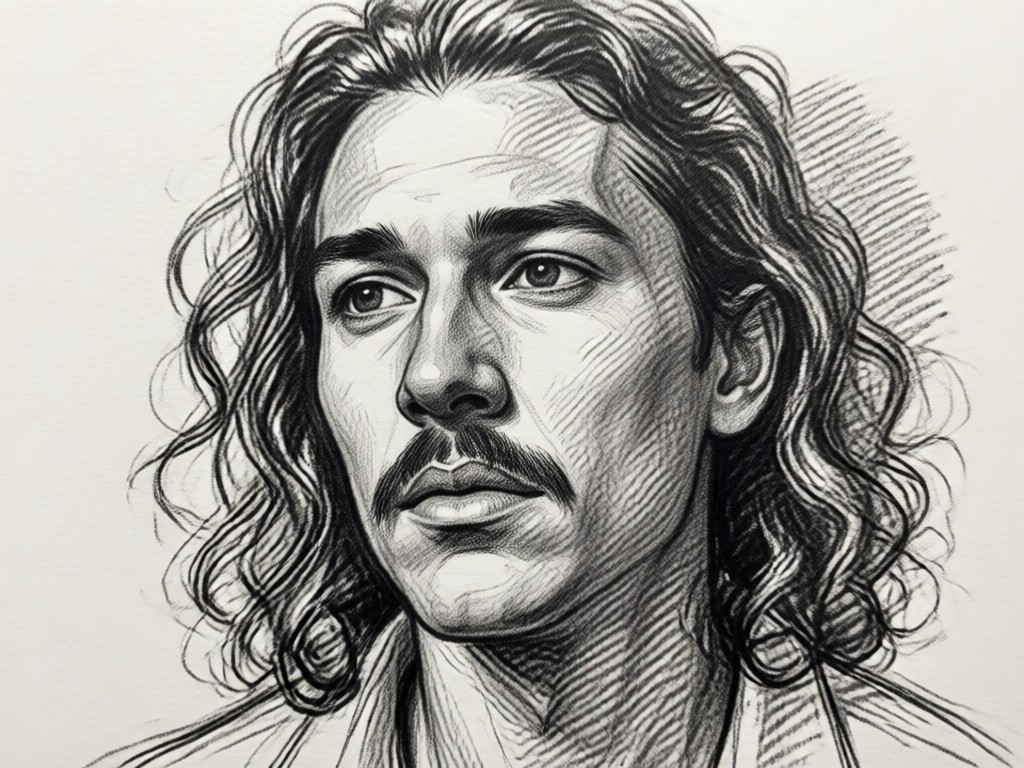
Multiple Art Styles
Choose from a wide variety of sketch styles including pencil, charcoal, ink, cross-hatch, and watercolor pencil. Each style applies authentic artistic techniques to your photo.
Multiple Art Styles
Choose from a wide variety of sketch styles including pencil, charcoal, ink, cross-hatch, and watercolor pencil. Each style applies authentic artistic techniques to your photo.
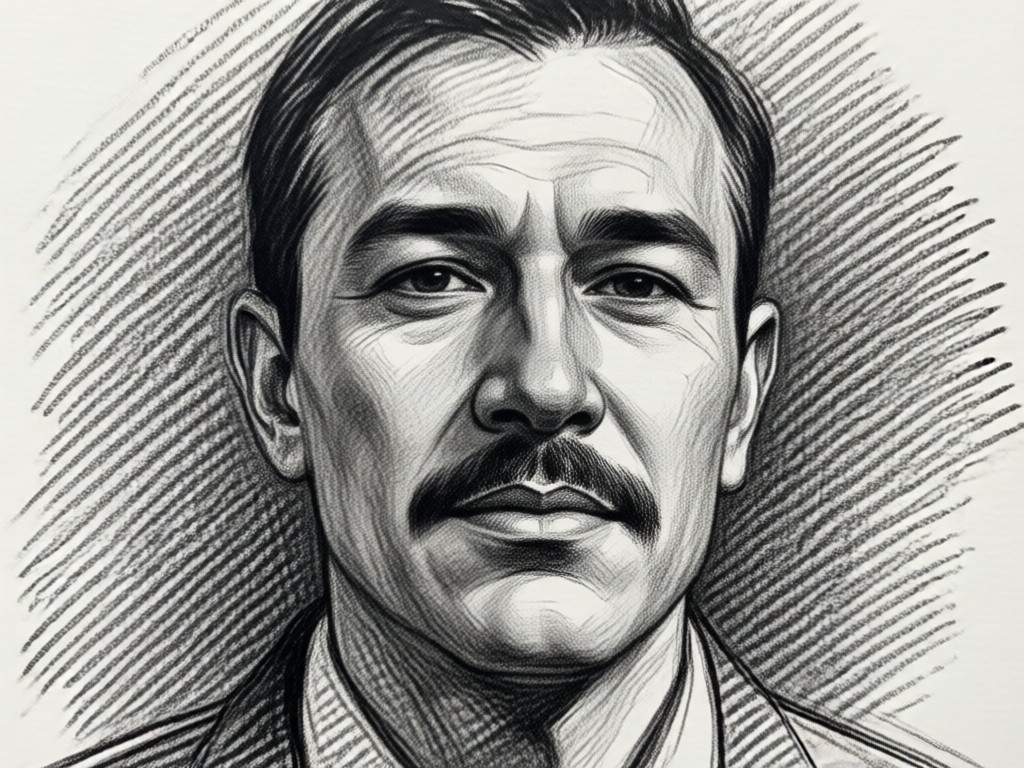
Detail Preservation
Our AI intelligently preserves crucial details like facial features, textures, and lighting while converting to sketch form. Get professional results that maintain the essence of your original photo.
Detail Preservation
Our AI intelligently preserves crucial details like facial features, textures, and lighting while converting to sketch form. Get professional results that maintain the essence of your original photo.
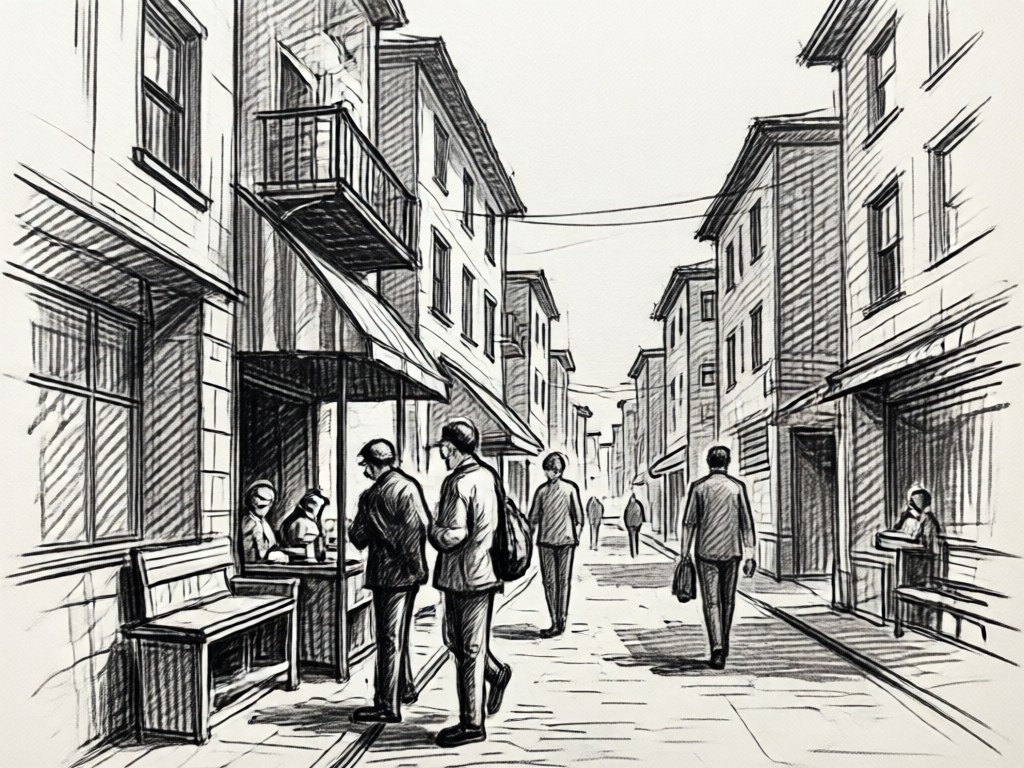
Instant Processing
Transform photos to sketches in seconds, not hours. Upload your image, select a style, and watch as AI generates your sketch instantly. Perfect for quick social media posts or artistic projects.
Instant Processing
Transform photos to sketches in seconds, not hours. Upload your image, select a style, and watch as AI generates your sketch instantly. Perfect for quick social media posts or artistic projects.
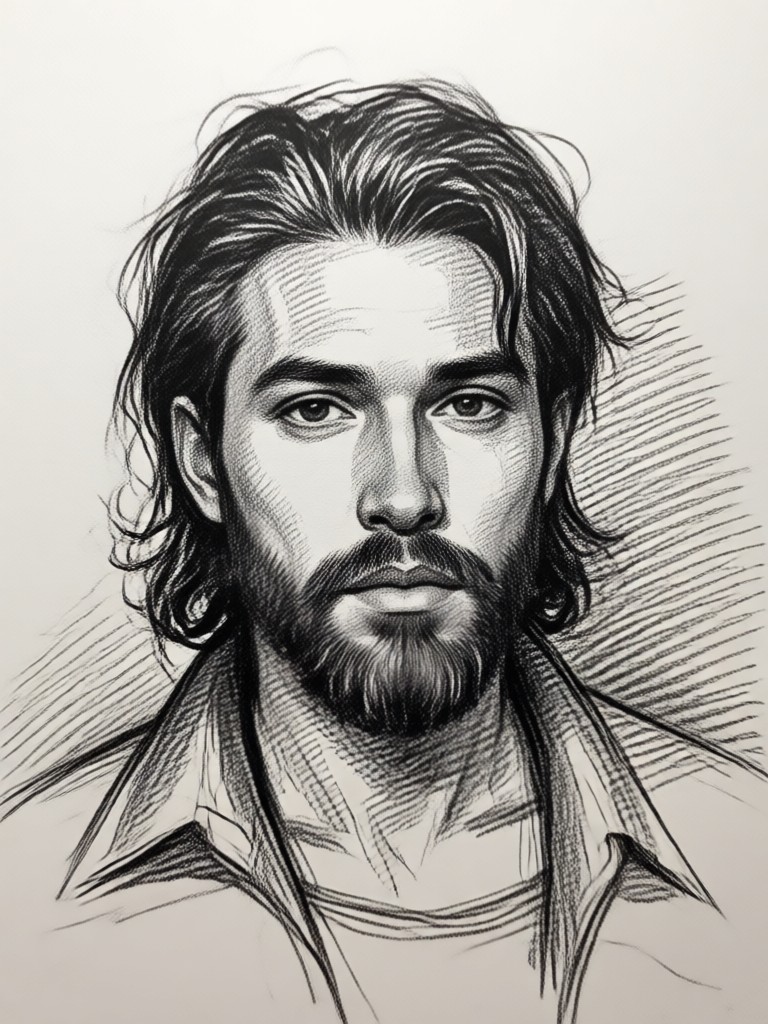
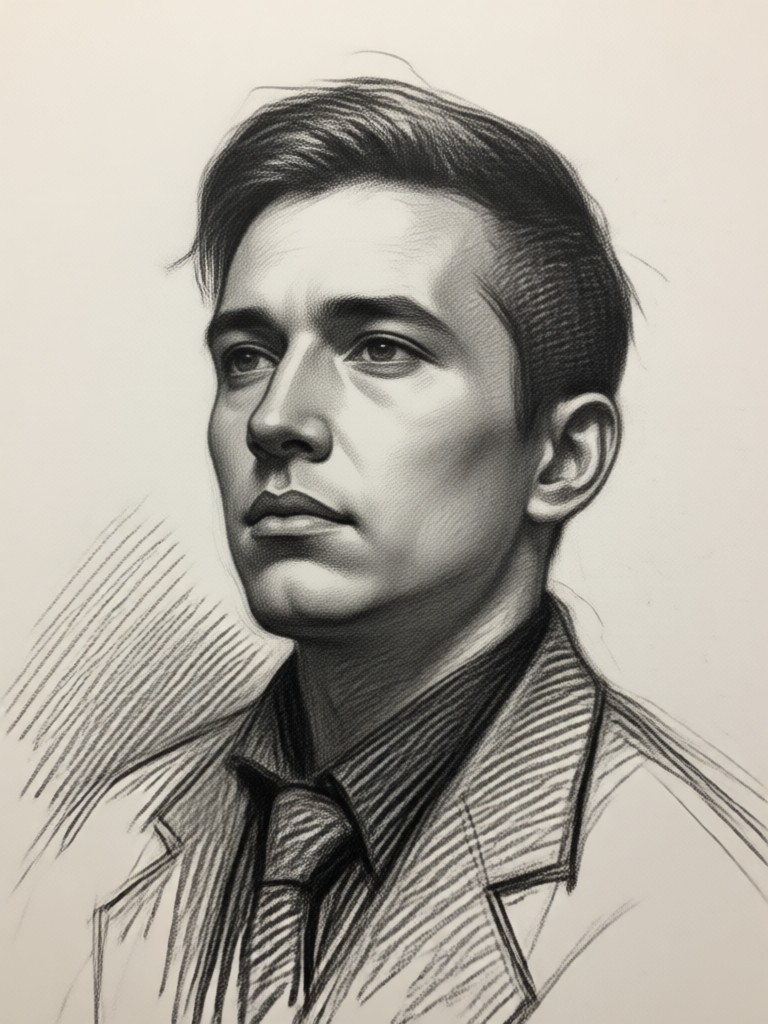
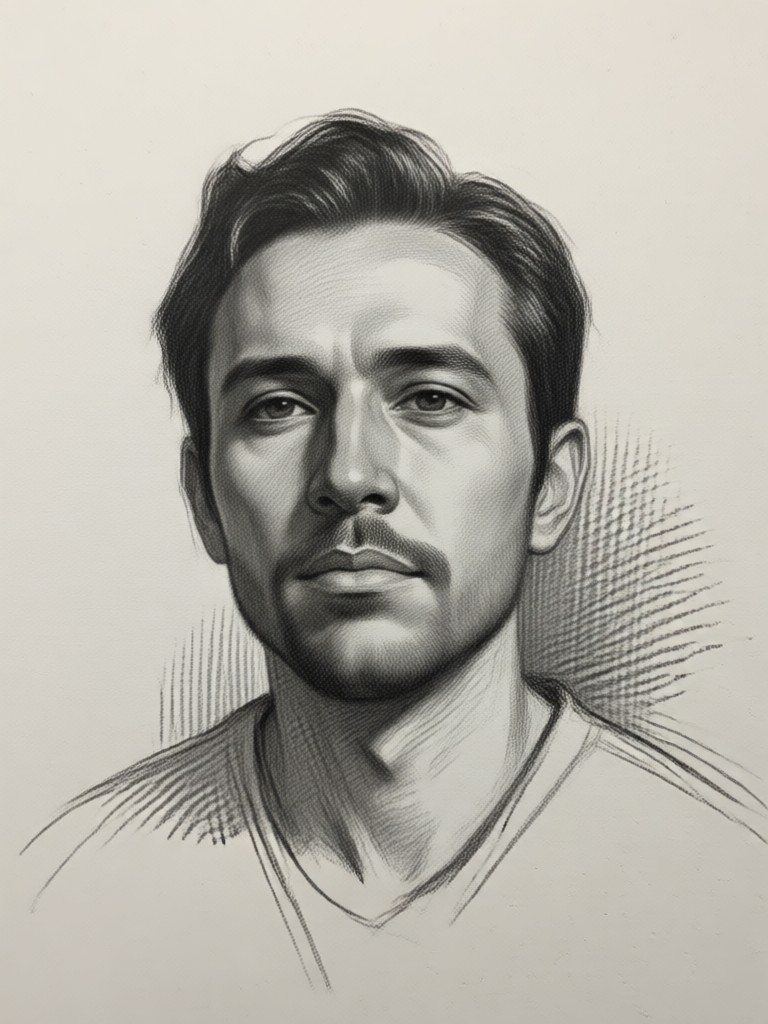
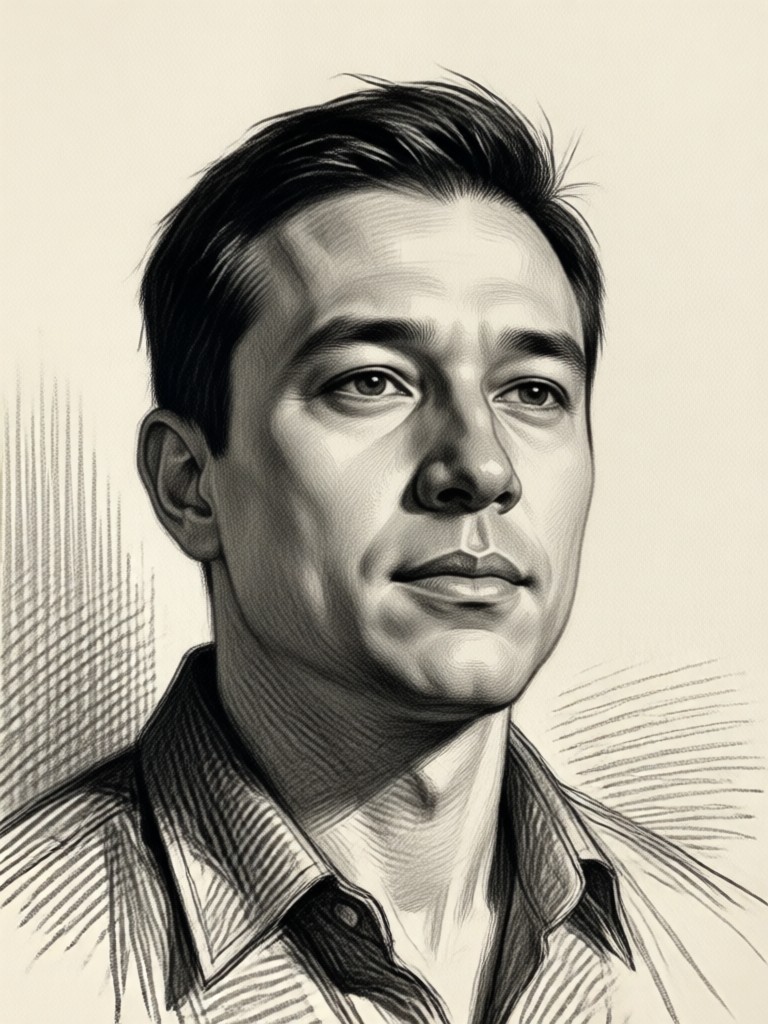
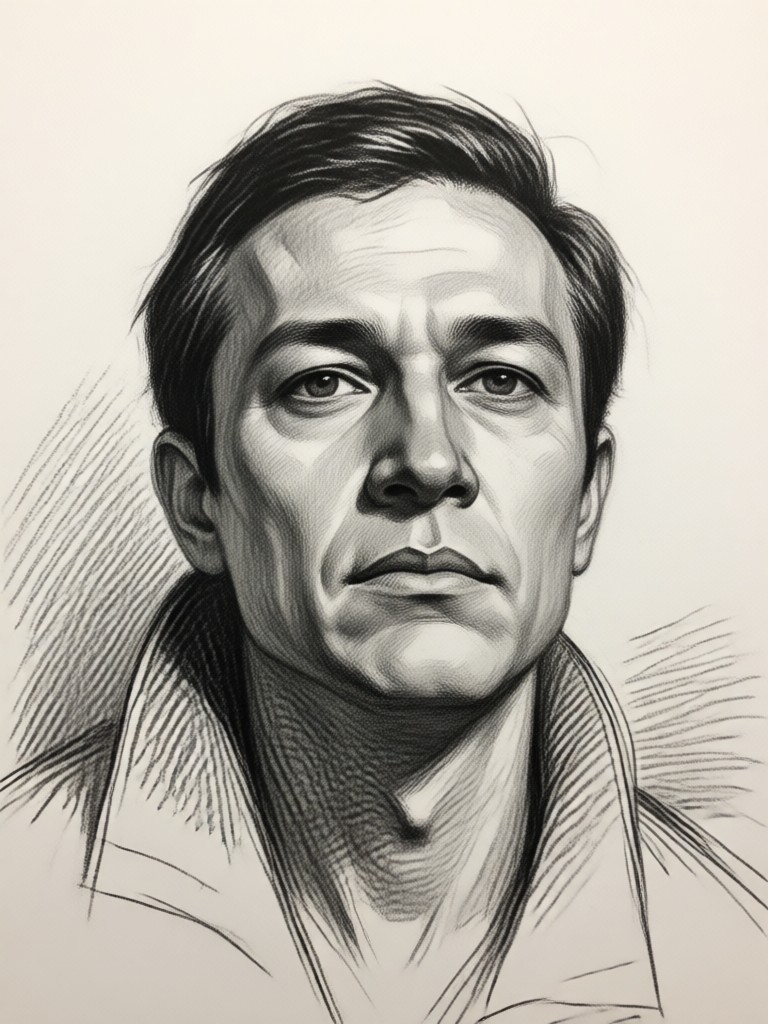
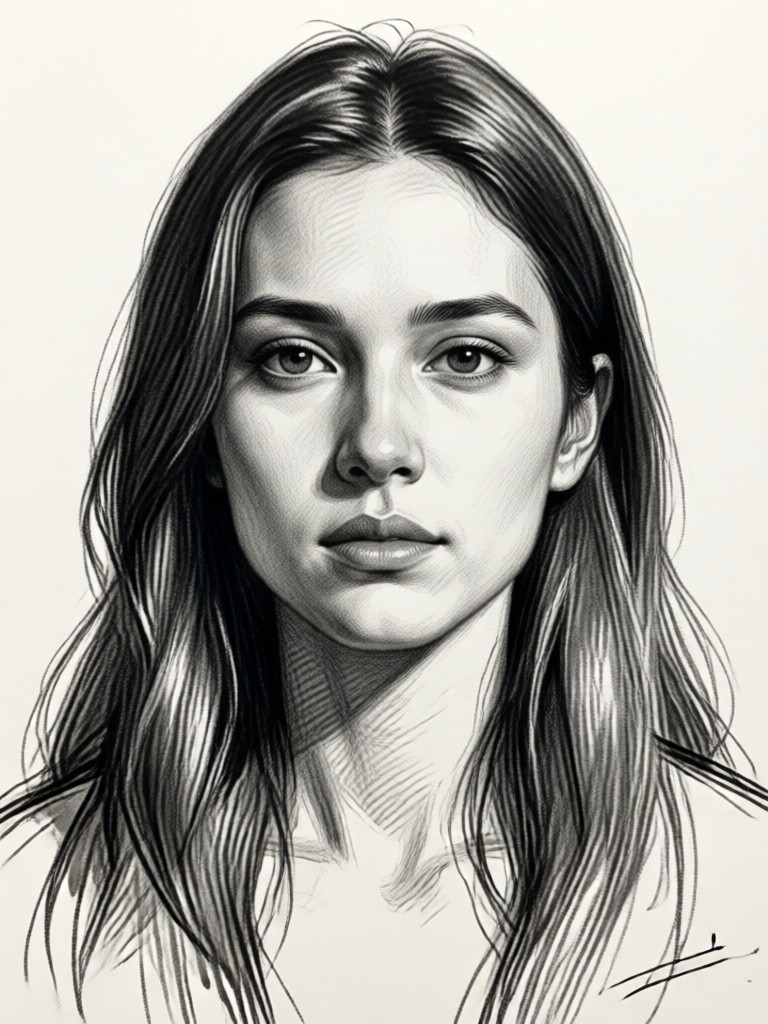
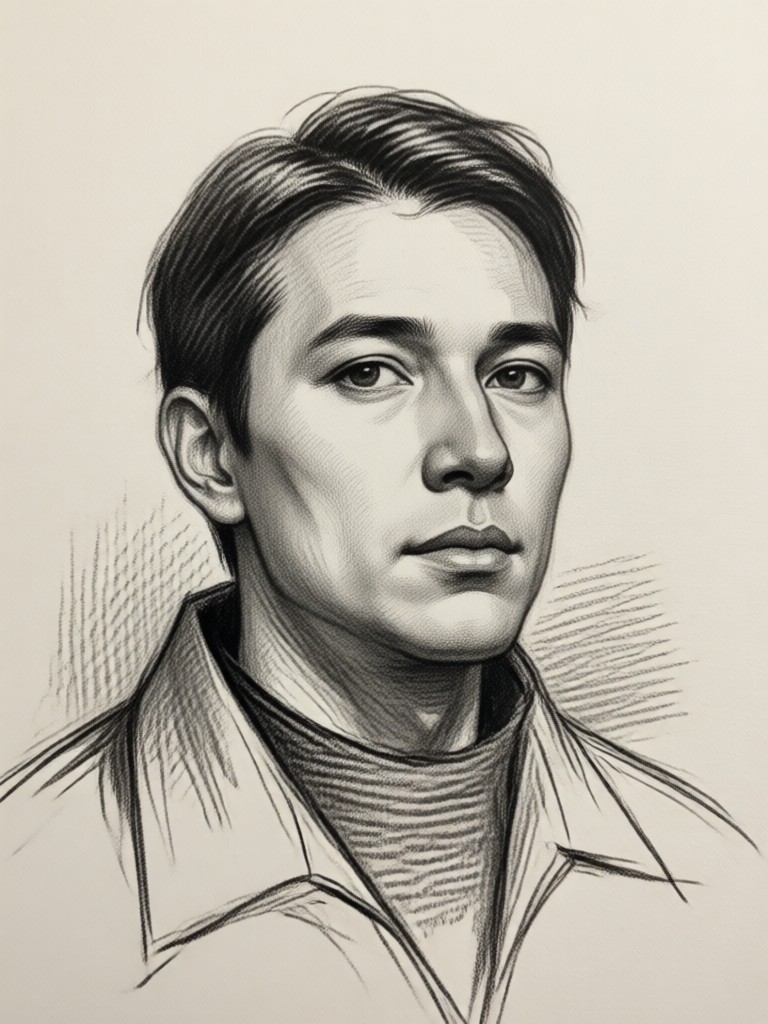
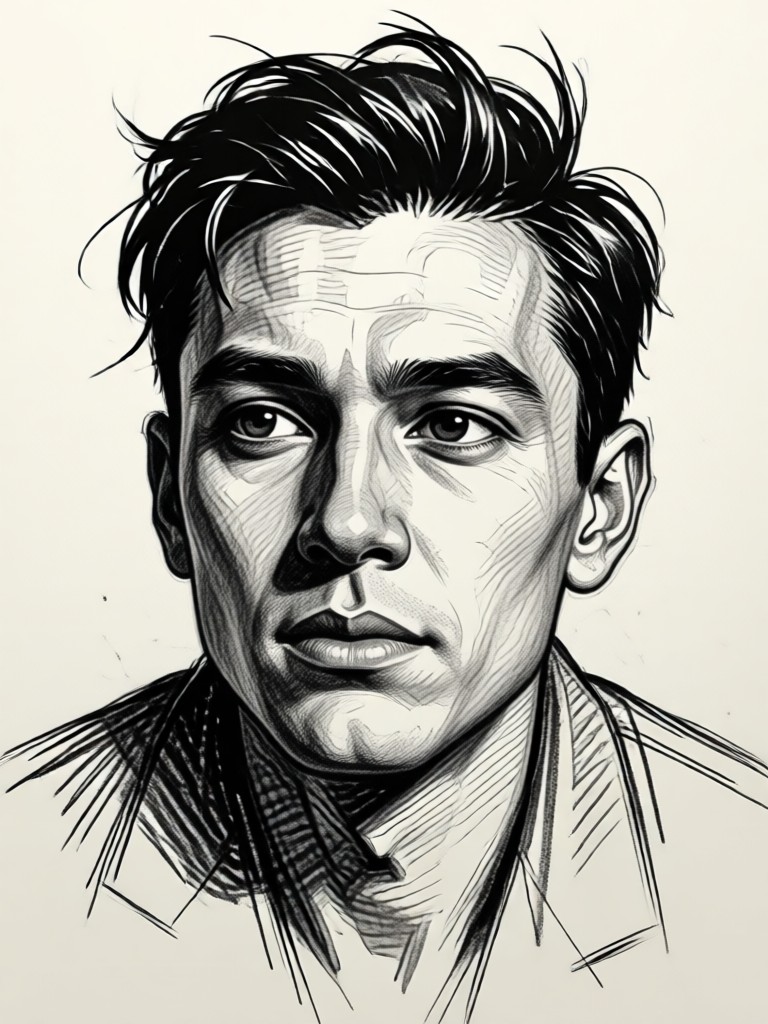
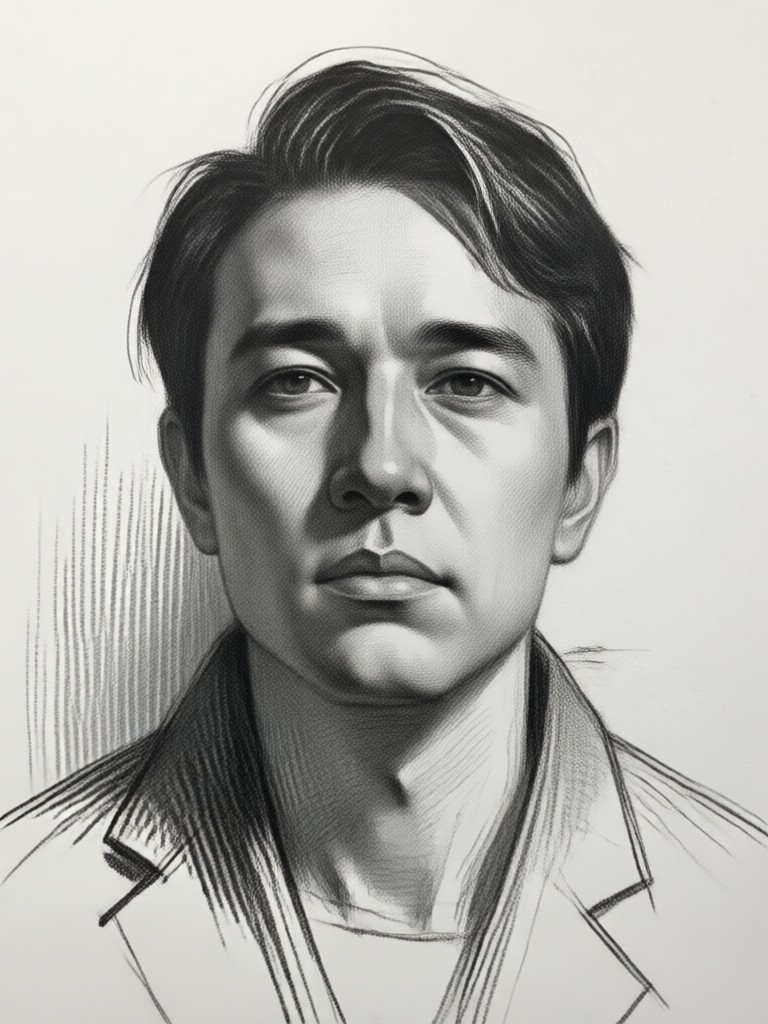
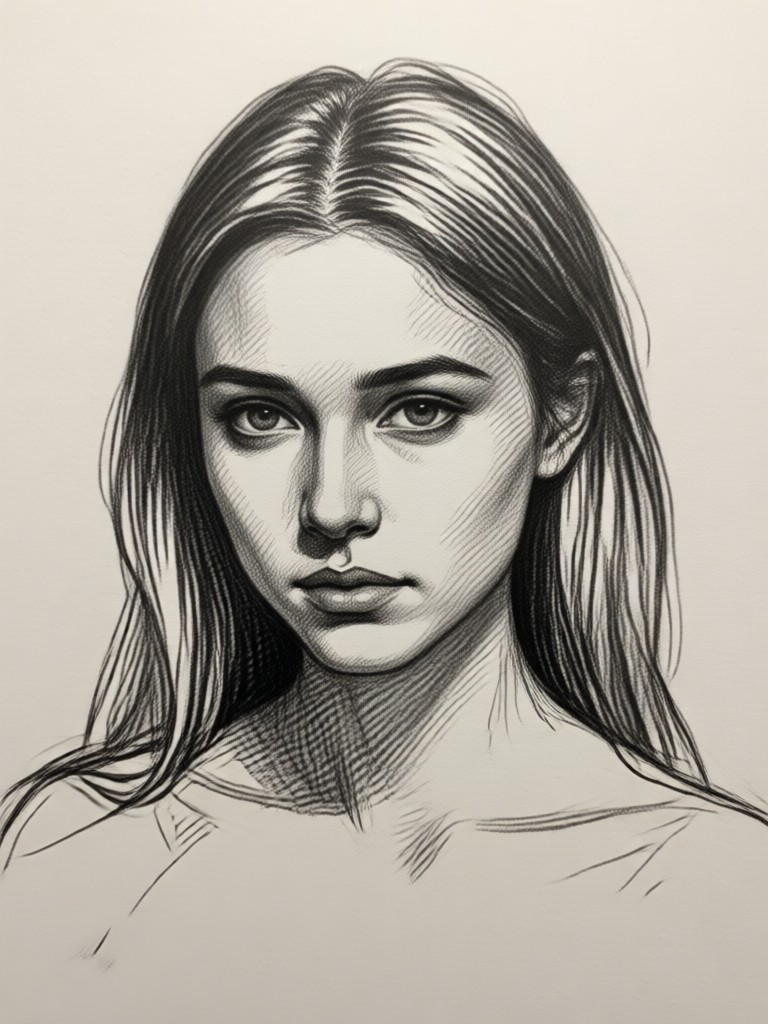
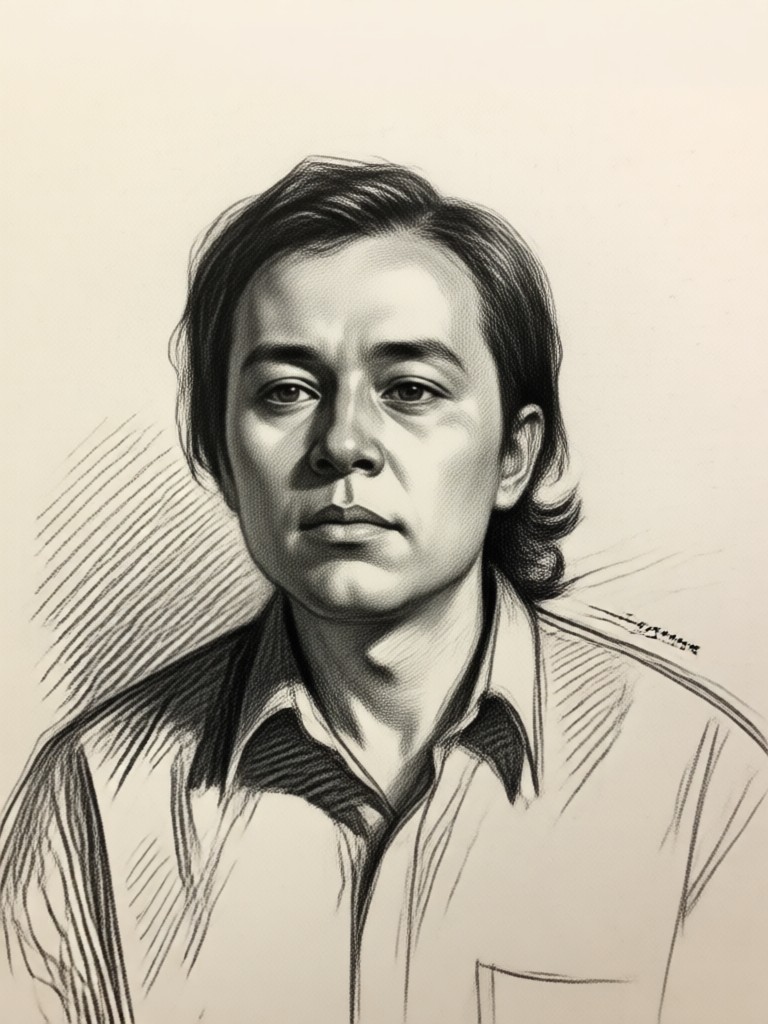
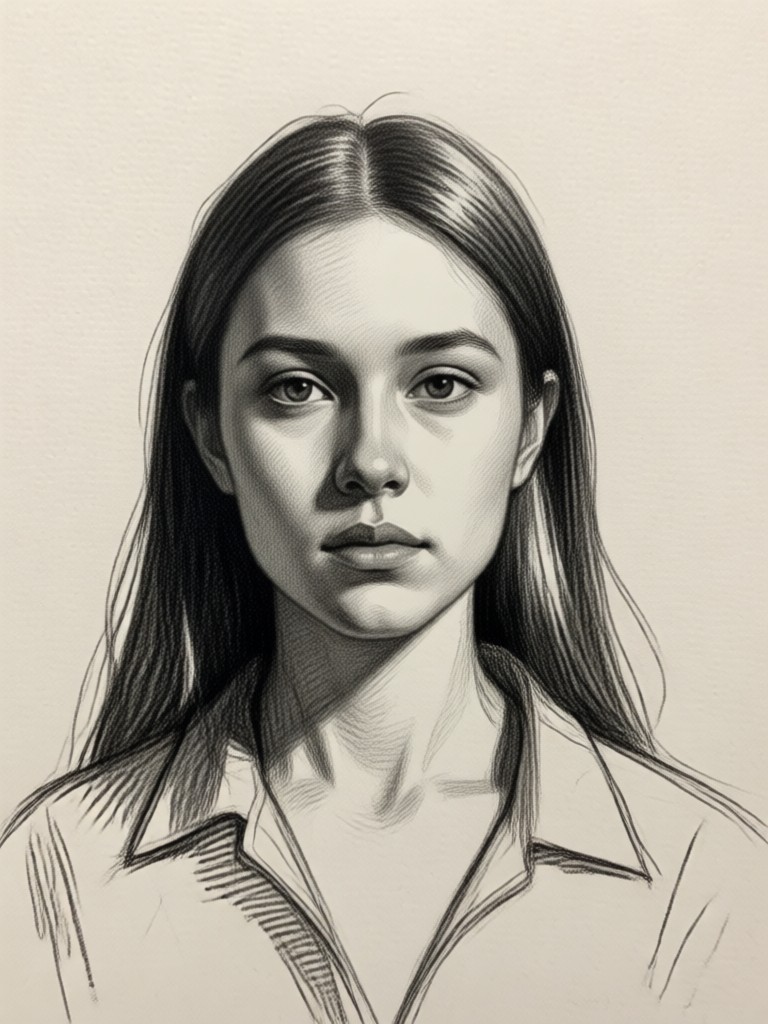
Photo to Sketch Gallery
Browse stunning AI-generated sketches made from ordinary photos. See how portraits, landscapes, and everyday moments transform into beautiful artwork.
How to Convert Photo to Sketch?
Create beautiful AI sketches from your photos in just three simple steps using our powerful mobile app.

Step 01.
Download the dradra app from Google Play Store to access our powerful photo to sketch AI technology on your mobile device.
Step 02.
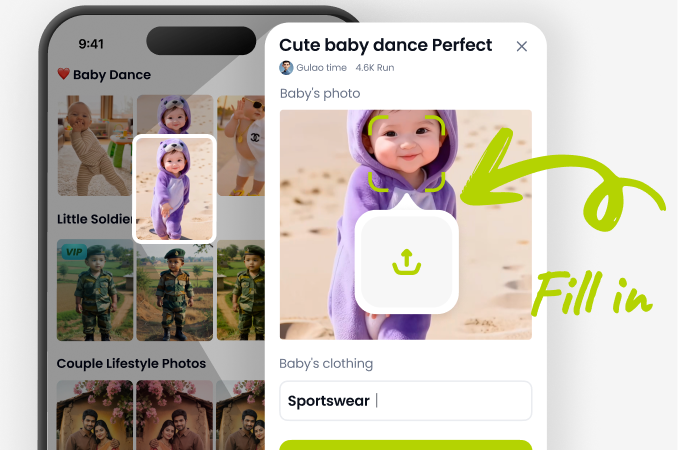
Upload any photo from your gallery or take a new picture. Our AI supports portraits, landscapes, pets, objects, and more for sketch conversion.
Step 03.
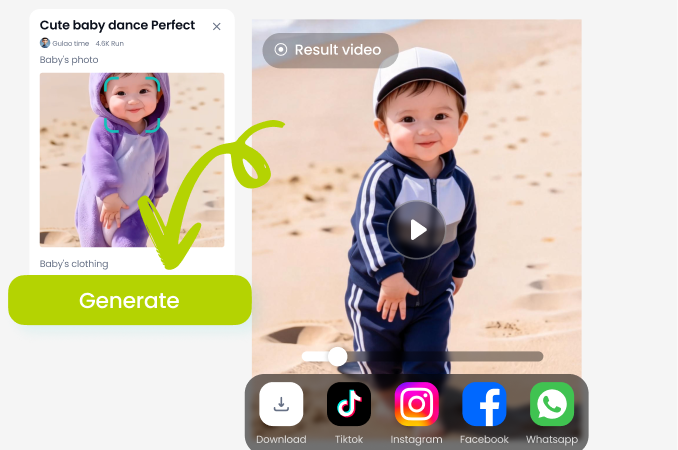
Select your preferred sketch style and generate your artwork instantly. Download and share your AI created sketches on social media or save for printing.
Why Choose AI Photo to Sketch?
Discover how our AI sketching technology transforms ordinary photos into professional artwork with ease and precision.
Professional Results Without the Skill
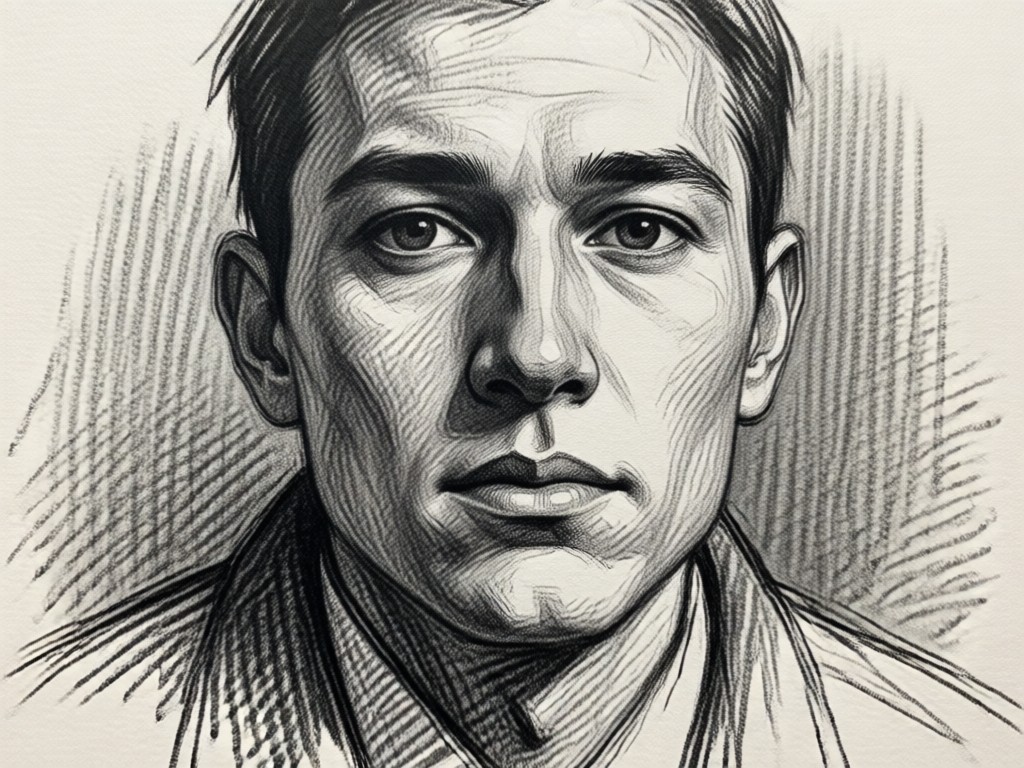
Traditional sketching requires years of practice and artistic talent. Our AI photo to sketch technology bridges this gap by analyzing your photo's composition, lighting, and details to apply authentic drawing techniques automatically. Whether you want a portrait sketch for a gift, a landscape drawing for decoration, or creative content for social media, our tool delivers consistent, high quality results. The AI understands artistic principles like line weight, shading, and texture, creating sketches that look hand drawn by a professional artist. No more struggling with pencils or learning complex software.
Professional Results Without the Skill
Traditional sketching requires years of practice and artistic talent. Our AI photo to sketch technology bridges this gap by analyzing your photo's composition, lighting, and details to apply authentic drawing techniques automatically. Whether you want a portrait sketch for a gift, a landscape drawing for decoration, or creative content for social media, our tool delivers consistent, high quality results. The AI understands artistic principles like line weight, shading, and texture, creating sketches that look hand drawn by a professional artist. No more struggling with pencils or learning complex software.
What Users Say About Photo to Sketch
Perfect for turning memories into art
I converted old family photos into sketches for a anniversary gift. The results were stunning and looked like professional portraits. The charcoal filter captured emotions perfectly.
Revolutionized my social media content
As a content creator, I use photo to sketch daily to create unique visuals. The pencil sketch style gives my posts an artistic edge that stands out. Processing is incredibly fast.
From amateur photos to professional artwork
My vacation photos transformed into beautiful sketches that I framed for my home. The AI preserved all the important details while adding artistic flair. Best app for creative projects.
Photo to Sketch FAQs
Find answers to common questions about converting photos to sketches using AI technology.
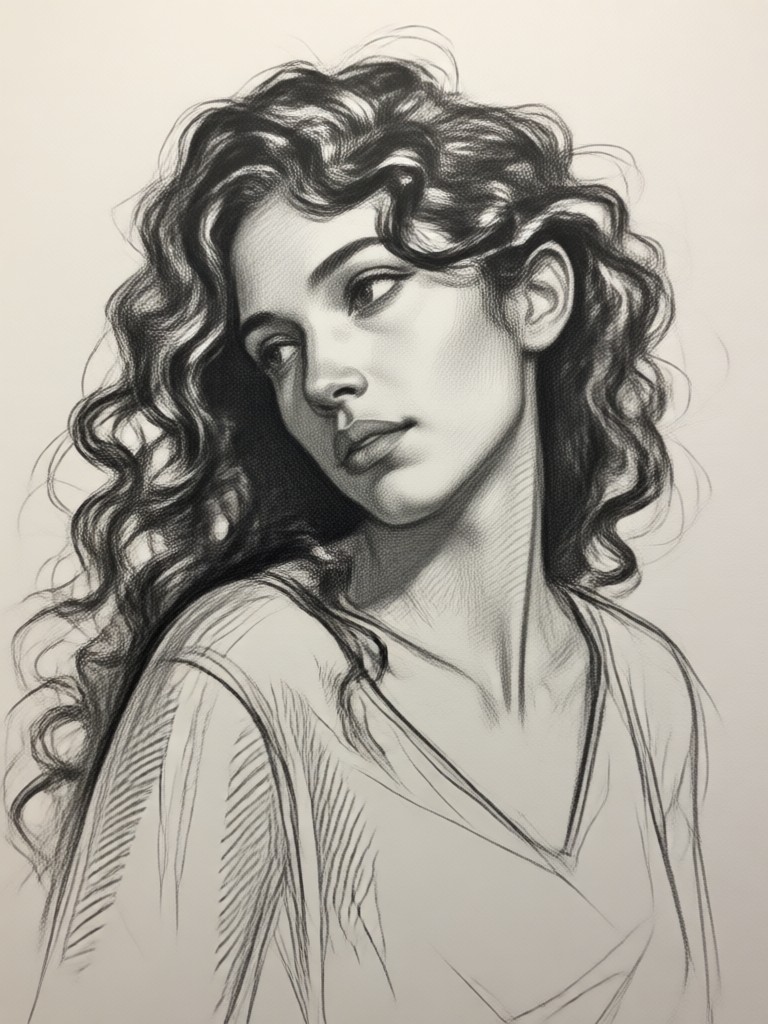
Photo to Sketch AI on Mobile
Transform any moment into artwork wherever you are. Download our app to convert photos to sketches instantly using advanced AI technology.

More Topics You May Like
Explore more topics you may like and discover fresh ideas tailored to your interests.
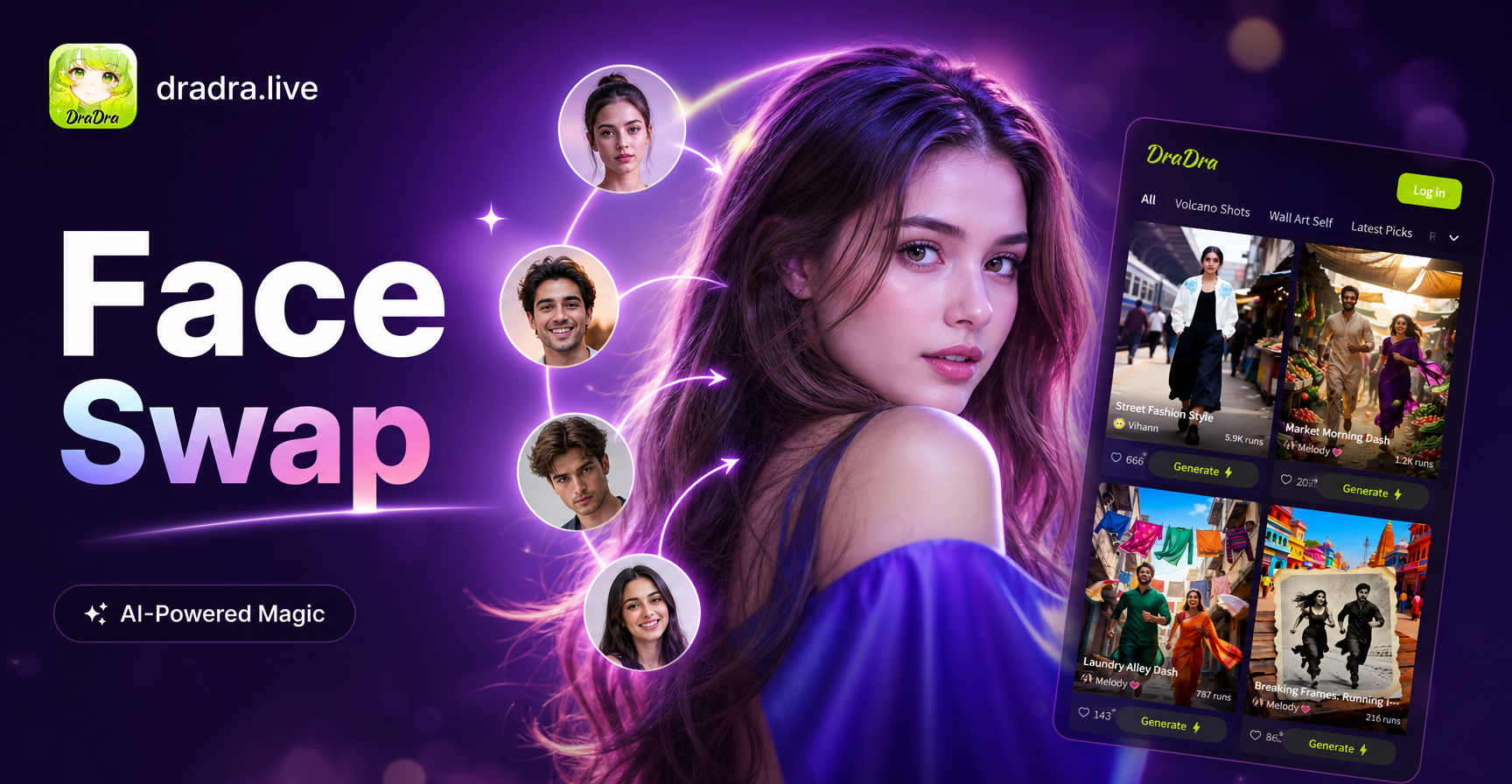
Multi-Person Face Swap: Group Photo Transformation Made Easy
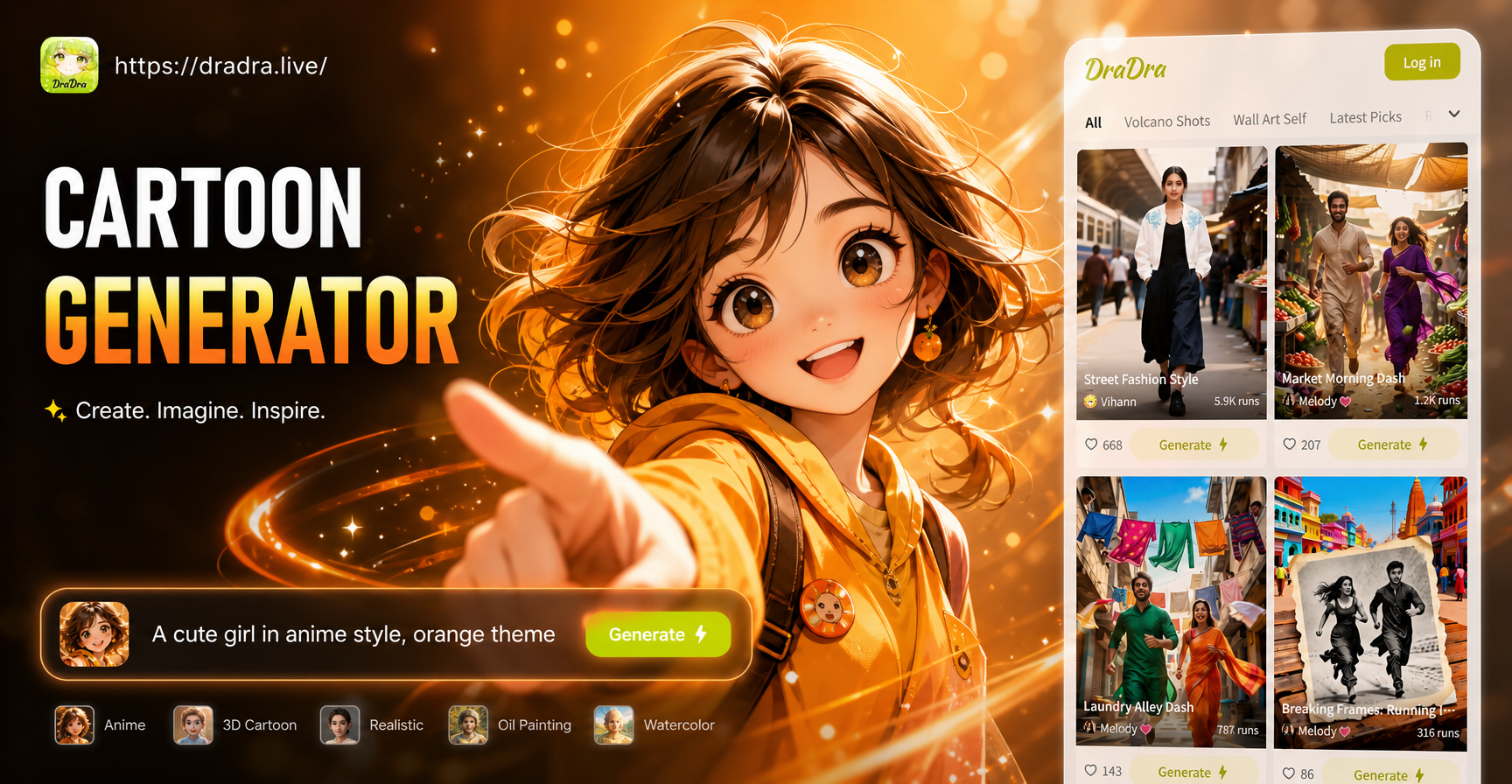
Create Unique Cartoon Characters with AI | Free Generator
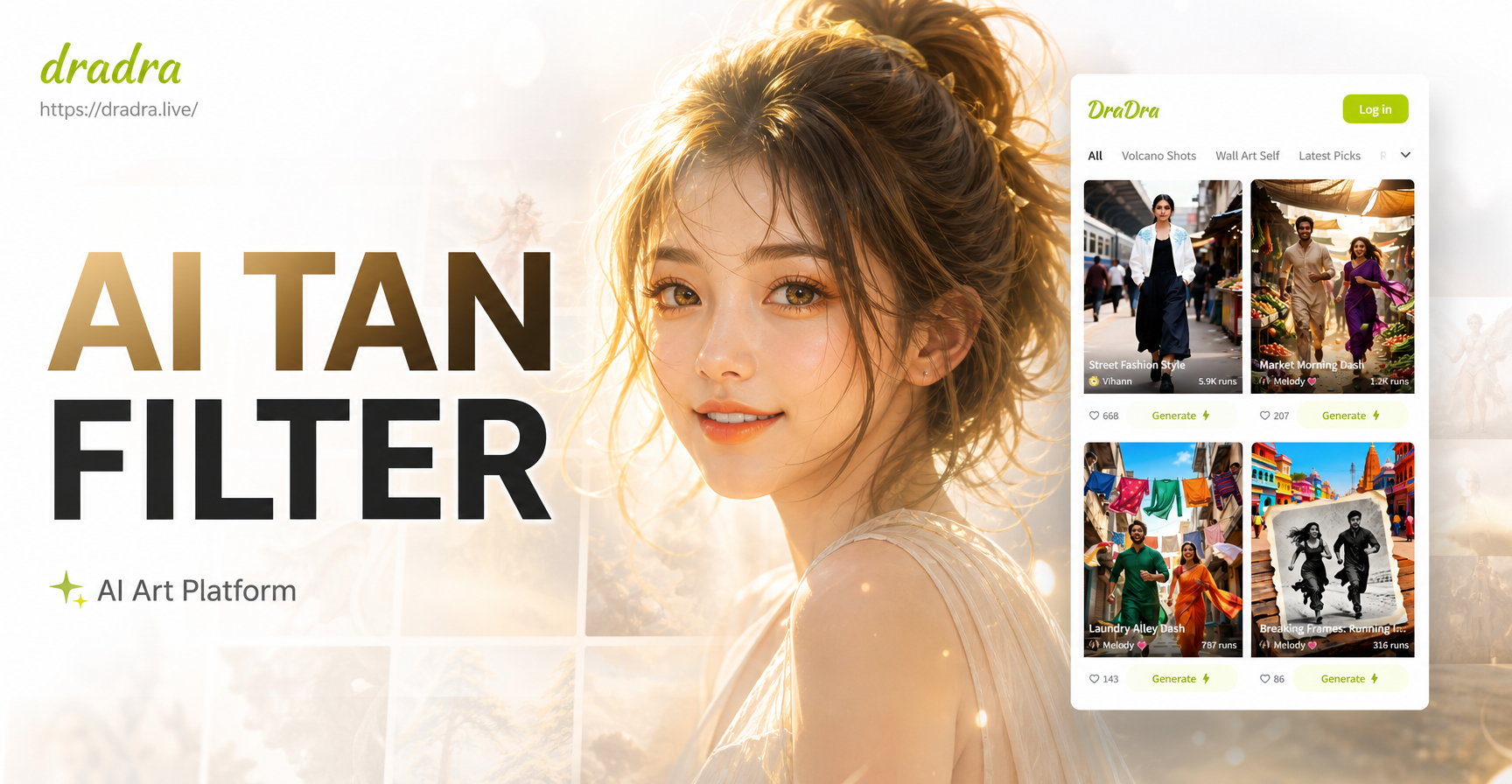
Get the Perfect Sun-Kissed Glow with AI Tan Filter
Bring Your Photos to Life: AI Picture Animation Tool
Multi-Person Face Swap: Group Photo Transformation Made Easy
Create Unique Cartoon Characters with AI | Free Generator
Get the Perfect Sun-Kissed Glow with AI Tan Filter
Bring Your Photos to Life: AI Picture Animation Tool
Turn Your Photos into Art Today
Discover the magic of AI sketching. Transform ordinary photos into extraordinary drawings with just a few taps. No artistic skills required.
Turn Your Photos into Art Today
Discover the magic of AI sketching. Transform ordinary photos into extraordinary drawings with just a few taps. No artistic skills required.