Underwater AI Photo Editor
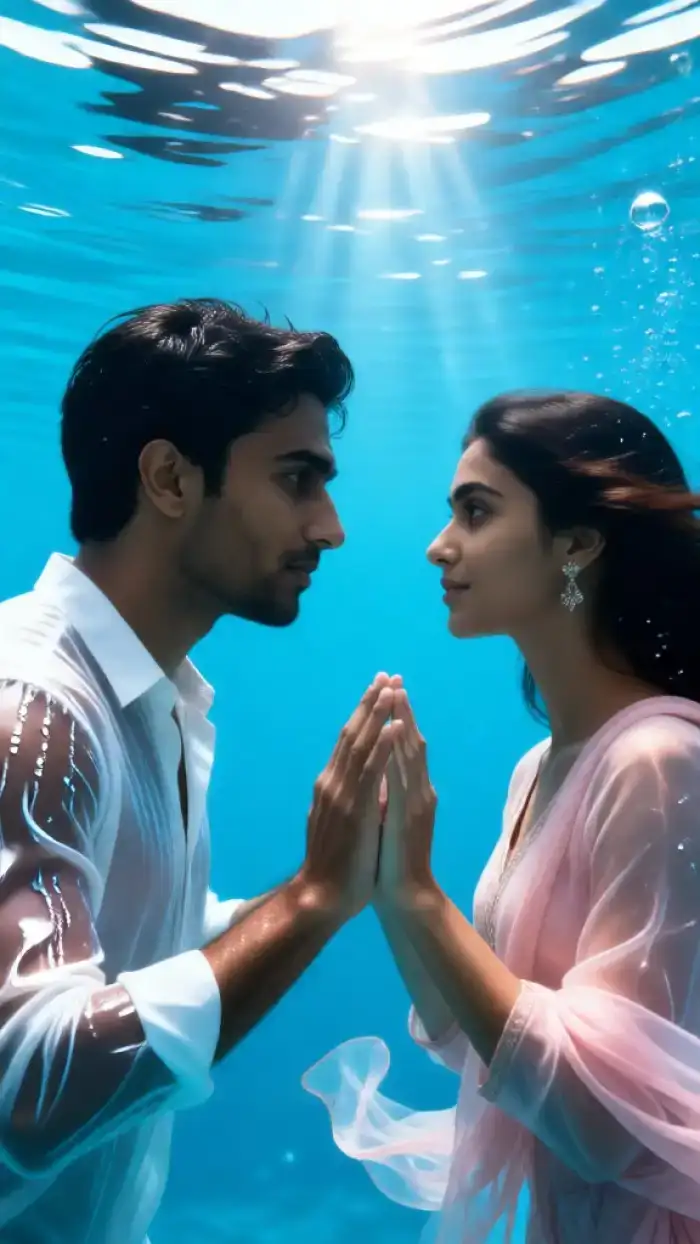
Explore Underwater AI Magic
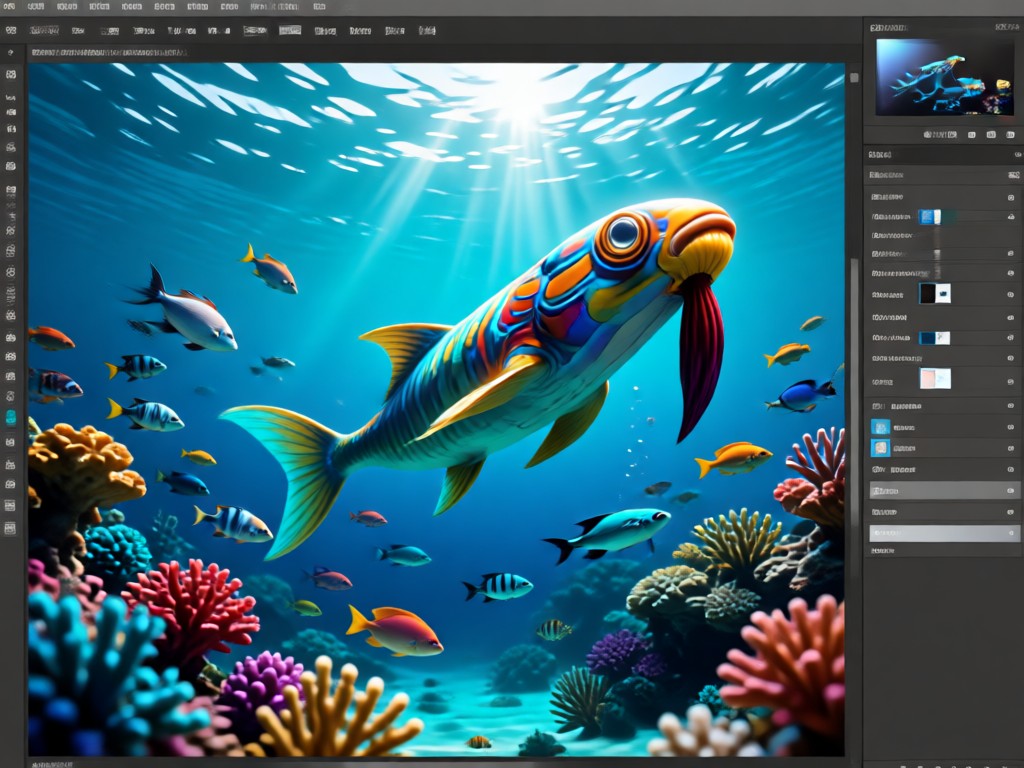
Choose from a vast collection of underwater AI filters. From deep blue fantasy and sunken city themes to glowing coral reefs and serene mermaid aesthetics, find the perfect style to submerge your photos.
Powerful Underwater AI Editing
Go beyond simple filters. Our AI understands depth, light refraction, and aquatic physics to generate hyper-realistic underwater environments from any photo.
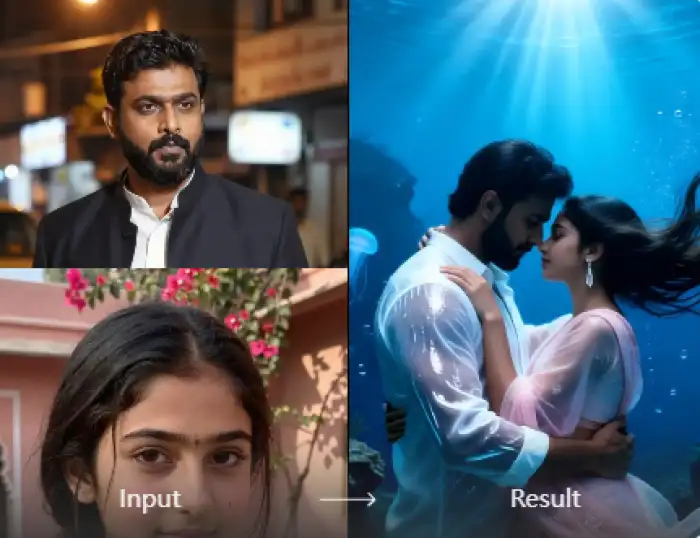
Realistic Water & Light Effects
AI generates natural caustic light patterns, bubbles, floating particles, and depth haze. It intelligently simulates how light bends and filters through water for authentic underwater ambiance.
Realistic Water & Light Effects
AI generates natural caustic light patterns, bubbles, floating particles, and depth haze. It intelligently simulates how light bends and filters through water for authentic underwater ambiance.
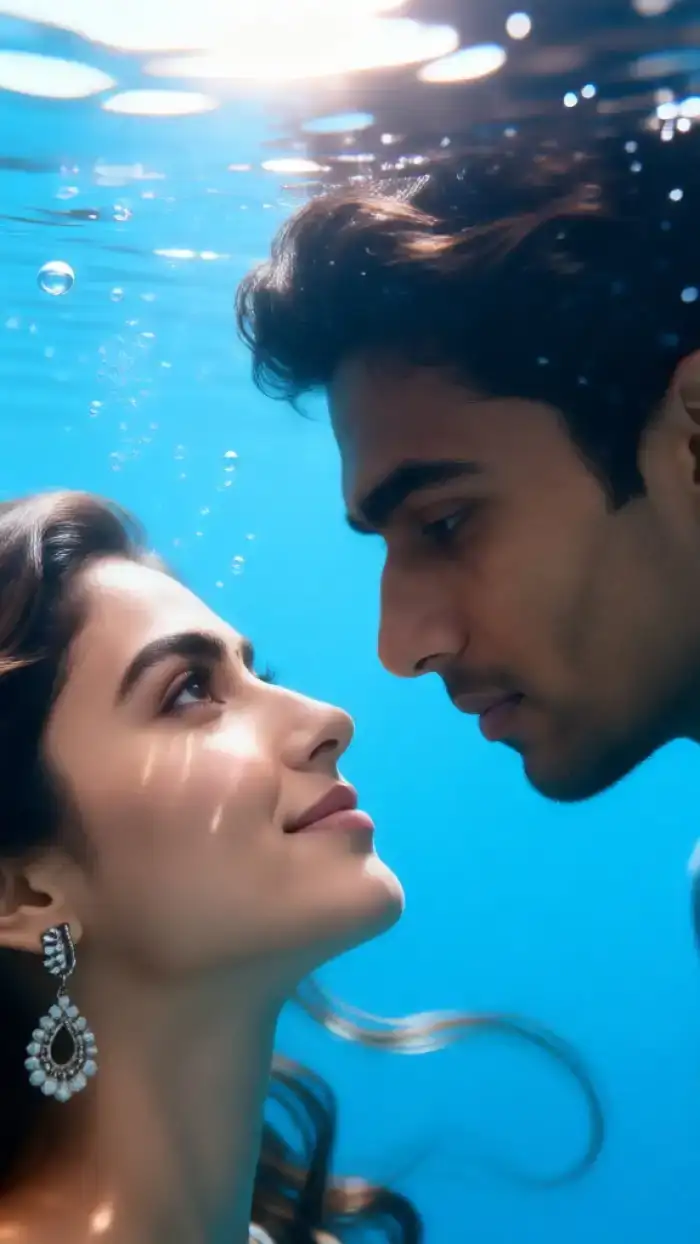
Marine Life & Environment Blending
Seamlessly integrate schools of fish, coral reefs, kelp forests, or sunken treasures. The AI matches lighting, perspective, and color tones to make added elements look naturally part of the scene.
Marine Life & Environment Blending
Seamlessly integrate schools of fish, coral reefs, kelp forests, or sunken treasures. The AI matches lighting, perspective, and color tones to make added elements look naturally part of the scene.
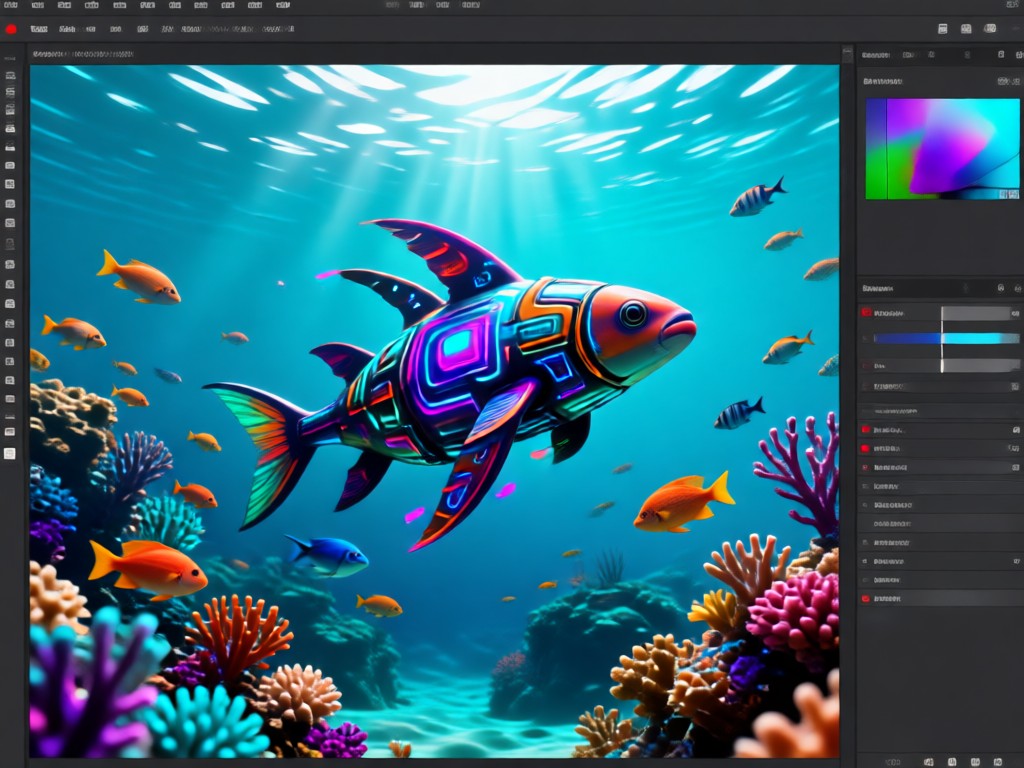
Underwater Portrait Transformation
Specialized AI for portraits. It adjusts skin tones for a submerged look, adds flowing hair effects, applies realistic underwater makeup, and creates a sense of effortless buoyancy and grace.
Underwater Portrait Transformation
Specialized AI for portraits. It adjusts skin tones for a submerged look, adds flowing hair effects, applies realistic underwater makeup, and creates a sense of effortless buoyancy and grace.
Explore AI Creations Gallery
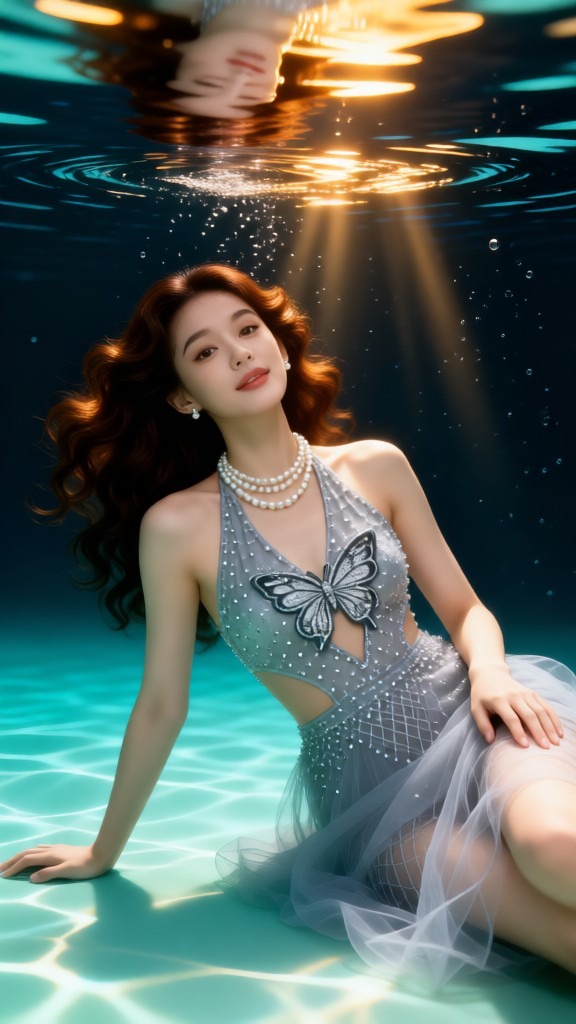
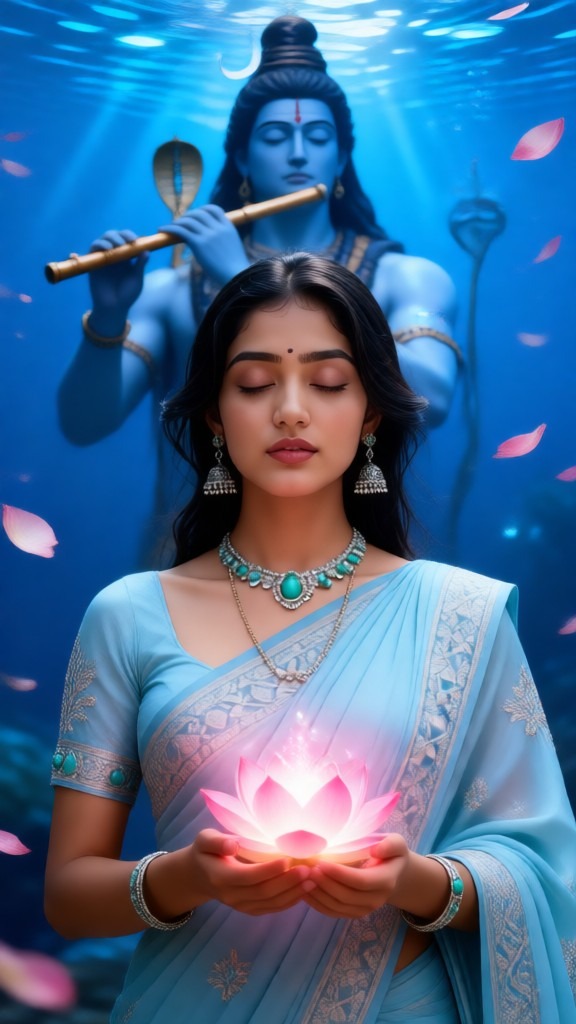
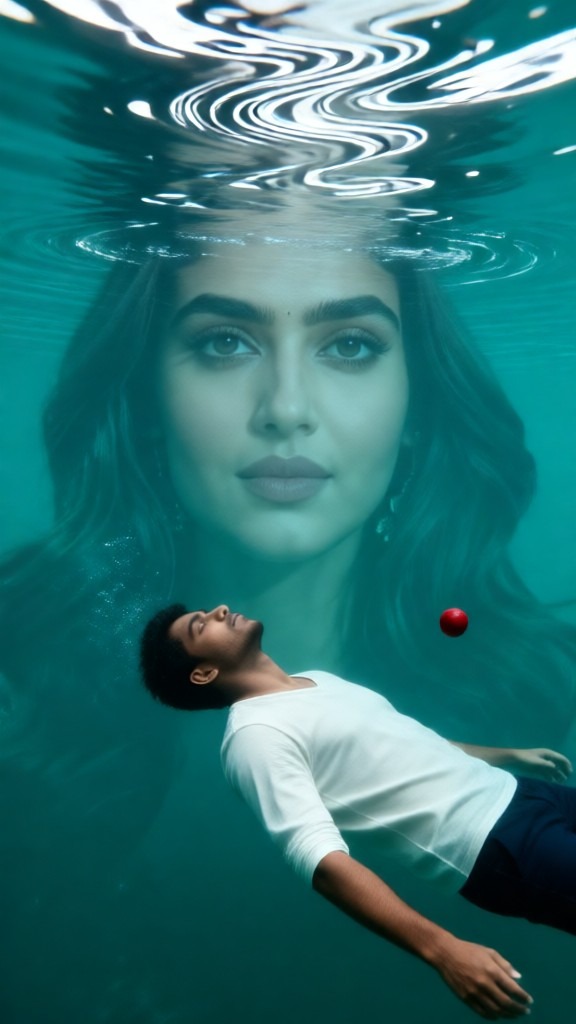
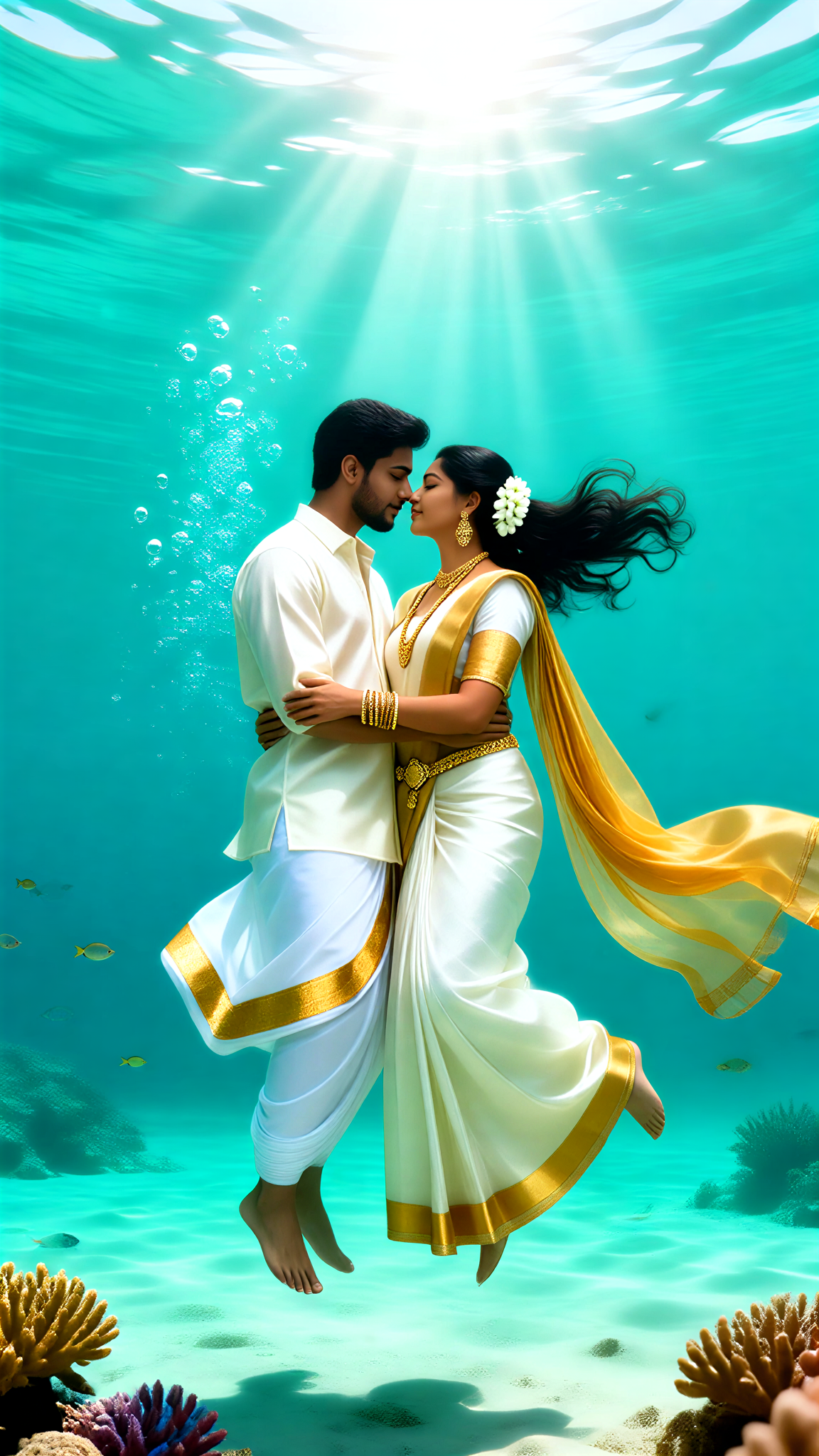
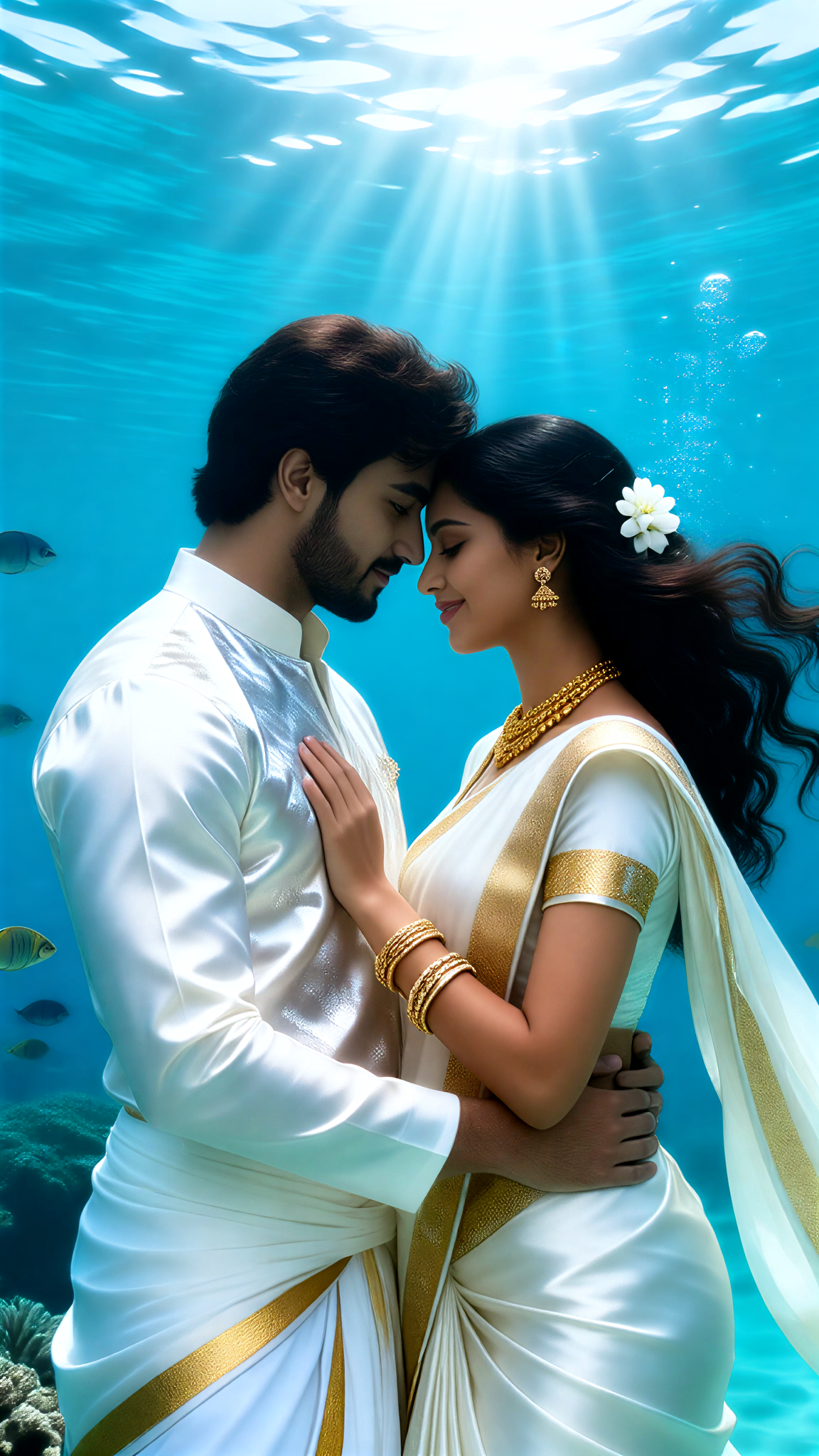
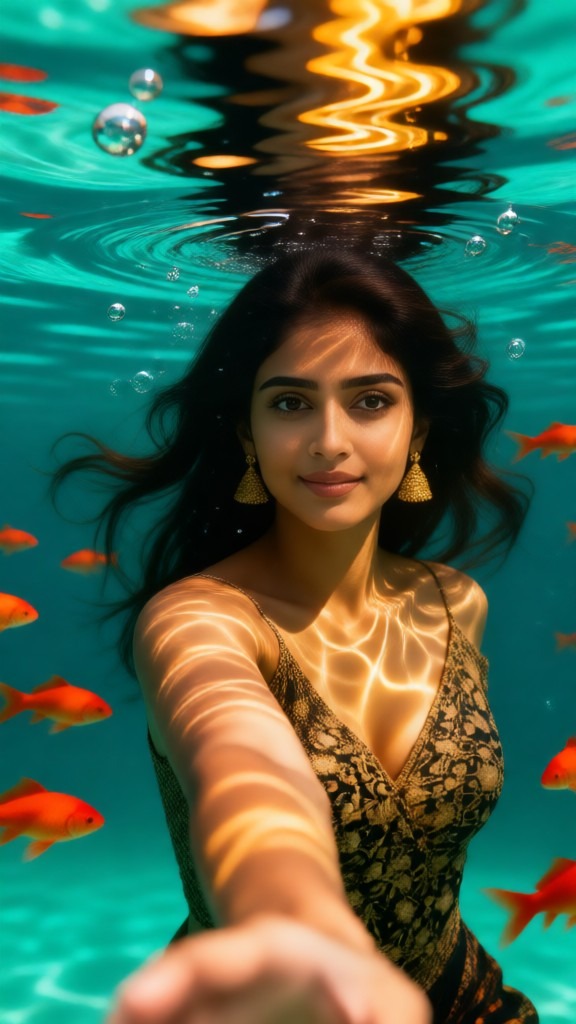
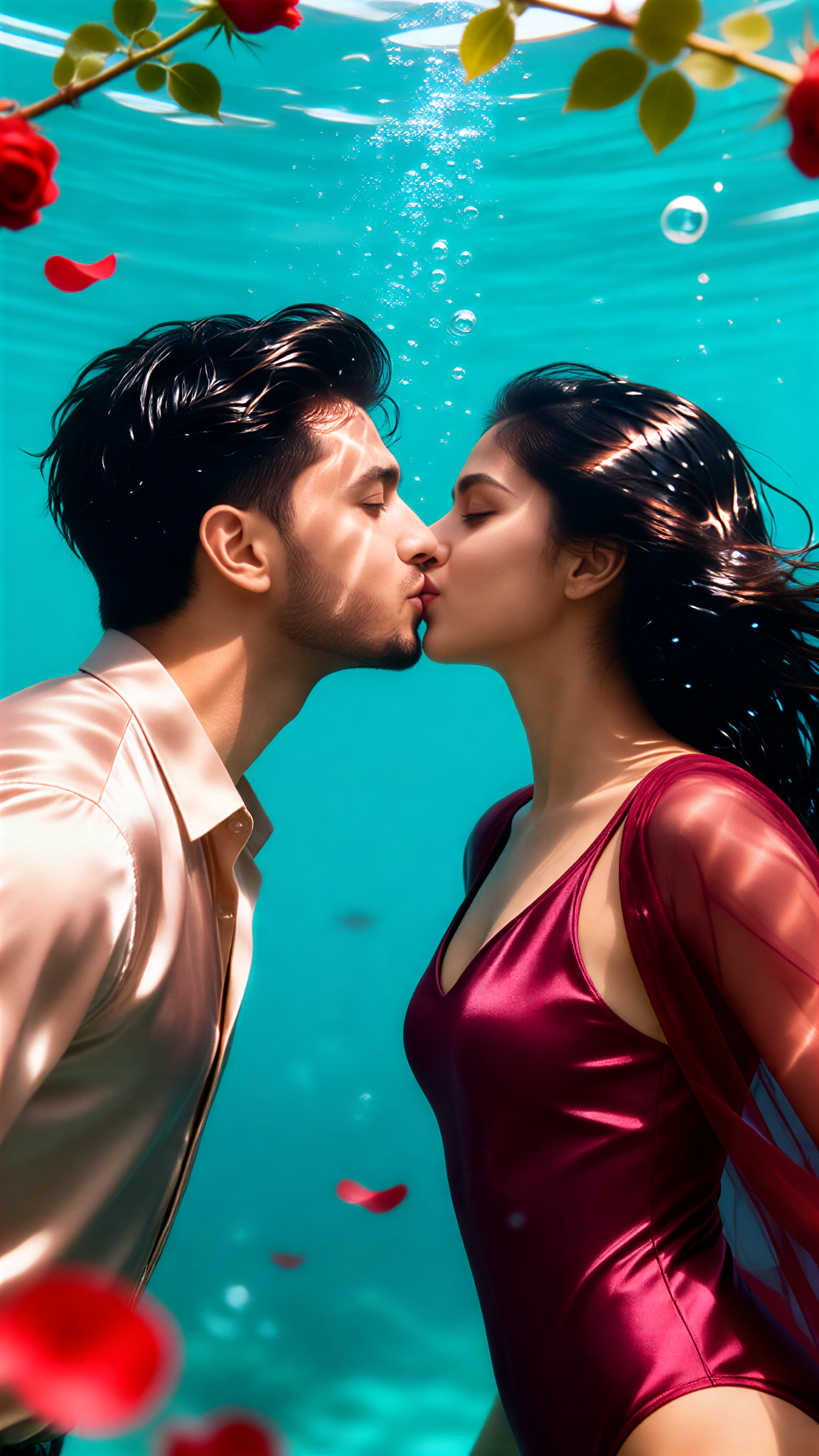
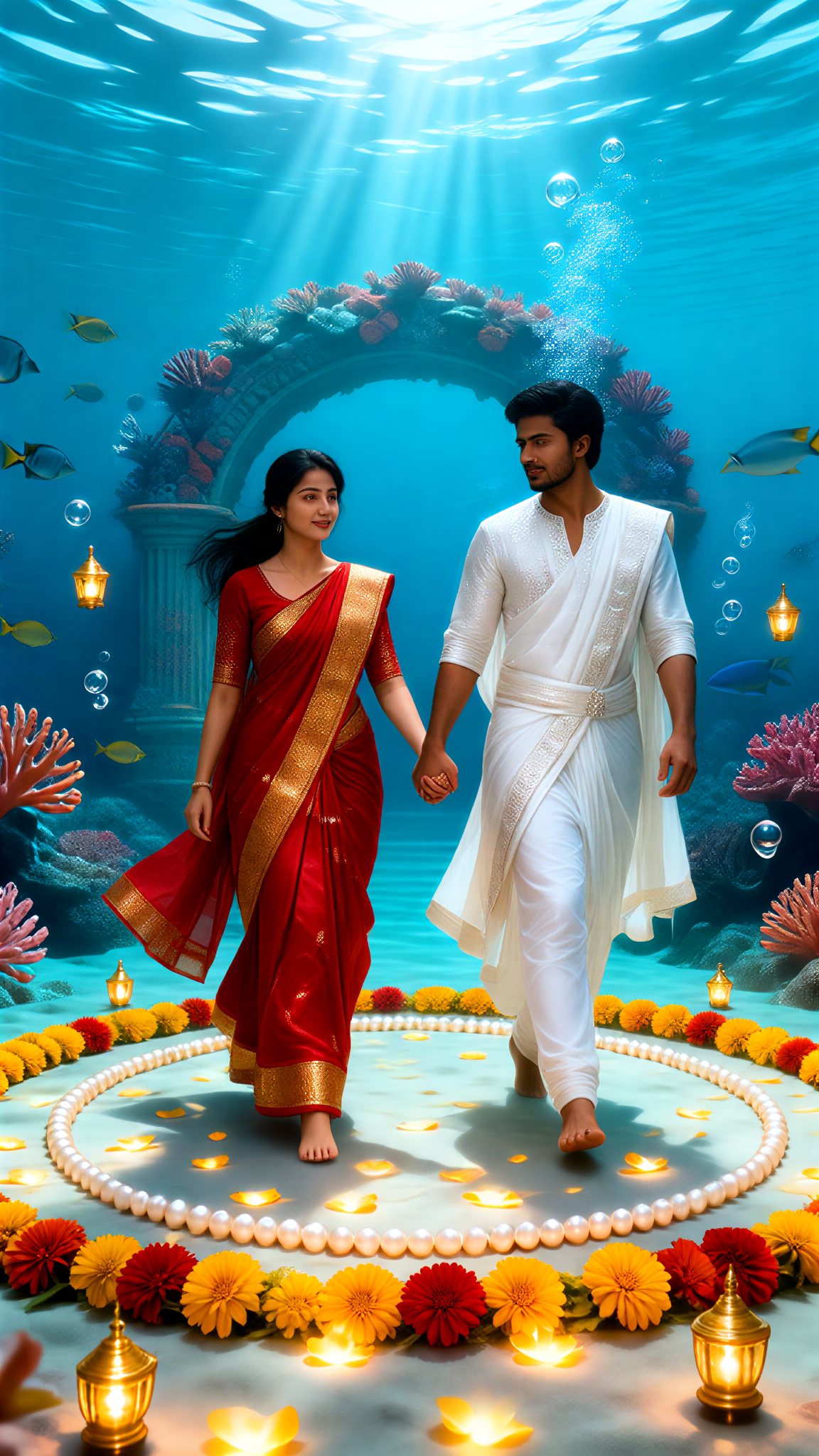
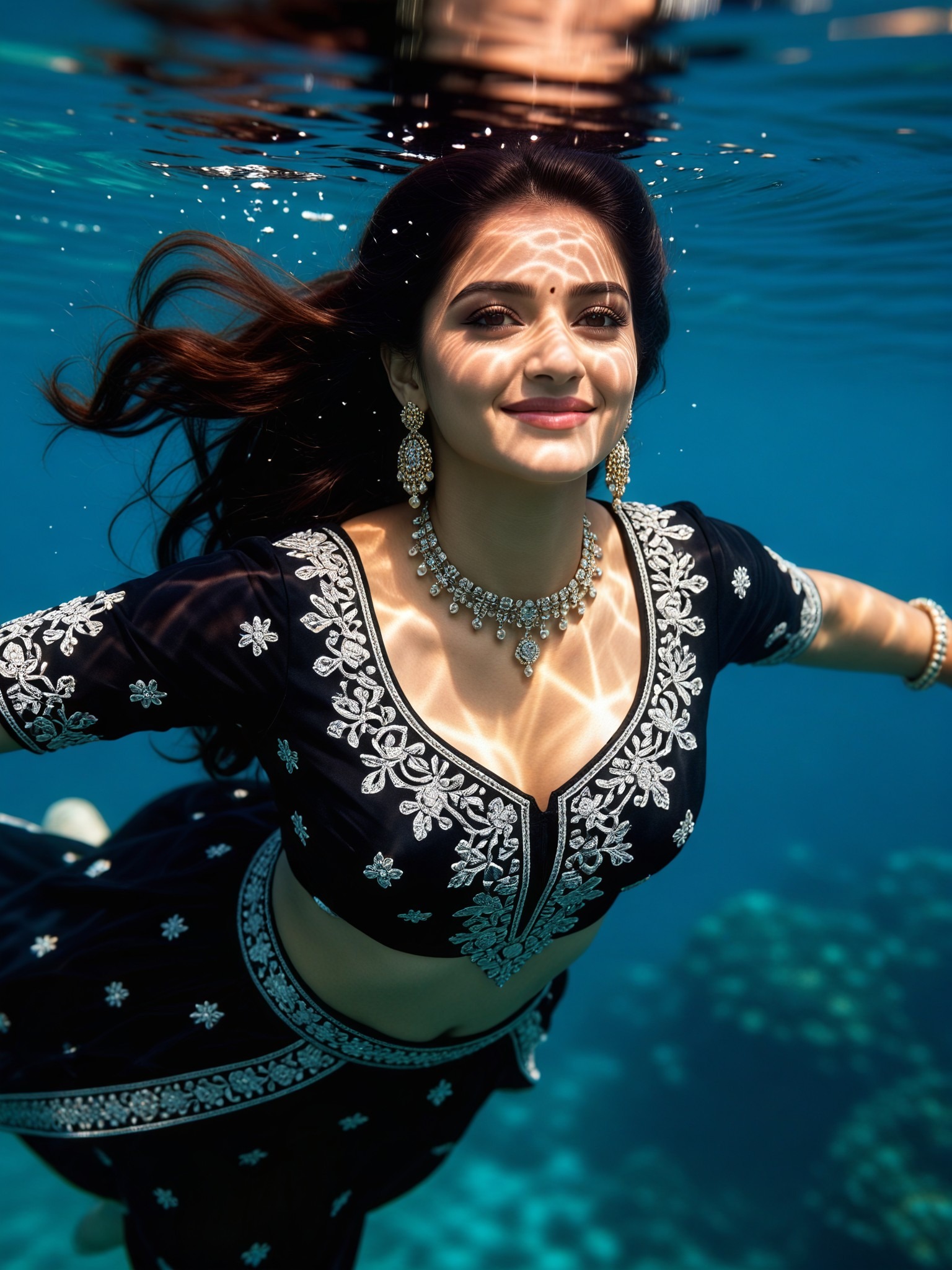
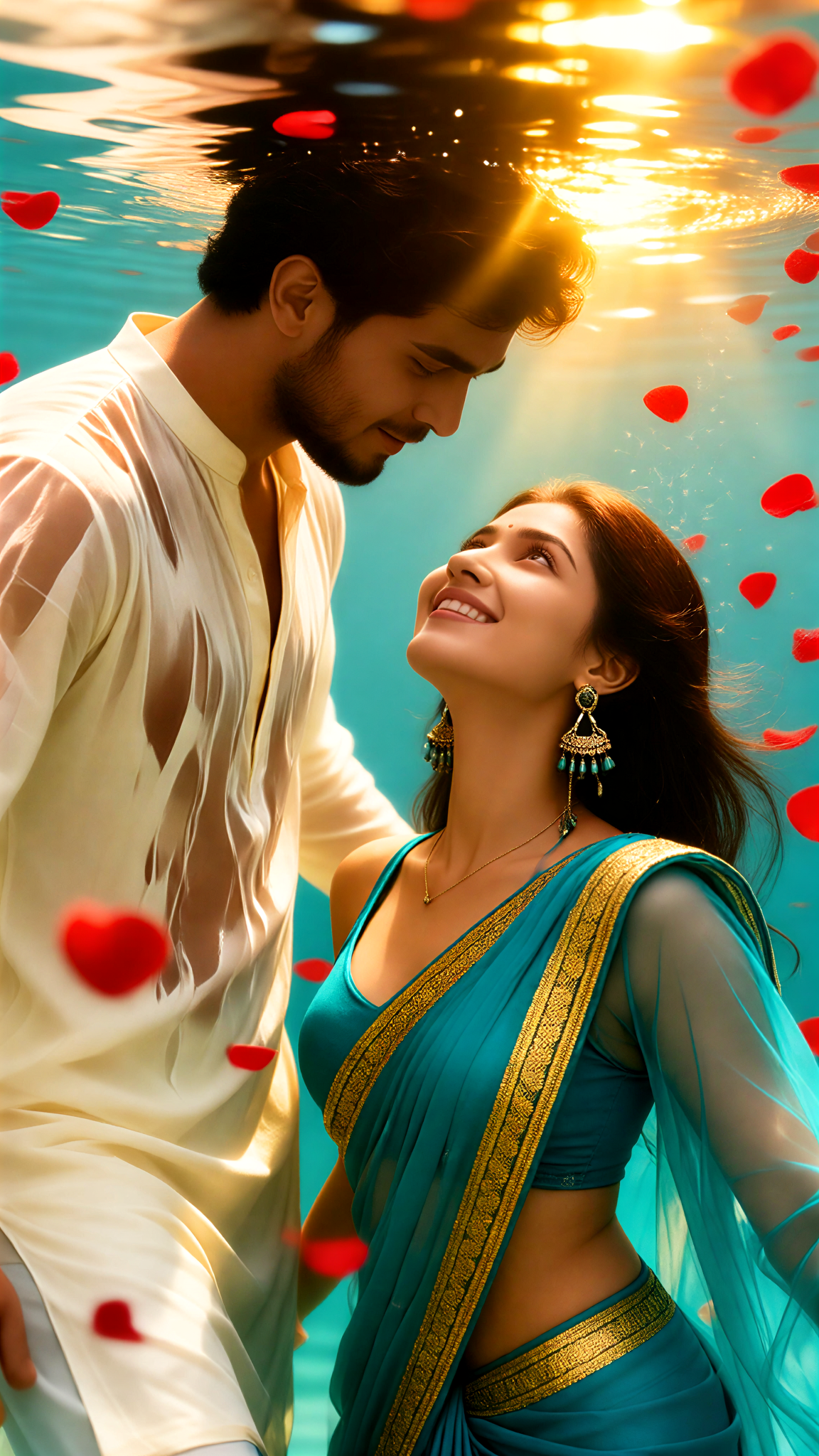
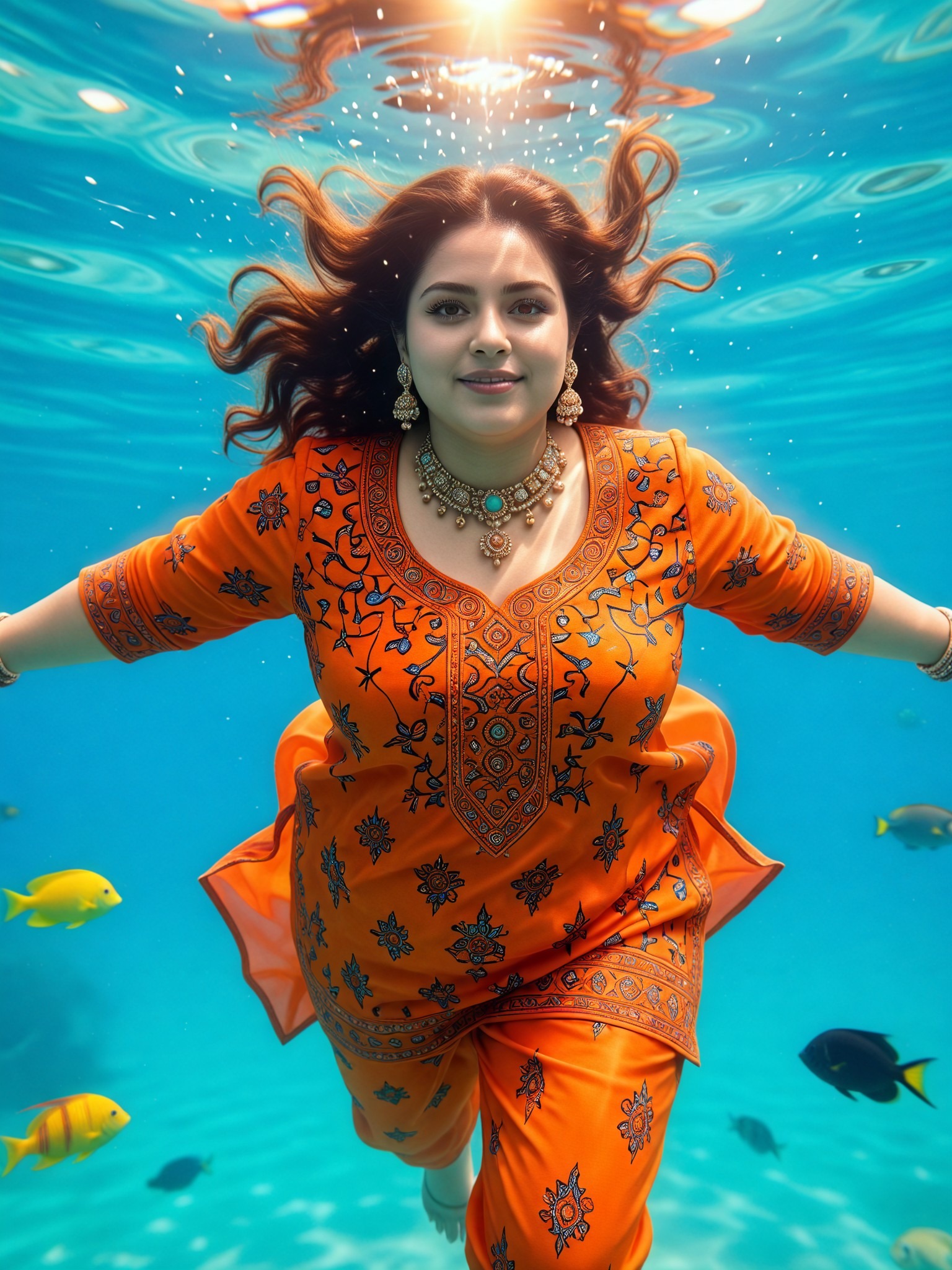
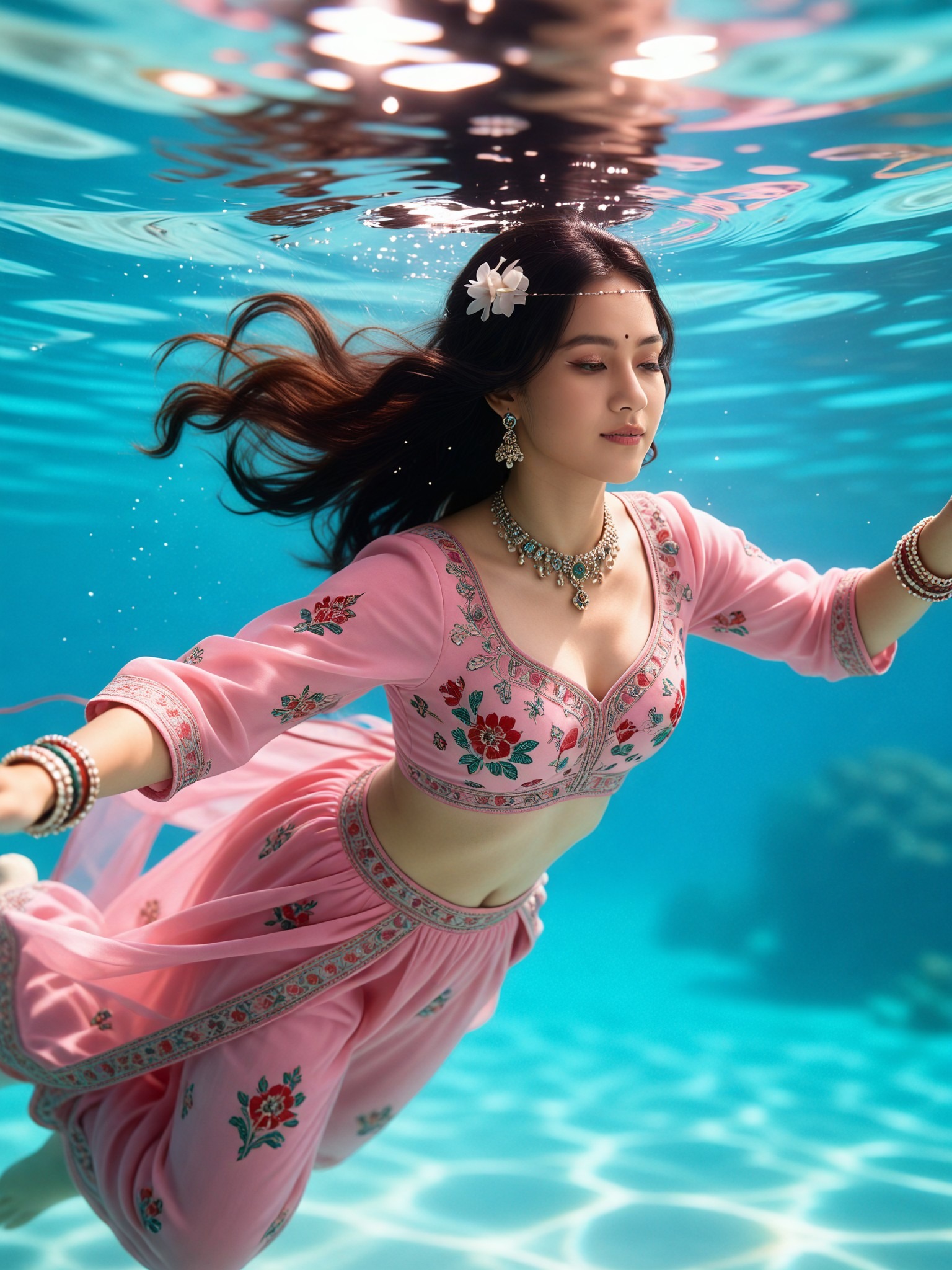
The underwater AI photo editor is one of Vimi's most popular creative tools. It transforms ordinary photos into beautiful underwater scenes. The AI adds realistic water effects, light rays, bubbles, and sea creatures. Choose from styles like deep ocean blue, tropical reef, or mystical underwater world. Each template creates a unique ocean atmosphere. Upload a portrait, landscape, or pet photo and watch the magic happen.
How to Create Underwater AI Photos?
Create stunning underwater art in just three simple steps. No technical expertise needed, just your creativity and our powerful AI.

Step 01.
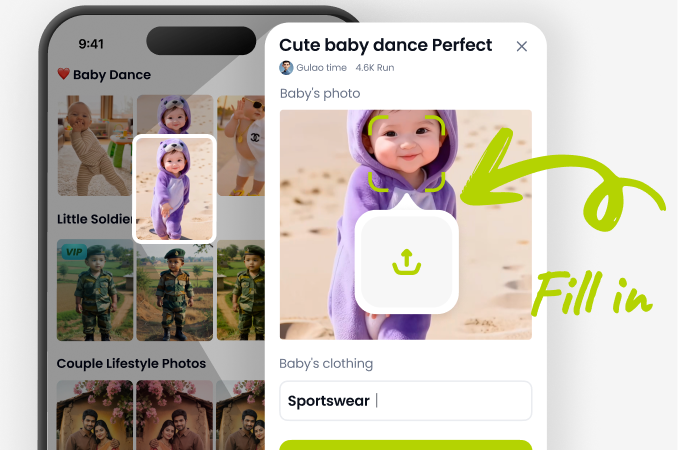
Download the dradra app from Google Play. It's your all-in-one mobile studio for AI photo and video generation, including all underwater effects.
Step 02.
Open the app and select 'Underwater' from the style categories. Upload your photo or choose one from your gallery as the base image.
Step 03.
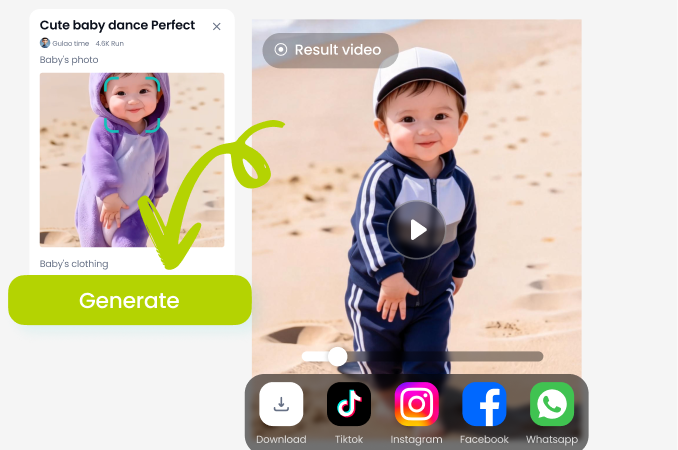
Tap 'Generate'. In seconds, AI will transform your photo. Adjust intensity, add extra elements, then download or share your underwater masterpiece directly.
Why Edit Photos with Underwater AI?
Achieve professional underwater photography effects without the cost and complexity of an actual shoot. Our AI provides endless creative control, letting you experiment with depths, creatures, and lighting impossible to capture otherwise.
Why Edit Photos with Underwater AI?
Achieve professional underwater photography effects without the cost and complexity of an actual shoot. Our AI provides endless creative control, letting you experiment with depths, creatures, and lighting impossible to capture otherwise.
What Creators Are Saying
Maya C.
As a digital artist, this tool is a dream. I use it for concept art and book covers. The AI understands how fabric and hair move underwater, saving me hours of painting.
Leo T.
My travel content got a huge boost. I turn my mountain and city photos into surreal underwater worlds. My followers keep asking what camera I use for 'diving' shots.
Sophia R.
I love underwater photography but it's expensive and limited. This editor lets me create the shots I've always imagined. The light ray effect is incredibly realistic.
David K.
Perfect for visualizing scenes for my fantasy novels. I take portraits of friends and generate character art for merfolk and underwater kingdoms. It sparks so much inspiration.
Maya C.
As a digital artist, this tool is a dream. I use it for concept art and book covers. The AI understands how fabric and hair move underwater, saving me hours of painting.
Leo T.
My travel content got a huge boost. I turn my mountain and city photos into surreal underwater worlds. My followers keep asking what camera I use for 'diving' shots.
Sophia R.
I love underwater photography but it's expensive and limited. This editor lets me create the shots I've always imagined. The light ray effect is incredibly realistic.
David K.
Perfect for visualizing scenes for my fantasy novels. I take portraits of friends and generate character art for merfolk and underwater kingdoms. It sparks so much inspiration.
Maya C.
As a digital artist, this tool is a dream. I use it for concept art and book covers. The AI understands how fabric and hair move underwater, saving me hours of painting.
Leo T.
My travel content got a huge boost. I turn my mountain and city photos into surreal underwater worlds. My followers keep asking what camera I use for 'diving' shots.
Sophia R.
I love underwater photography but it's expensive and limited. This editor lets me create the shots I've always imagined. The light ray effect is incredibly realistic.
David K.
Perfect for visualizing scenes for my fantasy novels. I take portraits of friends and generate character art for merfolk and underwater kingdoms. It sparks so much inspiration.
Underwater AI Photo Editor FAQ
Get quick answers to common questions about creating, editing, and sharing your AI generated underwater photos.
More AI Magic You May Like
Explore more topics you may like and discover fresh ideas tailored to your interests.
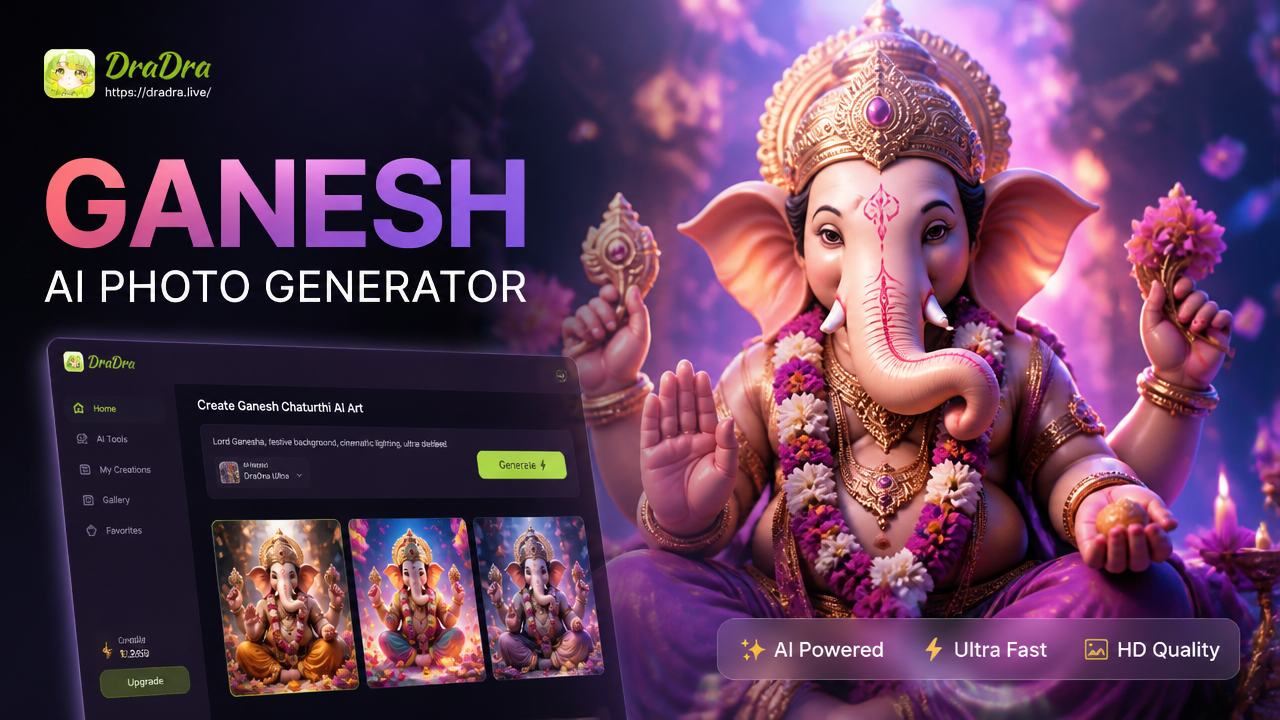
Create Divine Ganesh Chaturthi AI Photos & Greetings
Create Custom AI Mascots in Seconds
AI Manga Filter: Turn Any Photo Into Anime Art Instantly
Create Custom LEGO Characters & Scenes with AI
Create Divine Ganesh Chaturthi AI Photos & Greetings
Create Custom AI Mascots in Seconds
AI Manga Filter: Turn Any Photo Into Anime Art Instantly
Create Custom LEGO Characters & Scenes with AI
Dive Into AI Creativity Today
Stop imagining and start creating. Transform your world with the most powerful and easy to use underwater AI photo editor on mobile.
Dive Into AI Creativity Today
Stop imagining and start creating. Transform your world with the most powerful and easy to use underwater AI photo editor on mobile.