Double Exposure Photo Prompts
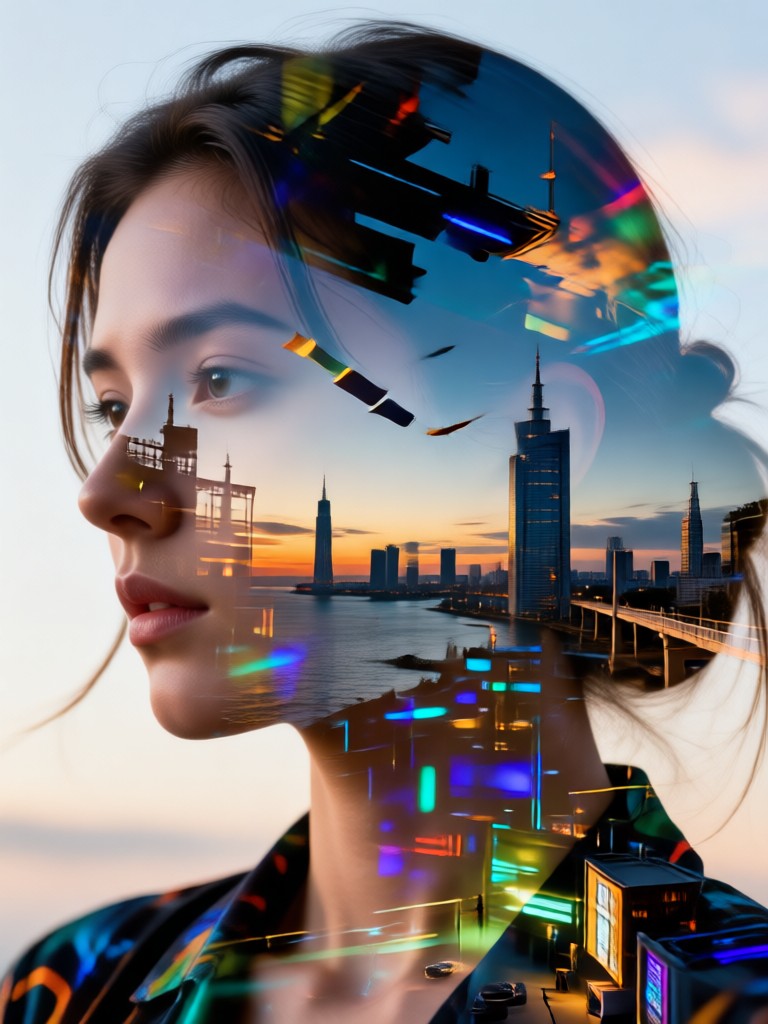
Double Exposure Filters for Every Artistic Mood
Discover filters that transform your double exposure prompts into cinematic portraits, dreamy landscapes, and surreal fine art. Each style template is tuned for seamless subject blending and layered depth.
Why dradra Is the Best Double Exposure Prompt Tool
From simple text prompts to full image blending, dradra gives you everything needed to create stunning double exposure art on your phone without a desktop editor.
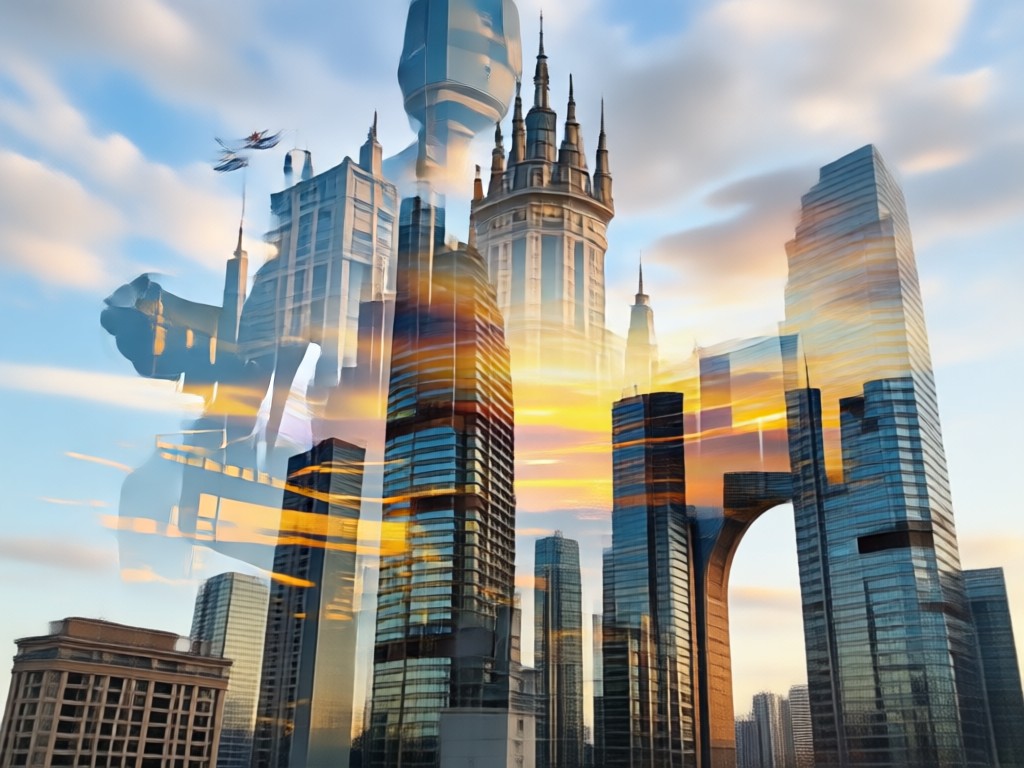
Text-to-Image Double Exposure
Type any double exposure prompt and let AI generate a layered composite image. No reference photo required. Perfect for experimenting with creative ideas before committing to a final look.
Text-to-Image Double Exposure
Type any double exposure prompt and let AI generate a layered composite image. No reference photo required. Perfect for experimenting with creative ideas before committing to a final look.
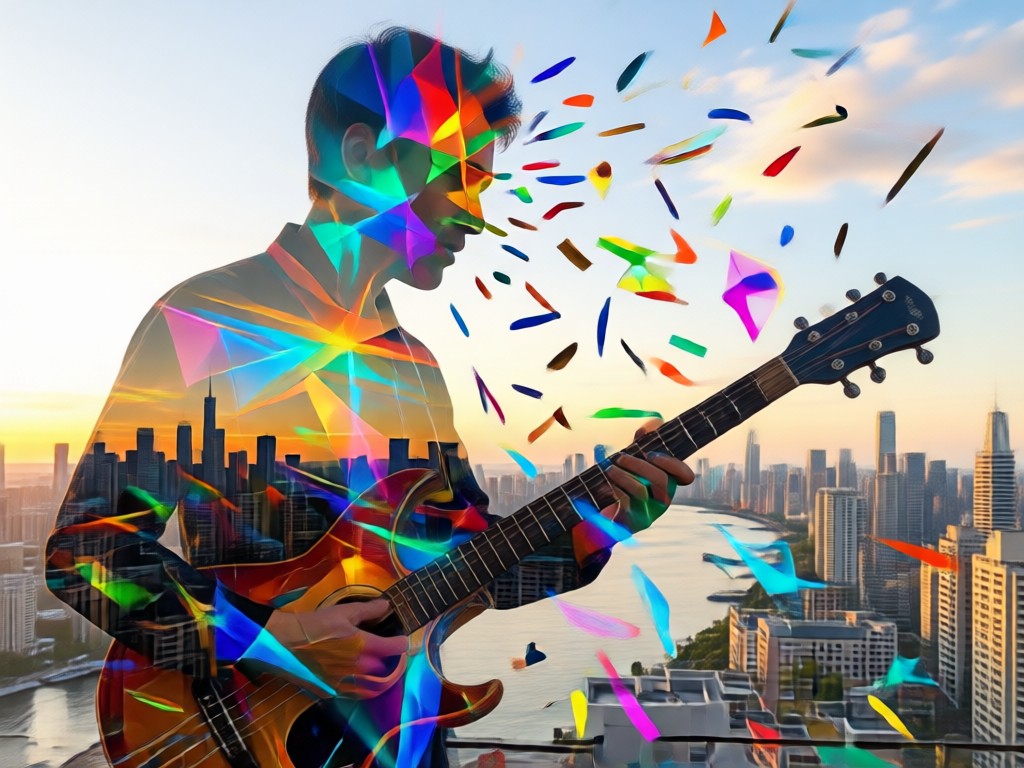
Image-to-Image Blending
Upload your own portrait photo and apply a double exposure effect that preserves facial features. AI detects the subject and blends it with forests, skies, or cityscapes automatically.
Image-to-Image Blending
Upload your own portrait photo and apply a double exposure effect that preserves facial features. AI detects the subject and blends it with forests, skies, or cityscapes automatically.
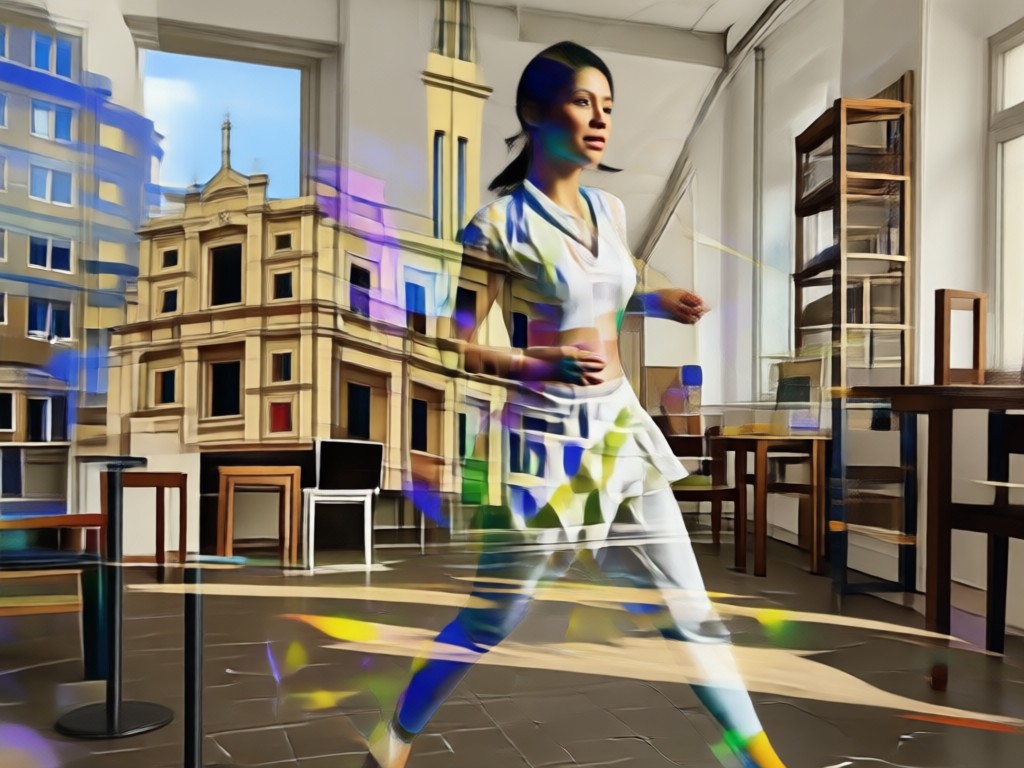
1 Million+ Style Templates
Browse style filters for realistic photography, surrealism, black and white, vintage film, and more. Each template is optimized for double exposure blending so results stay crisp and layered.
1 Million+ Style Templates
Browse style filters for realistic photography, surrealism, black and white, vintage film, and more. Each template is optimized for double exposure blending so results stay crisp and layered.
Double Exposure Prompt Gallery
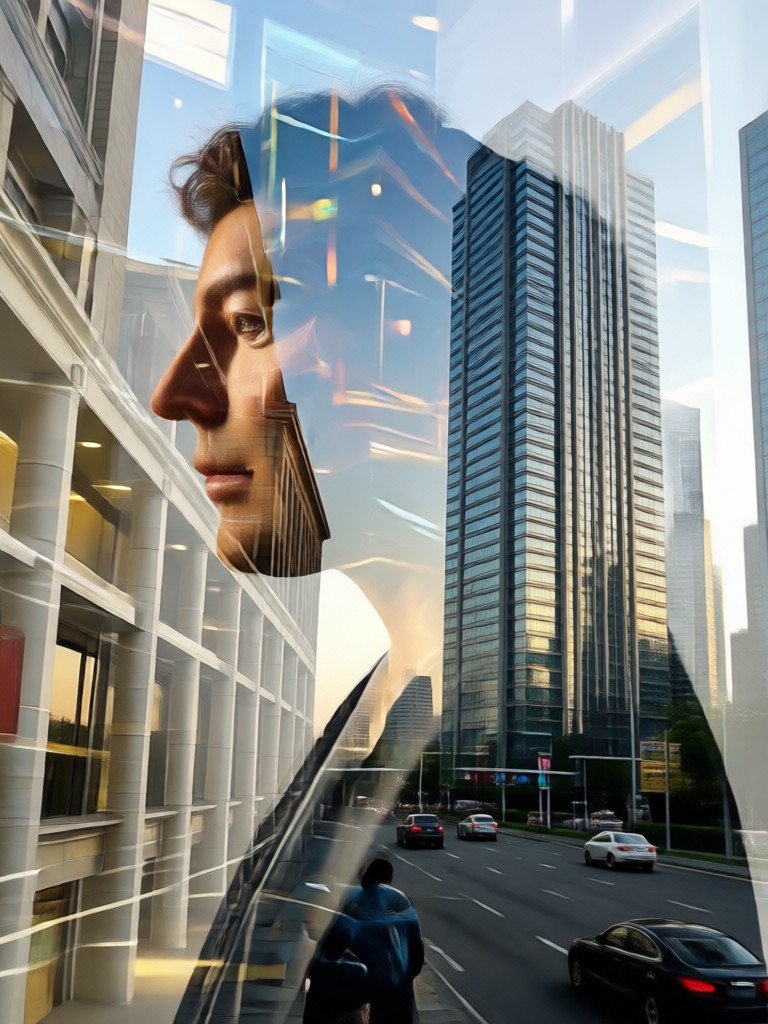
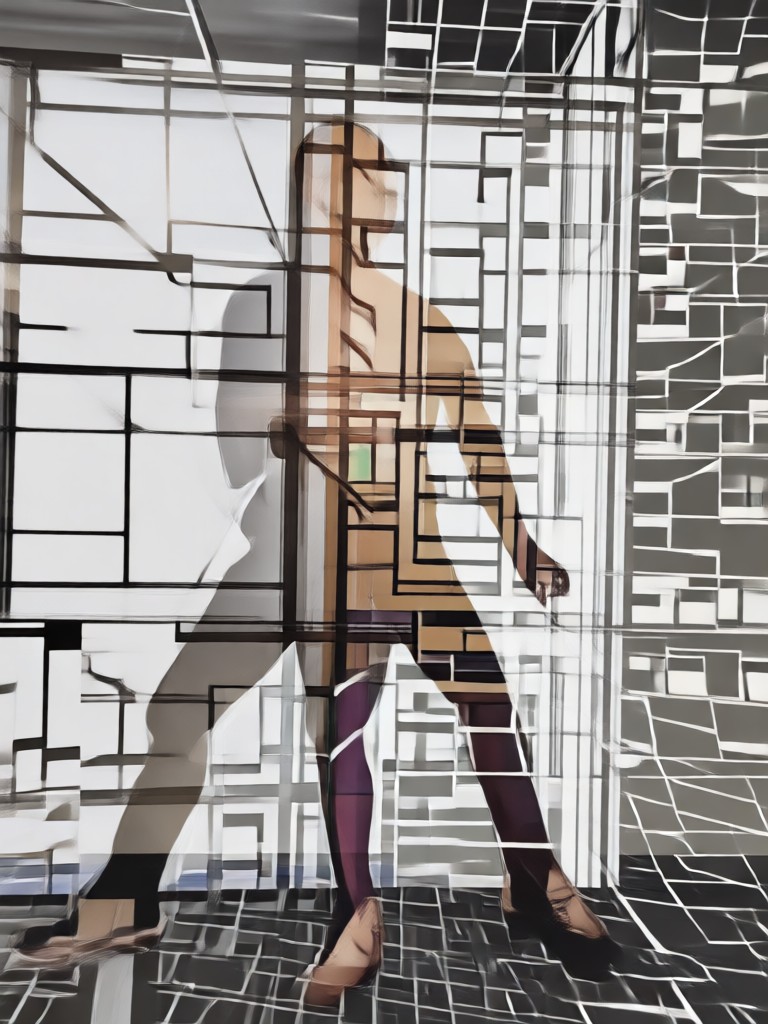
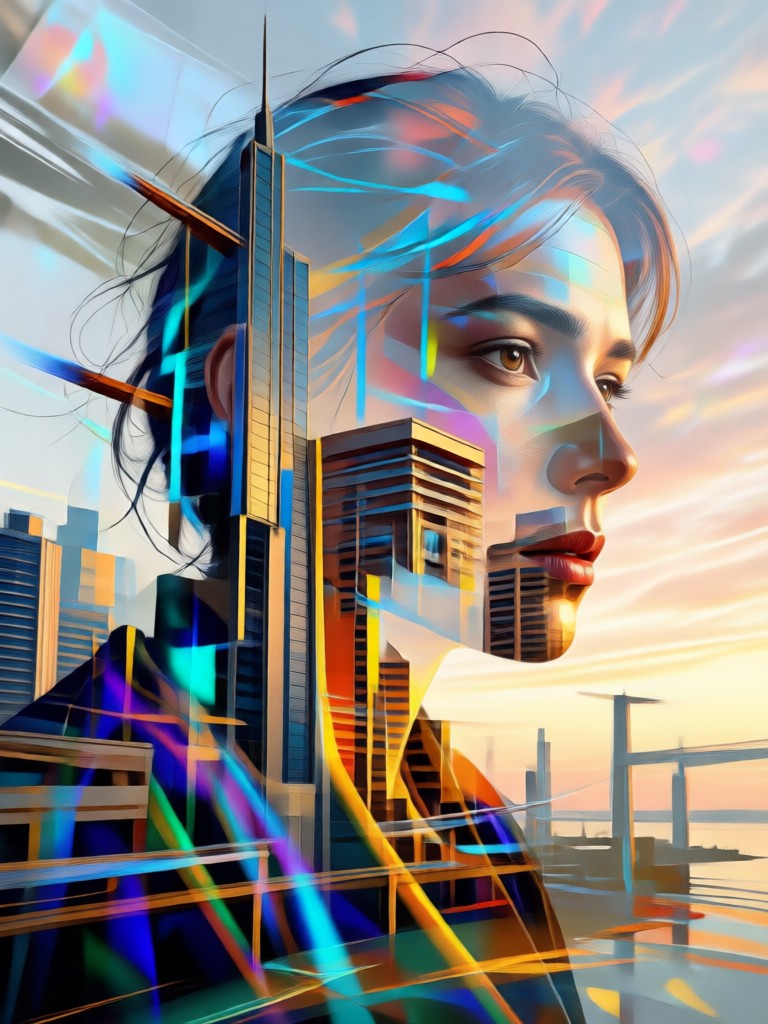
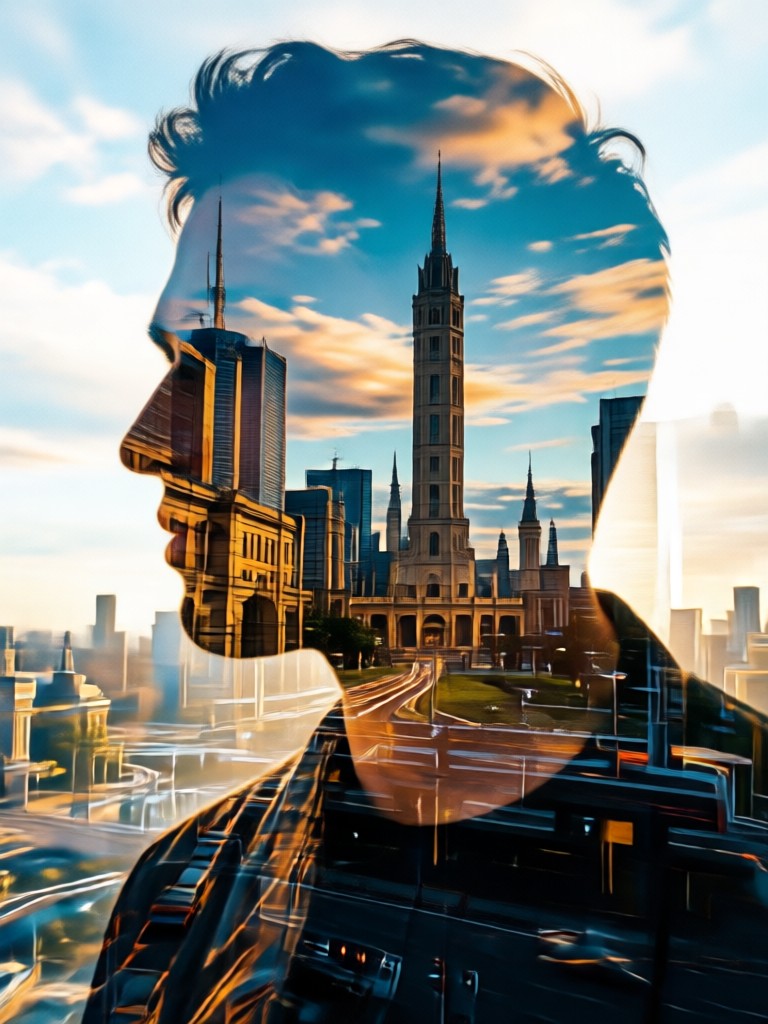
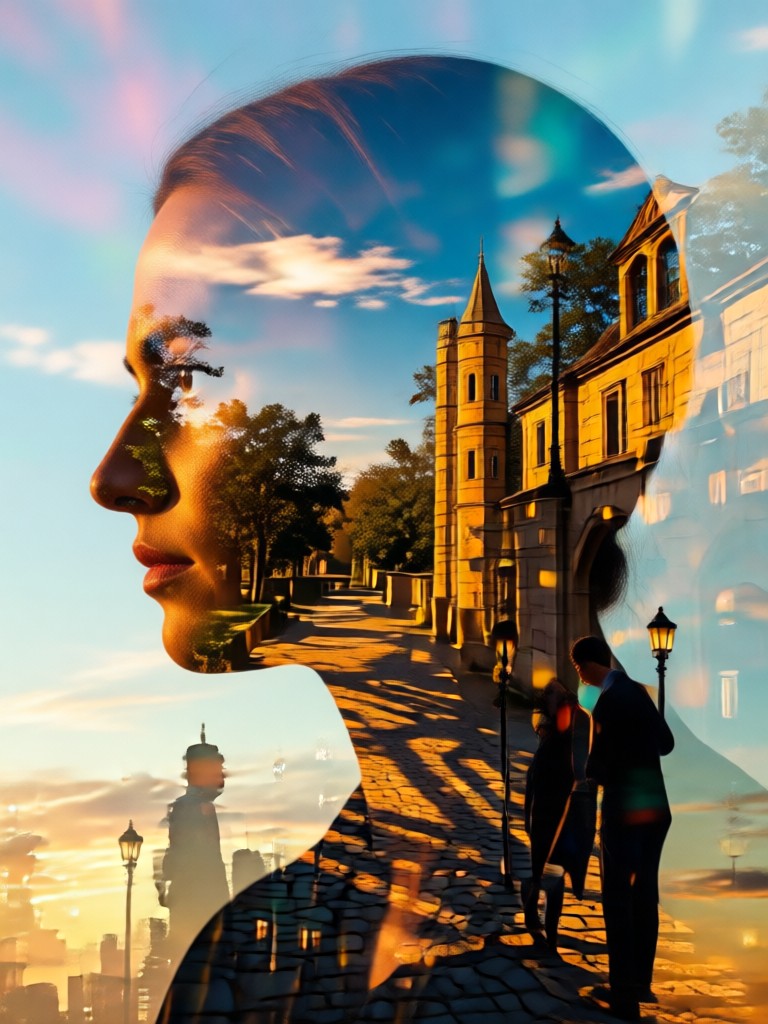
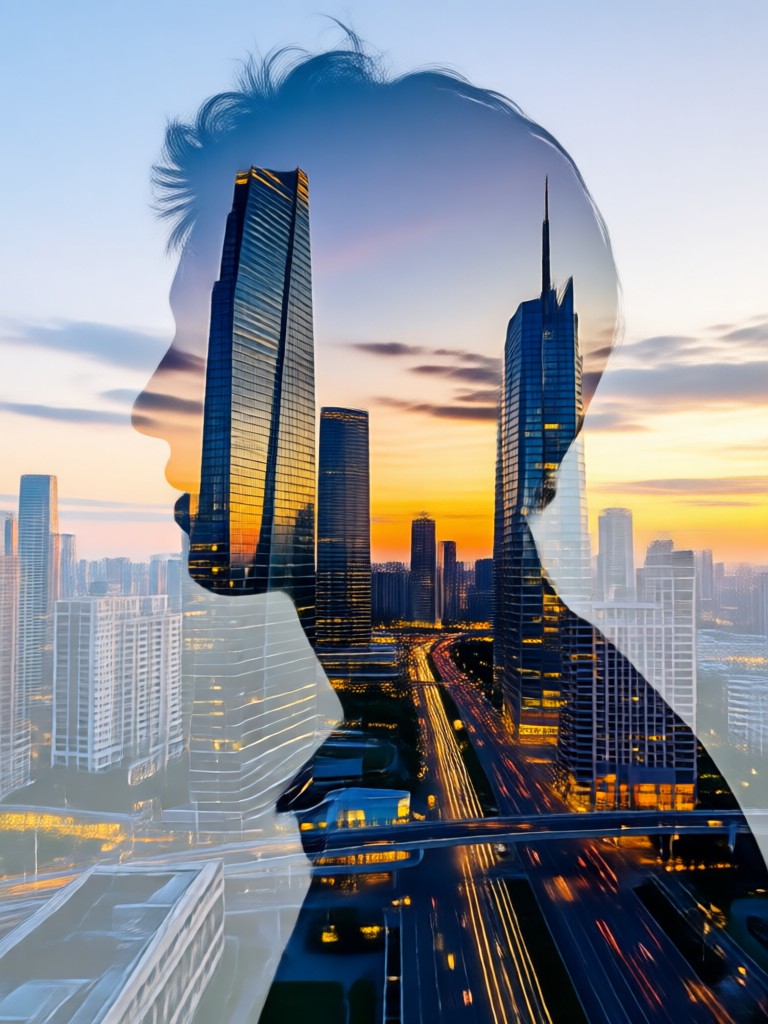
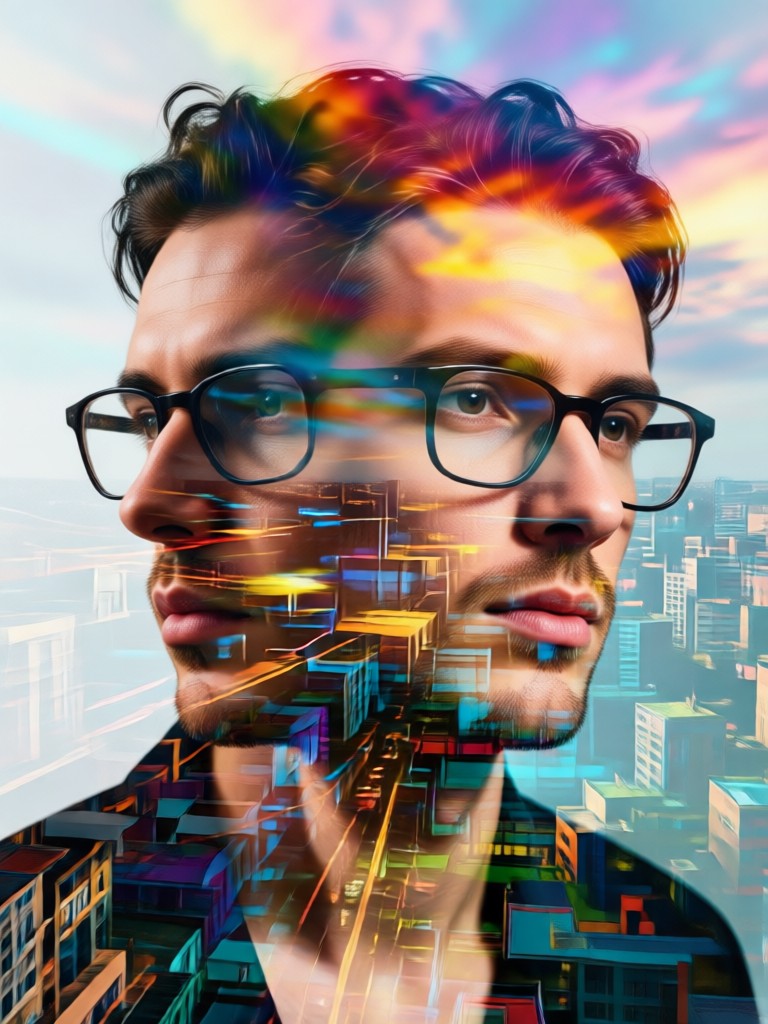
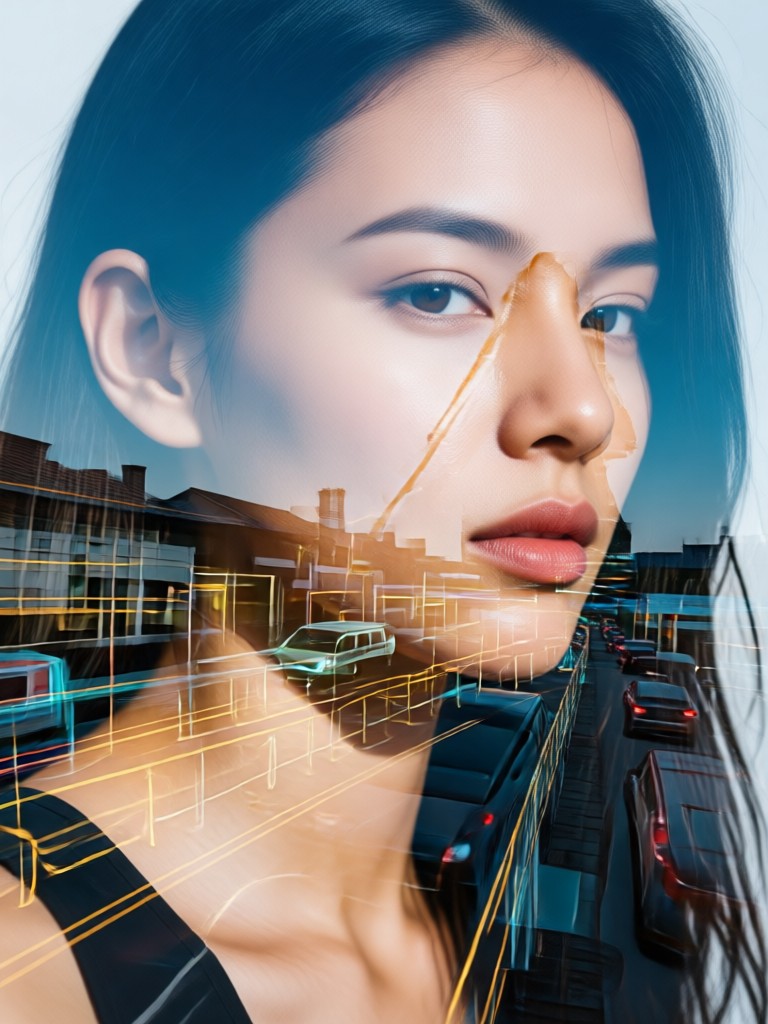
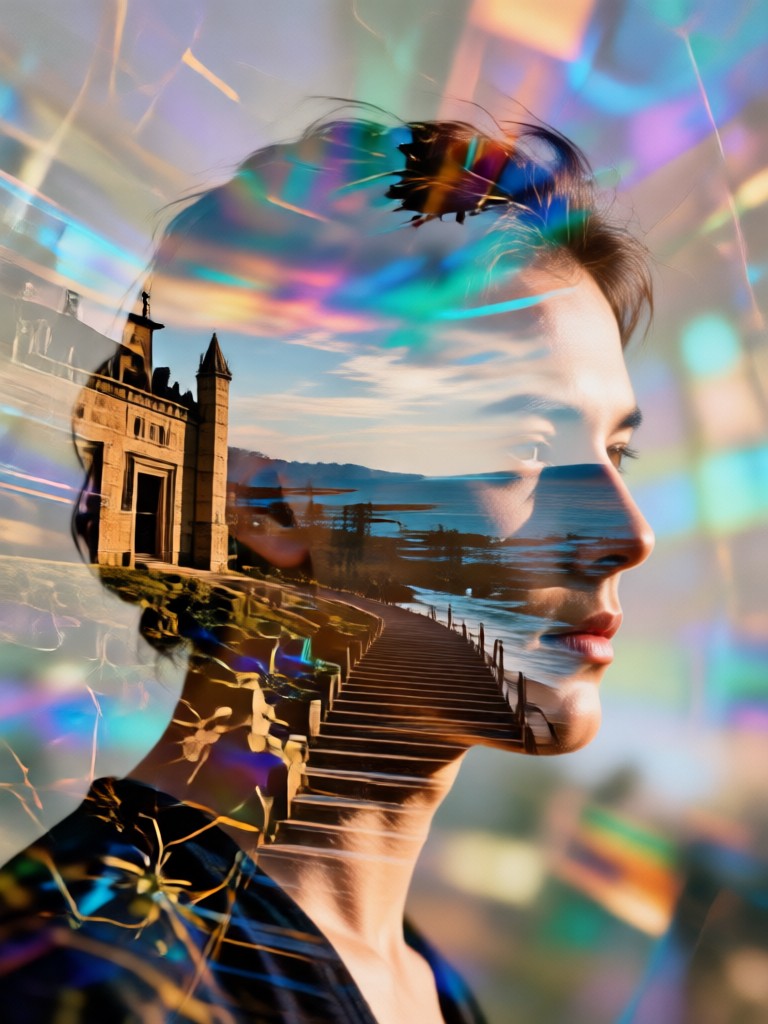
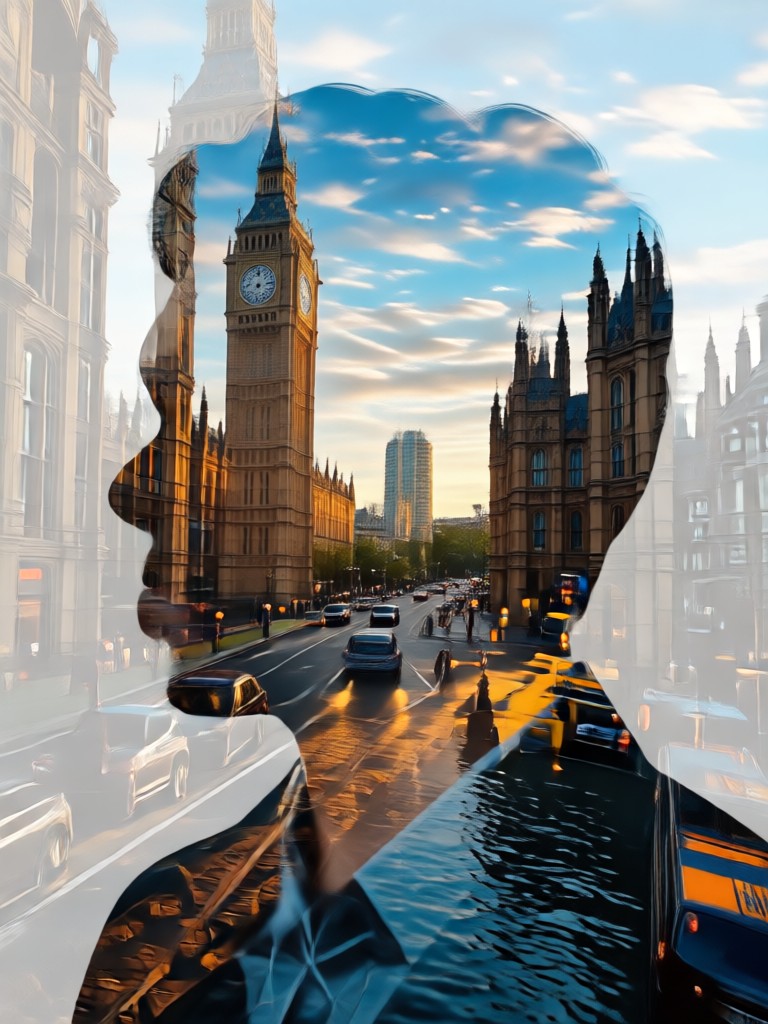
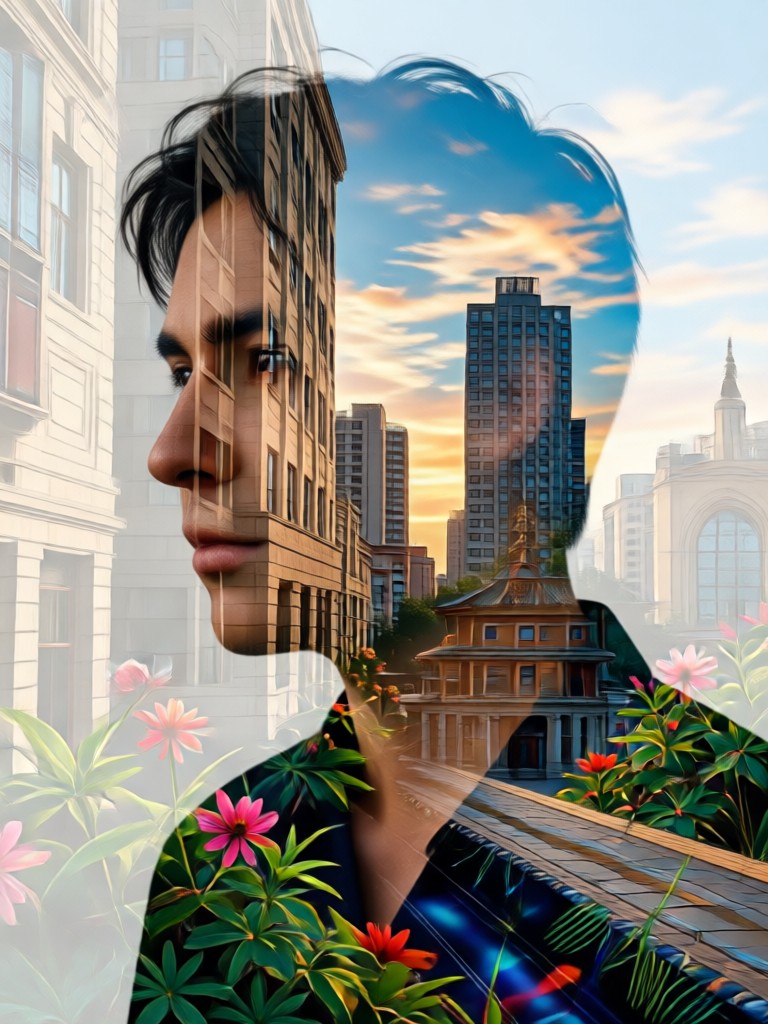
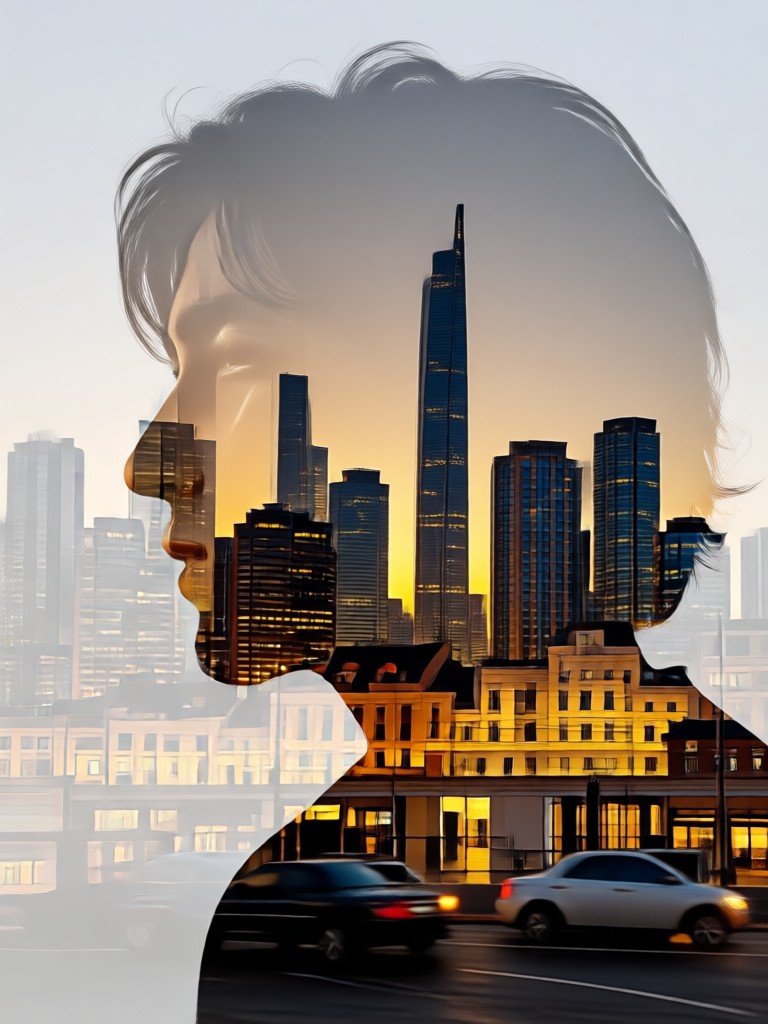
Explore stunning double exposure images created with dradra prompts. From forest silhouettes to celestial portraits, see what simple text descriptions can produce.
How to Create Double Exposure Photos with AI
Follow three simple steps to turn your double exposure photo prompts into breathtaking layered artwork using dradra.
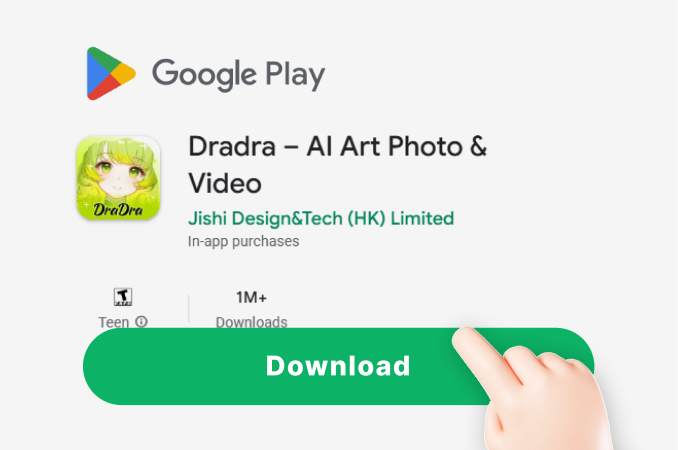
Step 01.
Download dradra from Google Play. The app is lightweight, free to install, and ready for creative work on any Android device.
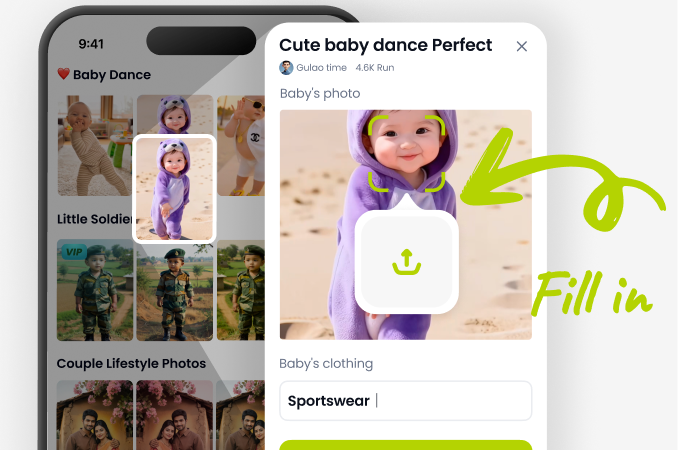
Step 02.
Enter a double exposure prompt like woman portrait merged with starry sky or upload your own photo to start the blending process.
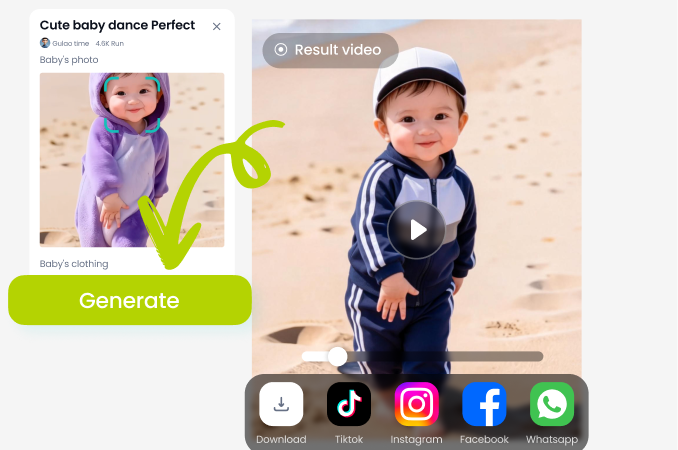
Step 03.
Choose a style template, generate your image, and save or share your surreal double exposure creation with friends or on social media.
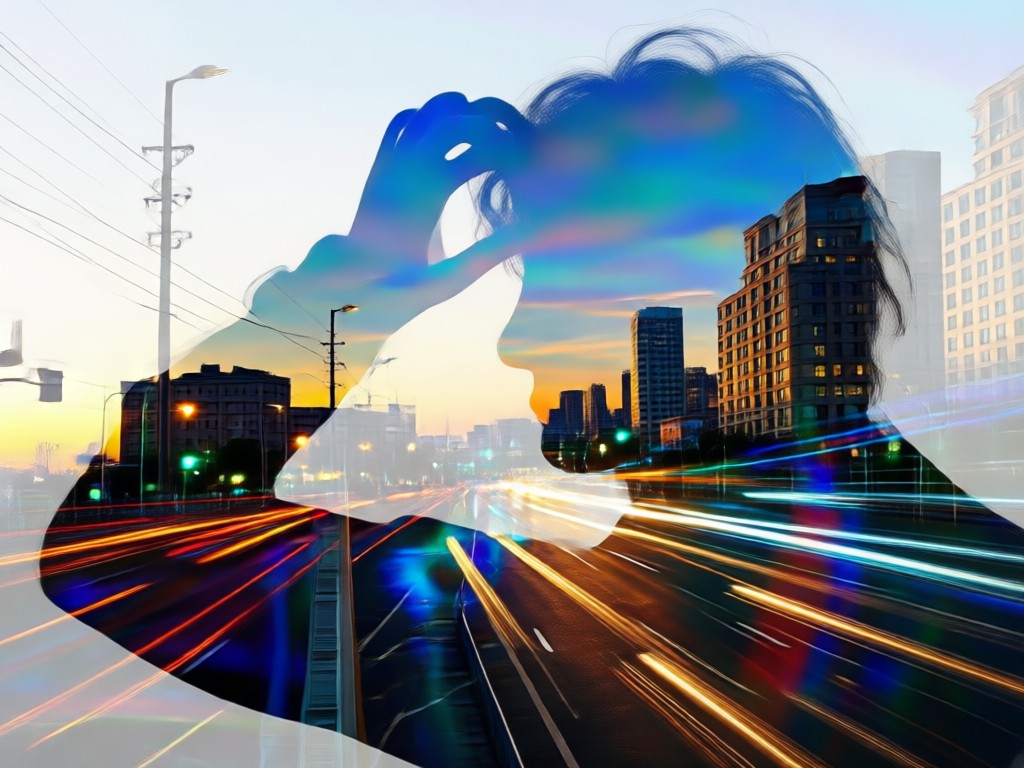
Why Use dradra for Double Exposure Photo Prompts?
Most double exposure tools require complex editing knowledge. dradra flips that. You describe the image in plain language, pick a filter, and AI handles the layering, masking, and blending. The result is professional quality double exposure art made without Photoshop or any design background.
Why Use dradra for Double Exposure Photo Prompts?
Most double exposure tools require complex editing knowledge. dradra flips that. You describe the image in plain language, pick a filter, and AI handles the layering, masking, and blending. The result is professional quality double exposure art made without Photoshop or any design background.
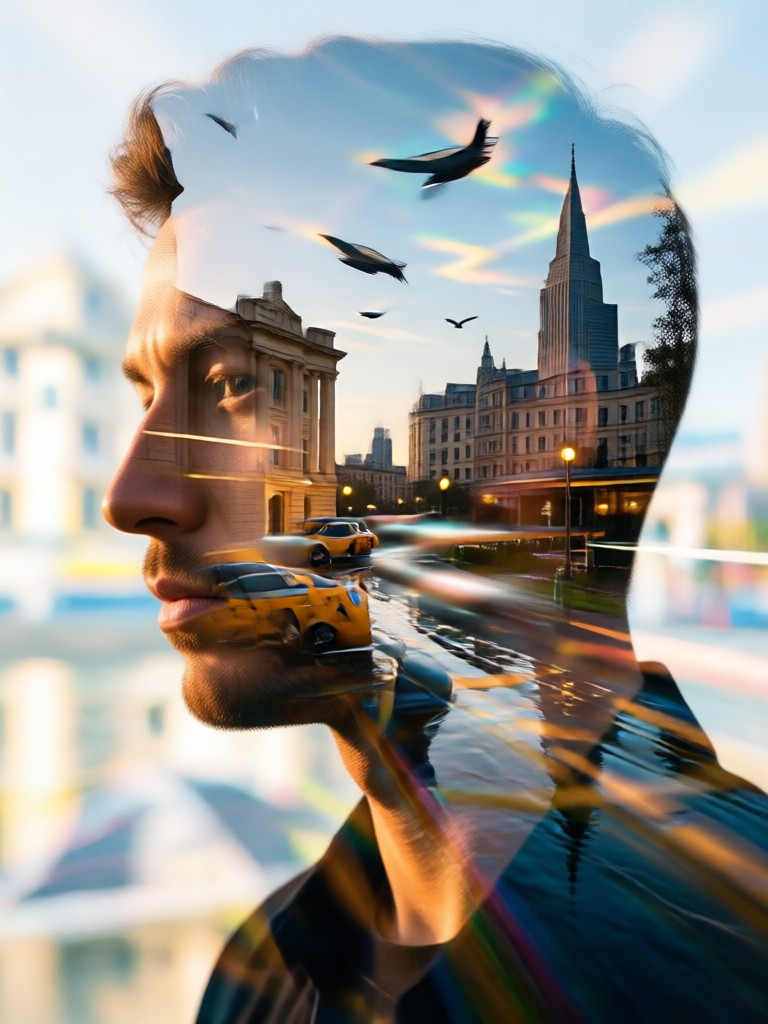
Double Exposure AI in Your Pocket
dradra brings professional double exposure effects to your Android phone. Generate, blend, and export layered art without touching a desktop editor.

What Creators Say About dradra Double Exposure
Louis Yule
I tried double exposure with Photoshop for years. dradra's prompts gave me results in seconds that looked better than my hour long edits.
Mandy Sander
The image to image double exposure feature is unreal. I uploaded a portrait and blended it with a sunset forest. It became my most liked Instagram post.
Orville Garcia
As someone new to AI art, the prompt examples helped me learn fast. Now I write my own double exposure prompts and get consistent results.
Sam Green
The style templates save me so much time. I can test five different double exposure looks on the same prompt in under a minute.
Louis Yule
I tried double exposure with Photoshop for years. dradra's prompts gave me results in seconds that looked better than my hour long edits.
Mandy Sander
The image to image double exposure feature is unreal. I uploaded a portrait and blended it with a sunset forest. It became my most liked Instagram post.
Orville Garcia
As someone new to AI art, the prompt examples helped me learn fast. Now I write my own double exposure prompts and get consistent results.
Sam Green
The style templates save me so much time. I can test five different double exposure looks on the same prompt in under a minute.
Louis Yule
I tried double exposure with Photoshop for years. dradra's prompts gave me results in seconds that looked better than my hour long edits.
Mandy Sander
The image to image double exposure feature is unreal. I uploaded a portrait and blended it with a sunset forest. It became my most liked Instagram post.
Orville Garcia
As someone new to AI art, the prompt examples helped me learn fast. Now I write my own double exposure prompts and get consistent results.
Sam Green
The style templates save me so much time. I can test five different double exposure looks on the same prompt in under a minute.
Double Exposure Photo Prompts FAQ
Clear answers about creating double exposure images with AI prompts and the dradra mobile app.
More Topics You May Like
Explore more topics you may like and discover fresh ideas tailored to your interests.

Doctor Couple Photo Prompts for Dreamy AI Portraits
Create stunning doctor couple photos with AI. Explore ready-to-use prompts, romantic styles, and easy steps to turn ideas into beautiful portraits. Download dradra now.
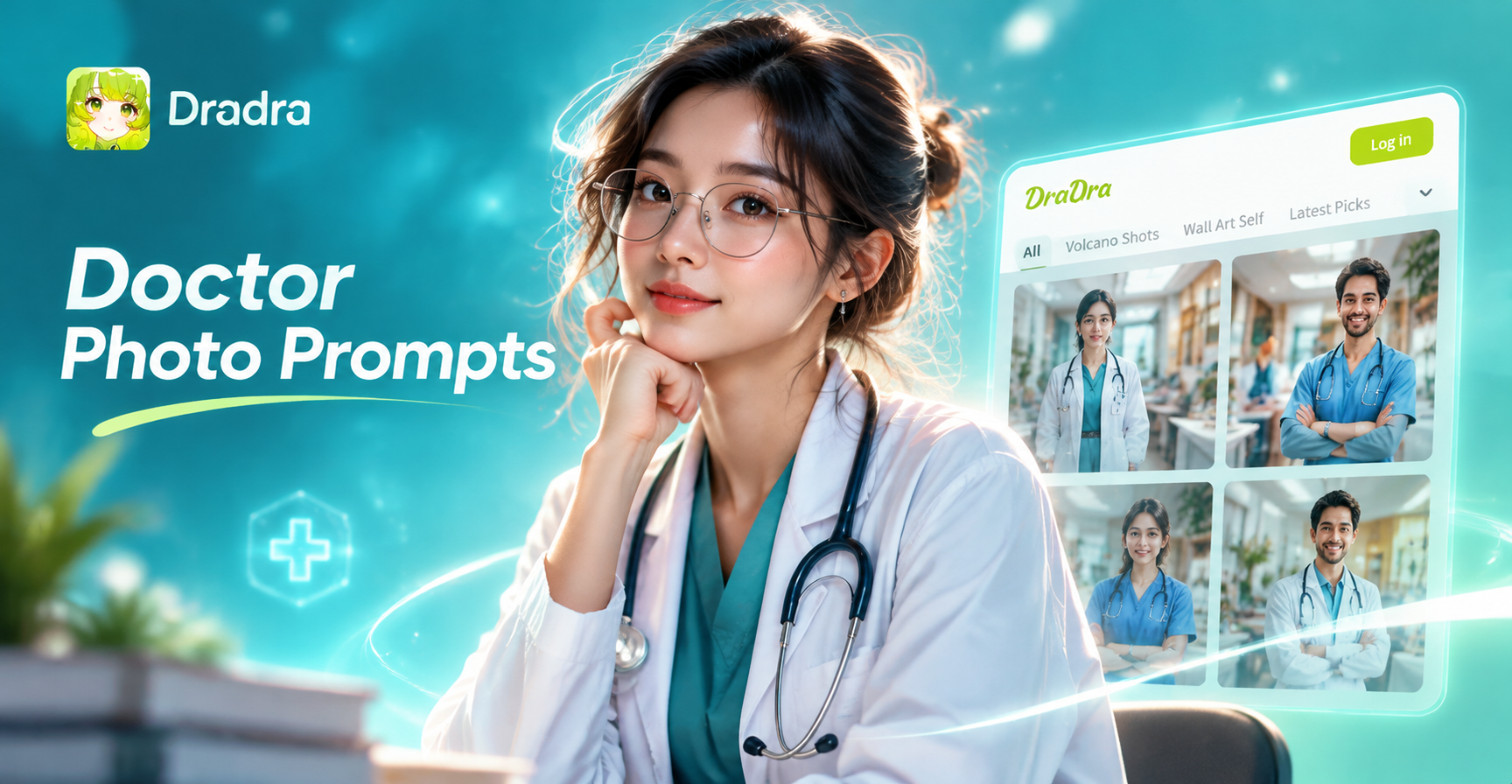
Doctor Photo Prompts for Realistic AI Images
Explore creative doctor photo prompts for AI image generation. Make professional medical portraits, 3D doctor avatars, and cinematic healthcare scenes in seconds. Download the app to start.
Create Your First Double Exposure Photo Today
Download dradra, type a prompt, and watch two worlds merge into one stunning image. Your surreal masterpiece is seconds away.
Create Your First Double Exposure Photo Today
Download dradra, type a prompt, and watch two worlds merge into one stunning image. Your surreal masterpiece is seconds away.