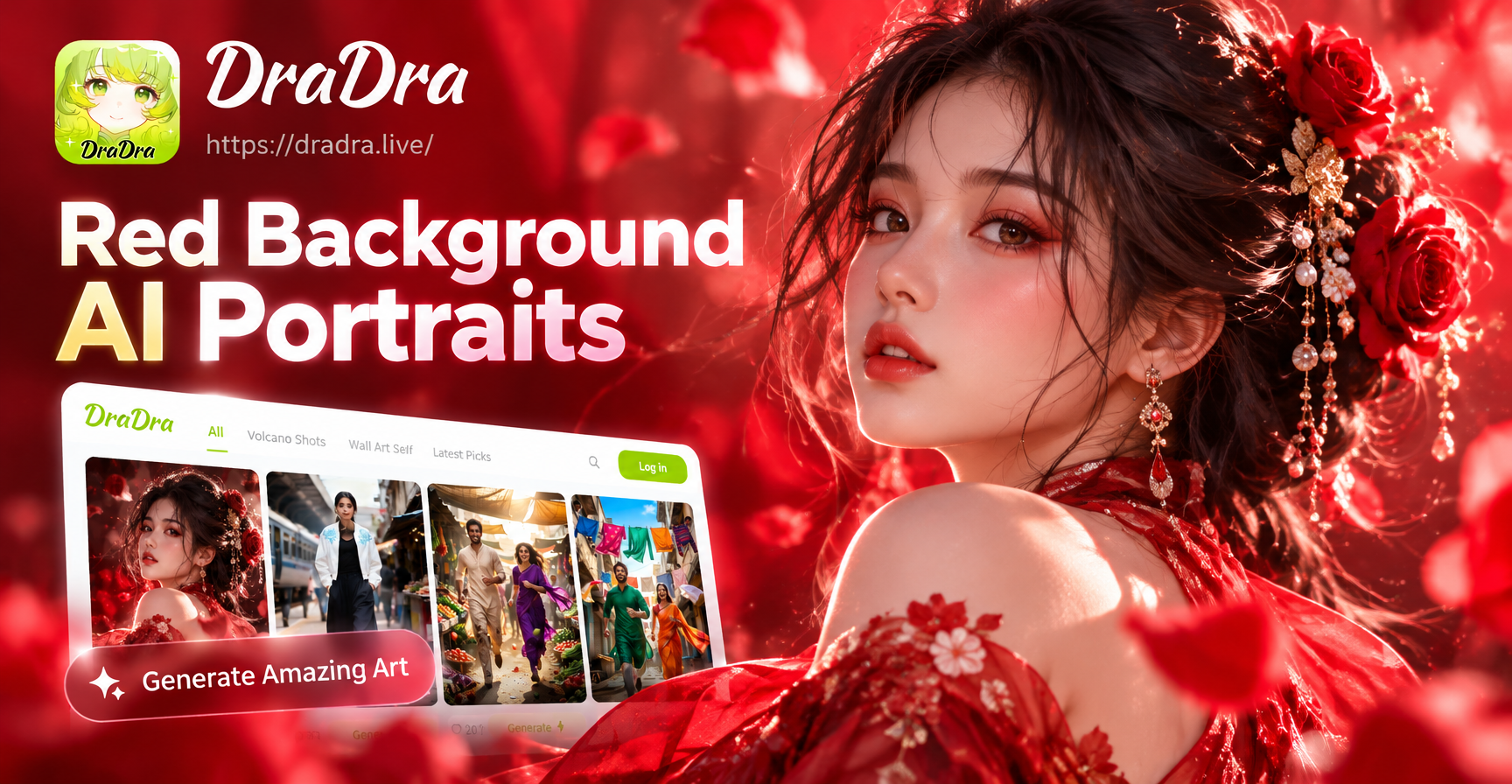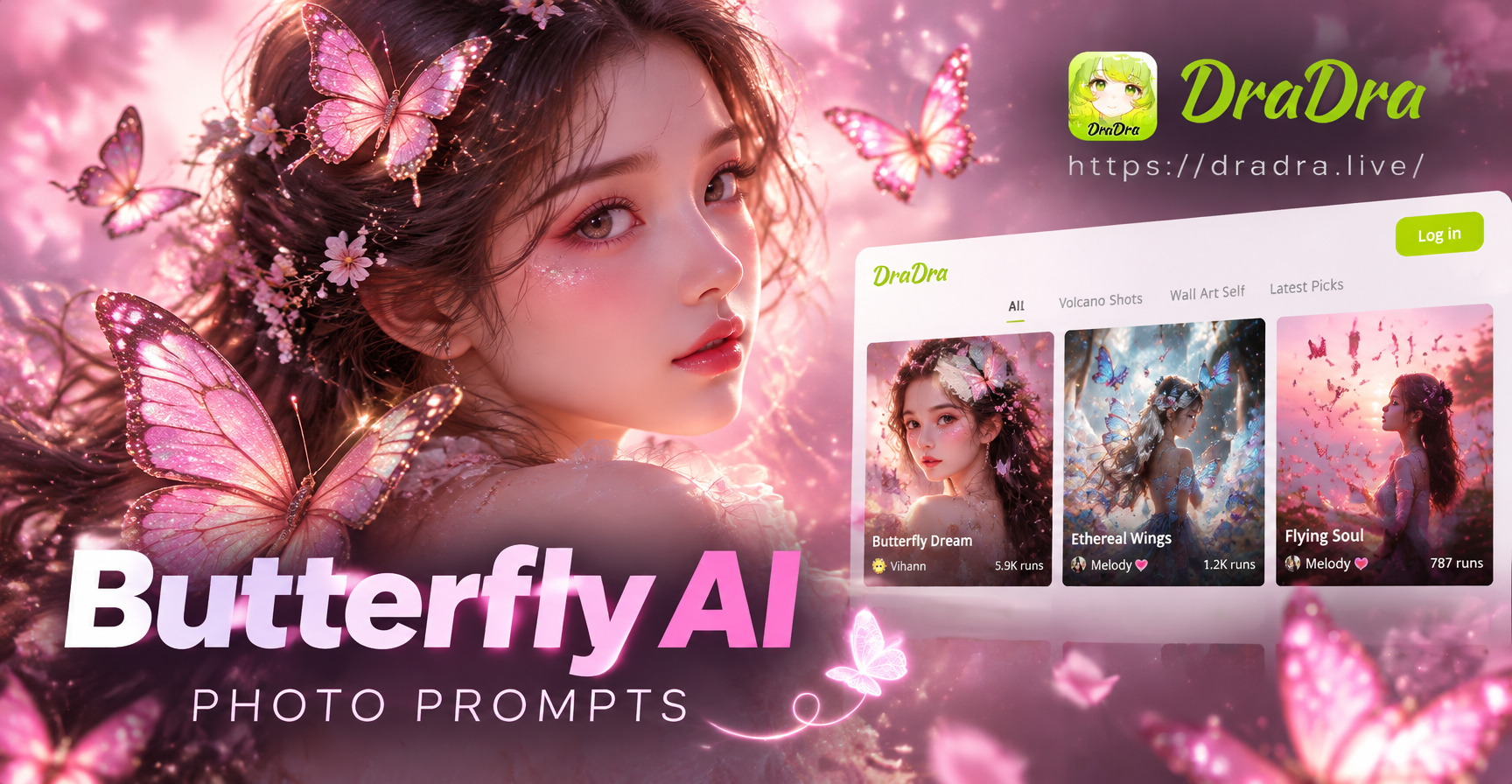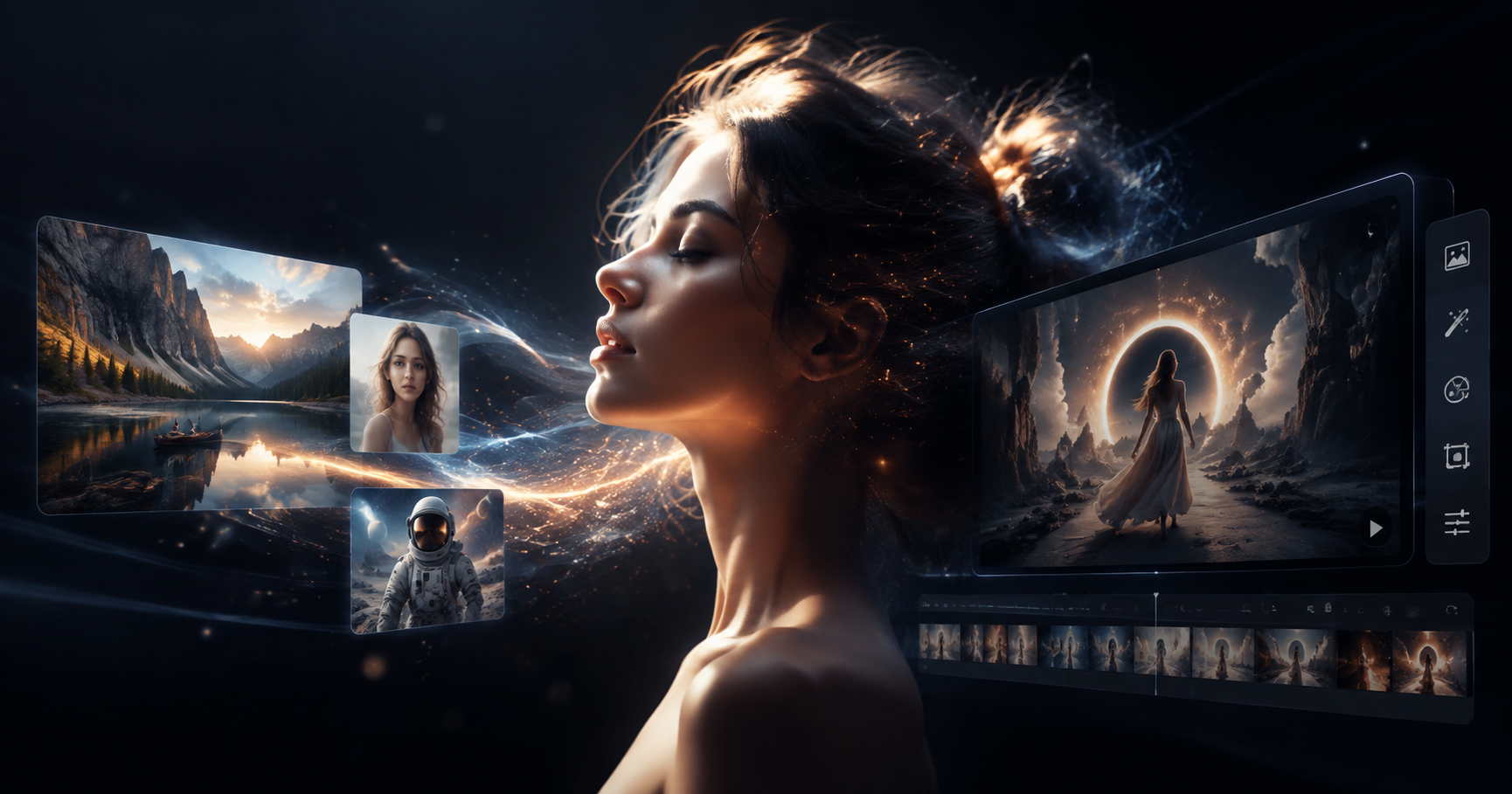
The idea of changing clothes in a photo used to require complex editing software, a steady hand, and far too much time. Today, AI tools make it possible to try a completely different outfit on a person in a photograph without separating layers or drawing selection masks. AI change dress clothes technology is no longer limited to professional stylists or ecommerce studios. It is now available on your phone through the dradra app.
In this guide, we explain how AI dress transformation works, what it can and cannot do, and how to get convincing results with the dradra mobile app. You will learn the exact workflow, style prompts you can try, and common mistakes to avoid.
What Is AI Change Dress Clothes?
AI change dress clothes refers to using machine learning models to alter clothing in a portrait or full body photo. Instead of manually cutting and pasting textures, the AI studies the original image, identifies the subject, and applies a new clothing style while keeping the person's face, body position, and overall scene intact.
This is a form of image to image generation, often described as style transfer or virtual try on. The result is a visual transformation of the garment, not a physical fitting. It is useful for creative exploration, social media content, fashion inspiration, and quick concept testing.
How the dradra App Makes Outfit Changes Simple
dradra is a mobile AI design tool available on Google Play. It combines multiple generation modes in one app, including text to image, image to image, text to video, and image to video. For clothing transformation, the image to image workflow is the most relevant.
You do not need to learn complex prompt engineering. The app provides a large library of style templates, and you can add short descriptions to guide the result. This makes it practical for anyone who wants to see a different look without opening a desktop editor.
What You Can Transform With AI Dress Change
The dradra app supports a wide range of clothing style transformations. Some common uses include:
- Casual wear to formal wear, such as a t shirt into a tailored suit.
- Modern clothing into traditional outfits from different cultures.
- Everyday outfits into fantasy, anime, or cyberpunk costumes.
- Color and fabric changes, such as turning a denim jacket into leather.
- Seasonal clothing swaps, including summer dresses into winter coats.
- Multi person photos where each individual needs a different outfit style.
Because the AI recognizes faces and body positions separately, you can transform group photos without blending people together. This is useful for team portraits, family pictures, and creative social posts.
How to Change Clothes in a Photo Using dradra
The process is designed for a phone. Follow these steps to get your first result:
- Download the dradra app from Google Play.
- Open the app and choose the image to image or style transfer option.
- Upload a clear photo where the person is visible from the waist up or full body.
- Select a clothing style template from the library, or enter a short text description of the outfit you want.
- Adjust the style strength if available.
- Generate the image and review the result.
- Download or share the final image.
A high quality source photo makes a big difference. Use good lighting, avoid heavy shadows, and choose a pose that shows the clothing clearly.
Style Ideas and Prompts for Outfit Swaps
If you are not sure where to start, try these simple descriptions inside the dradra app:
- Elegant black evening gown with soft studio lighting.
- Oversized streetwear hoodie and cargo pants in a neon city.
- Classic navy blue business suit with a white shirt and tie.
- Vintage floral summer dress in a garden setting.
- Traditional embroidered jacket with warm natural light.
- Futuristic silver jacket with reflective details.
- Cozy knitted sweater and scarf in a snowy background.
- Minimalist beige linen outfit for a beach editorial.
You can mix clothing descriptions with setting, lighting, and camera style to create more varied results. If the first attempt looks unnatural, try a different source photo or simplify the description.
From Casual to Formal: Style Transfer Examples
One of the most popular requests is turning a casual outfit into formal clothing. Upload a picture of someone wearing a plain shirt or hoodie, then choose a template such as business formal, evening wear, or wedding guest attire. The AI keeps the subject's face and pose while replacing the casual garment.
For best results, use a straight on or three quarter angle. Avoid poses where the arms cover the torso, because the AI needs enough visual information to reconstruct the clothing area.
Multi Person Photo Outfit Transformation
Group photos can be tricky for older editing tools. dradra was built to handle multi person photo processing. Its algorithms identify different faces and separate body regions before applying style changes. This means you can place two people in the same photo, assign a formal outfit to one and a streetwear look to the other, and avoid face blending.
When editing group shots, choose photos where faces are distinct and not partially covered. The clearer the separation between people, the better the final result.
Creating Short Fashion Videos From Still Images
dradra also supports image to video generation. After you change a dress in a still photo, you can animate the image. For example, you can make the person blink, smile, turn their head, or create a short narrative clip that shows the outfit from different angles.
This is helpful for social media creators who want more than a static fashion edit. A short video of an outfit transformation can perform well on platforms that reward motion and visual contrast.
How AI Style Transfer Differs From Manual Editing
Manual photo editing requires selecting the clothing area, masking edges, matching perspective, adjusting shadows, and blending textures. Even experienced editors can spend thirty minutes on one high quality garment swap.
AI style transfer automates the heavy lifting. The model learns visual patterns from millions of images and predicts a plausible replacement that matches the subject's pose. The result is not always perfect, but the speed is dramatically faster. What used to take a desktop workflow now takes seconds on a phone.
Tips for Better Lighting and Posing
The quality of the source image affects every AI clothing transformation. Follow these tips:
- Use natural daylight or even indoor lighting.
- Avoid harsh shadows across the chest and waist.
- Keep the body visible from at least the waist up.
- Use a simple background so the AI focuses on the subject.
- Choose a pose where arms are slightly away from the torso.
If you only have a selfie, expect the clothing area to be limited. A full body or three quarter portrait gives the model more room to work.
Using Text Prompts Versus Style Templates
The dradra app offers two ways to guide the result. Style templates are the easiest option because they apply a preset visual language. Text prompts give you more control over specific garment details.
For quick experiments, start with a template. Once you find a close match, add a short text description to refine the fabric, color, or environment. For example, you might choose an evening dress template and add soft satin texture, warm indoor lighting to improve the atmosphere.
Combining Clothing Changes With Other Effects
Because dradra is an all in one AI design tool, you can combine outfit transformation with other creative features. After changing the clothing style, you can apply a different art filter, animate the image, or generate a short video. This flexibility makes it useful for creators who want to experiment with multiple visual ideas in one session.
For example, you could transform a casual jacket into a futuristic silver coat, then animate the person tilting their head and blinking. The final clip feels more engaging than a static before and after image.
Common Mistakes to Avoid
Avoid these issues to get cleaner AI clothing transformations:
- Using low resolution or heavily compressed photos.
- Uploading pictures with multiple overlapping subjects and no clear faces.
- Writing a prompt that describes too many unrelated details.
- Expecting exact real garment fitting or true fabric simulation.
- Ignoring lighting differences between the original photo and the requested style.
If a result looks distorted around the neckline or waist, try cropping the image closer to the person, using a different style template, or adjusting the generation intensity.
Is AI Clothing Transformation Realistic?
Modern image generation models can produce highly convincing clothing edits, especially when the source photo is clear and the style template matches the pose. However, this is still a creative transformation, not a verified garment measurement. The AI may not preserve every fold, seam, or label exactly.
For personal inspiration and entertainment, the results can look very realistic. For ecommerce and fashion design, it can serve as a fast concept tool, but you should verify physical garments separately.
Privacy and Image Use Considerations
Before you upload a photo of another person, make sure you have permission to edit and share their image. This is especially important for group photos, private events, and commercial projects.
The dradra app is designed for creative content, but users remain responsible for how they use generated images. Avoid using AI edits to misrepresent someone's identity or create misleading fashion advertisements.
Who Can Benefit From AI Dress Change Tools
This type of tool is useful for several audiences:
- Social media creators who want quick outfit transformation videos.
- Fashion enthusiasts testing style ideas before buying clothes.
- Small brands creating visual mockups for social ads.
- Photographers experimenting with editorial concepts.
- Cosplayers planning costume variations.
Because dradra runs on a mobile app, it fits into a quick creative workflow. You can generate an outfit idea during a commute, at a fitting appointment, or before a photo shoot.
How to Get the Most From Your Results
Treat the first generation as a draft. If the outfit looks close but not perfect, keep the same photo and try a different template. Small changes in the prompt can produce large differences in fabric texture, color balance, and pose alignment.
Use the style templates as a starting point. The dradra app includes more than one million filters and templates, covering realistic photography, anime, 3D clay, Ghibli style, cyberpunk, watercolor, oil painting, and cinematic looks. This variety allows you to go beyond simple clothing swaps and create fully stylized portraits.
Limitations to Keep in Mind
AI generated clothing edits can sometimes produce unnatural folds, extra fingers near the pocket, or slight changes in face shape. If these artifacts appear, do not assume the tool is broken. Try a different photo angle, reduce the prompt complexity, or generate again.
It is also important to understand that the AI does not read size, brand, or fabric labels. It creates a visual approximation based on the prompt and source image. Use the result as a creative reference, not as a measurement for a tailor.
Final Thoughts
AI change dress clothes technology puts a design studio in your pocket. With the dradra app, you can upload a photo, pick a style, and see a completely different outfit in seconds. It is not a substitute for real tailoring or professional garment fitting, but it is a fast and creative way to explore fashion ideas, make social content, and test visual directions.
Download the dradra app from Google Play to start experimenting with AI outfit transformation today.