Most people do not get poor AI images because the tool is weak. They get poor images because the prompt is vague. AI photo prompts are the written instructions that tell an image generator what to create, and the difference between a thin description and a specific one is visible immediately. A phrase like 'woman in a cafe' can produce almost anything. A phrase that names the camera angle, the light source, the clothing texture, the color palette, and the background details produces a deliberately composed image. This guide explains how to build that kind of prompt, with practical examples you can copy and modify.
How AI Photo Prompts Work
An AI image generator reads your text and maps it to visual patterns learned during training. It does not understand words the way a human does. It recognizes associations between phrases and visual features. When you write 'golden hour', the model tends to produce warm side light, long shadows, and a softer sky. When you write 'studio portrait', the model tends to produce controlled lighting, a clean backdrop, and sharper facial detail. The more visual cues you provide, the more predictable the result becomes.
From Text to Image
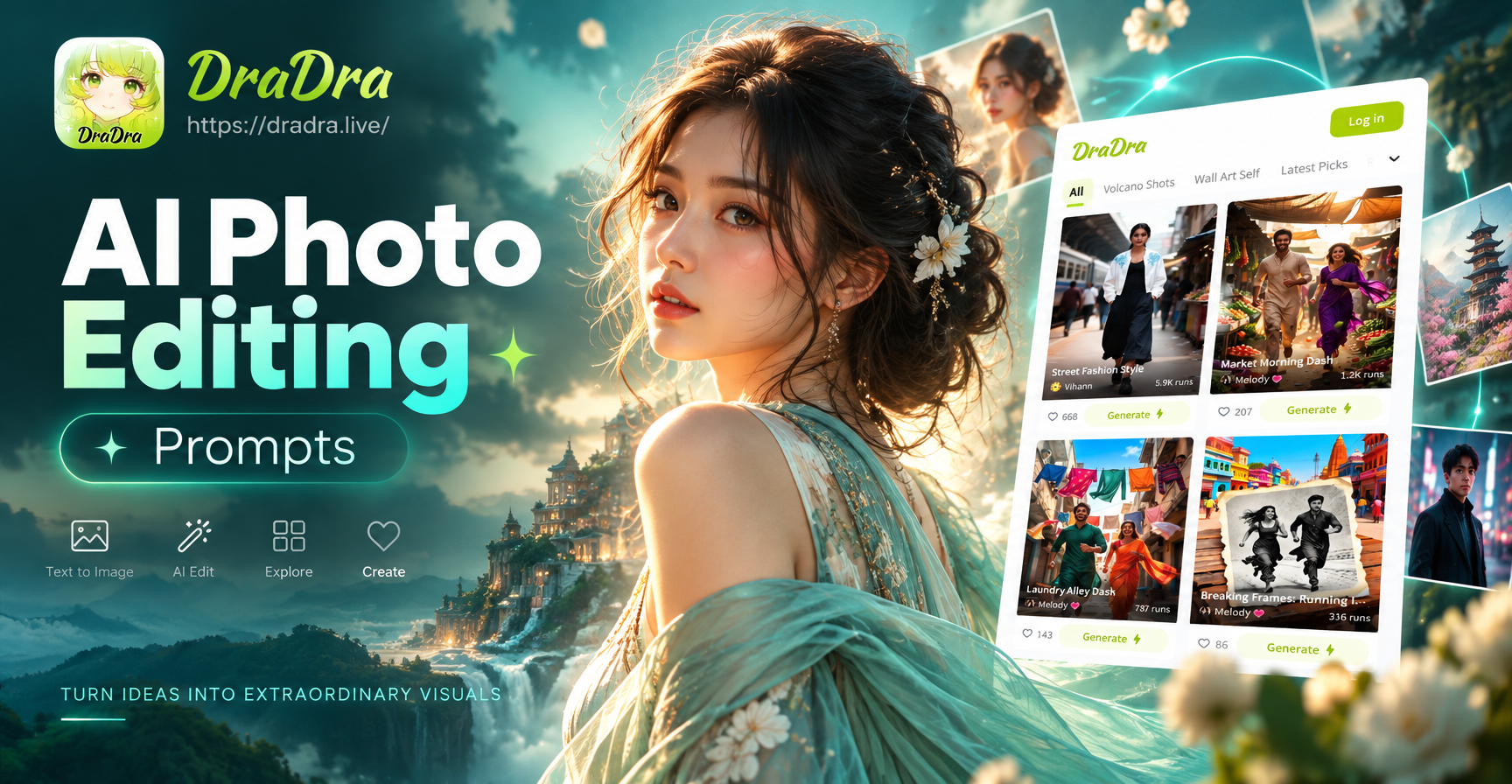
In the dradra app, you can open the text to image feature, type a prompt, and choose a style template. The app does not require complex prompt engineering. However, a clear prompt still gives the AI a much better starting point. You are not writing code. You are writing a visual brief. The prompt should describe what you want to see, not what you want the AI to do. Compare 'make it beautiful' with 'a close portrait with soft window light, neutral background, pastel color palette, and gentle expression'. The second prompt gives the AI a complete scene to build.
What Style Templates Add
Style templates in dradra act as a powerful shortcut. Instead of describing every artistic detail, you can choose from options like realistic photography, anime, 3D clay, watercolor, oil painting, Ghibli style, cyberpunk, or cinematic quality. This means your text prompt can focus on the subject, action, and environment while the template handles the overall aesthetic. For example, the same portrait prompt can become a photograph, a watercolor illustration, or an anime scene simply by changing the template. That combination of a direct prompt and a curated style filter is the fastest way to get consistent results on a mobile device.
The Basic Structure of a Strong Prompt
Most effective AI photo prompts contain five or six visual building blocks. You do not need every block in every prompt, but knowing them helps you diagnose why an image looks wrong. The basic structure is subject, action, setting, lighting, style, and camera or composition.
Subject and Action
Start with who or what is in the image. Be specific about appearance, expression, clothing, posture, and action. Instead of 'a man', write 'a middle aged man with short gray hair, wearing a dark green wool coat, standing with one hand in his pocket'. Instead of 'a dog running', write 'a small brown and white corgi running across short grass, ears lifted, mouth open in a happy expression'. The action should be visible. Avoid abstract verbs like 'enjoying' or 'feeling' unless you add a physical cue.
Setting and Context
Describe where the action takes place and what surrounds the subject. A portrait against a blank wall feels different from a portrait inside a busy train station. Include background elements that support the mood. You can write 'inside a sunlit kitchen with white cabinets and a bowl of lemons on the counter' or 'on a misty mountain trail with pine trees fading into fog'. A strong setting prevents the AI from filling the background with random or distracting objects.
Lighting and Color
Light is one of the most important visual cues. Mention the light source, direction, and quality. Useful terms include soft window light, harsh midday sun, warm golden hour, cool overcast light, neon glow, candlelight, or studio softbox. Then add a color direction if needed. For example, 'warm earthy tones with cream and rust accents' or 'cool blue and gray palette with one red focal point'. Color and light together give the image a consistent mood and reduce the chance of a muddy or washed out result.
Style and Medium
If you use a style template, your prompt can be shorter here. If you do not, name the medium clearly. Options include realistic photography, editorial fashion photo, film still, cinema frame, watercolor illustration, pencil sketch, 3D render, claymation, anime key visual, or oil painting. You can also reference a specific visual quality such as cinematic lighting or hyper detailed texture. Avoid mixing too many styles in one prompt. 'Realistic photo with watercolor effects and anime style' usually produces confusion. Pick one dominant style and keep the prompt consistent.
Camera and Composition
Camera language helps control framing and depth. You can specify close up, medium shot, full body, wide angle, top down, or over the shoulder. You can also mention lens type and depth. Phrases like shot on 85mm lens, shallow depth of field, blurred background, sharp focus on eyes, or low angle looking up give the image a photographic intention. Even when you want an illustration, composition words help arrange the frame.
Practical AI Photo Prompts to Try
Copy these examples into the dradra app, then change the subject, setting, or style template to fit your project. Each prompt uses the structure above but stays short enough to remember.
A young woman with wavy auburn hair, sitting by a large window, soft morning light on her face, wearing a cream linen shirt, indoor cafe with wooden tables, shallow depth of field, warm tones, realistic photography style.
A small black cat with green eyes, lying on a stack of old books, warm desk lamp light, dark library background, dust particles in the light beam, cinematic film still, close up composition.
A futuristic city street at night, rain on the pavement, neon signs in pink and blue, a person in a transparent raincoat walking toward the camera, wet reflections, wide angle, cyberpunk style.
A bowl of ramen on a dark wooden table, steam rising, soft overhead light, sliced green onions and a soft boiled egg visible, top down food photography, high detail, realistic photography.
A female warrior in lightweight silver armor, standing on a rocky hill, wind moving her short dark hair, overcast sky with a break of sunlight, muted blue and gray colors, cinematic fantasy style, full body shot.
A small cottage covered in snow, warm light glowing from the windows, pine trees behind the house, falling snow, dusk blue light, storybook watercolor illustration, medium wide framing.
A man in his sixties with a neatly trimmed white beard, sitting outside a workshop, hands resting on a wooden cane, late afternoon side light, worn brown leather apron, shallow depth of field, editorial portrait.
A group of school friends laughing on a city rooftop, golden hour backlight, soft haze in the air, one person holding a camera, candid documentary style, medium shot, realistic photography.
A vintage red convertible parked on an empty coastal road, ocean in the background, bright midday sun, long shadow behind the car, light film grain, retro 1970s travel photo.
An astronaut standing in a field of purple flowers, a small pale blue planet rising over the horizon, soft pink morning sky, surreal atmosphere, anime key visual, low angle wide composition.
Using Prompt Templates in the dradra App
On the dradra mobile app, the workflow is designed to be simple. Open the text to image tool, type or paste your prompt, then select a style template. The style template is not an afterthought. It changes how the AI interprets texture, color, edges, and final polish. If you want a realistic portrait, choose a realistic photography template instead of writing the word photorealistic five times. If you want a hand drawn look, pick an illustration or watercolor template and let your prompt focus on the scene. This two layer approach, clear prompt plus selected style, gives you more control than a long block of text alone.
Because the app is mobile only, you can create prompts anywhere. You do not need a desktop editor. Write a prompt while you are outside, test it with a template, and adjust a few words before generating again. The goal is not to create a perfect prompt on the first try. The goal is to learn which words produce the visual result you expect.
Common Mistakes That Weaken AI Photo Prompts
Several mistakes appear again and again in first time prompts. Recognizing them will save you time.
Too many passive words. Writing 'an image that is like a beautiful scene with a nice mood' does not give the AI any concrete visual subject.
No specific subject. 'Nature' is too broad. Write 'a birch forest in early autumn with a narrow dirt path' instead.
Conflicting styles. Mixing anime, realistic, and watercolor in the same prompt creates visual noise. Choose one main style.
Ignoring light. Light controls and mood are often more important than the background. Add a clear light cue.
Overloading the prompt. Listing twenty unrelated objects in one sentence makes the image cluttered. Keep the scene focused on one or two important elements.
Using product language instead of visual language. Words like premium, outstanding, or incredible do not describe what the camera sees. Replace them with visual details.
How to Refine and Improve Your Results
When the first result misses the mark, change one block at a time. If the face looks wrong, add a more specific expression or camera distance. If the colors feel flat, name a palette and a light source. If the background is distracting, describe the setting more tightly. If the style is off, switch to a different template in dradra instead of rewriting the entire prompt. This small change keeps the useful parts of your prompt while isolating the problem.
You can also use image to image inside the app for a stronger starting point. Upload a photo as a reference, then select a style transfer or secondary creation option. The AI preserves the main features of the reference while applying the changes you request. This is especially helpful when you need a consistent character or a specific pose but want a different environment or visual style.
A Final Prompt Formula
If you only remember one structure, use this order. Subject with visible details, action, setting, light, color or mood, style template, and camera framing. For example, a young traveler with a red backpack walking along a snowy train platform, early evening light, cold blue shadows, cinematic film style, medium wide shot. That single sentence gives the AI enough to build a coherent, specific image. Then let the dradra style filters add the polish.
Good AI photo prompts are not about writing more words. They are about writing the right visual words. With a little practice, you can turn a rough idea into a clean, repeatable result on your phone. Start with the examples above, change one detail at a time, and you will quickly develop a feel for how text, style, and image generation work together.