What Are Bike Transition AI Videos?
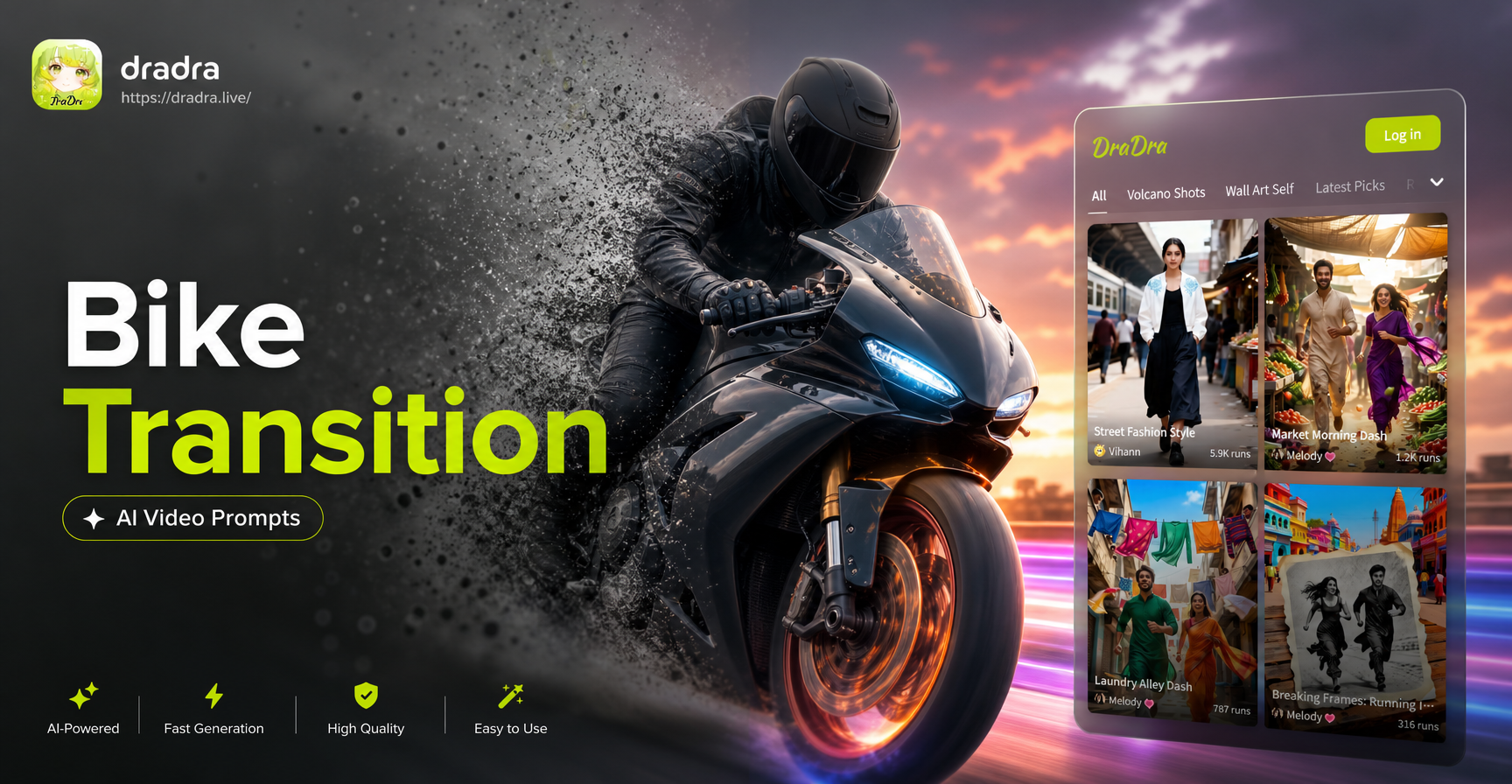
A bike transition AI video uses a bicycle, cyclist, or bike related motion as the visual trigger for a scene change. The bike crosses the frame, passes an object, kicks up dust, or jumps, and the AI transforms the background into a completely different environment. The result feels seamless because the motion of the bike distracts the eye just long enough for the cut to happen.
Bike transition videos are a subgenre of AI generated transition clips. They work because a moving bike provides natural motion blur and speed, which masks the cut between two unrelated scenes. Instead of filming two locations and editing a manual transition, you describe the entire sequence in one prompt. The AI then generates a continuous video that starts in one place and ends in another.
These clips are popular on TikTok, Instagram Reels, and YouTube Shorts because they combine speed, movement, and surprise. Viewers love the moment when a sunny city street becomes a snowy mountain trail or a cyberpunk alley. With the right prompt, you can create these transitions without filming multiple locations or editing software.
How to Create Bike Transition AI Videos in dradra
dradra is an all in one AI design app available on Google Play. It includes text to video, image to video, and millions of style filters. You do not need prompt engineering experience. Follow these steps:
- Download dradra from Google Play and open the app.
- Choose the AI video generation feature.
- Pick a style template that matches your scene, such as realistic, anime, cyberpunk, or cinematic.
- Type or paste one of the bike transition prompts below.
- Generate and download your video. You can then share it directly to social media.
You can also upload a static photo of a bike or cyclist and use image to video to animate it. The app will keep your subject consistent while adding motion and a transition. If you have a photo of yourself on a bike, you can use dradra’s image to video feature. Upload the photo, choose a style template, and add a prompt like 'the rider pedals forward and the background transitions from a city street to a beach'. The app will animate the photo and apply the transition, keeping your face and bike consistent.
12 Specific Bike Transition AI Video Prompts
Each prompt below is written to produce a clear scene change triggered by the bike. You can copy them exactly or adjust small details to match your style.
1. Urban Street to Pine Forest
A cyclist in a bright yellow jacket rides through a busy downtown intersection. The camera follows from a low side angle. As the bike crosses the exact center of the frame, the background smoothly melts into a dense pine forest with a gravel trail and soft morning fog.
2. Sunny Ridge to Starry Night
A mountain biker rides along a sunny ridge at noon. The shot is wide and the sun creates a lens flare. When the front wheel passes the camera, the sky instantly shifts to a starry night with a full moon, and the trail lights glow a warm orange.
3. Graffiti Alley to White Sand Beach
A fixed gear rider cruises past a colorful graffiti wall in Berlin. The camera is handheld and slightly shaky. The moment the rear wheel leaves the frame, the scene transitions to an empty white sand beach with turquoise water and swaying palm trees.
4. Rainy Tokyo Street to Cyberpunk Megacity
A delivery cyclist rides through a rain soaked Tokyo alley at night. Neon signs reflect on the wet pavement. As the bike crosses a puddle, the reflection expands and transforms into a cyberpunk megacity with holographic signs, flying drones, and crowds of people in futuristic clothing.
5. Suburban Sidewalk to Concrete Skate Park
A BMX rider performs a wheelie across a quiet suburban sidewalk. The camera tracks from the side. When the front wheel lands and the rear wheel lifts, the ground shifts to a polished concrete skate park bowl with ramps, rails, and graffiti.
6. Vintage Penny Farthing to Modern Financial District
A rider on an old fashioned penny farthing bicycle rolls through a 1920s cobblestone street. The shot is sepia toned. As the large front wheel passes the camera, the scene updates to a modern glass skyscraper financial district with people in business suits and yellow taxis.
7. Coastal Sunrise to Snowy Mountain Pass
A road cyclist pedals along a coastal road at sunrise. The ocean glitters on the left. When the bike passes a white lighthouse, the scenery changes to a snowy mountain pass with falling snow, pine trees, and a winding road disappearing into white fog.
8. Red Rock Desert to Lush Rainforest
A gravel bike rider crosses a red rock desert under a blazing sun. The camera is behind the bike. The transition happens as the rear tire kicks up a cloud of red dust. The dust swirls and reshapes into a lush green rainforest with hanging vines, bright flowers, and a waterfall in the background.
9. City Bridge to Spacecraft Cockpit
A commuter bike rides across a suspension bridge over a river. The camera is mounted on the handlebars. As the bike passes a thick cable, the background shifts to a spacecraft cockpit view with stars, control panels, and a large window showing a distant ringed planet.
10. City Park to Magical Forest
A child rides a small balance bike through a sunny city park. The camera is at child height. When the child rings the bell, the park transforms into a magical forest with glowing mushrooms, floating flowers, and a small friendly dragon watching from behind a tree.
11. Closed Highway Race to Packed Velodrome
A sprint cyclist in a racing suit speeds down a closed highway. The camera is low and fast. As the bike crosses a painted finish line on the asphalt, the scene transitions to a packed velodrome stadium with cheering crowds, confetti falling, and bright track lights.
12. Pier Jump to Underwater Coral Reef
A cyclist rides along a wooden pier at dusk. The camera follows from the side. The transition happens when the bike jumps off the end of the pier. The splash of water freezes and turns into an underwater scene with coral reefs, schools of colorful fish, and the bike floating gently downward.
How to Adapt These Prompts for Your Own Bike Transition
These prompts are starting points. You can change the cyclist, the bike type, the first scene, and the second scene. Replace the urban street with your hometown. Swap the mountain bike for a road bike or a folding bike. Change the forest to a desert, a stadium, a library, or a space station.
You can also adjust the camera angle. Try 'aerial drone shot', 'low angle close up', 'behind the bike', or 'first person handlebar view'. Each angle changes how the transition feels. A first person view makes the scene change feel more immersive. A wide shot gives the viewer more time to notice the environment.
The style template is very important. Realistic templates create believable transitions. Anime templates exaggerate the motion and colors. Cyberpunk templates add neon and glow. Watercolor templates make the clip feel artistic. Experiment with different styles until you find one that matches your mood.
Tips for Getting Better Results
Use short prompts that focus on the key elements. Include the cyclist, the bike, the first location, the trigger, and the second location. Avoid overly long descriptions because the AI may mix details into a confusing scene.
Keep the transition trigger clear. The bike crossing the frame, passing an object, or kicking up dust gives the AI a clear moment to change the scene. If the trigger is vague, the video may cut too early or too late.
Generate several versions. AI video tools often give you different results for the same prompt. Generate three or four clips, then pick the one with the smoothest transition. You can also generate multiple short clips and stitch them together in the app if needed.
Common Problems and How to Fix Them
The transition happens too quickly. If the scene changes before the bike fully crosses the frame, add more detail about the trigger. For example, say 'the transition happens only after the rear wheel passes the camera' instead of 'the scene changes'.
The second scene looks blurry or unfinished. Add more visual details to the second location. Instead of 'a forest', write 'a dense pine forest with soft morning fog and a gravel trail'. The more details you provide, the better the AI can render the new environment.
The bike disappears during the transition. Mention that the bike should stay visible. For example, write 'the bike remains in the center of the frame throughout the transition'. This keeps the subject consistent.
The video feels static. Add camera movement to your prompt. Use phrases like 'the camera follows from a low side angle', 'the camera tracks backward', or 'the camera flies upward as the scene changes'.
Final Thoughts
Bike transition AI videos are a fun way to create dramatic scene changes without complex editing. With dradra, you can type a simple prompt, choose a style, and generate a clip in minutes. The twelve prompts above are ready to use, and you can adapt them endlessly. Download the app, paste your favorite prompt, and start creating your next viral bike transition video today.