Why You Need a Dedicated Dussehra Photo Editor
Dussehra, also known as Vijayadashami, is a festival of victory, celebrating the triumph of good over evil. It’s a time for family gatherings, vibrant processions, and the iconic burning of Ravana effigies. In today’s digital age, sharing these moments on social media is a key part of the celebration. A simple photo from your phone often doesn't capture the full festive spirit. This is where a specialized Dussehra photo editor becomes essential.
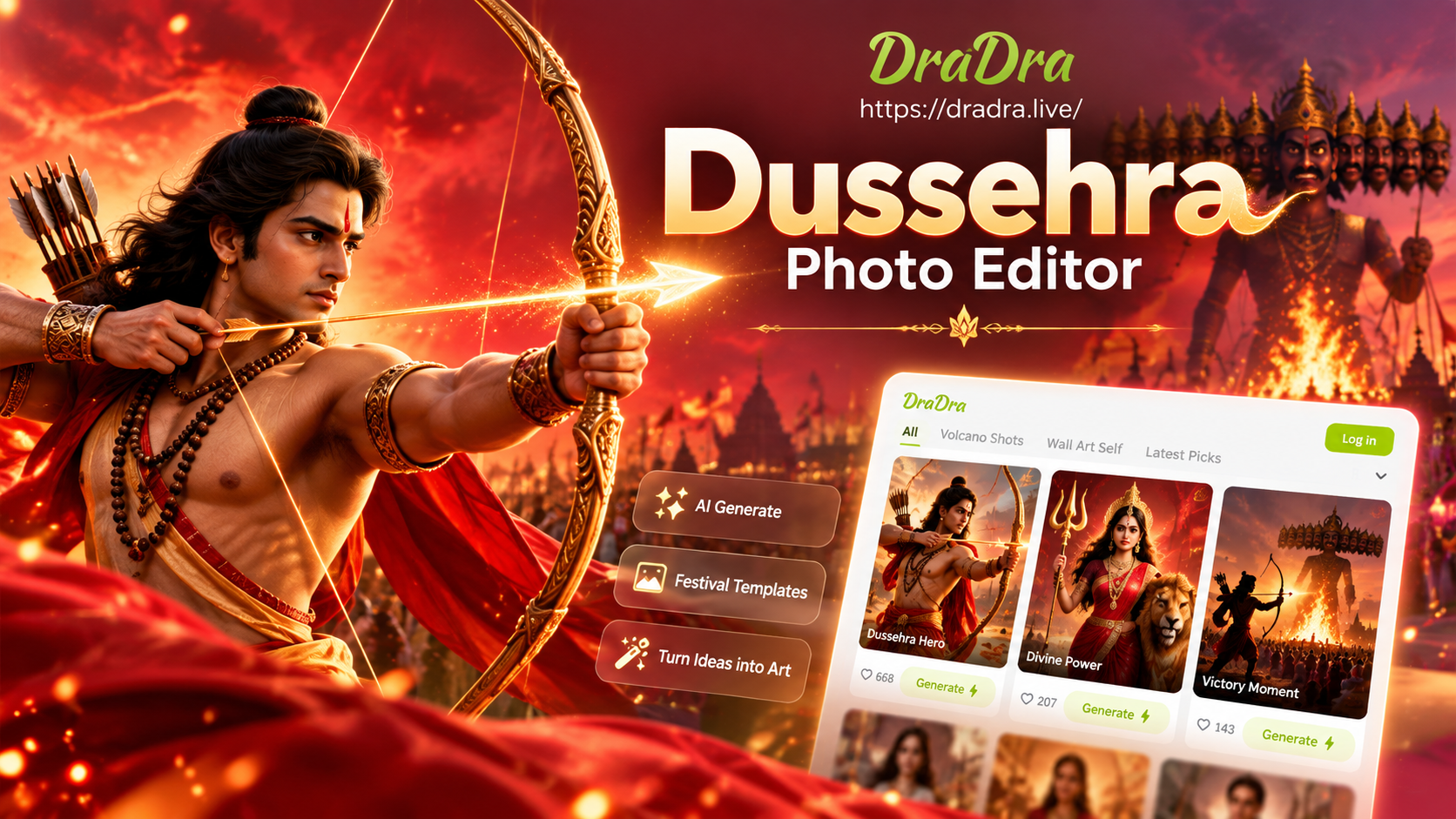
A dedicated editor goes beyond basic filters. It provides culturally relevant assets like traditional 'Shubh Vijayadashami' frames, motifs of bows, arrows, and diyas, and backgrounds featuring marigold flowers or scenes from Ramayana. Using such an editor ensures your photos are not just edited, but transformed into meaningful festival greetings that resonate with the occasion's significance.
Top Features of a Great Dussehra Photo Editing App
When choosing an app for your Happy Dussehra photo editing, look for these key features that make the process seamless and the results spectacular.
1. Pre-Designed Dussehra Photo Frames
The hallmark of a good festival editor is its collection of frames. You should find a vast library of Dussehra photo frames, ranging from elegant gold-border designs with 'Happy Dussehra' calligraphy to more elaborate frames featuring Lord Rama, Goddess Durga, or scenes from the epic battle. The best apps allow you to adjust the frame's opacity and color to perfectly match your photo.
2. Dynamic Vijayadashami Photo Backgrounds
Sometimes, the original background of your photo is cluttered or doesn't feel festive enough. A powerful Dussehra photo background changer is crucial. Look for an app that can intelligently remove the existing background (a process known as 'cutout' or 'background removal') and replace it with a thematic one. Ideal options include a stage set for Ravan Dahan, a backdrop of a decorated temple, or an abstract pattern in auspicious colors like red, yellow, and orange.
3. Festive Stickers, Text, and Overlays
To add that final touch, you need access to festive elements. This includes stickers of diyas, dandiya sticks, 'Jai Shree Ram' text in decorative fonts, and overlays that add a soft glow or sparkle effect to your image. These elements help tell a story and direct attention within your photo composition.
4. One-Click AI Enhancements
Festival photos are often taken in dynamic, low-light environments like evening events. An editor with built-in AI can automatically correct lighting, sharpen details, and enhance colors with a single tap. This ensures your subject looks clear and vibrant, even if the original shot was slightly dark or grainy.
Step-by-Step Guide to Editing Your Dussehra Photos
Creating a stunning Vijayadashami photo is easier than you think. Follow this simple process using a capable mobile editor.
Step 1: Choose Your Base Photo
Select the photo you want to edit. This could be a portrait from your Dussehra puja, a family photo in traditional wear, or a picture from a Ramleela performance. The photo should be well-lit and focused for the best starting point.
Step 2: Apply a Festive Dussehra Frame
Open the 'Frames' section in your editor. Browse the Dussehra-specific category. Tap on a frame you like to apply it. You can usually pinch to resize the frame or drag your photo within it to find the perfect crop. Choose a frame that complements, not overwhelms, your subject.
Step 3: Adjust the Background (Optional)
If you want to change the setting, use the 'Background' or 'Cutout' tool. The AI will automatically trace the main subject. Once cut out, you can browse the Dussehra photo background library. Select a vibrant marigold garland pattern or a scenic temple backdrop to place behind you. Adjust the blur or intensity to make it look natural.
Step 4: Add Decorative Elements
Navigate to the 'Stickers' or 'Text' menu. Search for terms like 'Dussehra', 'Vijayadashami', or 'festival'. Add decorative text with greetings like 'Shubh Vijayadashami' using a stylish font. Place small sticker elements like floating diyas or rangoli patterns in the corners. Remember, less is often more.
Step 5: Final Touches and Export
Use the 'Enhance' or 'AI Beauty' tool to brighten faces and make colors pop. Make final adjustments to brightness, contrast, and saturation. Once satisfied, save the photo to your gallery in high resolution. It's now ready to share on WhatsApp, Instagram, or Facebook to wish your loved ones a Happy Dussehra!
Creative Ideas for Your Dussehra Photo Editing
Go beyond a simple frame with these creative concepts.
- The Triumphant Pose: Take a photo posing like a warrior. Use the background changer to place yourself in front of a burning Ravana effigy or an ancient battlefield from the epic.
- Family Diwali-Dussehra Collage: Create a dual-festival collage. Use a split-frame to show a Dussehra photo on one side (in daytime colors) and a Diwali diya photo on the other (in nighttime tones).
- Animated Greetings: Some advanced editors can create short video clips. Add subtle motion to falling marigold petals or the flickering of diya flames in your photo for an engaging social media story.
- Before/After Ravana Dahan: Use a comparison collage frame. Place a 'before' photo of the large Ravana statue on the left, and an 'after' photo of the burning spectacle on the right.
Common Challenges and How to Overcome Them
Editing festival photos can present unique challenges. Here’s how to solve them.
Challenge 1: Complex Backgrounds in Crowds. Photos taken at public events have busy backgrounds. Use the AI background remover tool carefully. You may need to use the manual 'erase' or 'restore' brush to fine-tune the edges around hair or intricate clothing.
Challenge 2: Maintaining Skin Tones. Vibrant festival colors can sometimes cast unwanted hues on skin. Use the 'Selective Color' or 'HSL' adjustment tools in your editor to specifically target and correct skin tones without affecting the rest of the image.
Challenge 3: Text Readability. When adding greetings, ensure the text color contrasts strongly with the background. Use a text style with a slight shadow or outline to make it pop. Place text in a less busy area of the photo.
By using a dedicated Dussehra photo editor with powerful AI tools, you can effortlessly overcome these hurdles and produce stunning images worthy of this great festival of victory.