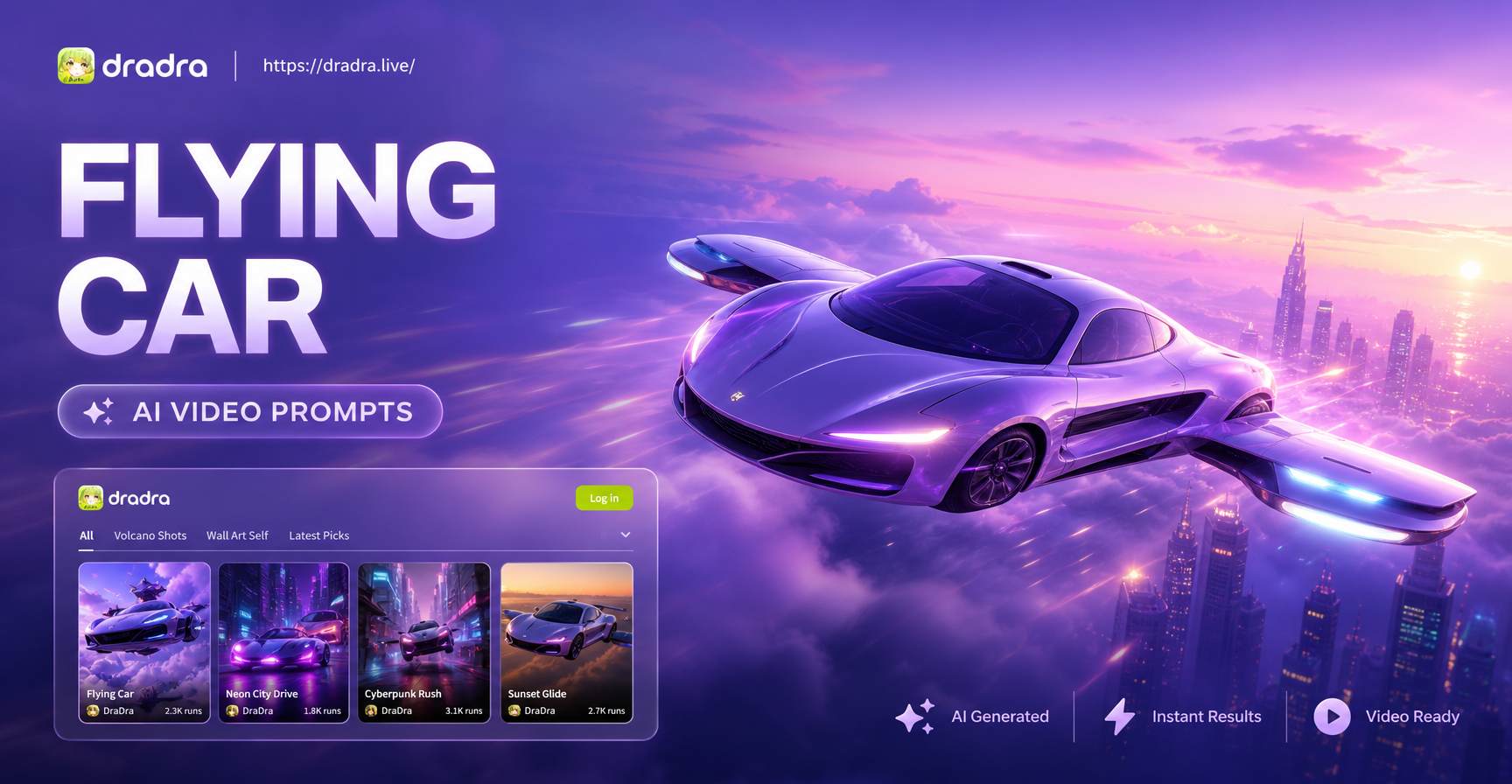
Flying cars may not be on your morning commute yet, but in AI video generation they are already a favorite subject. This page gives you a ready-to-use collection of flying car AI video prompts. These prompts are written for text-to-video tools like dradra, but you can adapt them for any AI video generator. Whether you want a cyberpunk city chase, a calm sunrise glide, or a stylized anime scene, you will find a prompt that works. Each prompt is specific enough to stand alone, so copy it, paste it, and generate. Then adjust the details to make it yours.
Why Flying Car AI Videos Are So Engaging
Flying cars combine two ideas that audiences love: future technology and freedom of movement. A vehicle that can lift off from a traffic jam and soar between skyscrapers instantly creates a sense of wonder. AI video generators handle motion, reflections, and lighting well when the prompt gives enough guidance. That is why a strong prompt makes the difference between a floating box and a believable flying car. The prompts below include camera angles, environment details, and visual effects that push the AI toward a high-quality result.
Ready-to-Use Flying Car AI Video Prompts
The following prompts are grouped by style. Copy any of them into your AI video tool. For dradra, open the text-to-video feature, paste the prompt, and select a matching style template like cyberpunk, cinematic, or anime before generating.
Cyberpunk and Neon City Prompts
- A silver flying car glides between neon-lit skyscrapers in a rain-soaked cyberpunk city, its thrusters emitting a soft blue glow, camera follows from a low angle, wet streets reflect neon signs, motion blur on background, 4K cinematic look.
- Two flying cars race through a dense futuristic city at night, dodging holographic billboards, trailing light streaks, drone traffic in the distance, fast camera pan, high contrast neon colors, slight film grain.
- A lone flying car hovers above a crowded rooftop market in a cyberpunk district, passengers look down at the glowing stalls, steam rises from food carts, camera slowly orbits the vehicle, purple and orange lighting, atmospheric haze.
- A flying taxi lands on a rooftop pad high above a neon skyline, its door opens automatically, a passenger steps out, camera from inside the car looking out, city lights twinkle, depth of field, cinematic framing.
- A vintage flying car with rusted panels flies through a retro-futuristic neon alley, sparks from a damaged thruster, graffiti on walls, camera tracks alongside, moody green and magenta lighting.
Realistic and Cinematic Prompts
- A white flying car with aerodynamic curves takes off from a suburban driveway at sunset, dust swirls under its lift fans, camera follows it rising above the trees, warm golden hour light, photorealistic, shallow depth of field.
- A family flying car cruises above a coastal highway, the ocean glitters on the left, mountains on the right, late afternoon sun flares across the windshield, steady aerial tracking shot, natural color grading.
- Close-up of a flying car's turbine engine spinning as the vehicle lifts off from a busy intersection, heat distortion from the exhaust, onlookers shield their eyes, camera handheld style, realistic physics, 24fps.
- A flying car cuts through low clouds above a mountain range at dawn, the sky transitions from pink to blue, condensation trails stream from its wings, wide cinematic shot, soft morning light, high dynamic range.
- A silent electric flying car flies over a calm lake at night, its underglow reflects on the water, stars visible, camera glides alongside, tranquil mood, hyper-realistic, minimal motion blur.
Anime and Stylized Prompts
- An anime style flying car with a rounded capsule design speeds through a pastel-colored sky city, clouds shaped like cotton candy, sparkles trail behind, camera follows from a side angle, vibrant Ghibli-inspired colors.
- A young pilot in an open-top flying car dodges floating islands in a fantasy world, waterfalls pour from the islands, camera flies through the scene, cel-shaded anime style, dynamic action lines.
- A cute chibi flying car bounces through a candy-colored town, its propeller spins like a toy, residents wave from windows, soft lighting, 2D animation look, playful and cheerful.
- A flying car made of paper and wood soars above a hand-drawn landscape, wind lines and floating leaves, watercolor textures, dreamy pastel palette, animated storybook style.
- In a dark anime city, a black flying car with red trim weaves between towers, rain streaks across the windshield, neon reflections on wet metal, dramatic low-angle shots, high contrast anime shading.
Action and Story Prompts
- A flying car chase through a canyon at dusk, the hero car narrowly avoids rock pillars while pursuing a escaping vehicle, dust clouds, camera shakes with impact, fast editing style cuts, adrenaline-filled motion.
- A flying car crashes through a glass skyscraper window during a heist, debris and paper fly outward, camera follows the car as it skids across an office floor, alarms flash, action movie sequence.
- A child looks out the window of a flying car as it takes off for the first time, the city grows smaller below, the parent smiles, soft emotional music implied by slow zoom, warm interior lighting, cinematic storytelling.
- A flying car ambulance speeds through a rainstorm at night, its emergency lights pulse red and blue, camera tracks from the front, water splashes from the hover pads, intense but controlled movement.
- A group of friends in a flying car lift off from a rooftop party, confetti bursts in the air, the city skyline sparkles behind them, camera pulls back to reveal the scale, joyful atmosphere, bright colorful lighting.
How to Turn These Prompts into Videos in dradra
dradra is a mobile app for AI image and video generation. To use these flying car AI video prompts, download dradra from Google Play. Open the app and select the text-to-video feature. Paste one of the prompts above. Then choose a style filter that matches the mood, such as cyberpunk, cinematic, anime, or realistic. You can adjust the duration and aspect ratio if needed. Tap generate and the AI will create a video based on your prompt. No advanced prompt engineering is required.
Adapting Prompts for Different Styles and Moods
The best flying car AI video prompt is one you customize. Change the time of day, weather, or color palette to shift the entire mood. For example, replace "neon-lit skyscrapers" with "sunlit cloud towers" for a lighter feel. Swap "rain-soaked" with "snow-covered" to change the season. Adjust camera language: "low angle" feels heroic, "aerial tracking" feels documentary, "camera follows from behind" feels like a chase. Adding a character or a simple action like "a passenger leans out the window" gives the video a story. Experiment with one variable at a time to learn what the AI responds to best.
Common Issues and How to Fix Them
Sometimes the AI produces a flying car that looks like a regular car with no visible lift system. Add details like "hover pads glowing underneath", "thrusters on the sides", or "no wheels, floating above the road". If the motion is stiff, include a movement description like "slowly rising", "banking left", or "accelerating forward". If the environment looks empty, add background elements such as "sky traffic", "floating billboards", or "clouds passing by". For realistic videos, include lighting details like "golden hour", "overcast", or "neon reflections". These small additions help the AI understand what you expect.
Using Image-to-Video for More Control
If you have a specific flying car design in mind, generate an image first. Use dradra's text-to-image feature to create a still frame of your flying car in the desired setting. Then use the image-to-video feature to animate that image. Add a prompt like "the car slowly lifts off and flies forward" to guide the motion. This two-step approach gives you more control over the vehicle's appearance, and the resulting video stays consistent with the image. It is especially useful for branded content or when you need a recurring vehicle across multiple clips.
Frequently Asked Questions
Can I use these prompts in any AI video generator?
Yes. These flying car AI video prompts are written in natural language and work with most text-to-video models. However, dradra's style filters can enhance the result by matching the visual style automatically.
How long should a flying car AI video be?
Start with a short video, around 3 to 5 seconds. Short clips allow the AI to maintain quality and avoid weird artifacts. You can generate longer videos by extending the prompt or using image-to-video with a longer duration.
Do I need to describe the car in extreme detail?
No. A few key details are enough: color, shape, and visible propulsion system. Overly complex prompts can confuse the AI. Use the style filters to handle the overall look.
Start Creating Your Flying Car AI Video
These prompts give you a strong starting point. Copy one, modify a few details, and generate. The more you experiment, the better your results will be. Download dradra today and turn these flying car AI video prompts into moving scenes that impress your audience.