A useful STORM II prompt is not a paragraph of cinematic adjectives. It is a control sheet. The reference video should control choreography and camera movement, one image should control the lead, and a second image should control the supporting cast. Then the prompt must state what cannot change: identity, crowd formation, timing, wardrobe and scene continuity.
The fastest formula is:
Source motion + lead identity + cast identity + preserved camera + visual style + failure constraints + output format.
This guide turns that formula into copy-paste templates for reference-led video editing, one-photo presets and original India-focused variations. It also explains where DraDra fits when you want an artistic dance or style transformation rather than an exact STORM II choreography match.
What the STORM II prompt must control
The trend comes from the synchronized ensemble sequence in GENER8ION and Yung Lean's STORM I & II music video. The original was a live-action production with performers and human choreography. AI remakes use the scene as a motion reference, then replace or restyle the lead and the crowd.
That makes this different from ordinary text-to-video prompting. The prompt does not need to invent every dance move. Its main job is to assign inputs, protect identities and tell the model which parts of the reference must remain stable.
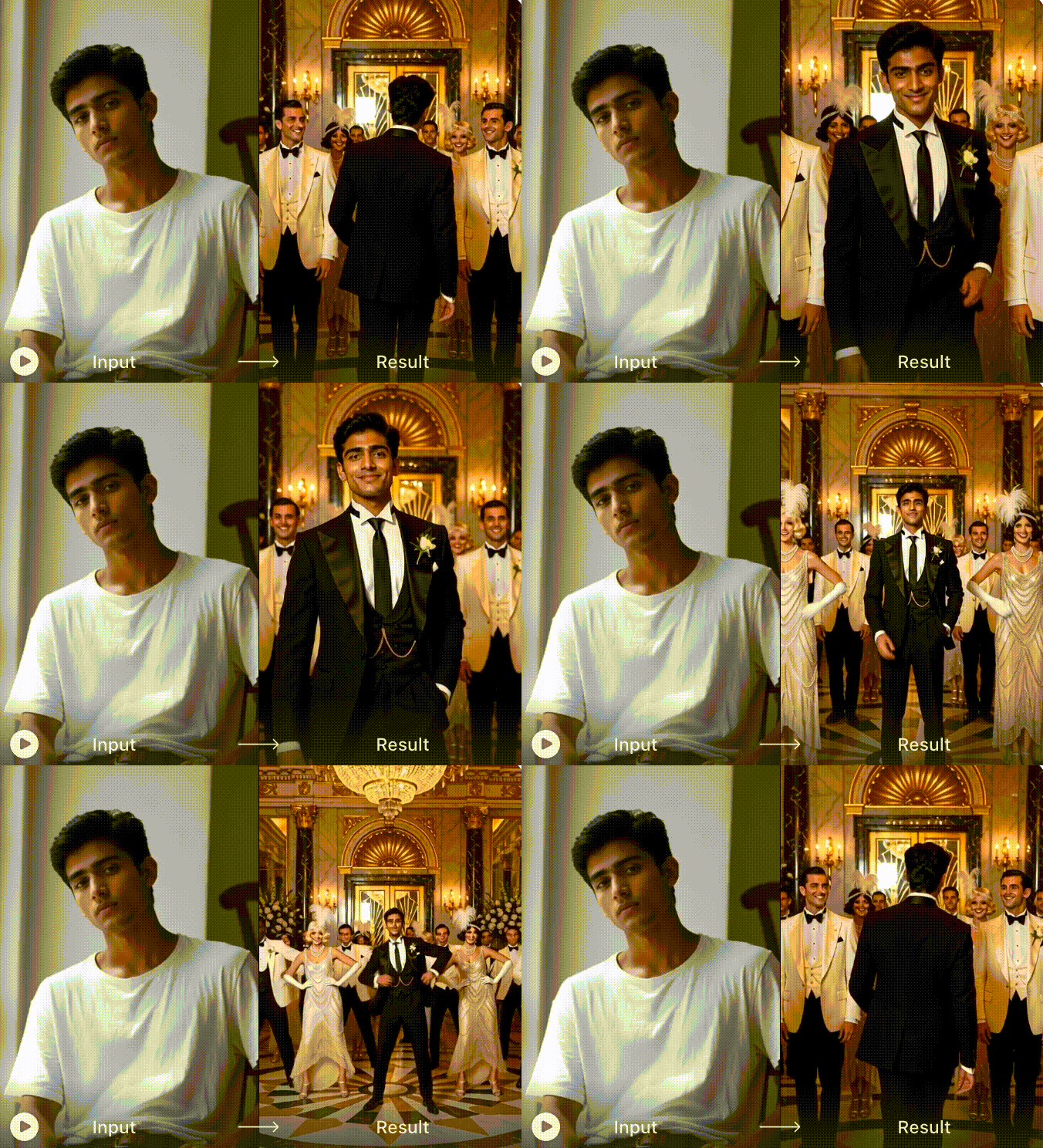
Official catalogue frame from one supplied reference effect. Use it to identify the visual hierarchy: one dark lead, a coordinated light cast and a clear foreground-to-background formation. It is not a DraDra result or an independent test.
The frame reveals four prompt priorities:
- One lead only: the central identity must not spread into the crowd.
- A separate cast rule: every supporting performer needs the same wardrobe logic without becoming a duplicate lead.
- Readable depth: foreground, middle and background performers must stay in their original positions.
- Controlled contrast: the lead and cast should remain visually distinct through movement and compression.
Map every input to one job
Before writing the prompt, label the inputs. A model is more likely to blend faces when two images appear without an explicit role.
| Input | Its one job | What it should not control |
|---|---|---|
| Video 1 | Choreography, timing, cuts, camera path, framing and formation | Lead face, cast face or new costume design |
| Image 1 | Lead identity, body proportions, hair and lead wardrobe | Crowd identity or camera movement |
| Image 2 | Supporting-cast identity and cast wardrobe | Lead identity or scene timing |
| Text prompt | Role assignment, preservation rules, style and error prevention | Motion details already supplied clearly by Video 1 |
Use a sharp, well-lit lead image with a visible face and enough body information for the widest shot. For the cast, a simple full-body reference is easier to repeat than a busy collage. If your tool accepts a character sheet, keep every view consistent in hair, clothes and age.
Build the prompt in seven layers
Writing the prompt in layers makes it repairable. When something fails, you can edit one layer instead of rewriting the whole request.
| Layer | Question it answers | Example control |
|---|---|---|
| 1. Task | What transformation is being performed? | Replace performers while preserving the source performance |
| 2. Input roles | Which file controls what? | Video 1 is motion; Image 1 is lead; Image 2 is cast |
| 3. Lead lock | How should the main character remain stable? | One appearance only; same face, hair, body and wardrobe |
| 4. Cast lock | Who replaces the supporting performers? | Apply Image 2 to all non-lead performers only |
| 5. Motion and camera | What from the reference must remain? | Timing, formation, lens, cuts and pull-back |
| 6. Style | What may change creatively? | Setting, palette, costume category and atmosphere |
| 7. Avoid and output | What defects and delivery errors must be prevented? | No duplicate lead, face blending, text or watermark; vertical output |
The order matters. Put structural controls before mood words. A prompt that begins with "epic, viral, cinematic" but never defines the lead or cast gives the model atmosphere without responsibility.
Copy-paste master prompt for reference-led motion transfer
Replace the bracketed fields, then keep the rest stable for the first generation.
TASK
Create a character-replacement edit from Video 1. Treat Video 1 as the fixed source for choreography, action timing, crowd formation, shot order, camera movement, lens perspective, framing and scene duration.

INPUT ROLES
Image 1 is the only identity reference for the lead performer.
Image 2 is the only identity and wardrobe reference for every supporting performer.
Do not exchange, merge or average these two identities.

LEAD
Replace the original lead with the person in Image 1. Show this lead once in each shot. Preserve the face shape, skin tone, hairstyle, body proportions and [lead wardrobe]. Keep the lead in the same screen position and at the same apparent scale as the source performer through close shots, turns, walking and dance movement.

SUPPORTING CAST
Replace all non-lead performers with consistent versions of the Image 2 character wearing [cast wardrobe]. Apply this rule to foreground, middle-ground, background, side-facing, partially hidden and motion-blurred performers. Keep the source crowd count, spacing, depth, occlusion and formation. Do not place the lead's face on any cast member.

MOTION AND CAMERA
Keep every action at the source timestamp. Preserve the direction and speed of walking, head turns, hand gestures, group movement and dance. Keep the original camera height, angle, trajectory, cuts, focus changes, crop and pull-back. Do not invent an extra shot or reveal a wider environment.

STYLE
Set the edit in [original location]. Use [lighting], [colour palette] and [material or costume details]. Keep the scene photorealistic unless a different visual style is explicitly requested. Maintain one continuous world across every shot.

AVOID
No identity drift, face blending, duplicate lead, missing performer, extra performer, changing crowd count, wardrobe swap, warped face, fused hands, floating feet, flicker, text, logo, subtitle, border, split screen or watermark.

OUTPUT
[9:16 vertical or 16:9 landscape], [target duration if supported], clean final frame, no added audio unless the tool provides licensed audio controls.
This prompt is intentionally modular. If the crowd is wrong but the lead is right, change only the cast layer. If the camera drifts, leave identity language untouched and strengthen the motion-and-camera layer.
Use a shorter prompt for a one-photo preset
Some STORM II effects already contain the reference choreography. Their input form may ask for only one portrait or one lead plus an optional cast image. Do not paste the full motion-transfer prompt into a preset that has no Video 1 field. Use a shorter instruction that protects identity and composition:
Use the uploaded portrait as the single lead character in the centre foreground. Keep the same face, hairstyle, skin tone and body proportions through the entire clip. Dress the lead in a tailored black outfit. Keep the supporting crowd visually separate in coordinated light outfits. Preserve the preset choreography and camera movement. Show the lead only once. Avoid face drift, duplicate leads, blended cast faces, warped hands, floating feet, flicker, text, logos and watermarks. Output a vertical 9:16 social video.
If the preset exposes no prompt box, the source photo becomes your main control. Choose a front-facing image with clear facial detail and visible shoulders or full body. A longer hidden prompt cannot rescue a weak portrait.
Write scene language the model can use
Style words work better when they describe visible decisions: location, light direction, costume materials, palette and atmosphere. "Make it Bollywood" is vague and may encourage imitation. "Warm palace courtyard, embroidered jewel-tone costumes, brass lamps and monsoon reflections" gives the model original visual information.
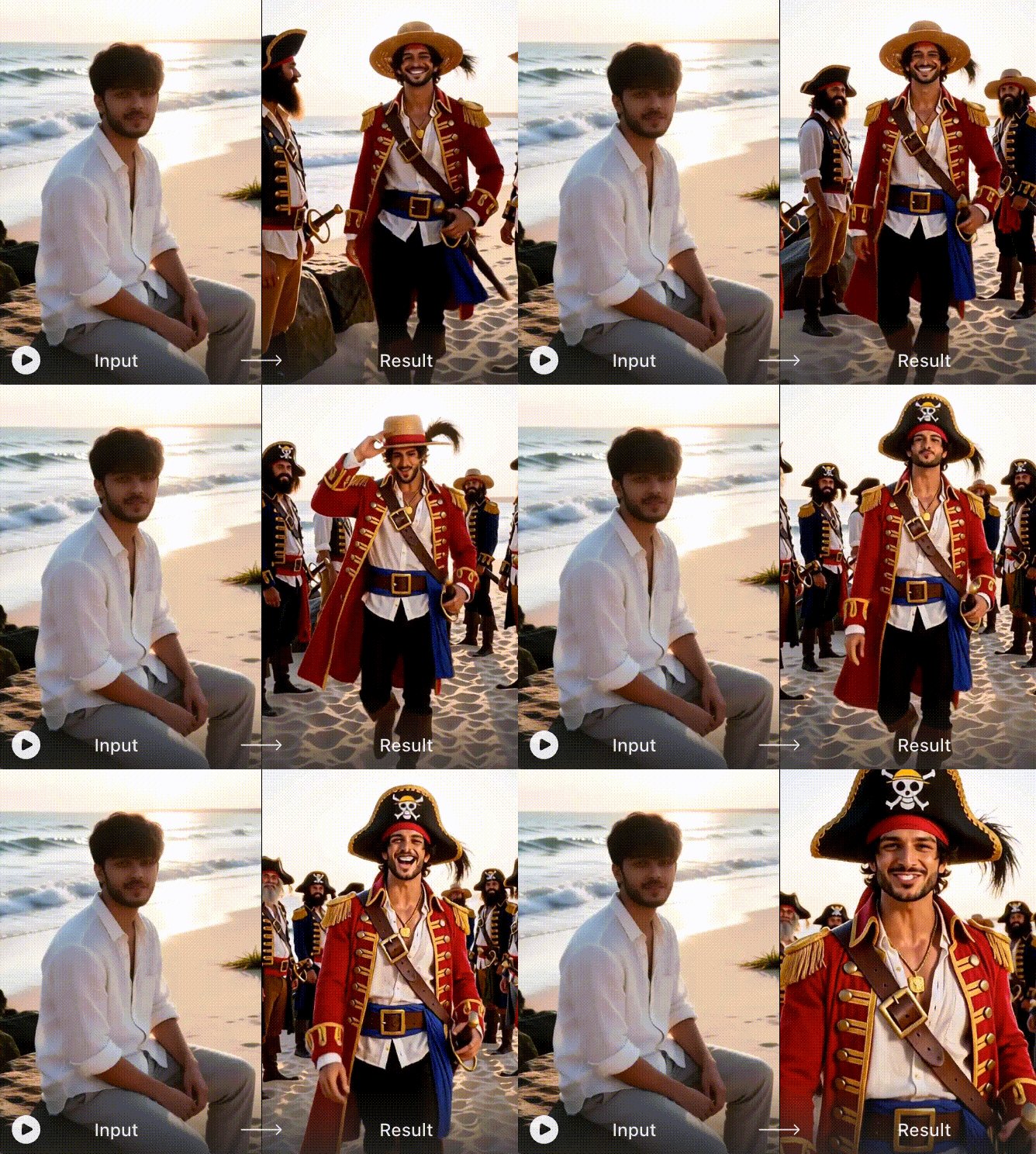
Official DraDra output example used as a scene-language reference. The readable setting, wardrobe contrast and evening light can each become a separate prompt variable; this is not an output of the master prompt above.
Use this scene formula:
Location + time of day + key light + wardrobe materials + lead/cast colour contrast + atmosphere.
For example: "Rain-washed courtyard at blue hour, warm lamps from the arches, a charcoal lead costume against ivory supporting costumes, realistic wet stone reflections, restrained cinematic haze."
Three original India-focused prompt variations
These variations change the style layer while keeping the role and motion layers intact. They avoid celebrity likenesses, film logos and named franchise costumes.
1. Monsoon courtyard
STYLE REPLACEMENT
Place the performance in an original Indian stone courtyard during light monsoon rain. Use cool blue ambient light with warm lamps under the arches. Keep the lead in matte charcoal tailoring and the supporting cast in coordinated ivory clothing with subtle woven texture. Preserve realistic wet-stone reflections, natural skin tones and restrained cinematic haze. Do not add signs, logos, religious symbols or recognisable film costumes.
2. Contemporary wedding sangeet
STYLE REPLACEMENT
Transform the scene into an original contemporary sangeet performance in a spacious wedding courtyard. Dress the lead in a deep emerald bandhgala-inspired outfit and the supporting cast in coordinated cream and gold clothing with varied faces. Use warm festoon lighting, marigold accents and a polished dance-floor reflection. Keep the choreography disciplined rather than turning it into a random celebration. No celebrity likeness, brand mark or copied film costume.
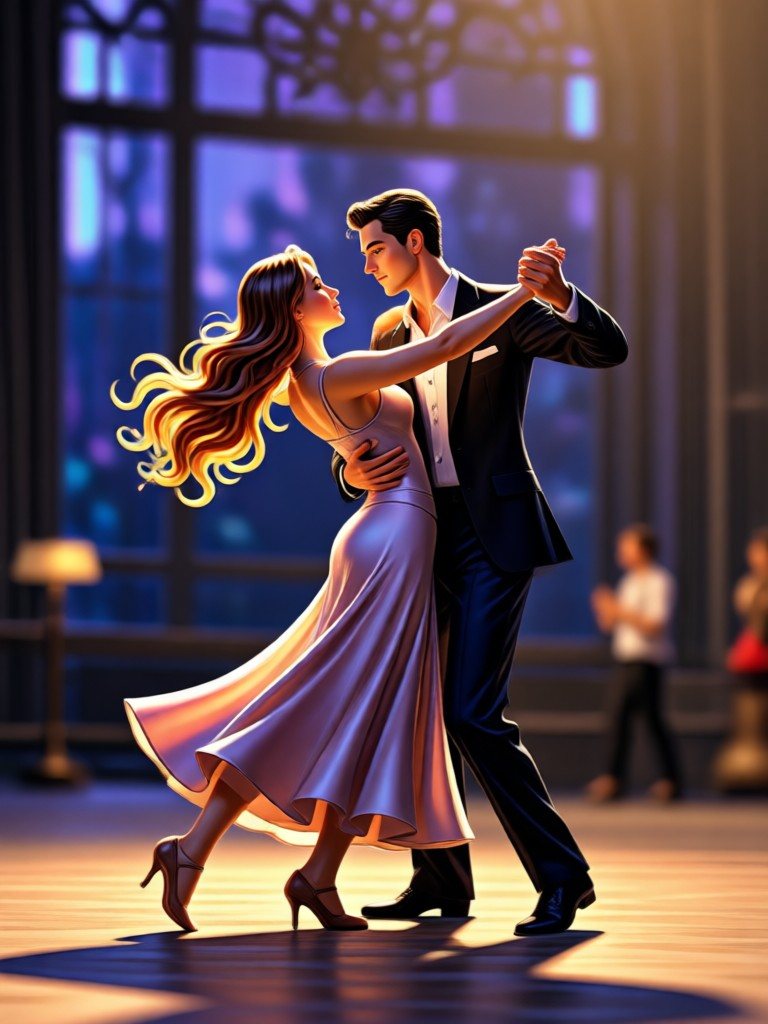
Official DraDra output example used to inspect portrait framing. Keep the dancers' feet, joined hands and garment edges visible when adapting a prompt for 9:16 output.
3. Painted royal procession
STYLE REPLACEMENT
Render the performance as an original moving painting inspired by Indian miniature-art colour relationships, with fictional adult characters, fine textile detail, layered palace architecture and a balanced jewel-tone palette. Keep the lead darker than the ensemble so the hierarchy remains clear. Preserve human anatomy, synchronized movement and camera timing. Do not depict a real ruler, deity, sacred ritual, existing artwork or copyrighted character.
For culturally specific work, check costume, symbols and context with someone who understands the tradition. Visual richness is not a substitute for accuracy or respect.
Where DraDra fits in the workflow
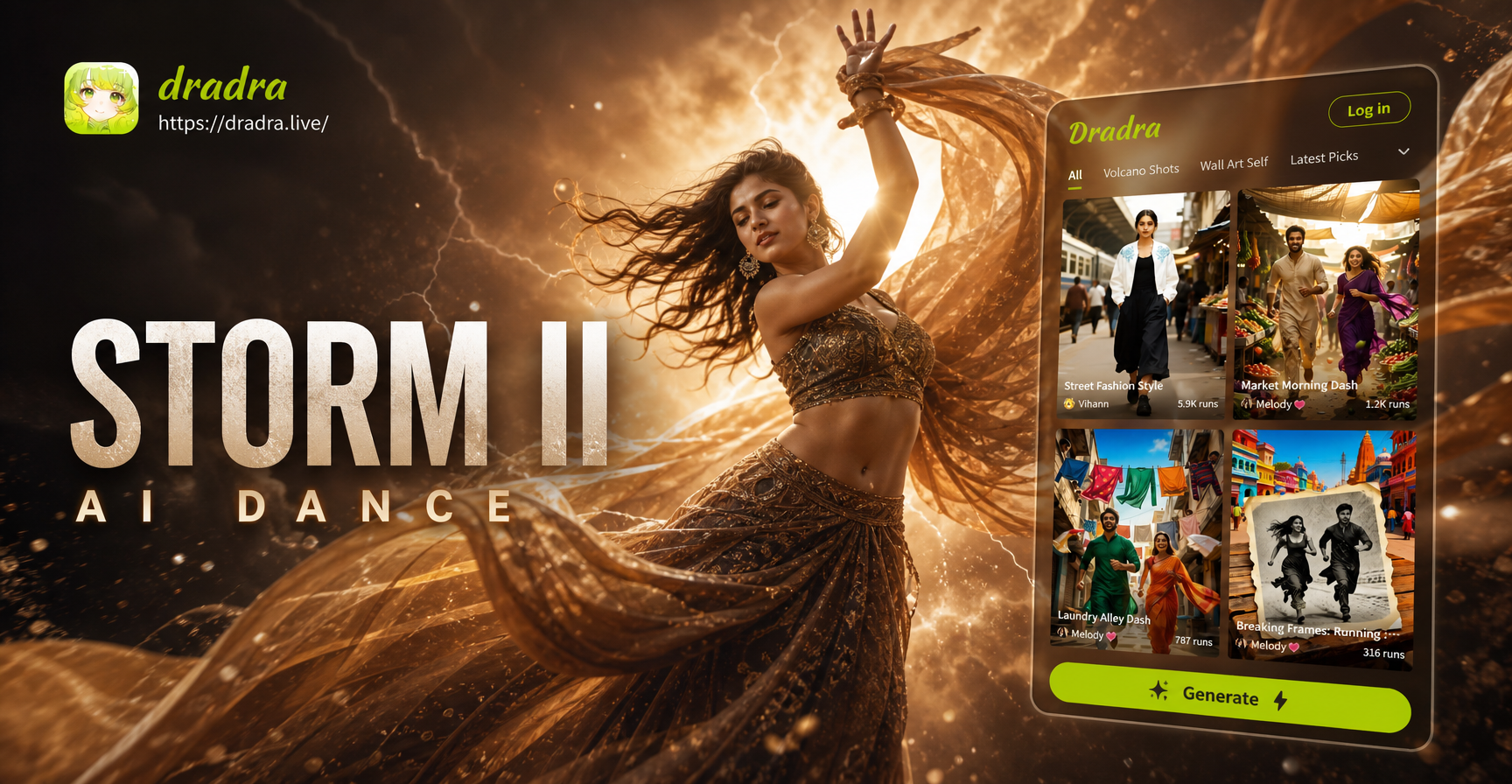
DraDra is an AI art filter and style transformation platform for photos and videos. Its public pages present dance-oriented photo animation and a broader Animate a Picture workflow. They do not document an exact STORM II template or the same three-input motion-transfer controls described above.
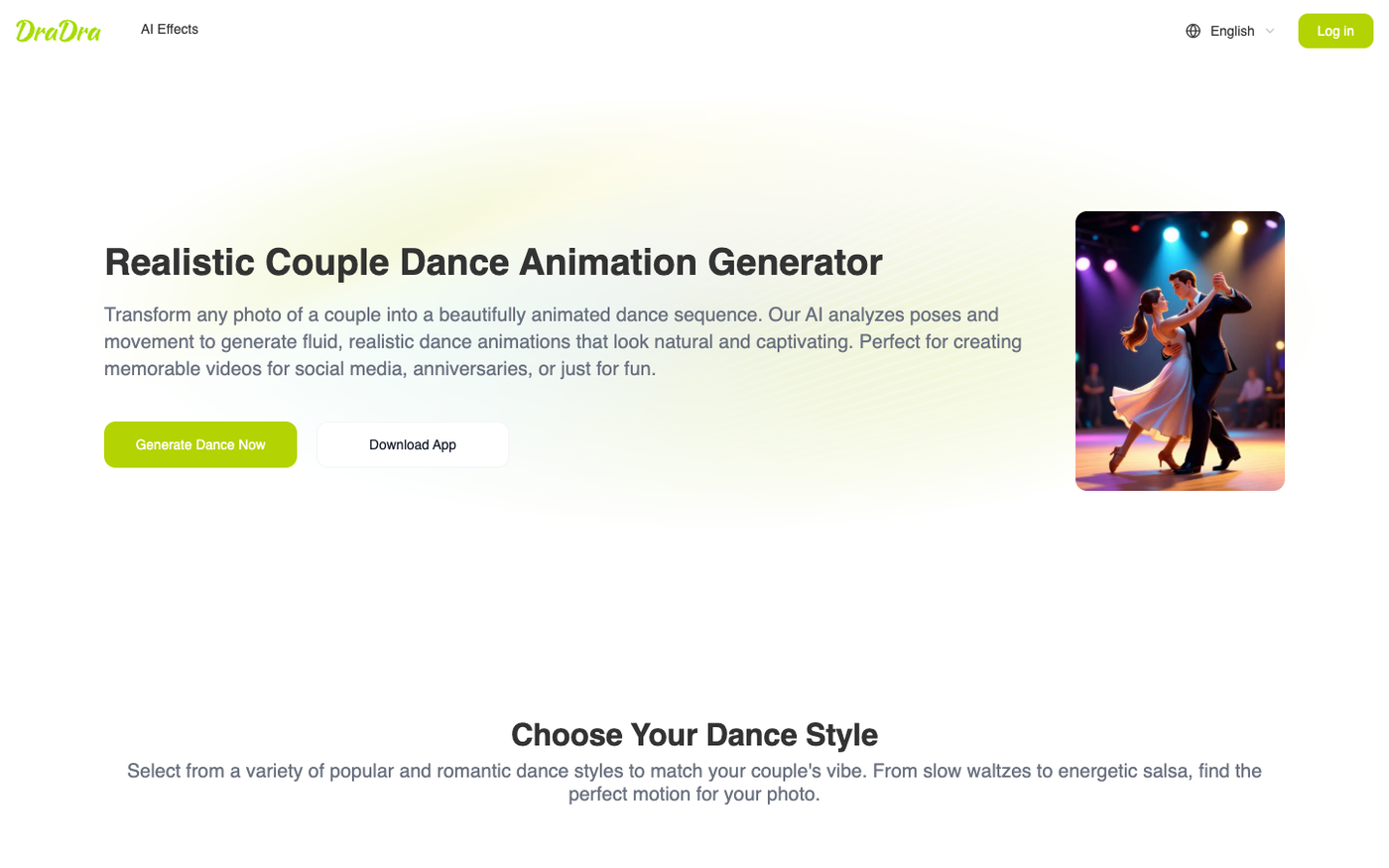
Official DraDra dance-effect page. It supports an adjacent photo-to-dance route, not proof that the complete STORM II master prompt is accepted there.
Use DraDra in one of two honest ways:
- Adjacent animation route: choose the closest current dance or image-animation effect when exact STORM II choreography is not required.
- Art-direction route: use a current photo or video style effect to move the result toward a painted, illustrated, 3D or cinematic look.
When a DraDra effect exposes a style or prompt control, keep the instruction concise because the effect already supplies much of the transformation logic:
Preserve the original subject, pose and composition. Apply a cinematic painted style with rich jewel-tone textiles, warm practical lights and realistic facial detail. Keep the lead visually distinct from the supporting figures. Avoid text, logos, facial distortion and inconsistent clothing.
When the page is template-only, choose the closest effect rather than assuming the text box or control exists.
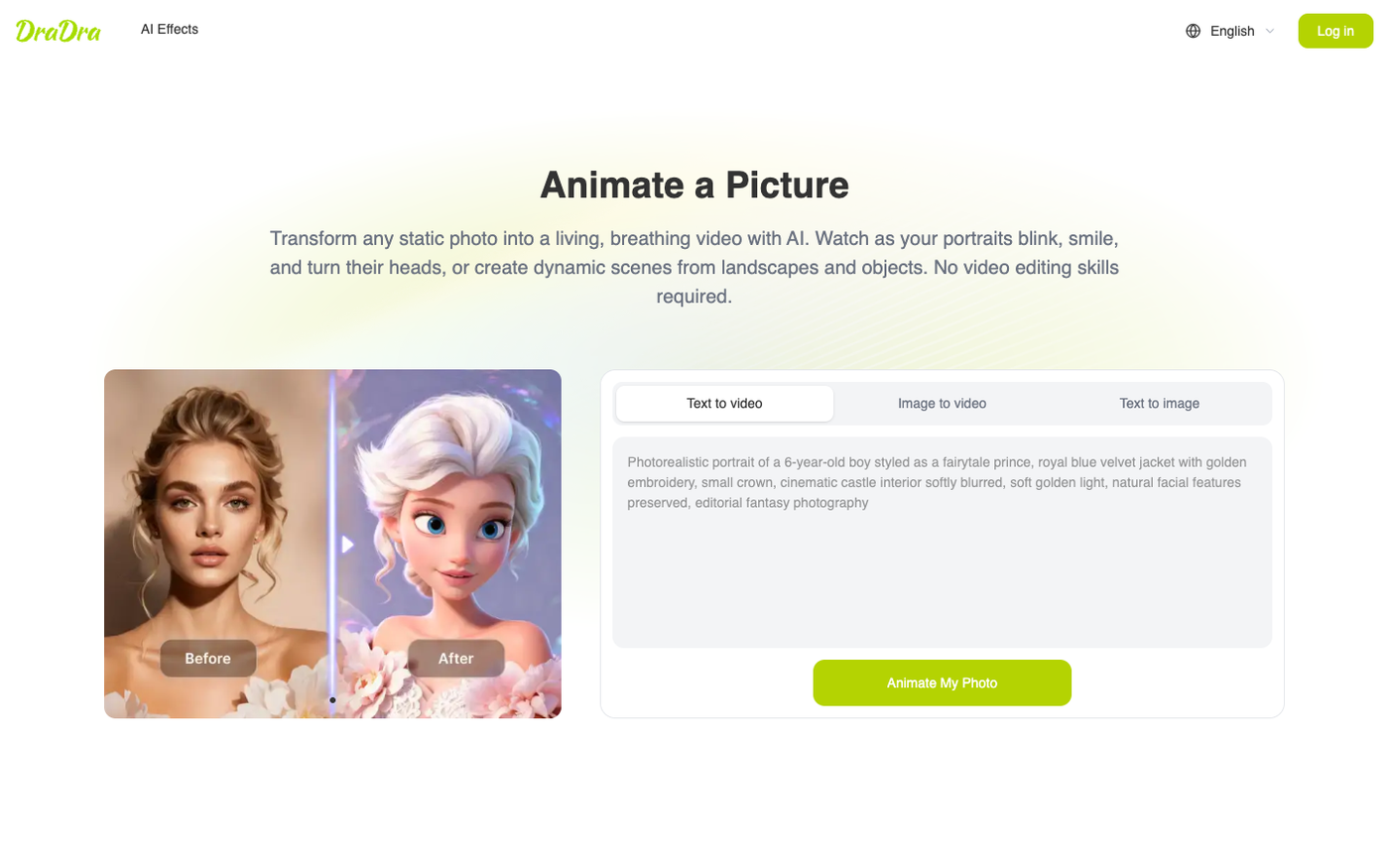
Official DraDra Animate a Picture interface demonstrating the broader image-to-video route.
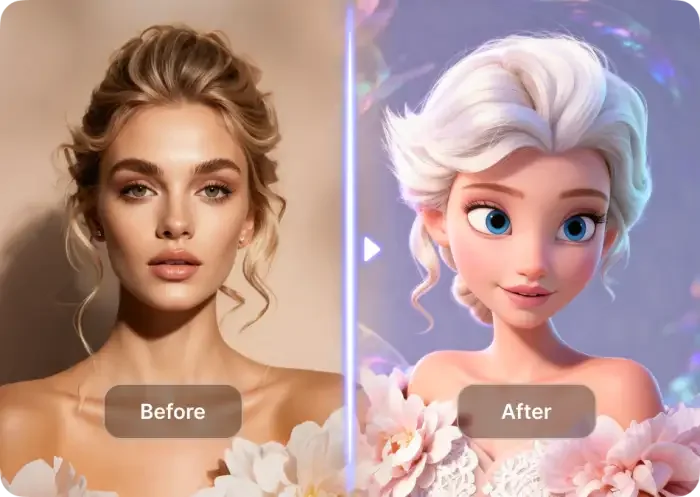
Official DraDra source-to-result example. A strong style pass may reinterpret the face and scene, so compare identity and composition with the input instead of assuming perfect preservation.
DraDra's public effect and FAQ pages do not list a numeric price or a universal commercial-use promise. Check the current official page for price, credits and usage rules before paid or client work.
Correction prompts: change one variable at a time
Do not add every correction after the first failure. Find the visible defect, add one targeted clause and compare the next version with the previous one.
| Problem | Add or replace this clause | Do not change yet |
|---|---|---|
| Lead face changes | Keep Image 1 facial geometry unchanged in profile, motion blur and wide shots. |
Cast, setting and camera |
| Lead appears twice | Image 1 may appear once only; no supporting performer may use the lead identity. |
Lead wardrobe |
| Crowd has mixed faces | Apply Image 2 to every non-lead performer, including partially hidden and blurred figures. |
Camera timing |
| Crowd count changes | Keep the exact source count, position, spacing, depth and occlusion. |
Lighting and palette |
| Camera invents a wider shot | Use the source crop and camera path; do not reveal extra floor, ceiling or side space. |
Character design |
| Hands or feet break | Preserve anatomically plausible contact, grounded feet and continuous limbs during overlap. |
Scene atmosphere |
| Costume flickers | Keep garment colour, material, closures and accessories identical across all frames. |
Face language |
Quality-check reference: a polished still cannot prove video continuity. Inspect joined hands, shoe contact, garment edges and the face at several timestamps.
If a correction makes another part worse, remove it. Prompt repair is controlled iteration, not accumulation.
Know what the prompt cannot fix
A prompt cannot supply detail that is absent from the inputs. It also cannot force a text-to-video tool to behave like a reference-motion editor.
Change the asset or workflow when:
- the lead face occupies too few pixels to remain identifiable;
- the cast image mixes several incompatible costumes or lighting conditions;
- the reference clip has many cuts, occlusions or extreme motion blur;
- the selected tool has no reference-video or motion-control input;
- the source footage, music or likeness cannot be used lawfully;
- a style pass repeatedly changes the composition you need to preserve.
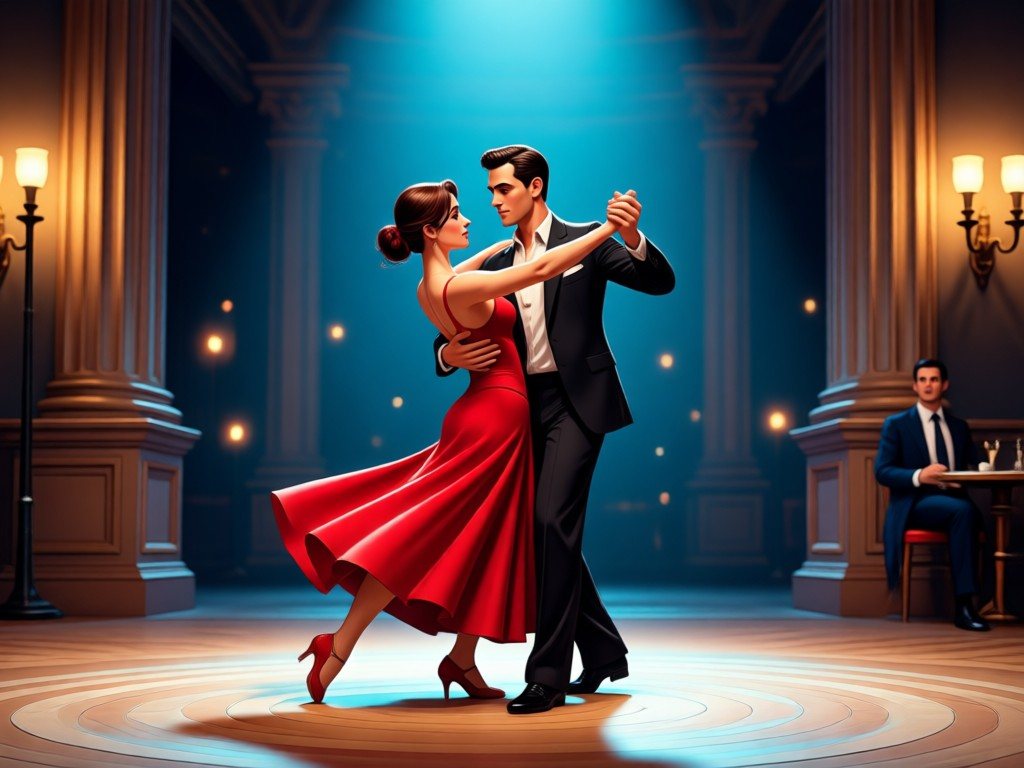
Official DraDra output example used to separate promptable style decisions from motion proof. Lighting and palette are visible here; temporal identity consistency is not.
Run an eight-frame audit before export
Pause the video at eight points: opening frame, first step, first hand overlap, first head turn, midpoint, closest camera position, widest formation and closing frame.
At each pause, score these five checks as pass or fail:
| Check | Pass condition |
|---|---|
| Lead identity | Same face, hair, age and body proportions |
| Cast identity | Supporting faces follow the cast rule and never become the lead |
| Formation | No missing, extra or displaced person |
| Anatomy | Hands, feet and contact points remain plausible |
| Continuity | Wardrobe, light, background and crop stay stable |
If the same issue fails twice, correct or replace the relevant input before export. If failures move randomly between categories, shorten the clip or simplify the design.
Export for Instagram Reels and YouTube Shorts in India
For an India-facing release, make a clean 9:16 master when the generator supports it, then adapt it for Instagram Reels and YouTube Shorts. A Meta-commissioned Ipsos study reported strong Reels preference and daily use among surveyed Indian users. India blocked TikTok in 2020, and a later government clarification said no order had lifted that block, so Reels and Shorts remain the more practical local plan.
- Keep the lead-and-crowd contrast visible in the opening moments.
- Keep text away from faces and the lower interface area.
- Export a clean version before adding platform audio, stickers or captions.
- Use only audio you are licensed or otherwise permitted to publish.
- Label material AI alteration when the platform, client or context requires it.
Rights, likeness and cultural checks
A successful prompt does not grant rights to the source music video, choreography, soundtrack, celebrity face, character or costume. Use your own or authorised photos and reference footage. Do not upload another person's face without permission, and use extra care with children or sensitive images.
Franchise-inspired effect labels are creative references, not licences. For commercial work, replace recognisable characters and costumes with original descriptions. Confirm the current terms of the generation tool and any style platform before advertising, resale or client delivery.
Frequently asked questions
What is the best STORM II prompt structure?
Assign one job to each input, then write separate sections for the lead, cast, motion and camera, style, failure constraints and output. Structural rules should come before cinematic mood words.
Can I make the trend with one photo?
Yes, when a ready-made preset already contains the choreography. A reference-led workflow may instead require a source video, a lead image and a cast image. Match the prompt to the fields the tool actually provides.
Why does the lead's face appear in the crowd?
The prompt has not separated the identities strongly enough. State that Image 1 controls the lead only, the lead appears once, Image 2 controls every non-lead performer and the two identities must never merge.
Should I describe every dance move?
Not when a reference clip controls the motion. Preserve its timing, formation and camera path instead. Detailed text choreography can conflict with the source and make the result less stable.
Is a negative prompt enough to stop identity drift?
No. Negative language helps, but a sharp reference image, shorter clip, clear role mapping and simple wardrobe often matter more. Fix the input before stacking more exclusions.
Can I paste the full STORM II prompt into DraDra?
Only if the current effect exposes a compatible prompt control. DraDra does not document the exact reference-video, lead-image and cast-image workflow used in this guide. Use it for an adjacent animation or style-transformation route and follow the controls shown on the current page.
Where can I find the current DraDra price?
No numeric price is listed on DraDra's public effect and FAQ pages. Check the current DraDra website before generating or subscribing.
Start with structure, then add style
The best STORM II prompt is easy to debug because each paragraph has one job. Lock the inputs and motion first. Add the original location, costume and atmosphere only after the lead, cast and camera behave correctly.
For an artistic dance variation or a separate style pass, explore DraDra and choose the current photo or video effect that fits your source. Keep the promise precise: DraDra can support the creative transformation, while an exact STORM II motion match requires a workflow that explicitly accepts the relevant reference inputs.