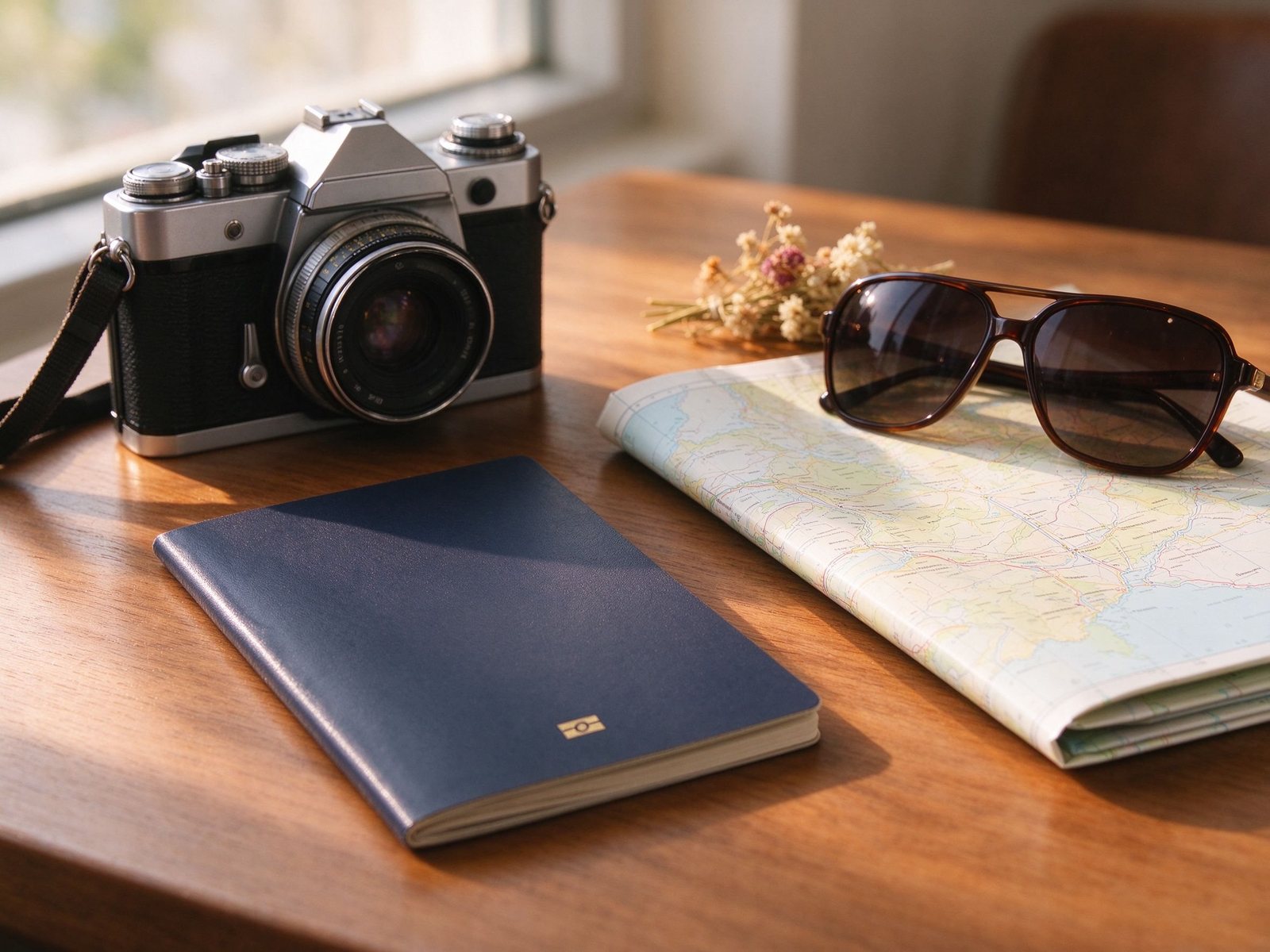
A travel AI photo prompt places you in a destination scene by locking the face first, naming the location and architecture, choosing holiday outfit, setting the time of day and light, describing composition, and asking for realistic texture and a natural sky. A vague line such as travel photo returns a generic postcard, while a structured prompt keeps identity, grounds the person in a believable place, and avoids fantasy colors that read as fake. DraDra is a free AI art photo and video generator with text generation, photo transformation and image animation, so you can turn one uploaded photo into a styled destination portrait reference before refining the final prompt in a dedicated generator. Exact pricing and commercial use terms are not stated on the visible home page, so confirm the current rules on the official site before business posting.
What a Travel AI Prompt Is
A travel prompt builds a portrait or scene at a chosen destination for a mood board, profile reference, campaign concept or fun imaginary trip. It works best when it separates the person from the background: keep the face and body true, then describe the destination, light and atmosphere around them. It does not prove you visited the place, and it should not be posted as a real trip without disclosure.
The Prompt Formula
Build every prompt in plain sentences without quote marks. Lead with face lock so identity survives the destination change.
| Part | What to name | Weak wording | Strong wording |
|---|---|---|---|
| 1. Face lock | Keep identity, features, age and skin tone | look like me | keep exact face, likeness, features, age and skin tone unchanged, do not beautify or regenerate the face |
| 2. Destination | Real place, architecture and setting | foreign city | stone bridge over a narrow canal, or sand dunes at sunset, or cliffside beach |
| 3. Outfit | Holiday clothing and fabric | nice clothes | flowing linen shirt, light dress, layered scarf, walking shoes, believable fabric movement |
| 4. Light | Time of day and direction | sunny | low golden hour sun across the face, long soft shadows, warm natural haze |
| 5. Composition | Framing and subject position | full body | subject right of center, background softly blurred, shallow depth of field |
| 6. Texture | Realistic surfaces and sky | realistic | worn stone, sand grain, water reflections, natural sky, no exaggerated red sky |
| 7. Lens | Camera feel and ratio | photo | 50mm, natural skin, 4:5 portrait or 16:9 landscape |
Style Groups
European Old Town Golden Hour
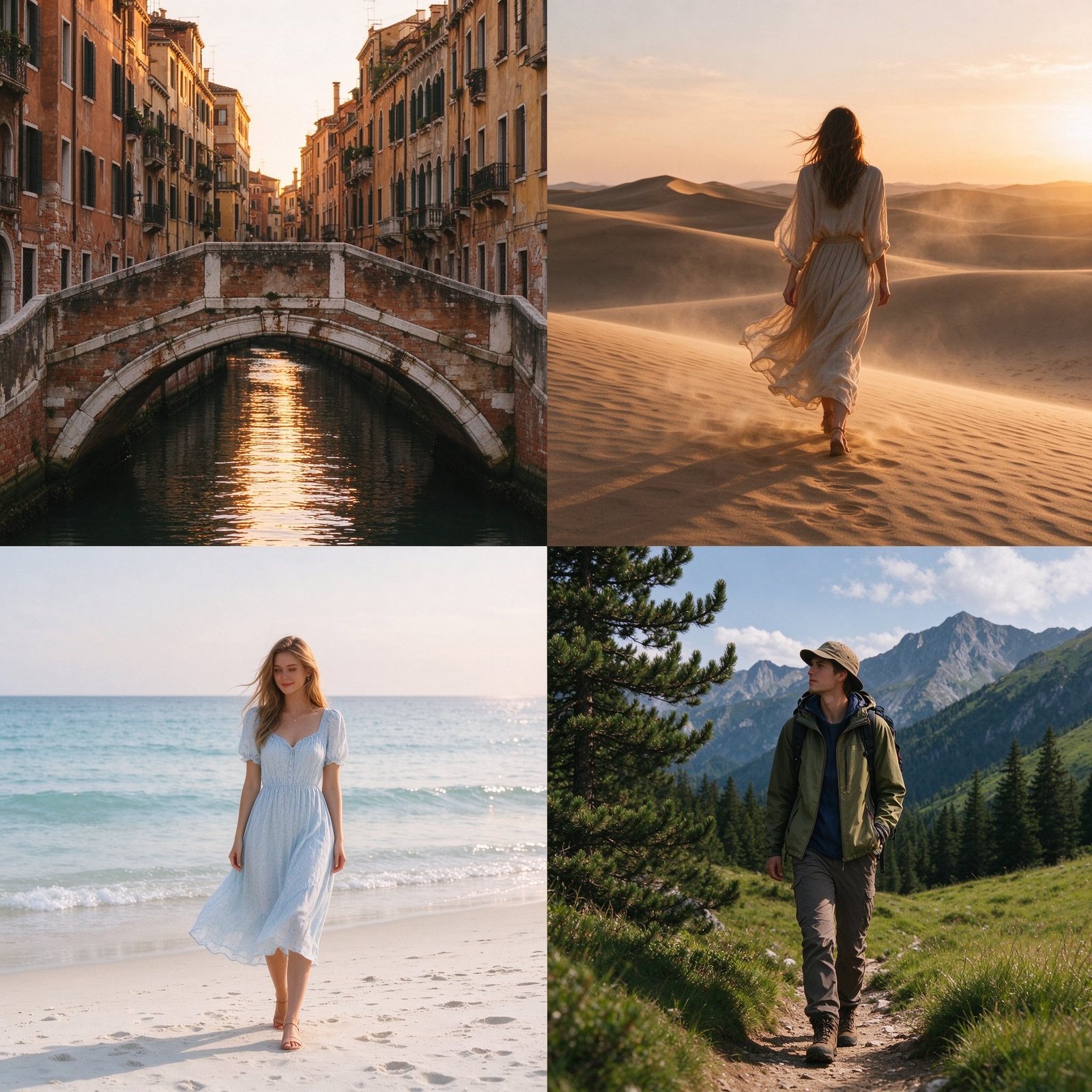
Weathered stone bridge, narrow canal or cobbled lane, warm reflected light, soft blurred buildings behind, linen summer outfit, low golden sun.
Desert Dunes
Rolling sand, warm sunset gradient, long natural shadows, loose flowing clothing, faint haze, believable sand texture, no fantasy sky.
Coastal Beach
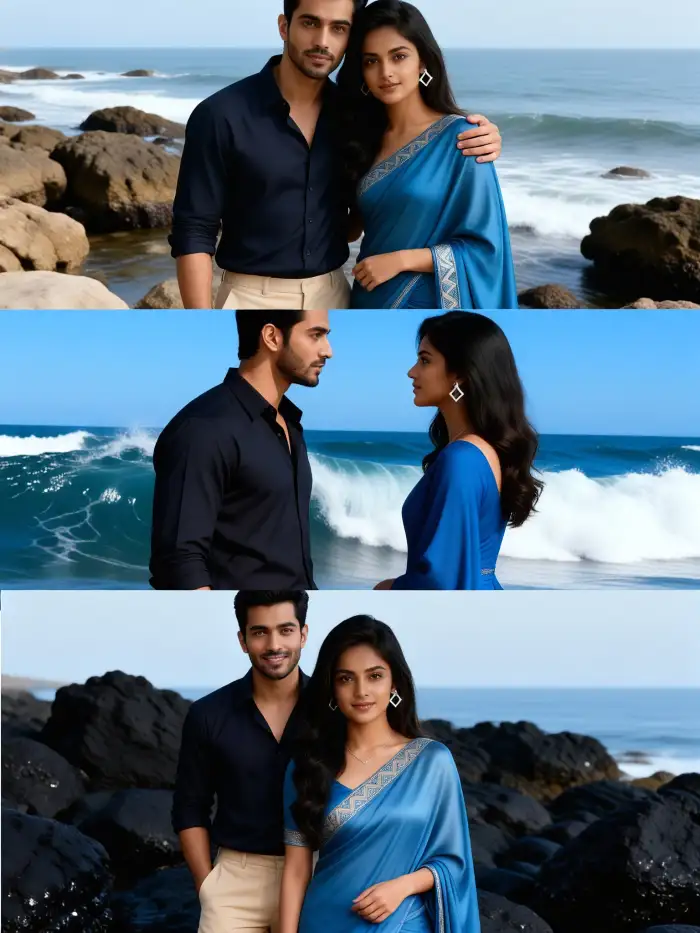
Cliff or white sand, soft sea light, pale blue water, light summer dress, gentle breeze, shallow blur on the horizon.
Mountain Trek
Pine slope or alpine meadow, cool clear light, layered warm layer and jacket, honest trail texture, natural distance haze.
City Rooftop
Terrace with plants, skyline at dusk, warm terrace lamps, smart casual outfit, soft city bokeh behind.
Heritage Temple
Stone or sandstone courtyard, soft directional daylight, modest respectful clothing, calm pose, carved texture, natural shadows.
DraDra Transform Step
- Prepare the reference. Upload a clear photo to DraDra and use photo transformation to reach a styled destination portrait, or describe the place in text generation.
- Refine the prompt. Copy the color, outfit and light direction into your chosen image generator, then add the seven formula parts.
- Animate if wanted. DraDra supports image animation, so a still travel portrait can become a short motion clip for social content.
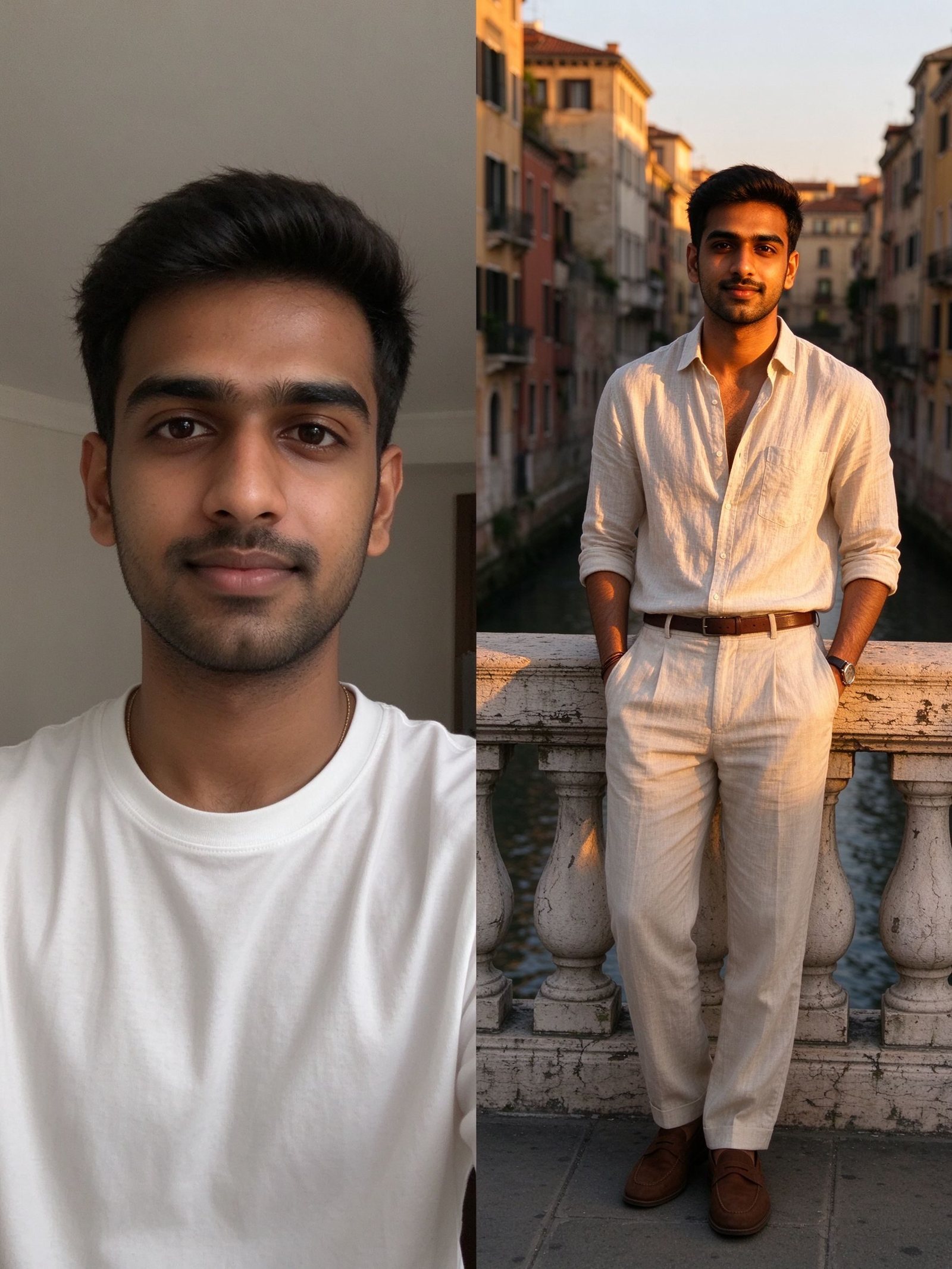
Concept: selfie to destination reference, then a dedicated generator refines the final prompt.
Copy Ready Prompts
European old town golden hour
- Travel portrait in an old European stone town, keep exact face and expression, subject on a worn stone bridge over a narrow canal, weathered buildings softly blurred behind, flowing linen summer dress, low golden hour sun across the face, long soft shadows, 50mm, shallow depth of field, natural sky, 4:5, no readable signs, no logo.
- Cobbled lane golden hour portrait, keep identity, light linen shirt and layered scarf, warm reflected stone light, relaxed walking pose, distant buildings in soft haze, natural skin, 50mm, 4:5, no text, no brand mark.
Desert dunes
- Desert dune travel portrait at sunset, keep exact face, loose flowing neutral clothing, warm sand gradient, long natural shadows, faint atmospheric haze, believable sand grain, low golden side light, no exaggerated red sky, 35mm, 16:9, no text, no logo.
Coastal beach
- Coastal beach travel portrait, keep exact face, light summer dress and straw hat, soft sea light, pale blue water gently blurred, gentle breeze in fabric, warm natural skin, 50mm, shallow horizon blur, 4:5, no readable signage, no brand.
Mountain trek
- Mountain trek portrait, keep identity, warm layered jacket over a base layer, pine slope behind, cool clear daylight, honest trail and grass texture, natural distance haze, 35mm, 16:9, realistic, no fantasy sky.
City rooftop
- City rooftop dusk portrait, keep exact face, smart casual outfit, terrace plants and warm lamps, soft city skyline bokeh behind, gentle warm key light on face, 85mm, shallow depth, 4:5, no readable signs, no logo.
Heritage temple
- Heritage courtyard portrait, keep exact face, modest respectful long sleeves, soft directional daylight on carved sandstone, calm relaxed pose, natural shadows and texture, 50mm, 4:5, no readable inscriptions, no logo.
Make It Look Real
| Check | Realistic result | Fix when off |
|---|---|---|
| Identity | Face matches the source photo | Strengthen the face lock block first |
| Grounding | Person stands believably on the surface | Add stone, sand or water under the feet |
| Light | One consistent source and shadow | Name golden hour or soft daylight, remove mixed light |
| Sky | Natural gradient, no fantasy red or purple | Cut exaggerated colors, ask for natural sky |
| Fabric | Believable movement and weight | Add linen, cotton or flowing words and breeze |
| Scale | Background and person match | Keep landmarks soft and secondary, not giant |
Fix Common Failures
| Failure | Cause | Fix |
|---|---|---|
| Face changes or beautifies | Face lock missing or late | Put face lock as the first block |
| Looks like a stock postcard | Person and background pasted apart | Ground the subject, match light on face and place |
| Fake fantasy sky | Over dramatic color words | Ask for natural sky, remove exaggerated sunset |
| Floating or wrong shadow | Missing contact with surface | Add ground texture and matching shadow |
| Garbled signs or writing | Place names slipped in | Add no readable signs, no text, no logo |
| Over saturated scenery | Too many bright colors | Lower saturation, keep one warm accent |
Ethics, Disclosure and Honesty
- Do not claim you actually visited the place. Post AI travel images as a fantasy, concept or if I had made it there style content, and answer honestly when asked.
- Disclose that the image is AI generated where the platform or audience expects it; many major platforms label realistic synthetic content.
- Do not use AI generated hotel rooms, beaches, views or experiences as proof for a booking or sales claim, because that can mislead travelers.
- Respect landmark, property and image rights; do not copy branded signage or present a protected location as your own commercial shoot without rights.
- Keep people recognizable and respectful; do not place a real stranger or celebrity in a fabricated destination without permission.
- Confirm DraDra current pricing and commercial license on the official site before business use, since the visible home page does not state a plan.
FAQ
What is a travel AI photo prompt
It is a structured brief that keeps your face, places you in a named destination, adds holiday outfit, light, composition and realistic texture for a styled travel portrait.
How do I keep my face in a travel AI photo
Put the face lock block first and name exact face, likeness, features, age and skin tone, asking the model not to beautify or regenerate the face.
Which light reads as a real travel photo
Low golden hour sun with long soft shadows, or soft clear daylight, reads natural; harsh flash and a fantasy red sky read fake.
Can I post an AI travel photo as a real trip
No. Post it as AI generated fantasy or concept, disclose it, and do not claim you visited, especially for booking or commercial content.
Can DraDra make the final travel photo
DraDra supports text generation, photo transformation and image animation for a styled reference and short clip. Use it for the mood and transform step, then refine the final image in your chosen generator with the full formula.
Should I name a real landmark in the prompt
You may describe a place for a personal concept, but do not copy branded signage or use it as commercial proof; check rights before any business use.
Ready to Build Your Travel Reference
Choose one destination, lock the face first, name the place, outfit, light and natural sky, ground the subject, check identity and shadow before export, and disclose AI where required. For a styled transformation first, try DraDra on the official site, confirm the current pricing and license terms there, then refine the final prompt in your chosen image generator.