AI Interior Design Photo

Choose Your Interior Design Style Filter
Discover the perfect aesthetic for your space with our collection of AI interior design photo filters. From minimalist and modern to boho, industrial, and luxury, there is a style for every room.
Key Features of AI Interior Design Photo
Turn any room photo into a stunning interior design concept with our intuitive mobile app. No design skills required, just upload and generate.
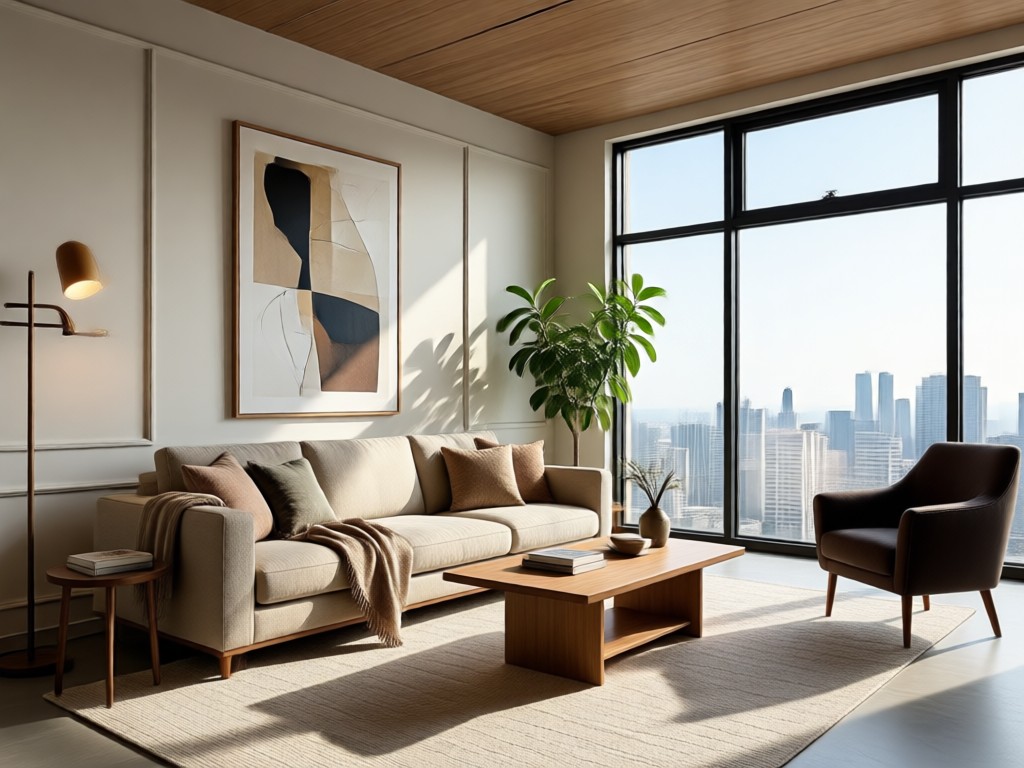
Realistic Room Restyling
Upload a photo of your living room, bedroom, kitchen, or office. Our AI preserves the layout and transforms colors, materials, furniture, and decor with photorealistic detail.
Realistic Room Restyling
Upload a photo of your living room, bedroom, kitchen, or office. Our AI preserves the layout and transforms colors, materials, furniture, and decor with photorealistic detail.
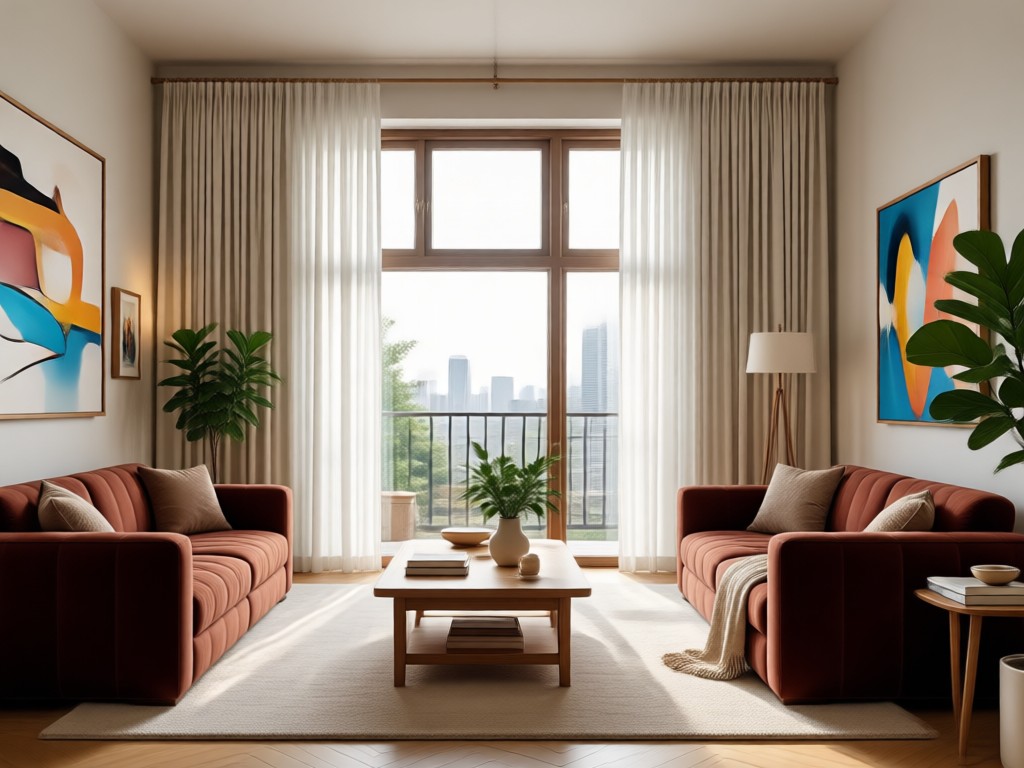
1,000,000+ Style Filters
Browse an endless library of interior design aesthetics. Apply Scandinavian, Japandi, midcentury modern, industrial, bohemian, luxury, and more to the same room instantly.
1,000,000+ Style Filters
Browse an endless library of interior design aesthetics. Apply Scandinavian, Japandi, midcentury modern, industrial, bohemian, luxury, and more to the same room instantly.
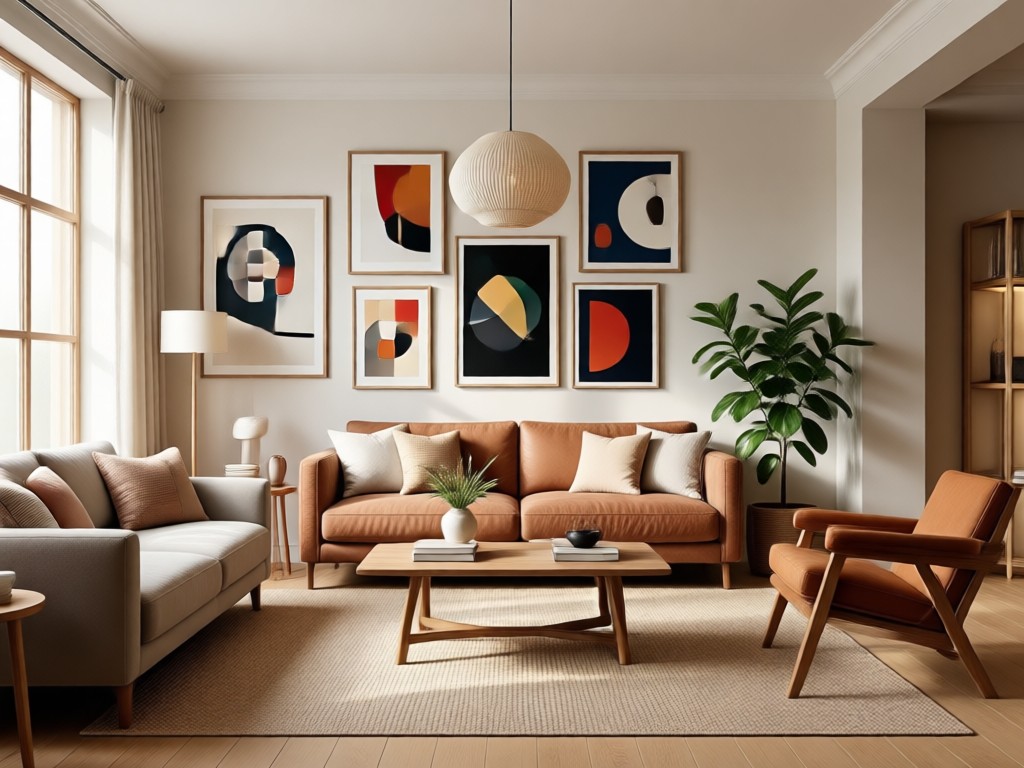
Multi-Room Makeovers
Generate multiple design ideas for every room in your home. Compare looks side by side, save your favorites, and share concepts with clients, family, or contractors.
Multi-Room Makeovers
Generate multiple design ideas for every room in your home. Compare looks side by side, save your favorites, and share concepts with clients, family, or contractors.
How to Use AI Interior Design Photo in 3 Steps
Turn your existing room photo into a completely redesigned space in minutes. Follow these simple steps to get photorealistic interior design ideas.

Step 01.
Download the dradra app from Google Play and open it on your phone. No account or design experience required.
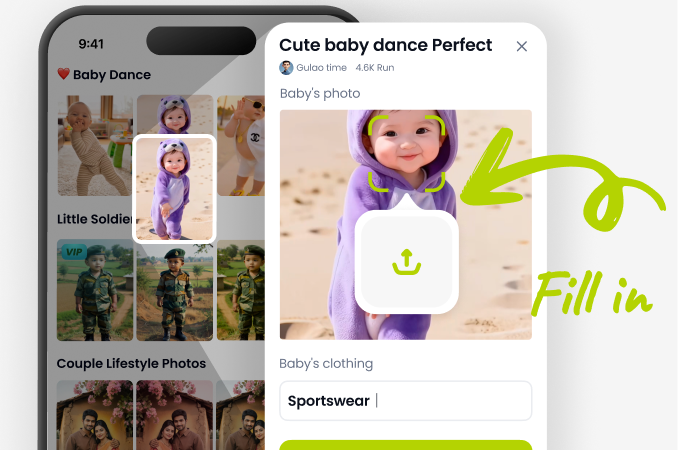
Step 02.
Upload a clear photo of your room, then browse the AI interior design photo style library and pick a look you love.
Step 03.
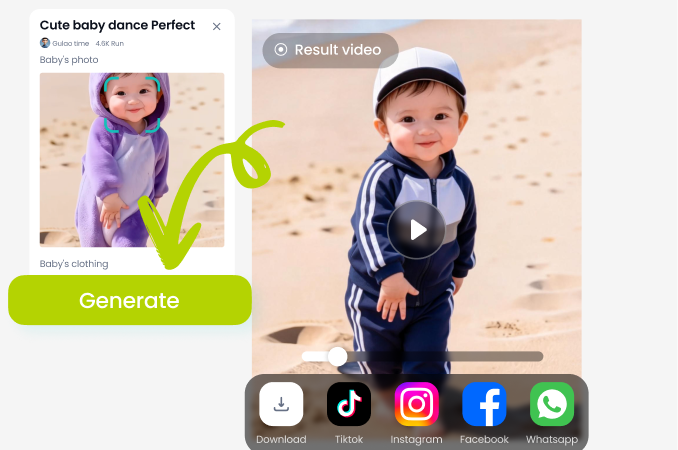
Generate your restyled room in seconds. Save the image, compare styles, or share your new design with friends and pros.
AI Interior Design Photo Inspiration Gallery
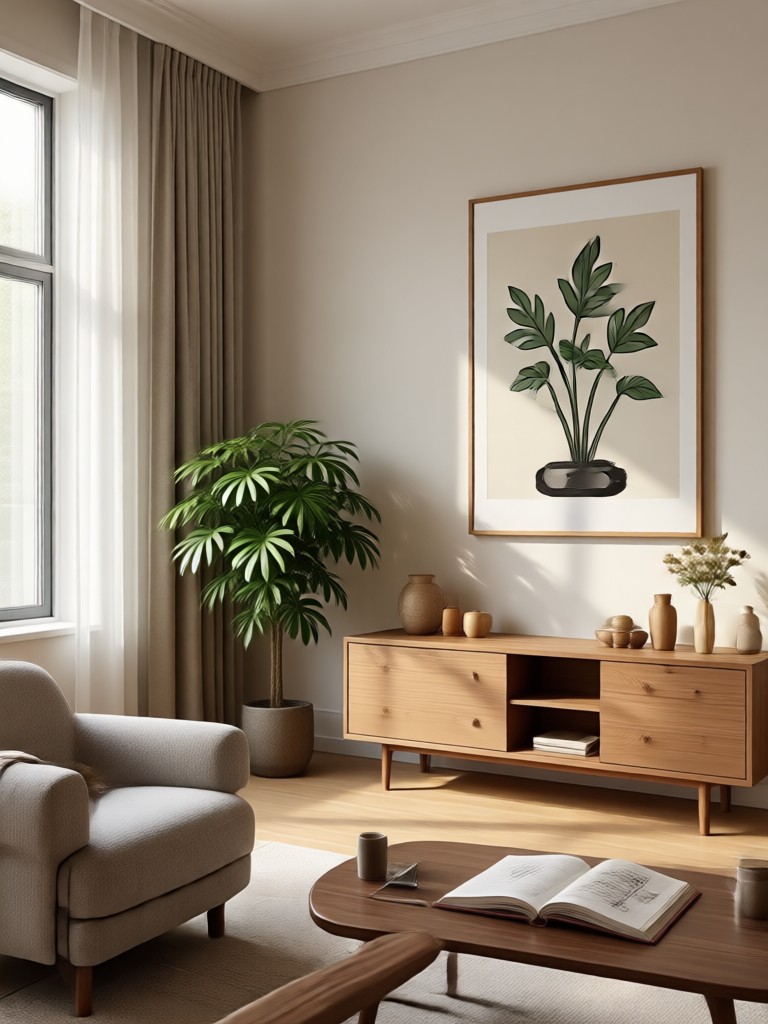
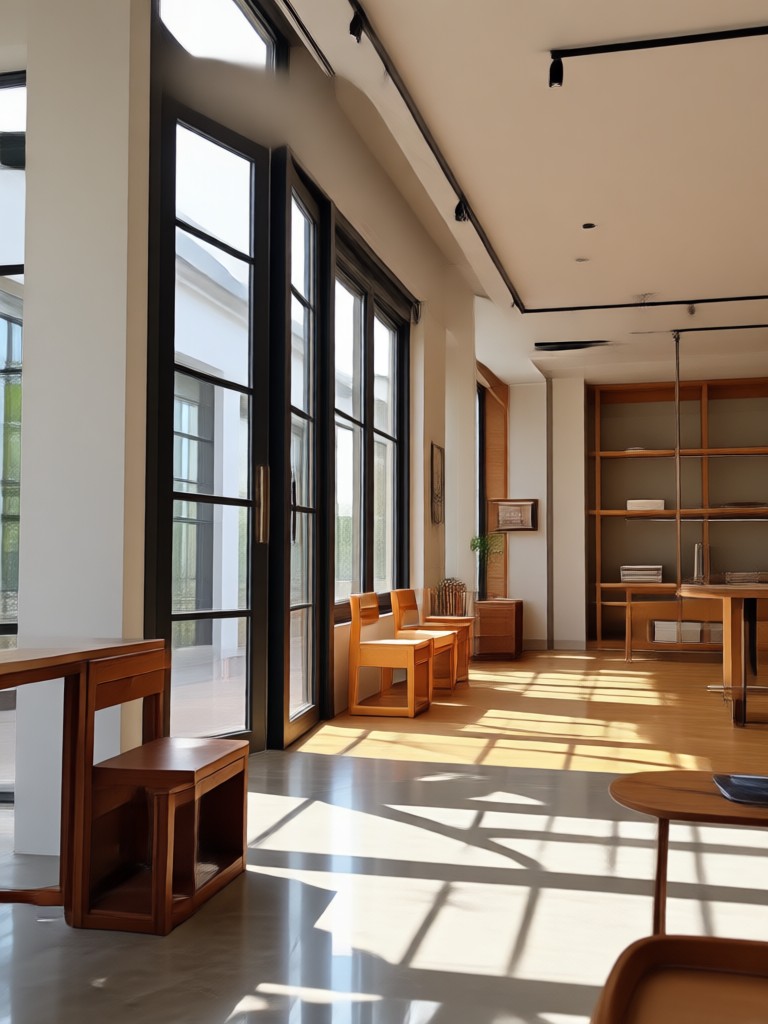
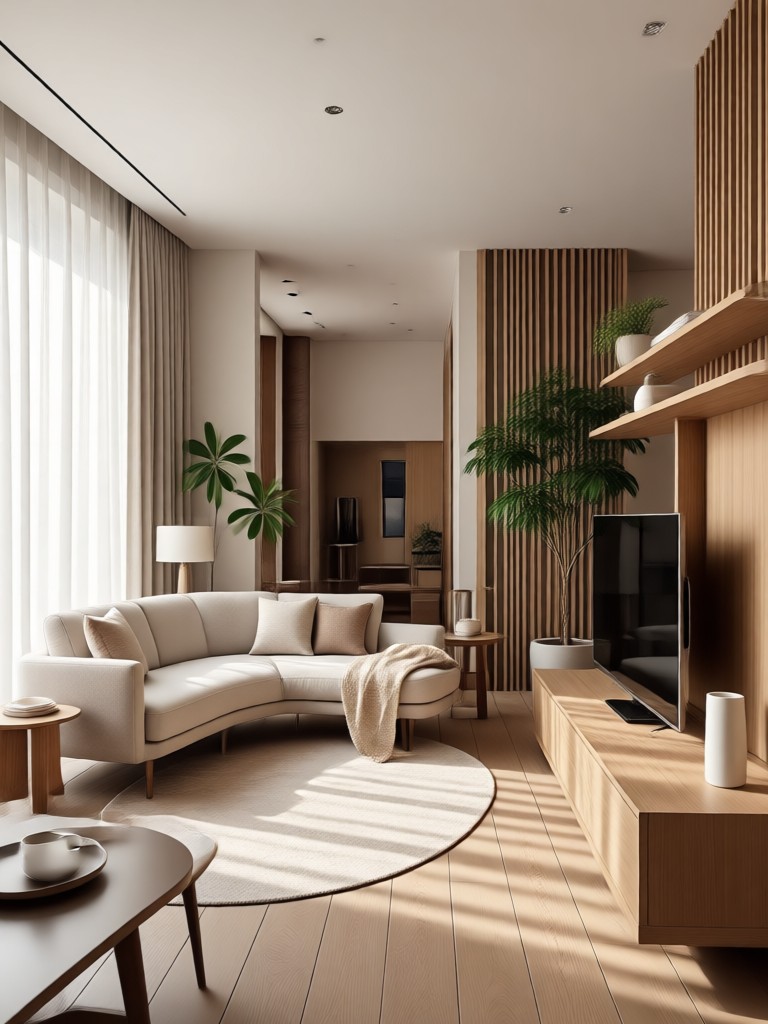
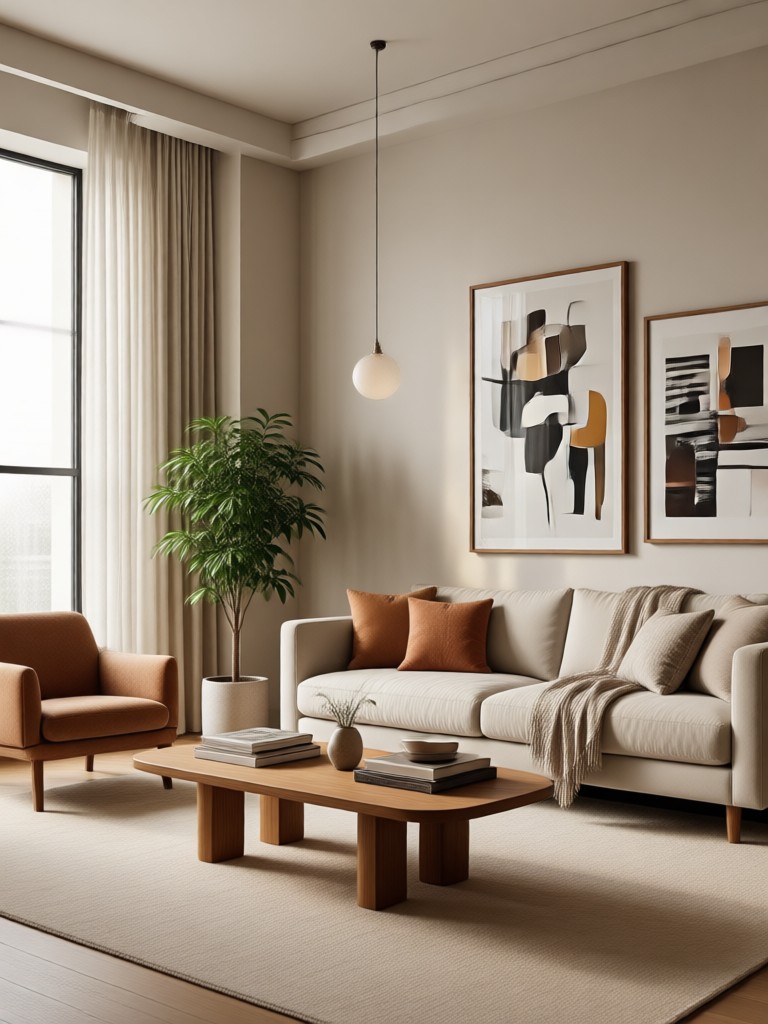
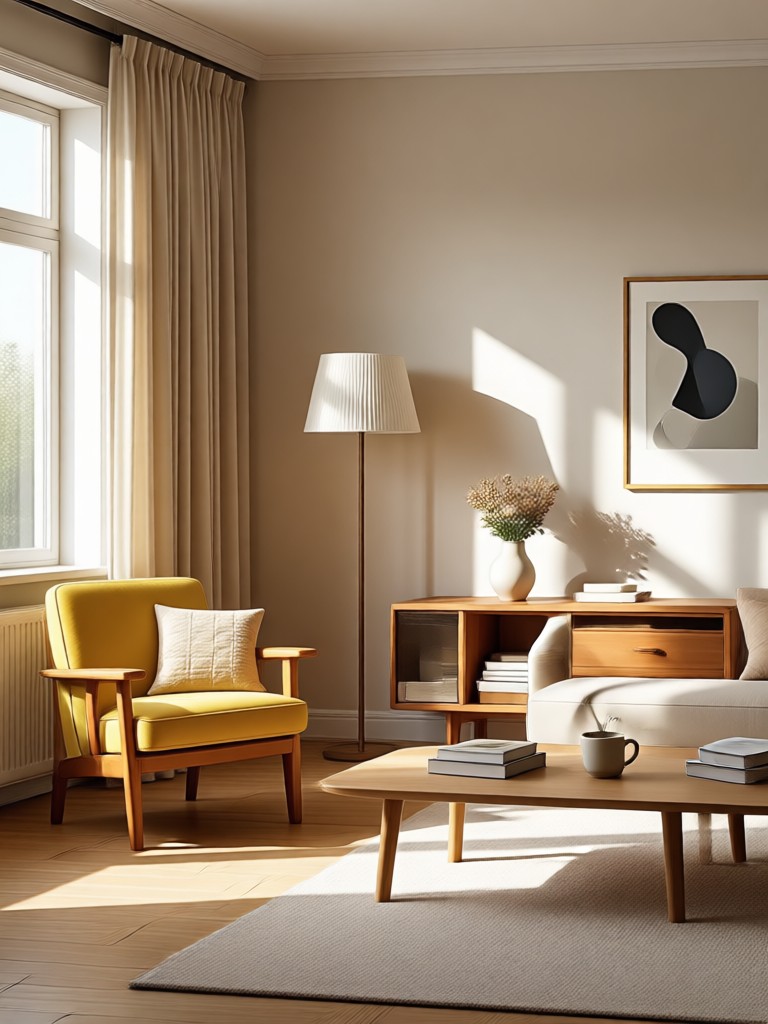
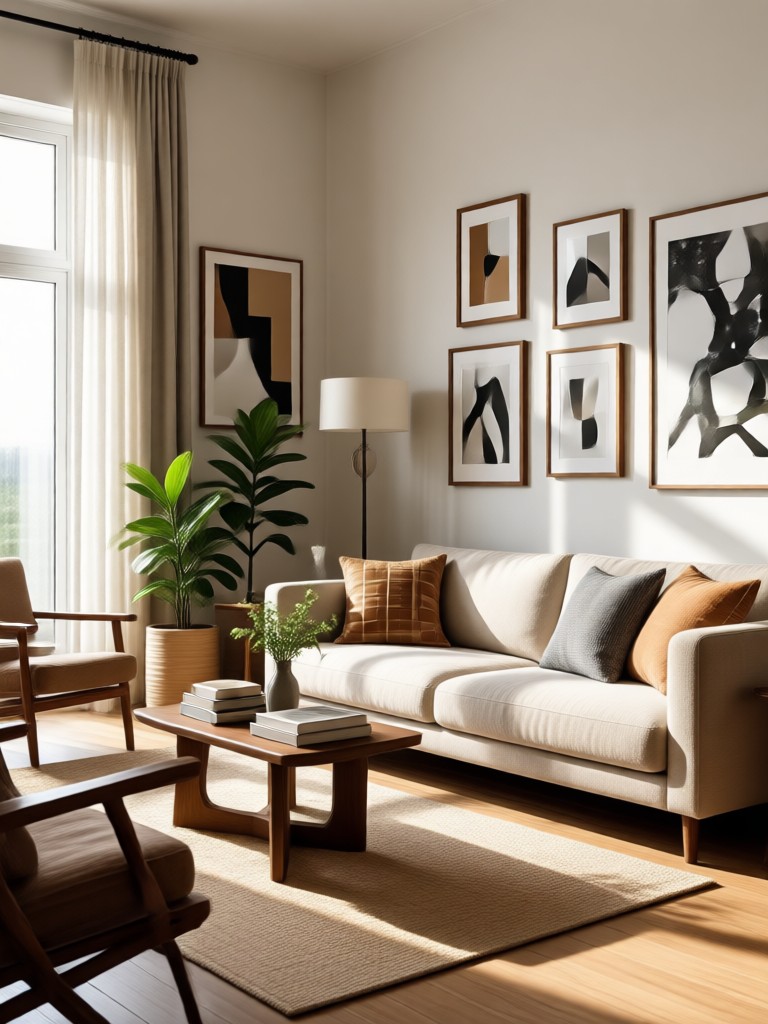
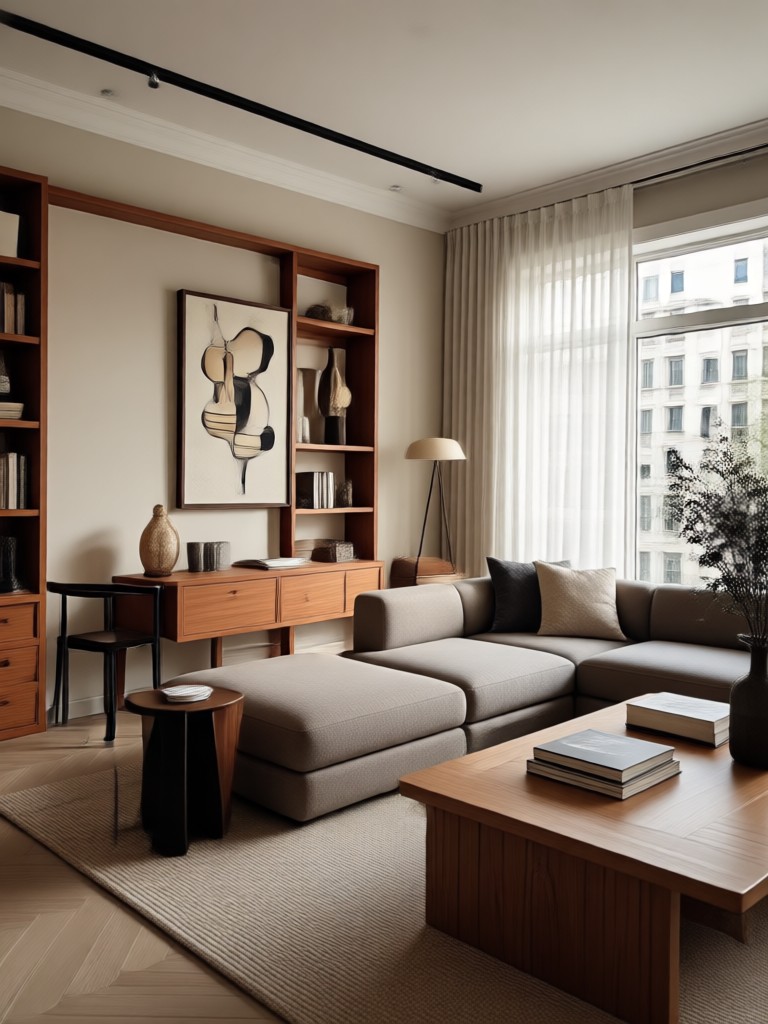
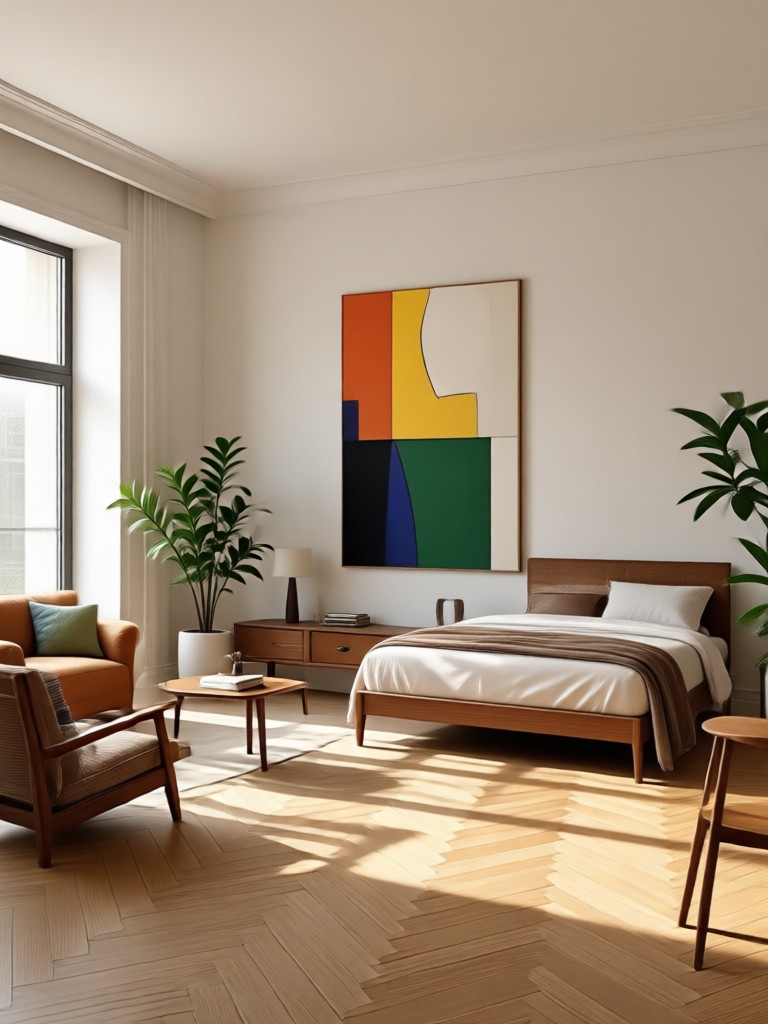
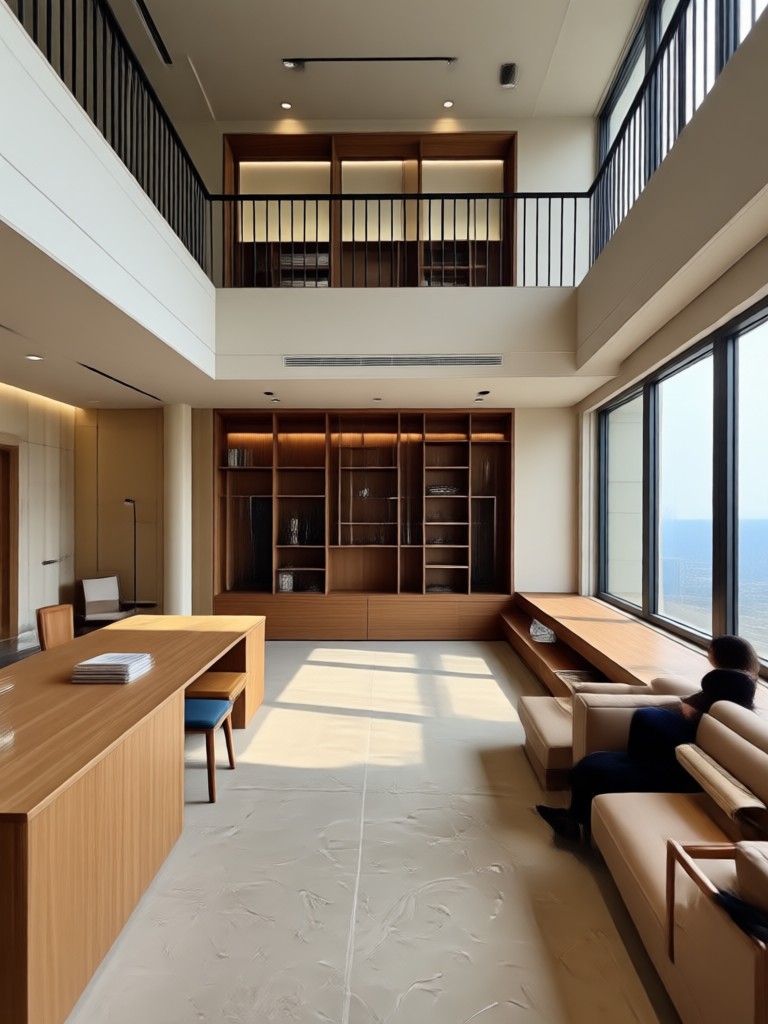
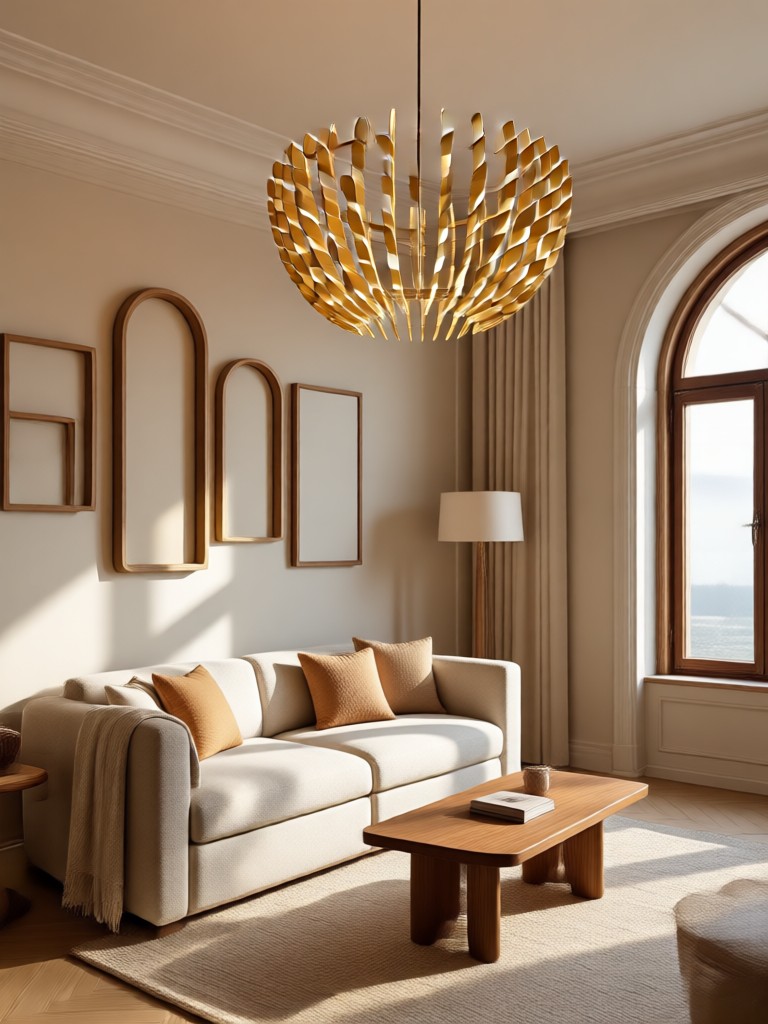
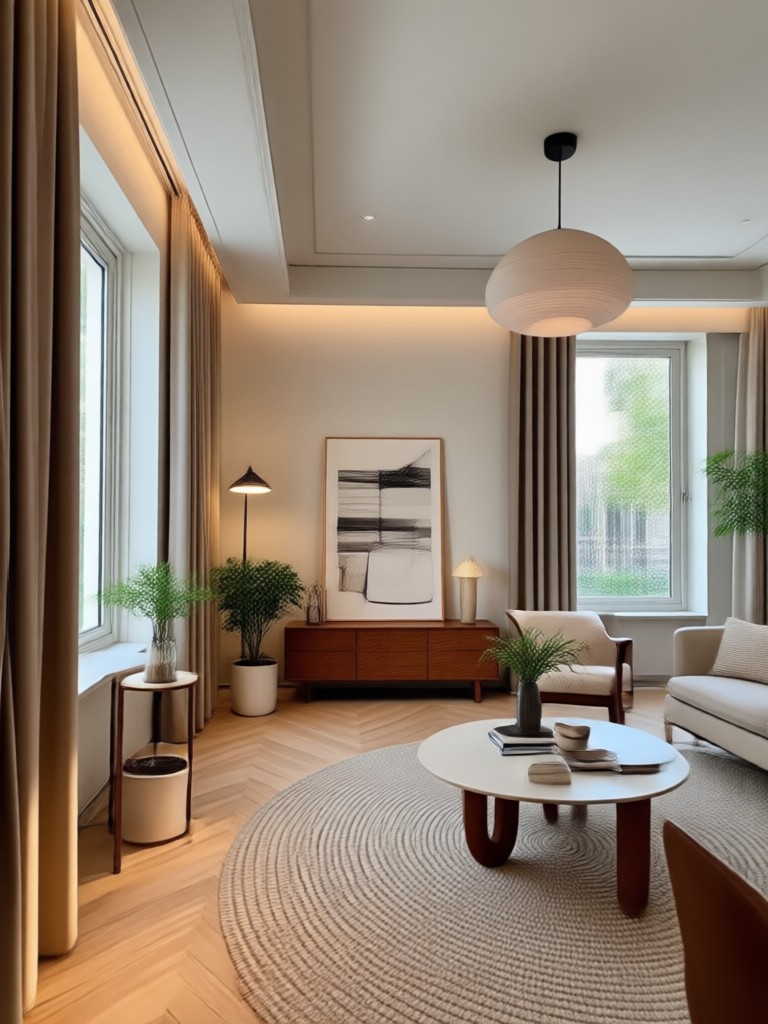
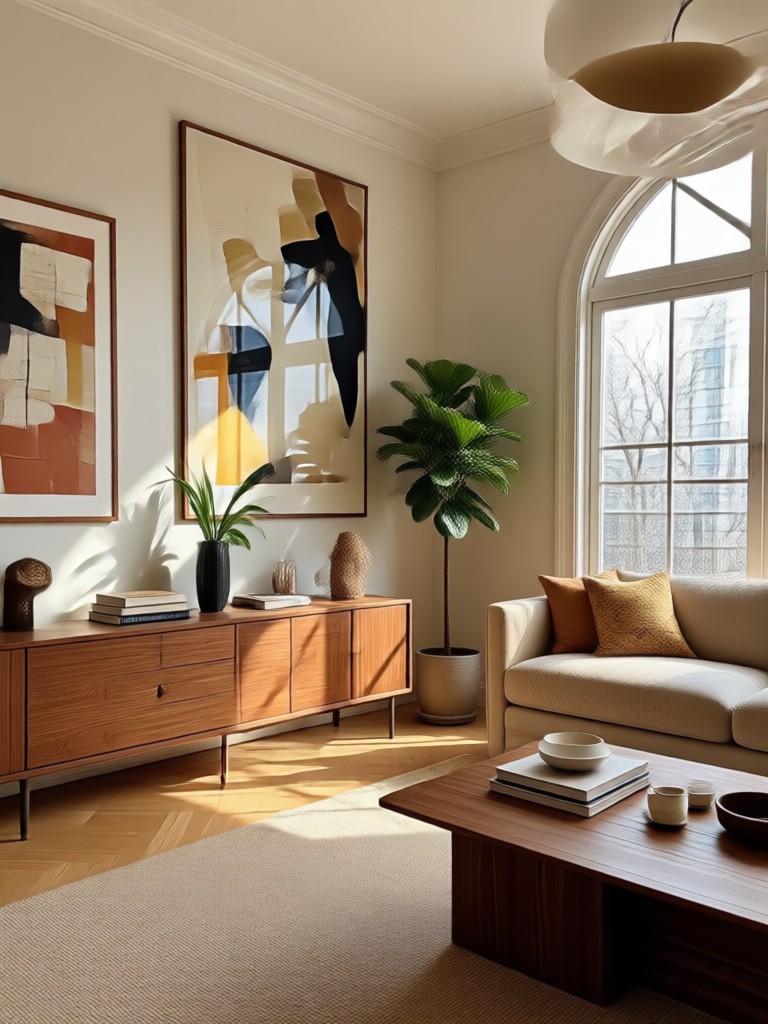
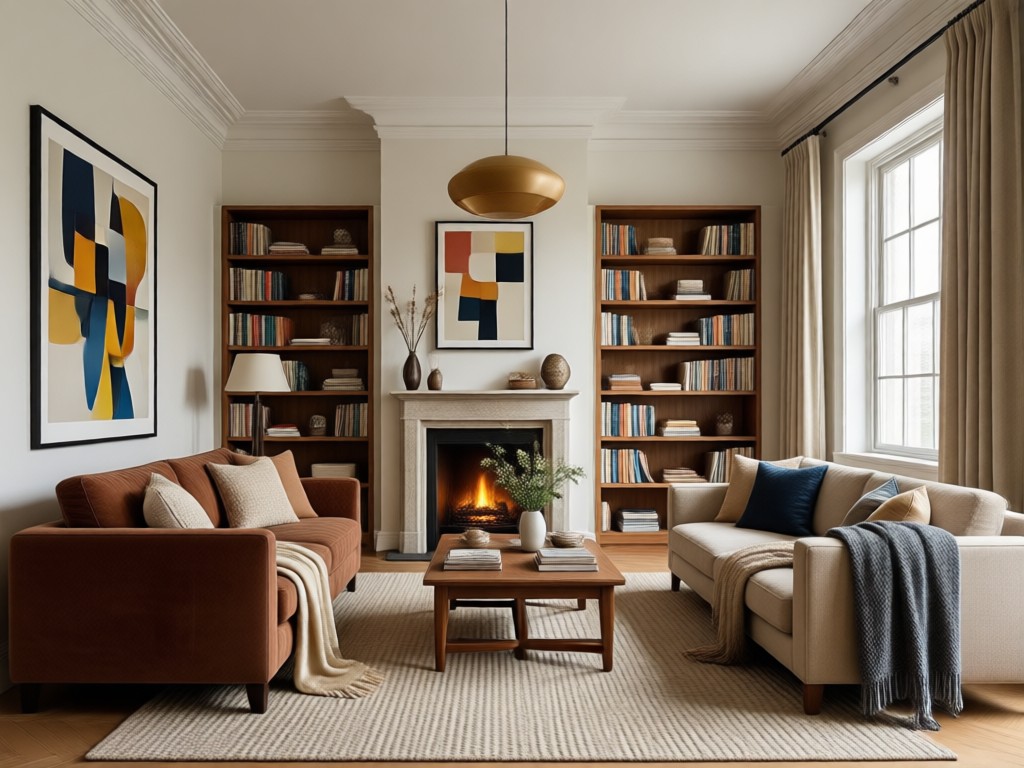
Browse stunning before and after room transformations created with dradra. See how easy it is to reimagine any space from cozy bedrooms to open living areas.
Why Choose dradra for AI Interior Design Photos?
dradra puts a professional interior design studio in your pocket. Upload any room photo and explore thousands of styles without hiring a designer or buying costly software. The app keeps your room's structure realistic while completely transforming its look, so you can make confident decorating decisions faster.
Why Choose dradra for AI Interior Design Photos?
dradra puts a professional interior design studio in your pocket. Upload any room photo and explore thousands of styles without hiring a designer or buying costly software. The app keeps your room's structure realistic while completely transforming its look, so you can make confident decorating decisions faster.
AI Interior Design Photo App for Android
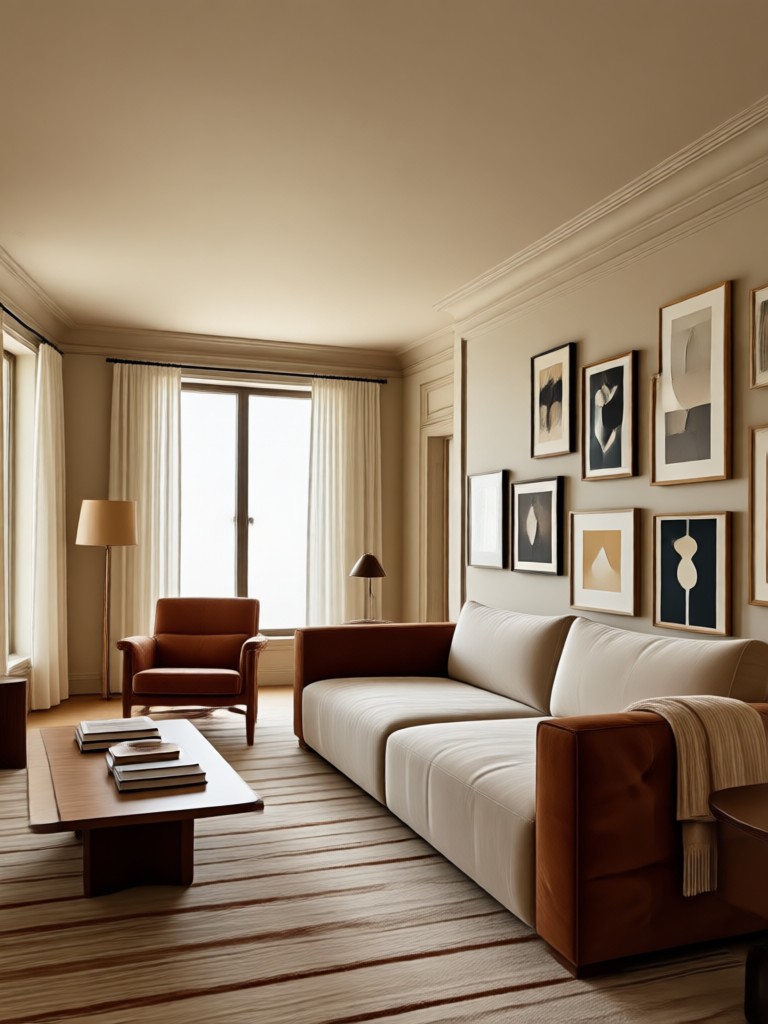
Download dradra on Google Play and start redesigning any room in minutes. Realistic AI style transfers, easy controls, and unlimited design inspiration.

Who Uses AI Interior Design Photo Tools?

Priya Sharma
I wanted to see how my living room would look with a Japandi style before buying any furniture. dradra gave me realistic options in seconds and saved me from costly mistakes.

Marcus Lee
As a renter I cannot paint walls. I used dradra to test bold wallpaper and decor ideas without touching anything. The results looked like a professional staging.

Elena Rossi
I create mood boards for clients every week. dradra helps me quickly generate multiple design concepts from a single room photo and present them side by side.

David Chen
Virtual staging with dradra is incredibly fast. I upload empty room photos and get furnished, stylish images that help listings stand out online.
Priya Sharma
I wanted to see how my living room would look with a Japandi style before buying any furniture. dradra gave me realistic options in seconds and saved me from costly mistakes.
Marcus Lee
As a renter I cannot paint walls. I used dradra to test bold wallpaper and decor ideas without touching anything. The results looked like a professional staging.
Elena Rossi
I create mood boards for clients every week. dradra helps me quickly generate multiple design concepts from a single room photo and present them side by side.
David Chen
Virtual staging with dradra is incredibly fast. I upload empty room photos and get furnished, stylish images that help listings stand out online.
Priya Sharma
I wanted to see how my living room would look with a Japandi style before buying any furniture. dradra gave me realistic options in seconds and saved me from costly mistakes.
Marcus Lee
As a renter I cannot paint walls. I used dradra to test bold wallpaper and decor ideas without touching anything. The results looked like a professional staging.
Elena Rossi
I create mood boards for clients every week. dradra helps me quickly generate multiple design concepts from a single room photo and present them side by side.
David Chen
Virtual staging with dradra is incredibly fast. I upload empty room photos and get furnished, stylish images that help listings stand out online.
Frequently Asked Questions About AI Interior Design Photo
Find clear answers about how dradra's AI interior design photo tool works, what you can change, and how to get the best results.
More Interior Design Ideas You May Like
Explore related topics and home design inspiration to get the most out of your AI interior design photo journey.

Cinematic Shot: AI Photo & Video Style Generator
Create Stunning Gemini AI Jewelry Posters in Minutes

Turn Photos into Dreamy Flower Boys with AI

Create Stunning Gemini AI Chef Images in Seconds
Cinematic Shot: AI Photo & Video Style Generator
Create Stunning Gemini AI Jewelry Posters in Minutes
Turn Photos into Dreamy Flower Boys with AI
Create Stunning Gemini AI Chef Images in Seconds
Ready to Redesign Any Room?
Download dradra and start creating photorealistic AI interior design photos today. Pick a style, tap generate, and see your space transformed in seconds.
Ready to Redesign Any Room?
Download dradra and start creating photorealistic AI interior design photos today. Pick a style, tap generate, and see your space transformed in seconds.