Cinematic Shot
Choose the Cinematic Filter That Suits You Best
Discover filters for dramatic portraits, cinematic landscapes, and film noir aesthetics. Pick the one that matches your vision.
Key Features of Cinematic Shot AI
Turn your ideas into reality with a flexible and powerful platform. Create, customize, and launch with ease, no matter what you're working on.
Text to Cinematic Image
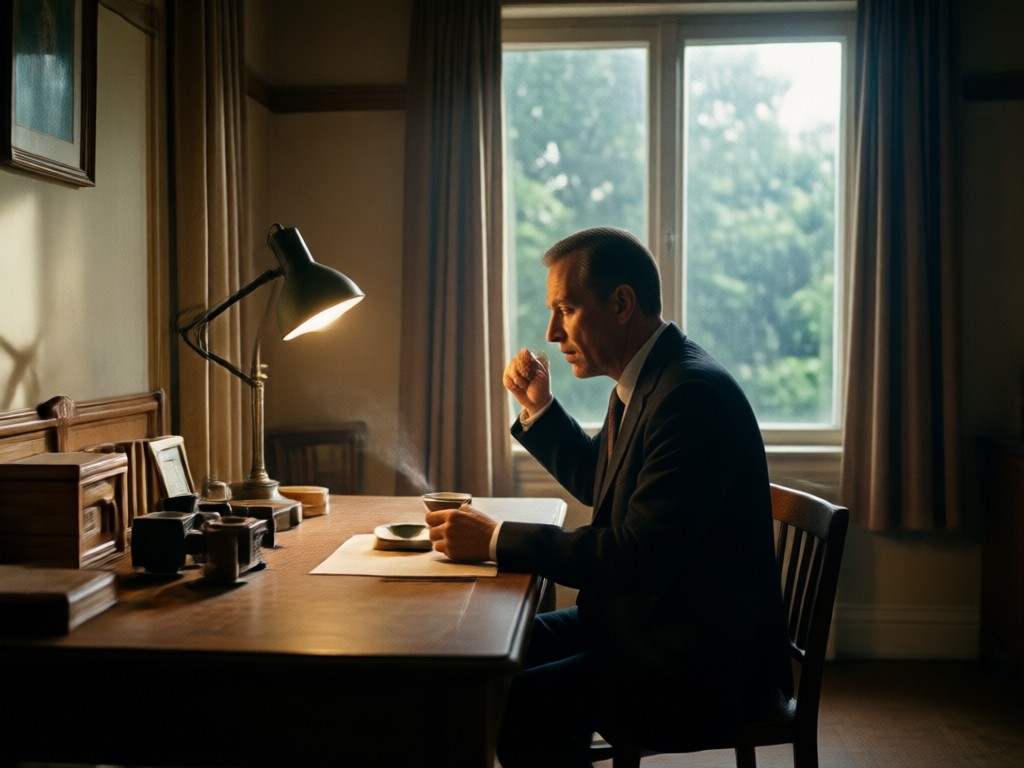
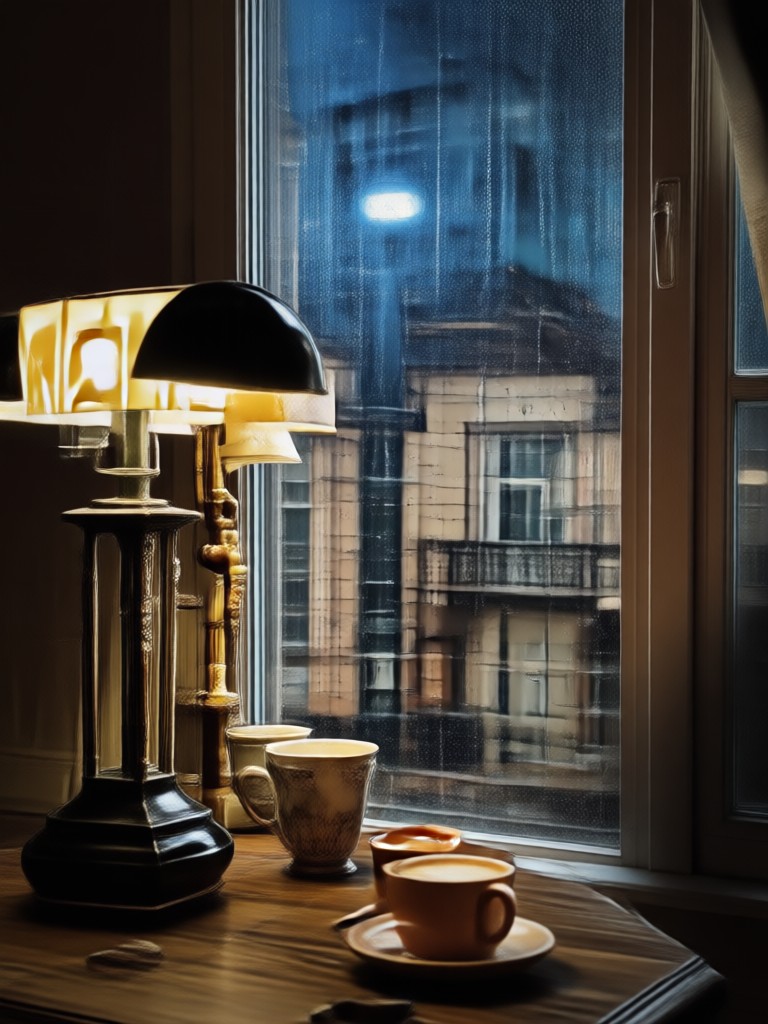
Describe your scene and let AI handle the rest. Write a prompt about a moody street or a golden hour landscape, and dradra generates a high definition cinematic shot with realistic depth of field.
Text to Cinematic Image
Describe your scene and let AI handle the rest. Write a prompt about a moody street or a golden hour landscape, and dradra generates a high definition cinematic shot with realistic depth of field.
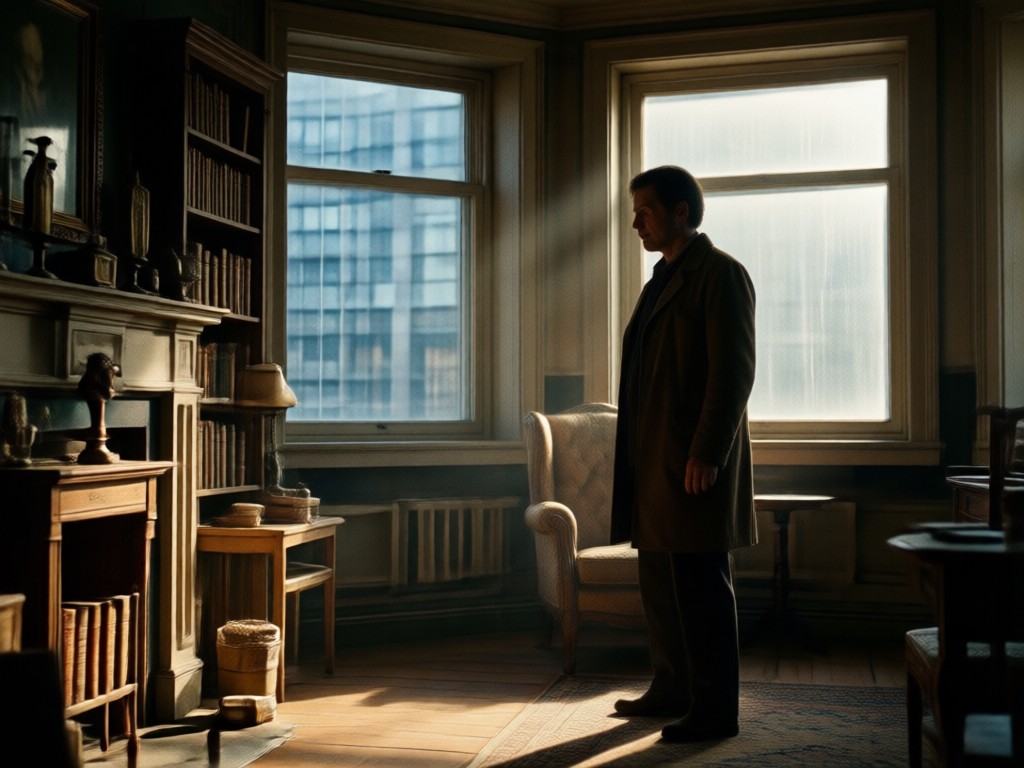
Image to Cinematic Style
Upload a standard photo and apply a film grade to it. Transform a basic selfie into a dramatic movie still or restyle a landscape into a moody cinematic masterpiece.
Image to Cinematic Style
Upload a standard photo and apply a film grade to it. Transform a basic selfie into a dramatic movie still or restyle a landscape into a moody cinematic masterpiece.
Cinematic Video Effects
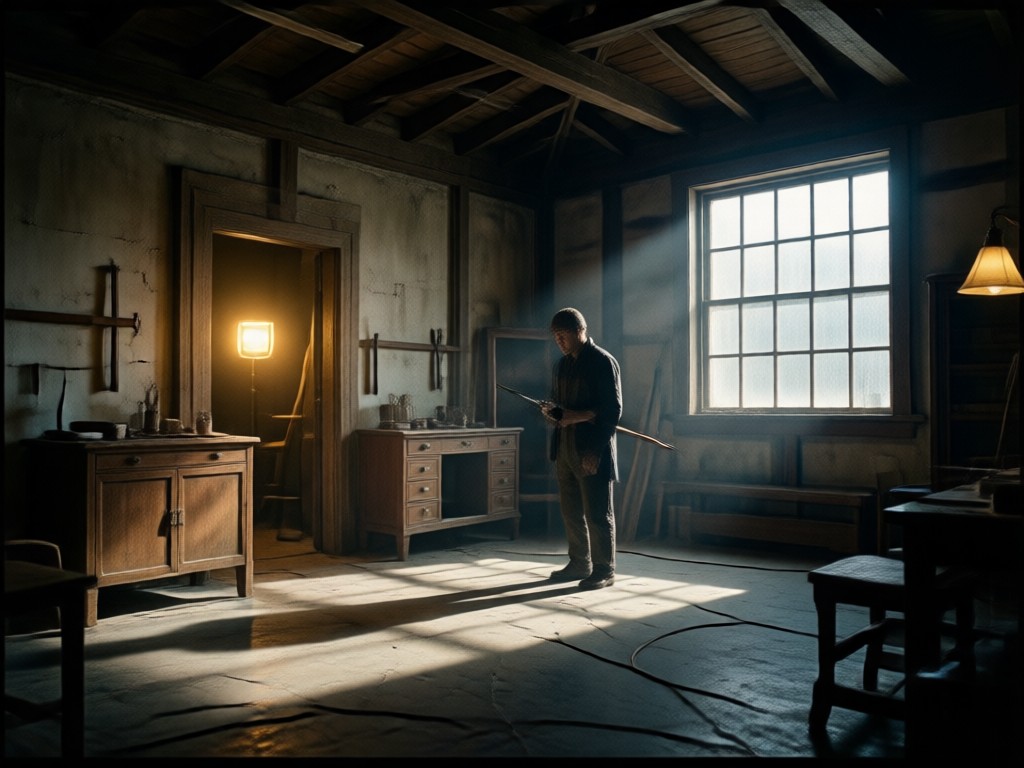
Animate your static cinematic shots into dynamic video clips. Add slow motion, camera pans, and film grain to bring your stills to life with professional motion effects.
Cinematic Video Effects
Animate your static cinematic shots into dynamic video clips. Add slow motion, camera pans, and film grain to bring your stills to life with professional motion effects.
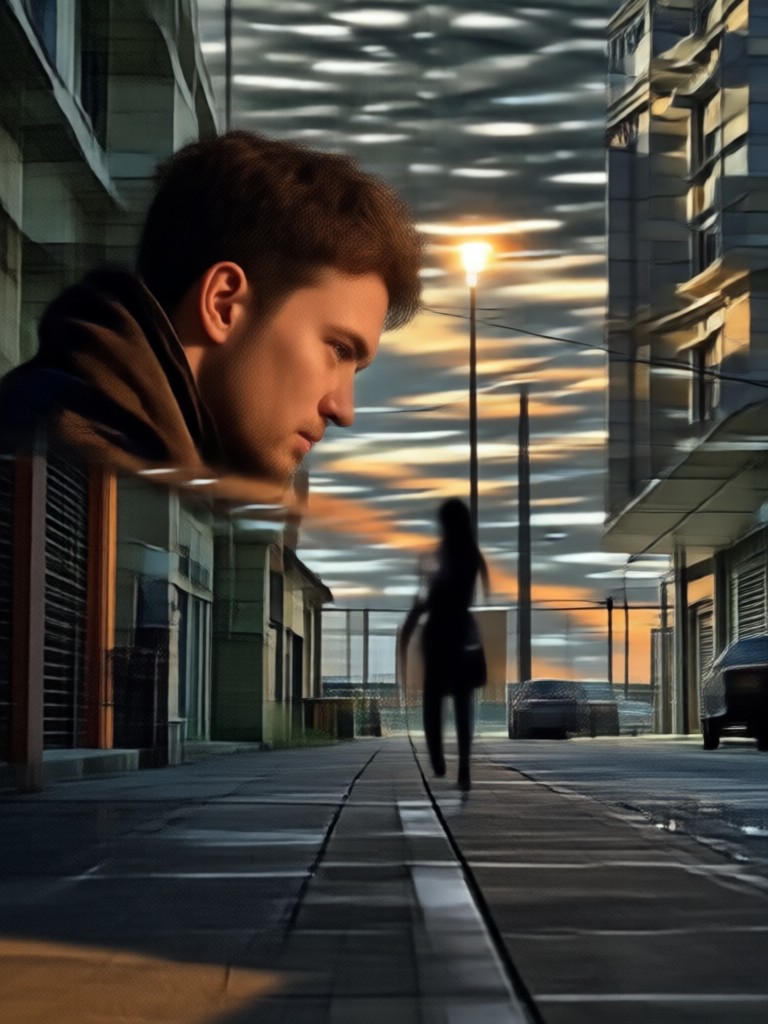
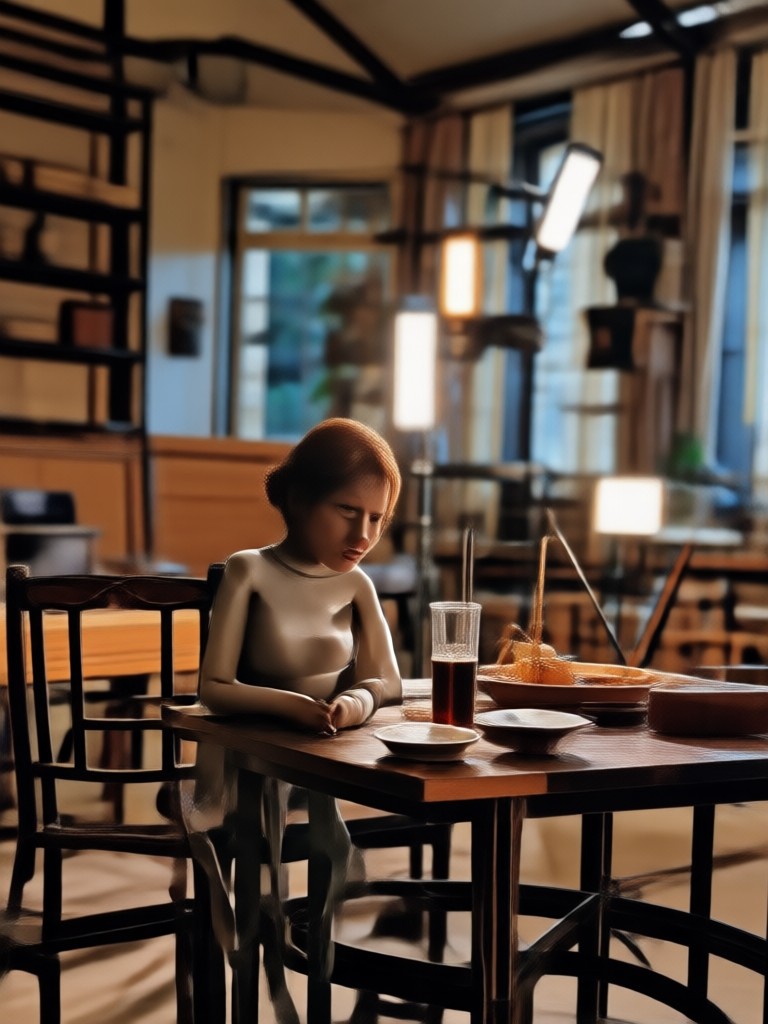
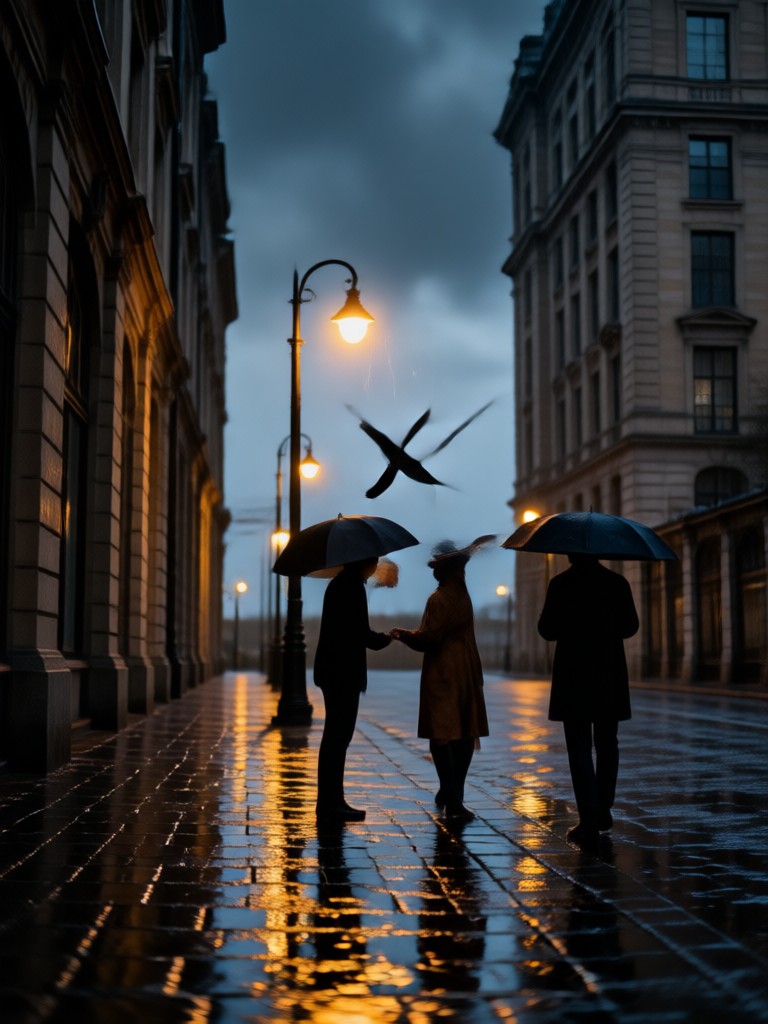
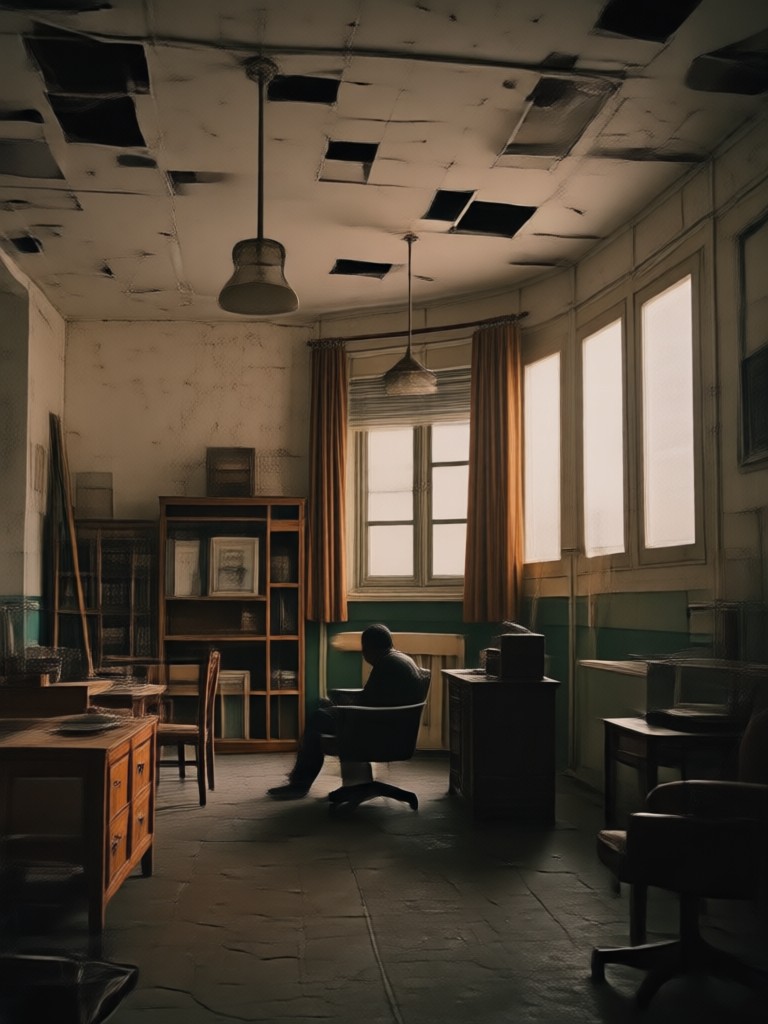
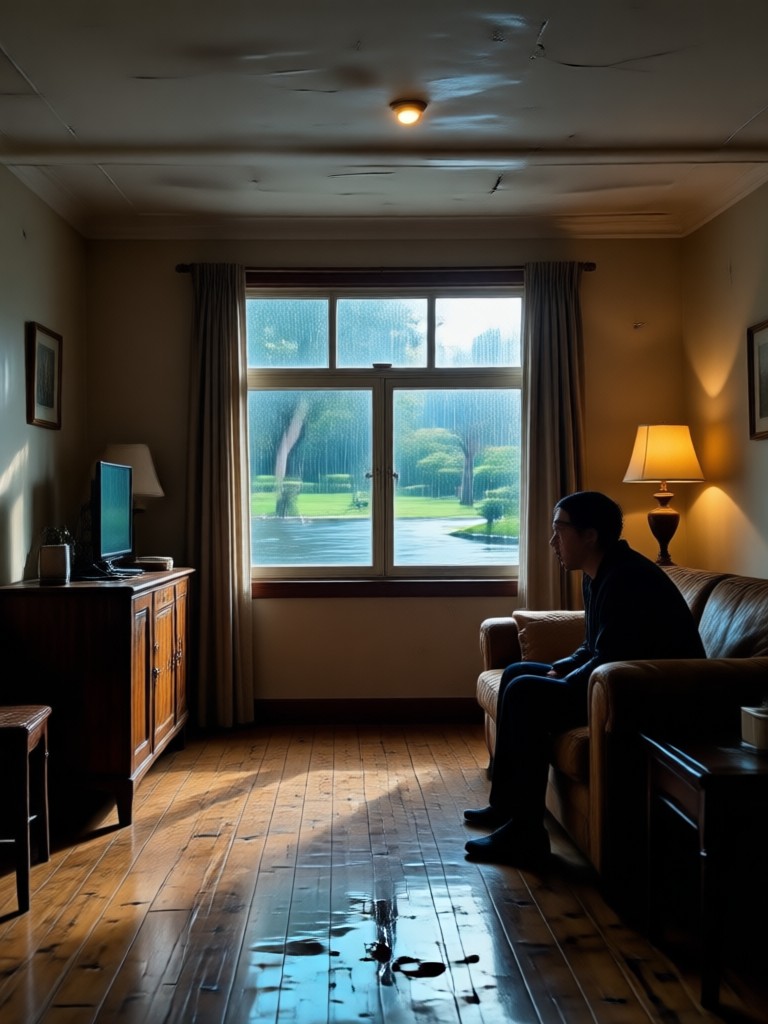
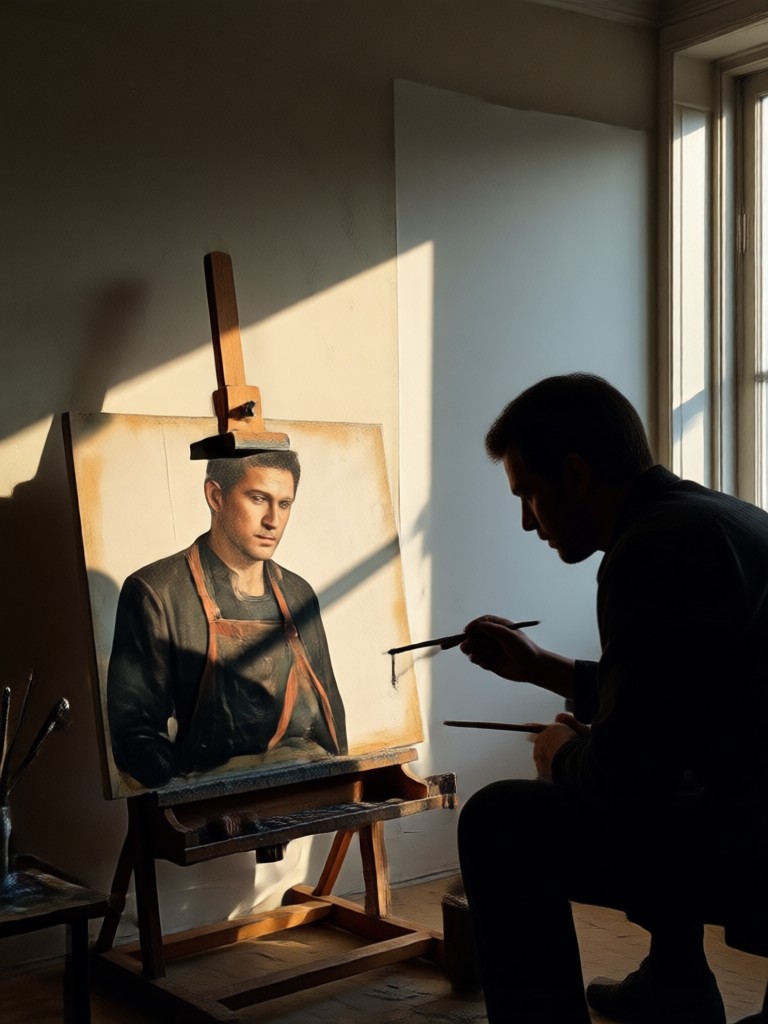
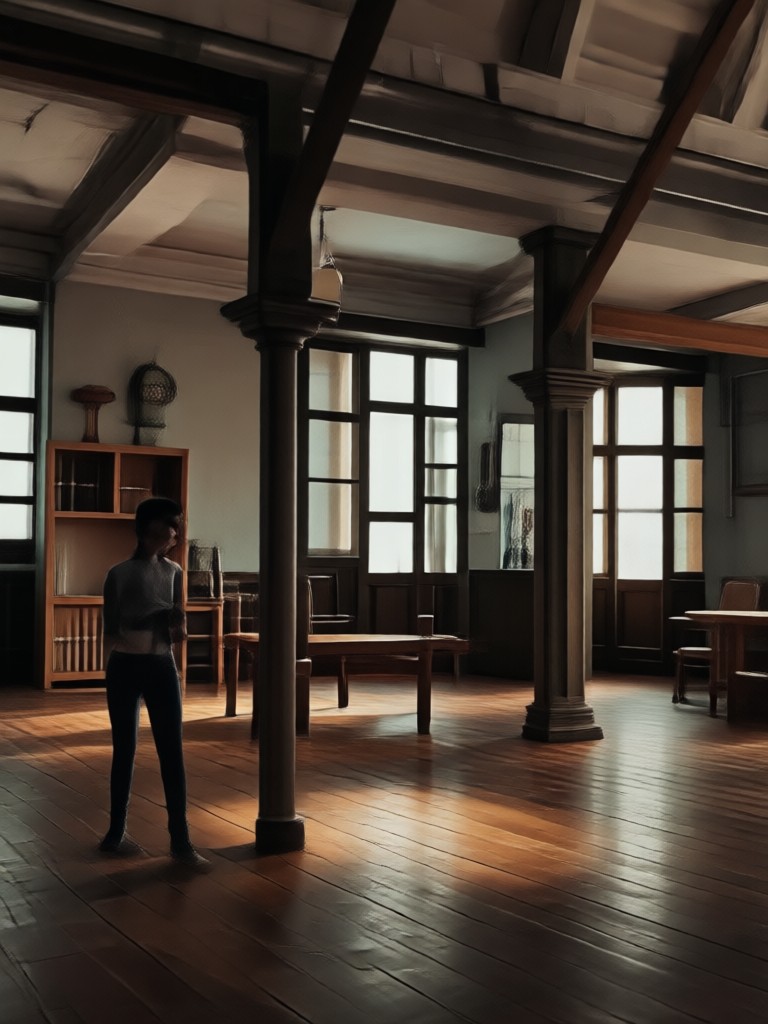
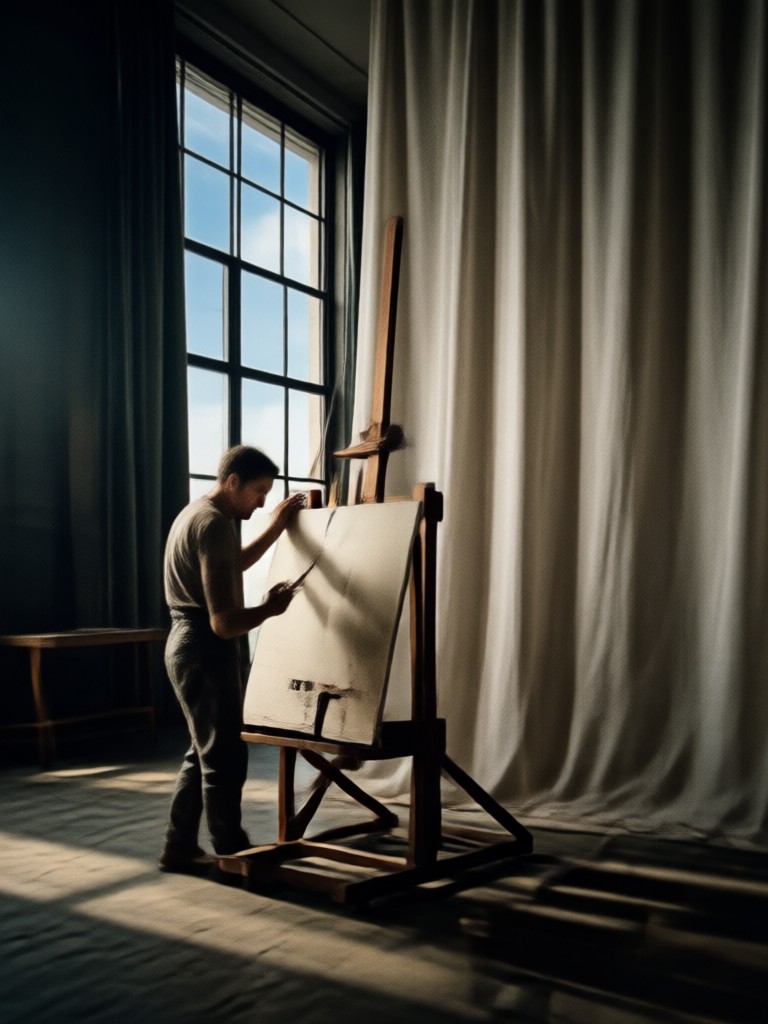
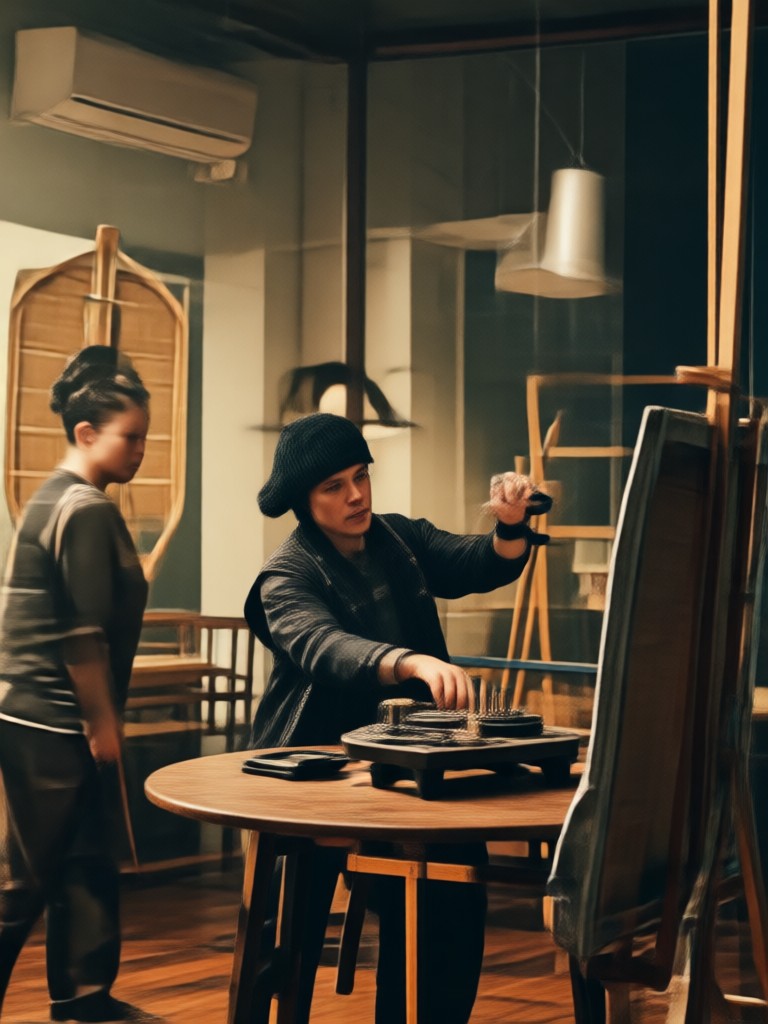
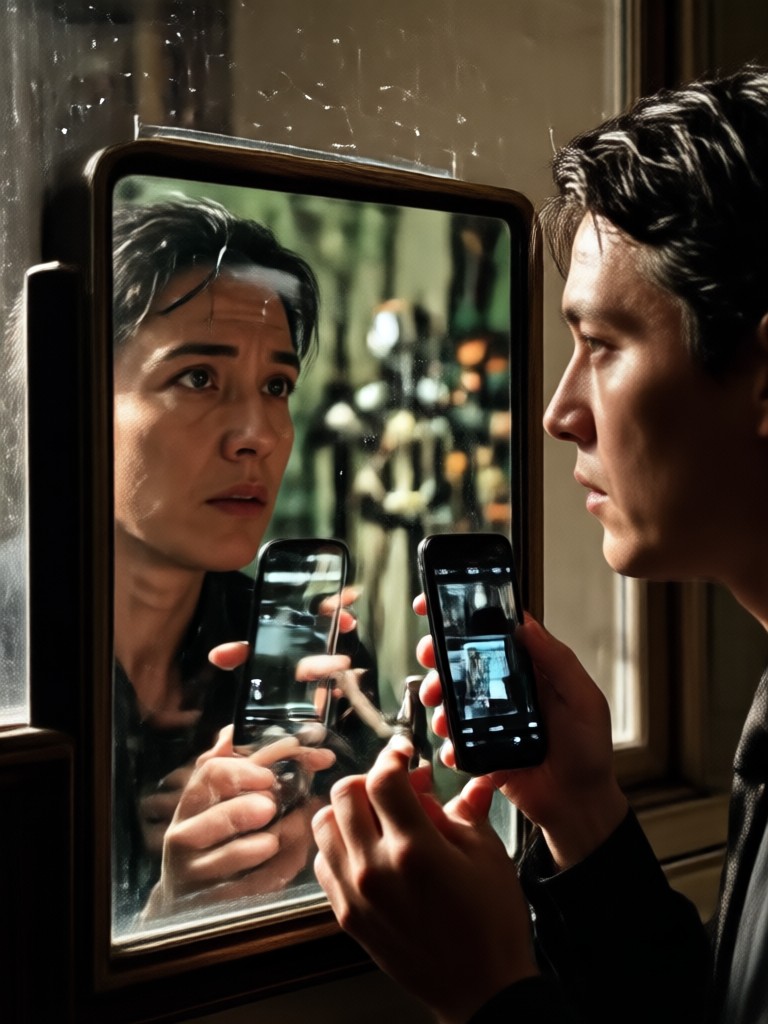
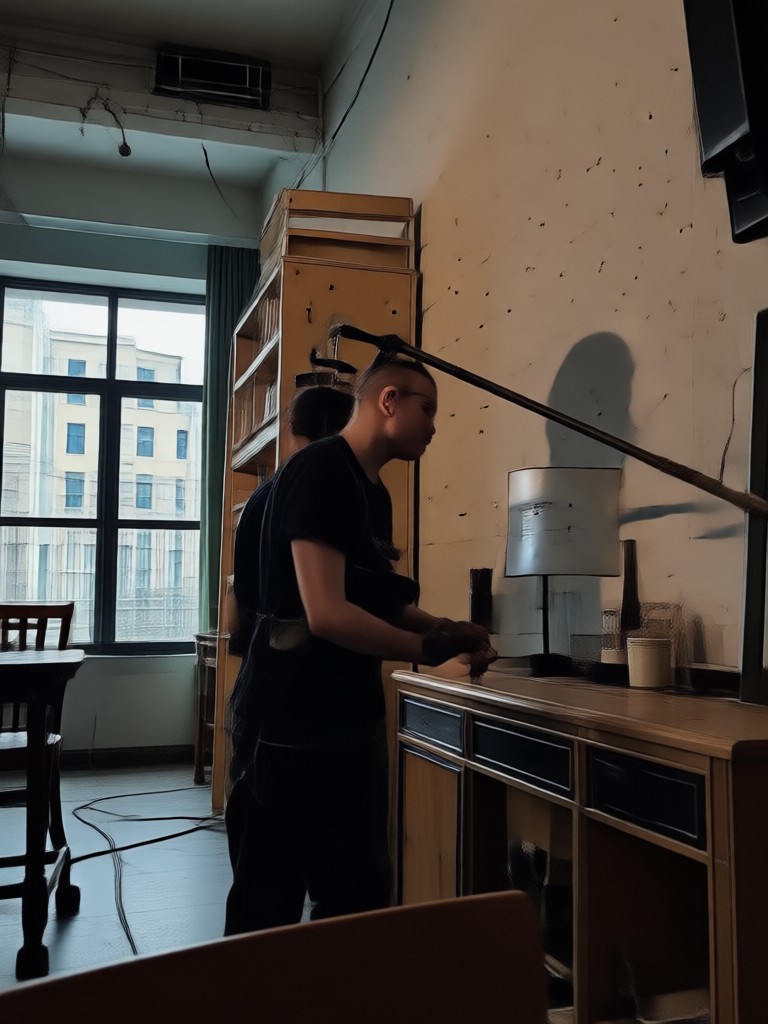
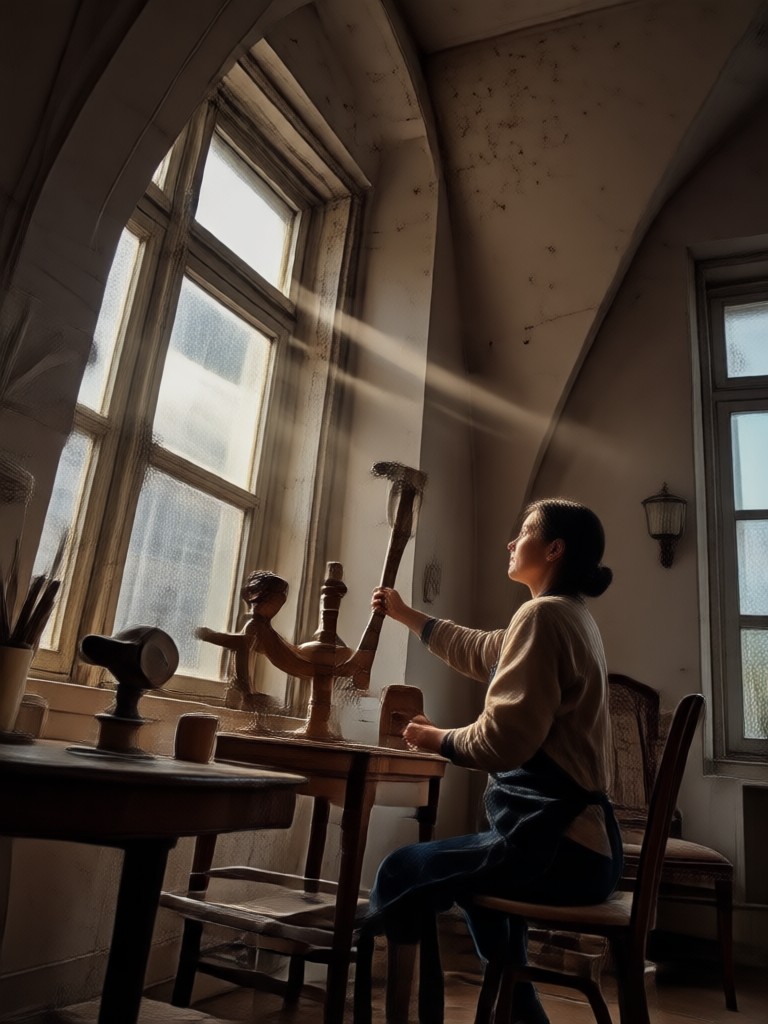
Explore Cinematic AI Creations Gallery
Browse stunning AI-generated images and videos made with our powerful generator. Discover creative possibilities and start creating your own today.
How to Make a Cinematic Shot?
Create stunning cinematic shots in three simple steps using dradra on your phone.
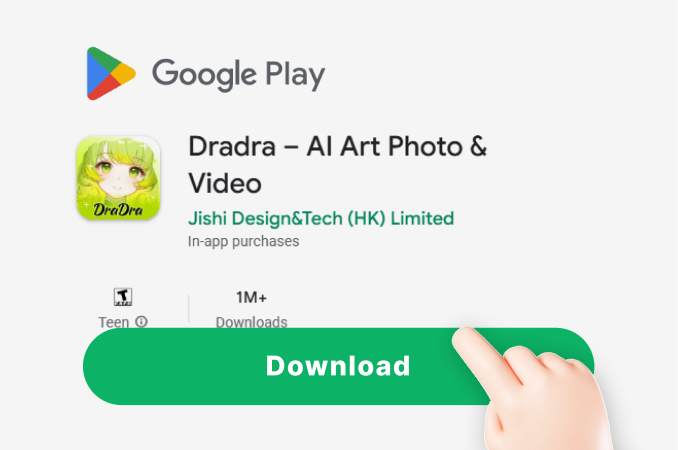
Step 01.
Download the dradra app from Google Play and open the AI generator on your mobile device.
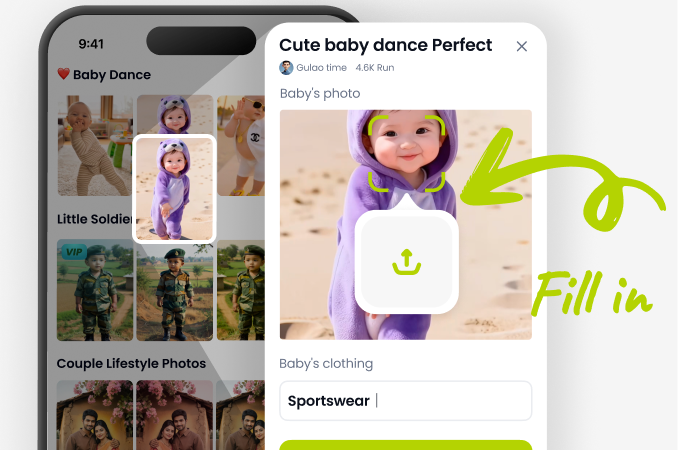
Step 02.
Upload a photo or enter a text prompt. Choose a cinematic style template like Film Noir, Golden Hour, or Anamorphic.
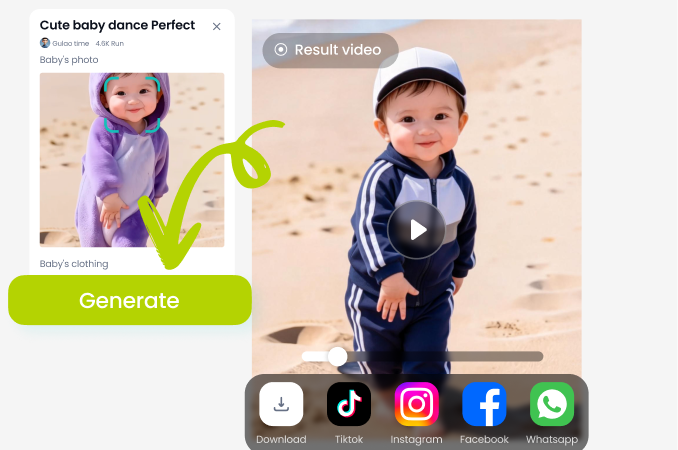
Step 03.
Generate your cinematic shot, then save the high resolution result or turn it into a video to share on social media.
Why Use AI for Cinematic Shots?
Creating a cinematic look usually requires expensive lenses, lighting rigs, and color grading software. dradra puts that power in your pocket.
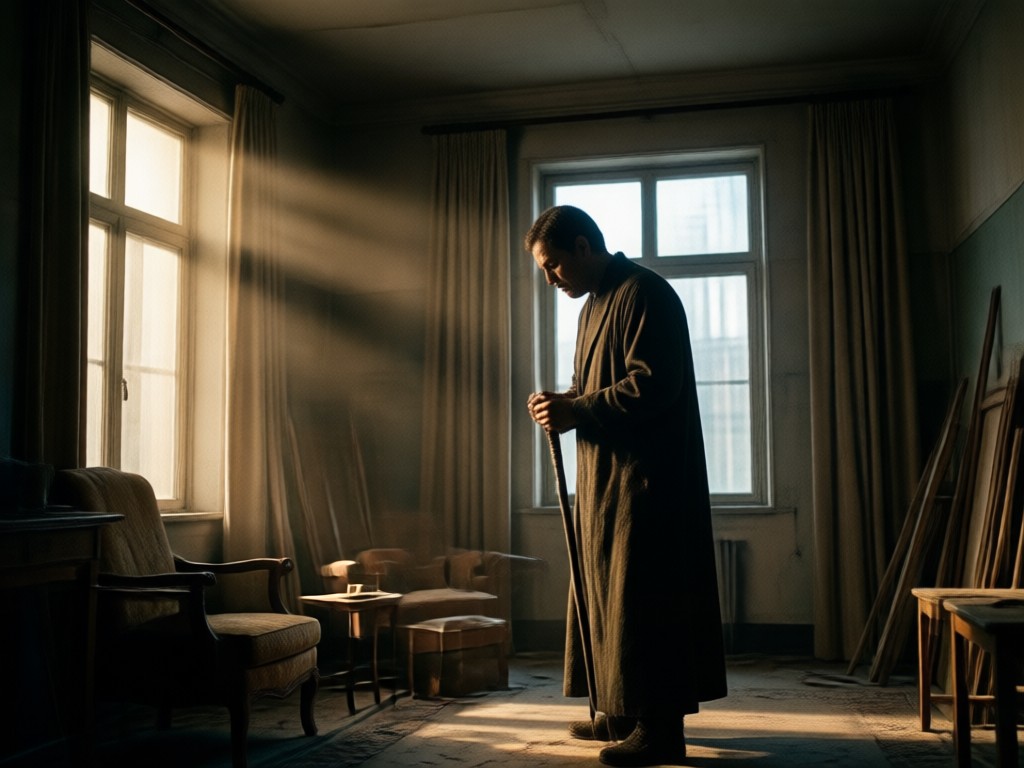
Professional Film Looks Without the Film School
You do not need to understand aperture, focal length, or color theory to get a stunning cinematic shot. dradra automates the complicated parts of filmmaking. The AI analyzes your image, understands the subject and lighting, and applies a professional grade that matches your chosen style. Whether you want the blue shadows of a thriller or the warm tones of a period drama, you can achieve it instantly. This makes dradra perfect for content creators who need high quality visuals quickly, small business owners promoting products, or anyone who wants their social media feed to look like a movie poster.
Professional Film Looks Without the Film School
You do not need to understand aperture, focal length, or color theory to get a stunning cinematic shot. dradra automates the complicated parts of filmmaking. The AI analyzes your image, understands the subject and lighting, and applies a professional grade that matches your chosen style. Whether you want the blue shadows of a thriller or the warm tones of a period drama, you can achieve it instantly. This makes dradra perfect for content creators who need high quality visuals quickly, small business owners promoting products, or anyone who wants their social media feed to look like a movie poster.
Cinematic Shot AI for Android
Download dradra on Google Play and turn your phone into a portable film studio. Generate, edit, and share cinematic shots anywhere.

Here is What Creators Think About Cinematic Shots
My reels finally look like movie scenes
I used to spend an hour editing my Instagram reels to look cinematic. Now I just upload a clip and choose a style. The AI does the color grading perfectly and my engagement has gone up.
Incredible for product ads
We needed a cinematic background for our new watch launch but had no budget for a studio. dradra generated incredible shots that looked like they came from a commercial.
The lighting is so realistic
I love how the AI handles backlight and shadows. It brings a depth to my portraits that I could not get with my phone camera alone. Highly recommended.
Frequently Asked Questions
Find clear answers to common questions about creating cinematic shots with dradra AI.
More Topics You May Like
Explore more topics you may like and discover fresh ideas tailored to your interests.

Create Stunning Gemini AI Jewelry Posters in Minutes

Turn Photos into Dreamy Flower Boys with AI

Create Stunning Gemini AI Chef Images in Seconds
AI Sticker Generator: Turn Photos Into Fun Stickers
Create Stunning Gemini AI Jewelry Posters in Minutes
Turn Photos into Dreamy Flower Boys with AI
Create Stunning Gemini AI Chef Images in Seconds
AI Sticker Generator: Turn Photos Into Fun Stickers
Trending Cinematic Effects at Your Fingertips
Apply the latest viral cinematic effects to videos and images effortlessly. Stay ahead of trends and create content everyone will notice.

Trending Cinematic Effects at Your Fingertips
Apply the latest viral cinematic effects to videos and images effortlessly. Stay ahead of trends and create content everyone will notice.