AI News Video
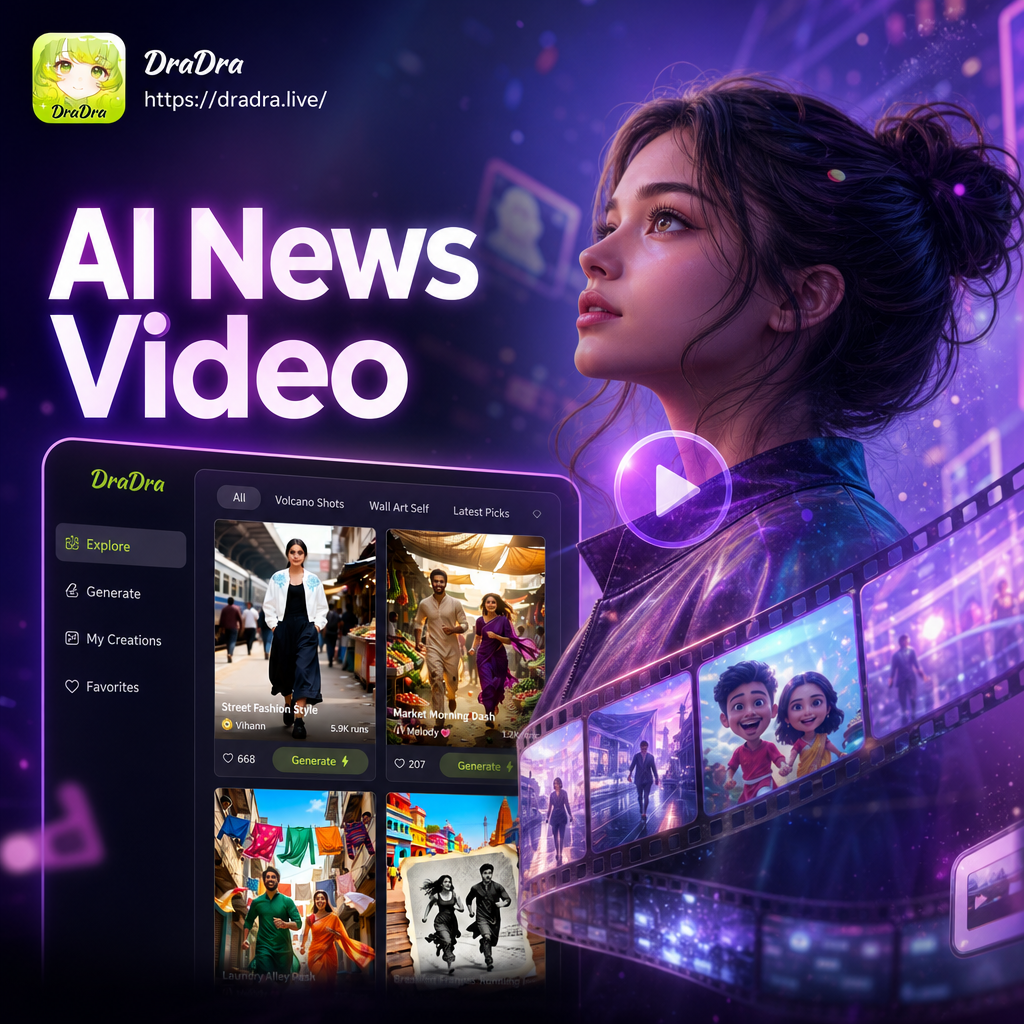
Choose the News Video Style That Fits Your Story
Browse studio templates, breaking news intros, and presenter styles to match the tone of your report.
Key Features of the AI News Video Generator
Everything you need to create professional news reports with a virtual presenter, all inside one mobile app.
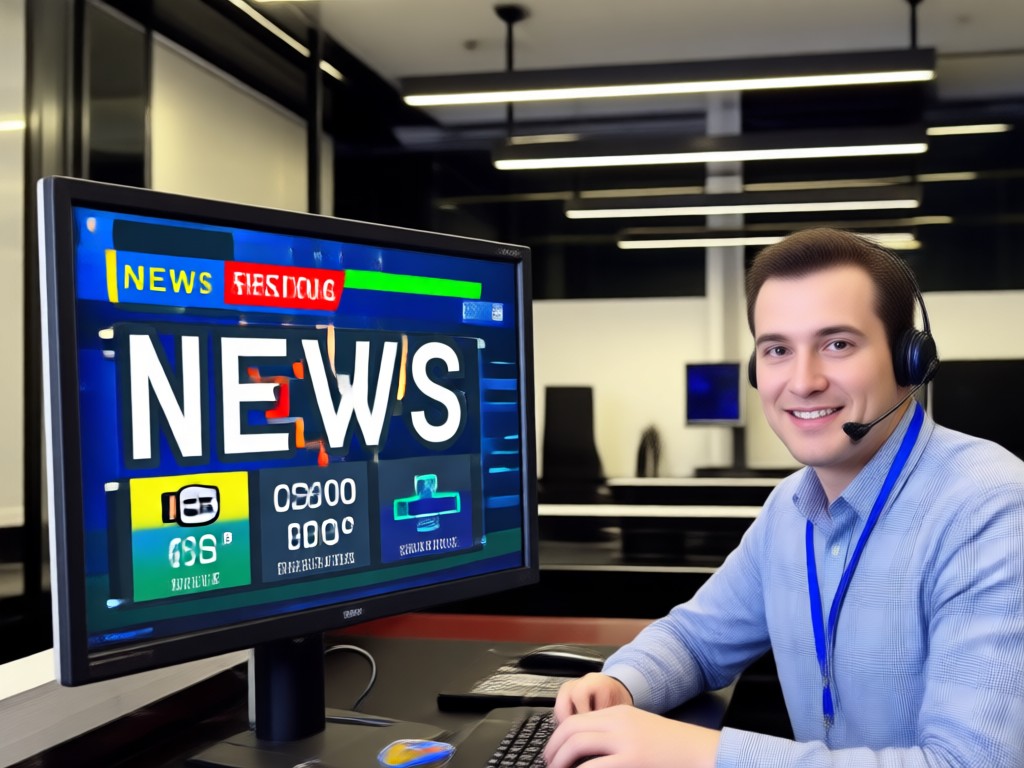
AI Virtual News Anchor
Transform any portrait into a lifelike news presenter. The AI maps facial expressions and lip syncs spoken scripts so your anchor looks natural on camera.
AI Virtual News Anchor
Transform any portrait into a lifelike news presenter. The AI maps facial expressions and lip syncs spoken scripts so your anchor looks natural on camera.
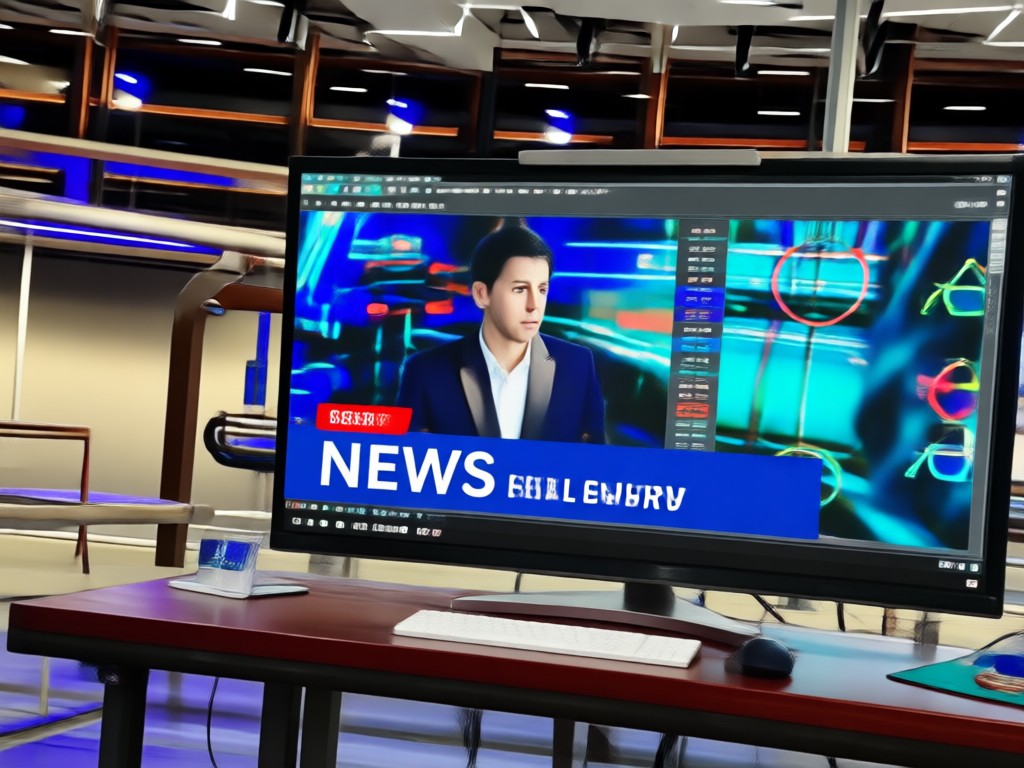
Text to Broadcast Video
Type a news script and let the AI turn it into a spoken video report. Choose tone, pacing, and language for a polished broadcast delivery.
Text to Broadcast Video
Type a news script and let the AI turn it into a spoken video report. Choose tone, pacing, and language for a polished broadcast delivery.
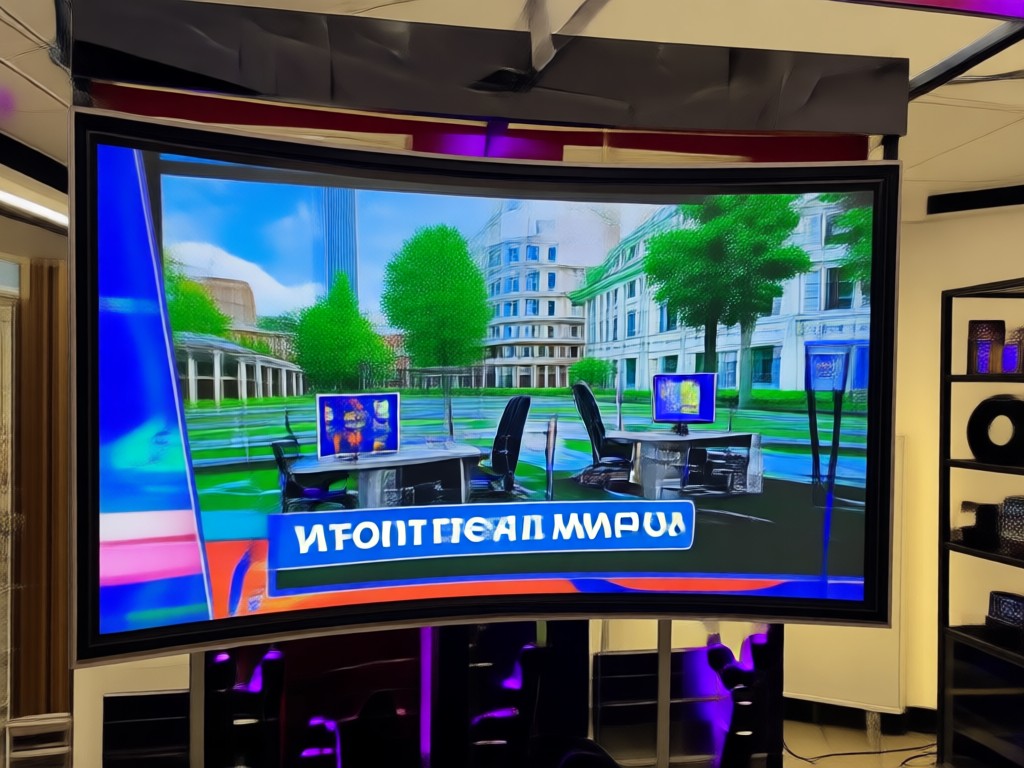
Studio Background Templates
Drop your presenter into a realistic news studio, desk setup, or breaking news backdrop with one tap. No green screen or lighting gear required.
Studio Background Templates
Drop your presenter into a realistic news studio, desk setup, or breaking news backdrop with one tap. No green screen or lighting gear required.
How to Make an AI News Video
Create a professional AI news presenter video in three simple steps using the dradra mobile app.
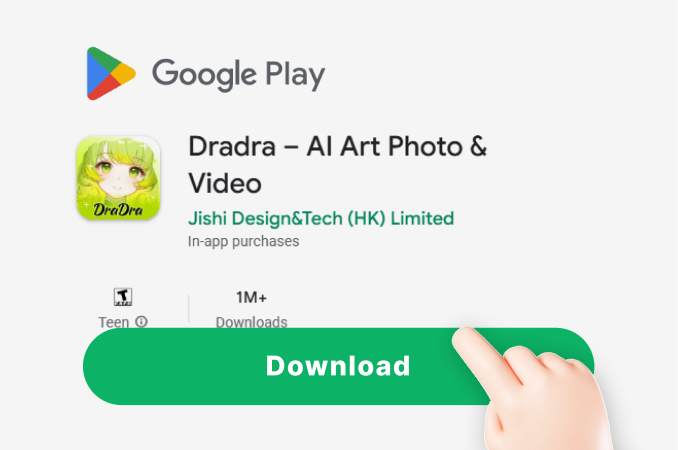
Step 01.
Download the dradra app from Google Play and open the AI video generator tool on your phone.
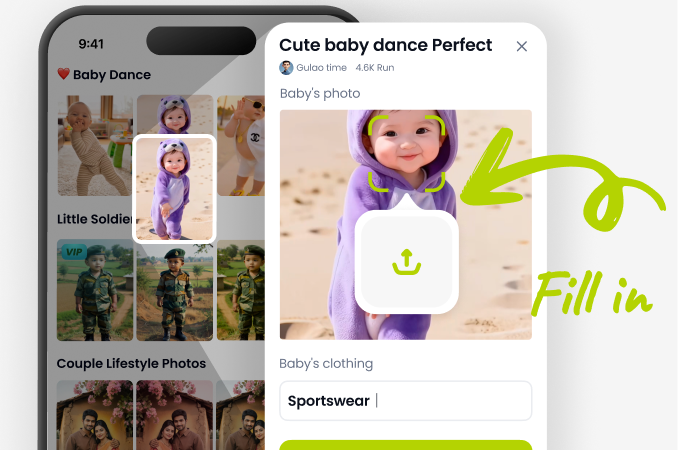
Step 02.
Upload a portrait photo or pick a built-in avatar, then select a news studio template and type your headline or script.
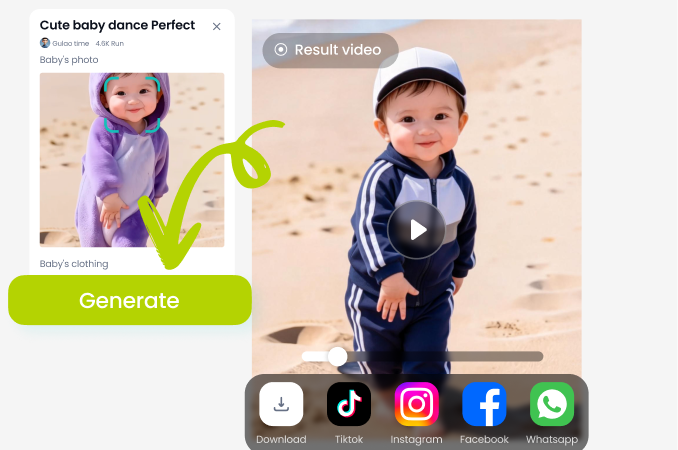
Step 03.
Generate your AI news video, preview the anchor's lip sync and movements, then download and share it on social media.
AI News Video Examples That Look Broadcast Ready
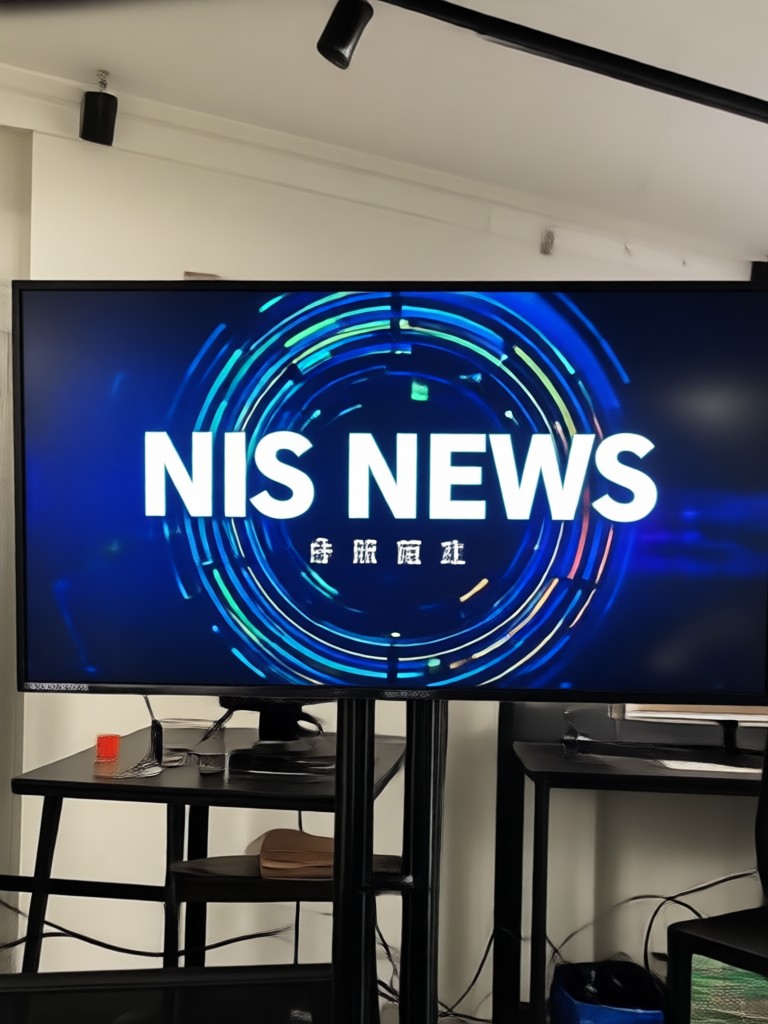
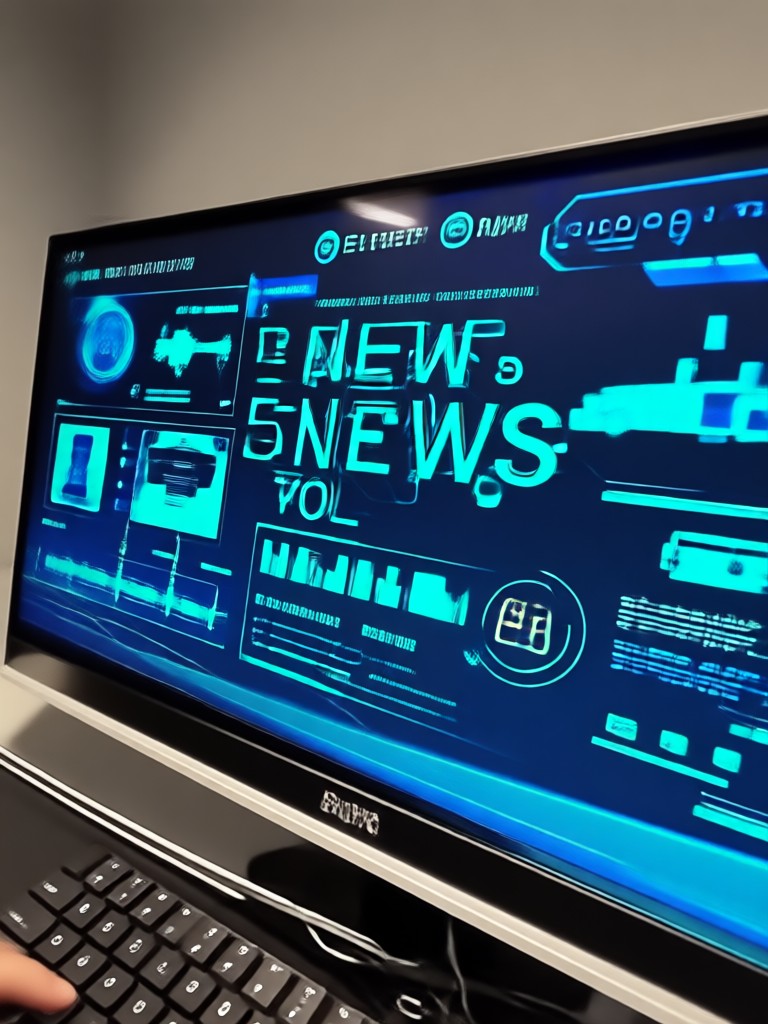
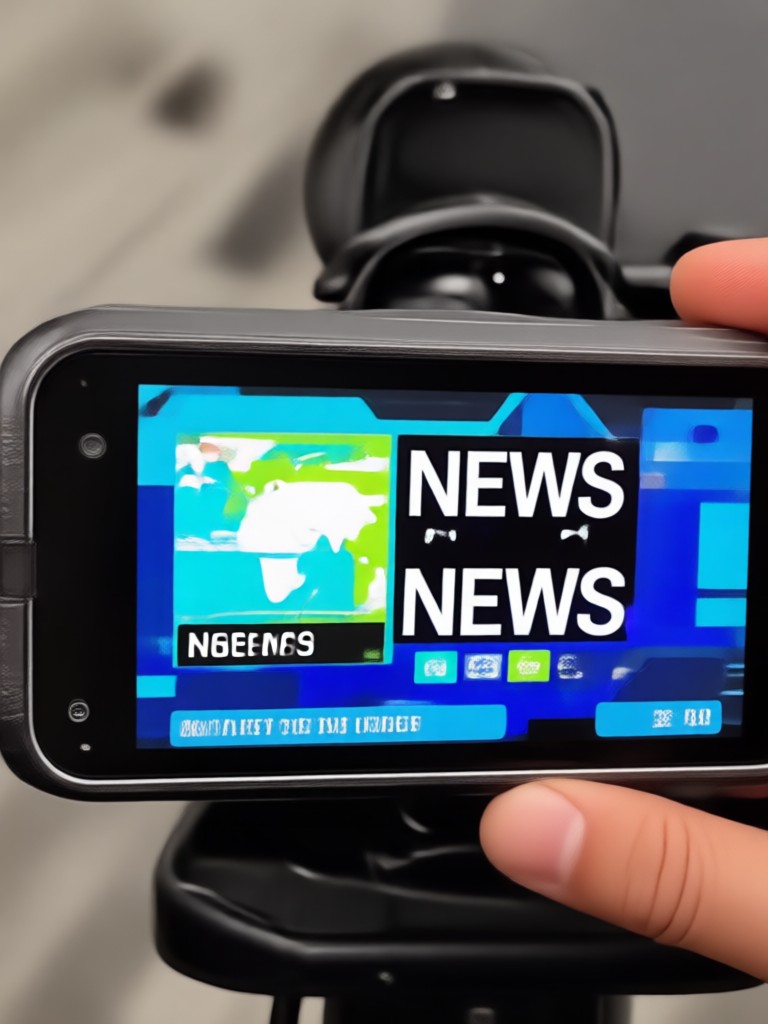
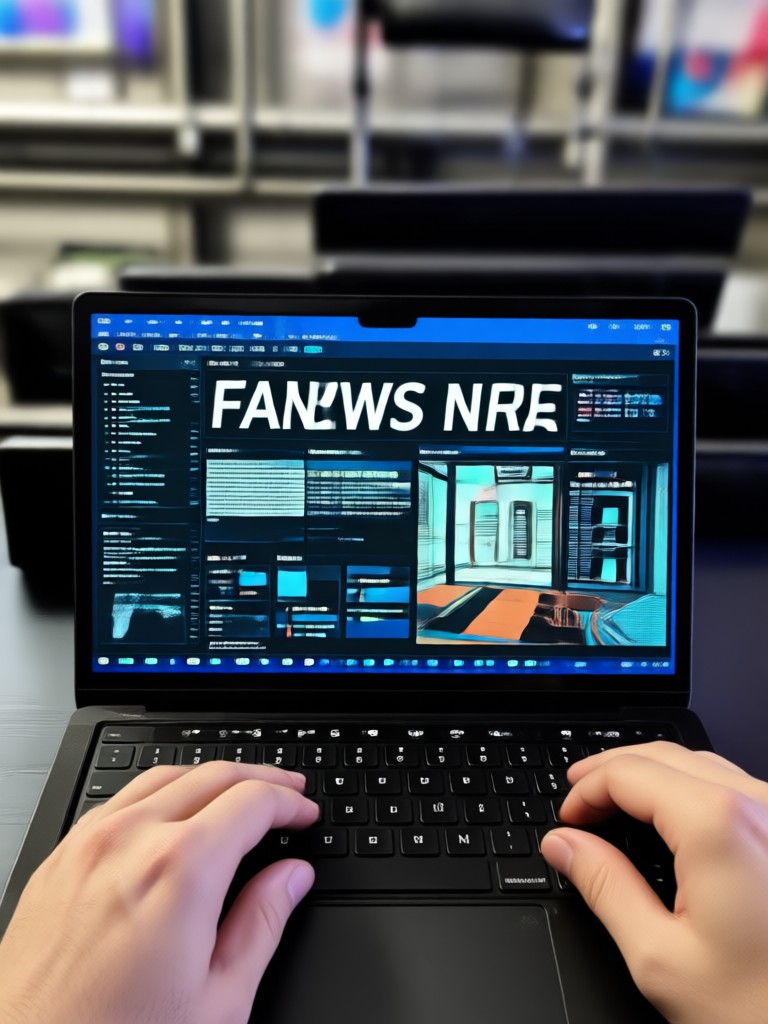
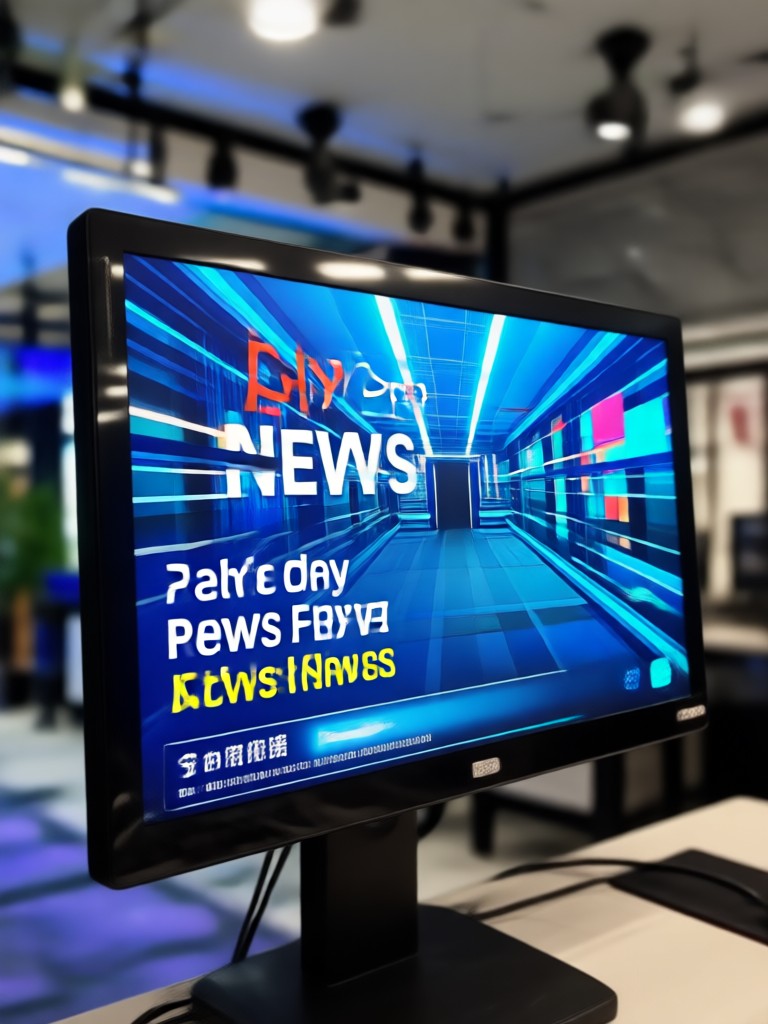
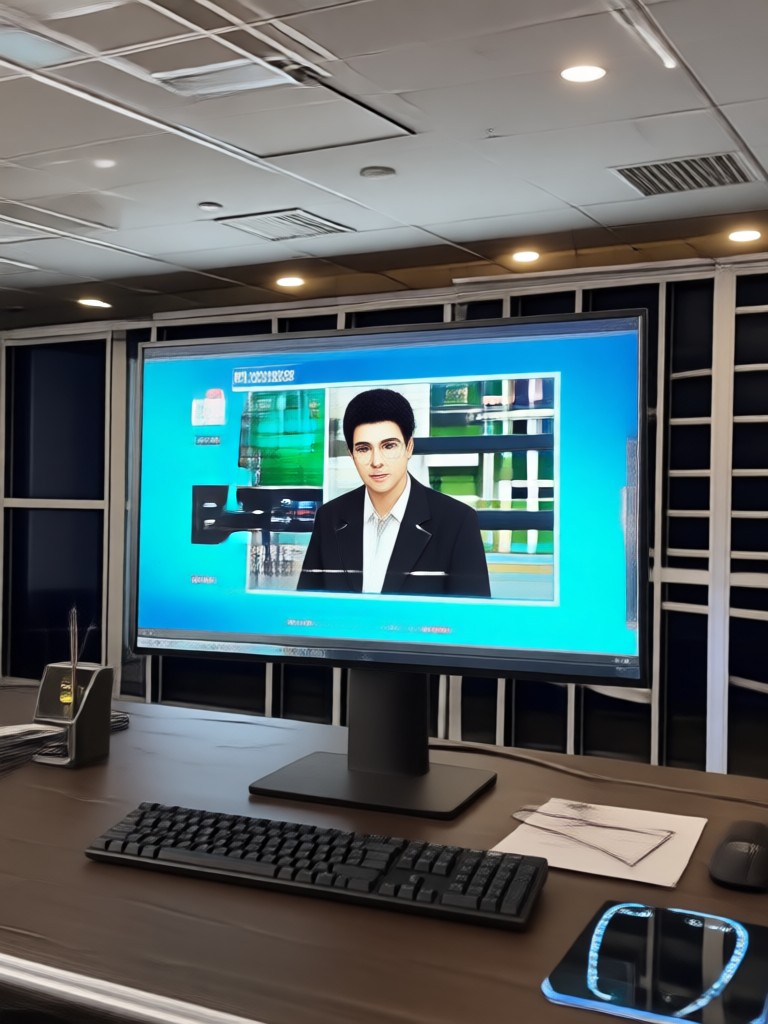
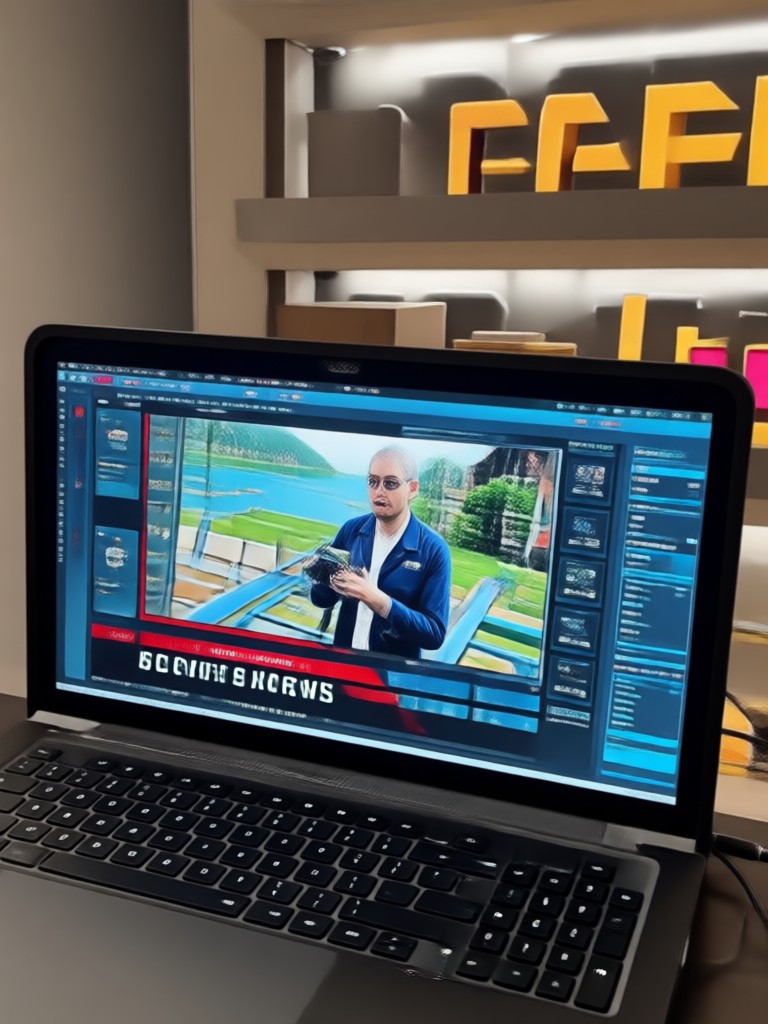
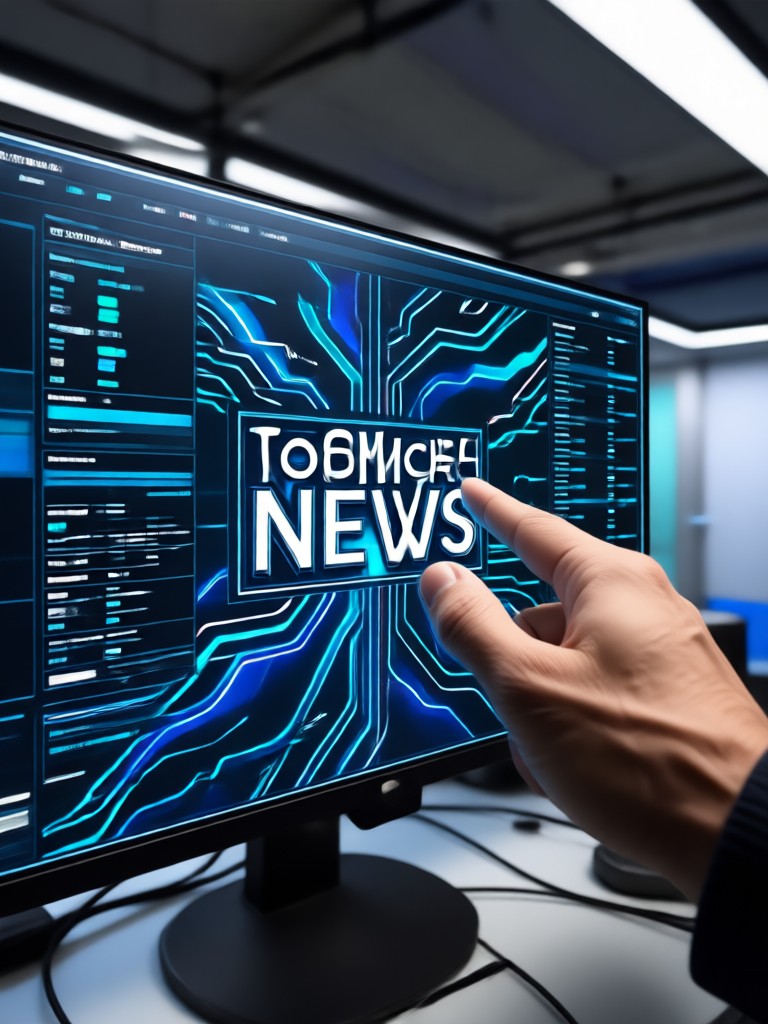
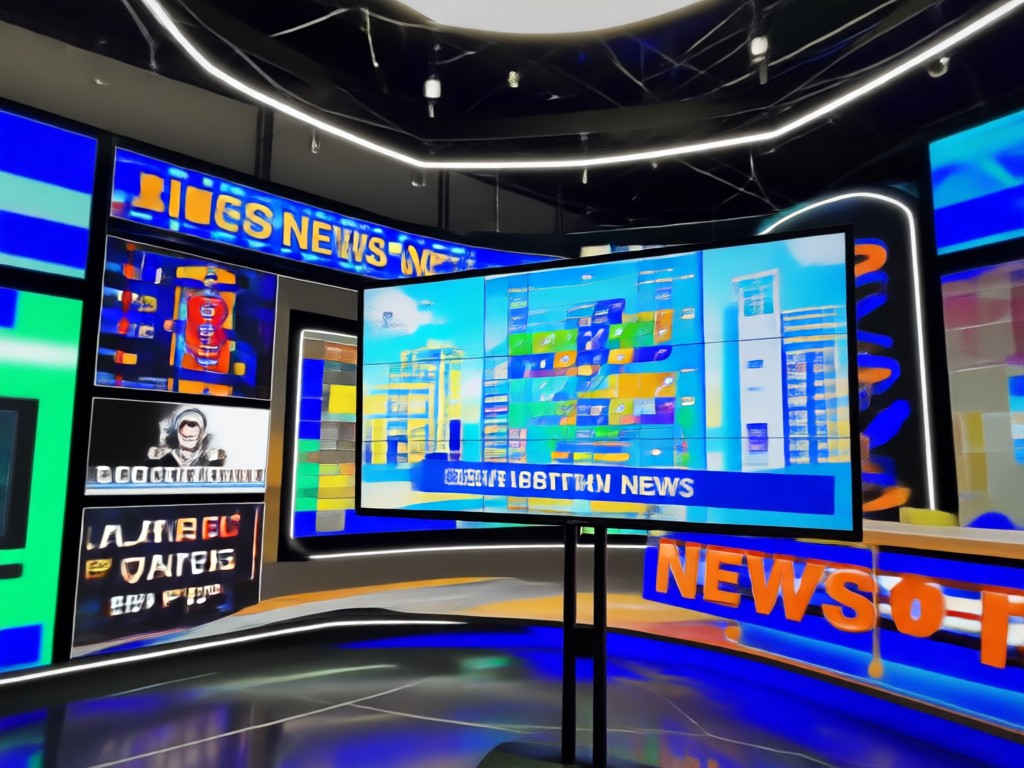
Browse AI generated news presenter clips, studio reports, and breaking news intros made with dradra. See how realistic virtual anchors can look and get inspired to create your own.
Why Creators Use dradra for AI News Videos
From independent journalists to social media content creators, thousands of users rely on dradra to produce news style videos without cameras, lighting, or editing software. The app handles lip sync, facial animation, and studio backgrounds automatically so you can focus on the story.
Why Creators Use dradra for AI News Videos
From independent journalists to social media content creators, thousands of users rely on dradra to produce news style videos without cameras, lighting, or editing software. The app handles lip sync, facial animation, and studio backgrounds automatically so you can focus on the story.
Here Is What Creators Think About AI News Videos
My daily news roundup takes ten minutes now
I run a tech news channel and used to spend hours filming and editing. With dradra I type my script, pick a studio template, and get a broadcast quality AI news video in minutes. My viewers keep asking how I do it.
Perfect for breaking down local stories
As an independent journalist I cannot afford a full studio. dradra lets me turn my photo into a virtual news anchor and publish reports the same day. The lip sync looks surprisingly natural.
My brand updates feel like a real broadcast
We use AI news presenter videos for product announcements and weekly company updates. The templates look professional and the text to video feature saves our marketing team hours every week.
AI News Video Frequently Asked Questions
Find clear answers to common questions about creating AI news presenter videos with dradra.
More Topics You May Like
Explore more topics you may like and discover fresh ideas tailored to your interests.
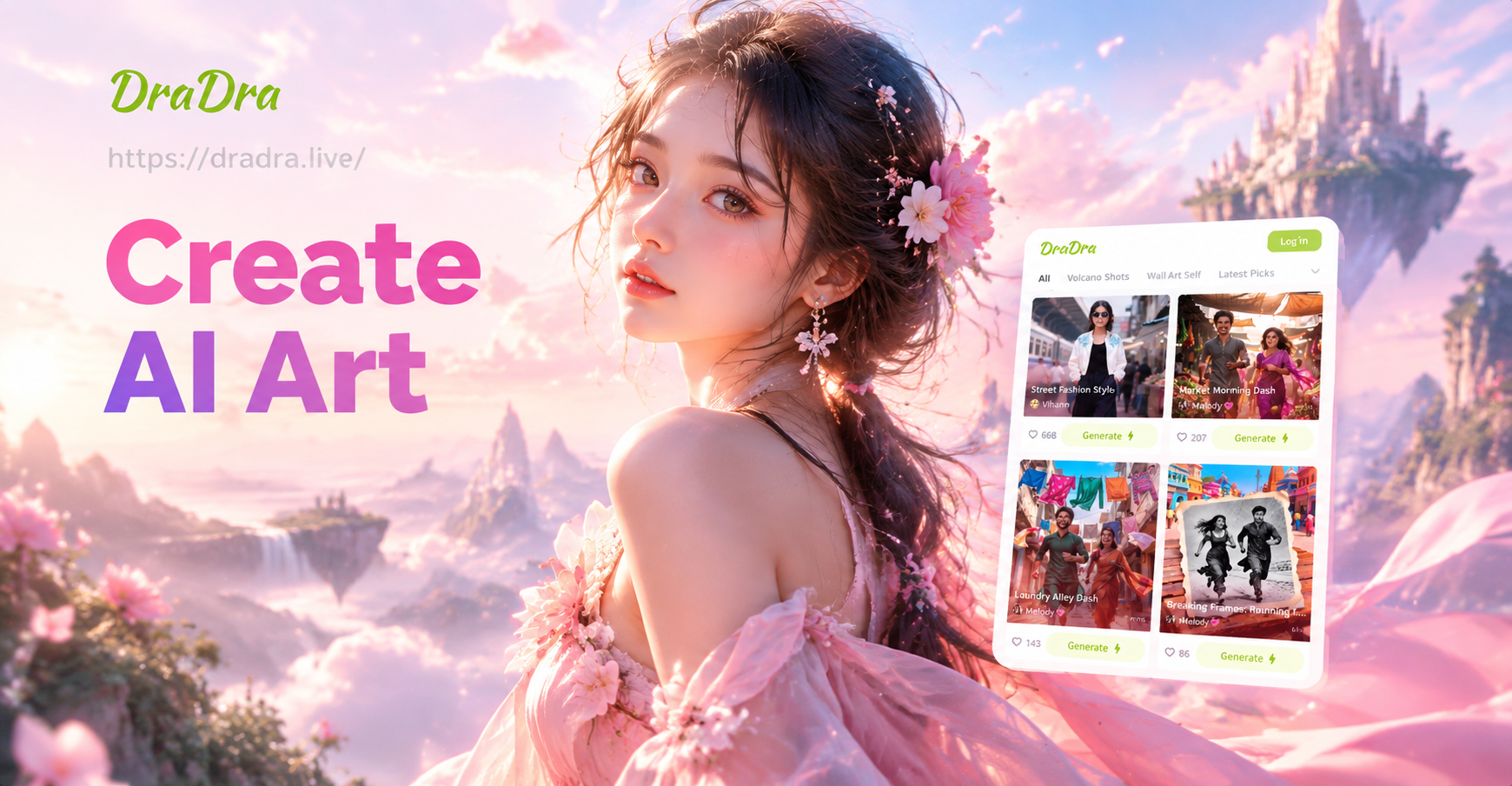
AI Wide Shot Photo: Create Epic Cinematic Scenes
Generate stunning AI wide shot photos with the dradra app. Upload a reference, pick a cinematic style, and create expansive, detailed scenes in seconds.
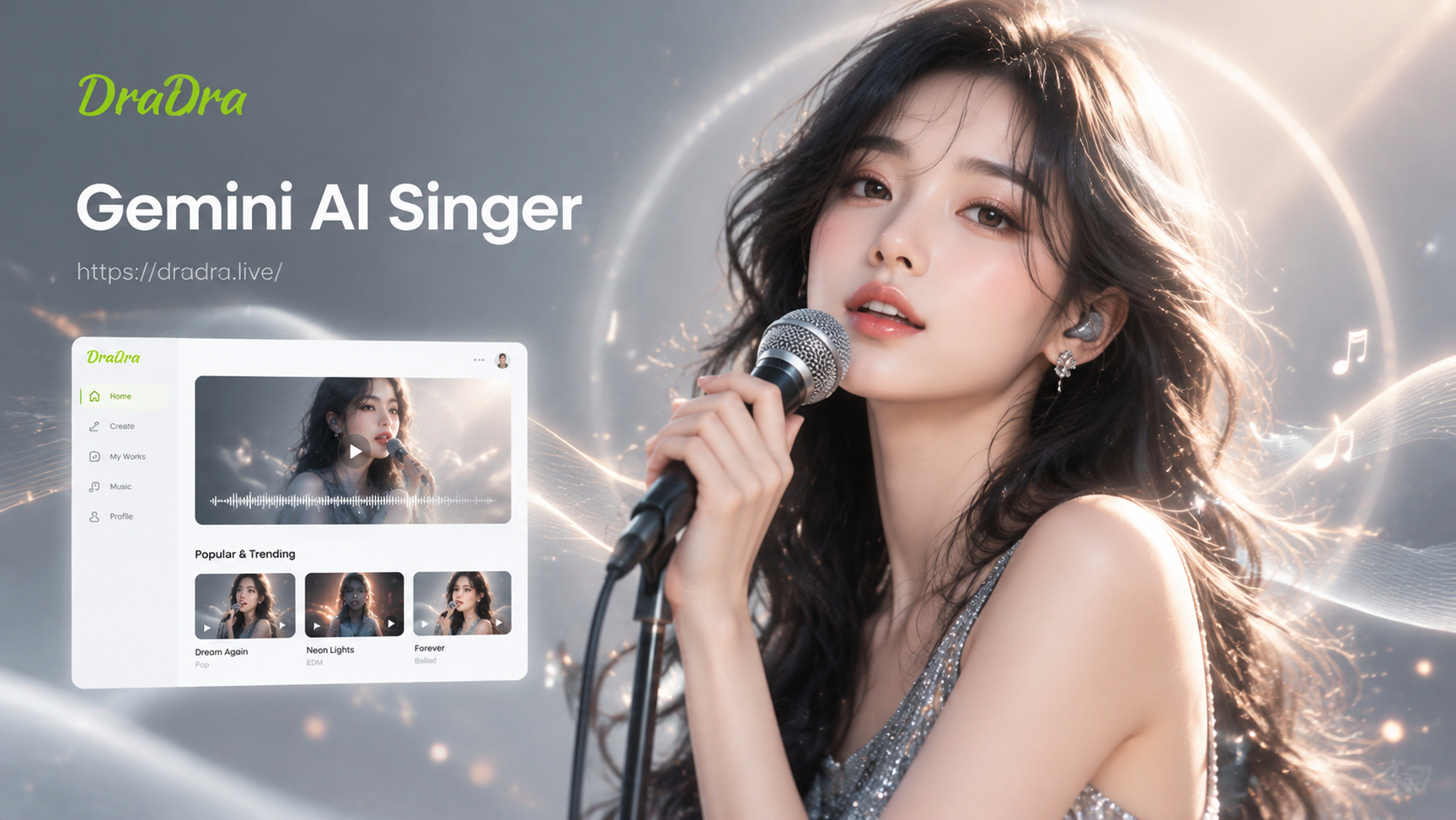
Turn Any Photo Into a Gemini AI Singer Portrait
Turn your selfies into stunning Gemini AI singer photos. Upload a picture, pick a stage ready style, and generate a realistic idol portrait in seconds. No design skills needed.
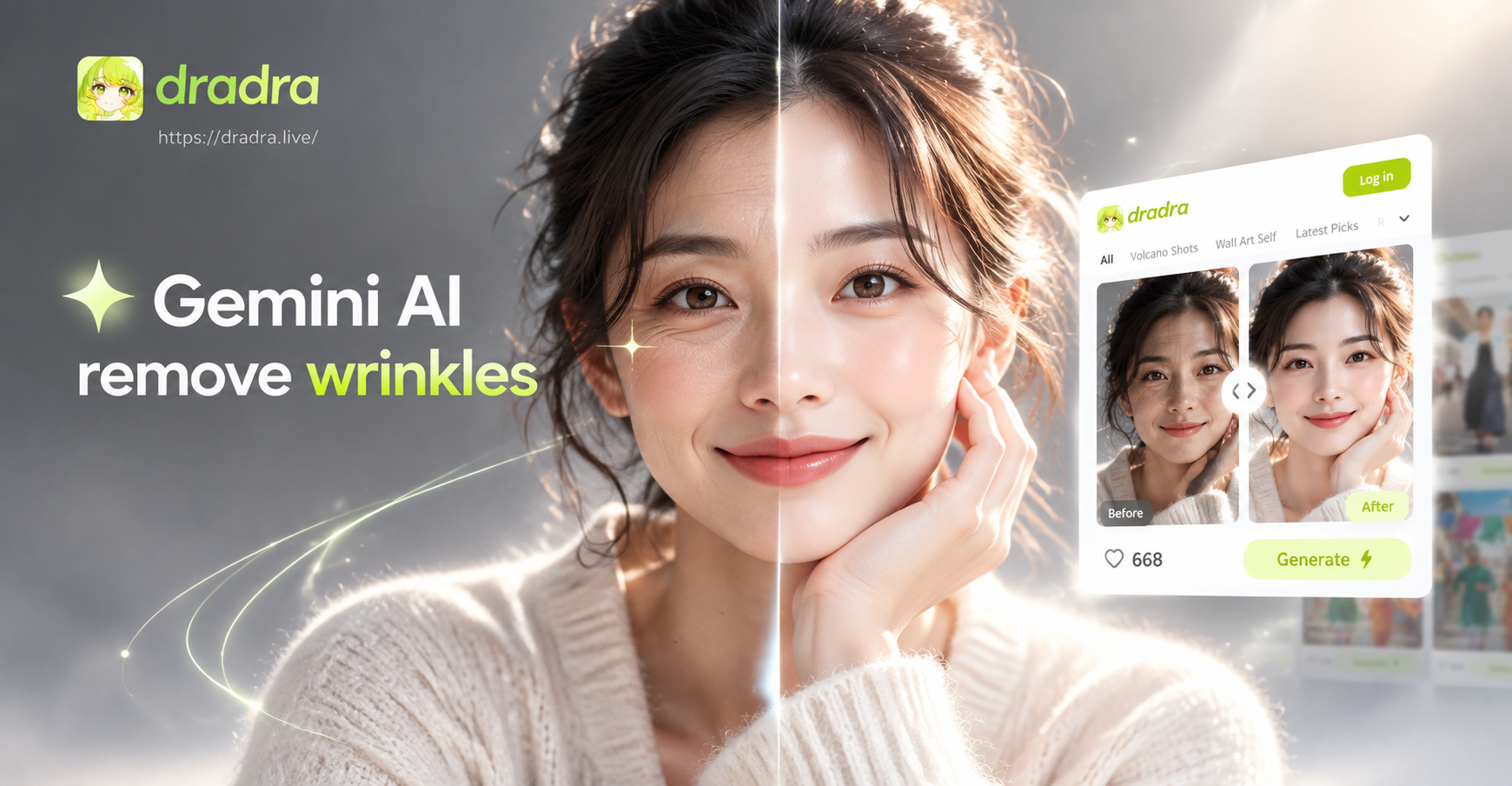
Gemini AI Remove Wrinkles: Smooth Skin in Seconds
Remove wrinkles from photos with Gemini AI. Upload a portrait, pick a skin smoothing filter, and get natural, youthful results in seconds. No editing skills needed.
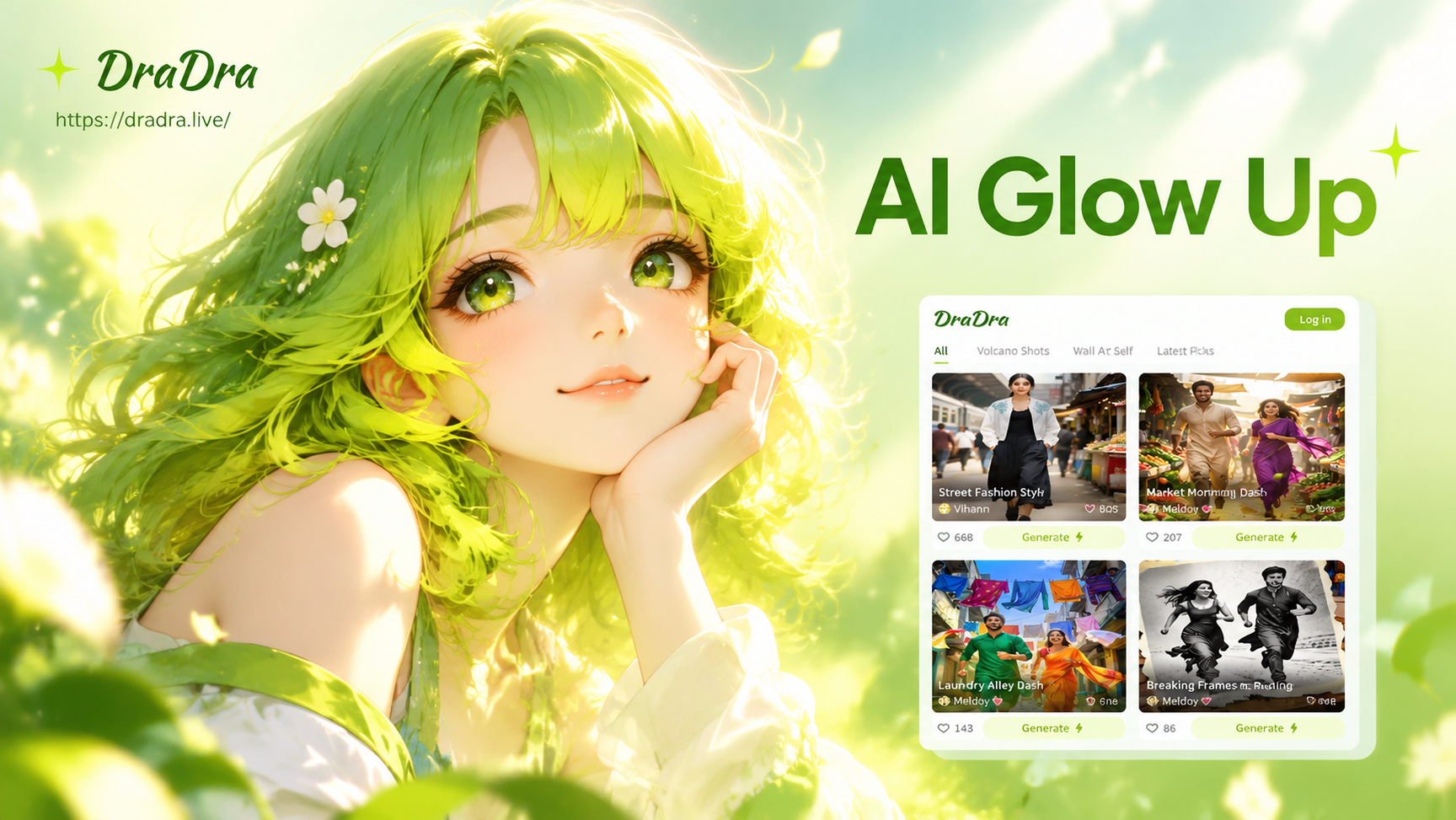
AI Glow Up: Transform Your Look in Seconds
Get a stunning AI glow up with dradra. Upload a photo, pick a style filter, and watch your face and style transform into a flawless, radiant version. Download the app now.
Create Your First AI News Video Today
Download dradra from Google Play and turn your headline into a professional news anchor video in minutes. No camera, no studio, no editing experience required.

Create Your First AI News Video Today
Download dradra from Google Play and turn your headline into a professional news anchor video in minutes. No camera, no studio, no editing experience required.