AI VFX: Cinematic Visual Effects in Seconds
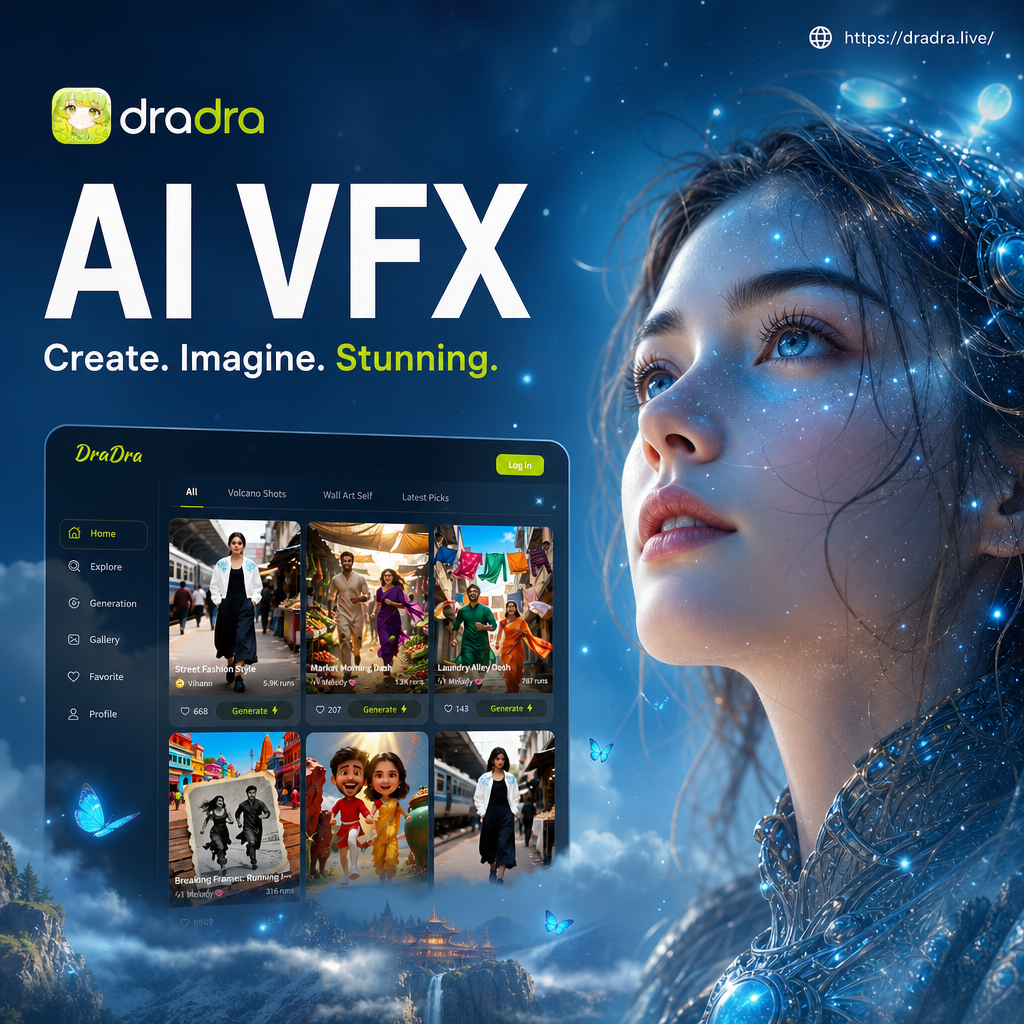
Choose the AI VFX Filter That Fits Your Scene
From sci-fi portals and neon energy to fire, smoke, and dramatic weather, explore AI VFX filters designed for photos and videos. Pick a style and create in one tap.
AI VFX Tools for Every Creative Idea
Turn ordinary shots into extraordinary moments with text to image, image to image, and video generation. dradra gives you powerful AI VFX controls without a steep learning curve.
Text to VFX
Describe a scene and let AI generate it. Type a prompt like glowing portal in a forest and get a cinematic still in seconds.
Image to VFX
Upload a photo and apply AI visual effects while keeping the subject intact. Add lightning, fire, or neon energy to your shot.
Video to VFX
Animate static images into motion clips with explosions, particle bursts, and dynamic camera moves that make your content pop.
AI VFX Creations Gallery
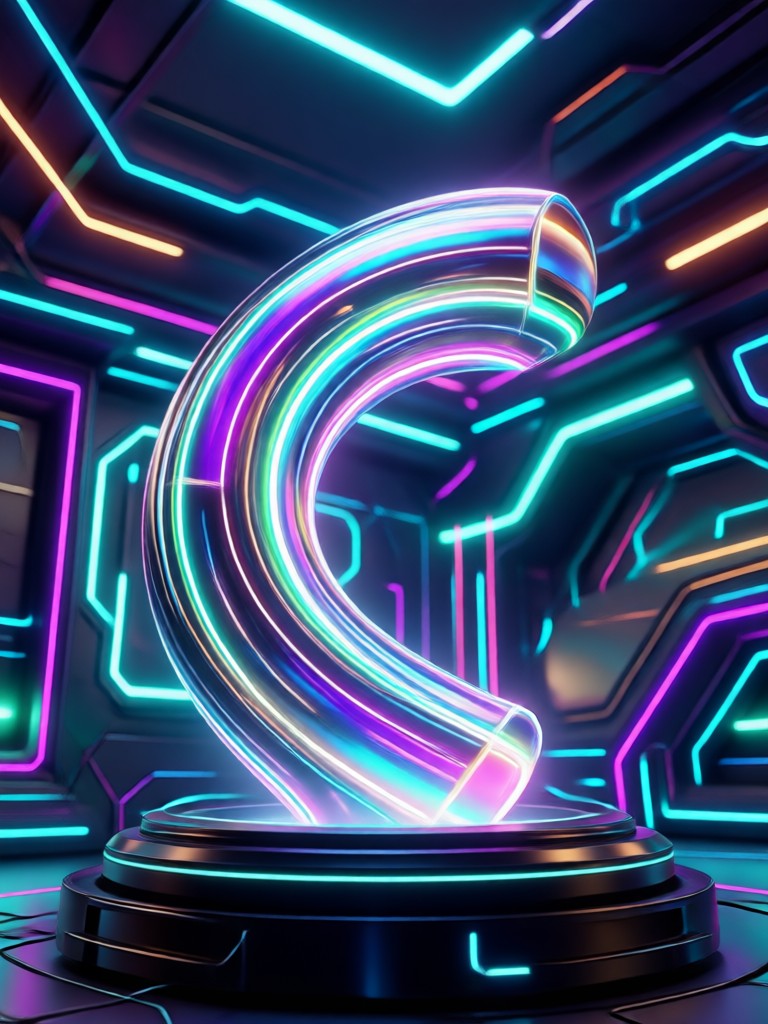
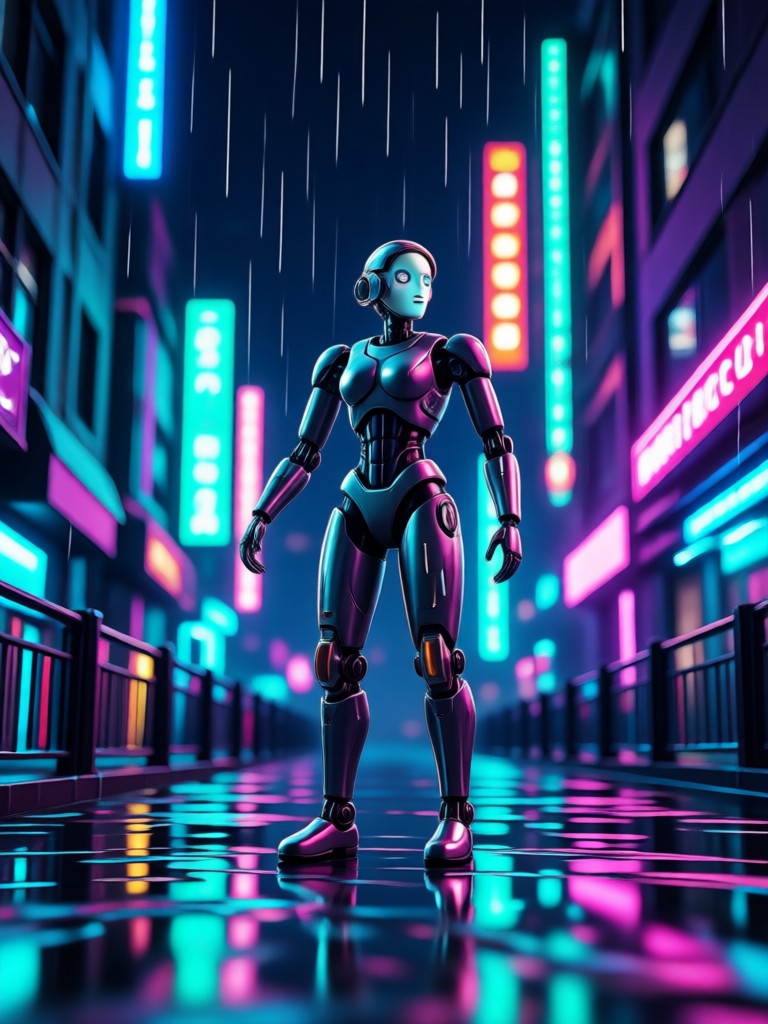
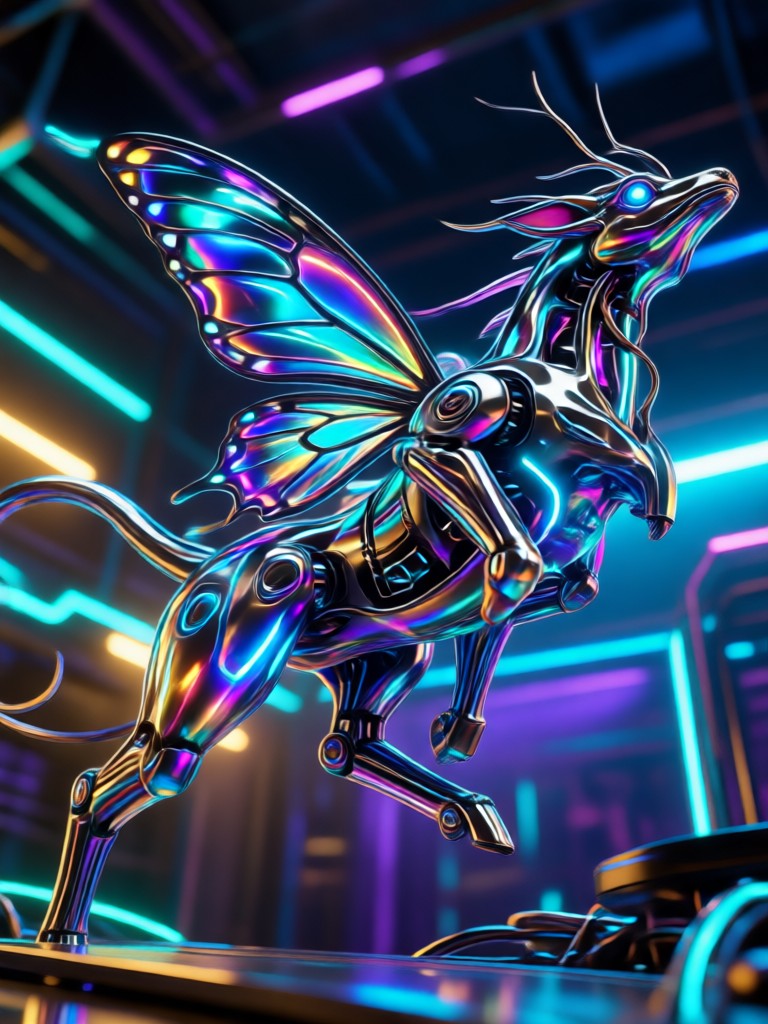
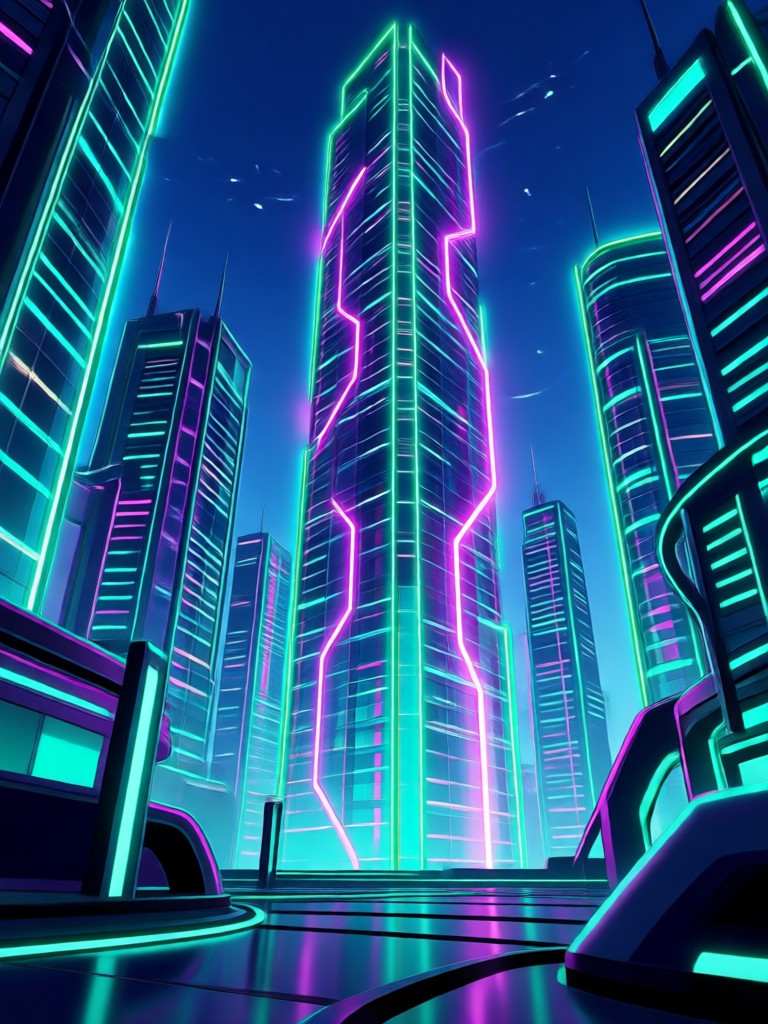
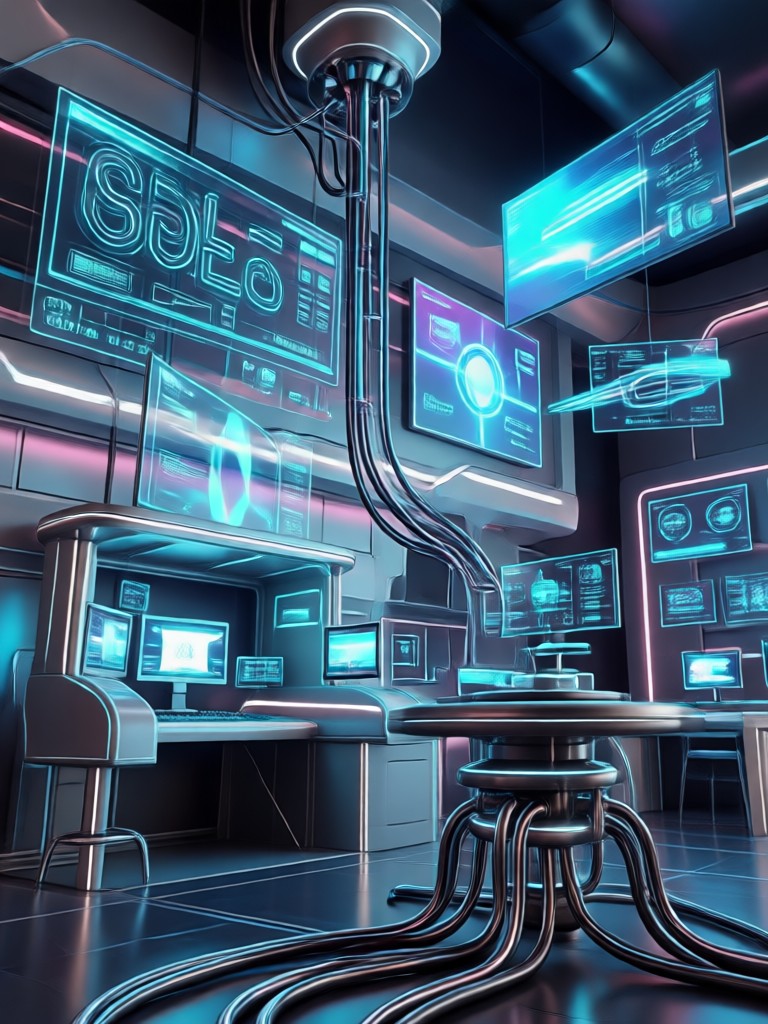
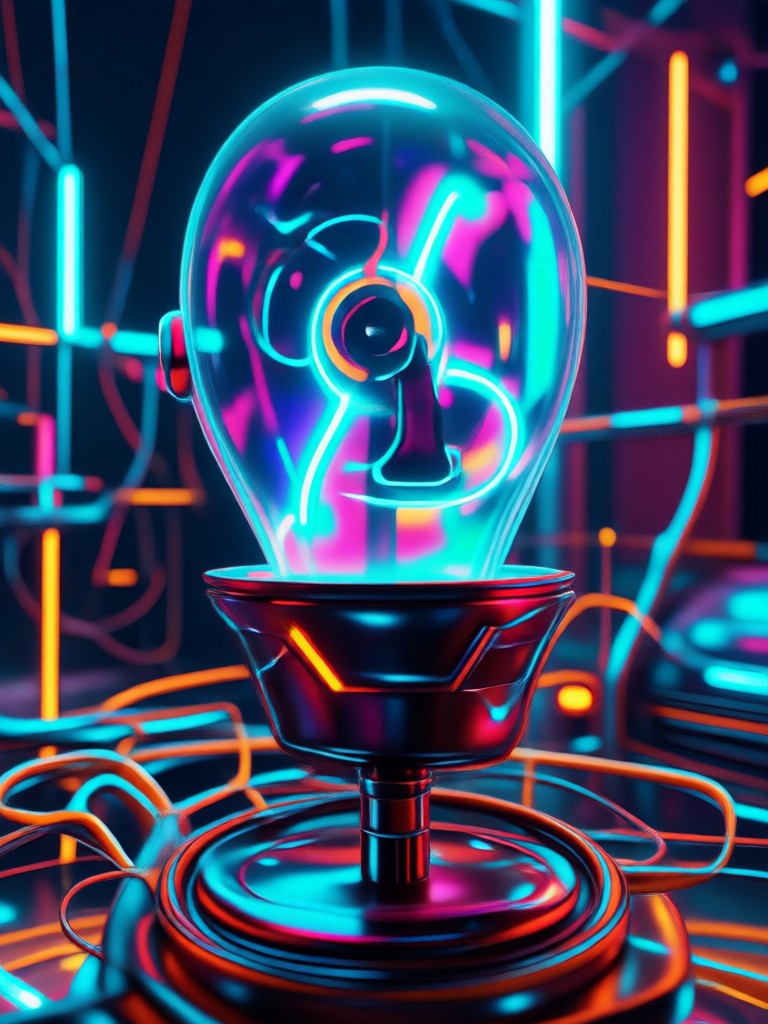
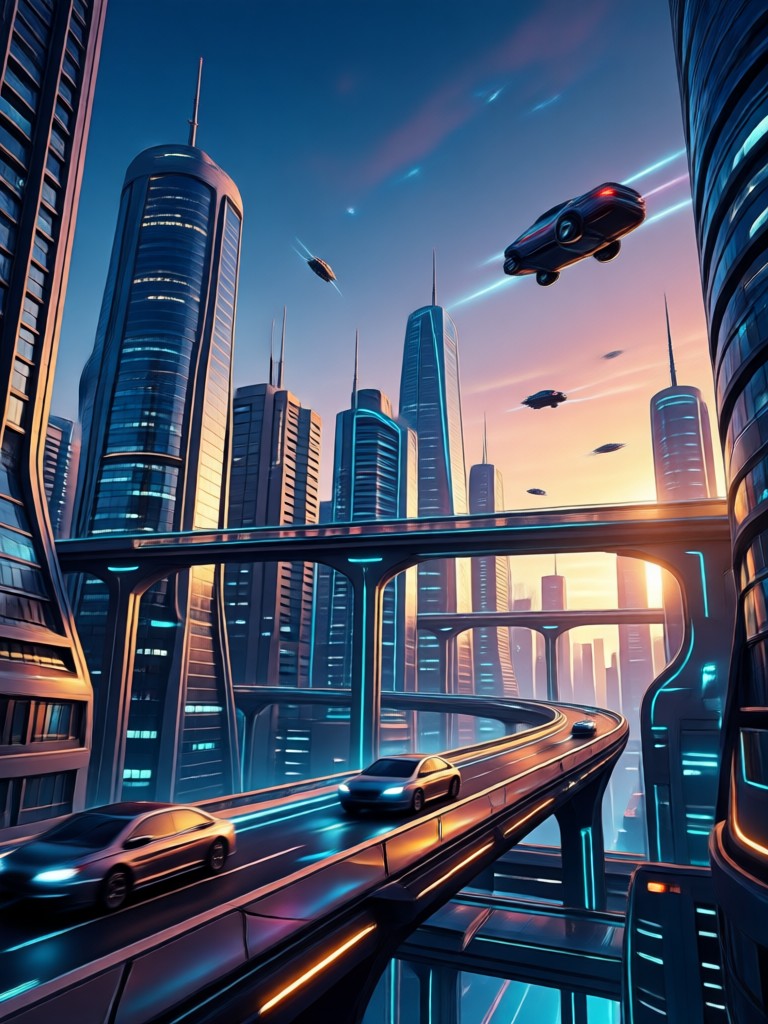
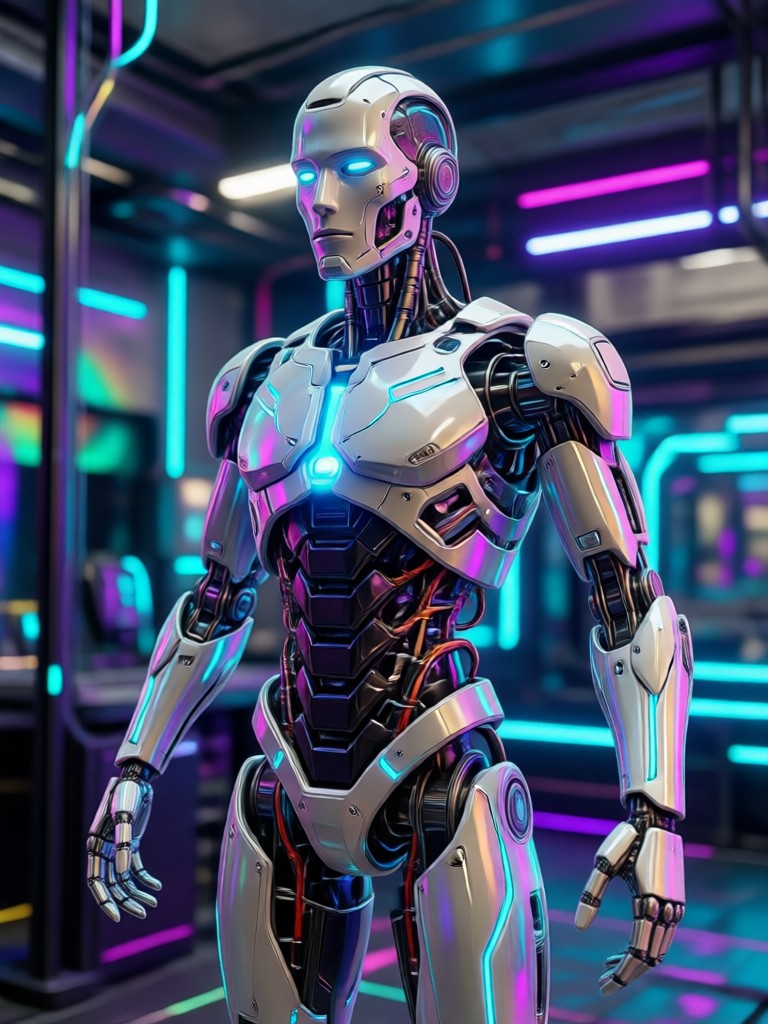
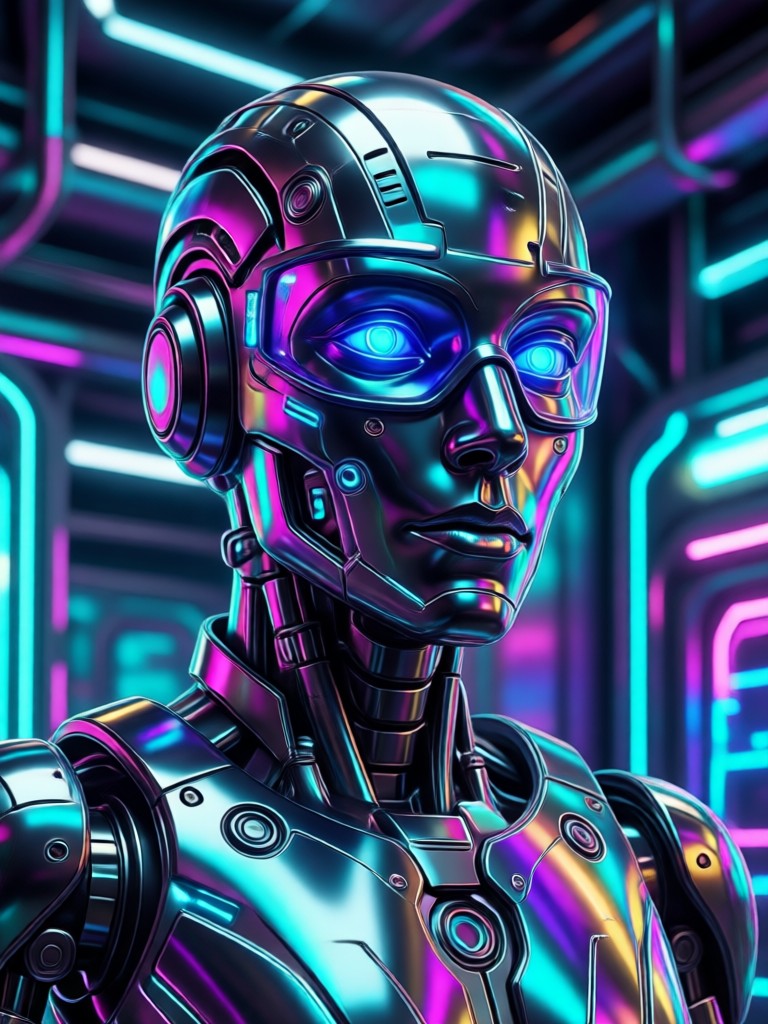
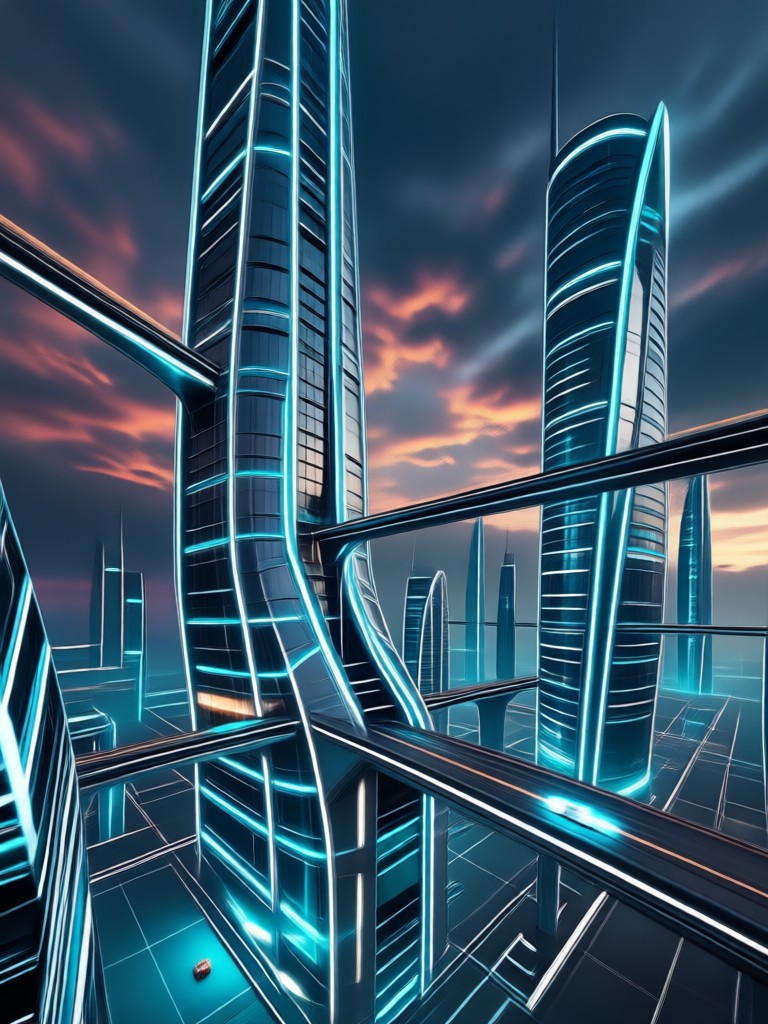
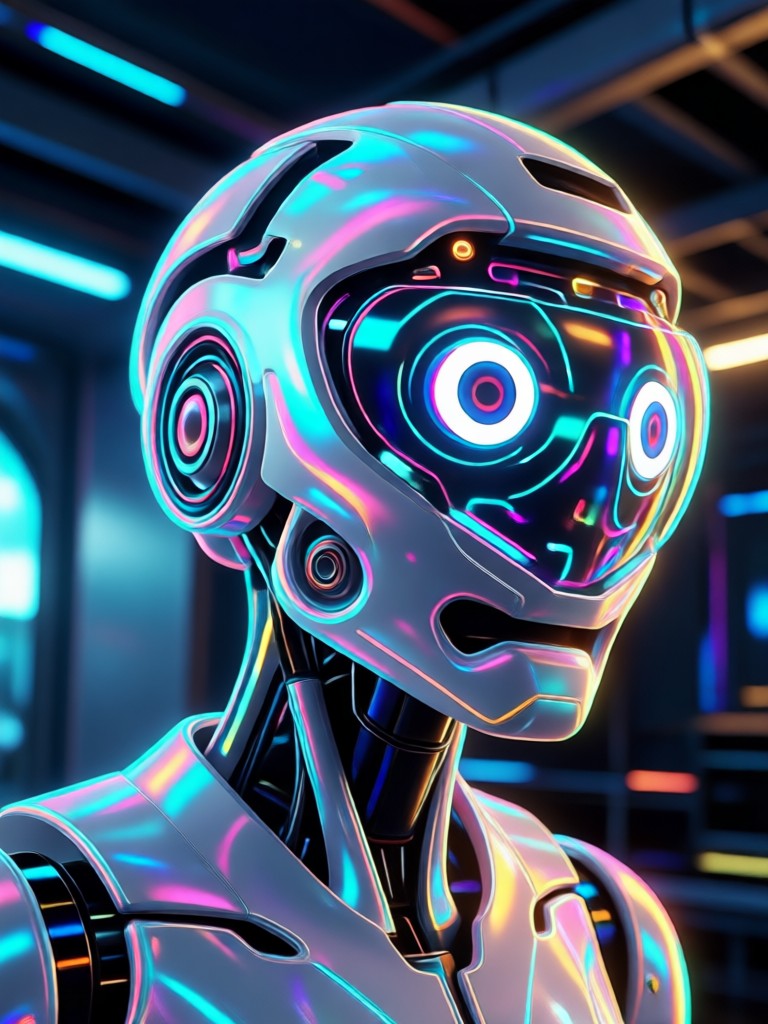
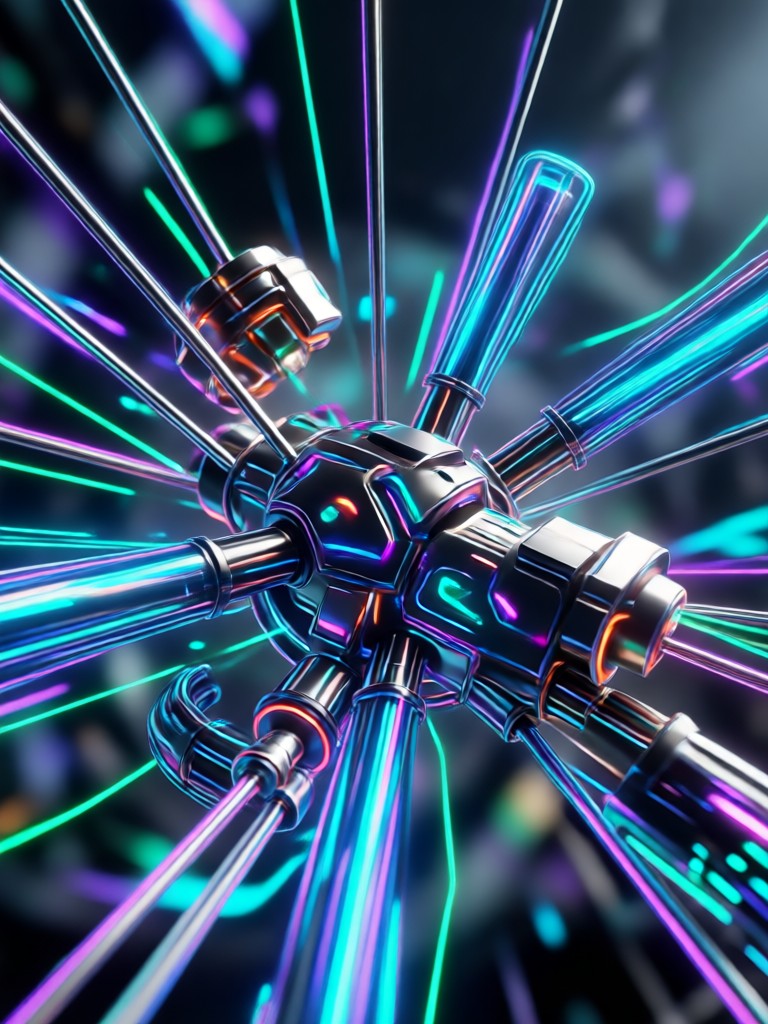
See what creators are making with dradra AI visual effects. From fantasy portals to cinematic explosions, these examples show the range of styles you can generate on your phone.
How to Create AI VFX in 3 Steps
Make your own cinematic AI visual effects with dradra. Download the app, choose a VFX filter, and generate a stunning image or video in seconds.
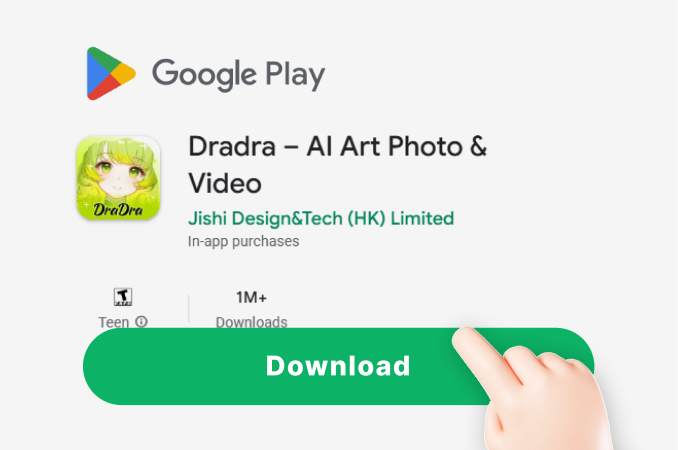
Step 01.
Download the dradra app from Google Play and open it on your phone to access all AI VFX tools.
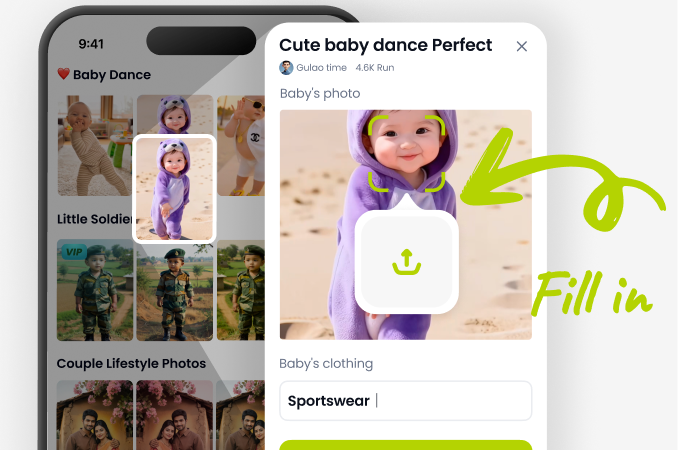
Step 02.
Choose from thousands of AI VFX filters. Pick explosions, portals, lightning, fire, or neon styles that match your idea.
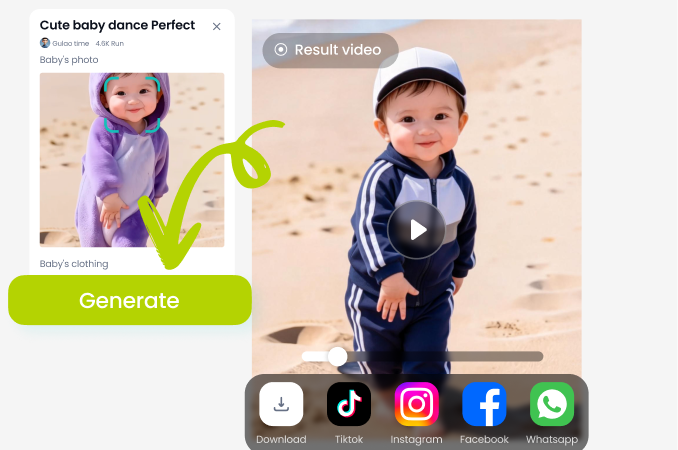
Step 03.
Generate your AI VFX image or video, save it to your device, and share it directly on social media.
Why Use dradra for AI VFX?
dradra puts a full AI VFX studio in your pocket. You get over one million style filters, simple controls, and fast generation for both photos and videos, so you can produce professional looking effects without desktop software.
Why Use dradra for AI VFX?
dradra puts a full AI VFX studio in your pocket. You get over one million style filters, simple controls, and fast generation for both photos and videos, so you can produce professional looking effects without desktop software.
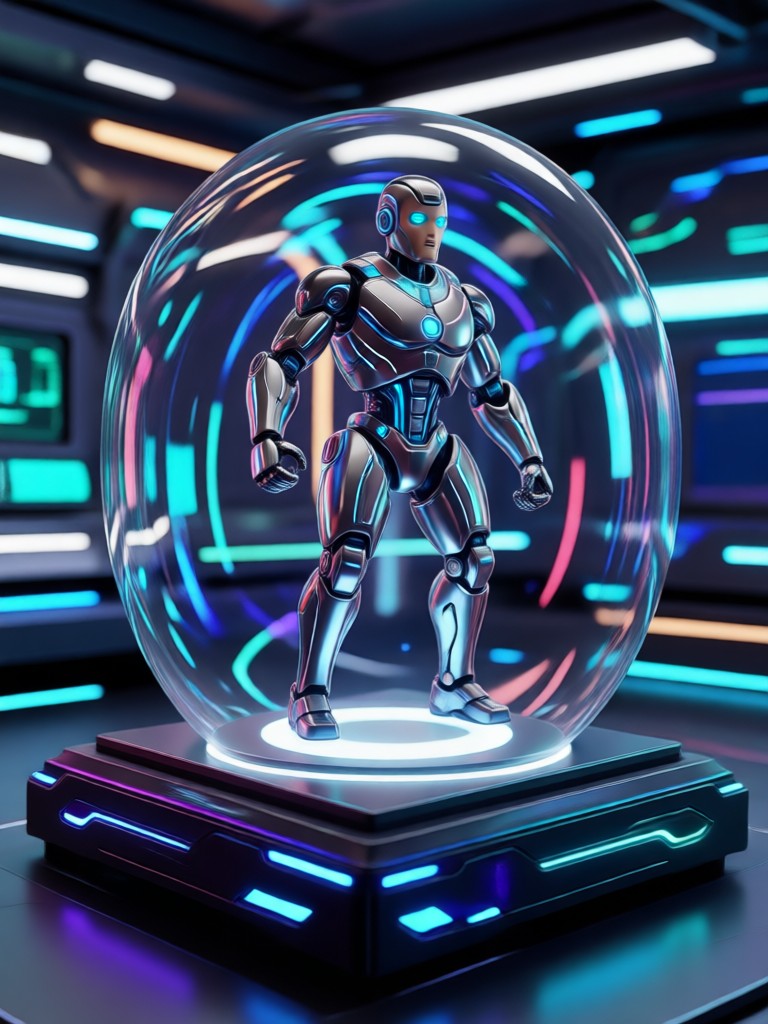
AI VFX in Your Pocket
Create Hollywood style visual effects from your phone. Add explosions, portals, and cinematic weather to any photo or video with just a few taps.

What Creators Think About AI VFX
Made my short film look cinematic
I added explosions and portal effects to my action scenes without leaving my phone. The AI VFX filters are fast and way easier than desktop compositing.
Perfect for social media content
I use the image to VFX tool to add neon and fire effects to my posts. The results look real, and my engagement has gone up.
No design skills needed
I never edited a video before. Now I can create cinematic AI VFX clips in minutes just by picking a filter and tapping generate.
Frequently Asked Questions About AI VFX
Find clear answers about AI VFX generation, available filters, and how to get the most from the dradra app.
More Topics You May Like
Explore more dradra guides and AI creative effects to expand your editing toolkit.
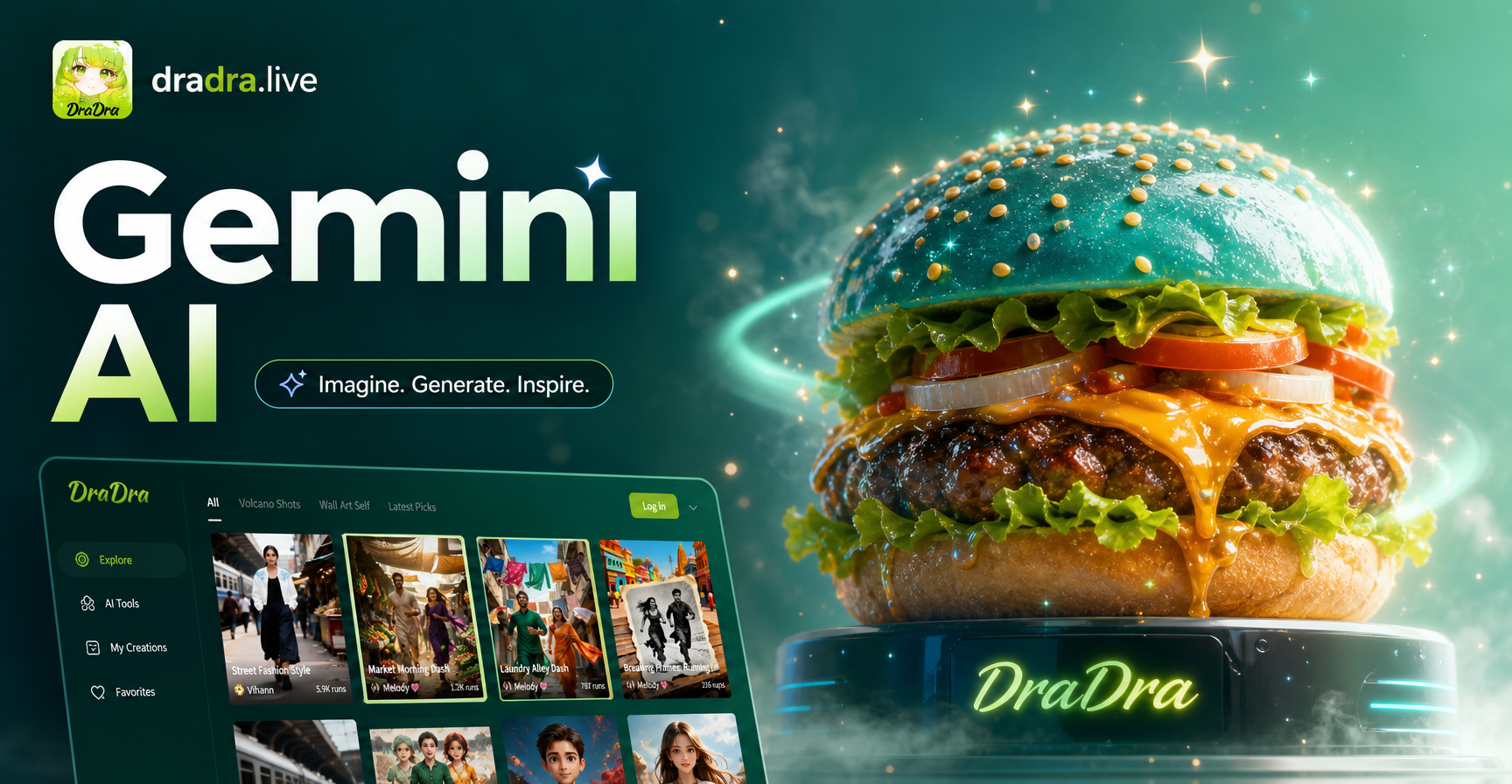
Turn Photos Into Gemini AI Burger Posters
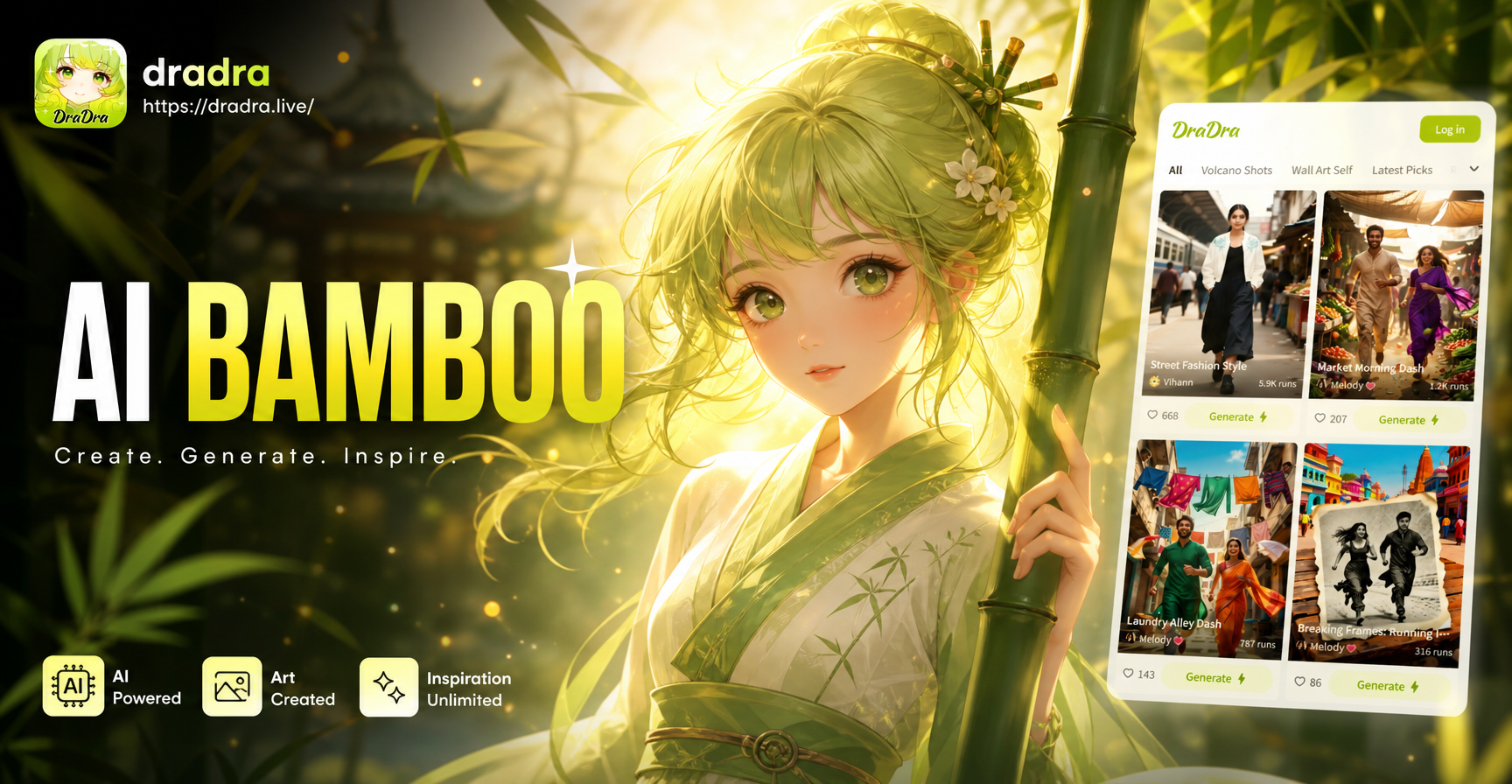
AI Bamboo: Turn Photos into Serene Bamboo Art
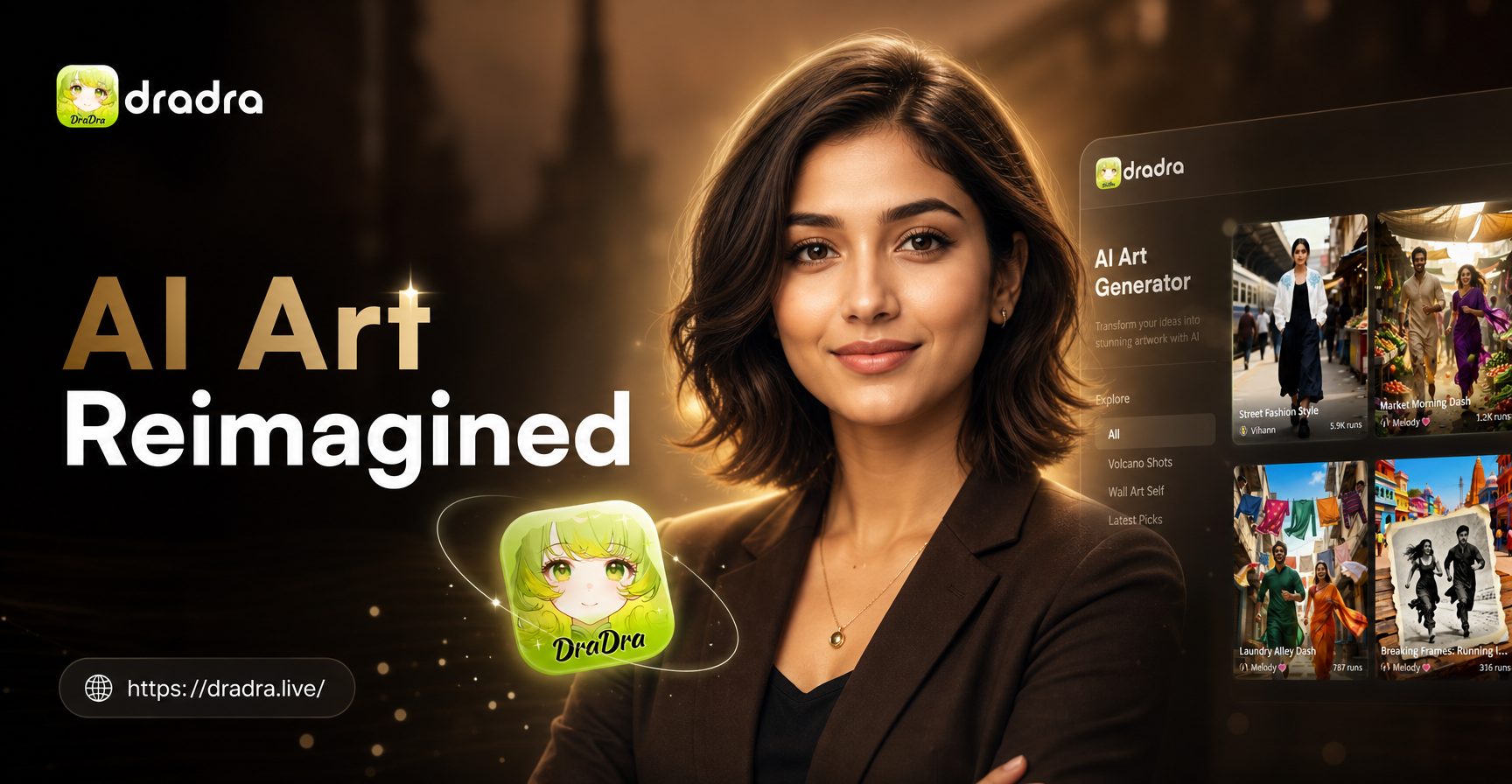
Gemini AI CEO LinkedIn Headshot: Stand Out Online
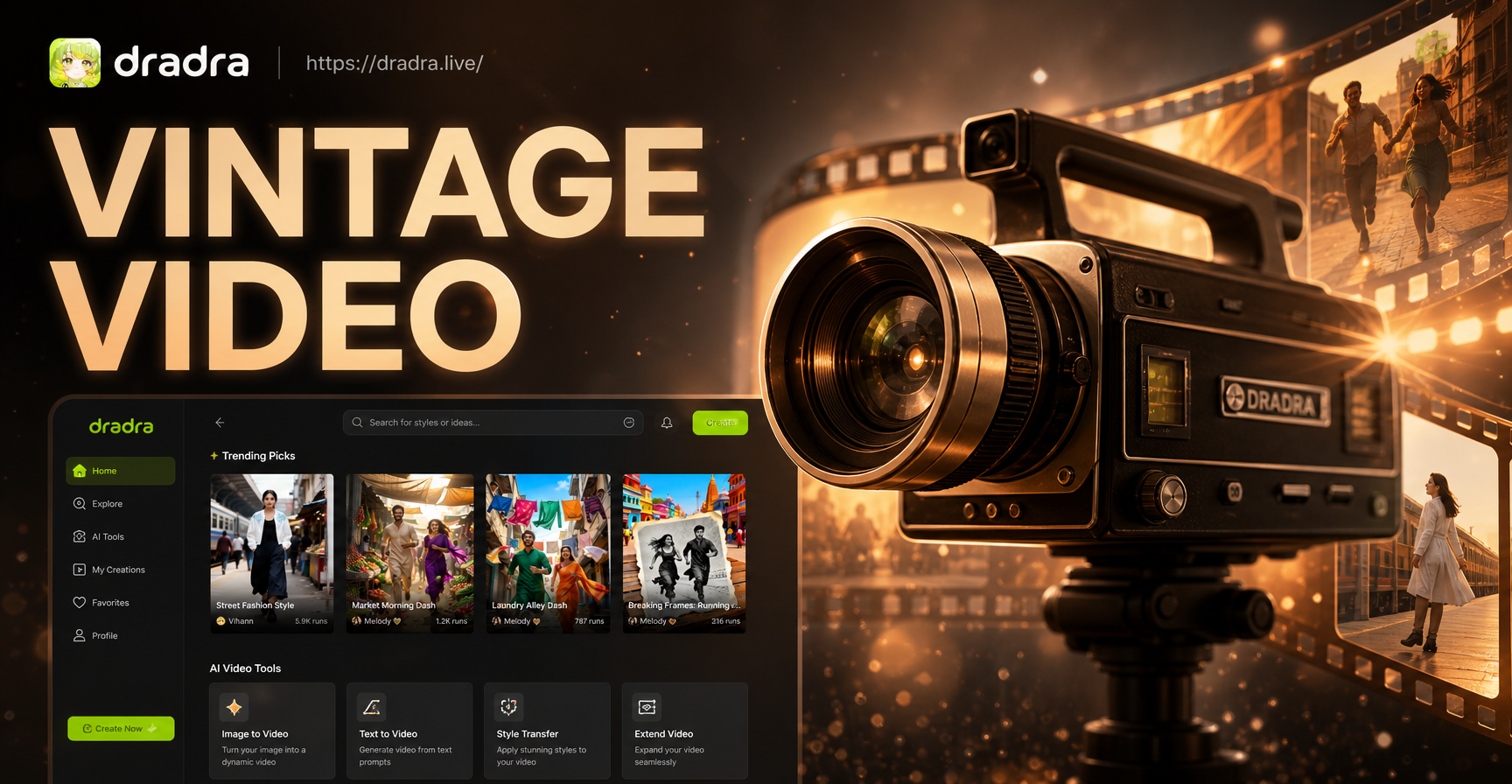
Vintage Video Effects: Retro Film & VHS Maker App
Turn Photos Into Gemini AI Burger Posters
AI Bamboo: Turn Photos into Serene Bamboo Art
Gemini AI CEO LinkedIn Headshot: Stand Out Online
Vintage Video Effects: Retro Film & VHS Maker App
Your AI VFX Studio, Instantly
Apply the latest AI visual effects to photos and videos effortlessly. Stay ahead of trends and create content everyone will notice.
Your AI VFX Studio, Instantly
Apply the latest AI visual effects to photos and videos effortlessly. Stay ahead of trends and create content everyone will notice.