Gemini AI CEO LinkedIn Headshot

Choose the Professional Headshot Filter That Fits Your Role
Discover curated filters for boardroom portraits, creative founder shots, executive team photos, and more.
Key Features of Gemini AI CEO LinkedIn Headshot Generator
Turn everyday photos into polished executive portraits with tools designed for busy professionals. The app preserves your natural features while refining details, balancing light, and removing distractions so your LinkedIn profile projects authority and approachability.

AI Executive Portrait Generation
Upload a casual photo and receive a boardroom ready headshot. The AI adjusts lighting, sharpens facial details, and refines clothing so you look credible and approachable.
AI Executive Portrait Generation
Upload a casual photo and receive a boardroom ready headshot. The AI adjusts lighting, sharpens facial details, and refines clothing so you look credible and approachable.

LinkedIn Style Filters
Choose from thousands of professional filters that mimic studio photography, neutral backdrops, and corporate dress codes. Each filter is one tap away and instantly applied to your photo.
LinkedIn Style Filters
Choose from thousands of professional filters that mimic studio photography, neutral backdrops, and corporate dress codes. Each filter is one tap away and instantly applied to your photo.

Team Headshot Consistency
Process group photos or individual portraits with matching style filters. Ensure every team member has the same background, tone, and visual quality across your company page.
Team Headshot Consistency
Process group photos or individual portraits with matching style filters. Ensure every team member has the same background, tone, and visual quality across your company page.
Popular CEO Headshot Styles for LinkedIn
Browse popular professional styles and recreate the look with Gemini AI in minutes. Each label represents a ready to use filter inside the dradra app.





How to Create a Gemini AI CEO LinkedIn Headshot
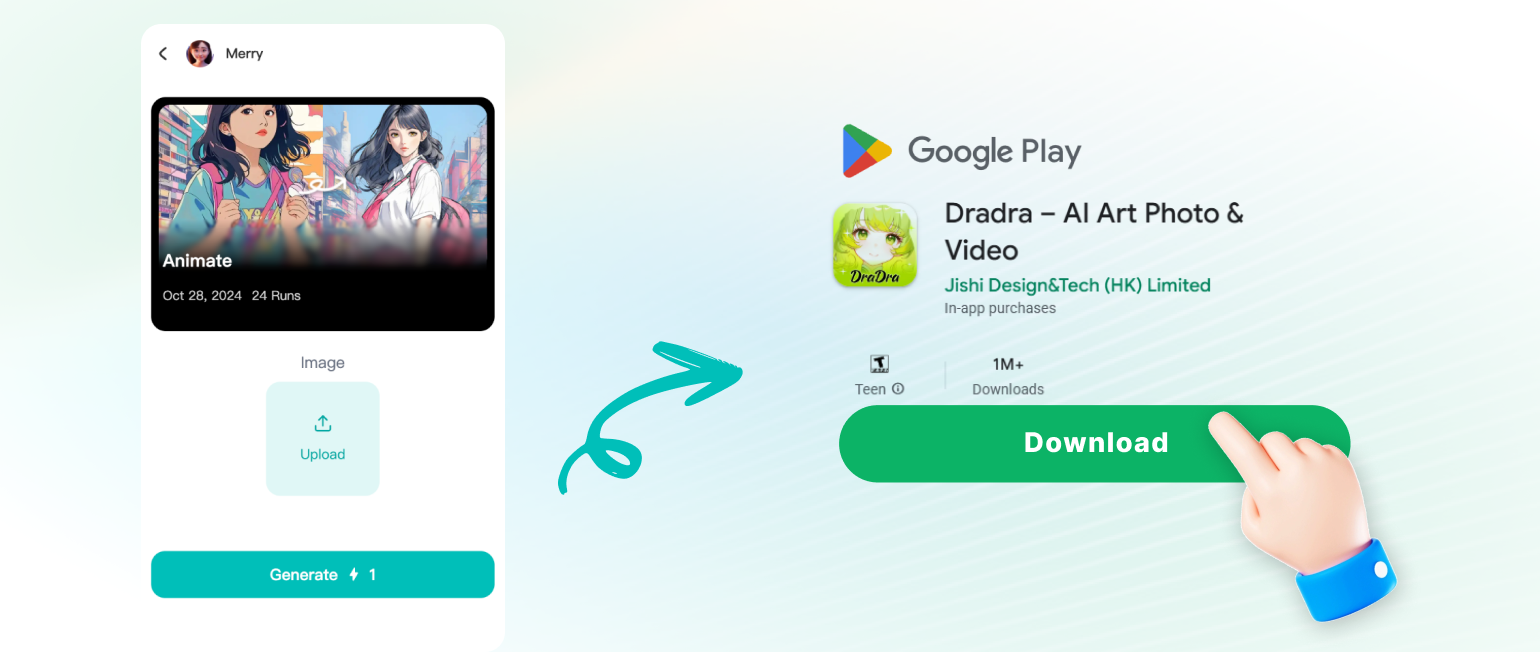
Turn a simple selfie into an executive LinkedIn profile photo in three straightforward steps.

Why Professionals Choose dradra for LinkedIn Headshots
A strong LinkedIn photo builds trust before the first conversation. dradra replaces expensive studio sessions with AI generated portraits that look natural and authoritative. You keep full control over style, background, and expression, while the app handles retouching and color balance.
Why Professionals Choose dradra for LinkedIn Headshots
A strong LinkedIn photo builds trust before the first conversation. dradra replaces expensive studio sessions with AI generated portraits that look natural and authoritative. You keep full control over style, background, and expression, while the app handles retouching and color balance.

Gemini AI CEO LinkedIn Headshot App for Android
Generate studio quality executive portraits from your phone. Download dradra now and upgrade your LinkedIn profile in minutes.

Here Is What Professionals Think About dradra
My LinkedIn profile finally looks executive
I uploaded a casual photo from a weekend event and got a clean studio style headshot in under a minute. The lighting looked natural and my face still looked like me. I updated my profile the same day.
No more expensive headshot sessions
Our whole leadership team used the same filter to create consistent portraits for the company website and LinkedIn. It saved us hours and the results are better than our last agency shoot.
Simple, fast, and genuinely impressive
I tried several AI headshot apps before. dradra gave the most realistic skin tones and didn't over smooth my features. The CEO filters look professional without making me look like someone else.
Frequently Asked Questions About Gemini AI CEO LinkedIn Headshots
Clear answers about creating AI generated professional portraits, preserving your likeness, and using the dradra app.
More Topics You May Like
Explore more professional AI tools and style guides to keep your online presence sharp.

Vintage Video Effects: Retro Film & VHS Maker App
Gemini Family Polaroid: AI Family Photo Generator

Gemini AI Pharmacist Photo: Create One in Seconds

AI Watercolor Card: Create Beautiful Handpainted Cards
Vintage Video Effects: Retro Film & VHS Maker App
Gemini Family Polaroid: AI Family Photo Generator
Gemini AI Pharmacist Photo: Create One in Seconds
AI Watercolor Card: Create Beautiful Handpainted Cards
Upgrade Your LinkedIn Profile Today
Download dradra and create a CEO level headshot with Gemini AI in minutes. Stand out to recruiters, clients, and partners with a polished executive portrait.

Upgrade Your LinkedIn Profile Today
Download dradra and create a CEO level headshot with Gemini AI in minutes. Stand out to recruiters, clients, and partners with a polished executive portrait.