Gemini AI Boho Style Image
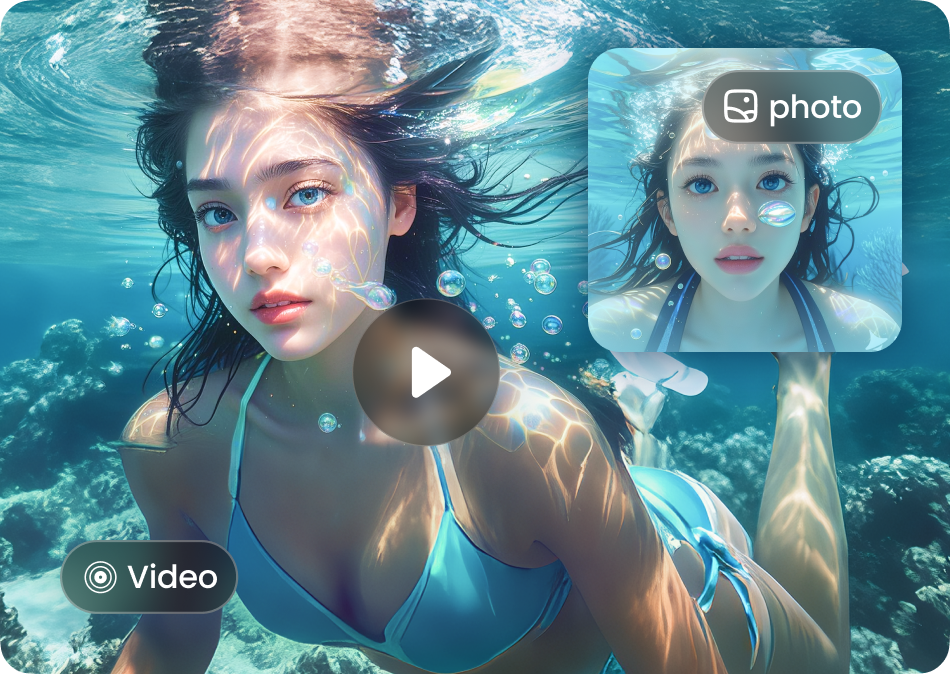
Choose the Boho Filter That Suits You Best
Discover bohemian filters for dreamy portraits, vintage tones, and free-spirited aesthetics. Pick a style and make it yours.
Key Features of Gemini AI Boho Style Image
Turn a simple photo or text prompt into a stunning bohemian work of art with dradra's AI powered tools.
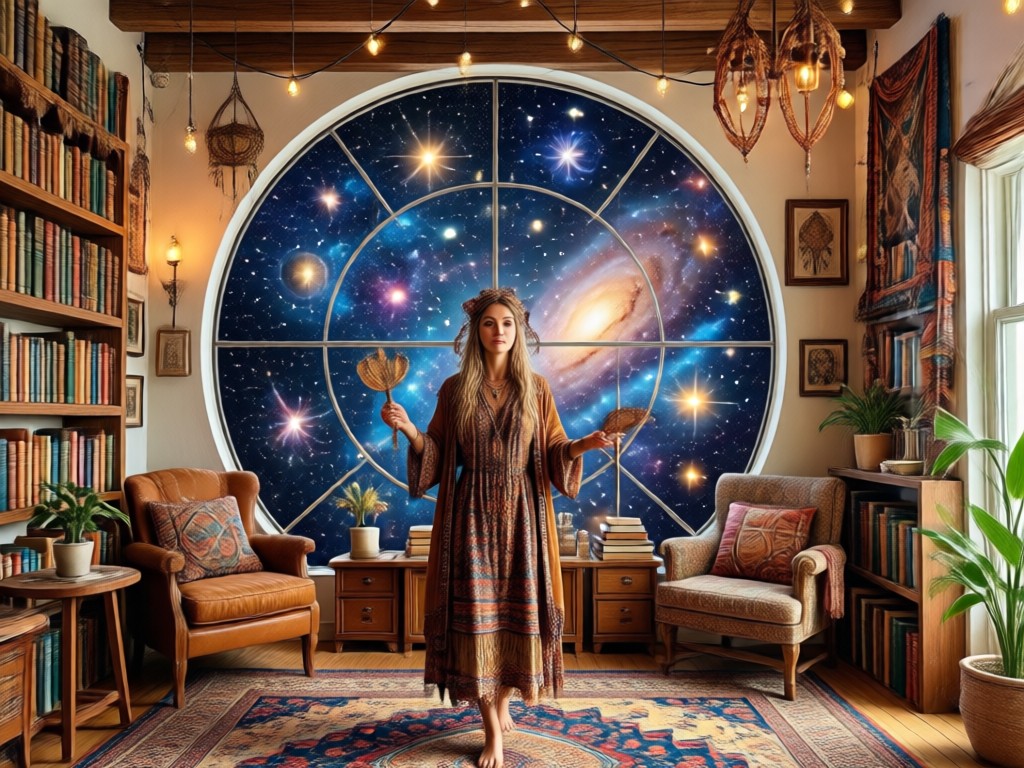
Text to Boho Image
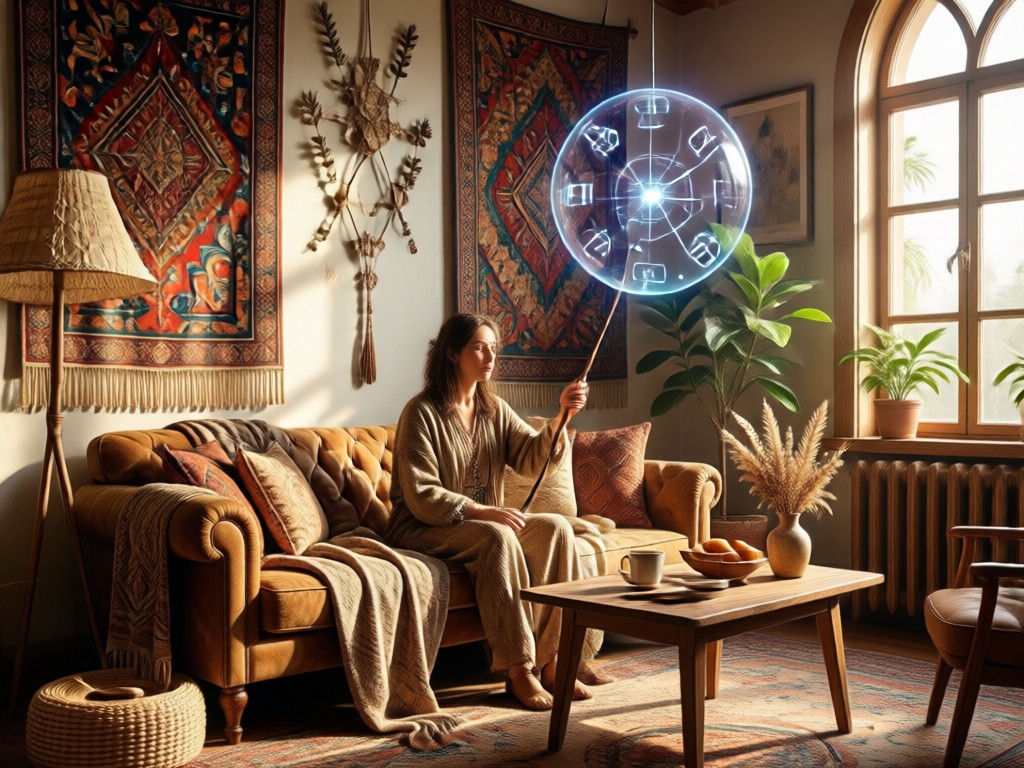
Describe a scene with earthy colors, flowing fabrics, and natural light, then choose a bohemian style template to generate a dreamy visual in seconds.
Text to Boho Image
Describe a scene with earthy colors, flowing fabrics, and natural light, then choose a bohemian style template to generate a dreamy visual in seconds.
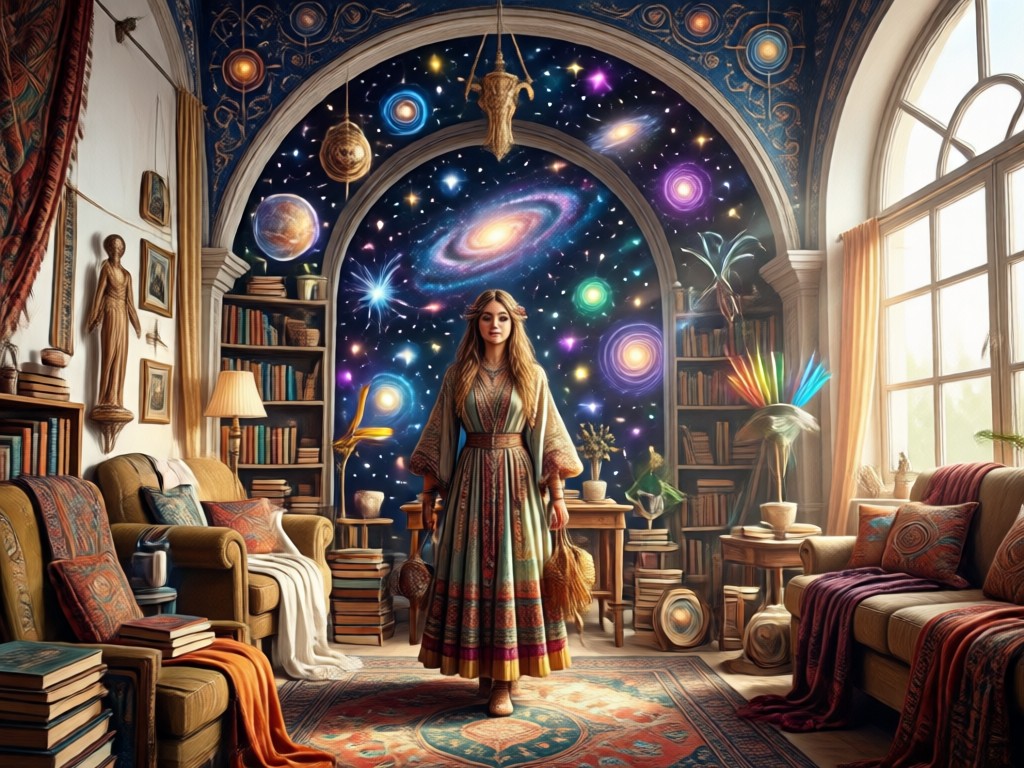
Photo to Boho Transformation
Upload any portrait or full body photo and let AI apply boho styling while keeping your face and pose naturally recognizable.
Photo to Boho Transformation
Upload any portrait or full body photo and let AI apply boho styling while keeping your face and pose naturally recognizable.
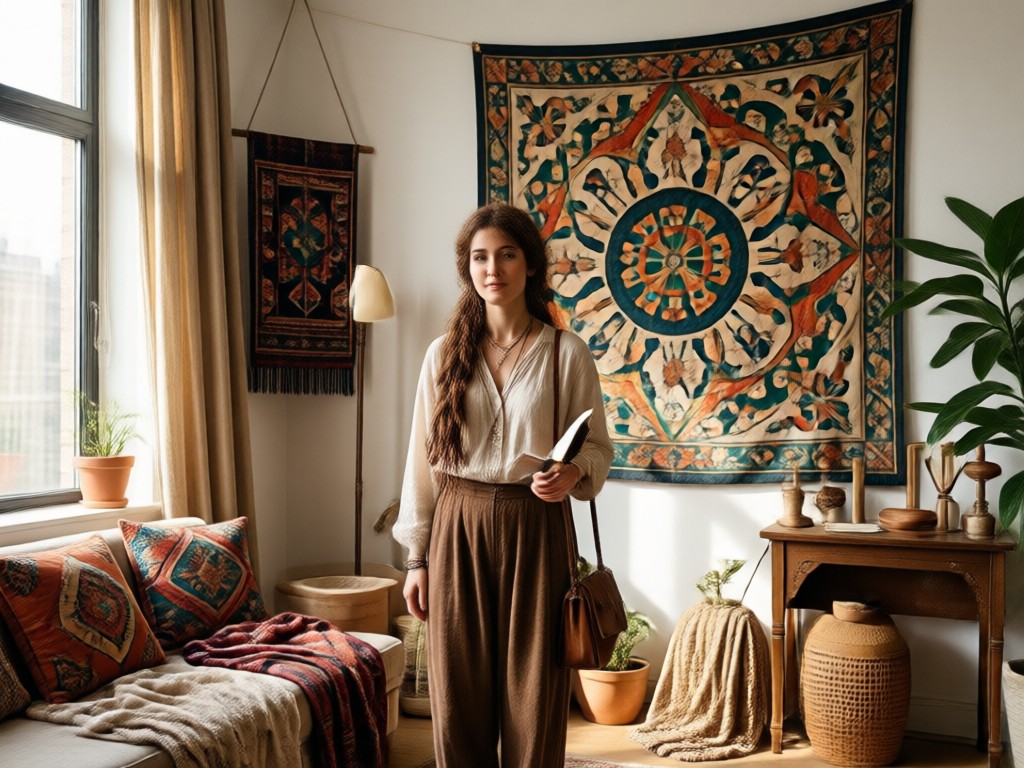
Massive Bohemian Style Library
Access over one million filters including vintage, floral, rustic, and celestial bohemian presets so every creation feels unique and personal.
Massive Bohemian Style Library
Access over one million filters including vintage, floral, rustic, and celestial bohemian presets so every creation feels unique and personal.
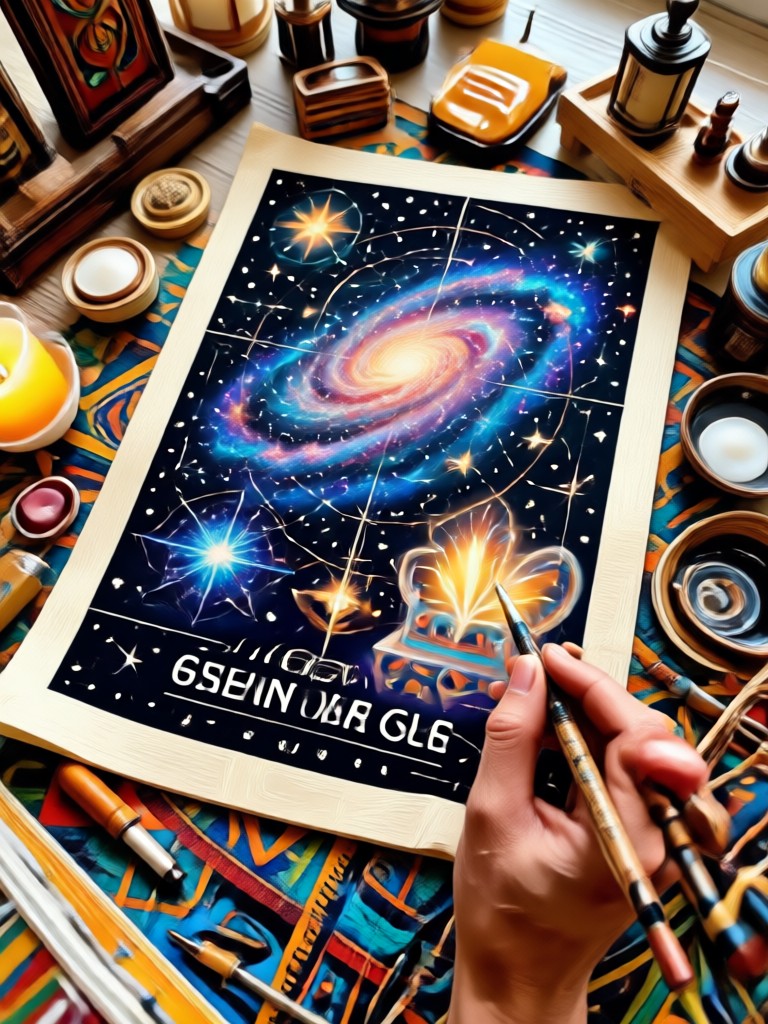
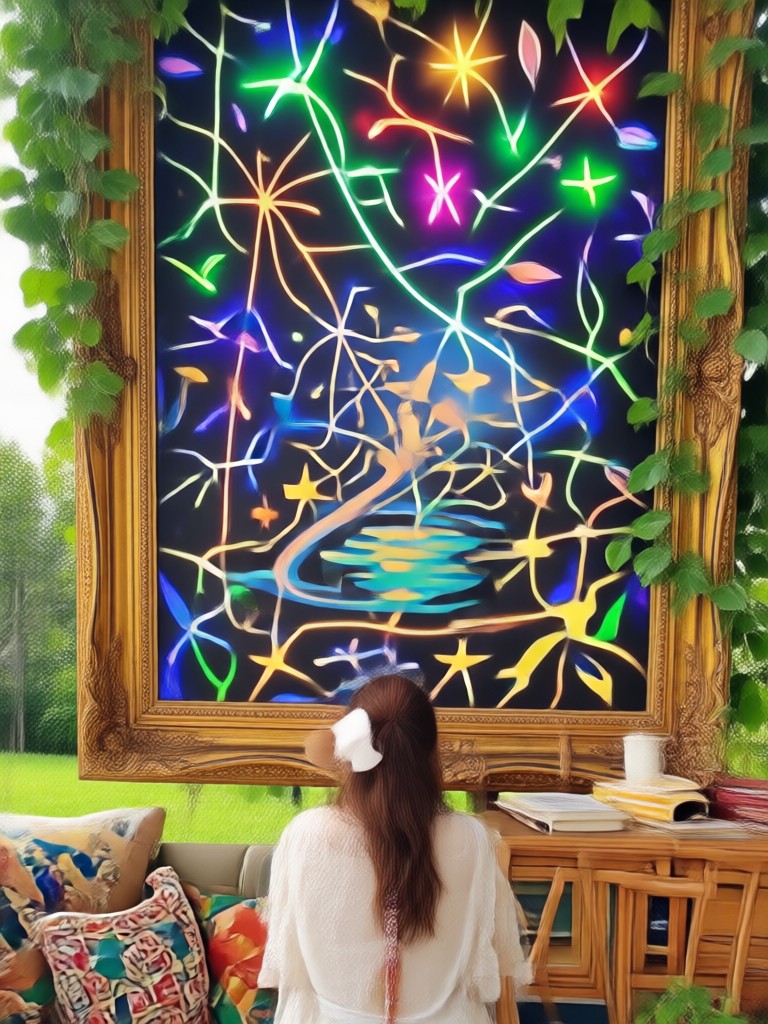
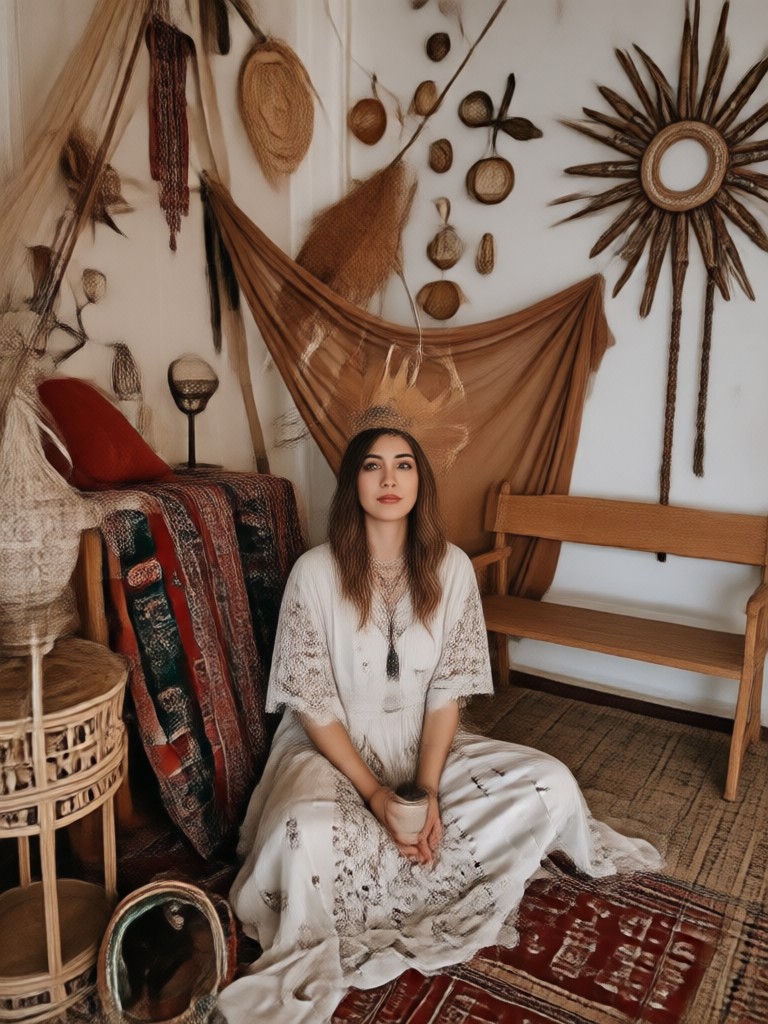
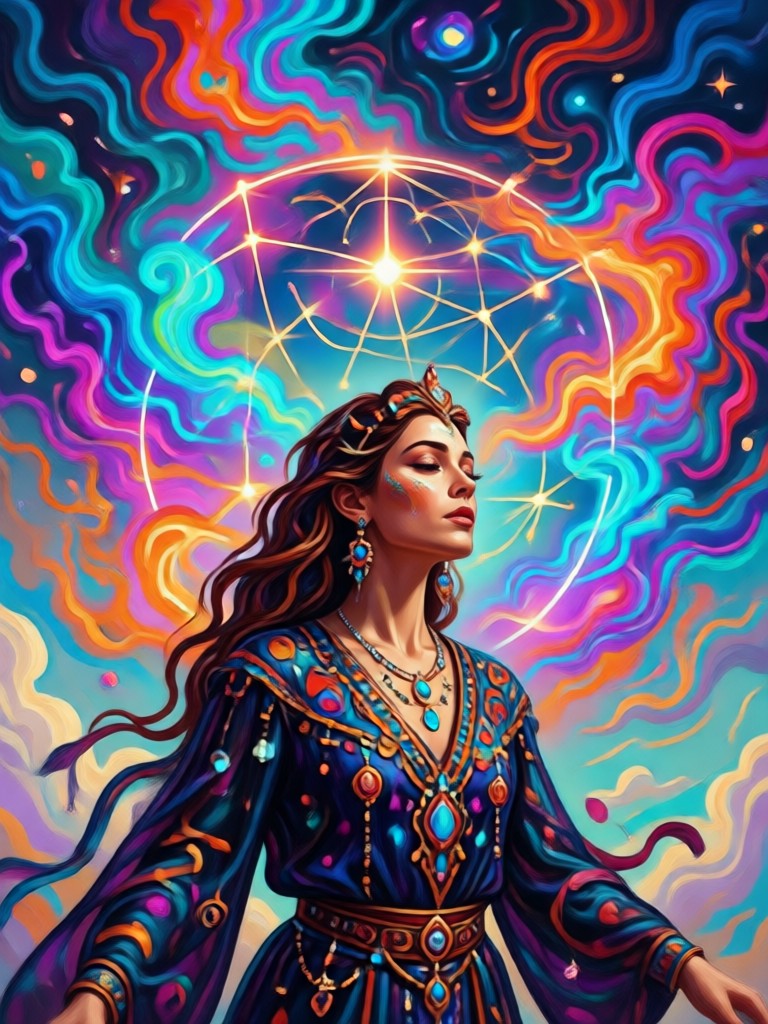
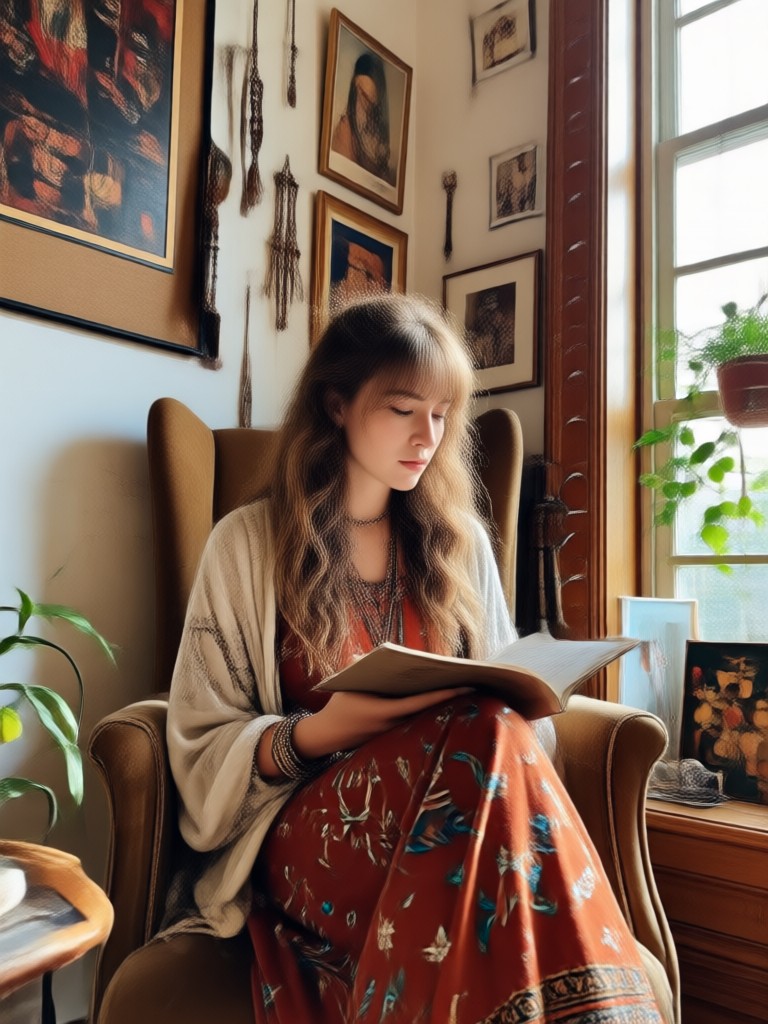
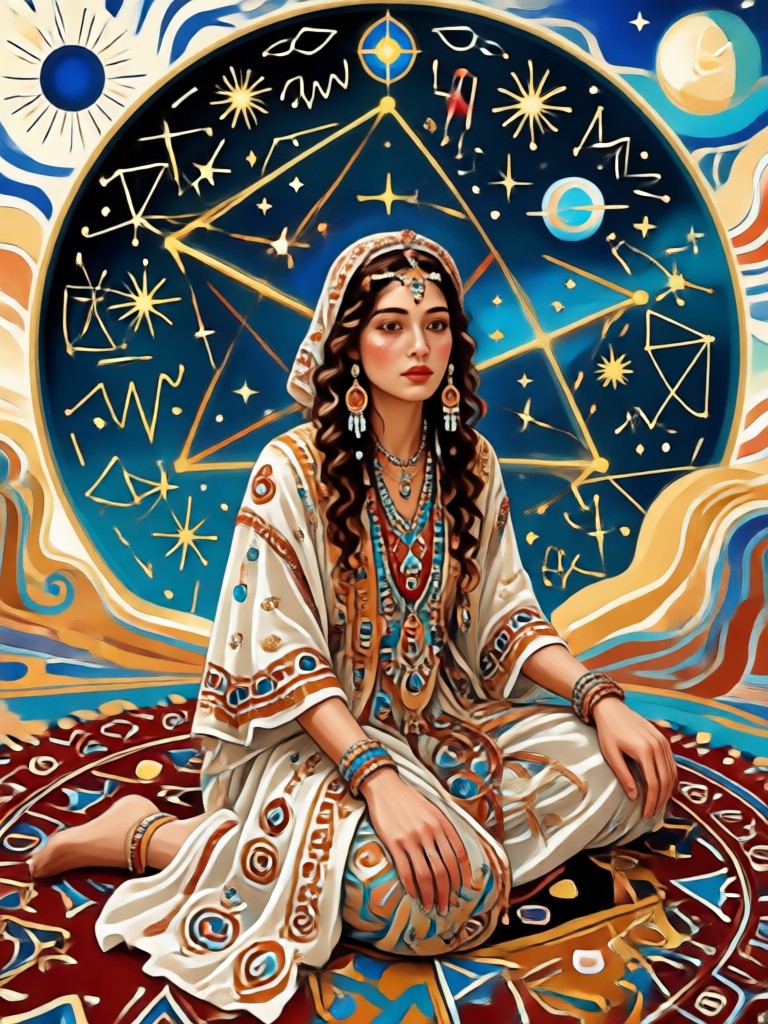
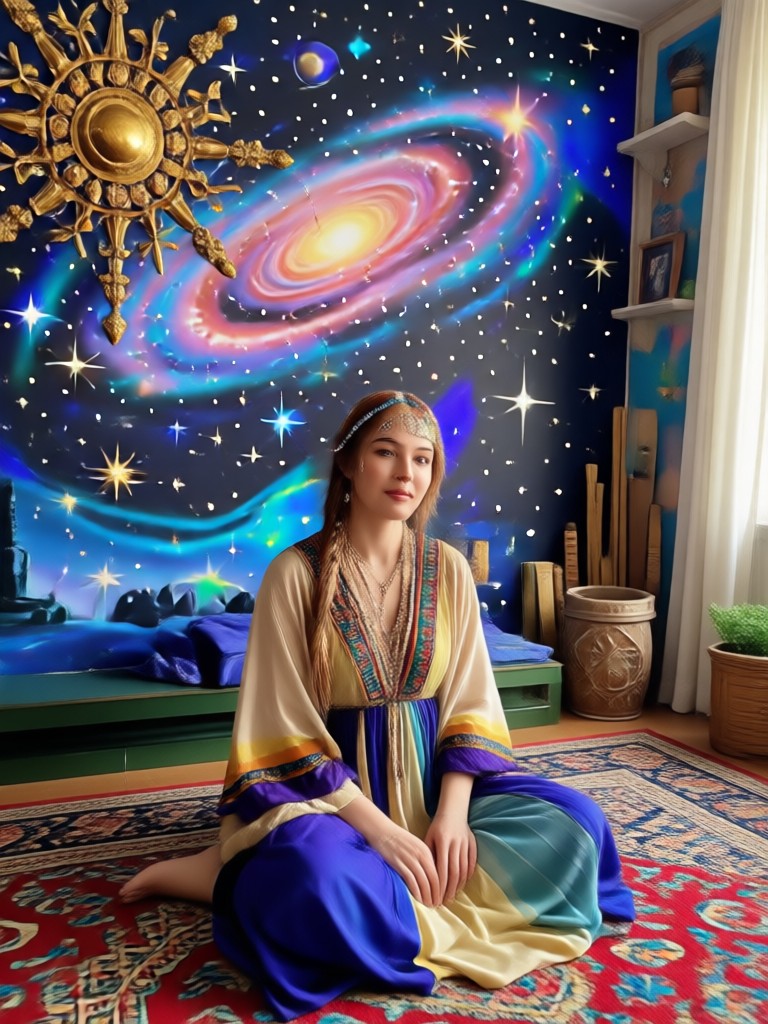
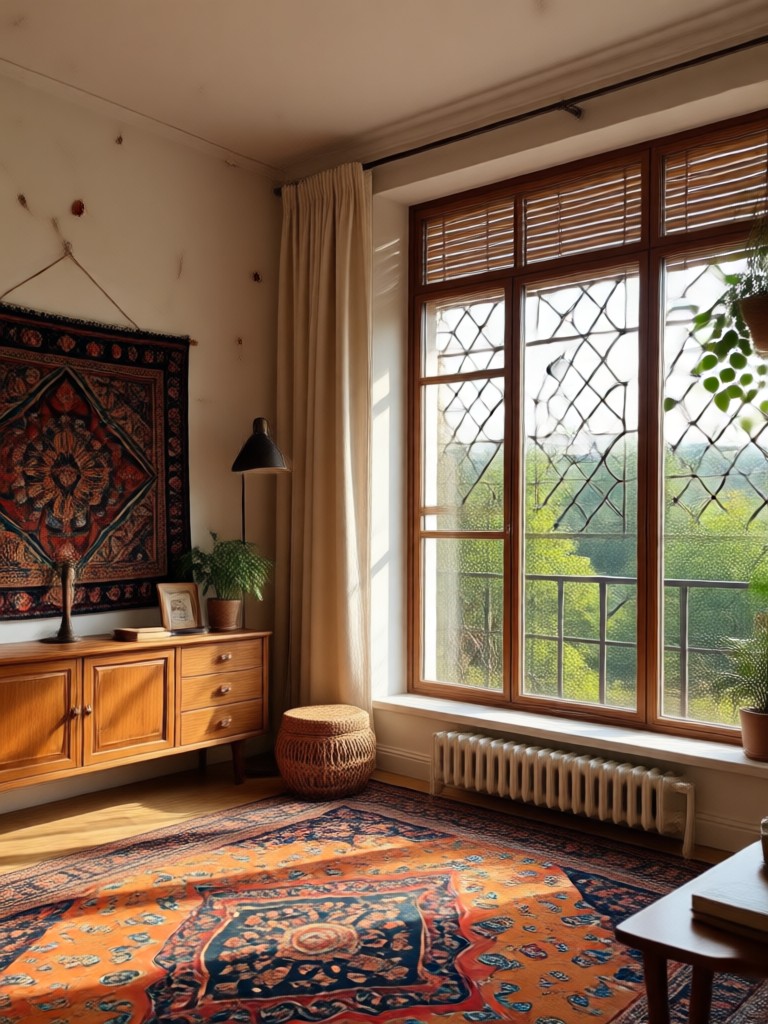
Explore Boho Style AI Creations
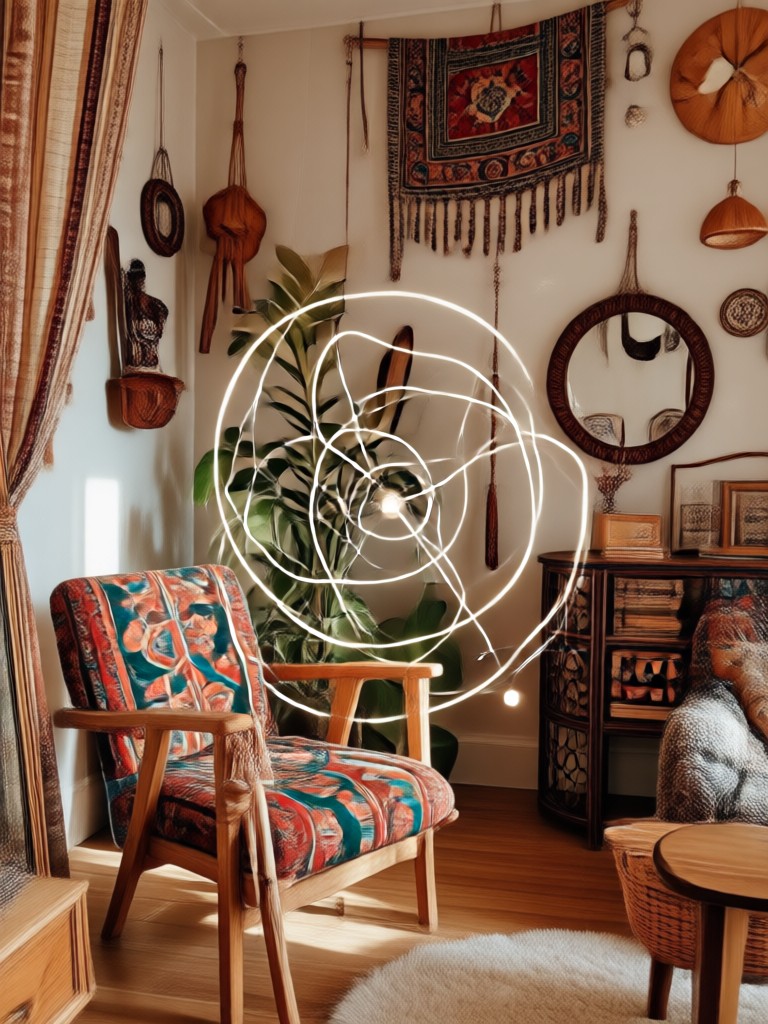
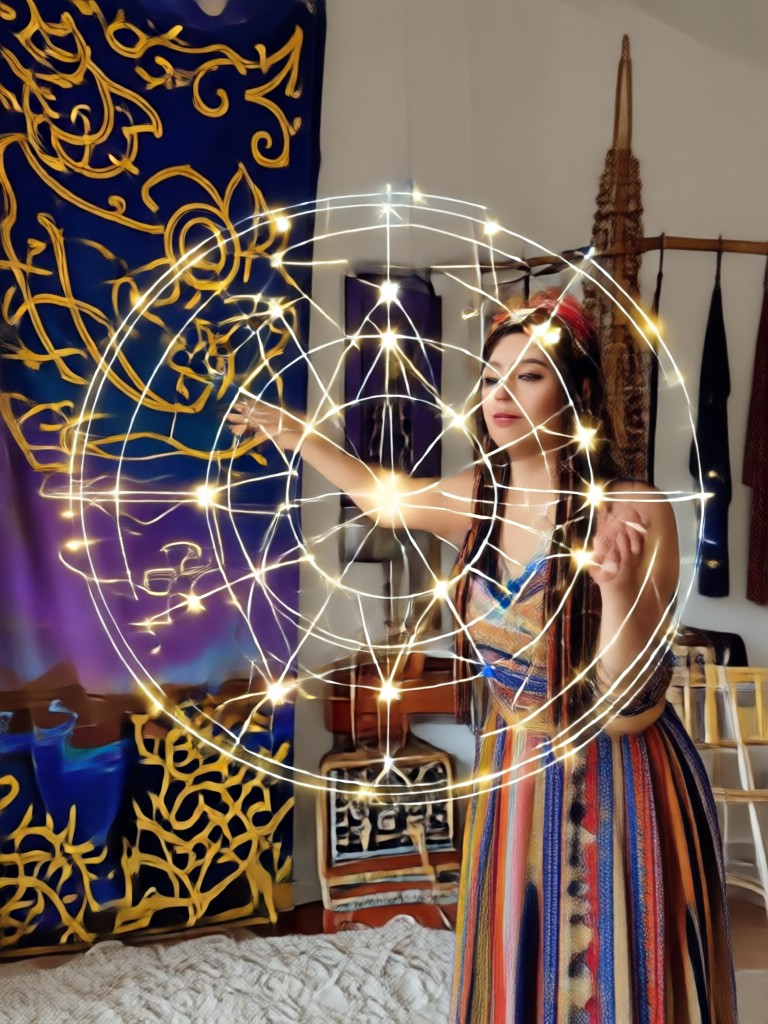
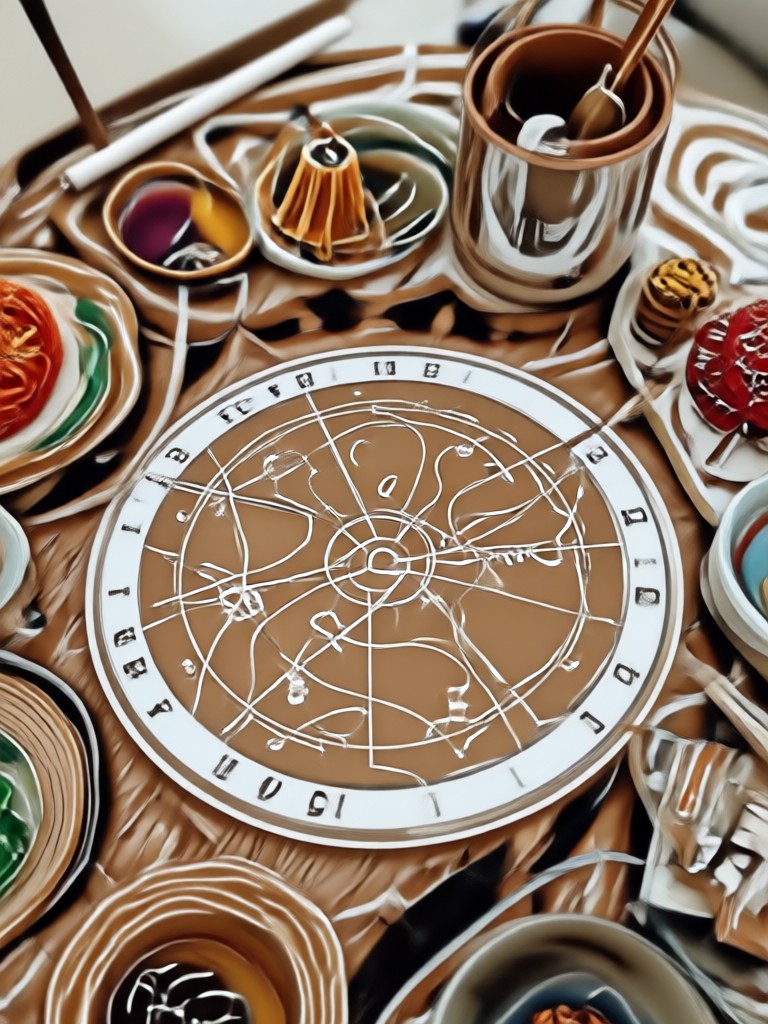
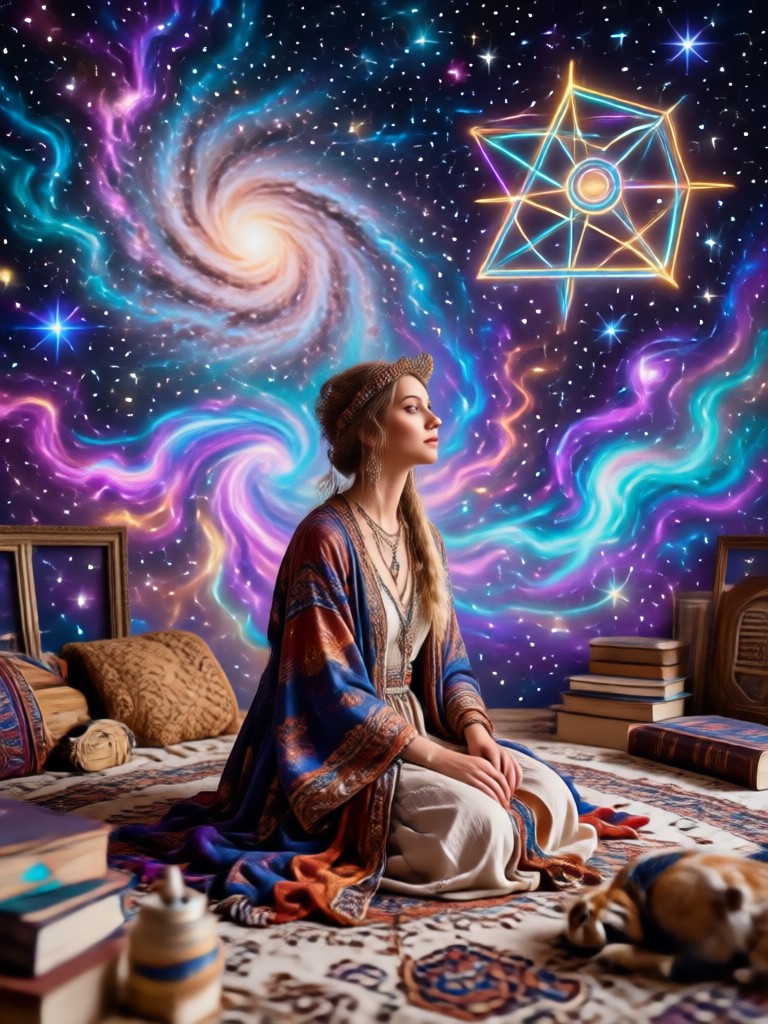
Browse stunning AI generated boho style images made with dradra. See flowing outfits, dreamy lighting, and free-spirited moods you can recreate in seconds.
How to Make Gemini AI Boho Style Images?
Create beautiful bohemian visuals in three simple steps using the dradra app on your phone.
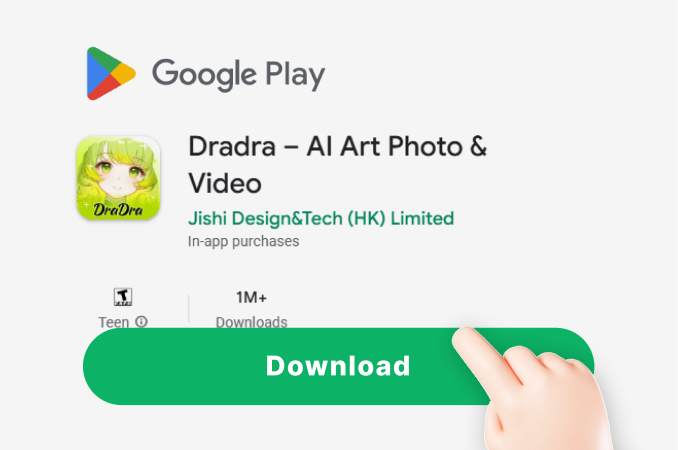
Step 01.
Get started by downloading the dradra app from Google Play to access all boho style filters and tools.
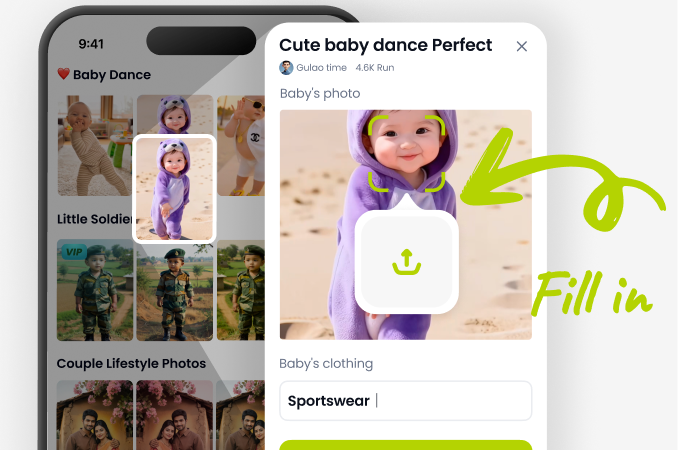
Step 02.
Select a boho style filter or type a text prompt to define the outfit, background, and lighting you want.
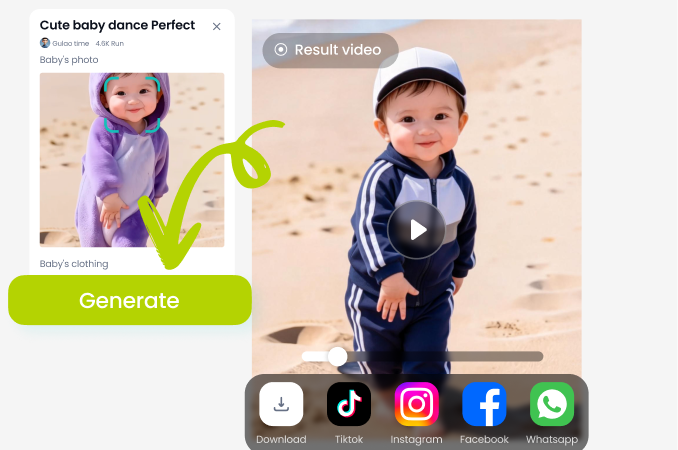
Step 03.
Generate your image or video, then download and share it on social media or with friends.
Why Use dradra for Boho Style AI Images
dradra combines powerful AI image generation with an ultra simple mobile app. You do not need design skills or prompt engineering knowledge. Just choose a preset, add your photo or idea, and let the AI deliver a polished boho style image in seconds.
Why Use dradra for Boho Style AI Images
dradra combines powerful AI image generation with an ultra simple mobile app. You do not need design skills or prompt engineering knowledge. Just choose a preset, add your photo or idea, and let the AI deliver a polished boho style image in seconds.
Here Is What Creators Think About Boho AI Images
My portraits finally have that dreamy boho feel
I used dradra to turn a plain beach photo into a warm golden hour boho portrait. The colors and flowing details look completely natural and shareable.
Perfect for my bohemian brand aesthetic
I generate boho style product backdrops and social posts in minutes. The filters are varied and the AI never makes faces look weird.
No design skills needed
I typed a simple boho picnic scene and got a stunning image on the first try. The app is fast and the download button makes saving easy.
Frequently Asked Questions About Gemini AI Boho Style Image
Find clear answers about creating boho style images with dradra and how to get the best results.
More Topics You May Like
Explore more boho and AI style topics to spark your next creative project.

Y2k Video Generator: Retro 2000s Aesthetic Effects
Gemini AI Photo with Short Pants: Style Swap in Seconds

AI GRWM Video: Try On Outfits & Transform Your Look
Gemini AI Film Grain Photo: Add Vintage Texture Fast
Y2k Video Generator: Retro 2000s Aesthetic Effects
Gemini AI Photo with Short Pants: Style Swap in Seconds
AI GRWM Video: Try On Outfits & Transform Your Look
Gemini AI Film Grain Photo: Add Vintage Texture Fast
Create Your Boho Style AI Image Today
Join thousands of creators using dradra to generate dreamy bohemian visuals in one tap. Download the app and start making free-spirited images your followers will love.
Create Your Boho Style AI Image Today
Join thousands of creators using dradra to generate dreamy bohemian visuals in one tap. Download the app and start making free-spirited images your followers will love.