Gemini AI Film Grain Photo
Cute Figurine


Key Features of the Gemini AI Film Grain Photo Filter
Create textured, analog inspired photos with the dradra app. Choose from realistic grain levels, vintage color profiles, and one tap processing for portraits, selfies, and group shots.
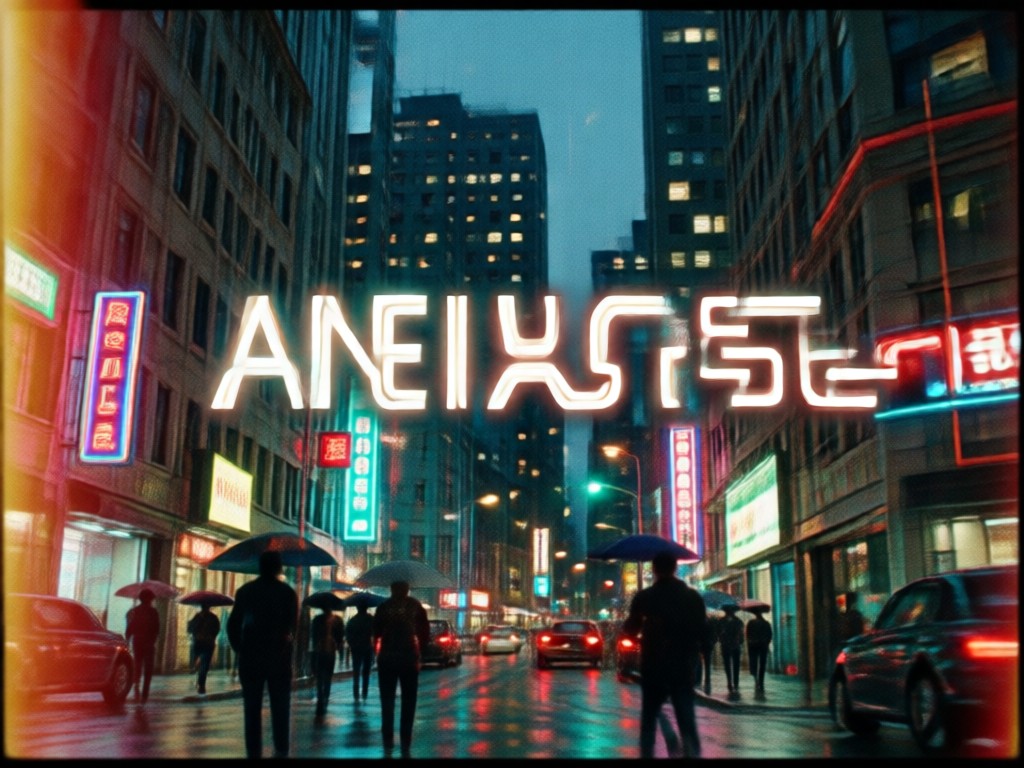
Realistic 35mm Film Grain Texture
Add authentic silver halide grain to any photo with adjustable intensity. Choose from fine, medium, or heavy grain to recreate the look of classic 35mm film stocks without a camera or darkroom.
Realistic 35mm Film Grain Texture
Add authentic silver halide grain to any photo with adjustable intensity. Choose from fine, medium, or heavy grain to recreate the look of classic 35mm film stocks without a camera or darkroom.
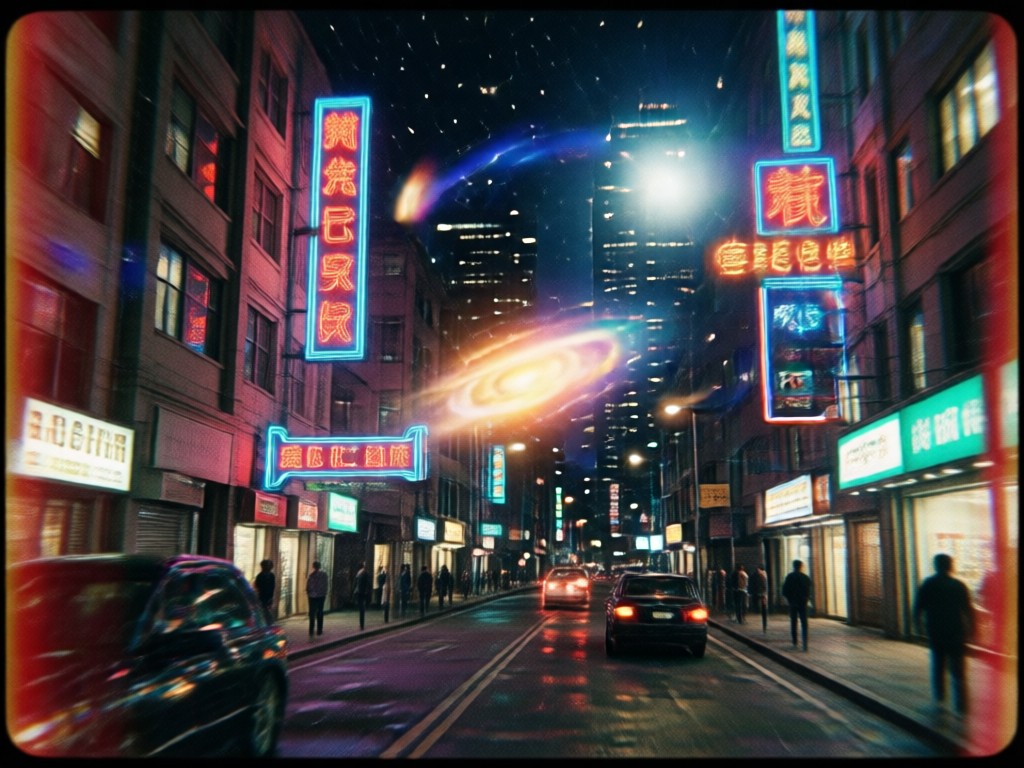
Gemini Inspired Style Filters
Apply film color presets inspired by vintage Kodak, Fuji, and Ilford stocks. Each filter blends subtle color shifts, faded highlights, and natural grain for a cohesive retro photo edit.
Gemini Inspired Style Filters
Apply film color presets inspired by vintage Kodak, Fuji, and Ilford stocks. Each filter blends subtle color shifts, faded highlights, and natural grain for a cohesive retro photo edit.
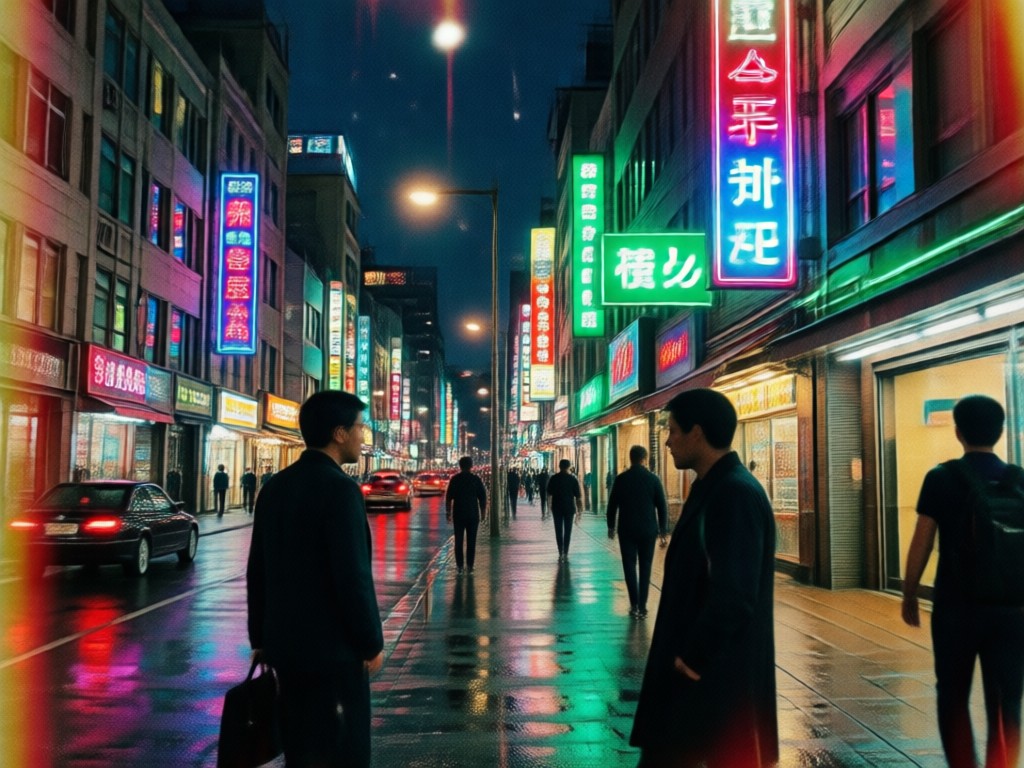
One Tap Group Photo Styling
Process portraits, selfies, and multi person shots in a single pass. The AI detects every face and applies matching grain, tone, and contrast so the whole image looks unified and natural.
One Tap Group Photo Styling
Process portraits, selfies, and multi person shots in a single pass. The AI detects every face and applies matching grain, tone, and contrast so the whole image looks unified and natural.
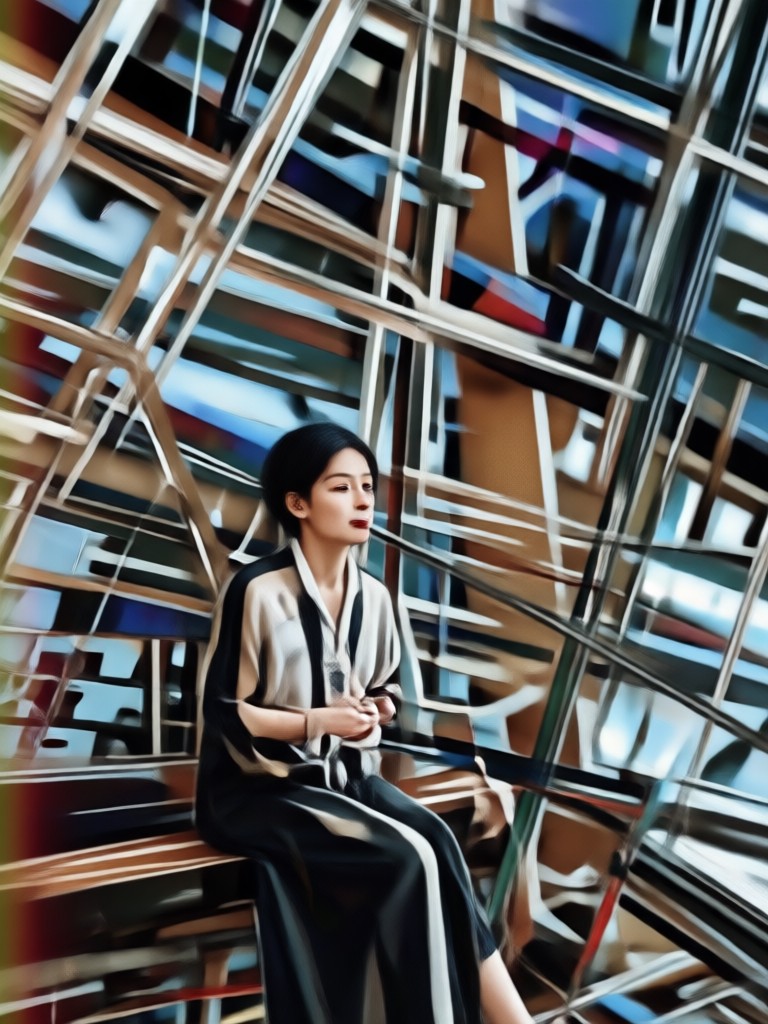
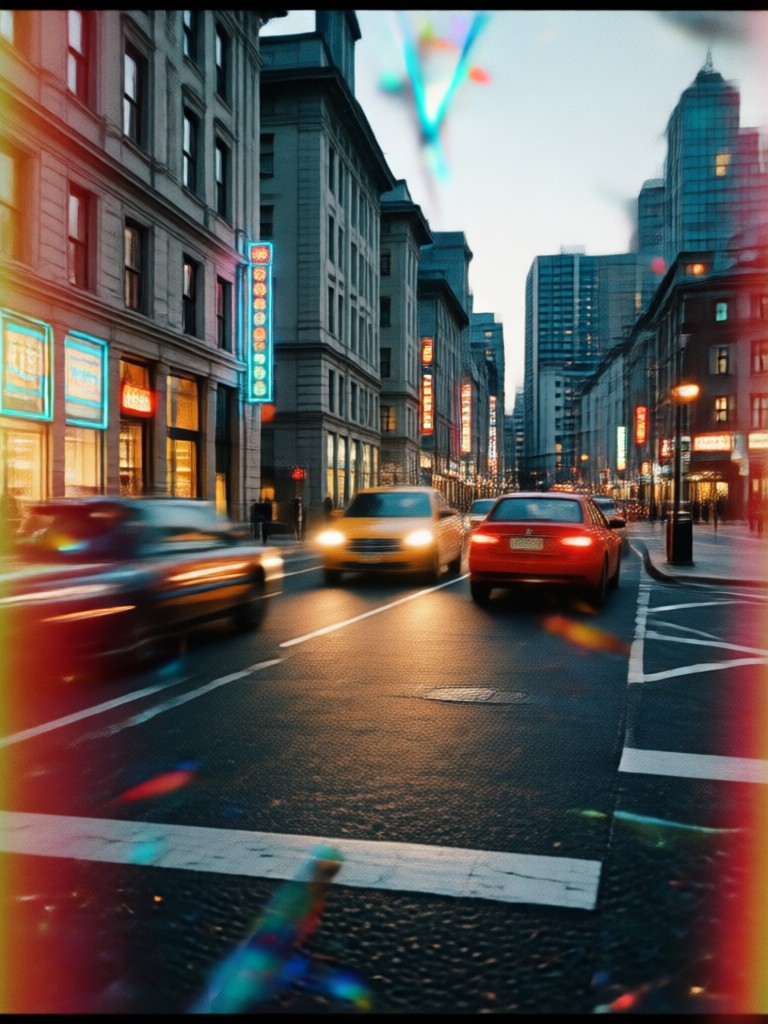
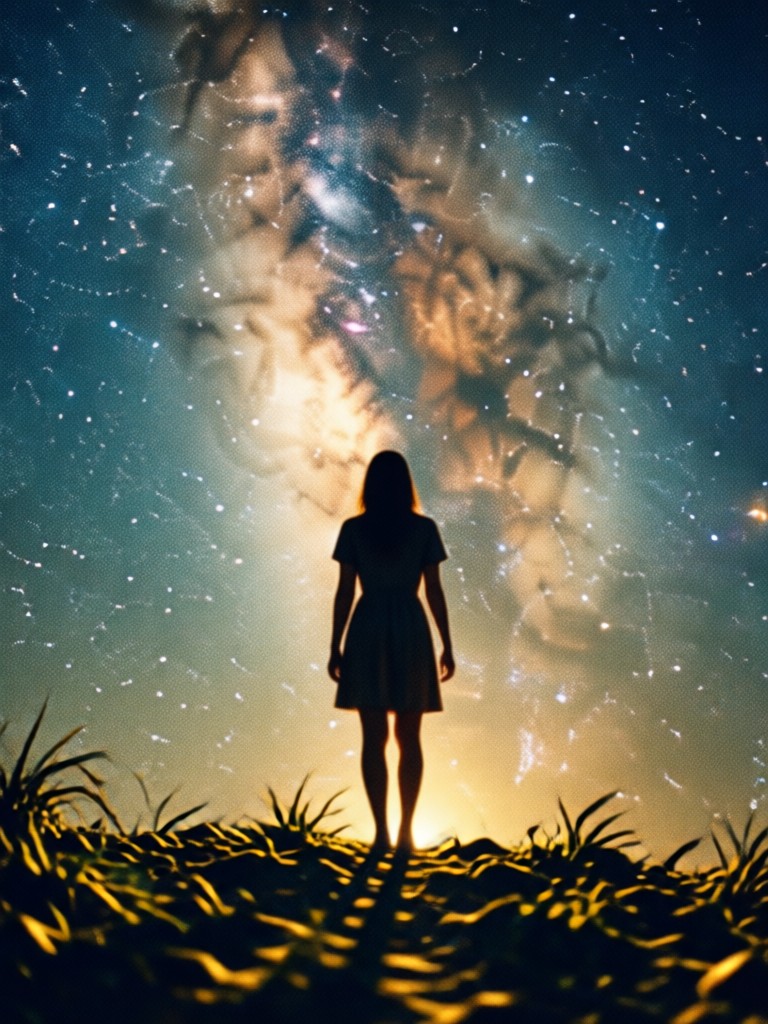
Popular Gemini AI Film Grain Photo Styles
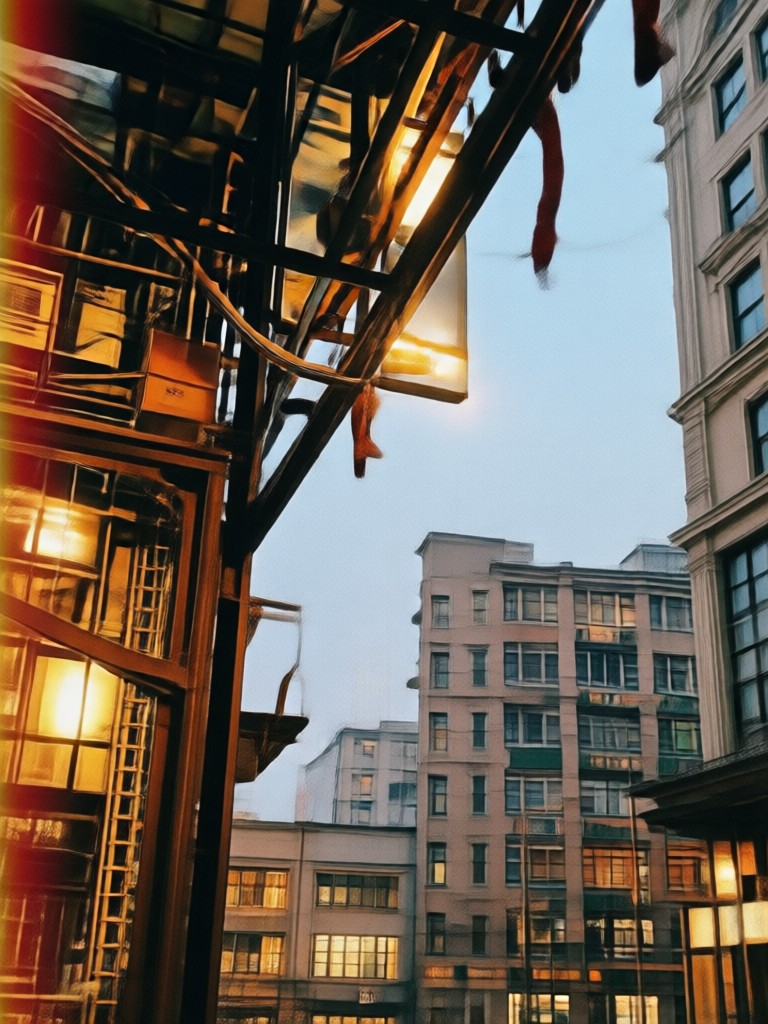
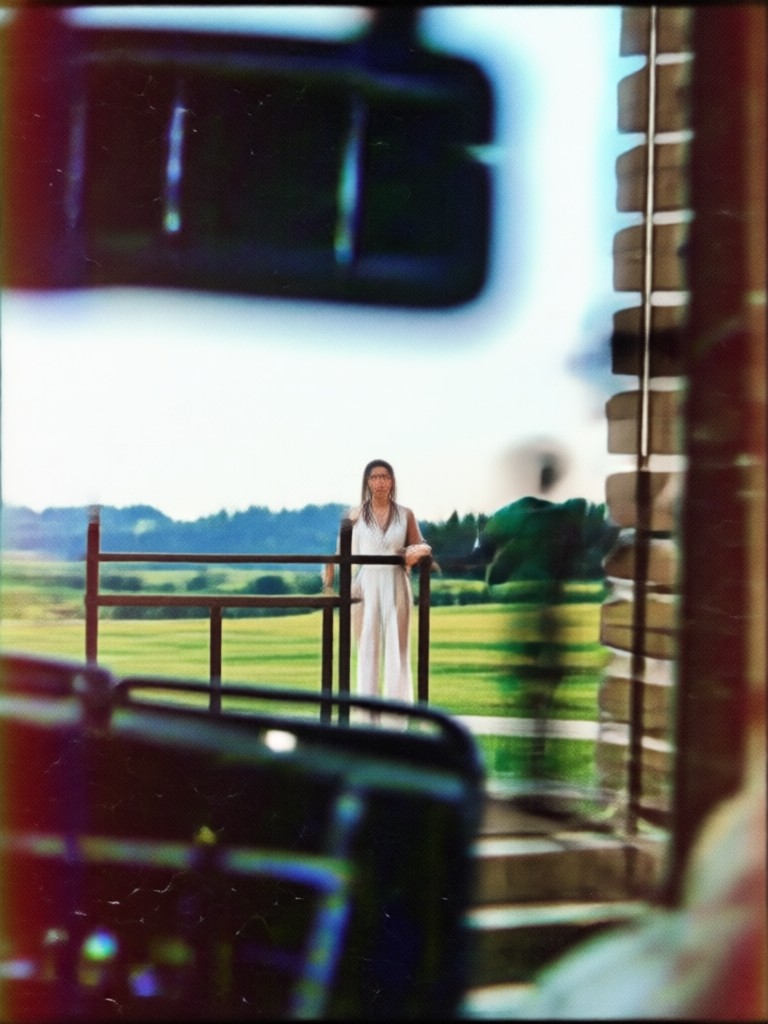
Preview the most requested film grain looks created with the dradra app. Each style adds a different level of texture, color fade, and cinematic mood to your original photo.
How to Create a Gemini AI Film Grain Photo
Create textured, film inspired photos in just a few simple steps using the dradra app on your Android phone.

Step 01.
Download dradra from Google Play and open the app on your Android device.
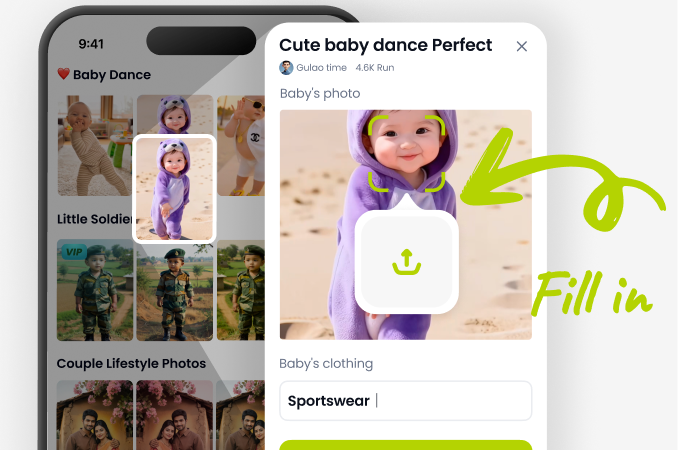
Step 02.
Upload your photo and choose a Gemini AI film grain filter from the style library.
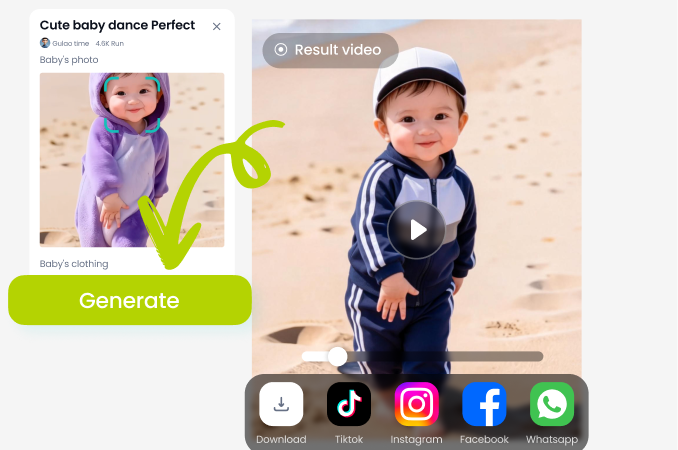
Step 03.
Generate your textured photo, adjust the grain intensity if needed, and save or share it.
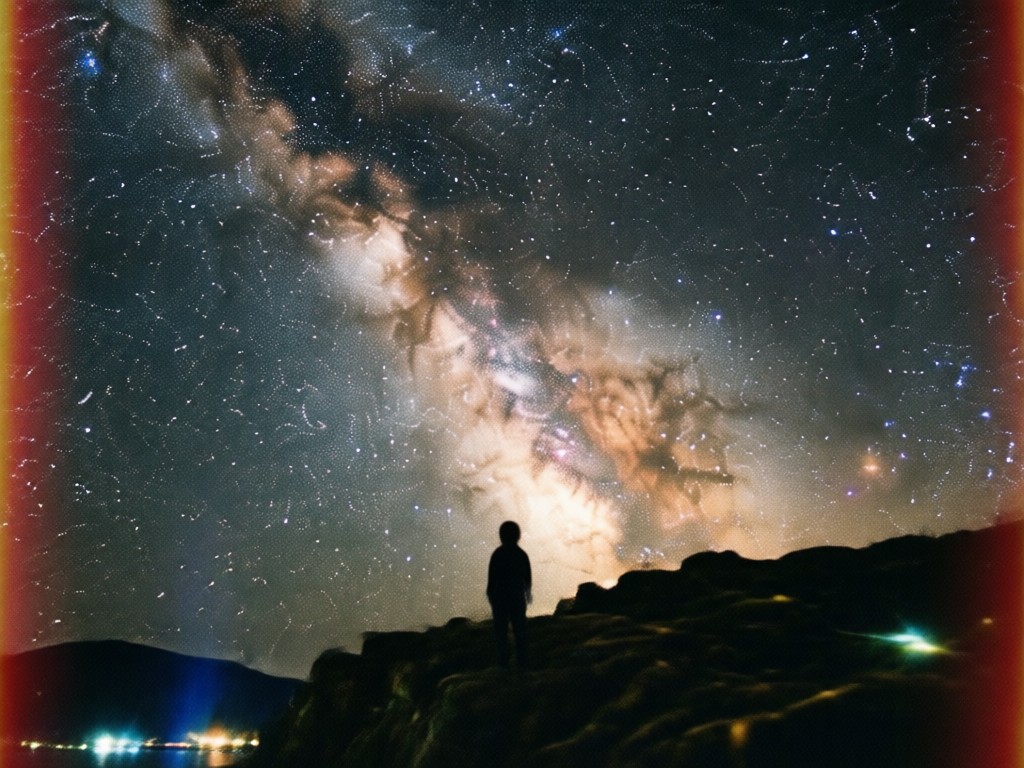
Why Choose dradra for Film Grain Photos
dradra gives you studio quality film texture without expensive cameras or complicated editing software. Upload any photo, pick a grain style, and get a natural analog look in seconds. The app is built for quick mobile editing, so you can create and share grainy portraits, selfies, and group shots from your phone.
Why Choose dradra for Film Grain Photos
dradra gives you studio quality film texture without expensive cameras or complicated editing software. Upload any photo, pick a grain style, and get a natural analog look in seconds. The app is built for quick mobile editing, so you can create and share grainy portraits, selfies, and group shots from your phone.
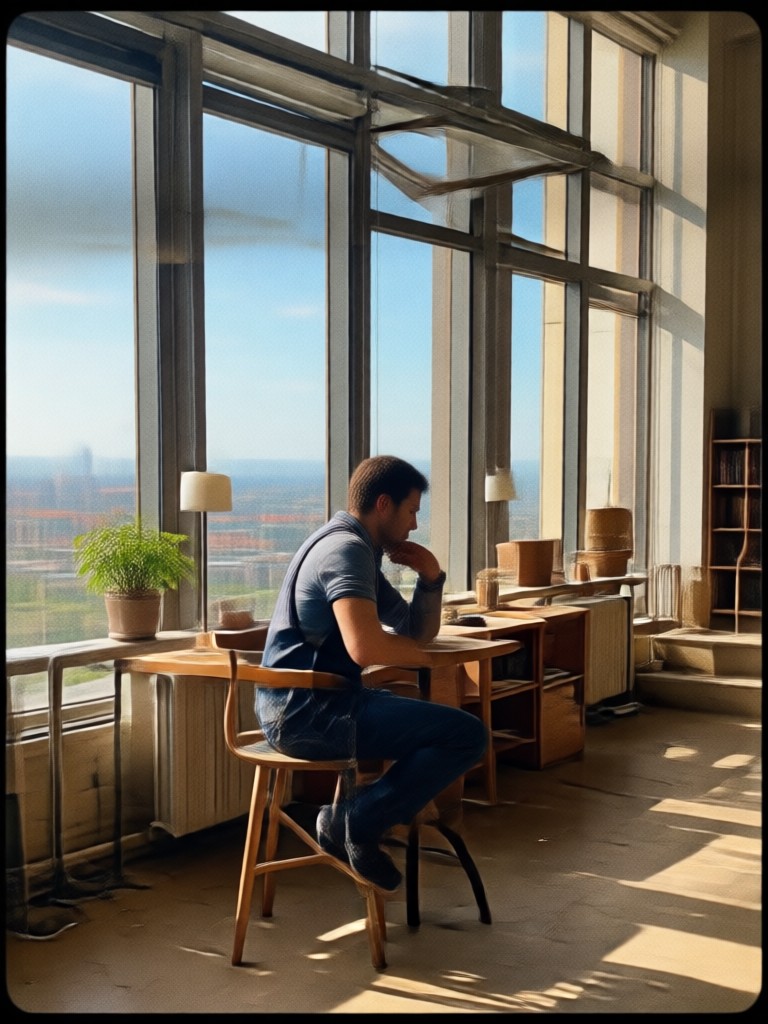
Get the Gemini AI Film Grain Photo Look on Android
Download dradra from Google Play and apply realistic film grain, vintage color, and cinematic textures in one tap. Perfect for social posts, portraits, and creative projects.

Who Uses the Film Grain Photo Effect
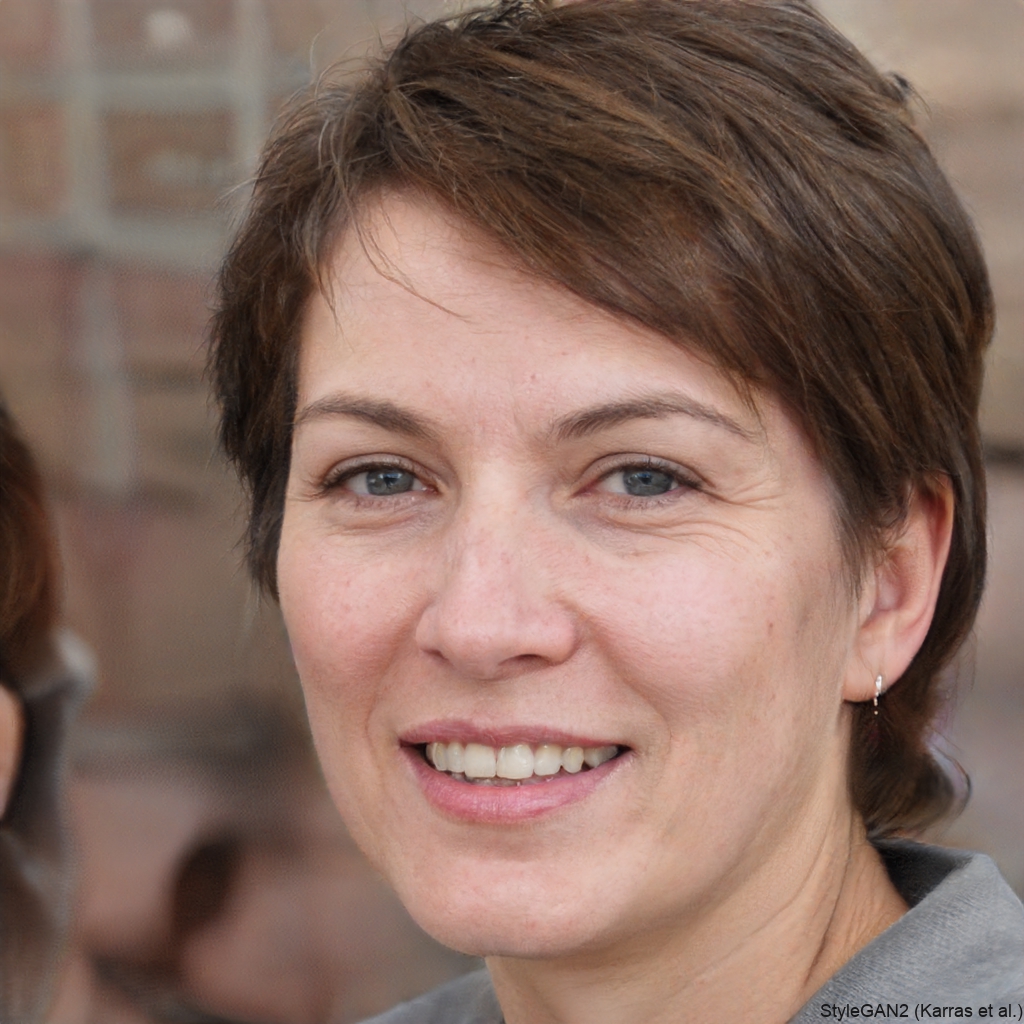
Mia Carter
I used dradra to give my travel photos a soft vintage film look. The grain feels real and the whole process took less than a minute.
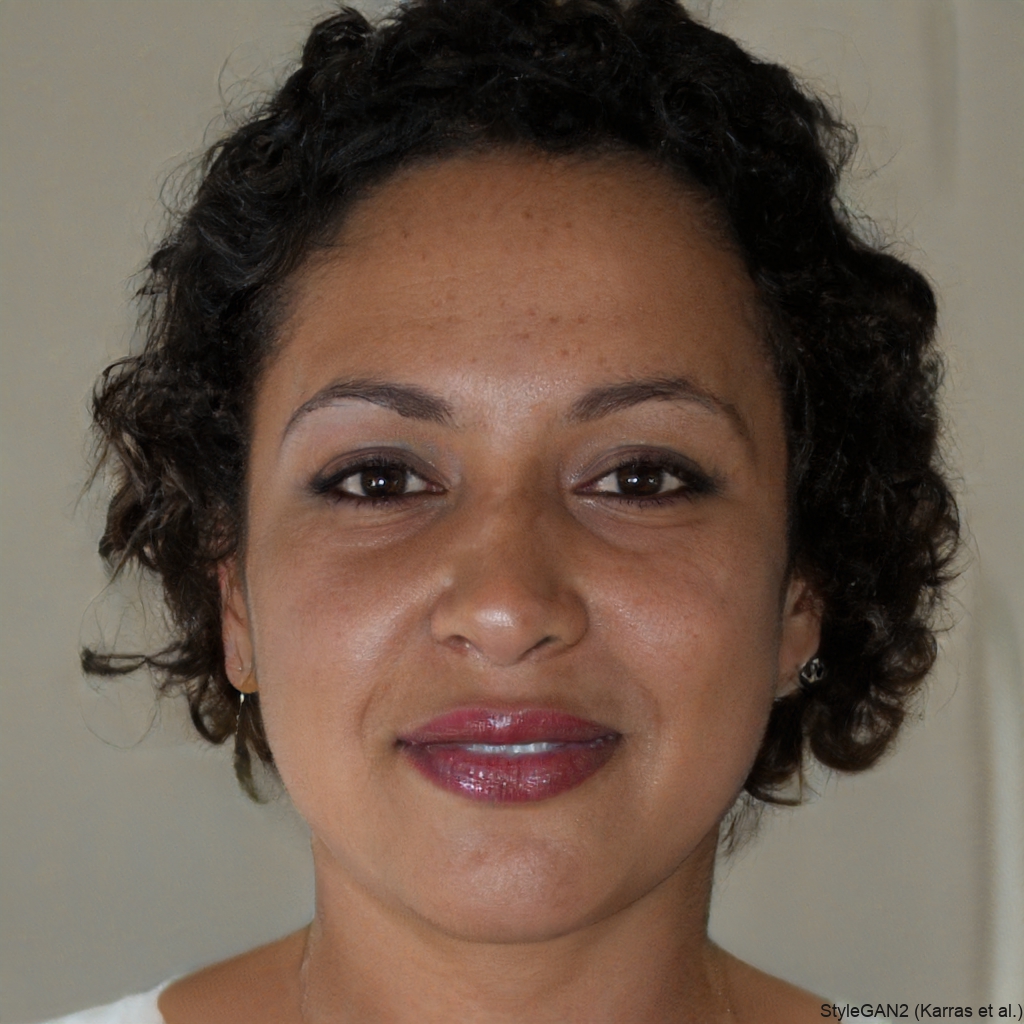
Daniel Brooks
I edit band promos on my phone and the film grain filter makes every shot look like it came from an old music magazine.

Priya Nair
The group photo processing is impressive. All four faces kept the same grain and tone, nothing looked cut and pasted.

Tom Becker
I wanted a black and white film look for a family portrait. dradra added just enough grain and contrast to make it feel timeless.
Mia Carter
I used dradra to give my travel photos a soft vintage film look. The grain feels real and the whole process took less than a minute.
Daniel Brooks
I edit band promos on my phone and the film grain filter makes every shot look like it came from an old music magazine.
Priya Nair
The group photo processing is impressive. All four faces kept the same grain and tone, nothing looked cut and pasted.
Tom Becker
I wanted a black and white film look for a family portrait. dradra added just enough grain and contrast to make it feel timeless.
Mia Carter
I used dradra to give my travel photos a soft vintage film look. The grain feels real and the whole process took less than a minute.
Daniel Brooks
I edit band promos on my phone and the film grain filter makes every shot look like it came from an old music magazine.
Priya Nair
The group photo processing is impressive. All four faces kept the same grain and tone, nothing looked cut and pasted.
Tom Becker
I wanted a black and white film look for a family portrait. dradra added just enough grain and contrast to make it feel timeless.
Frequently Asked Questions About Gemini AI Film Grain Photo
Find clear answers to common questions about creating film grain photos with the dradra app.
More Film Grain and Photo Effect Topics
Explore more creative photo and video topics you may like and discover fresh ideas for your next project.

AI Interior Design Photo: Transform Any Room Instantly
Cinematic Shot: AI Photo & Video Style Generator
Create Stunning Gemini AI Jewelry Posters in Minutes

Turn Photos into Dreamy Flower Boys with AI
AI Interior Design Photo: Transform Any Room Instantly
Cinematic Shot: AI Photo & Video Style Generator
Create Stunning Gemini AI Jewelry Posters in Minutes
Turn Photos into Dreamy Flower Boys with AI
Create Your Film Grain Photo Now
Download dradra and apply the Gemini AI film grain photo effect in seconds. Choose from realistic 35mm textures, vintage color presets, and cinematic tones for portraits and group shots.
Create Your Film Grain Photo Now
Download dradra and apply the Gemini AI film grain photo effect in seconds. Choose from realistic 35mm textures, vintage color presets, and cinematic tones for portraits and group shots.