Why AI Text to Image Prompt Tips Matter
Most AI image generators can produce impressive results, but the difference between a mediocre image and a striking visual often comes down to how you write the prompt. When you type a few vague words, the model fills in the gaps with assumptions. Those assumptions may not match your vision. A clear, well structured prompt reduces guesswork and gives the AI a focused creative direction. This guide provides actionable AI text to image prompt tips for anyone who wants better results without spending hours learning technical jargon.
Whether you are a content creator, marketer, or hobbyist, learning how to write AI art prompts for beginners helps you move past trial and error. You can apply these techniques inside dradra, a mobile AI design app with more than one million style filters and simple controls. The goal is not to write perfect paragraphs every time. The goal is to build a repeatable prompt routine that consistently produces images you can use.
The Core Elements of a Strong AI Image Prompt
A useful prompt usually contains four parts: subject, action or pose, environment, and style. You do not need all four for every image, but including them gives the model more to work with. For example, instead of writing "a girl", write "a young woman with wavy brown hair sitting on a wooden bench in a sunlit garden, soft natural light, portrait photography style". The added detail creates a clearer reference point.
Subject
The subject is the main person, animal, object, or scene. Be specific about appearance, age, expression, clothing, and unique features. If the subject is a fictional character, describe the visual cues you want to see.
Action and Pose
Tell the AI what the subject is doing. Words like standing, leaning, running, looking at the camera, or holding a cup guide body language and composition.
Environment
Describe the setting, background, time of day, and weather. A bright city street and a quiet mountain cabin produce completely different moods.
Style and Medium
Use style keywords such as watercolor, oil painting, anime, 3D render, cinematic, or realistic photography. This is where style filters in dradra become especially useful because you can choose a visual template before you refine the text.
How to Write AI Art Prompts for Beginners
Beginners often overcomplicate the process. Start with a simple sentence that describes what you want. Then add one style keyword and one lighting keyword. After you see the result, make small changes instead of rewriting everything. This iterative approach is one of the most effective AI text to image prompt tips because it helps you understand how each word influences the output.
For example, start with "a small bakery on a rainy evening". Generate the image. Then add "warm glowing windows, cinematic lighting, detailed texture". Compare the difference. The first version may feel plain, while the second feels atmospheric. Over time you will build a personal library of words that work for your taste.
Keep sentences clear. Avoid stacking too many conflicting descriptions. If you say "bright sunny day" and "dark moody night" in the same prompt, the model may produce a confusing result. Pick one dominant mood and let the details support it.
How Lighting and Color Keywords Shape the Image
Lighting is one of the most powerful tools in your prompt vocabulary. A scene described with "soft morning light" feels gentle and calm, while "harsh neon light" feels tense and modern. Color works the same way. Words like pastel, monochrome, warm, cool, muted, and vibrant give the model a clear direction. If you want a cohesive image, choose a small set of color and lighting words that support the same mood.
For example, a cozy interior scene might use "warm candlelight, amber tones, soft shadows". A futuristic city scene might use "cold blue neon, high contrast, reflective surfaces". These small combinations do more than long lists of adjectives. They create a consistent visual language that the AI can follow.
Using Reference Images to Strengthen Prompts
Words are powerful, but reference images add another layer of clarity. When you upload a photo to an image to image tool like dradra, you give the AI a visual starting point. This is especially useful for portraits, product shots, or scenes where you already have a composition in mind. You can write a prompt that describes what you want to keep and what you want to change.
For example, upload a photo of a living room and write "keep the furniture layout, change the wall color to sage green, add morning sunlight through large windows, interior photography style". The reference image anchors the structure while the prompt guides the transformation. This approach reduces random results and makes the creative process feel more intentional.
Ghibli Style AI Prompt Guide: A Practical Walkthrough
Studio Ghibli inspired images are popular for their soft colors, gentle lighting, and hand drawn feel. To create this style, you need more than the word "Ghibli". A useful Ghibli style AI prompt guide includes environmental storytelling, natural elements, and a calm emotional tone.
A strong prompt could be: "a small girl with a red backpack walking through a lush green meadow, soft pastel colors, hand painted animation style, gentle sunlight, Studio Ghibli inspired mood, detailed clouds and wildflowers". Notice how the prompt describes both the subject and the atmosphere. The phrase "Studio Ghibli inspired mood" signals the artistic direction without claiming to copy a specific film.
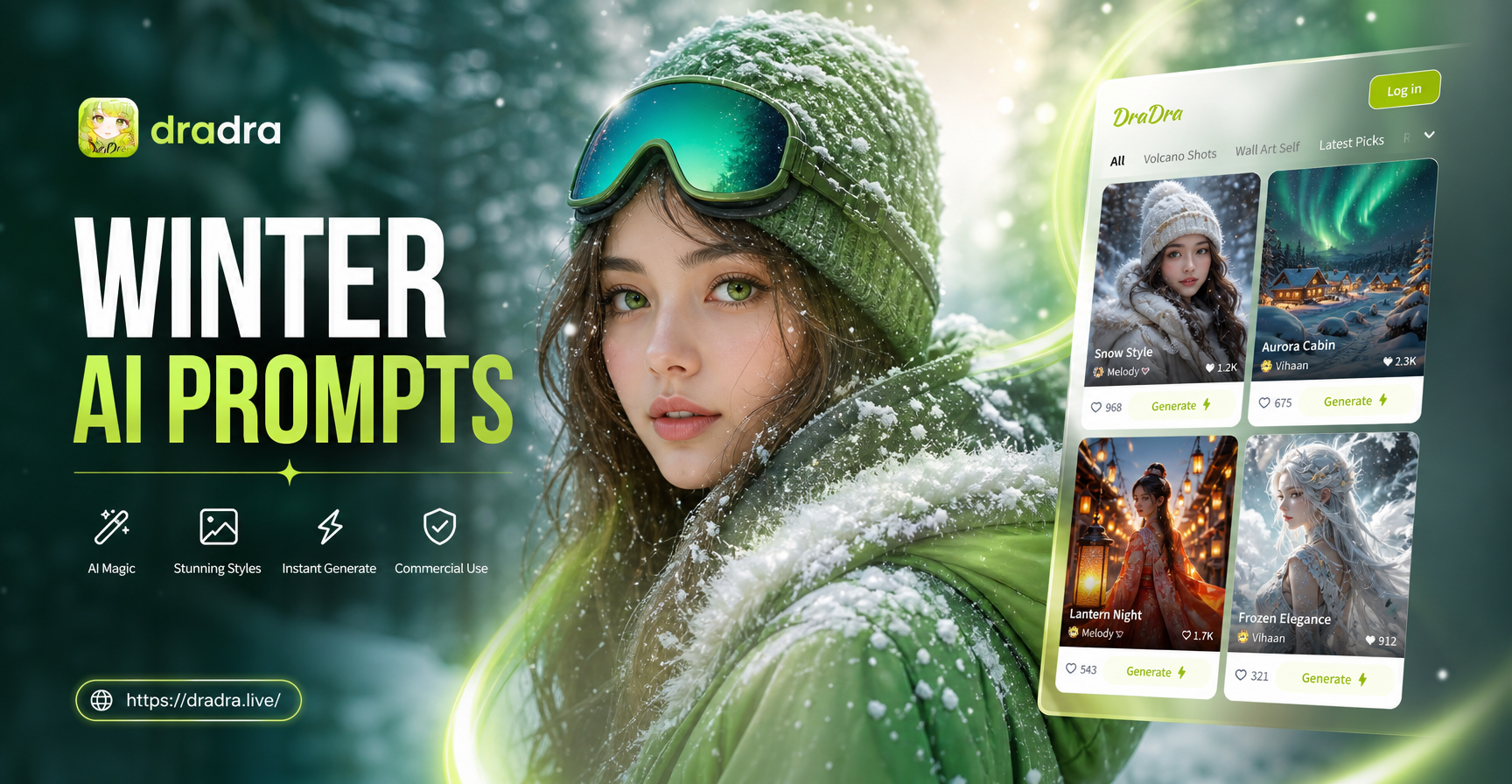
Use words like soft, gentle, whimsical, calm, and nostalgic to reinforce the feeling. Add natural elements such as grass, trees, clouds, water, or small animals. In dradra, you can select an anime or Ghibli style filter and then add your own subject details. The combination of a preset style and a specific prompt often produces the most consistent results.
Realistic Portrait AI Prompt Examples
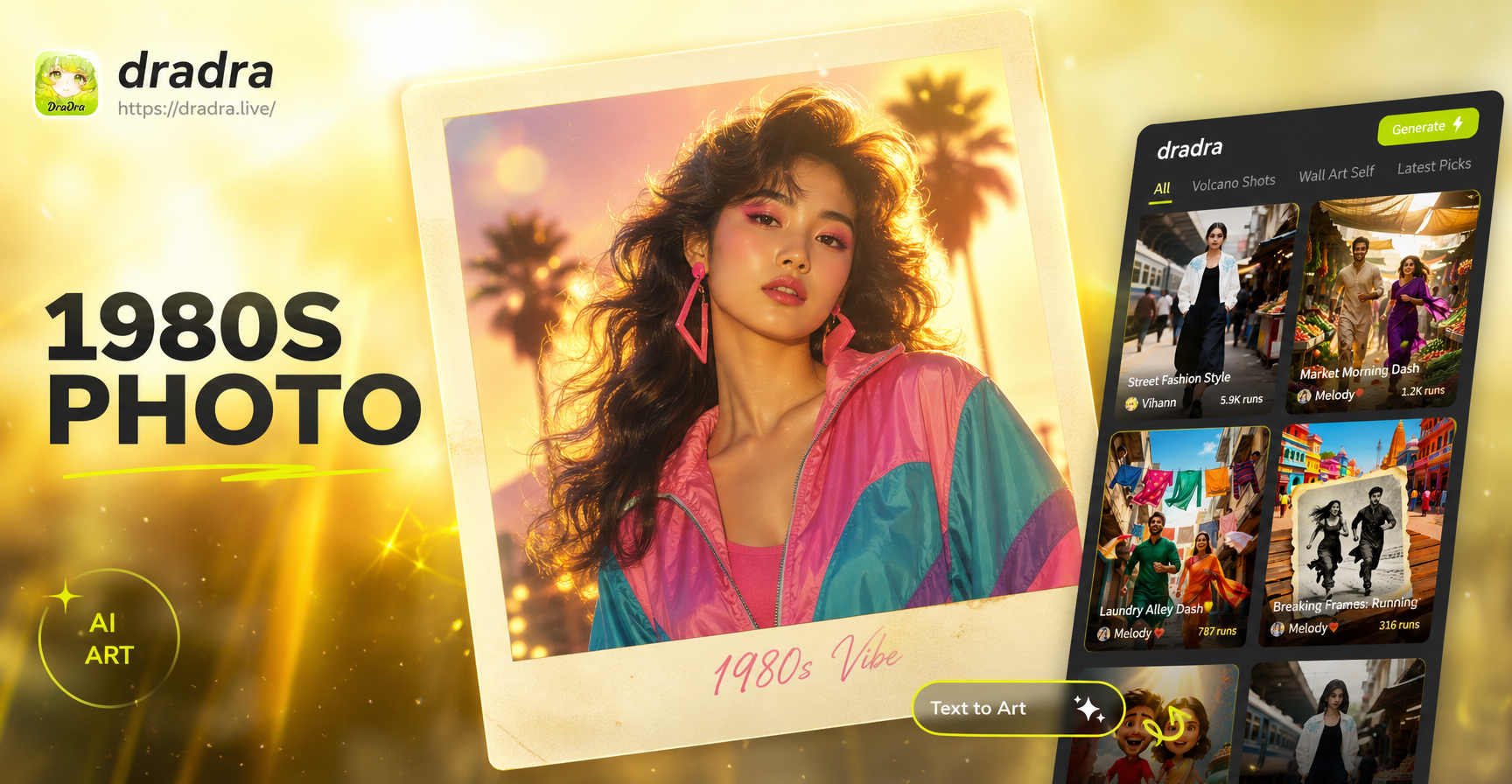
Realistic portraits require attention to facial details, camera language, and skin texture. Instead of writing "a beautiful woman", try "a close up portrait of a woman in her thirties, natural skin texture, soft studio lighting, neutral expression, sharp focus on eyes, 85mm lens look, realistic photography". This tells the AI exactly what kind of realism you want.
Use camera terms like close up, medium shot, wide angle, shallow depth of field, or macro. These words help the model understand framing and focus. Light is also critical. Words like soft window light, golden hour, overcast, or studio lighting change the entire image. Realistic portrait AI prompt examples often include one lens reference and one lighting reference for this reason.
When generating portraits in dradra, start with a realistic photography filter. Then enter your subject description and adjust details until the face looks natural. If the result feels too smooth, add words like "visible pores" or "natural texture". If the result feels too sharp, use "soft focus around edges". Small refinements matter.
Prompt Length and Structure: Finding the Balance
Long prompts are not always better. A prompt that is too long can bury the main subject under too many details. A prompt that is too short can lead to generic results. The best approach is to start with one or two clear sentences, then expand only when the output needs more direction.
Think of your prompt as a brief to a photographer or an illustrator. You would not say "something cool and beautiful". You would describe the subject, the setting, the mood, and the style. The same logic applies to AI image generation. A balanced prompt might be: "a friendly barista standing behind a wooden counter, warm cafe interior, morning light through windows, realistic lifestyle photography". This gives the AI enough detail without overwhelming it.
Avoiding Common Prompt Mistakes
One common mistake is writing a long list of adjectives without a clear subject. Another is using abstract words that the model cannot visualize, such as "epic", "amazing", or "beautiful" without context. Instead of vague praise, describe what makes the scene beautiful: "soft light falling through tall maple trees" is more useful than "beautiful forest".
Do not rely on negative prompts alone. Some tools support negative prompts, but better results come from positively describing what you want. If you do not want a hat, say "bare head" or "hair fully visible" rather than only typing "no hat". This positive framing encourages the model to construct the right image instead of avoiding a word.
Finally, avoid using too many style keywords at once. Mixing "photorealistic, watercolor, pixel art, 3D render" confuses the model. Choose one primary style and one secondary influence at most.
Using dradra for AI Text to Image Generation
dradra is a mobile only AI design app available on Google Play. It combines text to image, image to image, text to video, and image to video features in a single interface. You do not need prompt engineering experience to start. You can open the app, type a short description, choose from more than one million style filters, and generate a high resolution image in seconds.
Because dradra offers so many style templates, you can spend less time guessing style words and more time refining your subject. For example, if you want an anime look, select an anime filter and write a simple scene. If you want a watercolor look, choose that filter and describe the colors. The app preserves the creative control while removing much of the technical friction.
The image to image feature is also helpful for prompt practice. Upload a photo as a reference and describe what you want to change. This teaches you how the model interprets visual details. Compare the original and the generated result to understand which words mattered most.
A Step by Step Prompt Checklist
- Choose one clear subject and describe its most important visual features.
- Add an action or pose to guide composition.
- Describe the environment, time of day, and weather if relevant.
- Pick one style or medium, such as realistic photography, anime, watercolor, or 3D.
- Add one lighting keyword to control mood.
- Keep the prompt under two or three short sentences unless you need a very specific scene.
- Generate, review, and change only one element at a time.
Final Thoughts on AI Text to Image Prompt Tips
The best prompt is not the longest one. It is the one that gives the AI a clear subject, a consistent style, and enough detail to avoid generic results. Start with simple descriptions and refine gradually. Use style presets in dradra to speed up the process and learn from the visual output. With practice, you will develop a reliable set of prompts that work across different scenes and styles.