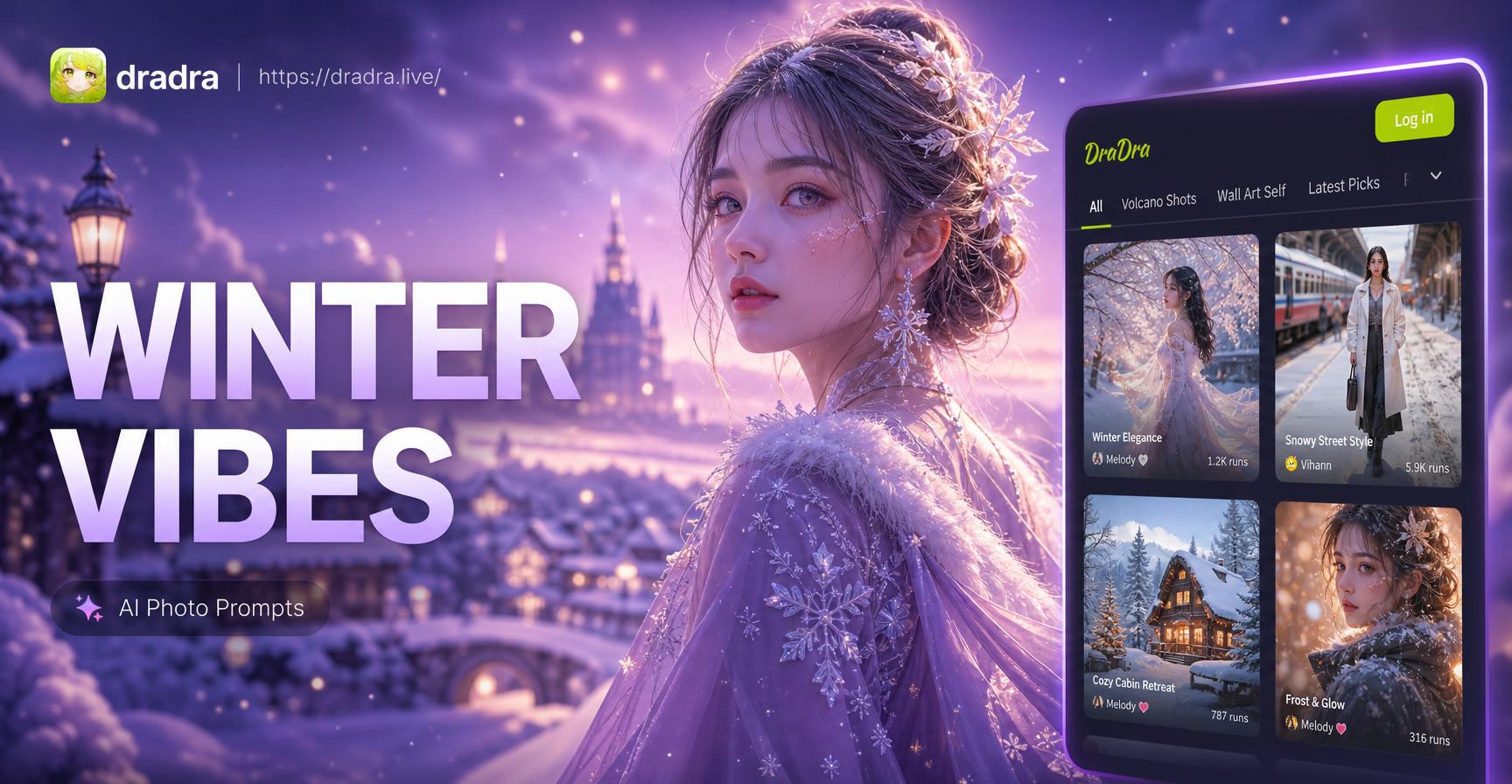
Introduction to Winter AI Photo Prompts
Winter transforms the world into a canvas of frost, snow, and warm lights. But capturing that magic with a traditional camera often requires freezing temperatures, perfect lighting, and a lot of patience. AI photo generators remove those barriers. With the right winter AI photo prompts, you can create breathtaking cold weather images from the comfort of your home. Whether you want a cozy cabin scene, a festive holiday portrait, or a surreal snowy landscape, text-to-image AI brings your vision to life in seconds.
dradra, an all-in-one AI design app, makes this process incredibly simple. You don't need prompt engineering skills or expensive gear. Just type a description, choose a style template, and generate. In this guide, we'll share the best winter photo prompts, tips for getting the most out of AI, and creative ways to use these images for social media, gifts, and personal projects.
Why Use AI for Winter Photo Creation?
Traditional winter photography can be challenging. Snow reflects light unevenly, cold drains camera batteries, and models shiver through outdoor shoots. AI removes these obstacles entirely. Here are key benefits:
- Instant results: Generate a winter scene in under a minute, no waiting for weather conditions.
- Unlimited creativity: Blend fantasy elements like ice castles, glowing auroras, and talking snowmen that are impossible to photograph.
- Cost effective: No need for professional equipment, studio rentals, or travel to snow-covered destinations.
- Beginner friendly: dradra's style templates handle the technical details, so you focus on the idea.
Because dradra runs entirely on your mobile device, you can create winter masterpieces on the go, whether you're curled up on the couch or commuting to work.
Getting Started with dradra for Winter AI Prompts
To start generating winter AI photos, download dradra from Google Play. The app is designed for effortless creation. After installation, open the app and explore the text-to-image feature. You'll see a text box where you can type your winter prompt, followed by a gallery of style templates. Choose one that matches the mood you want, such as realistic photography, watercolor, anime, or cinematic. Then tap generate. Within seconds, dradra produces a high-resolution image based on your description.
You can also use the image-to-image feature if you already have a winter photo you want to enhance or restyle. Upload your photo, add a style reference, and let AI transform it while keeping the original subject intact. This is perfect for adding snow to a portrait, changing the background to a winter wonderland, or applying a festive filter to a family picture.
Top Winter AI Photo Prompts to Try
Below we've organized winter photo prompts into categories so you can find the right inspiration for any project. These prompts work wonderfully with dradra's realistic and artistic style filters.
Snowy Landscape Prompts
- "A serene snow-covered pine forest at dawn, soft pink and blue sky, gentle snowflakes falling, mist rising from a frozen lake, ultra-realistic photography."
- "A cozy wooden cabin in the mountains with warm glowing windows, smoke rising from the chimney, thick snow on the roof, starry night sky, cinematic lighting."
- "An empty street in a small European town during a heavy snowfall, old-fashioned street lamps casting warm light, footprints in the snow, nostalgic winter evening."
- "A wide shot of a frozen waterfall surrounded by icicles and snow-dusted rocks, sunlight filtering through clouds, realistic landscape photography."
Cozy Indoor Winter Prompts
- "A warm living room with a crackling fireplace, a person wrapped in a knitted blanket reading a book, steaming mug of hot cocoa on the table, soft golden hour light."
- "A cat curled up on a windowsill watching snow fall outside, Christmas lights blurred in the background, cozy hygge atmosphere, shallow depth of field."
- "A rustic kitchen with a fresh batch of gingerbread cookies on a wooden counter, snow visible through frosted window, warm ambient lighting."
Festive Holiday Prompts
- "A beautifully decorated Christmas tree with twinkling fairy lights and colorful ornaments, presents wrapped in kraft paper underneath, soft bokeh background."
- "A family building a snowman in a suburban backyard, children laughing, winter hats and scarves, joyful holiday spirit, realistic photo."
- "A New Year's Eve celebration with sparklers and confetti falling on a snowy street, people in elegant winter coats, festive city lights."
Winter Portrait Prompts
- "A close-up portrait of a young woman with snowflakes on her eyelashes, rosy cheeks, wearing a faux fur hood, background softly blurred with falling snow."
- "A man wearing a beanie and a thick wool coat, standing in a snowy park, golden afternoon light, steam from his breath visible, cinematic portrait."
- "A child holding a red umbrella in the snow, looking up at the sky with wonder, colorful winter clothing, whimsical, storybook style."
Magical and Fantasy Winter Prompts
- "An ice castle glowing under the northern lights, crystal towers reflecting purple and green auroras, a frozen lake mirroring the sky, fantasy digital art."
- "A winter fairy with translucent wings made of ice, standing in a snow-covered meadow, glowing sparkles around her, ethereal, pastel colors."
- "A giant friendly yeti giving a high-five to a small girl in a snowy forest, playful, Pixar-style 3D animation."
Tips for Writing Effective Winter Photo Prompts
The quality of your AI-generated winter image depends heavily on how you describe the scene. Follow these practical tips to get better results every time.
- Be specific about weather and time: Mention the type of snow (light flurries, heavy snowfall, frozen ground), time of day (dawn, dusk, noon), and sky conditions (overcast, clear night).
- Include lighting details: Lighting sets the mood. Use terms like "warm golden hour," "cool blue twilight," "soft diffused light," or "dramatic backlight."
- Describe clothing and textures: For portraits, specify materials like wool, fur, leather, and knit. This helps AI render realistic fabric details.
- Add action or emotion: Phrases like "laughing," "sipping hot cocoa," "throwing snowballs," or "gazing at the stars" make images feel alive.
- Use style references: If you have a specific aesthetic in mind, include it at the end, such as "watercolor painting," "anime style," "cinematic film still," or "3D claymation."
Experiment with different combinations. dradra's style templates also help you achieve consistent looks without manually adding style keywords. You can pick a template like "realistic photography" and then focus your prompt on the content alone.
Enhancing Existing Winter Photos with Image-to-Image
Already have a winter photo that needs a boost? dradra's image-to-image feature lets you transform it in creative ways. Upload your photo and try these transformations:
- Add snow: Turn a plain outdoor portrait into a snowy scene by typing "add gentle snowfall and frost on the ground" while keeping the person unchanged.
- Change the season: Convert a summer photo into a winter wonderland by prompting "change the background to a snowy forest with ice-covered trees."
- Apply an art style: Turn a family photo into a watercolor holiday card or a Ghibli-inspired animation still.
- Create a festive version: Add a Santa hat, Christmas lights, or a cozy scarf to a portrait without altering facial features.
This feature uses AI style transfer to preserve the original subject while introducing winter elements. It's perfect for personalizing greetings, creating social media content, or just having fun.
Multi-Person Winter Photo Ideas
dradra excels at processing group photos with accurate face recognition. You can generate winter group scenes without faces blending together. Here are a few prompt ideas for multiple people:
- "Three friends having a snowball fight in a city park, laughing, wearing colorful winter jackets and beanies, motion blur on snowballs, realistic action shot."
- "A family of four posing in front of a giant Christmas tree at a holiday market, warm string lights overhead, smiling faces, festive atmosphere."
- "A couple ice skating on a frozen pond, holding hands, sunset light reflecting off the ice, romantic winter scene."
- "A group of coworkers wearing ugly Christmas sweaters at an office holiday party, holding mugs of hot chocolate, warm indoor lighting."
Because dradra can distinguish different faces, the generated images maintain each person's unique features, making these perfect for holiday cards or team photos.
Common Mistakes to Avoid When Writing Winter Prompts
- Vague descriptions: Avoid prompts like "a winter picture." Instead, describe the scene, mood, and style.
- Overloading with details: Too many conflicting elements can confuse the AI. Keep prompts focused on one main subject and a few key details.
- Ignoring the style template: The template you choose greatly affects the output. A watercolor template will not produce a photorealistic landscape. Match the template to your goal.
- Forgetting about aspect ratio: For social media, use portrait or square formats. dradra allows you to adjust output size, so think about where you'll share the image.
Creative Uses for Your AI Winter Photos
Once you've generated a collection of beautiful winter images, here's how to put them to use:
- Holiday cards: Design personalized greeting cards featuring your family in a snowy scene or a whimsical winter illustration.
- Social media posts: Share stunning winter landscapes or cozy scenes to engage your followers. Hashtags like #WinterAIArt and #CozyVibes can boost reach.
- Wall decor: Print high-resolution winter art for your home. A snowy forest or aurora scene adds seasonal charm to any room.
- Gift ideas: Create custom phone wallpapers, mugs, or framed prints for friends and family.
- Story inspiration: Writers and game developers can use AI winter images as concept art for characters, settings, or mood boards.
Frequently Asked Winter AI Photo Prompt Questions
Here are quick answers to common questions about winter AI photo prompts.
Can I use winter AI photo prompts with dradra for free?
Yes, dradra offers a free version with access to a wide range of style templates and generation credits. You can create winter images without paying, and upgrade if you need more advanced features or higher volume.
Do I need to be good at writing prompts?
No. dradra's template system simplifies the process. You can start with simple prompts and gradually add more detail as you become comfortable. The app also suggests example prompts to inspire you.
Can I generate winter videos with dradra?
Absolutely. Besides text-to-image, dradra supports text-to-video and image-to-video. You can animate a static winter photo, add falling snow motion, or create a short video of a snowman coming to life.
What are the best style templates for winter scenes?
For realistic winter photography, choose the "realistic photography" or "cinematic" templates. For a dreamy look, try "watercolor" or "Ghibli style." For playful animations, use "3D clay" or "anime."
Conclusion
Winter AI photo prompts open a world of creativity without the cold. Whether you want realistic snowy landscapes, cozy indoor scenes, or magical fantasy art, dradra makes it simple. With its powerful text-to-image and image-to-image tools, over a million style filters, and multi-person support, you can create professional-quality winter images in seconds. Download dradra today and start turning your winter ideas into stunning visuals.