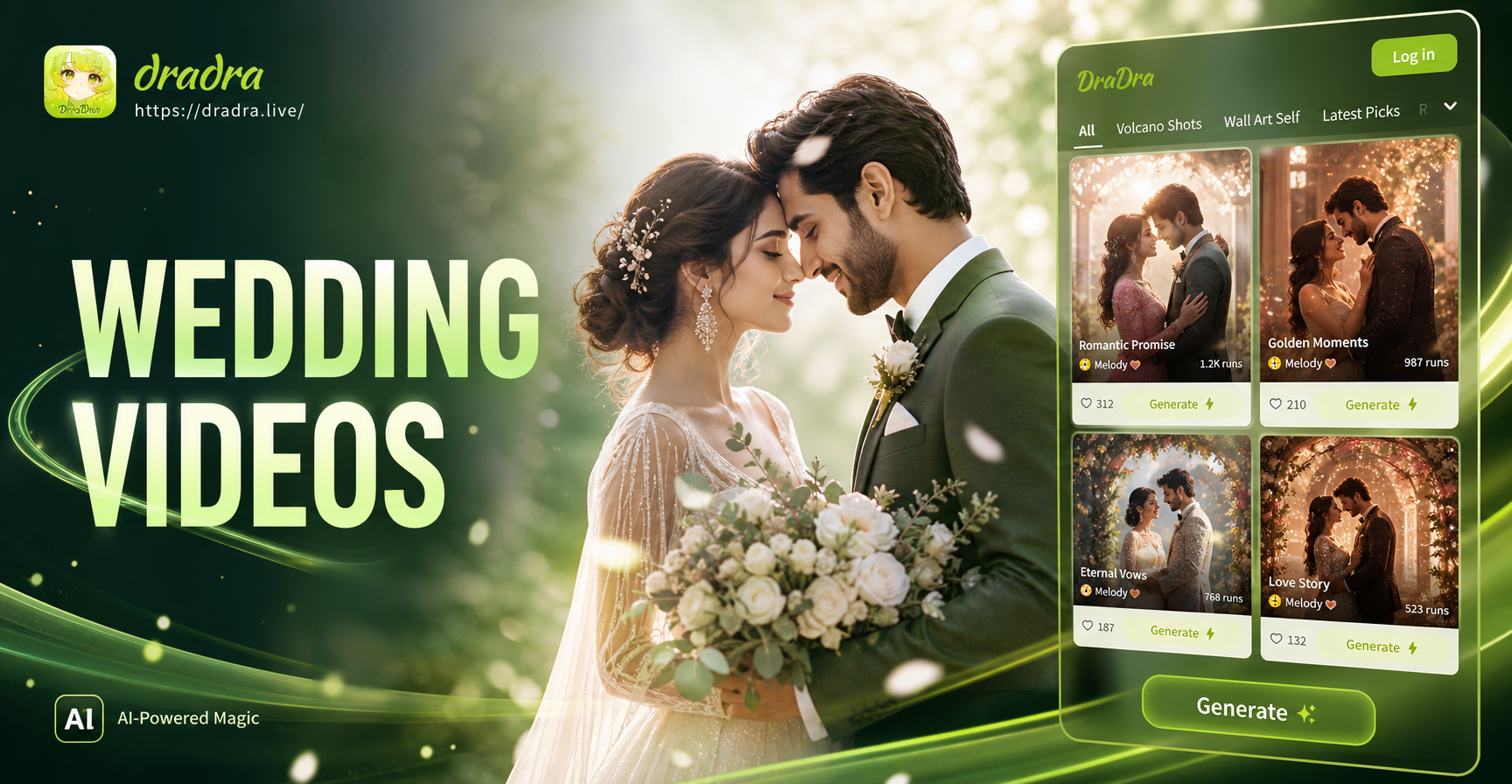
A wedding video generator can turn a well-chosen couple photo, family portrait or short wedding clip into an AI-styled motion piece. The useful workflow is not to ask AI for a generic romantic video. Start with a clear reference image, lock the people and the moment that must remain recognisable, choose one visual direction, generate a short variation, then inspect faces, hands, jewellery, clothing and movement before sharing.
For an Indian wedding, the strongest result respects the people and the occasion first. AI image and video generation can reinterpret a still as a cinematic, painterly or double-exposure scene, but it should not replace the couple’s identity, alter meaningful rituals or invent a different ceremony. DraDra is useful when the goal is an art-directed transformation of a photo or video while keeping the core composition and subjects recognisable.
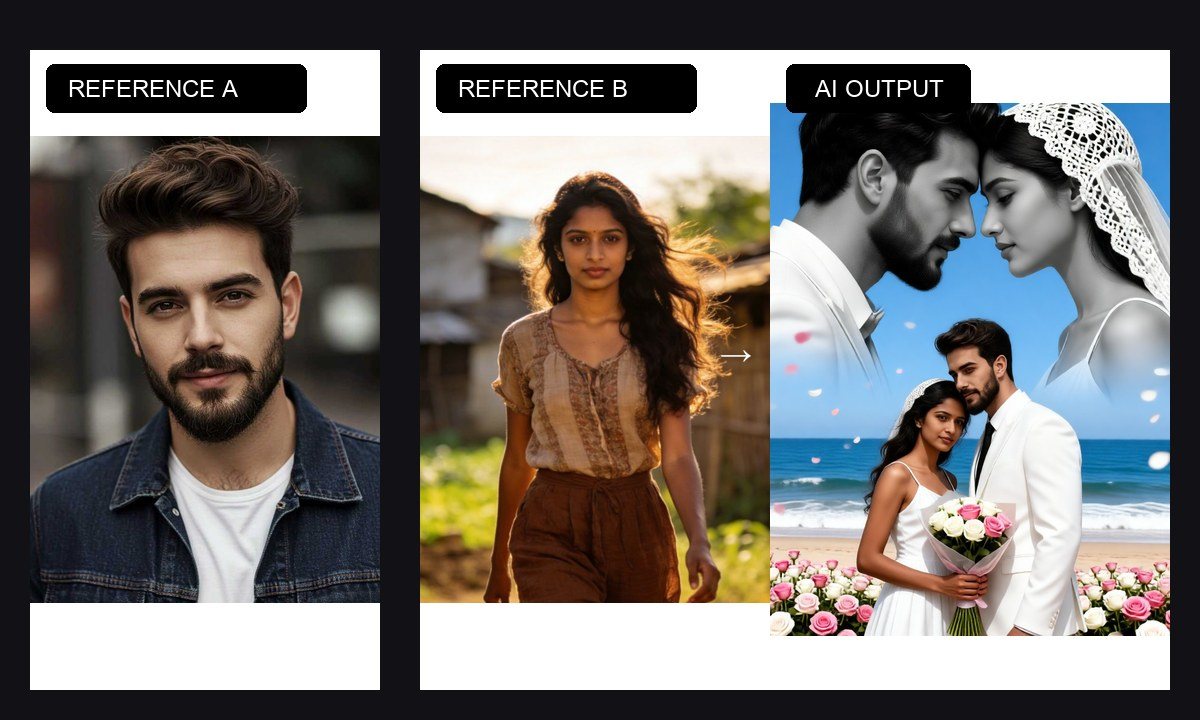
Official DraDra catalogue reference inputs and output. Check whether both people, their relative pose and key clothing details survive the transformation before judging the mood.
What can an AI wedding video generator make?
An AI wedding video generator is best understood as a reference-led AI image and video tool. It can start from a wedding photograph or a short source clip, then create a new stylised version with a different atmosphere, setting treatment or motion feel. It is well suited to a short social post, an invitation-style reveal, a romantic montage insert or a creative version of a favourite portrait.
It is not a replacement for documenting a real ceremony. Keep documentary footage, vows, speeches and family records intact. Use AI for a clearly creative derivative, especially when the result adds movement, film-like colour, a painterly frame or a symbolic visual layer.
Useful wedding video directions include:
- a softly animated couple portrait for a save-the-date or social post;
- a cinematic entrance or sunset mood created from a still photograph;
- a double-exposure portrait that blends the couple with flowers, architecture or evening light;
- a painterly reinterpretation of a formal wedding portrait;
- a restrained motion version of a family group photograph.
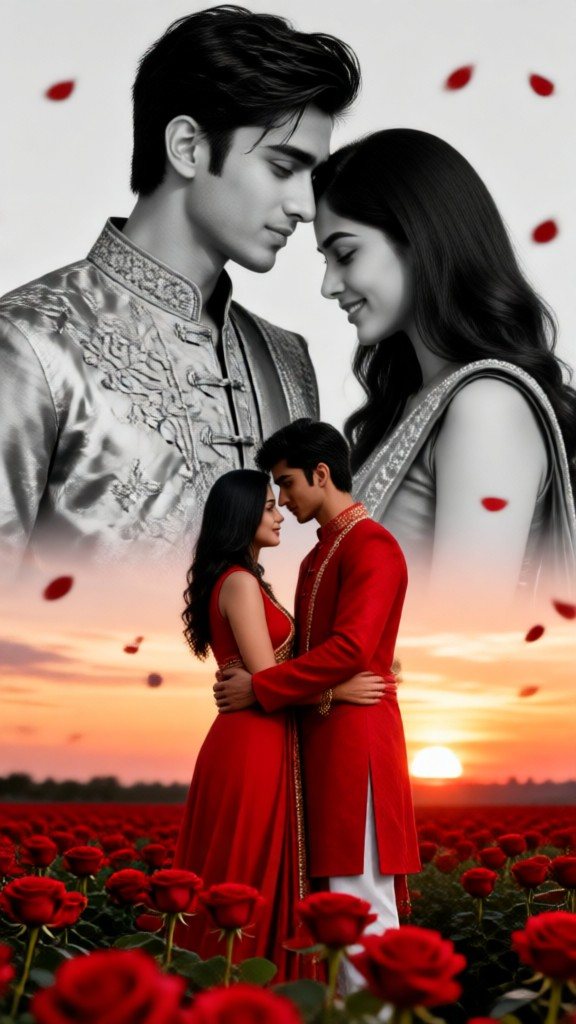
Official DraDra catalogue result, “Wedding at sunset under double exposure”. Use it as a creative direction, not as evidence of a real event.
Choose the source image before choosing the effect
The input determines whether a generated wedding video feels believable. Select a photo where the couple’s faces are clear, their outfits are readable and the pose is stable. For a group image, make sure each person is visible rather than partly hidden behind someone else.
| Start with this | Why it helps the AI | Avoid this when possible |
|---|---|---|
| A sharp couple portrait | Gives the model clear face and outfit references | Heavy beauty filters or motion blur |
| A full-length formal photo | Keeps garment shape, hands and body proportions visible | Cropped hands, feet or embroidered edges |
| A calm group portrait | Makes relative positions easier to preserve | Dense dance-floor scenes with many overlapping people |
| A short stable clip | Provides a clear visual starting point for restyling | Fast pans, strobe light or compression-heavy footage |
If the image includes a lehenga, sherwani, sari, turban, garland or heirloom jewellery, call it out as a detail to preserve. These are not disposable decorations. They help anchor both the identity of the people and the specificity of the occasion.
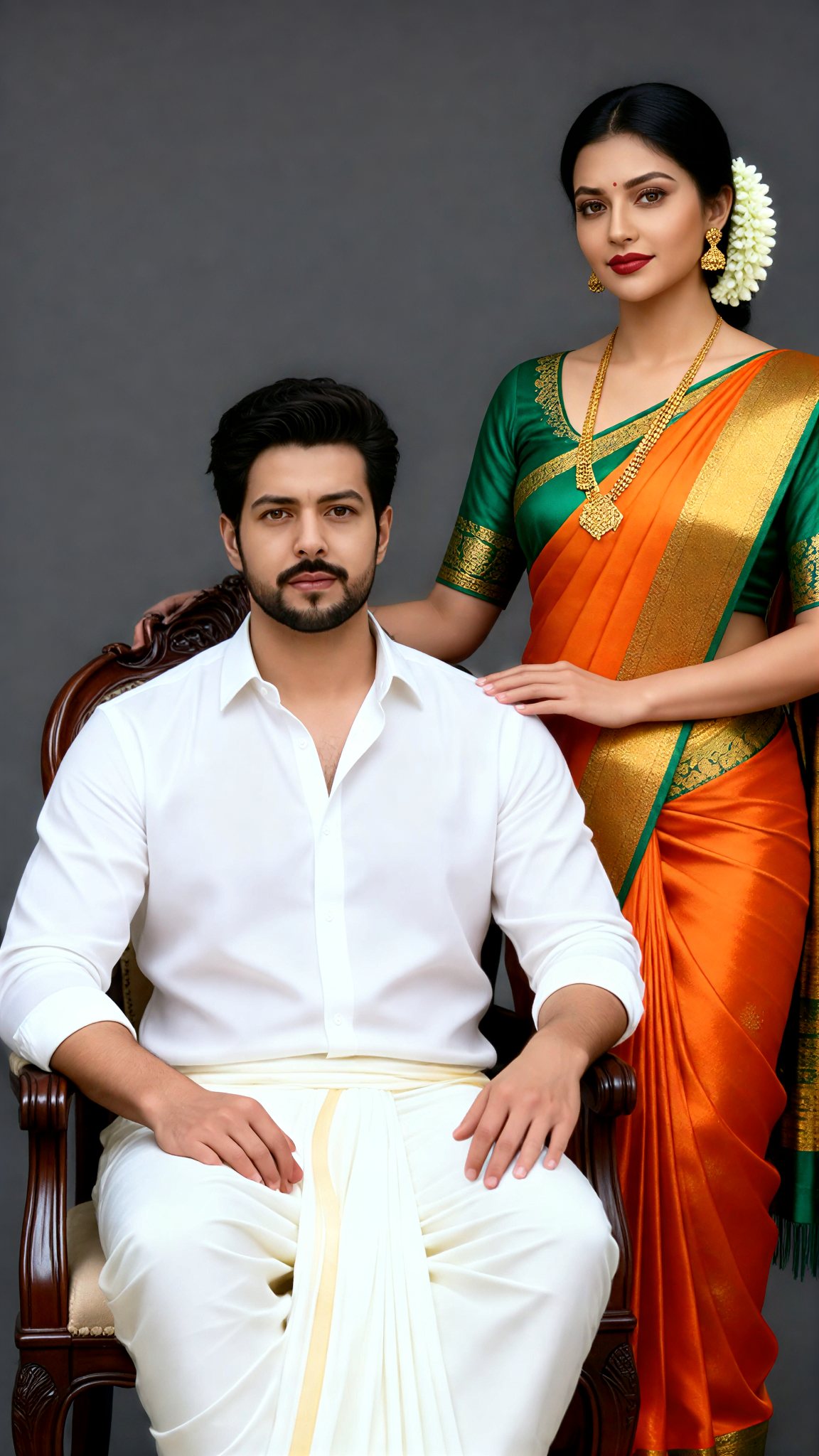
Official DraDra catalogue result, “Indian couple photo”. Inspect faces, garment borders and the relationship between the two people at full size.
A reliable AI wedding video prompt
Use this instruction with a prompt-enabled AI image or video generator. If you start from a ready-made effect, use the same details as a selection and review checklist.
Use the uploaded wedding photo as the definitive identity and composition reference. Create a short, elegant cinematic wedding video with gentle natural movement only. Preserve both people’s recognisable faces, skin tone, age, body proportions, pose, eye direction, clothing silhouette, jewellery, garlands and the relationship between them. Keep the ceremony context and do not replace the people, venue or cultural details.

Add restrained motion: a slight camera drift, soft fabric movement, subtle flower movement and natural light changes. Use warm evening light, realistic skin texture, cinematic depth, smooth movement and a refined celebratory mood. Keep hands anatomically correct, jewellery attached to the right person and clothing edges stable. No face swaps, extra fingers, altered text, invented wedding rituals, plastic skin, abrupt camera moves, warped embroidery, flicker or watermark.
The first paragraph protects the reference. The second describes the new motion and atmosphere. The last line names the failures that would make an AI-generated wedding result unusable.
A practical DraDra workflow for a wedding video
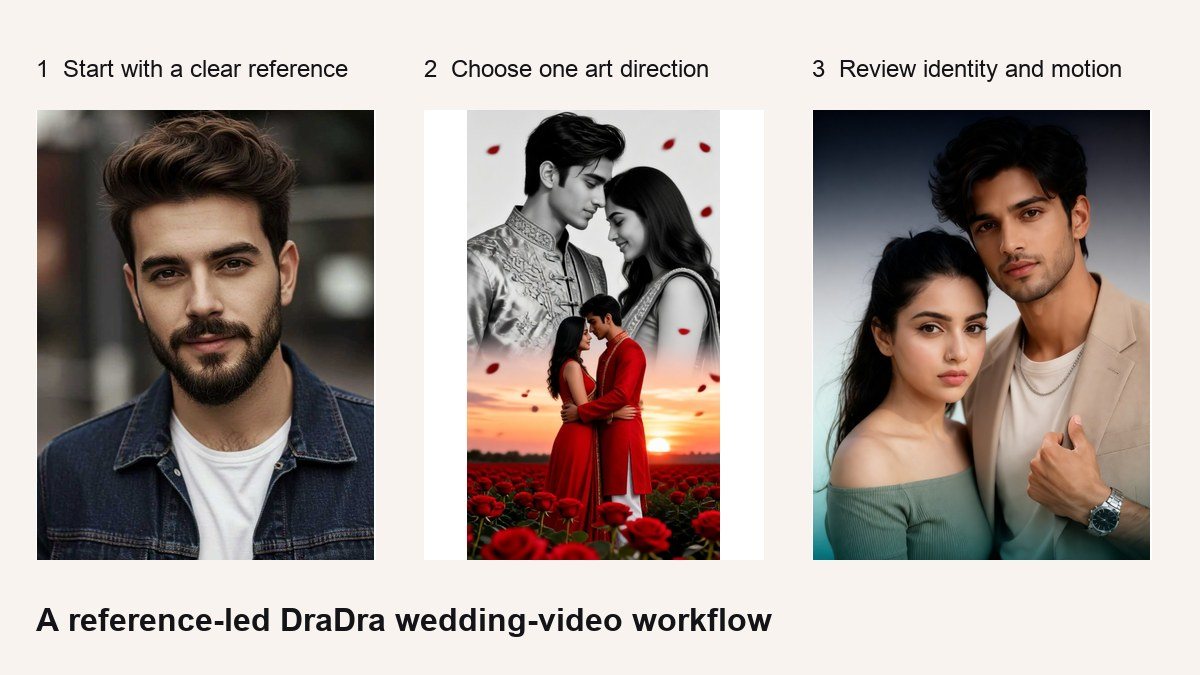
A workflow visual based on official DraDra catalogue examples: begin with a clear reference, choose one visual direction and review the generated result for identity and motion quality.
- Open DraDra and choose a clear couple portrait, a formal wedding image or a short stable clip.
- Pick one style direction that matches the intended output. The public catalogue includes wedding and couple concepts such as “Our wedding under double exposure”, “Wedding at sunset under double exposure”, “Warm Couple Photo (video)” and “A Fairy Tale Night for Couples”.
- Keep the first generation simple. Ask for only one type of movement and one atmosphere, rather than combining rain, a location change, a dramatic zoom and several visual styles.
- Review the result at full size. Compare the faces, hands, clothing boundaries, jewellery, garlands and background with the source before sharing it.
- If one detail fails, change one instruction at a time. For example, ask for less camera movement, a simpler background or a correction to a garment edge while preserving the reference image.
DraDra is an AI art filter and style-transformation platform for photos and videos. In an AI image-to-video wedding workflow, it is relevant for building a creative version of a source image or clip through a chosen visual effect. The current effect catalogue and usage rules can change, so check the live site before relying on a specific effect or using any result commercially.
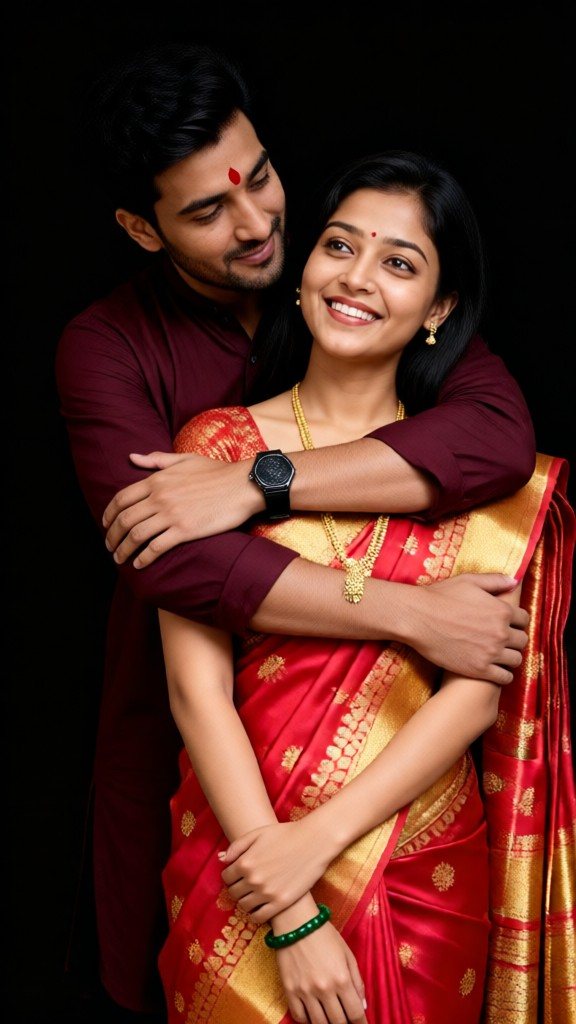
Official DraDra catalogue result, “Close-up photo of a couple in traditional attire”. A close view is where face consistency, jewellery and fabric texture deserve the strictest review.
Three wedding-video directions for India
1. Elegant cinematic portrait
Use a formal portrait from the engagement, reception or wedding day. Request subtle camera drift, warm light and quiet fabric movement. This works well when the image already has a strong pose and background. Keep the motion small so the result reads as a moving portrait, not a new event that never happened.
2. Double-exposure memory film
Use one couple portrait and one symbolic layer, such as flowers, sunset, a heritage building or a quiet venue detail. The pair should remain recognisable in front of the double exposure. Do not layer in a sacred ritual or location that the couple did not actually use if that would make the video misleading.
3. Soft romantic social clip
Use a single clear couple image and choose gentle movement. This is a natural fit for a short reel or status update. Avoid making the couple dance, kiss or perform a gesture that is not present in the source; movement should support the photograph, not rewrite the people in it.
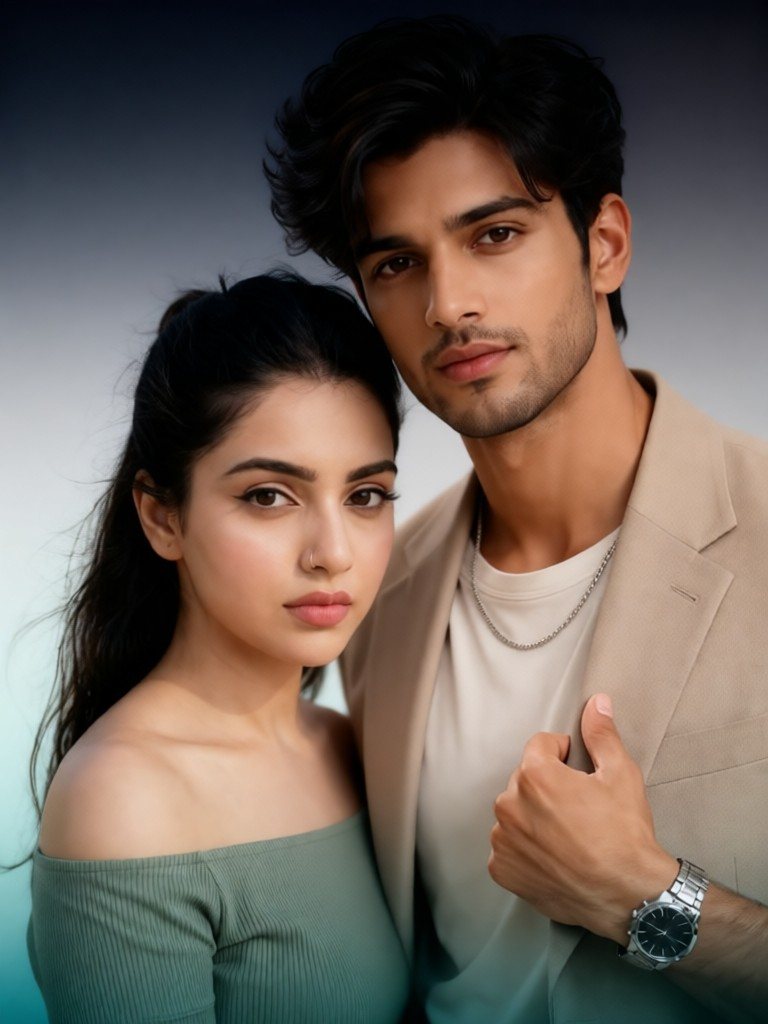
Official DraDra catalogue frame for “Warm Couple Photo (video)”. For a video result, examine a still frame as well as the motion: facial identity and garment details must remain stable.
How to make AI wedding motion look intentional
Small, controlled movement usually looks more convincing than a dramatic animation. Describe a single motion family: camera drift, soft fabric movement, flower movement, ambient light change or a slow reveal. Then leave the faces and meaningful wedding details fixed.
| If you want | Ask for | Keep fixed |
|---|---|---|
| A cinematic portrait | Slow camera drift and warm depth | Faces, pose, outfit and jewellery |
| A romantic memory clip | Gentle flower and fabric movement | Garlands, hands and relationship between people |
| A fantasy treatment | Symbolic light or double exposure | People’s identity and the underlying occasion |
| A social-ready loop | One subtle repeated motion | Framing, expression and body position |
Avoid asking AI to “make it viral” or “add everything”. That usually produces stronger AI-generated effects but weaker identity preservation. The most shareable wedding video often has the clearest emotional focus, not the most visual tricks.
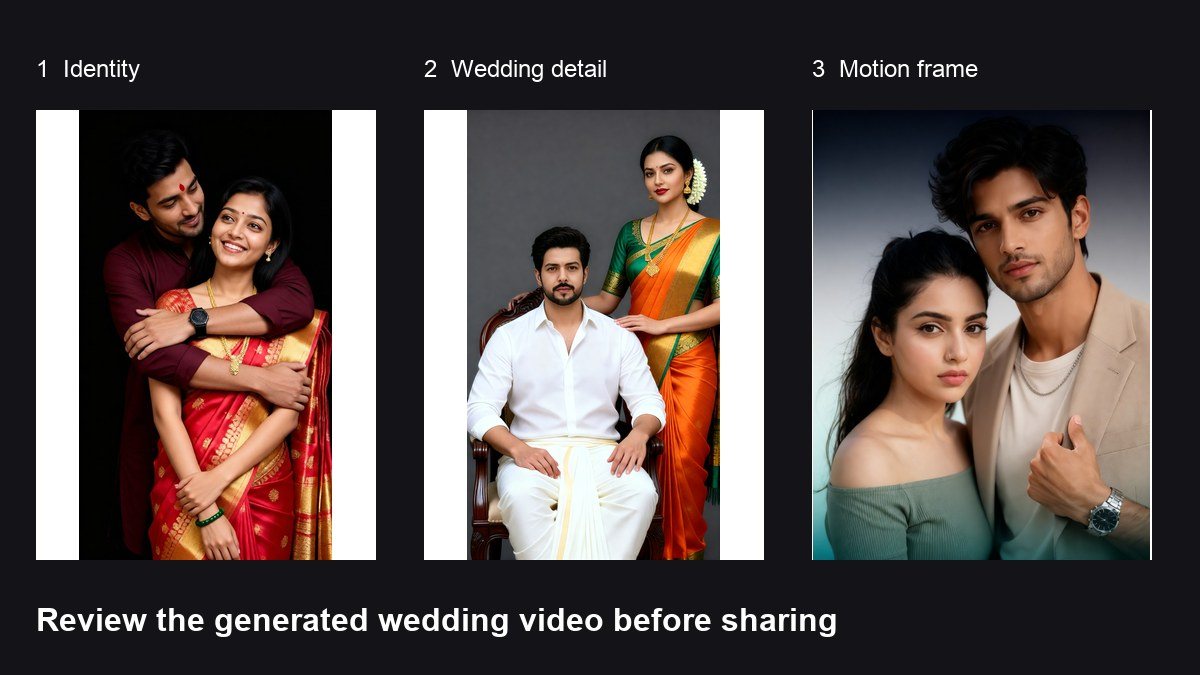
Use a frame-by-frame review workflow after AI generation: check identity first, then garment and jewellery detail, then camera movement and flicker.
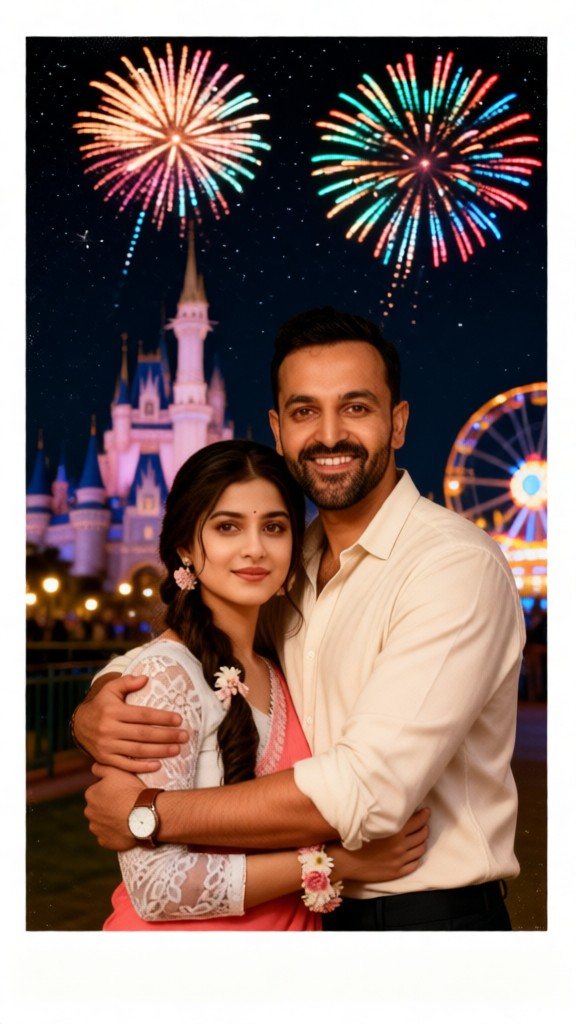
Official DraDra catalogue frame for “A Fairy Tale Night for Couples”. Fantasy styling is best labelled as a creative interpretation rather than presented as a real wedding record.
Fix the AI failures before you share
The faces change between frames
Return to a sharper reference image and reduce requested movement. Repeat that the source is the definitive identity reference. Treat face consistency as the first AI-generation correction, not a detail to fix after styling.
Hands, bangles or garments warp
Simplify the pose and movement. Ask to preserve hands, jewellery placement and garment borders, then generate a new variation. A beautiful background does not rescue broken fingers or disappearing embroidery.
The video invents a ceremony or venue
Name the allowed transformation precisely. Ask for a mood change or symbolic overlay instead of a new ritual, crowd or location. Do not represent a generated ceremony as real documentary footage.
Motion flickers or the camera jumps
Request one slow movement, reduce scene changes and use a cleaner input. If the result still flickers, select a different variation rather than trying to conceal a distracting motion defect with more effects.
What to check before posting a generated wedding video
- Are both people recognisable in every visible frame?
- Do hands, jewellery, garlands and clothing borders remain coherent?
- Is the motion gentle enough to preserve the original pose?
- Does the setting remain honest to the creative intent?
- Have you removed unintended text, logos, watermarks or modern objects?
- Could anyone mistake a fictional moment for documentary wedding footage?
Label an AI-generated or AI-edited result when the context could cause confusion. Use only images and clips you own or have permission to transform. Commercial rights, privacy and other use conditions depend on the live product rules, so do not assume them from an effect’s availability.
Frequently asked questions
What is a wedding video generator?
It is an AI image and video tool that can generate or transform a wedding-themed video from a photo, a short clip or a text-led visual brief. The safest use is a clearly creative treatment that preserves the people and the meaning of the original image.
Can I make a wedding video from one photo?
Yes. Start with a sharp portrait, request limited motion and inspect every visible detail. A single photograph can work well for a cinematic portrait or a short romantic loop because the reference gives the AI one stable composition to protect.
How do I keep the couple looking like themselves?
Use a clear source image, make identity preservation the first instruction and ask for less movement. Review faces at full size before you judge the atmosphere or colour treatment.
Can I create an Indian wedding video with AI?
Yes. Describe the real clothing, jewellery, ceremony context and visual mood you want to preserve. Avoid generic “Indian wedding” wording when you can name the specific family details and occasion shown in the reference.
Can DraDra help with wedding videos?
DraDra can be relevant for applying an art-directed style transformation to a wedding photo or clip. Choose a current effect that supports your intended mood, then keep the generated result clearly separate from documentary wedding footage.
Make the memory creative, not misleading
The best AI wedding video begins with a meaningful source image and a modest visual plan. Protect the couple’s identity, keep cultural details intact, choose one motion direction and reject any output that changes the people or invents an event. Explore DraDra when you want to turn a wedding photo or clip into a clearly creative visual interpretation.